LOVE MEI Replacement Pencil Tips for Apple Pencil Pro,Upgraded Pen review
Quick take
LOVE MEI replacement pencil tips are made to refresh an Apple Pencil setup with fine-line control for sketching, note-taking, and signing. They’re built for Apple Pencil Pro and multiple Apple Pencil generations, and buyers highlight a smooth, responsive writing feel, plus an included case to keep tips from getting lost.
The main buying caveat is handling, since small nibs can be easy to misplace if they aren’t secured well in day-to-day use.
Pros and cons
Pros
- Compatibility across several Apple Pencil models (including Apple Pencil Pro and USB-C/1st-2nd gen styles) plus Logitech Crayon.
- Stainless steel fine nib design aimed at precise, detailed line work.
- Buyers report smooth, responsive strokes with minimal skipping.
- Includes a case, which helps keep replacement tips organized.
Cons
- Tiny tips can be easy to lose if the connection or storage is not secure while carrying the iPad.
- Tip material feel varies by preference (some people prefer higher or lower friction), so there can be a “right feel for some” tradeoff.
What buyers think
Buyer-review evidence is generally positive on writing feel. People describe the tips as smooth and crisp, with good responsiveness during daily note-taking and drawing, and they frequently mention that the nibs perform well with paper-like screen protectors. Several reviews also emphasize practical details like the included case and the variety of tip options.
On limitations, review evidence suggests the main risk is not performance, but handling. One review notes a nib came loose during transport and was difficult to locate afterward, which points to a potential “secure it during storage” consideration.
What these replacement tips are for
If you use an iPad for classes, office notes, digital sketching, or marking up PDFs, pencil tips are consumable parts. Over time, fine nibs can wear down or change the feel of your Pencil. Replacement tips like these are intended to bring back a more controlled, needle-like feel for detailed line work, including thinner strokes and shading.
Compatibility and fit (important before you buy)
These LOVE MEI tips are designed to match the size and thread style of original Apple Pencil tips and are listed as compatible with:
- Apple Pencil Pro
- Apple Pencil (1st generation)
- Apple Pencil (2nd generation)
- Apple Pencil USB-C
- Logitech Crayon
They’re also listed for a range of iPad models, including multiple iPad Pro, iPad Air, iPad mini, and iPad generations (not all iPad models are included in every use case, so confirm your Pencil model first if you’re unsure).
Design and feel: what you get
Fine nib for detailed strokes
The nibs are made with stainless steel for fine-line control. The longer nib design is meant to support tilt drawing, calculations, and sketching, so you can build thicker-than-baseline lines when you apply more pressure.
Wear-resistance and screen friendliness
The tips are positioned as wear-resistant, which matters if you use a paper-like screen protector. Buyers specifically mention smoothness with paper-like protectors and report no noticeable scratching in their own use cases, but your results will still depend on your screen protector and how heavily you draw.
Easy install, rotate-style removal
Installation is designed to be straightforward: you rotate to install and remove the tip, matching the thread style of Apple Pencil tips. This matters because you may want to swap between different tip options or replace them when they wear.
Pros and cons in real buying terms
When this makes sense
- You want replacement tips for Apple Pencil Pro and other supported Apple Pencil models, without switching your whole workflow.
- You prefer a fine needle-like tip for detailed writing, sketching, and consistent line weight control.
- You want practical storage for small nibs, the included case is a real convenience.
- You use your Pencil often enough that tip refreshes are part of your maintenance routine.
When you might want a different approach
- If you’re hard on your Pencil setup during transport, take extra care that the tip is securely seated and stored safely. The main risk highlighted by review evidence is a nib coming loose.
- If you strongly prefer a specific friction level (either “almost no resistance” or more of a drag), you may want to compare tip material styles in this category, because “smooth” is not the same feeling for every artist.
Is it worth it?
For shoppers who need compatible replacement tips and want a smoother, more responsive feel for daily writing and drawing, LOVE MEI’s needle-style stainless nib design and included case are the standout reasons to consider it. The biggest practical caveat is handling, keep the tips securely attached during transport and use the case for storage to avoid losing a nib.
If you’re comparing across options, prioritize three things: compatibility with your exact Pencil model, the friction feel you want with your screen protector, and whether the set includes storage that helps prevent small-part loss.
Price and availability
Pricing can change, so check the latest cost before ordering. Availability is listed as in stock in the source listing at the time of writing.
FAQs
Are these replacement tips compatible with Apple Pencil Pro?
Yes, they are listed for Apple Pencil Pro, and they also support other Apple Pencil generations and Apple Pencil USB-C. Confirm your Pencil model is in the compatible list before ordering.
Will these work with paper-like screen protectors?
They’re designed to be wear-resistant when used with screen protectors, and buyers report smooth performance with paper-like protectors. Your exact feel will still depend on your specific protector thickness and texture.
Do the tips come with a storage case?
Yes, the set includes a small case to help keep replacement tips organized and easier to store than loose nibs.
Are the tips easy to install and remove?
They’re designed for rotation-style installation and removal, intended to match the standard threading method used by compatible Pencil tips.
What’s the main downside shoppers should watch for?
The main practical downside shown in review evidence is tip handling. Because replacement nibs are small, they can come loose if not securely attached during transport, so storage care matters.
If you tell me which Apple Pencil model you have (Pro, USB-C, or 1st/2nd gen), I can help you sanity-check fit and what tip feel to expect for your note-taking or drawing style.
Specifications
| Product Title | LOVE MEI Replacement Pencil Tips for Apple Pencil Pro,Upgraded Pen Tips fit for Apple 2nd 1st Gen USB-C,and Logitech Crayon Digital Pencil,Needle Pencil Tips with Case,IPad Pro Pencil Sets |
|---|---|
| Category | Cell Phones & Accessories > Accessories > Stylus Pens |
| Brand | LOVE MEI |
| Manufacturer | LOVE MEI |
| Model Number | Apple Pencil Pro/2nd/1st Gen/USB‑C |
| Color | clear1 |
| Material | Plastic |
| Item Weight | 0.04 Kilograms |
| Compatible Devices | iPad Pro |
| Compatible Tablet Computer Models | Apple iPad (9th generation), Apple iPad Air (3rd generation), Apple iPad Air (4th generation), Apple iPad Air (5th generation), Apple iPad Pro 10.5-inch, Apple iPad Pro 11-inch (1st generation), Apple iPad Pro 11-inch (2nd generation), Apple iPad Pro 12.9-inch (1st generation), Apple iPad Pro 12.9-inch (2nd generation), Apple iPad Pro 12.9-inch (3rd generation), Apple iPad Pro 9.7-inch, Apple iPad mini 5, Apple iPad mini 6 |
| Enclosure Material | Plastic |
| Are Batteries Included | No |
| Are Batteries Required | No |
| Unit Count | 1.0 Count |
| Mfr Part Number | Apple Pencil Pro/2nd/1st Gen/USB‑C |
| Warranty Description | 1 |
| Batteries Required? | No |
| Number of Packs | 1 |
Available variants
Color
- clear
- clear5
- clear1
- clear4
- Pink
Recommended next
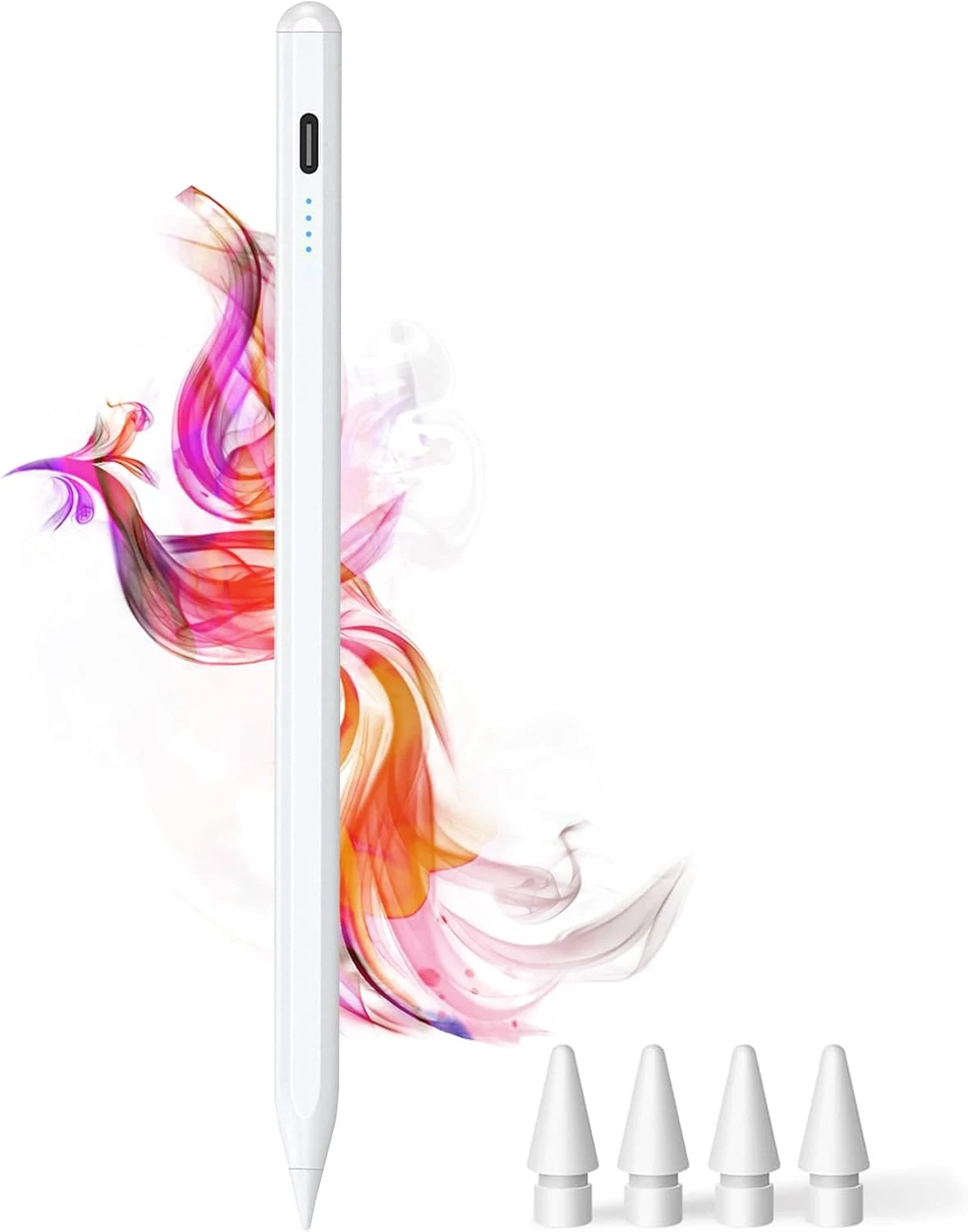
DOGAIN iPad Pencil for Apple iPad A16 11th&10th
The DOGAIN iPad Pencil is a palm-rejection, tilt-sensitive stylus designed for many iPad models from 2018 onward that support this style of pencil. It uses USB-C charging, includes replacement POM tips, and adds simple touch controls plus magnetic storage. The main caveat is compatibility, it will not work with iPhones or iPads that fall outside the listed model years.
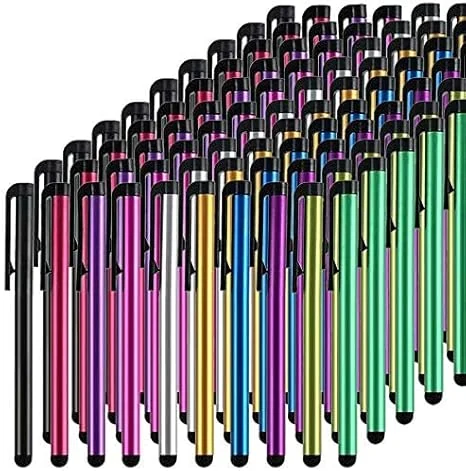
Stylus Pens for Touch Screens, 100 Pieces Universal Colorful Long Metal Stylists Pack for iPad, iPhone, Android, Galaxy, Chrome Book, Tablets
This bulk pack of 100 battery-free stylus pens is built for everyday touchscreen use, with rubber tips designed for a smooth, scratch-resistant glide. It is a budget-friendly option if you want backups for multiple devices or for sharing, with the main tradeoff being that it is not a premium “active” stylus experience for note-taking apps.
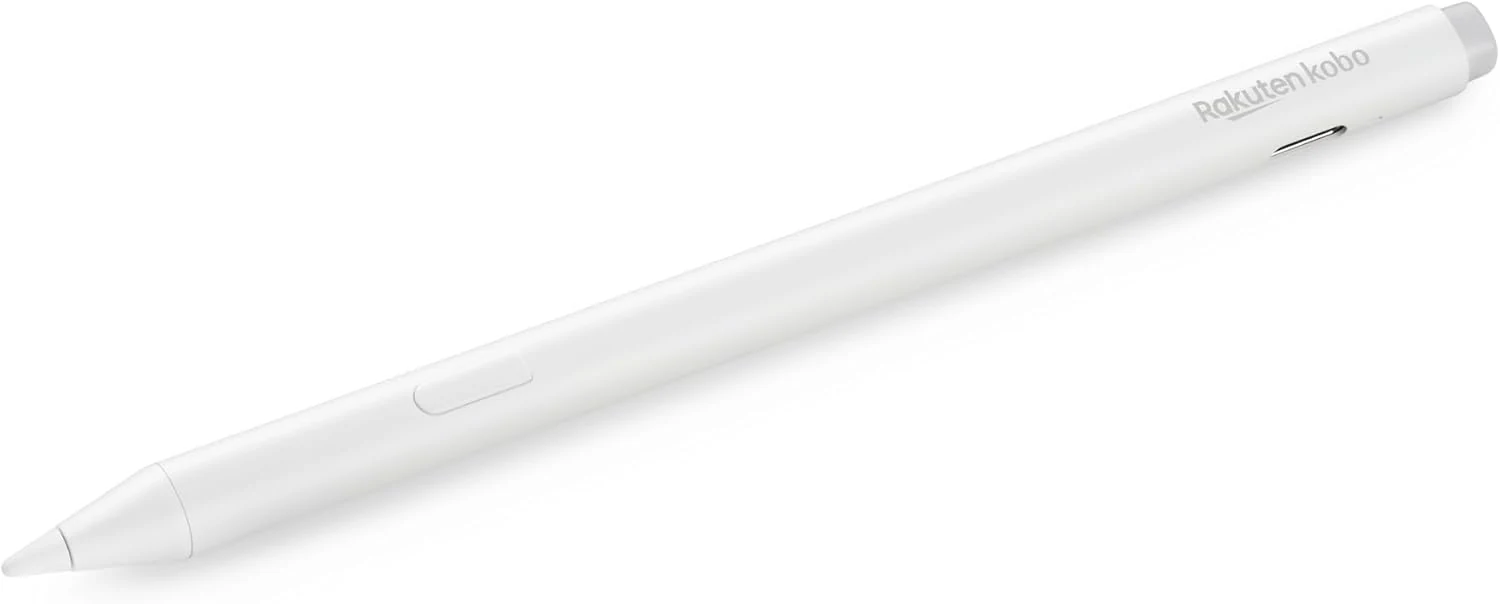
Kobo Stylus 2
The Kobo Stylus 2 is a rechargeable USB-C stylus designed for compatible Kobo Libra Colour and Kobo Sage eReaders. It supports writing notes, highlighting, and marking up eBooks or PDFs, with an eraser feature on the back and two replacement tips included. Best for Kobo owners who want a more natural pen-like experience for annotations, with the main caveat being its higher price and limited compatibility.
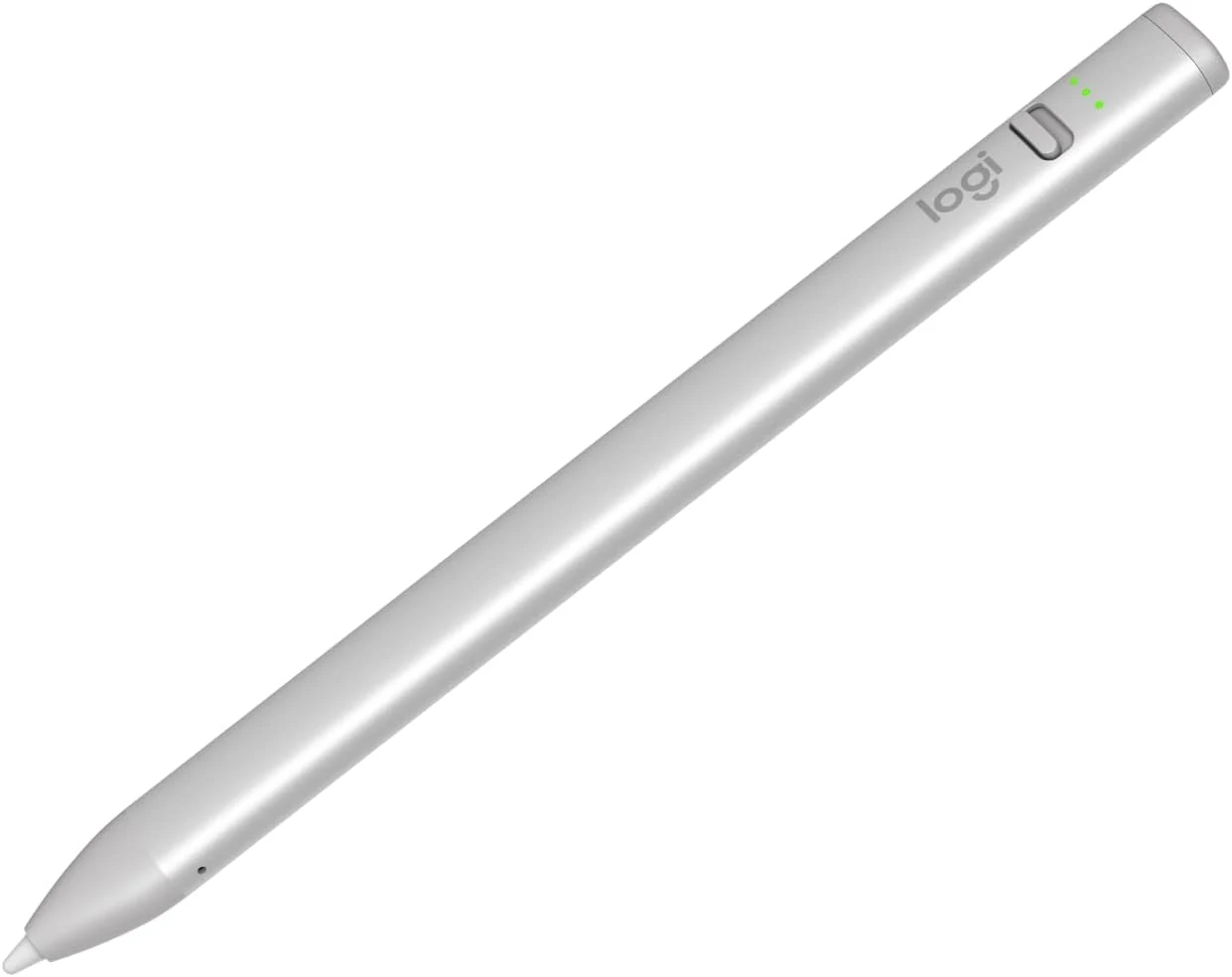
Logitech Crayon Digital Pencil for iPad (USB C Port Compatibility Only)
The Logitech Crayon is a USB-C iPad stylus designed to feel natural for notes and drawing, using Apple Pencil technology. It supports quick on/off use, tilt-based line thickness changes, and USB-C charging (up to about 7 hours of writing per charge). It is not pressure-sensitive, and it does not magnetically attach to an iPad.