LINFANC 10 Pcs 2-in-1 Stylus Pen for Touchscreen, High Precision & Sensitivity Stylus Pen for iPad/iPhone/Android Tablets
Quick take
The LINFANC 10-pack 2-in-1 stylus pens are designed for capacitive touchscreens, with no Bluetooth pairing and no charging required. Each pen includes a disc tip for more precise work and a rubber tip for smoother screen sliding, making them a flexible pick for notes, markup, and casual drawing. The main caveat is that they are a universal capacitive stylus, so performance will depend on how compatible your apps and device feel with basic stylus input.
Pros and cons
Pros
- 10-pack value, handy for keeping spares around at home or on the go
- 2-in-1 tips (disc and rubber) for switching between precision tasks and smoother browsing or gaming
- No setup, no Bluetooth, and no charging required
- Universal compatibility with capacitive touch screens
- Metal body construction
Cons
- Universal capacitive support may not match the feel of dedicated styluses on specific iPad or drawing workflows
- Tip swapping is manual, so you will adjust based on the task
- Review evidence is limited to general “works well” impressions rather than device-specific performance comparisons
What buyers think
Buyer feedback for these stylus pens focuses on everyday usability and convenience, especially the out-of-the-box experience. Many impressions mention that the styluses work well without charging or pairing, and that they glide smoothly across the screen. Several reviewers also highlight the multi-tip setup, noting it helps with fine details for drawing and with more comfortable sliding for general touchscreen use. The 10-pack format comes up repeatedly as a practical benefit, since it provides multiple colors and keeps extra pens available. Overall, buyer-review evidence supports the idea that these are a solid budget, no-fuss stylus option, but it does not provide enough detail to confirm high-end accuracy against specialized styluses for every compatible device and app.
What you get and how the 2-in-1 design works
This is a 10-pack of stylus pens, each with a two-tip design intended to cover different tasks. One side uses a disc tip for more controlled, detail-oriented input. The other uses a rubber tip designed for a smoother feel when navigating screens, browsing, or playing touch-based games.
On days you want more control, the disc tip is the better match for fine lines and small markup. When you are doing longer swipes or general interaction, the rubber tip can feel more natural for sliding across the glass.
Key features that matter in daily use
No Bluetooth, no charging required
You can start using these immediately, which is a major advantage if you need quick note-taking, last-minute markup, or stylus control for games. The pens do not require batteries.
Universal capacitive touch compatibility
They are built for capacitive touch screens, making them suitable for a wide range of devices like iPad and iPhone models, Android tablets and smartphones, touchscreen laptops, and other capacitive displays.
High precision and low latency claims, plus a practical tip split
The brand positions the stylus as responsive and precise, and the included tip styles are a practical way to align with that goal. If you mainly do text note work and light sketching, the disc tip approach is usually the deciding factor. If you also spend time browsing and gaming, the rubber tip helps with comfort.
Metal body for a sturdier feel
The pens use aluminum for the body and include a compact, pen-like form factor, which can help if you prefer a more substantial grip compared to purely plastic styluses.
Pros and cons summary
Who this stylus 10-pack is best for
- Shoppers who want a budget stylus set with multiple spares
- People who need a stylus for general touchscreen tasks, including notes, web browsing, and marking up screens
- Users who want both a precision tip and a smoother-sliding tip in one pen
- Anyone who prefers a no-setup, no-charging stylus
Who should look elsewhere
- Buyers who expect the same advanced drawing features and precision as dedicated stylus ecosystems on specific devices
- Users who want a single, consistent tip feel for one specific app workflow
- Anyone who needs professional-level performance details (pressure, specialized palm rejection behavior) since this is positioned as a universal capacitive stylus
Price and availability
The LINFANC 10-pack is listed at a low entry price and is shown as in stock for the United States market. Since pricing can change, it is worth checking the latest cost before buying.
How to choose the right stylus for your needs
Before you click buy, match your device and usage style to the stylus type. Here is a quick decision guide:
- If you want universal touchscreen compatibility and you are okay with basic stylus behavior, a capacitive stylus like this one is a good fit.
- If you do detailed sketching or handwriting daily, focus on whether the tip type and screen feel works well with your main drawing or note apps, since performance varies by app.
- If you need multiple styluses, the 10-pack format can reduce the hassle of borrowing or searching for a single pen.
Verdict
The LINFANC 10-pack 2-in-1 touchscreen stylus is a practical budget choice for everyday control on capacitive screens, with a convenient disc-and-rubber tip combination. It is especially appealing if you want multiple pens, quick start-up (no charging or pairing), and a more flexible feel across tasks like note-taking, screen markup, browsing, and casual drawing. If you are chasing premium, device-specific stylus features, you may want to compare against dedicated stylus options, but for general use, this set offers a lot of convenience for the money.
FAQ
Does the LINFANC stylus require charging or Bluetooth pairing?
No. It is designed to work right away without Bluetooth pairing and does not require charging or batteries.
What’s the difference between the disc tip and the rubber tip?
The disc tip is intended for more precise, detail-oriented work like drawing and fine tasks. The rubber tip is intended to feel smoother for sliding screens, browsing, and gaming.
Will it work with iPad, iPhone, and Android devices?
It is designed for capacitive touchscreens, so it should work across a wide range of capacitive devices including iPad, iPhone, Android smartphones, and tablets.
Is this stylus a good choice for drawing?
It can be a good choice for casual drawing and detailed markup thanks to the disc tip. For professional drawing requirements, you will want to ensure your preferred app and device respond the way you expect from a basic capacitive stylus.
Why buy a 10-pack instead of a single stylus?
A multi-pack is convenient if you keep devices in different rooms, share devices, or frequently misplace styluses. The extra pens also make it easy to have one ready for each person or each device.
Specifications
| Product Title | LINFANC 10 Pcs 2-in-1 Stylus Pen for Touchscreen, High Precision & Sensitivity Stylus Pen for iPad/iPhone/Android Tablets, Compatible with All Touch Screens |
|---|---|
| Category | Cell Phones & Accessories > Accessories > Stylus Pens |
| Brand | LINFANC |
| Manufacturer | LINFANC |
| Model Number | LF1061 |
| Color | 10 Multicolor |
| Material | Aluminum |
| Item Weight | 11 Grams |
| Compatible Devices | Andriod, Smartphone, Tablet, iPad, iPhone |
| Item Dimensions | 5.98 x 0.31 x 0.31 inches |
| Item Diameter | 8 Millimeters |
| Enclosure Material | Aluminum |
| Are Batteries Included | No |
| Are Batteries Required | No |
| Unit Count | 10.0 Count |
| Mfr Part Number | LF1061 |
| Warranty Description | 2 Year Manufacturer |
| Item dimensions L x W x H | 5.98 x 0.31 x 0.31 inches |
| Batteries Required? | No |
| Number of Packs | 10 |
Recommended next
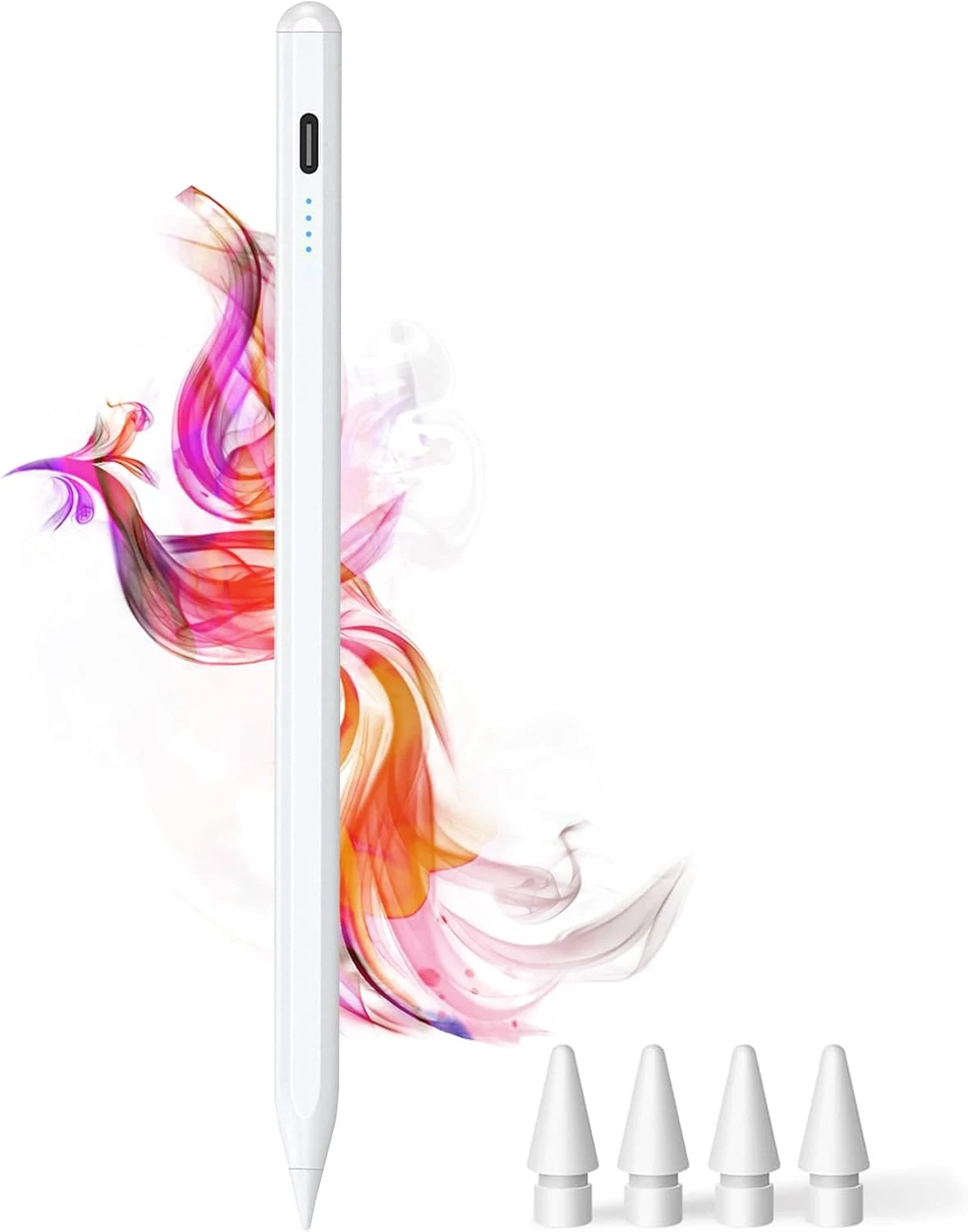
DOGAIN iPad Pencil for Apple iPad A16 11th&10th
The DOGAIN iPad Pencil is a palm-rejection, tilt-sensitive stylus designed for many iPad models from 2018 onward that support this style of pencil. It uses USB-C charging, includes replacement POM tips, and adds simple touch controls plus magnetic storage. The main caveat is compatibility, it will not work with iPhones or iPads that fall outside the listed model years.
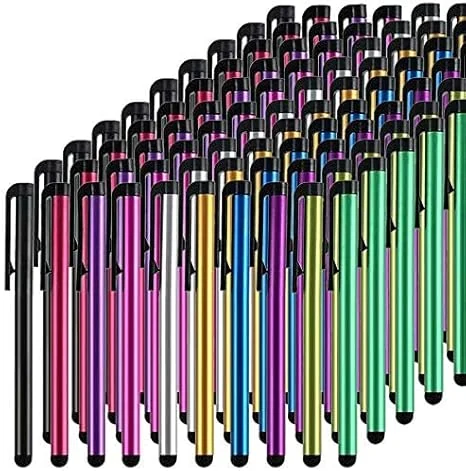
Stylus Pens for Touch Screens, 100 Pieces Universal Colorful Long Metal Stylists Pack for iPad, iPhone, Android, Galaxy, Chrome Book, Tablets
This bulk pack of 100 battery-free stylus pens is built for everyday touchscreen use, with rubber tips designed for a smooth, scratch-resistant glide. It is a budget-friendly option if you want backups for multiple devices or for sharing, with the main tradeoff being that it is not a premium “active” stylus experience for note-taking apps.
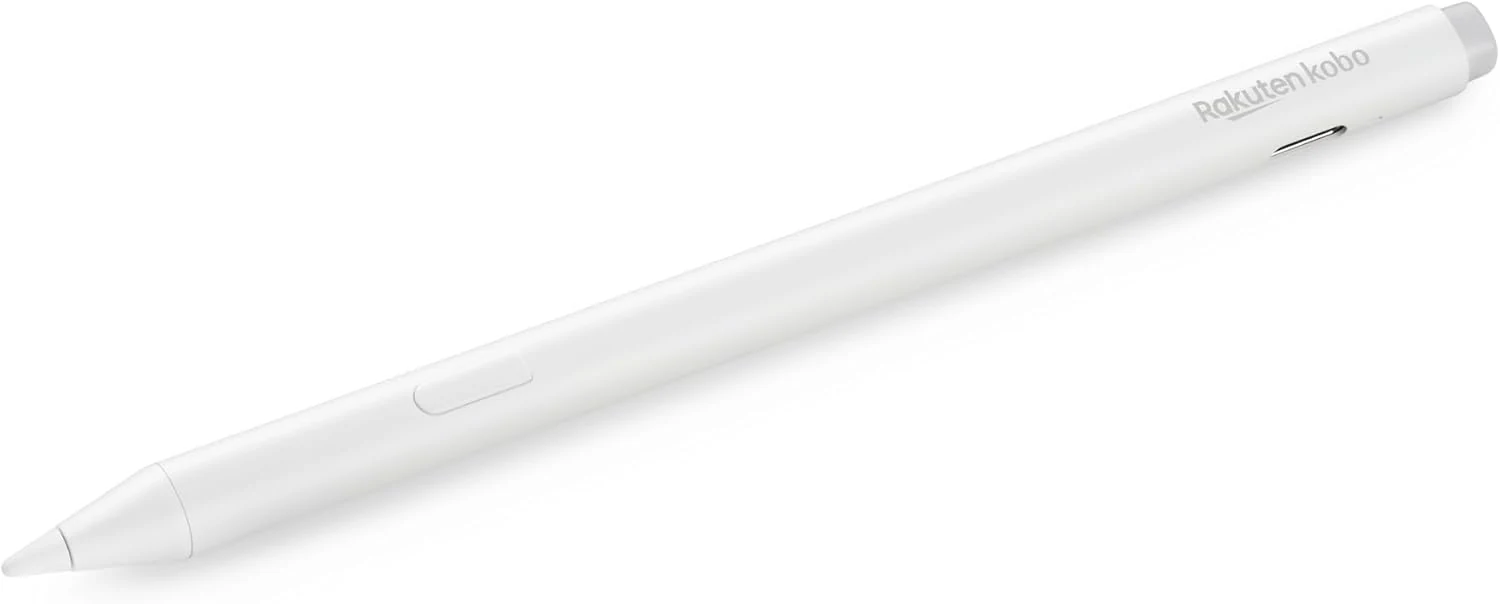
Kobo Stylus 2
The Kobo Stylus 2 is a rechargeable USB-C stylus designed for compatible Kobo Libra Colour and Kobo Sage eReaders. It supports writing notes, highlighting, and marking up eBooks or PDFs, with an eraser feature on the back and two replacement tips included. Best for Kobo owners who want a more natural pen-like experience for annotations, with the main caveat being its higher price and limited compatibility.
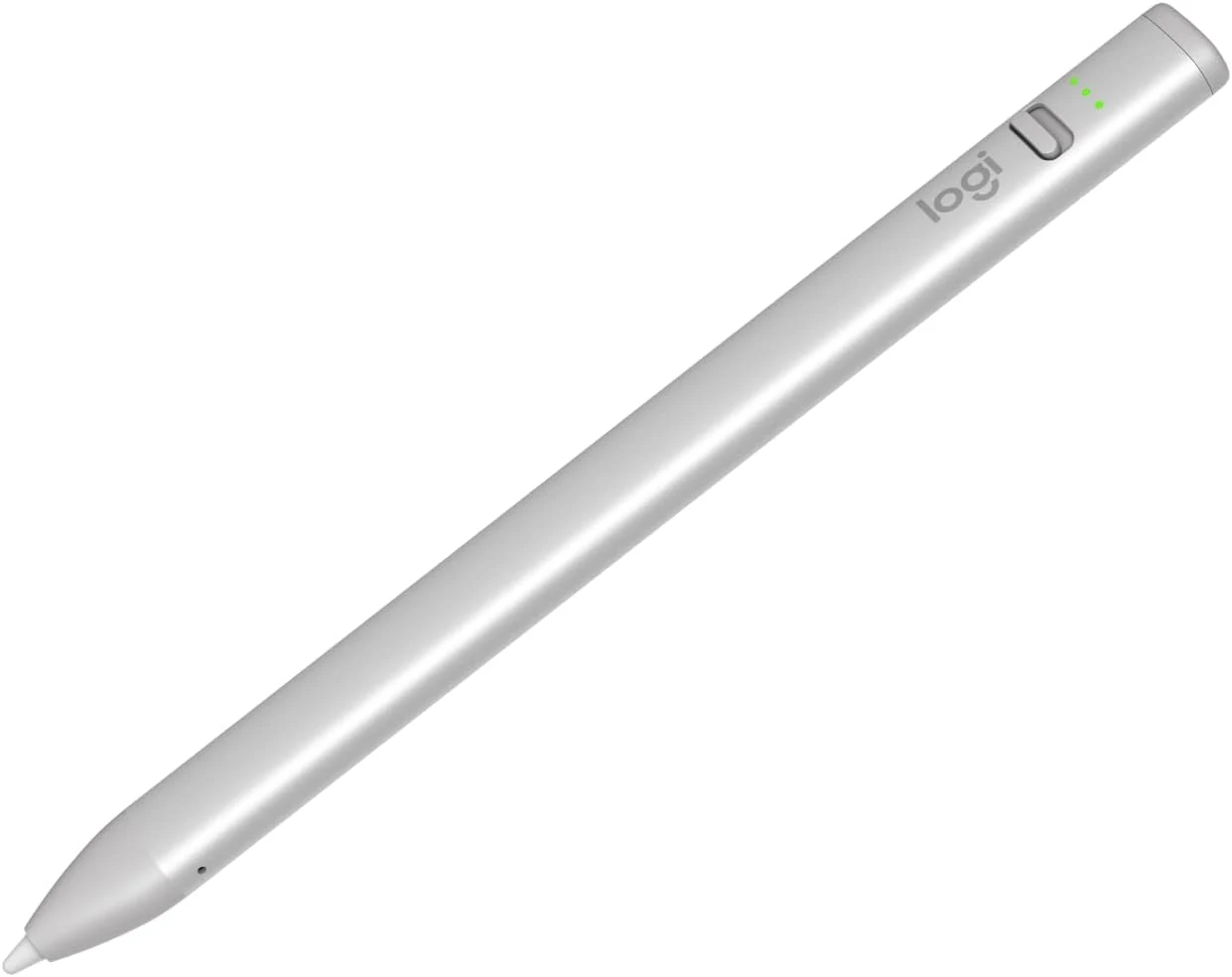
Logitech Crayon Digital Pencil for iPad (USB C Port Compatibility Only)
The Logitech Crayon is a USB-C iPad stylus designed to feel natural for notes and drawing, using Apple Pencil technology. It supports quick on/off use, tilt-based line thickness changes, and USB-C charging (up to about 7 hours of writing per charge). It is not pressure-sensitive, and it does not magnetically attach to an iPad.