KODAK Mini 2 Retro 2x3 Portable Photo Printer
The KODAK Mini 2 Retro is a print-only smartphone photo printer for people who want small keepsakes from phone photos rather than larger photo output. Its appeal is use cases like journaling, scrapbooking, cards, and occasional gifts. It is less appealing if you need larger prints, frequent batch output, or a setup that stays out of the way entirely.
Pros
- Compact and easy to carry for occasional use.
- 4PASS prints are advertised as smudge-, water-, and fade-resistant.
- Starter bundle includes paper, cartridges, cable, and guide.
Cons
- 2x3-inch prints are small and not for larger photos.
- Some excerpts mention app-frame distortion and occasional misprints.
- Longer sessions may require pauses, so it is not ideal for heavy batch printing.
What this model is, and who it fits
This is the KODAK Mini 2 Retro in white, a Bluetooth smartphone printer for iPhone and Android that uses 4PASS dye sublimation and prints only.
That makes it a practical fit for shoppers who mainly want quick physical keepsakes from phone photos: scrapbook pages, journal inserts, wallet-size gifts, party favors, or casual desk use. The included 38 sheets and four cartridges reduce the friction of getting started, which helps if you only print now and then.
Print size and output trade-offs
The main limitation is straightforward: this printer makes 2.1 x 3.4-inch color prints, not standard 4x6 photos. That size works well for small albums and crafts, but it also leaves less room for detail and is less useful for framing.
It offers 291 x 300 resolution and about 55 seconds per print, but those are advertised specifications. Review excerpts mostly describe attractive output, though one mentions occasional washed-out results, so final appearance may vary with the source photo, app settings, or the specific cartridge and print job.
App, setup, and device compatibility
The printer is controlled through an app over Bluetooth and is intended for compatible iOS and Android devices. That suits buyers who are comfortable printing from a phone and making edits before output, but it also means the app is part of the core experience.
The excerpts show mostly easy setup and quick pairing, but one reviewer reported that adding frames in the app distorted or pixelated a print. That is not enough to call it a universal flaw, but it is a real caution if you expect to rely on templates, frames, or heavier editing.
Speed, batching, and heat limits
In the review sample, the printer seems fine for a few prints at a time, but some users mention pauses during longer sessions and possible overheating when printing in batches.
That makes it a weaker choice for situations where you want to produce many prints back to back. For occasional use, the pace may be perfectly acceptable. For parties, classrooms, or other high-volume use, the reported pauses are worth factoring in.
How it compares with the HP Sprocket option
This configuration has one direct alternative: the HP Sprocket portable 2x3-inch printer.
If you want a stickable print for planners or walls, the HP format may be more convenient. If you prefer a laminated-feeling photo print and a cartridge-and-paper setup, the KODAK may suit you better.
Practical considerations
Treat this as a compact convenience-first printer with some reported friction points, not as a guaranteed trouble-free device.
The buying decision
Buy it if you want a very small, easy-to-carry printer for occasional 2x3 keepsakes and are comfortable using a phone app. Skip it if you need larger photos, dependable batch printing, or a more hands-off app experience.
Product details and Amazon customer ratings as of .
Available variants
Color
- White
- Black
- Yellow
Size
- Printer + 8 Sheets
- Printer + 38 Sheets
Recommended next
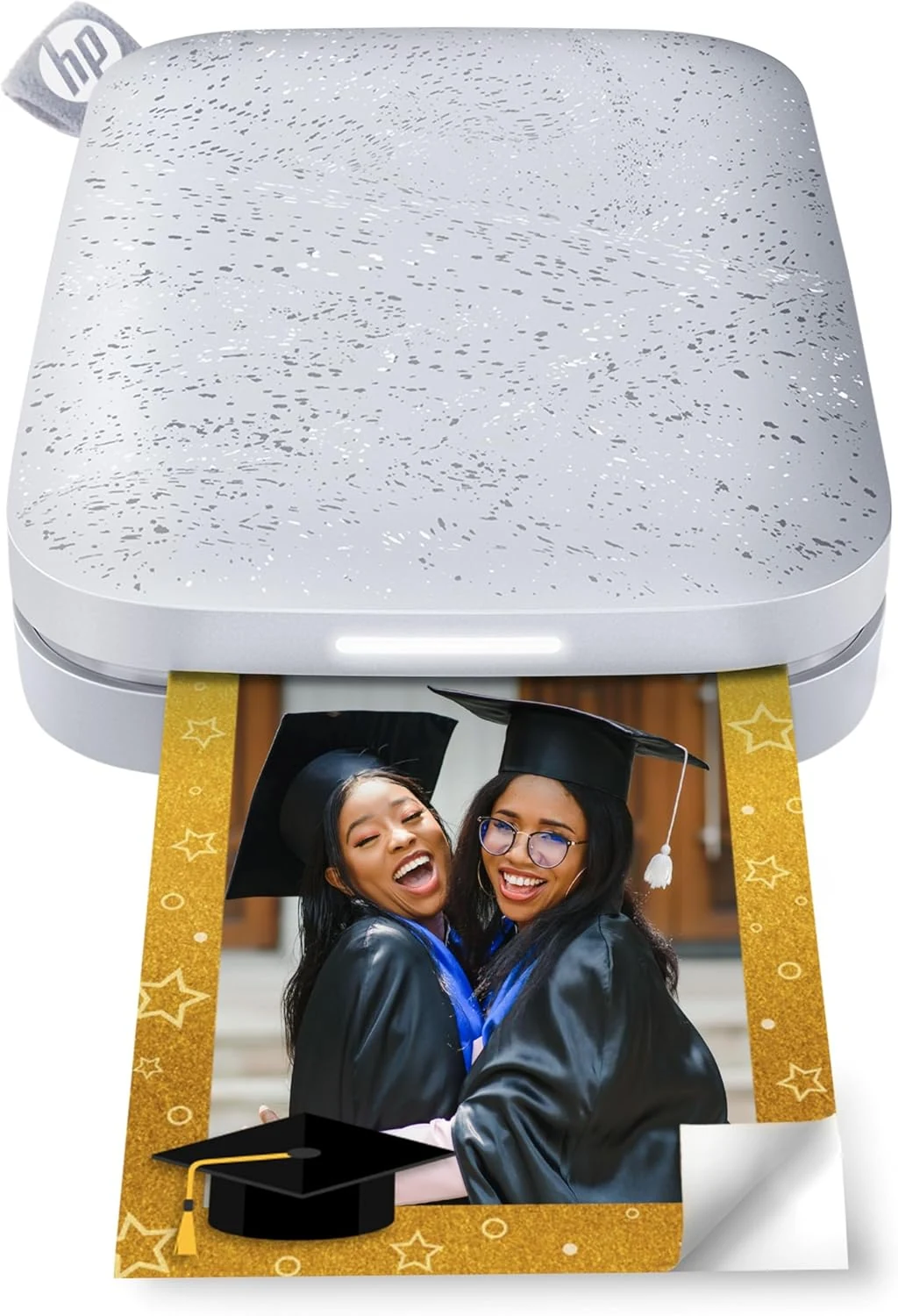
HP Sprocket 2nd Edition portable 2x3 photo printer (Luna Pearl)
A pocket-size 2x3 Zink printer for stickers, journals, and casual keepsakes.
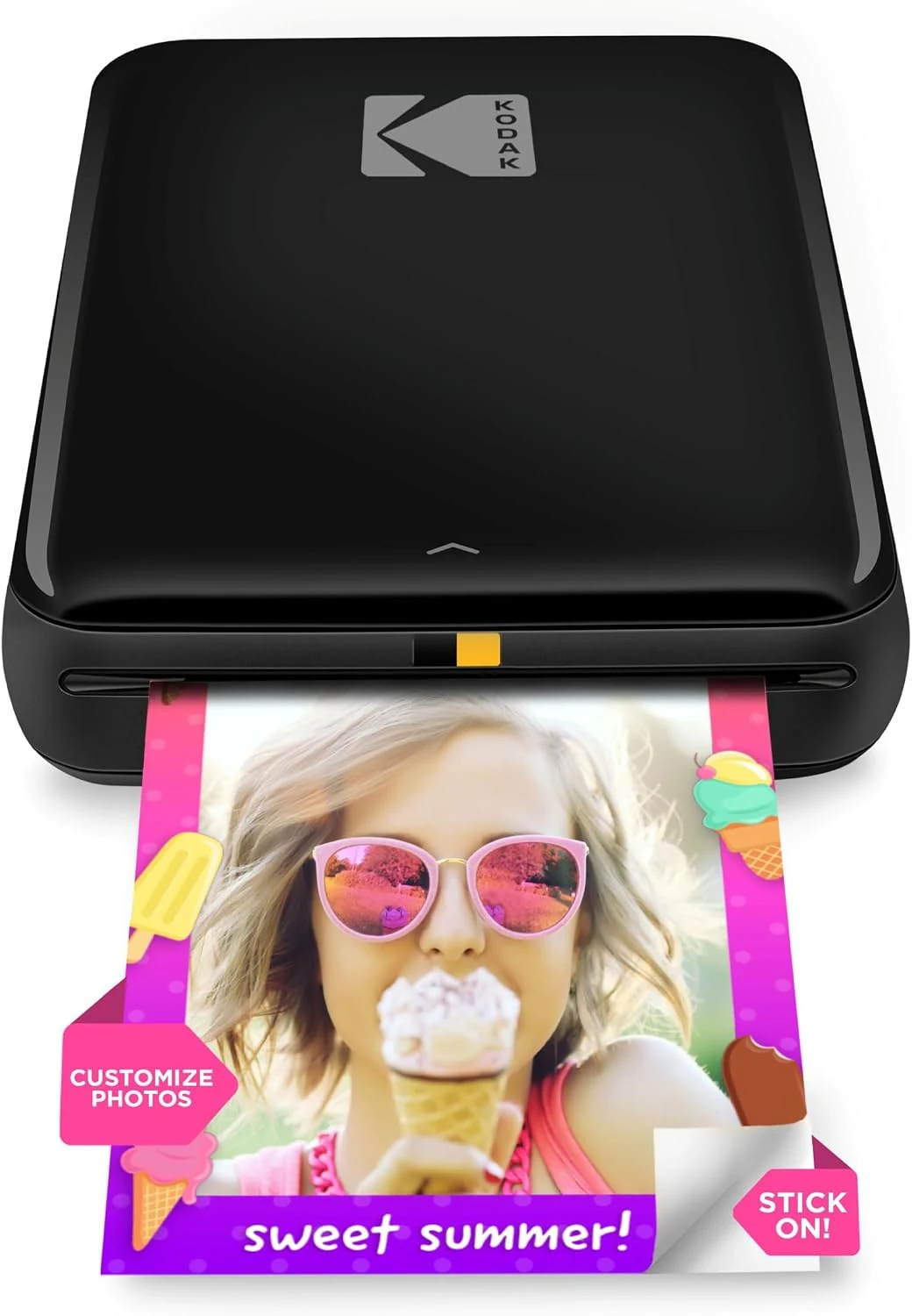
KODAK Step Instant Smartphone Photo Printer
A compact 2x3-inch Zink printer for phone photos, journals, and stickers. Good for casual keepsakes, but the small format and app dependence are real trade-offs.
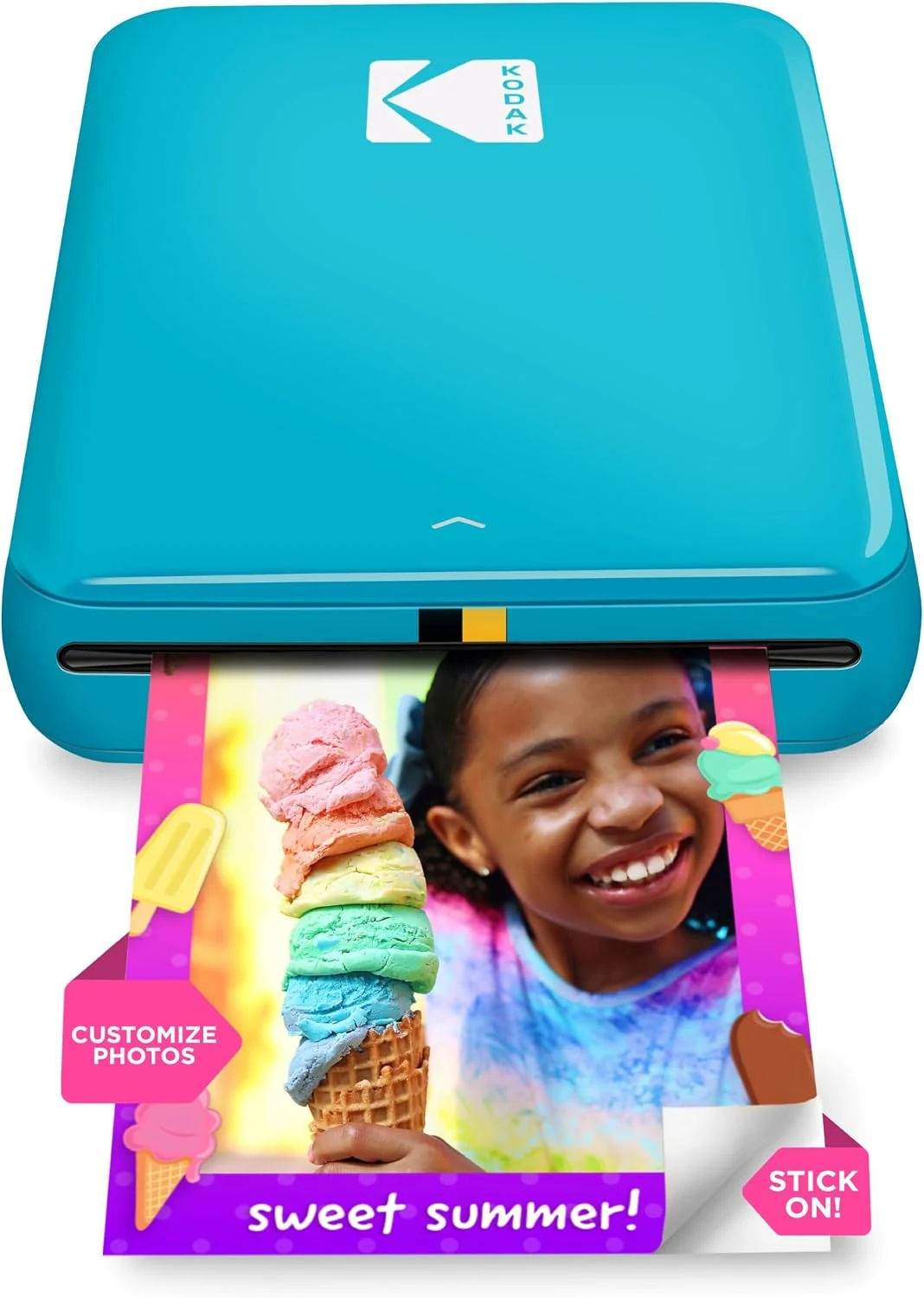
KODAK Step Instant Photo Printer (Blue)
A compact 2x3-inch Zink printer for sticky phone photos. Best for scrapbooks and casual keepsakes; less suitable if you want larger prints or lower ongoing paper cost.
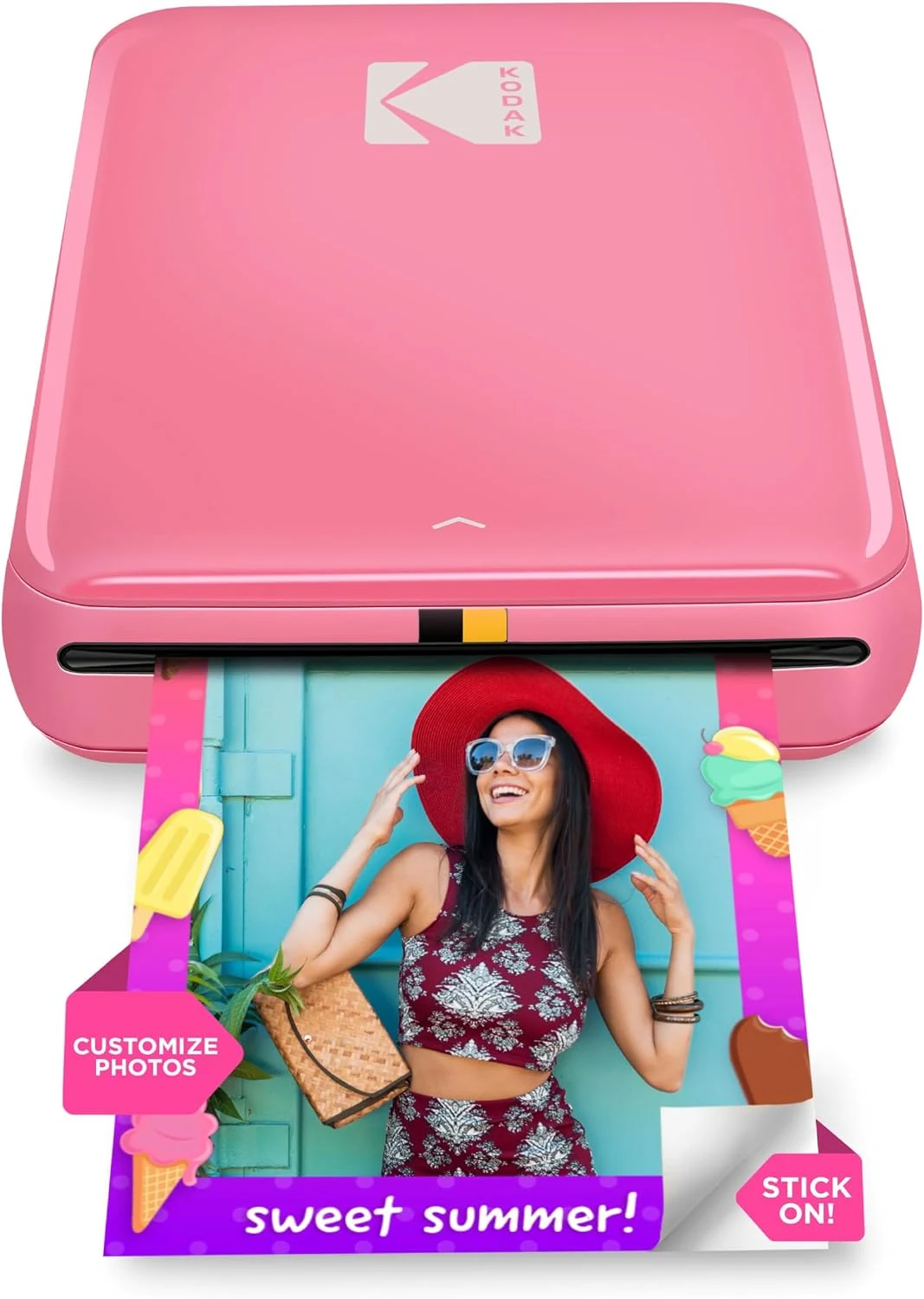
KODAK Step Instant Smartphone Photo Printer (Pink)
A compact 2x3 Zink printer for sticker-style phone photos and craft use. It suits casual printing, but small output, app dependence, and Zink paper costs are real trade-offs.