KODAK Step Instant Smartphone Photo Printer
The KODAK Step is a small, phone-first photo printer aimed at quick sticker-style prints, journaling, scrapbooks, and other casual keepsakes. It uses 2x3-inch Zink media, so the format is built for portability and simple sharing rather than larger photo output. Based on the product details and user feedback provided, it looks like a practical niche accessory for craft-minded shoppers, with the usual limits of compact, app-based printing.
Pros
- Very compact and lightweight for easy storage or travel.
- 2x3 sticky-back prints suit scrapbooks, journals, and labels.
- No ink cartridges or ribbons to replace.
- App editing tools add filters, borders, stickers, and text.
Cons
- 2x3-inch prints are small and won’t suit larger photos.
- Paper supplies are an ongoing cost; pricing isn’t shown here.
- Some reviews mention app glitches or awkward re-selection steps.
- Colors may not match phone screens exactly, based on user reports.
What this printer is for
This is the black KODAK Step Instant Smartphone Photo Printer, a Bluetooth-compatible, app-controlled portable printer for iOS and Android phones.
That makes it a fit for people who want quick physical prints from phone photos for scrapbooks, journals, lockers, or gifts. If you want larger prints or a general-purpose printer, this model is not built for that job.
Format and print expectations
The main draw is the 2x3-inch format. It keeps the device portable and makes the prints easy to peel and stick, but it also limits how much image detail you can expect from each photo. The specifications gives a 300 x 300 resolution figure, but that is a specification rather than a tested result here.
User feedback suggests the prints are best treated as casual keepsakes rather than display-quality photographs. One review also notes that colors may not look exactly like the phone image, which is worth keeping in mind if color accuracy matters to you.
App workflow and phone compatibility
The Step is meant to work with smartphones through the Kodak app, and it supports Bluetooth with iOS and Android. The app adds filters, borders, stickers, text, and collage options, which is useful if you want to edit before printing without using a computer.
Reviews generally describe setup as easy, but a few mention app quirks such as glitches or having to reopen the app to choose photos again.
Consumables and battery claims
Because it uses Zink paper instead of ink cartridges, the printer avoids one common maintenance headache.
The product information says the built-in rechargeable battery can print 25 photos on a full charge, but that is a maker claim rather than a measured result in this assessment.
Who it suits best
This printer makes the most sense if you want a compact, easy-to-carry way to turn phone photos into small sticky prints for crafts, memory books, or casual sharing. It is especially appealing if you value portability and don’t want to deal with ink.
It is less suitable if you want larger photo output, perfect color matching, or a workflow that does not depend on an app and consumable paper. In that case, a different type of photo printer would be a better match.
The buying decision
The KODAK Step is worth considering if 2x3-inch Zink prints are exactly the format you want. For scrapbooks, journals, and quick sticker-style keepsakes, it looks well matched; for more demanding photo printing, its size and app-and-paper trade-offs are significant.
Product details and Amazon customer ratings as of .
Available variants
Color
- Barbie Iconic
- Black
- Blue
- White
- Pink
- Barbie Signature
Style
- Starter Bundle
- Printer + 75 Sheets
- Printer
Recommended next
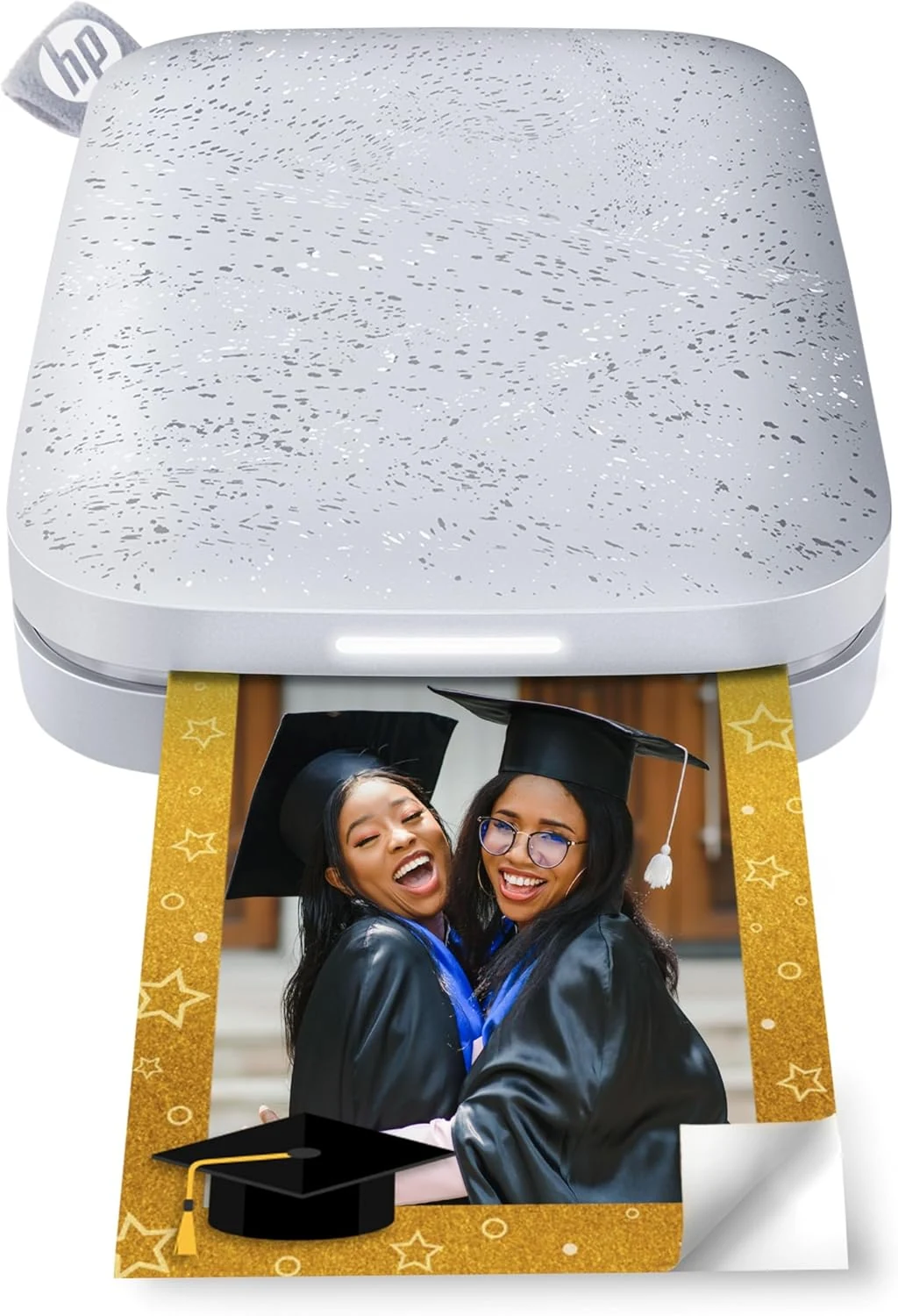
HP Sprocket 2nd Edition portable 2x3 photo printer (Luna Pearl)
A pocket-size 2x3 Zink printer for stickers, journals, and casual keepsakes.
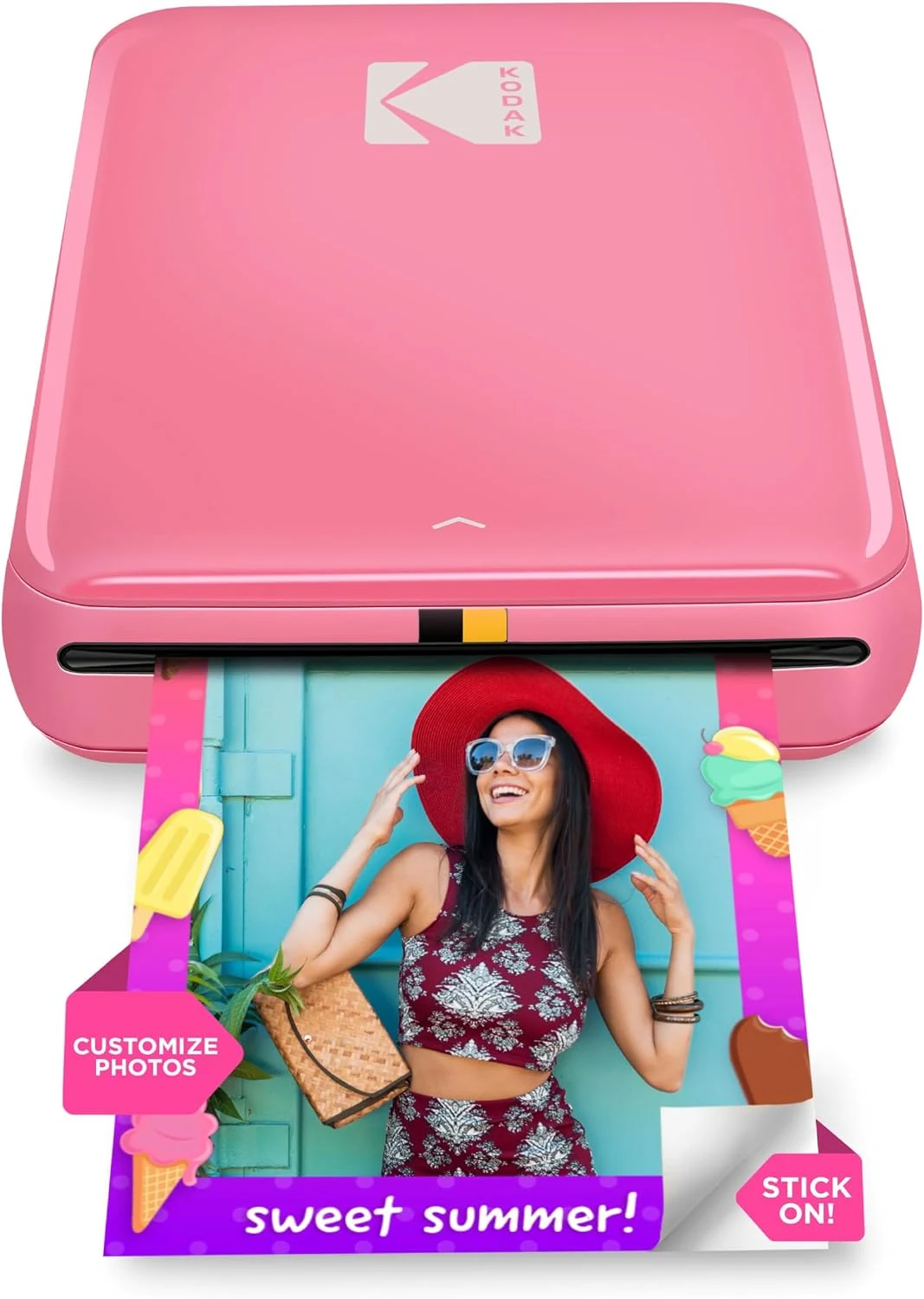
KODAK Step Instant Smartphone Photo Printer (Pink)
A compact 2x3 Zink printer for sticker-style phone photos and craft use. It suits casual printing, but small output, app dependence, and Zink paper costs are real trade-offs.
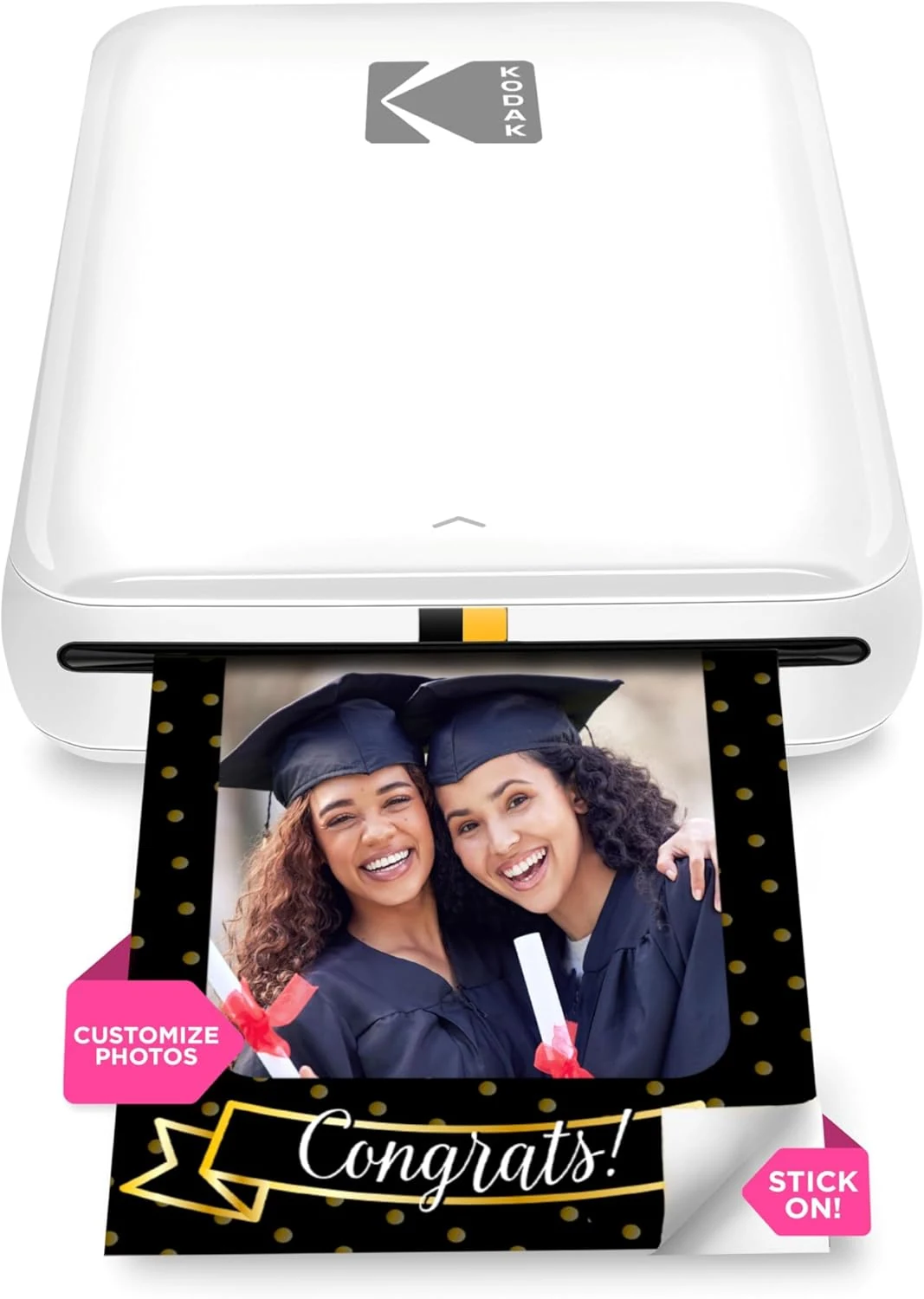
KODAK Step Instant Smartphone Photo Printer
Compact 2x3-inch Zink printer for phone-to-sticker prints. Good for crafts and journals, but color accuracy, app behavior, and print consistency can be a mixed bag.
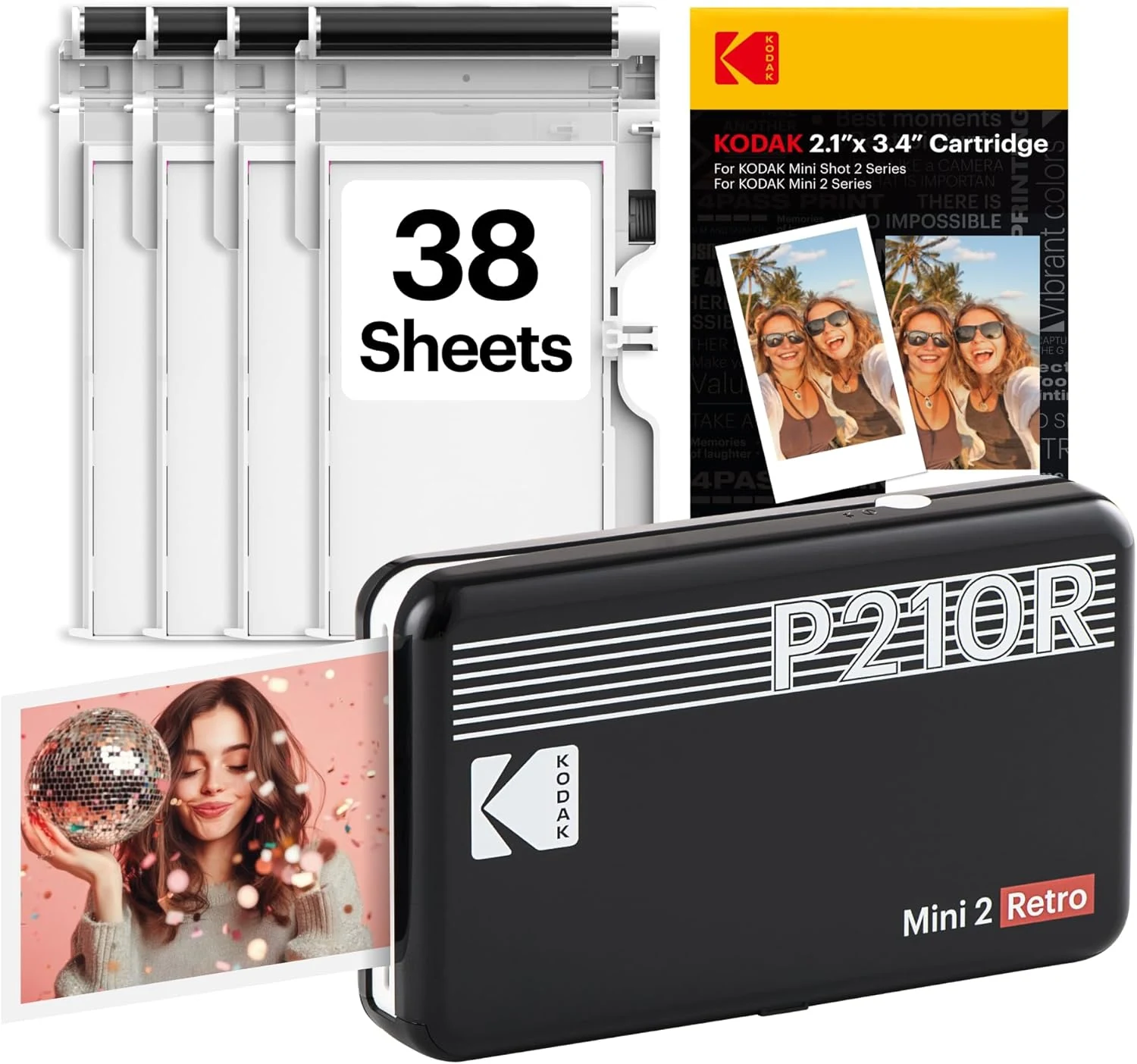
KODAK Mini 2 Retro 2x3 Portable Photo Printer
A compact phone photo printer for small keepsakes, gifts, and scrapbooks. Best for light use if you’re fine relying on the app and short print runs.