IPEVO V4K-13MP Ultra USB Document Camera, 4K Ultra HD Resolution
Quick take
The IPEVO V4K-13MP Ultra is a compact USB document camera aimed at teachers and presenters who want detailed live visuals, flexible angles, and a plug-and-play setup. Buyers who compare it directly tend to prefer it for close-up work, while broader “wider view” framing may require raising the camera, which can impact perceived quality. If you plan to lean into OCR and scanning, an optional upgrade module is part of the larger workflow.
Pros and cons
Pros
- High-resolution capture with 13MP effective still resolution (up to 3840 x 3104) for small text and fine graphics.
- Adjustable shooting angles for easier framing, plus a flexible arm that can double as a webcam when needed.
- Brighter LED illumination intended to help in lower-light environments.
- AI-enhanced microphone with noise reduction for clearer audio during lessons or calls.
- Optional OCR/scanning upgrade to add a mat or pad and software license.
Cons
- Framing tradeoff: getting a wider view may require positioning higher, which can reduce perceived image quality versus alternatives.
- Some buyers report limits at higher settings, including difficulty capturing video at certain higher resolution modes.
- Limited review volume (overall rating is based on a small number of ratings), so buyer feedback patterns are harder to verify.
What buyers think
Buyer-review evidence is limited, but the feedback that does exist is consistent about a couple of decision factors. One recurring theme is that the 13MP unit is strong for close-ups, especially when you want to capture work in tight framing. At the same time, at least one direct comparison highlights that achieving a wider image may require raising the camera higher, which can affect the overall quality you get. Separately, there is at least one report claiming the image quality was not satisfactory and that higher-resolution settings behaved differently than expected (including video capture limitations). Overall, the product appears easiest to live with for straightforward “place it, connect USB, display” use, but the best results depend heavily on how you position it for the specific size of documents or objects you plan to show.
Key features that matter for classroom and webcam-style use
Resolution and what it means in practice
The camera is rated at 13MP effective still resolution, with a maximum still capture resolution listed as 3840 x 3104. For document cameras, that specification typically matters when you want to display small print clearly, zoom in on fine details, or support OCR workflows where text legibility is critical.
LED illumination and automatic exposure
Built-in LED lighting is intended to keep text and diagrams readable even in less-than-ideal rooms. Automatic exposure control also helps reduce the need for constant manual tweaking when lighting conditions change across a lesson or presentation.
Audio support with noise reduction
For online teaching and web conferencing, the inclusion of an AI-enhanced microphone with noise reduction is a practical benefit. If you expect to narrate directly while presenting under the camera, this can reduce background noise without requiring a separate mic setup.
Portability and setup
At roughly 578 g (1.27 lb) and designed for plug-and-play USB use, it’s positioned for educators who move between rooms or who need a camera that is not difficult to deploy quickly.
Pros and cons for different buyer types
Best for
- Teachers and trainers who want detailed document visuals for small text, worksheets, and close-up demonstrations.
- Hybrid classroom users who need clear live visuals plus microphone noise reduction for remote students.
- People interested in OCR and scanning workflows who may later add the optional scanner upgrade module for a more complete setup.
- Buyers who value an adjustable arm and can take a minute to position the camera for the framing they need.
Who should be cautious
- Anyone mainly showing large sheets who expects a consistently wide “fill the frame” view without changing camera height. Some feedback indicates wider framing may require tradeoffs.
- Buyers who care deeply about specific high-resolution video behavior, because limited feedback includes claims that higher settings did not behave as expected for video capture.
- Shoppers who prefer lots of community validation. With only a small number of ratings, review evidence is less robust than for more established models.
Software and OCR upgrade, and what to consider
The V4K-13MP Ultra is paired with IPEVO Visualizer software, designed to support teaching workflows and image adjustments. For a more scanning and OCR-focused setup, there is an optional Scanner Upgrade Module that includes a mat or pad and a software license, and it pairs with SnapCapture OCR for features like cropping, merging, and multilingual text recognition. If your plan includes OCR and capturing scanned text, consider whether you want an “eventual upgrade” path or a more all-in-one device from the start.
Price and availability
Pricing can change, so check current availability and cost before ordering. This model is listed as in stock at the time of review writing.
Verdict
The IPEVO V4K-13MP Ultra is a strong candidate if your main use is close-up document display for teaching or OCR-adjacent workflows, and you are comfortable positioning the camera for the size of what you’re showing. If you need a wide view for large documents at all times, or if you are sensitive to how higher resolution settings behave for video, you’ll want to pay closer attention to your use case and framing needs before committing.
FAQ
Does the IPEVO V4K-13MP Ultra work as a USB document camera for live class use?Yes. It’s designed for plug-and-play USB use and is intended for teaching, visualization, and web conferencing.
What resolution does it capture?It lists 13MP effective still resolution, with a maximum still capture resolution of 3840 x 3104. The product also supports common media outputs like MP4 and JPEG.
Is there built-in support for OCR?OCR features depend on software and, for a more complete scanning workflow, an optional scanner upgrade module paired with SnapCapture OCR.
Does it have an LED light source?Yes. It includes enhanced LED illumination intended to improve visibility in low-light environments.
Is the microphone good enough for online teaching?The camera includes an AI-enhanced microphone with noise reduction, which is meant to help reduce background noise during lessons and calls.
What’s the main drawback to watch for?Framing can be a tradeoff. If you want a wider view, you may need to raise the camera higher, which can affect perceived image quality for some use cases. Also, some limited feedback suggests higher resolution settings may not behave as expected for video capture.
Specifications
| Product Title | IPEVO V4K-13MP Ultra USB Document Camera, 4K Ultra HD Resolution, Auto-Focus, High-Definition Imaging, Plug and Play. On-The-Go, for Teaching, Visualization, Online Learning, and Web conferencing |
|---|---|
| Category | Office Products > Office Electronics > Document Cameras |
| Brand | IPEVO |
| Manufacturer | IPEVO |
| Model Name | 5-932-2-08-00 |
| Model Number | 5-932-2-08-00 |
| Video Capture Resolution | 3840 x 3104 |
| Color | black |
| Item Weight | 0.85 Kilograms |
| Shooting Modes | Automatic |
| Exposure Control Type | Automatic |
| Media Type | ProductImage, EnhancedContent |
| Water Resistance Level | Not Water Resistant |
| File Format | MP4, JPEG |
| Video Capture Format | MP4 |
| Effective Still Resolution | 13 MP |
| Viewfinder Type | LCD screen |
| Light Sensitivity | 100-6400 |
| ISO Range | 100-6400 |
| Audio Recording | No |
| Has Self-Timer | No |
| Connectivity Technology | USB |
| Hardware Interface | USB |
| Zoom Type | Optical Zoom |
| Item Dimensions D x W x H | 10.91"D x 1.89"W x 3.07"H |
| Flash Modes Description | off |
| Camera Flash | No Flash |
Recommended next
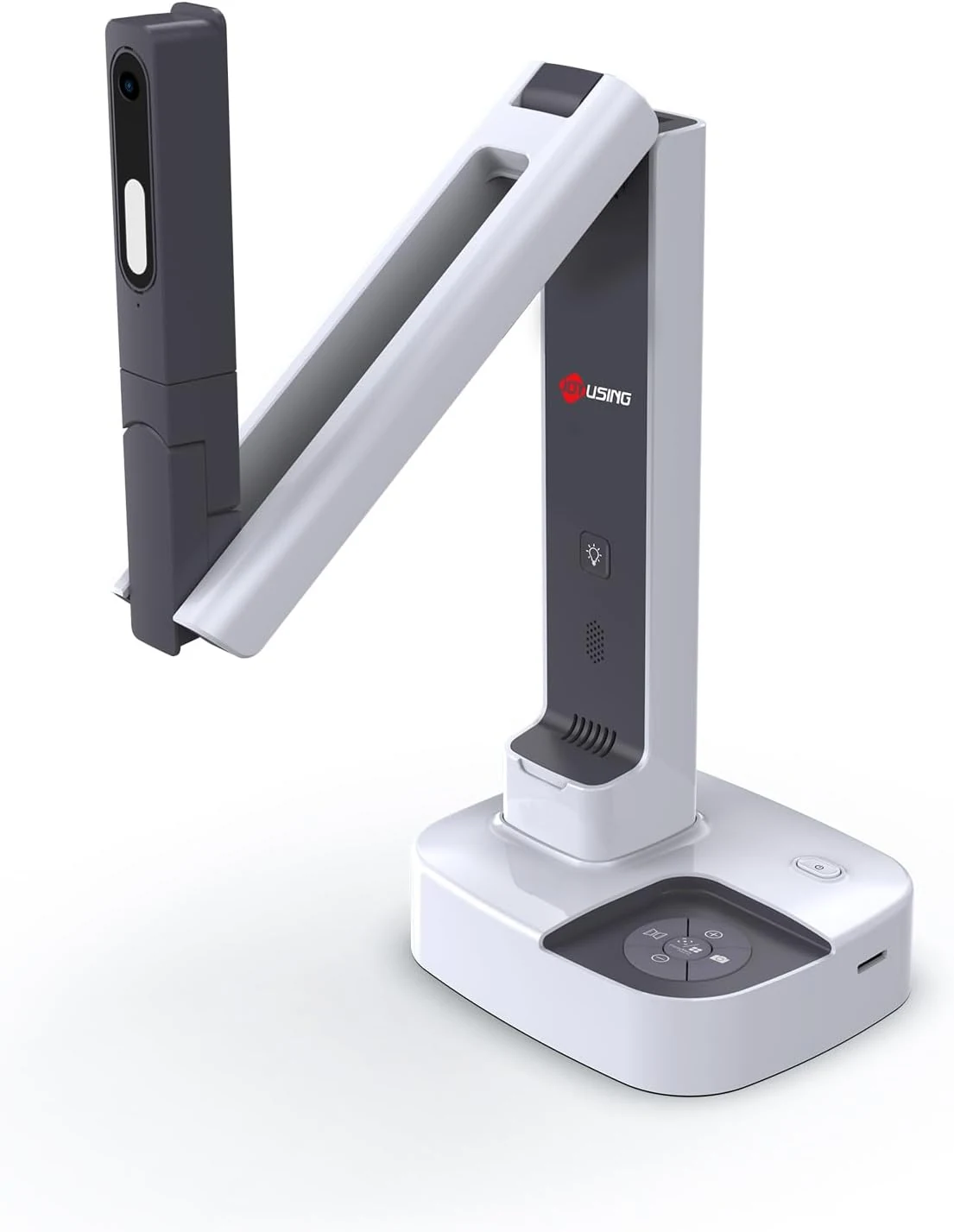
JOYUSING V513 HDMI/USB 13MP Dual Mode Document Camera for Teacher, review
The JOYUSING V513 is a dual-mode document camera built for live teaching and presentations, offering HDMI or USB connectivity, autofocus, and built-in LED lighting for real-time projection. Buyers highlight crisp, clear capture and straightforward setup, with the main tradeoff being that USB live streaming frame rate can drop slightly for motion-heavy content.
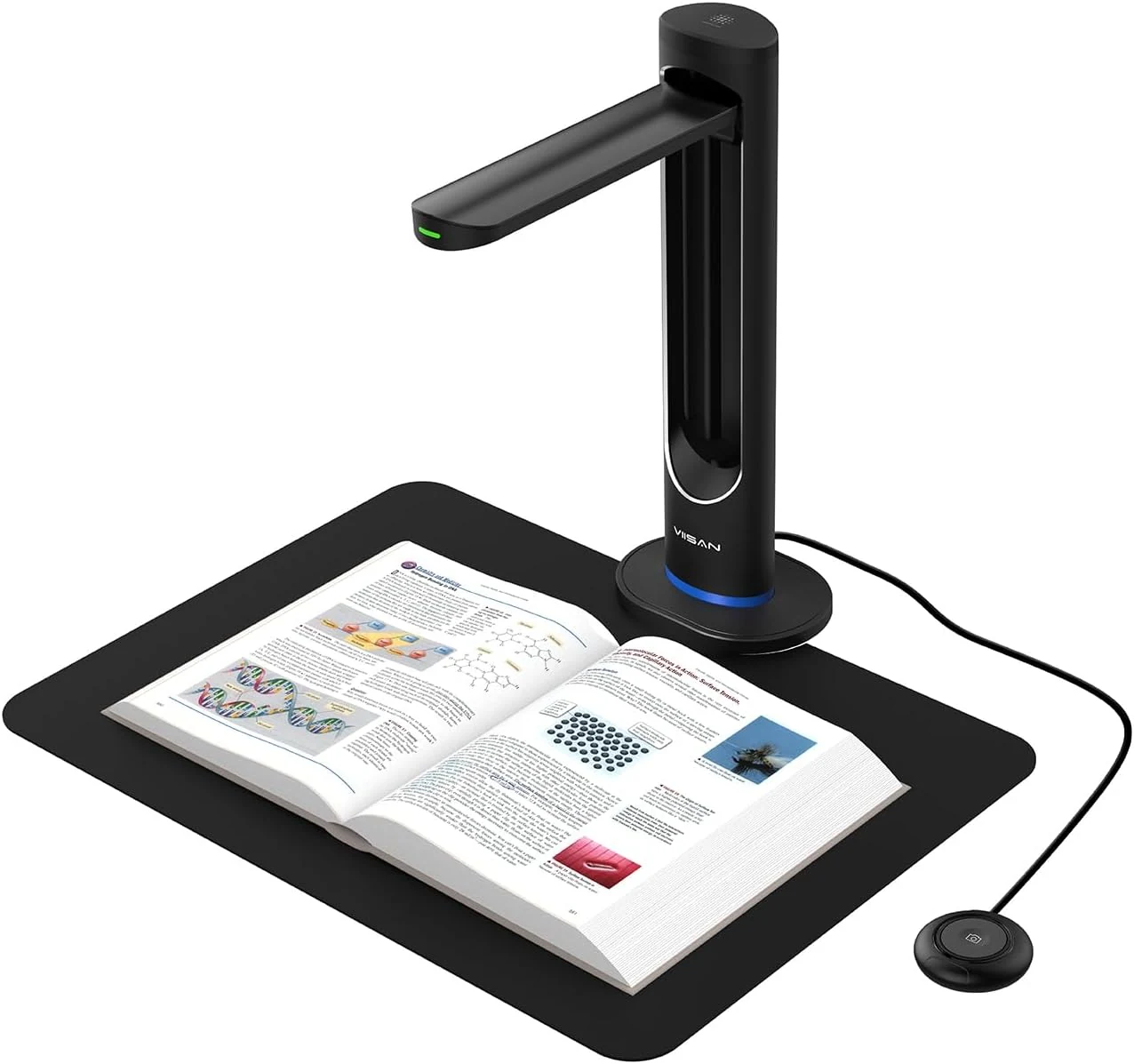
VIISAN K48 48MP Book Scanner & Document Camera, AI-Powered USB review
The VIISAN K48 is a USB document camera-style scanner aimed at digitizing books with tools like page-turn detection, curve-flattening, and OCR for searchable files. It can produce strong black-and-white results, but buyer feedback also flags software limitations and issues with color scanning and visual artifacts, so it may be a better fit for text-heavy workflows than full-color archival work.
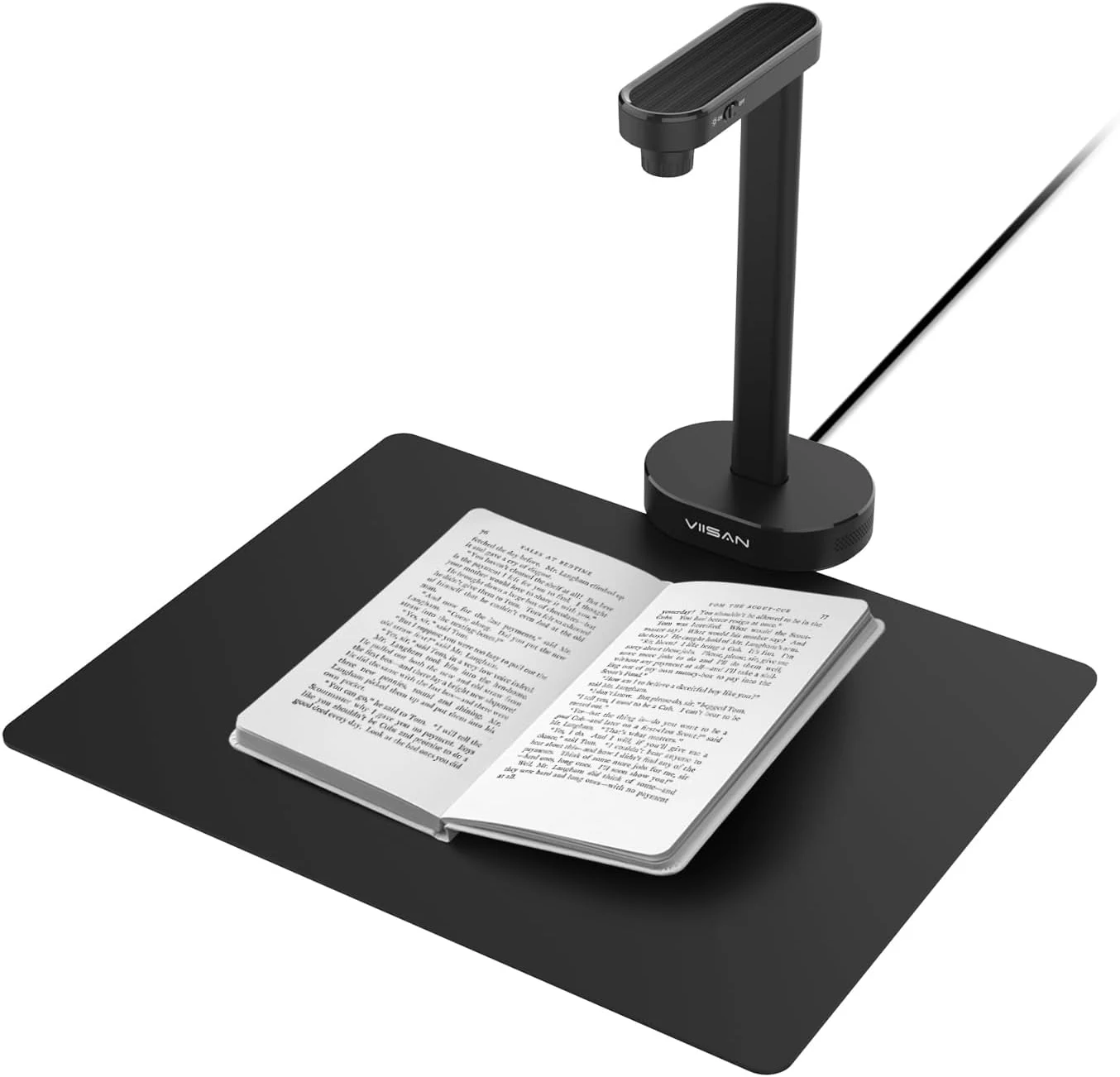
VIISAN A8401 16MP Document Scanner for Small Offices & Home Classrooms
The VIISAN A8401 is a compact USB document camera aimed at small offices and home classrooms, combining OCR, text-to-speech, and barcode recognition for digitizing paperwork and teaching materials. It is also UVC-compliant for remote lessons, but buyer feedback suggests image quality can be only “okay,” and connectivity can be frustrating for some setups.
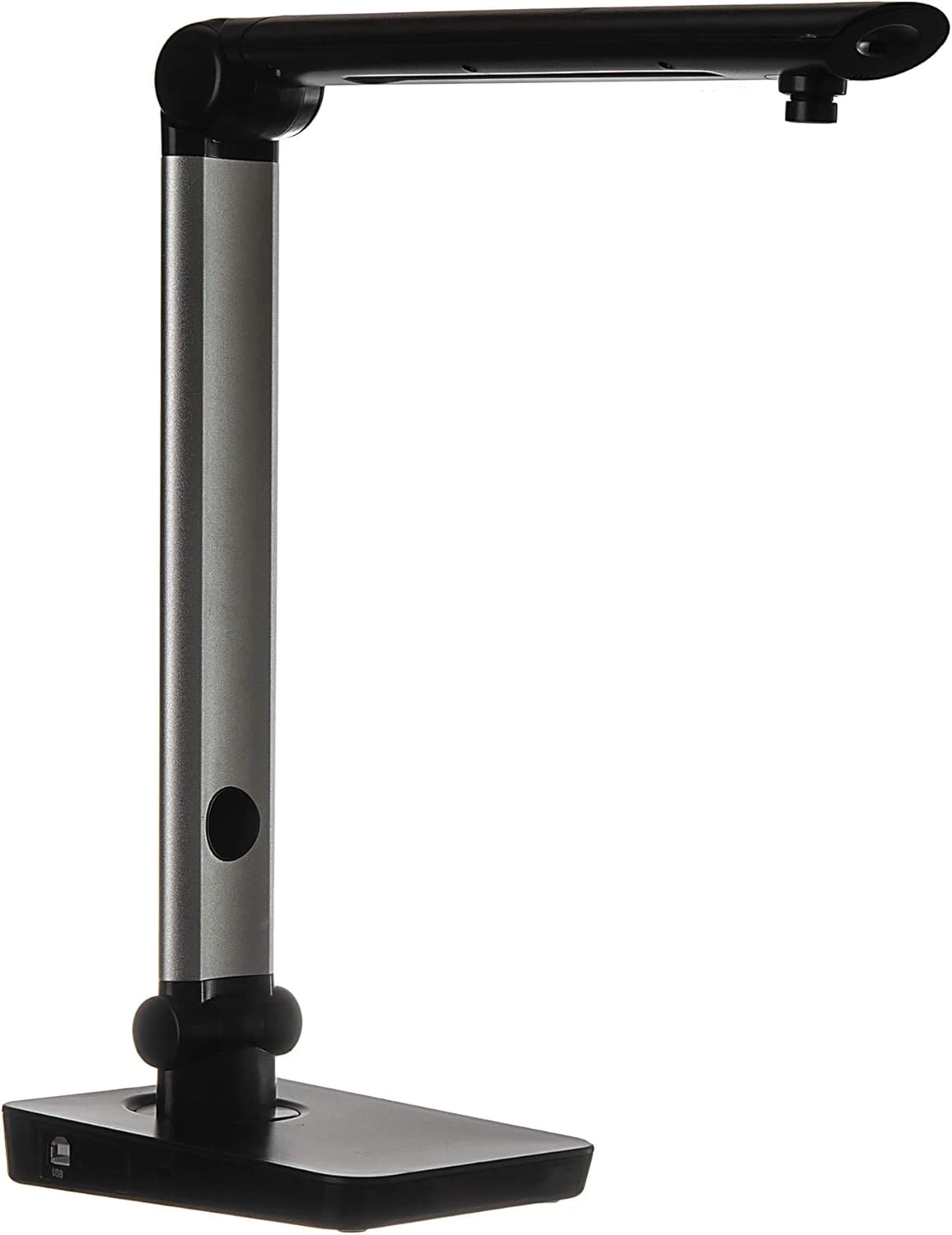
Digital Portable Multi-Angle USB Document Camera LV-1 Series LV-1010 (Black)
The Longjoy LV-1010 is a compact USB document camera designed for classrooms, office training, and quick document or ID capture. It offers a 5 MP sensor, built-in adjustable LED light, and flexible camera angles, but it relies on Windows software (not macOS/Chromebook) and buyers should double-check included items and cables when purchased from third parties.