INEBIZ IB280 10x Optical Zoom Document Camera with HDMI/USB, Autofocus, LED Light
Quick take
The INEBIZ IB280 is a compact document camera aimed at teachers and trainers who need clear overhead visuals, fast autofocus, and an LED light for even illumination. It combines a 10x optical zoom with HDMI output (for a computer-free display setup) and USB webcam mode (for video calls and recording).
The main buying caveat is that buyer-review evidence is limited, so it is smart to double-check your exact display and recording workflow needs before committing.
Pros and cons
Pros
- 10x optical zoom plus autofocus for closer views without relying only on digital zoom.
- LED light and adaptive brightness to help when classroom lighting is less than ideal.
- Two connection options: direct HDMI to displays, or USB webcam mode for Mac OS or Windows.
- Flexible positioning with an adjustable gooseneck and a 180° rotating lens, plus an A3-sized capture area.
Cons
- Review evidence is limited (few total reviews), so long-term reliability and performance patterns are harder to confirm.
- Capture formats are not universal (file formats listed include JPEG for photos and AVI for video), which may matter if you have a specific editing pipeline.
What buyers think
Buyer-review evidence is limited, but the comments that are available consistently point to a few themes. People mention strong picture clarity when using the optical zoom, autofocus that keeps images sharp without much fiddling, and the LED light being useful for evenly illuminating documents. Reviewers also highlight practical setup and classroom use, specifically the convenience of having both HDMI and USB connectivity for different teaching spaces and recording needs.
Because the review sample is small, it is not possible to confirm broader patterns like performance consistency across many lighting conditions, long-term durability, or how well the included software workflow matches every editing style. Still, the reported day-to-day fit for classrooms is a clear signal.
Key features that matter for classroom and real-time projection
Zoom and focus for readable close-ups
The IB280 centers on 10x optical zoom, designed to help you zoom in on worksheets, small print, or detailed models. Autofocus is paired with manual focus, which can be helpful when you need more control over what is in focus for uneven materials.
LED lighting and brightness adjustment
The built-in LED light is intended to reduce shadowing over documents. An adaptive dynamic brightness adjustment is also included, which is relevant for classrooms where overhead lighting may vary throughout the day.
Flexible overhead capture with an A3 area
Instead of requiring tight framing, the camera uses an A3-sized capture area, making it more forgiving for larger sheets and materials. The flexible gooseneck and 180° flip lens also help with positioning, whether you are centering a page or working with 3D objects.
Connectivity and workflow options (HDMI, USB, and saving to media)
HDMI for display devices without a computer
HDMI output supports direct projection to a TV, monitor, projector, or interactive whiteboard. This is useful if you want a “plug it in and show” setup for live teaching, without routing through a laptop.
USB webcam mode for video calls and recording
USB provides plug-and-play webcam functionality for common operating systems (Windows and Mac OS are listed, and Chrome OS is referenced). This can be handy for remote instruction, recording sessions, or streaming visuals through conferencing tools.
SD card and USB flash drive saving
For capturing and reviewing content, the camera supports saving to an SD card (media type listed) and a USB flash drive. File formats listed include JPEG for stills and AVI for video, so it is worth considering whether those formats align with your preferred editing software.
Pros and cons in plain language
- Best fit: classrooms, training rooms, or remote teaching setups where you want clear overhead visuals, optical zoom for details, and the flexibility to use either HDMI output or USB webcam mode.
- What you will likely appreciate: LED lighting for reduced shadows, autofocus for faster “ready to teach” moments, and an A3 capture area for larger pages.
- Buyer-fit caution: if your workflow requires specific video/photo formats or a particular editing system, confirm that JPEG and AVI align with your process.
Who should buy the INEBIZ IB280?
Choose the INEBIZ IB280 if you teach or present with physical materials and want a document camera that can:
- Show detailed work using 10x optical zoom.
- Maintain readable images with autofocus and built-in LED lighting.
- Plug into the room either via HDMI (to a display device) or via USB (for webcam use).
- Handle larger documents thanks to the A3 capture area.
Who should look at other options?
This may be less ideal if:
- You need a large number of reviews and a well-established pattern of long-term reliability before buying (the available review evidence is small).
- You have strict requirements around the exact media formats or post-production workflow and cannot work with JPEG and AVI.
How it compares on the features that decide
When comparing document cameras, prioritize features based on your use case. Here is how the IB280 stacks up on the categories that usually matter most:
- Optical zoom vs digital-only: The IB280 emphasizes 10x optical zoom, which is typically more useful for clarity at distance than digital zoom alone.
- Lighting for uneven rooms: The LED plus brightness adjustment targets real classroom lighting variability.
- Connection flexibility: Having HDMI and USB covers both in-room projection and computer-based use.
- Capture flexibility: A3 capture area and flexible mounting help when you are showing larger papers or 3D items.
If your priority is a very specific recording workflow or you expect to mount it permanently with a dedicated accessory ecosystem, you will want to compare those details across alternatives in your budget range.
Bottom line verdict
The INEBIZ IB280 is a practical classroom document camera option for people who want optical zoom, autofocus, and LED lighting, with the flexibility of HDMI output for computer-free projection and USB for webcam-style recording. The main limitation is the small amount of review evidence, so it is best to confirm your compatibility needs and media format expectations before purchase.
FAQ
Is the INEBIZ IB280 good for classroom overhead close-ups?
It is designed for overhead visuals with a 10x optical zoom, autofocus, and built-in LED lighting, which are the key factors that help keep text and details readable during live instruction.
Does it work without a computer?
Yes. HDMI output is intended to connect directly to displays such as a TV, monitor, projector, or interactive whiteboard so you can project content without a computer.
Can it be used as a webcam for video calls?
Yes. USB mode supports plug-and-play webcam use with common operating systems listed for Windows and Mac OS (and it references Chrome OS compatibility as well).
Does it save photos or videos?
It supports saving with an SD card and also references USB flash drive storage for captured stills and recordings. The listed file formats include JPEG (photos) and AVI (video).
What kinds of materials can it capture?
It uses an A3-sized capture area and includes a flexible gooseneck plus an adjustable 180° rotating lens, which should help when showing larger sheets and certain 3D objects.
Is the software required?
The included software is described as enabling annotation, editing, and saving of captured images and videos, which can be helpful if you want to do more than just live projection.
Specifications
| Product Title | INEBIZ IB280 10x Optical Zoom Document Camera with HDMI/USB, Autofocus, LED Light, Professional Visual Communication Tool of Real-time Projection, Compact for Teachers in Classroom |
|---|---|
| Category | Office Products > Office Electronics > Document Cameras |
| Brand | INEBIZ |
| Manufacturer | INEBIZ |
| Model Number | IB280 |
| Video Capture Resolution | 1080p |
| Color | black |
| Item Weight | 2 Kilograms |
| Shooting Modes | Automatic |
| Exposure Control Type | Automatic, Manual |
| Media Type | SD Card |
| Water Resistance Level | Not Water Resistant |
| File Format | JPEG, AVI |
| Video Capture Format | AVI |
| Effective Still Resolution | 2 MP |
| Viewfinder Type | LCD screen |
| Compatible Devices | Desktop, Laptop, Television |
| Light Sensitivity | 100-6400 |
| ISO Range | 100-6400 |
| Audio Recording | Yes |
| Has Self-Timer | No |
| Focus Type | autofocus, manual focus |
| Autofocus | Yes |
| Focal Length Description | 10-100mm |
| Sensor Type | CMOS |
| Photo Sensor Technology | CMOS |
| Photo Sensor Resolution | 2 MP |
Recommended next
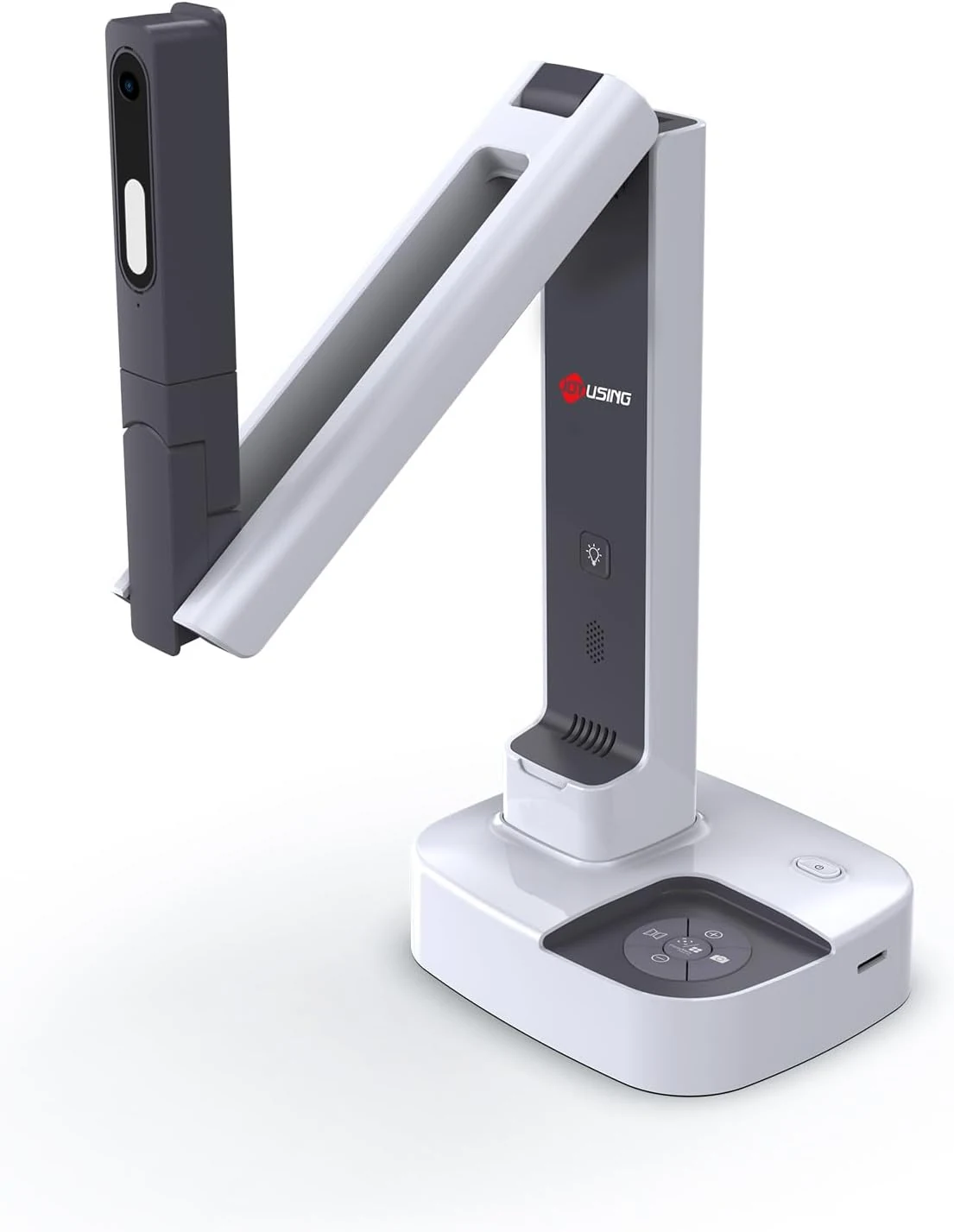
JOYUSING V513 HDMI/USB 13MP Dual Mode Document Camera for Teacher, review
The JOYUSING V513 is a dual-mode document camera built for live teaching and presentations, offering HDMI or USB connectivity, autofocus, and built-in LED lighting for real-time projection. Buyers highlight crisp, clear capture and straightforward setup, with the main tradeoff being that USB live streaming frame rate can drop slightly for motion-heavy content.
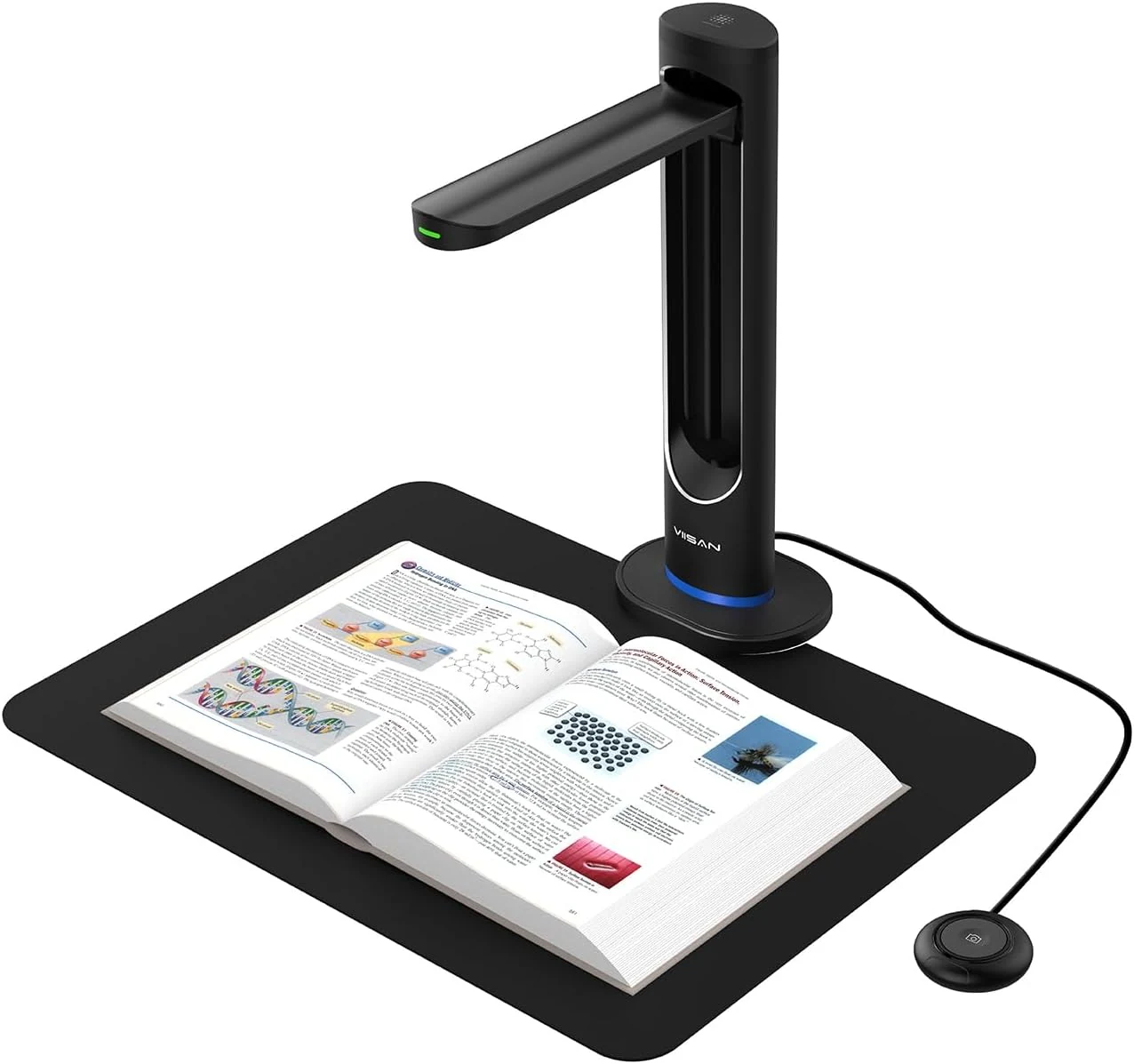
VIISAN K48 48MP Book Scanner & Document Camera, AI-Powered USB review
The VIISAN K48 is a USB document camera-style scanner aimed at digitizing books with tools like page-turn detection, curve-flattening, and OCR for searchable files. It can produce strong black-and-white results, but buyer feedback also flags software limitations and issues with color scanning and visual artifacts, so it may be a better fit for text-heavy workflows than full-color archival work.
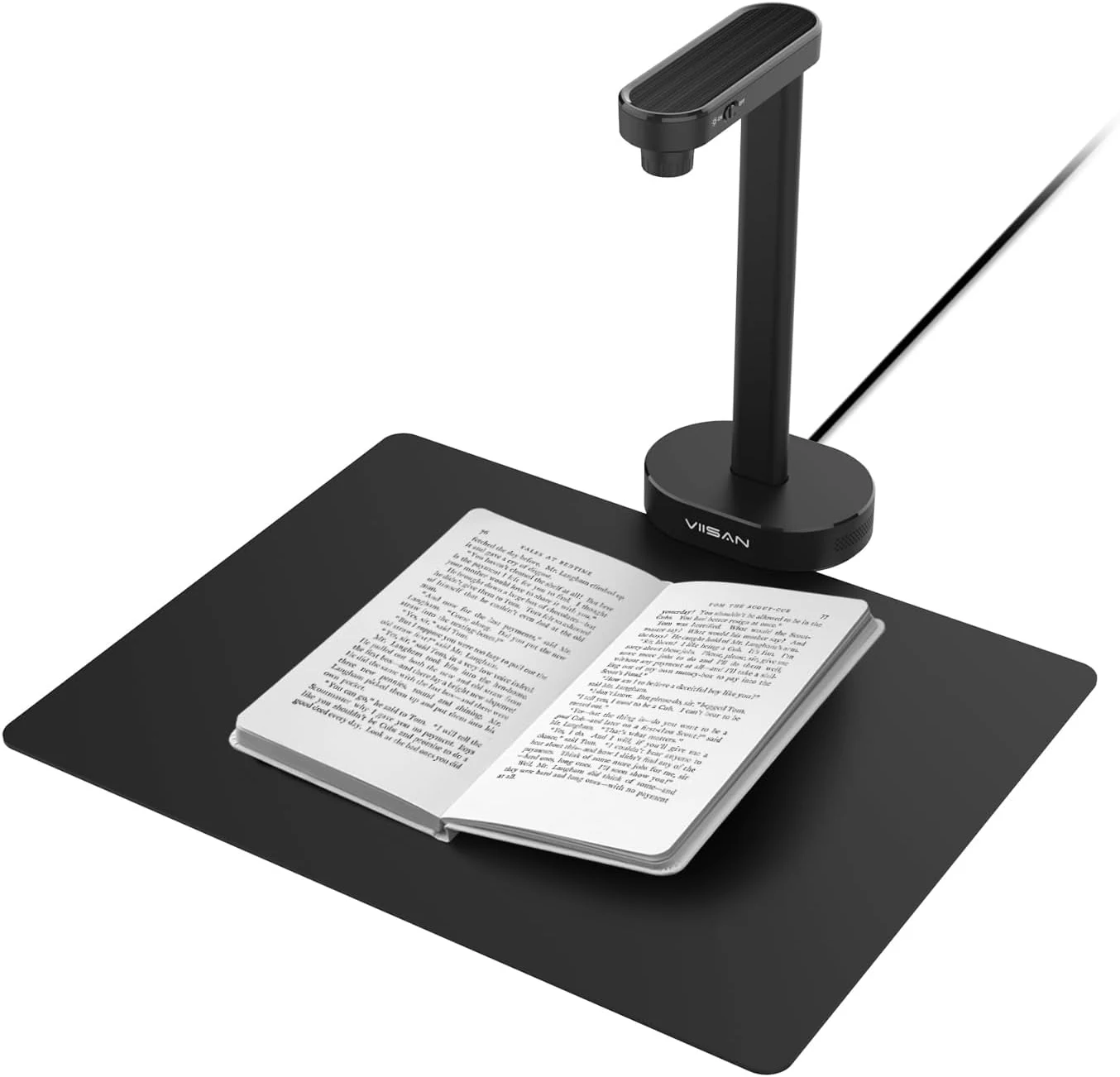
VIISAN A8401 16MP Document Scanner for Small Offices & Home Classrooms
The VIISAN A8401 is a compact USB document camera aimed at small offices and home classrooms, combining OCR, text-to-speech, and barcode recognition for digitizing paperwork and teaching materials. It is also UVC-compliant for remote lessons, but buyer feedback suggests image quality can be only “okay,” and connectivity can be frustrating for some setups.
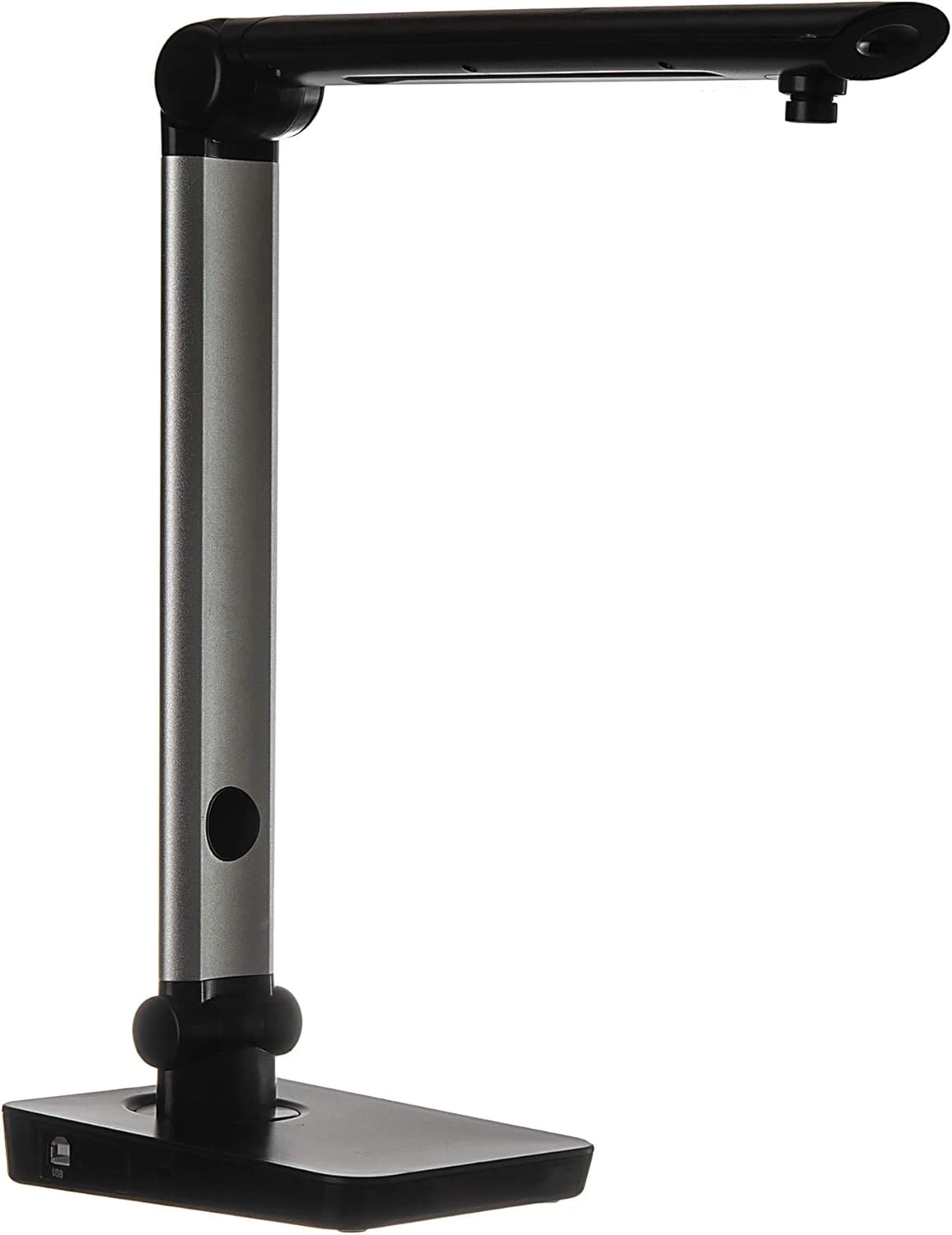
Digital Portable Multi-Angle USB Document Camera LV-1 Series LV-1010 (Black)
The Longjoy LV-1010 is a compact USB document camera designed for classrooms, office training, and quick document or ID capture. It offers a 5 MP sensor, built-in adjustable LED light, and flexible camera angles, but it relies on Windows software (not macOS/Chromebook) and buyers should double-check included items and cables when purchased from third parties.