Goalake 8 Port Gigabit Easy Smart Managed Ethernet Switch (PoE-IN, VLAN, QoS)
Quick take
This 8-port gigabit managed switch is designed for small networks that want more control than an unmanaged hub, with features like VLAN and QoS. It is fanless, metal-built, and can be powered using a PoE-IN port for simpler installs. The biggest caveat is that the app and web interface may feel limited or outdated if you need advanced management workflows.
Pros and cons
Pros
- Managed switching features including VLAN and QoS for better traffic control.
- Fanless metal design for quiet operation and sturdier desk or wall placement.
- PoE-IN support to reduce the need for a separate power adapter in some setups.
- Web-based/local management options (including a configurable IP for browser access).
Cons
- Management software experience may be less polished, with a more limited app feature set.
- Some advanced capabilities (like port mirroring, storm control, and bandwidth control) are included, but buyer expectations for depth can vary.
- Best fit is small networks, since there are only eight gigabit ports.
What buyers think
Buyer review evidence points to strong value for the money, especially for people who were surprised to see “managed” features at this price level. Multiple comments describe easy setup and immediate connectivity, along with consistent gigabit performance for everyday home-office and small-network expansion.
There is also recurring appreciation for physical build, with the metal casing and fanless operation standing out as practical for quiet placement. Feature-focused buyers highlight the ability to log into the switch and adjust settings, mentioning VLAN and QoS as genuinely useful when you want basic segmentation or traffic prioritization.
On the downside, review evidence is mixed on the management interface. Some buyers call out that the app can be limited and the web GUI may feel outdated, which matters if you plan to configure the switch frequently or expect a modern dashboard experience. Overall, buyer-review evidence is not detailed enough to establish patterns around reliability failures or throughput problems beyond the “works well, runs at gigabit speeds” theme.
What this switch is, and who it suits
The Goalake 8-port gigabit switch is a managed Ethernet hub for setups where you want more than basic “plug and play” connectivity. It includes features aimed at small deployments that need organization and prioritization, such as 802.1Q VLAN support, QoS optimization, and options like port mirroring and storm control.
It also targets install flexibility. You can place it on a desktop or mount it, and the fanless metal design is intended to stay quiet in office-like spaces. If you already have a PoE-enabled upstream device, the designated PoE-IN port can simplify power planning by letting the switch accept power from an upper-level PoE switch.
Key features that affect day-to-day use
VLAN and QoS for traffic control
If you have multiple kinds of devices (for example, office PCs, cameras, guest devices, or smart devices), VLAN support can help you segment traffic rather than leaving everything on one flat network. QoS adds another layer of control when you want certain traffic to behave better under load.
Management via app and web interface
This switch supports “easy smart” management through an app or web/local management. The web approach typically uses a device IP, and the product documentation references a default management IP, which can be important for fast setup when you do not want to scan for devices.
PoE-IN power option
The PoE-IN port is meant for scenarios where finding AC outlets is inconvenient. Instead of adding a separate DC adapter, the switch can be powered from an upstream PoE switch over the network cable, which can reduce clutter and simplify deployment planning.
Quiet operation and placement flexibility
The fanless metal enclosure is built for low-noise operation. For desks, home offices, and small racks where airflow can be limited, fanless designs are attractive because there is no fan hardware to spin up or fail.
Setup and compatibility considerations
For local configuration, browser-based management relies on your computer being on the same network segment as the switch’s management IP. If you already reserve IP addresses in your router or DHCP settings, you can make future logins more predictable.
On the port side, the switch is gigabit Ethernet (RJ45). It is aimed at common consumer and SOHO device categories like routers, laptops, printers, and IP cameras. If you are trying to connect very high-bandwidth workloads, the limiting factor will be your uplink and your network equipment beyond just the number of ports.
Pros and cons recap
- Best for: small networks and home offices that want VLAN and QoS control, prefer a quiet fanless switch, and may benefit from PoE-IN when power outlets are limited.
- Who should buy: buyers upgrading from an unmanaged switch who want basic managed features without moving to a more complex rack-mount solution.
- Who should avoid: shoppers who need highly advanced enterprise-style management workflows or a very modern, feature-rich UI experience. If you expect deep configuration and a polished dashboard, interface limitations may be a dealbreaker.
- Main tradeoff: feature availability is there on paper, but the day-to-day management experience may feel constrained by the app/web interface.
Price and availability
The switch is positioned as a budget-friendly managed option, with a noticeably lower cost than many managed switches from mainstream brands. If you are shopping on a tight budget and want VLAN and QoS without jumping to a larger, more expensive unit, this pricing tier is the main part of the value proposition.
Verdict
If you want an 8-port gigabit managed switch for a small network, the Goalake model is a strong match for practical VLAN and QoS needs. The fanless metal build and PoE-IN option are convenient for quieter, cleaner installations. Just be sure your expectations for management software match a “small-business or home-lab” level interface, since some buyers find the app and GUI less polished.
FAQs
Does this switch support VLAN and QoS?
Yes. It includes VLAN support (802.1Q) and QoS optimization features intended to help manage how traffic is handled across ports.
How do you manage it, app or web browser?
It supports easy smart management through an app and also offers web-based/local management. Web access uses the switch’s IP address, so your computer needs to be on the same network segment.
What is PoE-IN and when does it matter?
PoE-IN means the switch can receive power from an upstream PoE switch over the network cable. This helps when installing in places where AC outlets are inconvenient, so you may avoid using an additional DC power adapter.
Is this a quiet switch?
It uses a fanless design, which is specifically intended to keep operation silent.
Is it plug and play for basic use?
Buyers commonly report that it works right out of the box for connecting devices, with management options becoming available when you want to configure VLAN, QoS, and other settings.
Is the web interface modern and fully featured?
Review feedback suggests the interface may feel limited or outdated for some users. If you rely heavily on frequent configuration, that software experience is worth factoring into your decision.
How many devices can I connect?
It provides eight gigabit Ethernet ports (RJ45). Your total capacity also depends on your upstream network link and router performance.
Where can I mount it?
It is designed for desktop placement and wall mounting, making it easier to fit into different small network setups.
Specifications
| Product Title | 8 Port Gigabit Switch, Easy Smart Managed Ethernet Switch, Network Hub, Ethernet Splitter, Plug & Play, Fanless Metal Design, VLAN, Qos, Support PoE Powered, Desktop or Wall Mount |
|---|---|
| Category | Electronics > Computers & Accessories > Networking Products > Hubs |
| Brand | Goalake |
| Manufacturer | GL |
| Model Number | 8 Gigabit Ports|Easy Managed |
| Color | Black |
| Number of Ports | 8 |
| Compatible Devices | Desktop, Gaming console, Router, Printer, Laptop, Camera |
| Upper Temperature Rating | 40 Degrees Celsius |
| Interface | RJ45 |
| Data Transfer Rate | 1 Gigabits Per Second |
| Switch Type | Managed |
| Platform | Not Machine Specific |
| Case Material Type | Metal |
| Item Dimensions L x W x H | 5.19"L x 3.14"W x 1.06"H |
| Built-In Media | Ethernet switch, 1 Power Cord, User Manual |
| Warranty Description | 1-Year Replacement Guarantee |
| Mfr Part Number | GS108 |
| Included Components | Ethernet switch, 1 Power Cord, User Manual |
Available variants
Style
- No PoE-in
- PoE-in
Size
- 5 Ports
- 24 Ports
- 26 Ports
- 8 Ports
- 16 Ports
Recommended next
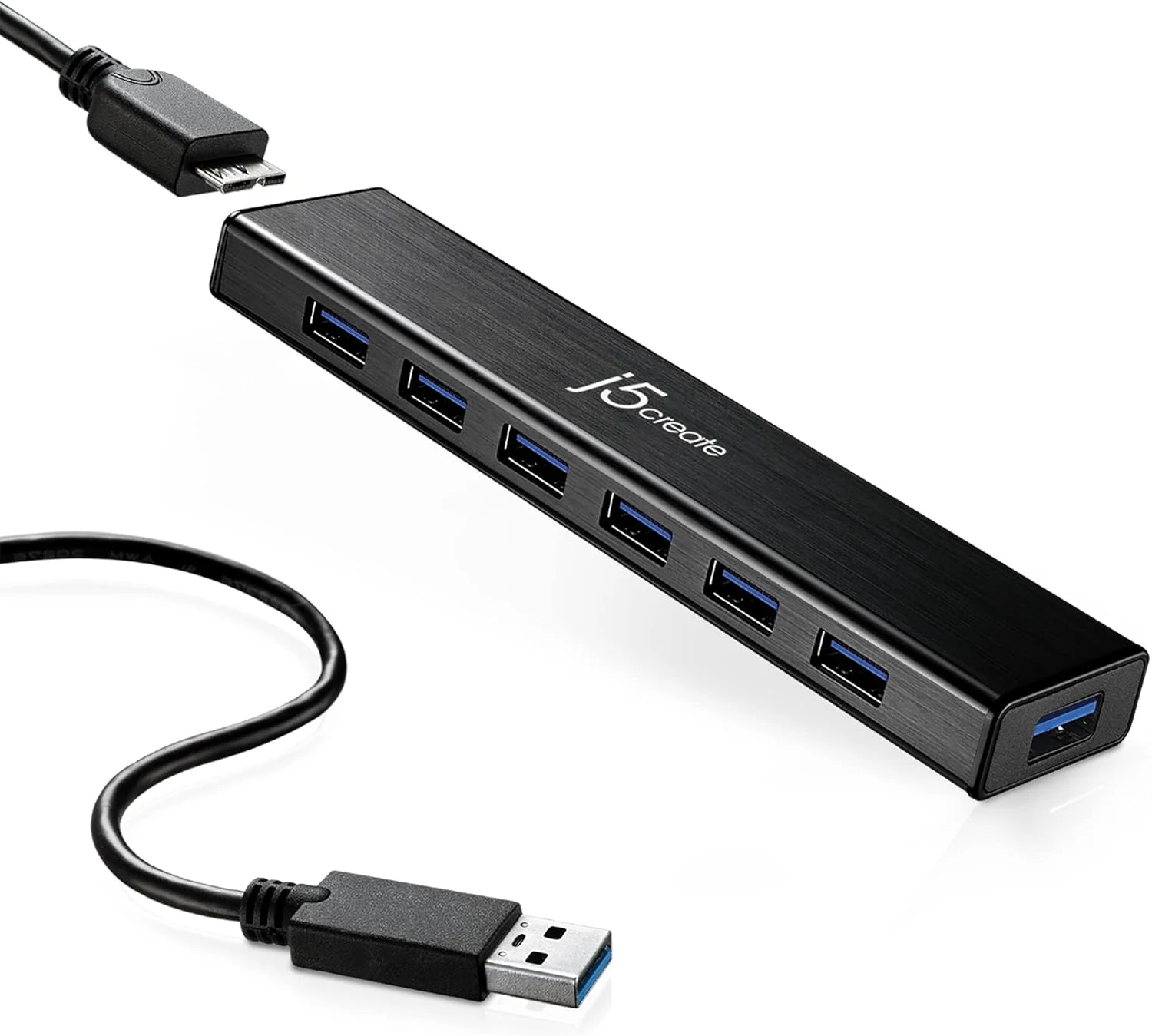
j5create 7-Port Powered USB 3.0 Data Hub with 3.3 ft Extended Cable (JUH377)
The j5create JUH377 adds seven USB 3.0 ports to a laptop or MacBook using a single USB plug, and includes a 20W power adapter for devices that need more than bus power. It is a good fit for everyday peripherals, plus one fast-charging port for phones and tablets, but it is not designed to fully power multiple power-hungry external drives at once.
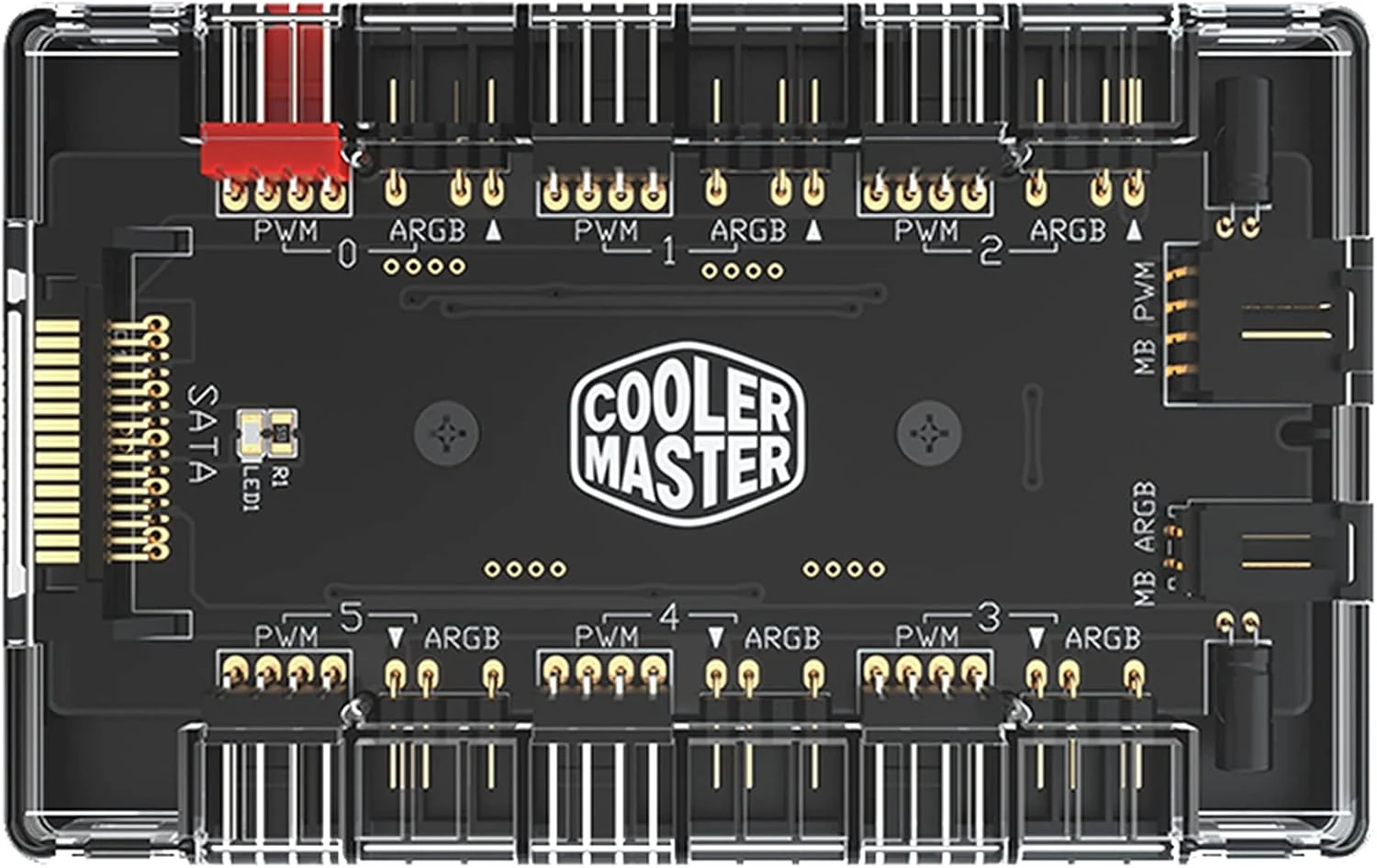
Cooler Master ARGB & PWM HUB 1 to 6 Port
The Cooler Master ARGB & PWM HUB 1 to 6 Port is a compact way to run multiple PWM fan power connections and multiple 3-pin addressable RGB (ARGB) control channels from fewer motherboard headers. It uses SATA power and includes a built-in magnet for cleaner case mounting, but fitment can require careful attention to header spacing, and it may not deliver the same per-fan lighting effects for every fan brand or ecosystem.
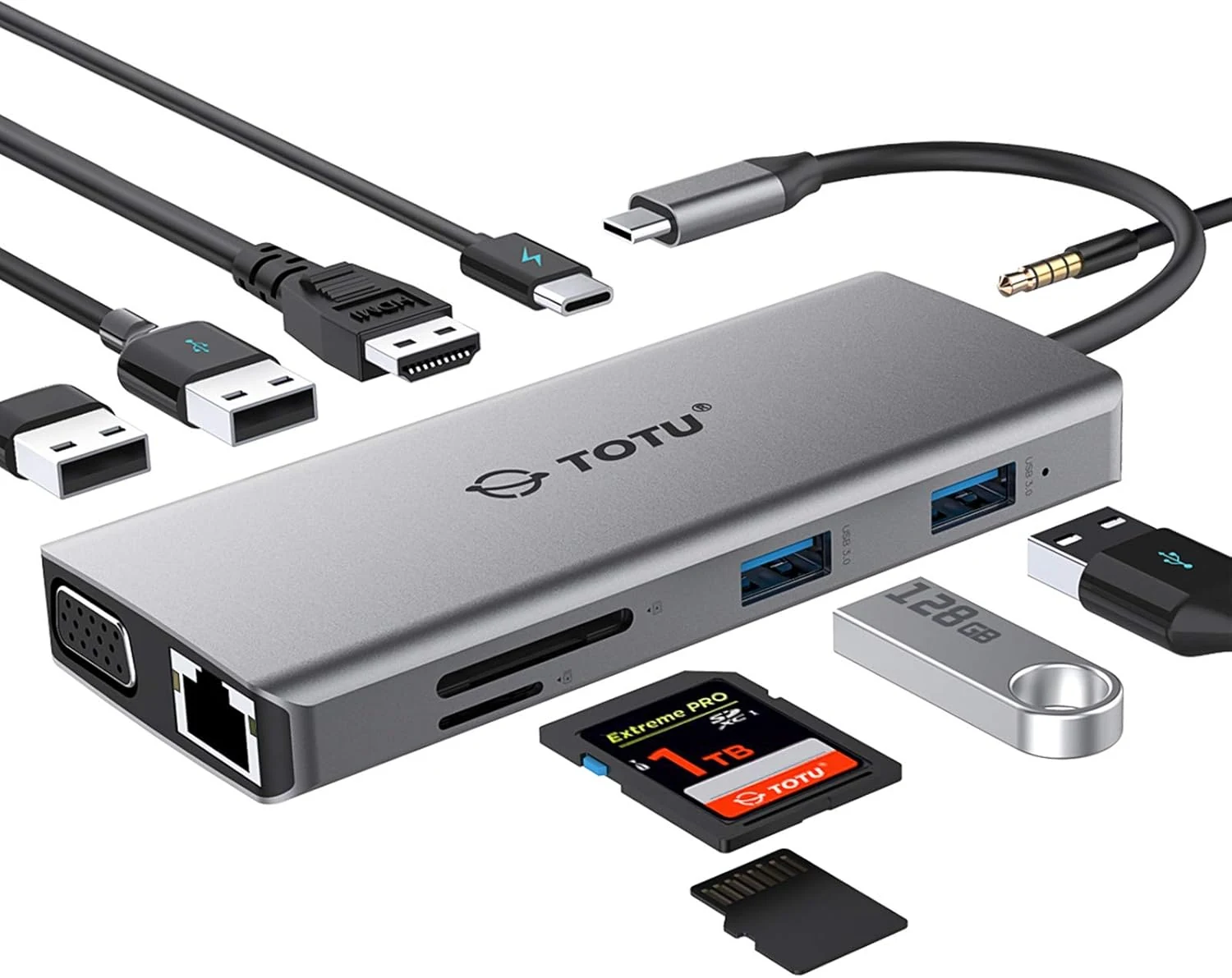
TOTU 11-in-1 USB-C Hub: 4K HDMI, VGA, 2x USB3.0, 2x USB2.0, Ethernet, SD Card Reader, Audio, 3.0 PD, Mac Pro & Laptops Compatible
The TOTU 11-in-1 USB-C hub is a compact all-in-one dock that adds HDMI and VGA video, gigabit Ethernet, dual card slots, audio, and multiple USB ports, plus USB-C PD pass-through charging up to 87W. It’s a strong fit for travelers and laptop owners who want one adapter for monitors, wired internet, and everyday accessories, with the main caveat that dual HDMI+VGA output duplicates rather than extends.
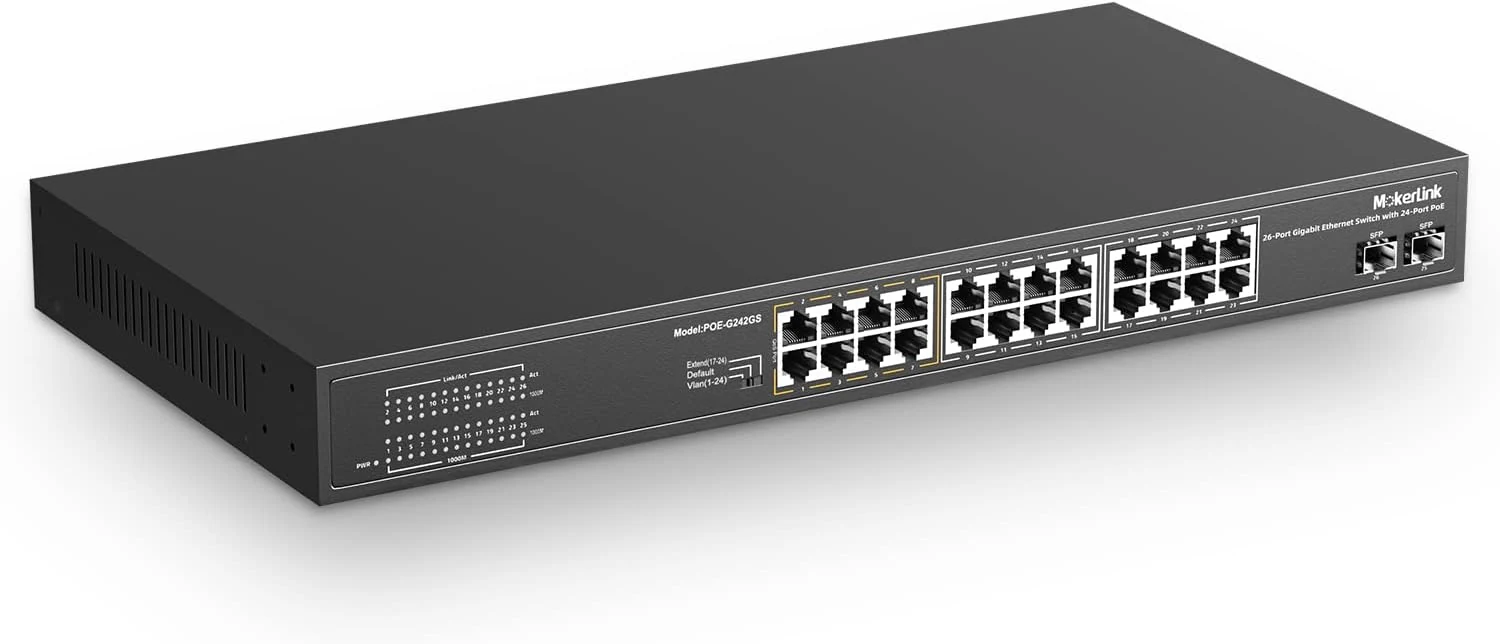
MokerLink 26 Port Gigabit PoE Switch, 24 Gigabit PoE+ Ports, 2 Gigabit SFP Uplink
A fanless, 1U rackmount unmanaged PoE+ switch with 24 gigabit PoE+ ports and two gigabit SFP uplinks, designed for plug-and-play camera and access point deployments. It offers a strong 300W total PoE budget (802.3af/at) plus simplified features like port-based VLAN and an “extend” mode for longer runs at reduced speed, with a key limitation: it does not power 24V passive PoE devices.