eero 6 mesh Wi-Fi router (Like-New, 1-pack)
Quick take
The eero 6 is a Wi-Fi 6 mesh router built for whole-home coverage (up to 1,500 sq. ft.) and handling 75+ connected devices. Most buyers report fast app setup and more stable coverage than older, single-router setups. The biggest buying caveat is that it can be less “plug-and-play” for certain ISP configurations, especially when PPPoE and VLAN or double NAT scenarios are involved.
Pros and cons
Pros
- Wi-Fi 6 performance targets, including support for internet plans up to 900 Mbps.
- Designed for whole-home coverage up to 1,500 sq. ft., reducing dead spots via mesh routing.
- App-led setup and remote management make it easy for non-technical users.
- Built-in Zigbee smart home hub reduces the need for extra hub hardware.
Cons
- Setup can be more involved with advanced ISP setups (for example, PPPoE/VLAN), based on limited buyer reports.
- As a 1-pack router, it may require additional eero units for larger homes or for consistently seamless coverage.
What buyers think
Buyer-review evidence points strongly toward an experience of easy, guided setup and stable daily performance once the network is running. Multiple buyers describe the app-based process as quick, with minimal user work beyond powering on devices and following prompts. Several reviewers also mention better coverage than an older router and fewer connection issues during streaming, gaming, and video calls.
At the same time, review evidence includes limited reports that the “just plug it in” experience can break down for some internet environments that require PPPoE and VLAN credentials, or that may lead to additional networking steps. Overall, the pattern suggests eero 6 is straightforward for typical home internet, but it may not be the smoothest choice for households with more complex ISP or network requirements.
What you get with this eero 6 router
This is a refurbished “Like-New” eero 6 mesh Wi-Fi router (1-pack). The goal is to combine Wi-Fi 6 capability with mesh-style coverage management so your Wi-Fi stays reliable as you move around the home and as your device count grows.
- Coverage and speed targets: designed for up to 1,500 sq. ft. of coverage and internet plans up to 900 Mbps.
- Device capacity: supports 75+ connected devices.
- Mesh behavior: TrueMesh technology routes traffic to help reduce drop-offs.
- Smart home hub: built-in Zigbee support for compatible devices (helpful if you prefer an integrated hub).
- Management and updates: app-based setup and ongoing automatic updates for security and performance improvements.
Pros and cons in plain English
Pros: why buyers choose eero 6
- Setup feels guided, not fiddly. Reviews frequently mention the app flow as fast and approachable, especially for people who do not want to manage traditional router menus through a computer.
- Coverage improvements over older routers. Several buyers report better range and fewer dead spots compared with older non-mesh equipment.
- Day-to-day stability matters. Reviewers call out smooth streaming, gaming, and video calling when the network is properly configured.
- Future-ready convenience. Built-in Zigbee hub support and the ability to expand a mesh system with cross-compatible eero products can make it easier to grow your home network.
Cons: what to watch before you buy
- Advanced ISP setups may require extra work. There is at least some limited buyer evidence of PPPoE/VLAN-related friction and more complex steps than expected. If your ISP requires these features, plan for troubleshooting or consider a more configuration-friendly approach.
- One router may not cover every layout. The listed coverage target is helpful, but homes with difficult layouts or far-away rooms often need additional eero nodes for truly seamless mesh behavior.
Is Like-New eero 6 worth it?
This Like-New eero 6 is a strong value option if you want Wi-Fi 6 mesh coverage without paying full price for a new unit, and you prefer an app-led setup experience. It also makes sense if you want a router plus a Zigbee smart home hub in one box.
You may want to think twice (or budget extra time) if your internet environment is complex. Examples include PPPoE with VLAN requirements, situations involving double NAT, or any setup where you routinely need detailed router configuration. In those cases, eero can still work, but the time-to-get-running may be higher than buyers expecting a purely plug-and-play experience.
Who this is best for
- Households that want better coverage than a single older router, especially across multiple rooms.
- People who value simple setup and prefer managing their network through a mobile app.
- Smart-home buyers who want Zigbee hub support without adding separate hub hardware.
- Homes with 15 to 75+ devices (streaming, work devices, gaming, smart devices), where device capacity matters.
Who should avoid it (or consider a different approach)
- Users whose ISP setup requires PPPoe/VLAN-specific configuration and who need a straightforward, minimal-step setup process.
- Large or multi-story homes that need mesh coverage across many zones, where a 1-pack system may not be enough on its own.
Quick comparison checklist (how to choose your mesh setup)
If you are deciding between this 1-pack eero 6 and other mesh options, use this checklist to match the system to your home.
- Coverage needs: estimate your square footage and how many hard-to-reach areas you have.
- Device count: if you have lots of phones, laptops, streaming boxes, and smart devices, capacity targets matter.
- ISP complexity: if you use PPPoE or VLAN settings, be prepared for potential setup friction.
- Smart home requirements: if you plan to add Zigbee devices, the built-in hub can reduce extra purchases.
Price and availability
Pricing varies by listing and refurbishment condition. If you want to confirm the current cost and whether it still matches your budget, check the latest offer here: Buy on Amazon.
FAQ
Does this eero 6 work for a small home with one router node?
It is designed to cover up to 1,500 sq. ft. with mesh Wi-Fi behavior, so one node can be enough for many smaller layouts. If your home has dead spots, thicker walls, or long distances between rooms, you may need additional eero units to improve seamless coverage.
Is the setup easy if I am not technical?
Most buyers describe the app-based setup as straightforward and quick. The main exception is when internet setups require more advanced ISP configuration (for example, PPPoE and VLAN-related details), where additional troubleshooting may be needed.
Can I use it with a Zigbee smart home?
Yes. The eero 6 includes a built-in Zigbee smart home hub, which is intended to connect compatible devices without needing a separate hub for each device.
What internet speed should I plan for?
The eero 6 is designed to support internet plans up to 900 Mbps and is built around Wi-Fi 6 for improved performance and efficiency. Your real-world speeds can still depend on your ISP plan and home conditions.
Will I need to buy more eero mesh devices?
If your home layout is straightforward and within the coverage target, the 1-pack can be enough. If you want consistently seamless Wi-Fi in far rooms or multiple floors, expanding with additional eero products is the designed path.
Is refurbished “Like-New” a bad idea?
Refurbished Like-New typically targets the goal of looking and working like new, with testing and certification mentioned in the listing details. That said, always double-check the terms shown on the current offer and make sure it fits your exact internet setup needs.
Specifications
| Product Title | Like-New Amazon eero 6 mesh wifi router - Supports internet plans up to 900 Mbps, Coverage up to 1,500 sq. ft., Connect 75+ devices, 1-pack |
|---|---|
| Category | Uncategorized |
| Brand | eero |
| Connectivity | Wi-Fi 6 |
| Price | USD 74.99 |
| Rating | 4.5/5 from 1,079 Amazon ratings |
Available variants
Configuration
- 1 Router
Recommended next
![Apple Watch Series 10 [GPS 46mm case] Smartwatch with Jet Black Aluminum Case with Black Sport Band - M/L](/product-images/019eec89-ed9b-7bac-b7dc-68f775a359f9-0-5b4a5b1dd5f2.webp)
Apple Watch Series 10 [GPS 46mm case] Smartwatch with Jet Black Aluminum Case with Black Sport Band - M/L
Apple Watch Series 10 (GPS, 46mm) is a feature-rich iPhone companion with an always-on Retina display, ECG, advanced sleep and vitals insights, and robust fitness tracking. It also adds helpful safety features like Crash Detection and Emergency SOS, with 50m water resistance and crack-resistant design. The main tradeoff is battery longevity versus more basic smartwatches, plus the price if you are budget-sensitive.
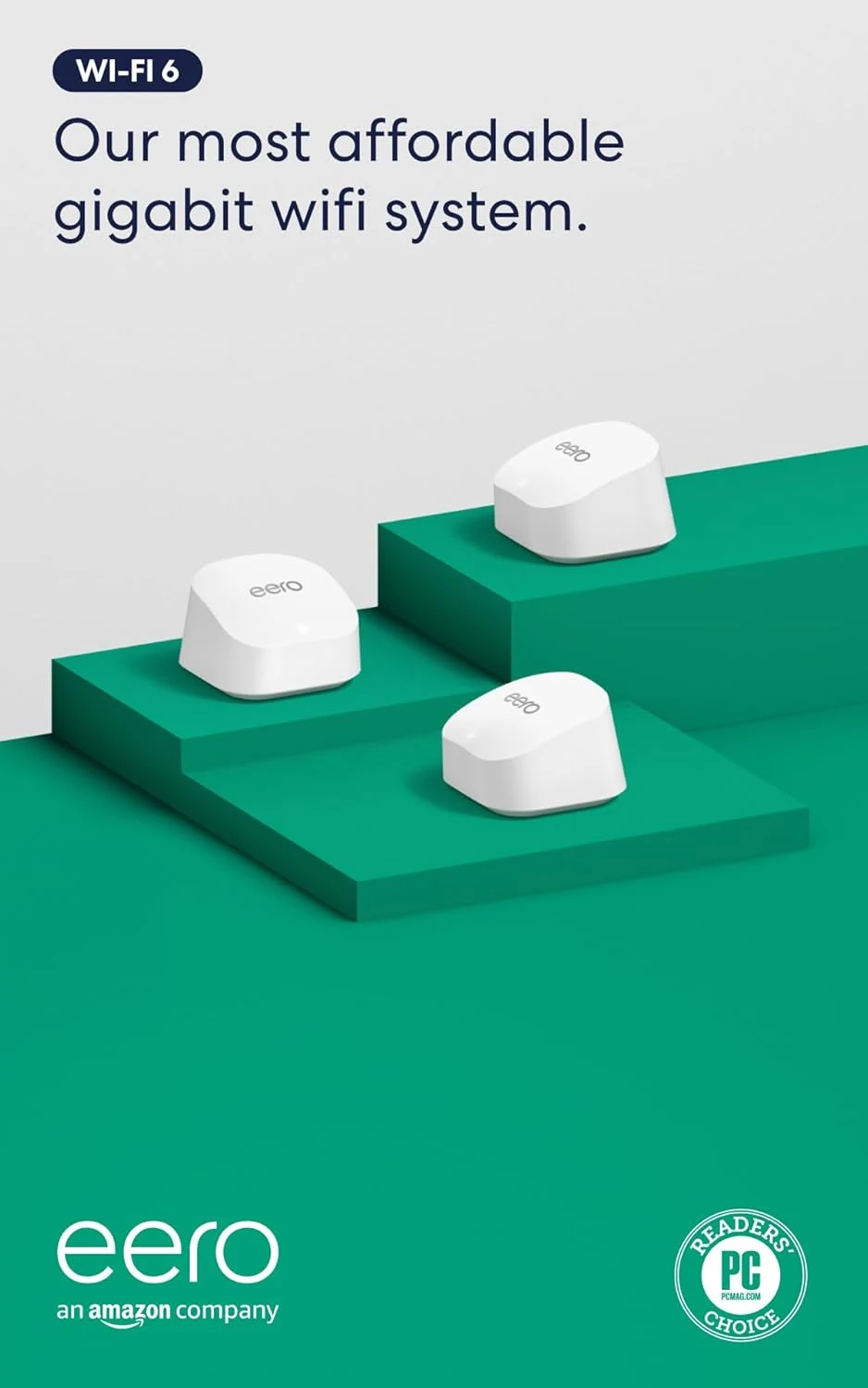
eero 6+ mesh Wi‑Fi system (3-pack)
eero 6+ is a Wi‑Fi 6 mesh system designed for gigabit-speed internet plans and homes up to about 4,500 sq. ft. It’s built around simple app-guided setup, TrueMesh routing to reduce dead spots, and a built-in smart home hub for compatible Thread and Zigbee devices.
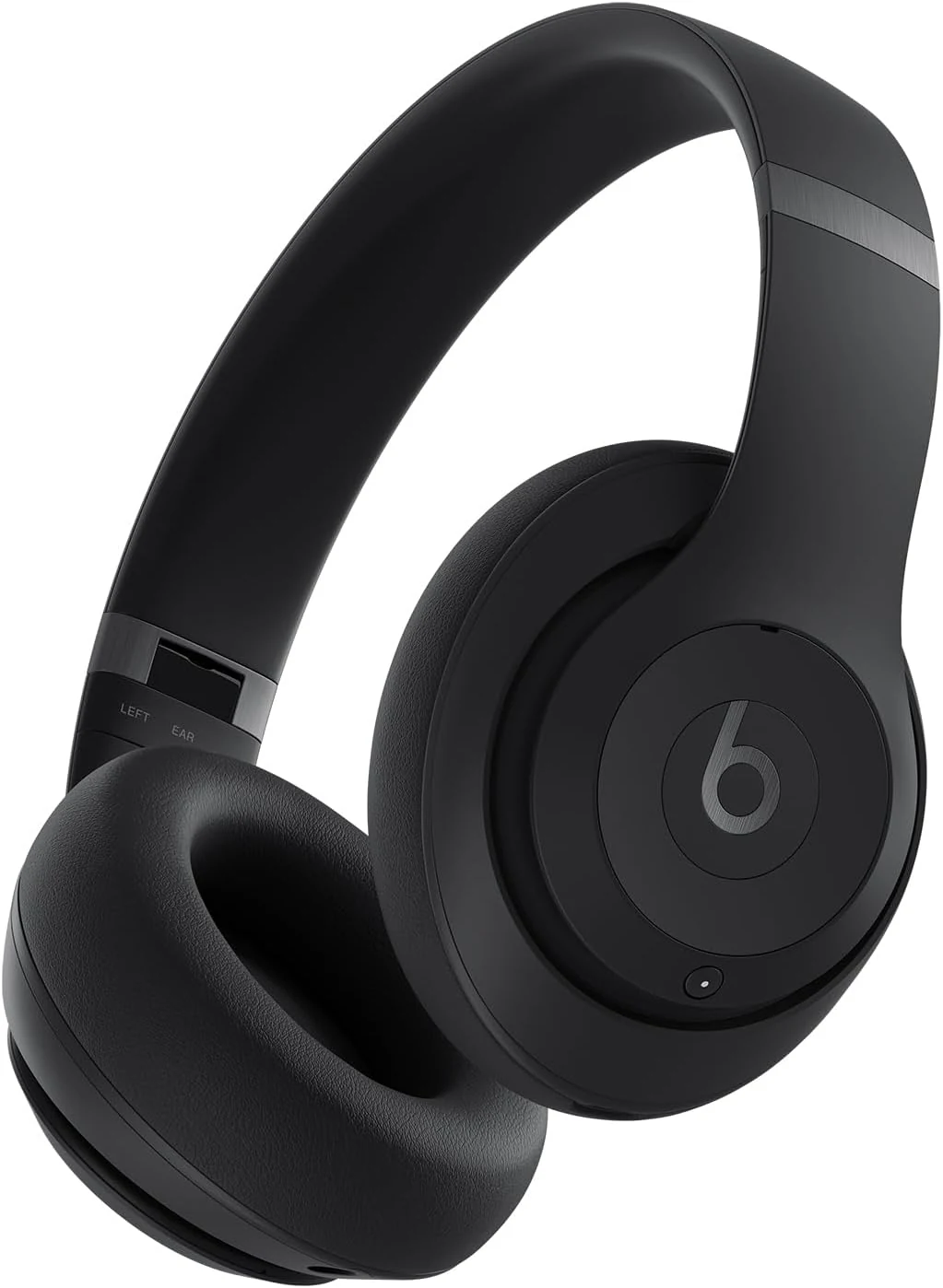
Beats Studio Pro Premium Wireless Over-Ear Headphones (Up to 40-Hour Battery Life)
Beats Studio Pro are premium over-ear wireless headphones built for travel and everyday listening, with active noise cancelling, transparency mode, spatial audio, and up to 40 hours of battery life. They also support USB-C lossless audio and offer a 3.5 mm option for analog listening.
![Apple Watch SE (2nd Gen) [GPS 40mm] Smartwatch with Starlight Aluminum Case with Starlight Sport Band S/M](/product-images/019ee2bc-295a-7bc4-a496-aabbe17f7661-0-4b9d89cba416.webp)
Apple Watch SE (2nd Gen) [GPS 40mm] Smartwatch with Starlight Aluminum Case with Starlight Sport Band S/M
Apple Watch SE (2nd Gen) (GPS, 40mm) is a compact, everyday Apple smartwatch that focuses on the essentials: heart-rate and fitness tracking, sleep insights, safety features like fall and crash detection, and convenient connectivity through your iPhone. The main tradeoff for many buyers is battery life expectations, especially when using sleep tracking heavily, plus the fact that “swimproof” does not mean it’s meant for long periods underwater.