Cubilux 3.5mm TRRS Volume Attenuator Cable, 1/8-inch Headphone Extension Cord
Quick take
This Cubilux inline volume control cable adds a physical, stepless knob to a 3.5mm TRRS wired audio connection, helping you dial listening levels up or down on the fly. It is a solid fit when your source or setup is too loud at the lowest setting, but it does not amplify audio, so it will not increase volume beyond what your device already provides.
Pros and cons
Pros
- Stepless inline volume control for fine adjustments during use.
- TRRS (4-pole) design meant to pass the microphone signal while adjusting audio output volume.
- Built as an analog attenuator cable, intended to preserve clean sound rather than add effects.
- 4-foot length gives flexibility between the source and your headphones/speakers.
Cons
- It will not amplify sound, so it cannot solve low-volume sources.
- Review evidence suggests the cord can curl, which may take some cable management.
- The volume wheel may feel like it has a shorter effective range, which can make dialing precise levels a little fiddly.
- Mic volume is not what this controller is meant to adjust, only the audio output volume.
What buyers think
Buyer-review evidence is limited in scope, but the recurring themes are straightforward. People use this cable to tame overly-loud audio, especially when a phone or PC has a “too loud even at the lowest” problem, and they generally describe the inline control as quick and easy to operate. Several reviewers also mention the overall build feel and the usefulness of hardware volume control in mixed setups (headphones and microphones). At least a couple of comments point out practical behavior issues rather than audio quality problems, including the cable tending to curl and the volume adjustment feeling somewhat constrained depending on how delicately you turn the knob. Overall, the strongest pattern is that it works for volume control and is most valuable when you need hardware-based attenuation.
What it is, and how it works
The Cubilux 3.5mm TRRS volume attenuator cable is an inline, passive analog volume controller with a stepless knob. You connect it between your 3.5mm audio source and your headphones, earphones, or compatible speaker/headset setup. The controller changes the level of the audio output signal, so you can raise or lower volume without going back to system software or device buttons.
Two key expectations help avoid disappointment:
- It attenuates, it does not amplify. If your source output is already low, this cable will not boost it.
- It is for audio output volume, not microphone volume. The microphone signal is intended to come through (TRRS), but the knob is meant to adjust the audio output level only.
Who this cable is best for
- People who need hardware volume control. If you are working at a desk, gaming, or using a dongle/DAC where software volume is inconvenient, an inline knob can be easier.
- Anyone dealing with “too loud at the lowest step.” The most common use case in buyer feedback is turning down just enough for comfortable listening or sleeping.
- TRRS headset users who want mic passthrough. If you need both audio and mic carried through a single 3.5mm TRRS connection, this design is aimed at that kind of setup.
- Buyers who prioritize adjustability over extra features. This is a straightforward physical controller rather than a powered DAC or amplifier.
Who should avoid it
- Buyers trying to increase volume from a weak source. Because it is not an amplifier, it cannot “make quiet headphones louder.”
- Those who specifically want microphone level control. The controller is not intended to adjust mic volume, only audio output.
- Anyone who needs a long, flexible, tangle-free cable behavior guarantee. There is at least some buyer commentary about the cord tending to curl, so basic cable management may be required.
Pros and cons, in practical terms
Pros you will feel during daily use
- Fast level adjustments. Instead of opening system settings, you can turn the knob to reach a comfortable volume quickly.
- Useful in mixed headphone setups. Buyer feedback describes switching between wired earphones and headsets with mic needs, where the inline knob helps keep listening levels consistent.
- Passive approach. The attenuator design is built around maintaining the character of the audio rather than adding amplification.
Tradeoffs to consider before you buy
- Overall loudness may drop slightly. This can be expected behavior from an attenuator and is consistent with buyer feedback that the controller is not a direct “pass through” volume path.
- Dialing precision depends on your preference.
- Cable handling matters. If you are sensitive to cable curl, you may want to manage it with ties or routing from day one.
Key specs that affect compatibility
- Connector type: 3.5mm, TRRS (4-pole), male-to-female inline design.
- Length: 4 feet (about 1.2 meters).
- Control: stepless volume attenuator (analog, passive).
- Mic behavior: microphone signal can pass through, but the knob is for audio output volume only.
If your device uses a different plug standard (for example, TRS instead of TRRS, or 2.5mm instead of 3.5mm), this cable may not behave as intended. When in doubt, confirm your headset and source use a TRRS 3.5mm connection for both audio and mic.
Verdict
The Cubilux 3.5mm TRRS volume attenuator cable is a practical pick if you want a physical inline volume knob, especially for situations where your source is too loud even at minimum. It is not for boosting weak audio, and mic volume control is not the goal, so the best result comes from matching it to the right TRRS use case and treating it as an attenuation tool, not an amplifier.
FAQs
Does this Cubilux cable amplify sound?
No. It is a volume attenuator (reduces volume), not an amplifier, so it will not boost a low-volume source.
Will the microphone still work with a TRRS headset?
The microphone signal is intended to pass through, but the inline knob is designed to adjust audio output volume only, not microphone volume.
Is it compatible with both headphones and speakers?
It is designed to work with compatible 3.5mm setups where you want inline volume attenuation, including headphones/earphones and speaker connections that accept a 3.5mm TRRS-style cable path.
How long is the cable?
It is 4 feet long.
What is the main reason people buy this cable?
To quickly dial down or fine-tune volume using a hardware knob, particularly when devices like phones or PCs feel too loud at their lowest setting.
Specifications
| Product Title | Cubilux 3.5mm TRRS Volume Attenuator Cable, 1/8-inch Headphone Extension Cord with Audio Volume Control, in-Line Volume Controller for Earphones, Speaker, 4 Feet |
|---|---|
| Category | Electronics > Headphones, Earbuds & Accessories > Extension Cords |
| Brand | Cubilux |
| Manufacturer | Cubilux |
| Model Name | Cubilux |
| Color | Black Or White |
| Connector Type | Auxiliary |
| Cable Type | AUX |
| Compatible Devices | Speaker |
| Other Special Features of the Product | Stepless Volume Control, Compatible with Digital Button Volume Control |
| Compatible Phone Models | Compatible with most smartphones with 3.5mm audio jack, specific models not listed |
| Connector Gender | Male-to-Female |
| Number of Pins | 4 |
| Maximum Voltage | 300 Millivolts |
| Recommended Uses For Product | volume control and muting for personal audio devices in various settings |
| Specification Met | Crystal Clean Sound |
| Indoor Outdoor Usage | Indoor, Outdoor |
| Item Shape | Round |
| Brand Name | Cubilux |
| Customer Package Type | FFP |
| Model | Cubilux 3.5mm Volume Control |
| Item Length | 4 Feet |
| Part Number | Z14-20 |
| Unit Count | 1.0 Count |
| Number of Items | 1 |
| Outer Material | Plastic or Rubber |
| Special Feature | Stepless Volume Control, Compatible with Digital Button Volume Control |
Recommended next
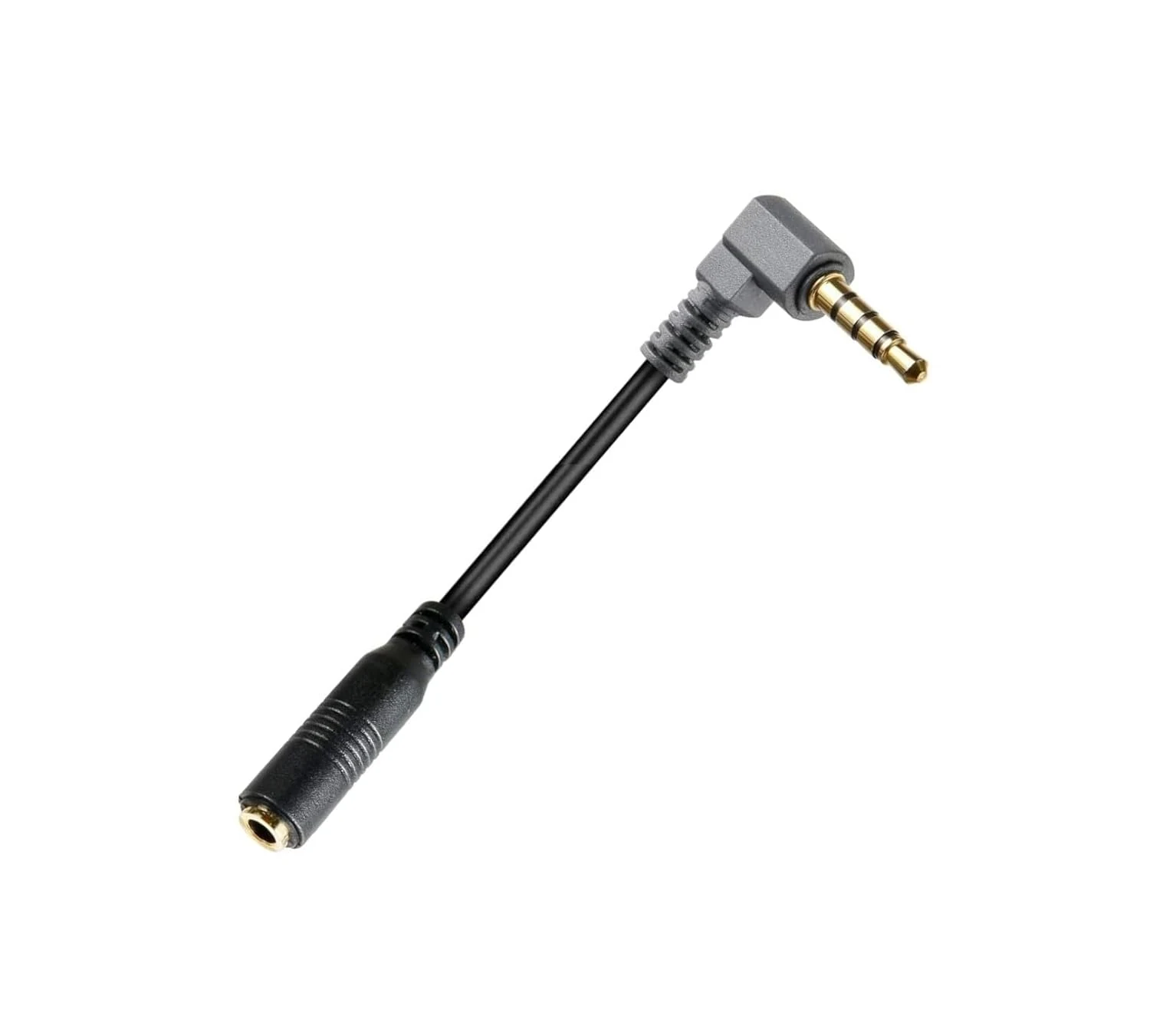
ienza Replacement SC4 TRS-TRRS, TRS 3.5mm Female to TRRS Male (Rode/Movo mic adapter)
The ienza Replacement SC4 TRS-TRRS cable is a short 3.5mm microphone adapter designed to connect a 3-pole TRS mic output to a 4-pole TRRS input on smartphones and tablets. It is a straightforward fix if you are trying to keep using a compatible Rode or Movo style shotgun mic with a device that expects TRRS, with the main caveat being the phone-side adapter and plug order for devices that do not have a built-in 3.5mm jack.
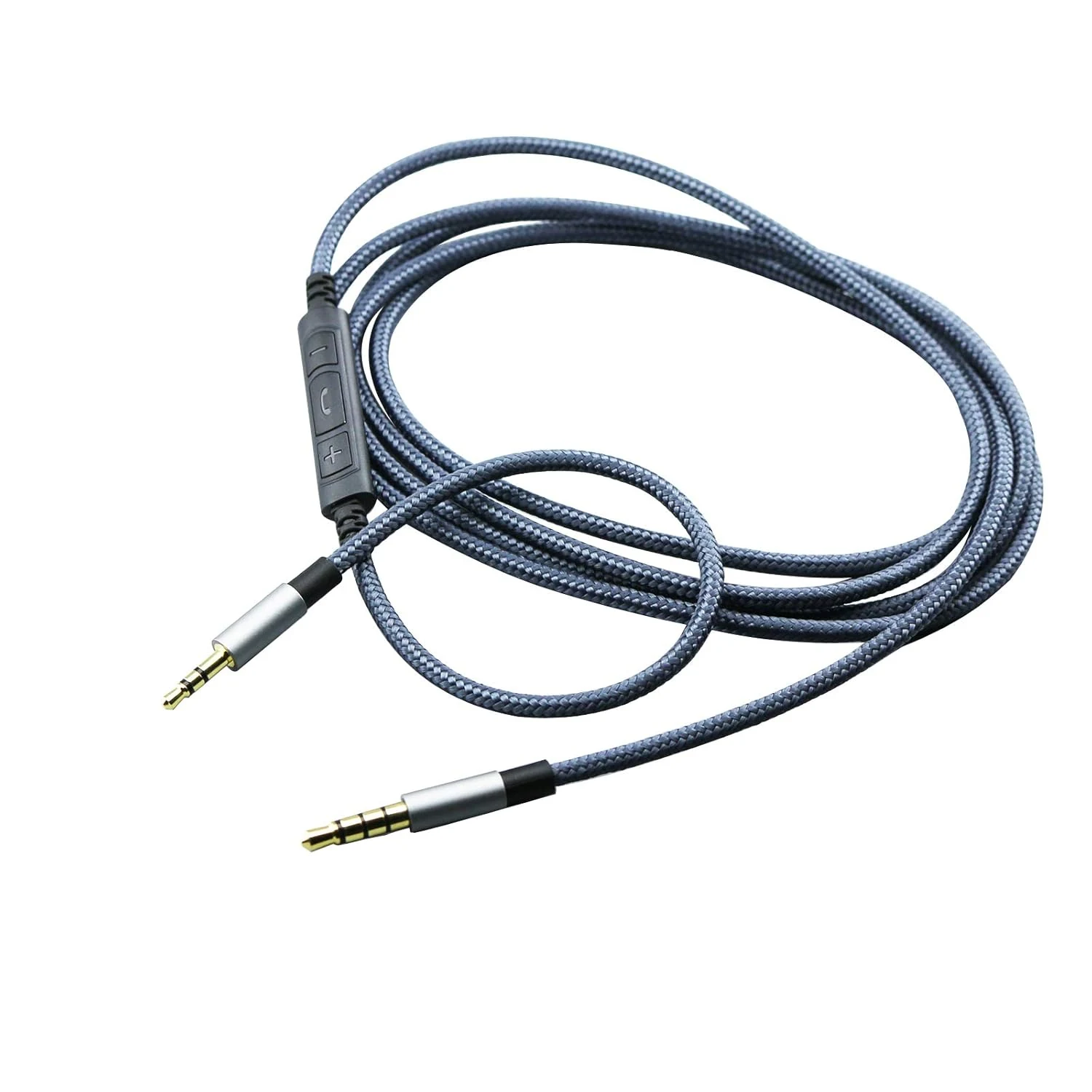
NewFantasia 3.5mm to 2.5mm Male Audio Cable Compatible with Bose Noise Canceling 700, QC35, QC45, oe2, oe2i
This 3.5mm to 2.5mm replacement audio cable is designed for specific Bose over-ear models and includes an inline remote and microphone. Buyers generally like the braided, tangle-free build, working controls, and functional mic performance for calls. The main caveat is compatibility, especially for the mic and button controls across phones and controllers.
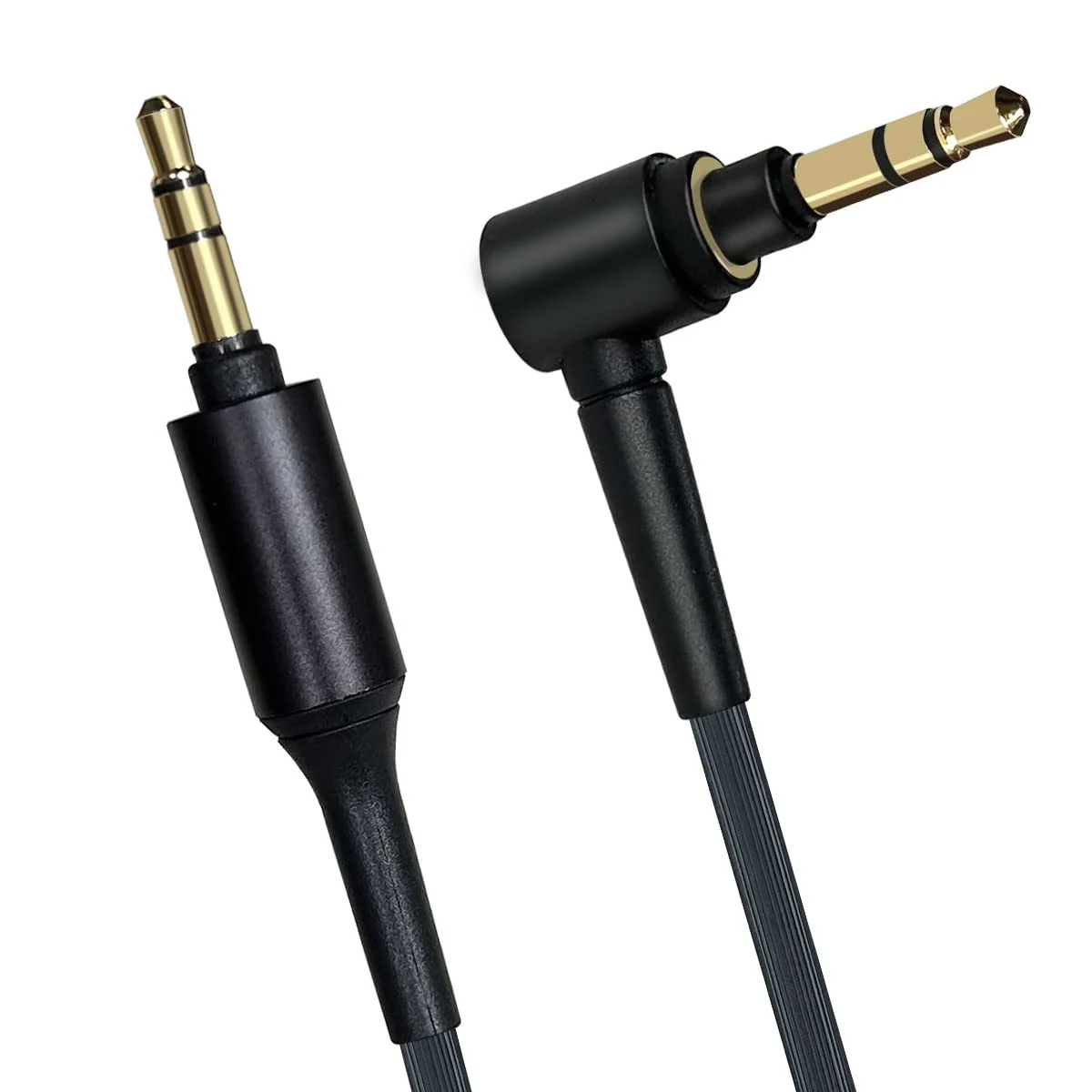
WH-1000XM4 Replacement Headphone Cable Compatible with Sony WH-1000xm5 WH-1000xm4 WH-1000xm3 MDR-1A,Cord Compatible with Sony MDR-XB950BT MDR-XB950N1 MDR-ZX770BN WH-xb910n WH-CH700N Headphone
A 1.5m 3.5mm aux replacement cable for select Sony WH and MDR over-ear models. It prioritizes straightforward wired listening with a soft TPE jacket and gold-plated 3.5mm connectors, making it a practical fix if your current cord is failing or too short. Main caveat: it only works for headphones (or sources) that support a 3.5mm jack, not for USB or wireless-only setups.
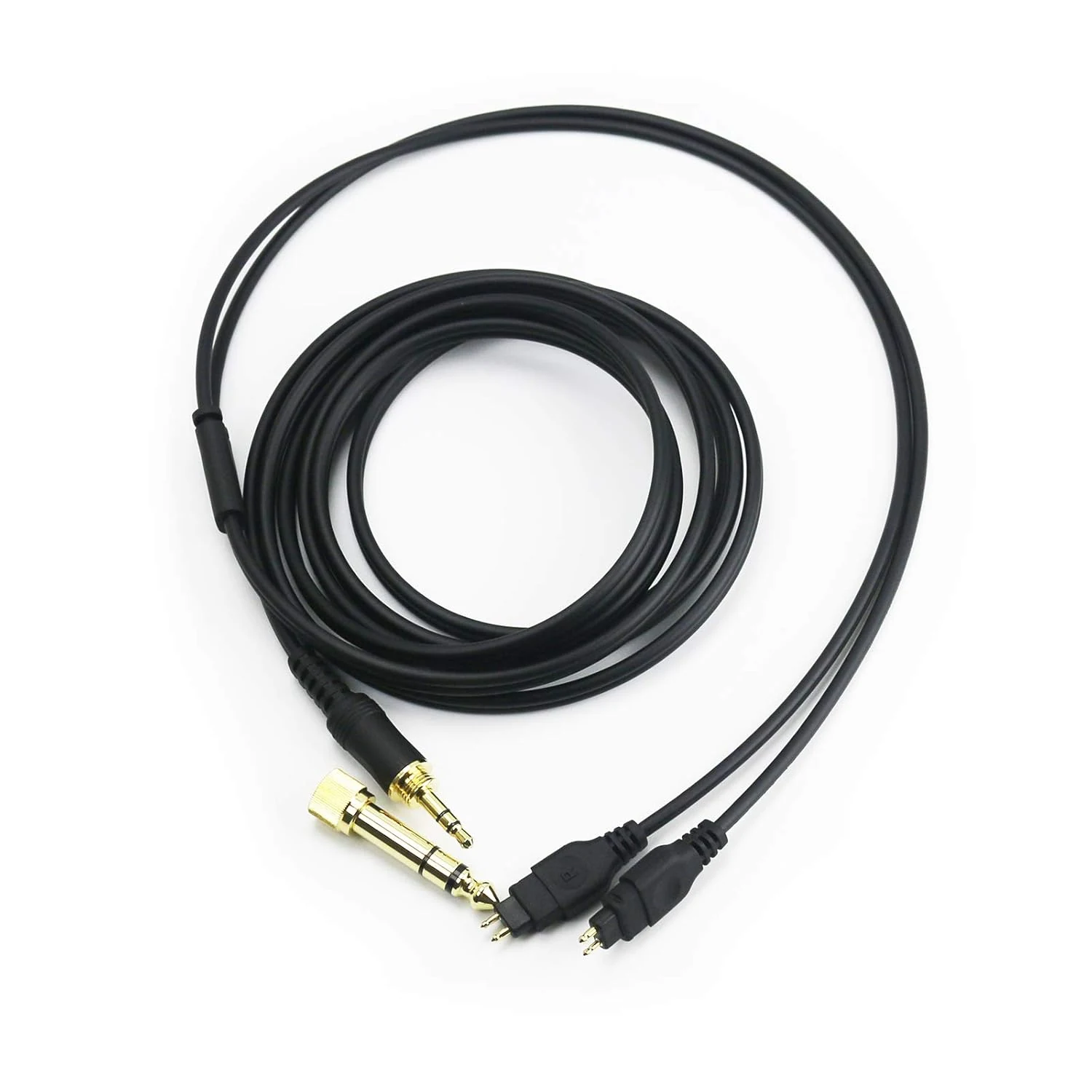
NewFantasia Replacement Audio Upgrade Cable Compatible with Sennheiser HD650, HD600, HD580, HD660S, HD58X, HD565, HD545, HD535, HD525, HD265, Massdrop HD6XX
The NewFantasia replacement upgrade cable is a 1.5m (4.9ft) audio lead made for select Sennheiser HD models and Massdrop HD6XX headphones. It focuses on comfortable handling (shielding, OFC wire, and a softer, grippy feel) and includes a 3.5mm male plug with a 6.35mm adapter. The main tradeoff to consider is length, plus the fact that a “sound improvement” is subjective and depends on your setup.