CHEECENT CR202 wireless print server for USB printers (2-port, Wi‑Fi or Ethernet)
Quick take
The CHEECENT CR202 is a 2-port USB print server that turns up to two non-networked USB printers into shared network printers using either 2.4GHz Wi‑Fi or wired Ethernet. It is a strong option when you need printing available across multiple computers in the same local network, but it is not plug-and-play, and setup can take time and attention.
Pros and cons
Pros
- Supports two USB printers, so you can share a pair of printers on one local network.
- Works over 2.4GHz Wi‑Fi or wired LAN (RJ45) for flexible placement.
- Web-based browser management, designed to avoid extra software installs.
- Built for compatibility across Windows and Mac, plus Linux (with the right printer driver installed on each computer).
Cons
- Not plug-and-play, buyer feedback consistently highlights configuration effort.
- Only supports 2.4GHz Wi‑Fi (not 5GHz, and not mesh-network setups).
- Phone/Chromebook/Android (system) printing is not supported, and there is no scanning function.
- Printer compatibility is not guaranteed for every USB printer, so checking the printer compatibility list matters.
What buyers think
Buyer-review evidence points to a clear theme: when the setup steps are followed closely, the CR202 can successfully convert USB printers into network-accessible printers. Several reviews describe solid print performance and stable network printing after configuration, including the ability to use two printers. At the same time, reviewers repeatedly flag that the setup process is more involved than typical “plug-and-play” print servers, including browser-based configuration steps, network parameter awareness, and guidance that is easy to miss. Review evidence is mixed on how smooth Wi‑Fi configuration feels, with some buyers noting that details like country code settings, IP discovery, and browser behavior can affect progress. Finally, there is limited recurring feedback on compatibility failures, so the safest takeaway is that printer driver installation and printer-model compatibility still play a decisive role in whether it works.
Who this print server is for
- You have one or two older USB printers that you want to share across multiple computers without keeping a single “host PC” running.
- You want local-network printing via Ethernet or 2.4GHz Wi‑Fi, and you can place the printer where it is convenient rather than next to a computer.
- You are comfortable doing configuration (browser management, finding the device IP, and adding the printer in your OS print settings).
- You manage a Windows, Mac, or Linux environment where you can ensure the correct printer driver is installed on each networked machine.
Key features that affect buying decisions
2-port sharing for two USB printers
The CR202 includes two USB ports, intended to let you share two printers simultaneously across the same local network. This matters if you have, for example, a label printer plus a laser or inkjet, or two machines in different rooms.
2.4GHz Wi‑Fi and wired Ethernet options
You can connect over a wired LAN port or over 2.4GHz Wi‑Fi (802.11b/g/n). If your environment is 5GHz-only or built around mesh networking, this is a potential mismatch because the device is not designed for 5GHz Wi‑Fi or mesh setups.
Web-based configuration, but not plug-and-play
The device is managed through a browser interface, which can be convenient compared with drivers or dedicated apps. Still, multiple buyer comments emphasize that getting it working may require careful step-by-step configuration, including using the correct method for accessing the setup page and paying attention to network settings.
Printer compatibility and driver requirements
It is meant to “convert” a USB printer into a network printer, but it does not magically bypass printer driver needs. For networked computers, you generally need the printer driver installed for your operating system. Also, compatibility is not guaranteed across every model, so checking the printer compatibility list is an important pre-purchase step.
Setup expectations (and common friction points)
If you are comparing print servers, the biggest decision factor here is how much time you want to spend on setup. Buyer feedback consistently describes the configuration as specific and step-dependent, especially for Wi‑Fi. Practical expectations based on reported experience:
- Plan for a longer setup window than you might expect from consumer network devices.
- Use the configuration steps intentionally and verify you are using the right network mode (wired vs Wi‑Fi).
- Be prepared to add the printer on each computer (printing typically works only after each OS recognizes the network printer and the appropriate driver is installed).
- If Wi‑Fi doesn’t behave as expected, double-check your network details and follow the manual steps for joining and managing the device.
Pros and cons recap
Pros
- Two USB ports for sharing two printers at once.
- Flexible connection options, 2.4GHz Wi‑Fi and wired Ethernet.
- Browser-based management designed to reduce extra software needs.
- Cross-platform support across Windows, Mac, and Linux (with compatible printer drivers and printer models).
Cons
- Setup is not plug-and-play, and buyer feedback highlights configuration complexity.
- Limited Wi‑Fi support (2.4GHz only, no 5GHz, no mesh support).
- No smartphone/Chromebook/Android system printing support, and no scanning.
- Compatibility depends on printer model and driver support, so it is not universally guaranteed.
Verdict: is the CHEECENT CR202 worth it?
The CHEECENT CR202 is worth considering if you want to network-enable one or two USB printers and you are okay with configuration work. It tends to make sense for home offices, small businesses, and educational or government environments where shared local printing is needed, and where you can ensure the right drivers are available on each computer. If you need true plug-and-play behavior, 5GHz-only Wi‑Fi, or direct phone/Chromebook/Android printing, you may be better off choosing a different device that matches those requirements.
FAQs
Does the CR202 support plug-and-play setup?
No. It is designed to be configured through its browser-based management, and setup requires following the manual steps carefully.
What Wi‑Fi networks does it support?
It supports 2.4GHz Wi‑Fi (802.11b/g/n). It does not support 5GHz Wi‑Fi or mesh network setups.
Can I print from my phone or Chromebook?
Phone and Chromebook (and Android system devices) printing is not supported. This unit is intended for printing from Windows, Mac, and Linux computers on the local network.
How many printers can I share?
It has two USB ports, so you can share up to two USB printers simultaneously.
Do I need printer drivers on the computers?
Yes. Networked computers generally need the appropriate printer driver installed for the OS you are using, and printer model compatibility matters.
Does it support scanning?
No. This is a print server, not a scanning device.
Does it work with both wired Ethernet and Wi‑Fi?
Yes. You can connect the print server to your router or network using wired Ethernet (RJ45) or connect it via 2.4GHz Wi‑Fi.
Specifications
| Product Title | Wireless Print Server for USB Printer (NOT Plug&Play), 2 Port USB Print Server, Convert Wired Printer to Wireless WiFi Ethernet Networking - Windows Mac Linux Compliant - CR202 |
|---|---|
| Category | Electronics > Computers & Accessories > Networking Products > Print Servers |
| Manufacturer | CHEECENT |
| Item Weight | 8.8 ounces |
| Product Dimensions | 3.82 x 2.6 x 0.98 inches |
| Item model number | CR202 |
| Is Discontinued By Manufacturer | No |
Available variants
Capacity
- WiFi USB Print Server
Recommended next
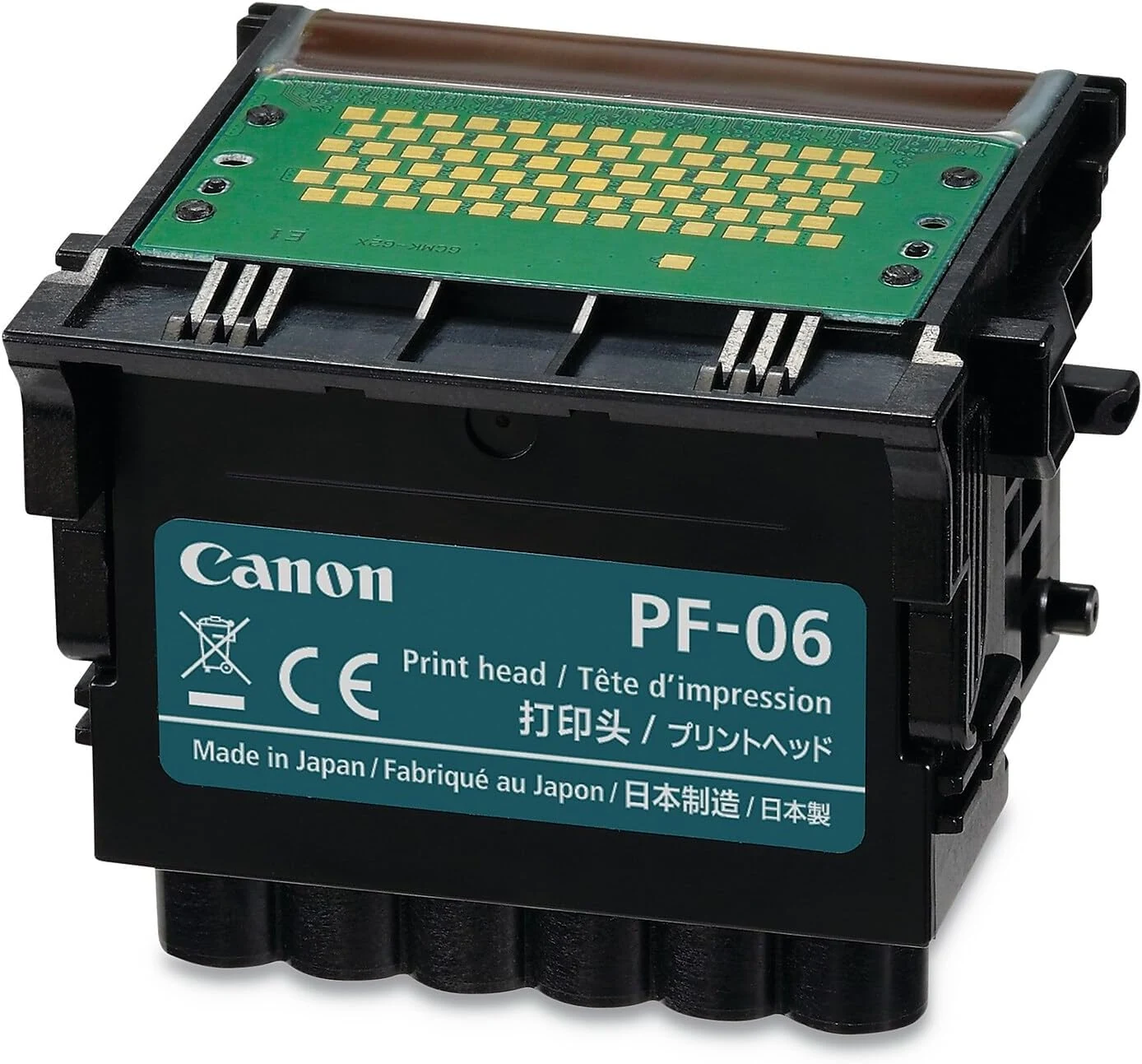
Canon Print Head PF-06 for imagePROGRAF TM Series Printers
The Canon Print Head PF-06 (model 2352C003AB) is an OEM replacement print head designed for Canon imagePROGRAF TM series large-format inkjet printers. Buyers generally report solid compatibility and print quality when paired with the correct model, with the main caveat being that fit and compatibility depend on using the right head for the specific printer model.
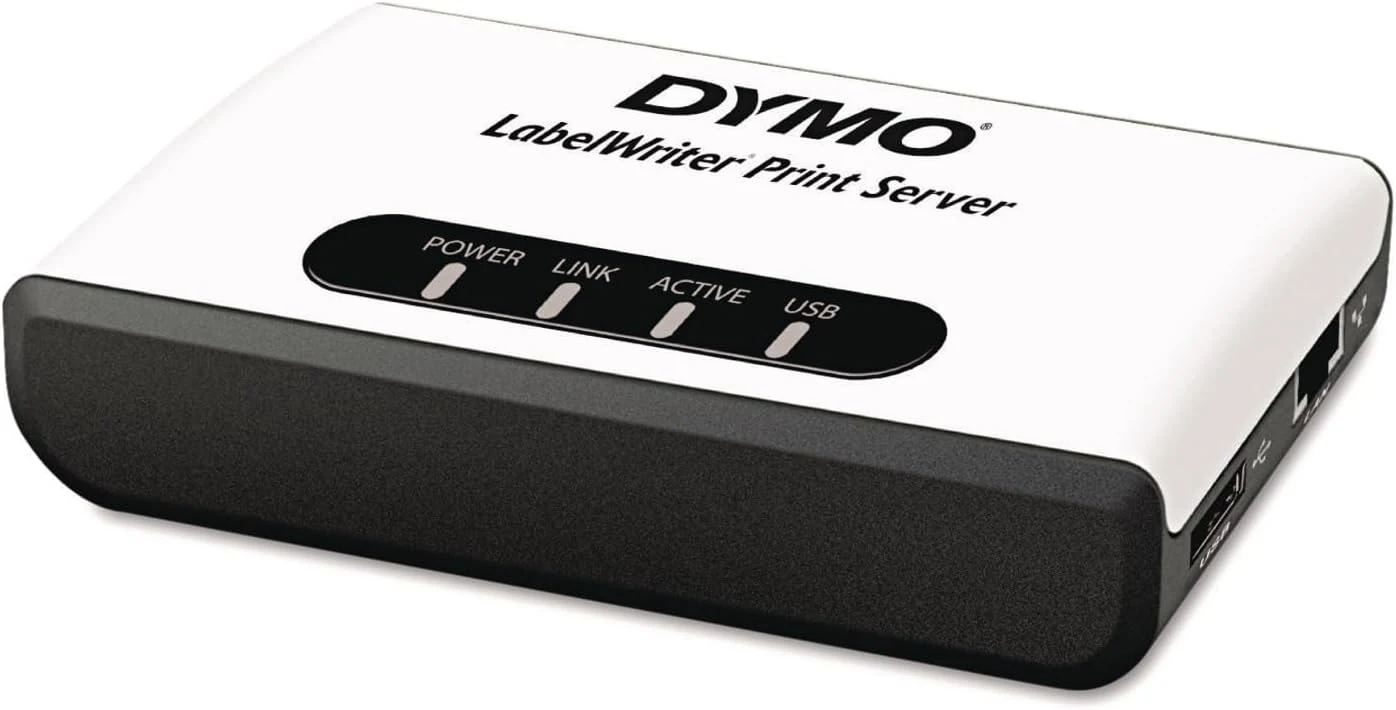
DYMO LabelWriter Print Server, Direct Thermal Output, Wireless Network for Label Makers
The DYMO LabelWriter Print Server lets you share compatible LabelWriter label makers across a Windows and Mac network, so multiple computers can print without plugging the printer into each device. It is generally straightforward for single-site home or office setups, but networking details (static IP, DNS/gateway, and subnet layout) can make or break performance.
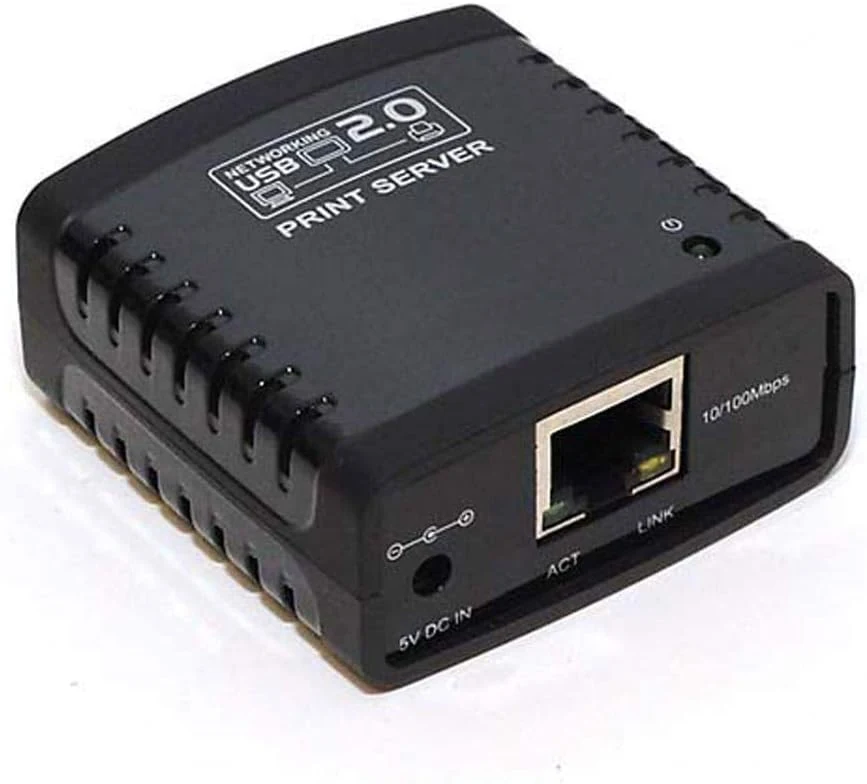
Monoprice 6P6C 1-Port Surface Mount (107084)
The Monoprice 6P6C 1-Port Surface Mount (107084) is a compact USB 2.0 print server that lets multiple computers send jobs to a single USB printer over Ethernet. It is a solid fit for simple network printing, but compatibility depends on printer support and may require manual configuration (including LPR) for unsupported models.
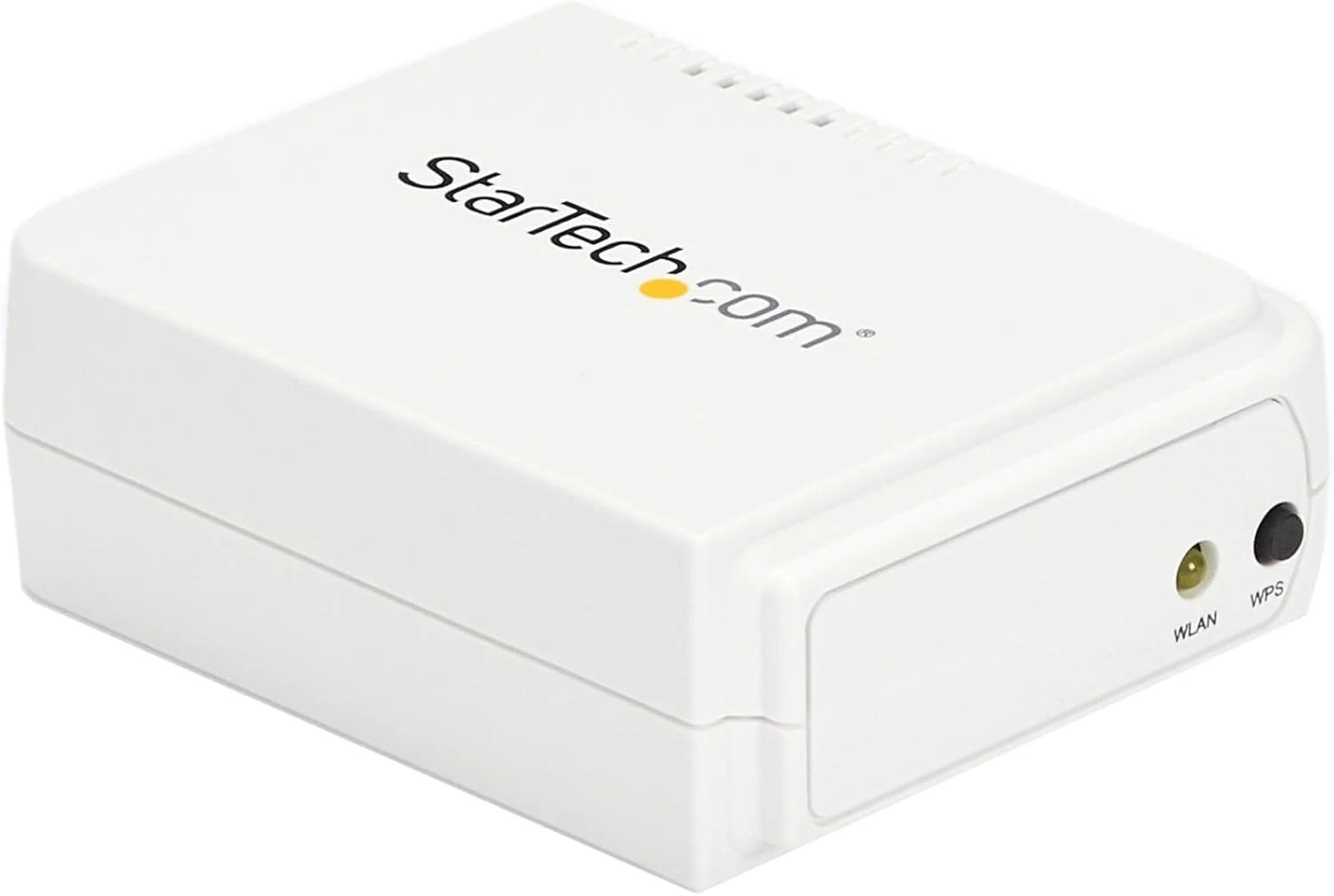
StarTech.com 1-Port Wireless N USB 2.0 Network Print Server (PM1115UW)
The StarTech.com PM1115UW is a compact way to share a USB-A printer over Wi-Fi (802.11 b/g/n) or via wired Ethernet. It can work well for home and small-office setups, but buyer experiences strongly suggest the setup process is not truly plug-and-play and may require direct Ethernet configuration and careful IP/subnet settings.