BT-144 Slim Black USB External Floppy Disk Drive, Plug & Play, USB Powered
Quick take
The BT-144 is a slim, USB-powered external 3.5-inch floppy drive designed to help you access legacy floppy disks without installing an internal drive. It tends to be plug-and-play on Windows, and it is convenient for transferring small files from older media. The main caveat is media compatibility, it focuses on high density 2HD (1.44MB) disks, and success can depend on how well your specific floppies have aged.
Pros and cons
Pros
- USB-powered (no separate AC adapter) and easy to carry, it is designed to be portable
- Ultra-slim profile for desk use and travel
- Plug-and-play behavior reported on Windows systems, it can appear as a floppy drive (A:) quickly
- Supports 1.44MB 2HD formats (and other supported capacities listed, with 2HD being the key fit)
Cons
- Best fit is high density 2HD floppies, some lower-density disks may not work
- Transfer behavior can be inconsistent with older media, slow reads or pauses can happen depending on the disk
- Evidence of reliability is mixed, with limited reports ranging from smooth use to failures to be recognized
What buyers think
Buyer-review evidence is mixed but directionally consistent around convenience and basic functionality. Multiple reports describe easy setup and quick recognition on Windows, with file transfers completing successfully and the drive mapping to a standard floppy drive letter. Other feedback points to two practical limitations: (1) the drive’s reliance on high density 2HD media, and (2) performance or reading issues when disks are older or not compatible, including reports of slow reading or pauses during transfer. There are also occasional accounts where the unit was not recognized at all by multiple computers, but this appears to be less common than successful plug-and-play experiences.
What this drive is for
This is a practical choice if you have legacy 3.5-inch floppy disks (for example, archived documents, small backups, or older software assets) and you need to access them using a USB port. Because it is USB-powered and slim, it can work well in both home offices and temporary setups when you do not want to add an internal floppy drive.
Key compatibility points to check before you buy
Floppy density and format support
The BT-144 is designed for 3.5-inch floppy media, including 2HD disks (1.44MB). If your collection includes floppies that are not high density, you should expect that some disks may not read successfully. If you are unsure which disks you have, look for indicators on the label (2HD is the most important match for this drive).
Operating system expectations
The drive is intended to work across common Windows and macOS versions listed for the BT-144 (with Windows support extending to older generations). In day-to-day use, buyers report that Windows can recognize it quickly, sometimes without additional driver steps.
Windows recognition and drive mapping
Users who had success commonly describe it showing up as a standard floppy drive (for example, A:), which is what most legacy file tools expect. If your goal is to open or copy old files, this drive mapping behavior is an important buy-in signal.
Performance and everyday usability
The BT-144 is built for reading and writing floppy data over USB. In real-world use, file transfer success varies more with disk condition than with the concept of the device itself. Some buyers report reasonable transfer times, while others mention slower reading, pauses during transfers, or needing to recheck connectivity during a session. If your floppies are decades old, treating the drive as a “data recovery attempt” is more realistic than expecting guaranteed reads from every disk.
Pros and cons in plain English
Pros
- Designed to be USB-powered and portable, it keeps setup simple.
- Compact, slim design makes it easy to store when not in use.
- Often recognized quickly on Windows, which reduces friction for legacy file copying.
- Supports 3.5-inch floppy capacities including 1.44MB 2HD, the most common high density format.
Cons
- It is not a universal “read anything” floppy drive, it is best aligned with 2HD disks.
- Older or marginal disks can cause slow reads or pauses, success depends heavily on the media.
- Reliability reports include a small number of “not recognized” experiences, so double-check your setup if it does not appear.
Who should buy (and who should avoid)
Buy it if you
- Have a collection of 3.5-inch floppy disks and need an external USB option
- Primarily need access to 1.44MB 2HD floppies
- Want something lightweight and slim for occasional use
Avoid it if you
- Need to read a lot of low-density floppies and cannot verify that they are high density
- Expect modern-speed storage transfers or fast throughput comparable to flash media
- Are planning for mission-critical, guaranteed recovery of every disk (media age can be the limiting factor)
Alternatives to consider
If you are shopping in the “floppy drive over USB” category, your best alternative usually depends on what you need most: broader media compatibility, higher-rated reliability, or a form factor that matches your setup. When comparing options, prioritize the exact floppy density support (especially 2HD/1.44MB), whether the drive is known to be recognized without manual driver work on your OS, and whether buyers report consistent behavior with older disks.
Price and availability
Pricing for legacy devices like the BT-144 can fluctuate. If you want to check the latest cost and current availability, use the link below.
FAQ
Does the BT-144 work without a power adapter?
Yes. It is USB-powered, so you do not need a separate AC adapter for the drive.
What floppy disk types does it support?
It supports 3.5-inch floppy formats including 2HD (1.44MB). High density (2HD) disks are the key compatibility target.
Will it work with Windows 7 or newer Windows?
Windows compatibility is a major use case for this drive, and buyers report plug-and-play recognition on Windows systems in practice. Exact behavior can depend on your OS version and setup, but recognition is commonly described as quick.
Why won’t some of my floppies read?
Two common causes are media compatibility (for example, non-2HD density) and floppy age. Floppies degrade over time, which can lead to read errors even when the drive is working correctly.
Does the drive need a driver CD?
Some setups can recognize the drive automatically. The included software/driver approach may vary by system, but successful plug-and-play recognition is commonly reported.
Final verdict
The BT-144 is a solid buy for anyone who needs a slim, USB-powered way to read 3.5-inch floppies, especially 1.44MB 2HD disks. If your main goal is occasional legacy file transfers and you have mostly high density media, it can be an easy, low-clutter solution. If you need to read lots of low-density floppies or require guaranteed recovery from heavily degraded disks, you may want to compare options more carefully for density support and consistency.
Specifications
| Product Title | BT-144 Slim Black USB External Floppy Disk Drive, Plug & Play, USB Powered |
|---|---|
| Category | Electronics > Computers & Accessories > Data Storage > Floppy & Tape Drives |
| Brand | Bytecc |
| Manufacturer | Sachem Brand Group |
| Model Name | BT-144 |
| Model Number | BT-144 |
| Item Weight | 10.08 ounces |
| Color | Black |
| Digital Storage Capacity | 1.44 MB |
| Hard Disk Interface | USB 1.1 |
| Connectivity Technology | USB |
| Additional Features | Portable |
| Hard Disk Form Factor | 3.5 Inches |
| Compatible Devices | Laptop |
| Specific Uses For Product | personal, gaming, business |
| Read Speed | 5 Megabytes Per Second |
| Media Speed | up to 60 MB/s |
| Cache Memory Installed Size | 1.44 |
| Data Transfer Rate | 5 Megabytes Per Second |
| Form Factor | 2.5-inch |
| Hardware Connectivity | USB |
| Hardware Platform | PC;MAC |
| Number of Items | 1 |
| Customer Package Type | Standard Packaging |
| Hard Disk Description | Floppy Disk Drive |
| Built-In Media | 1 Drive |
| Global Trade Identification Number | 00837281001446 |
Recommended next
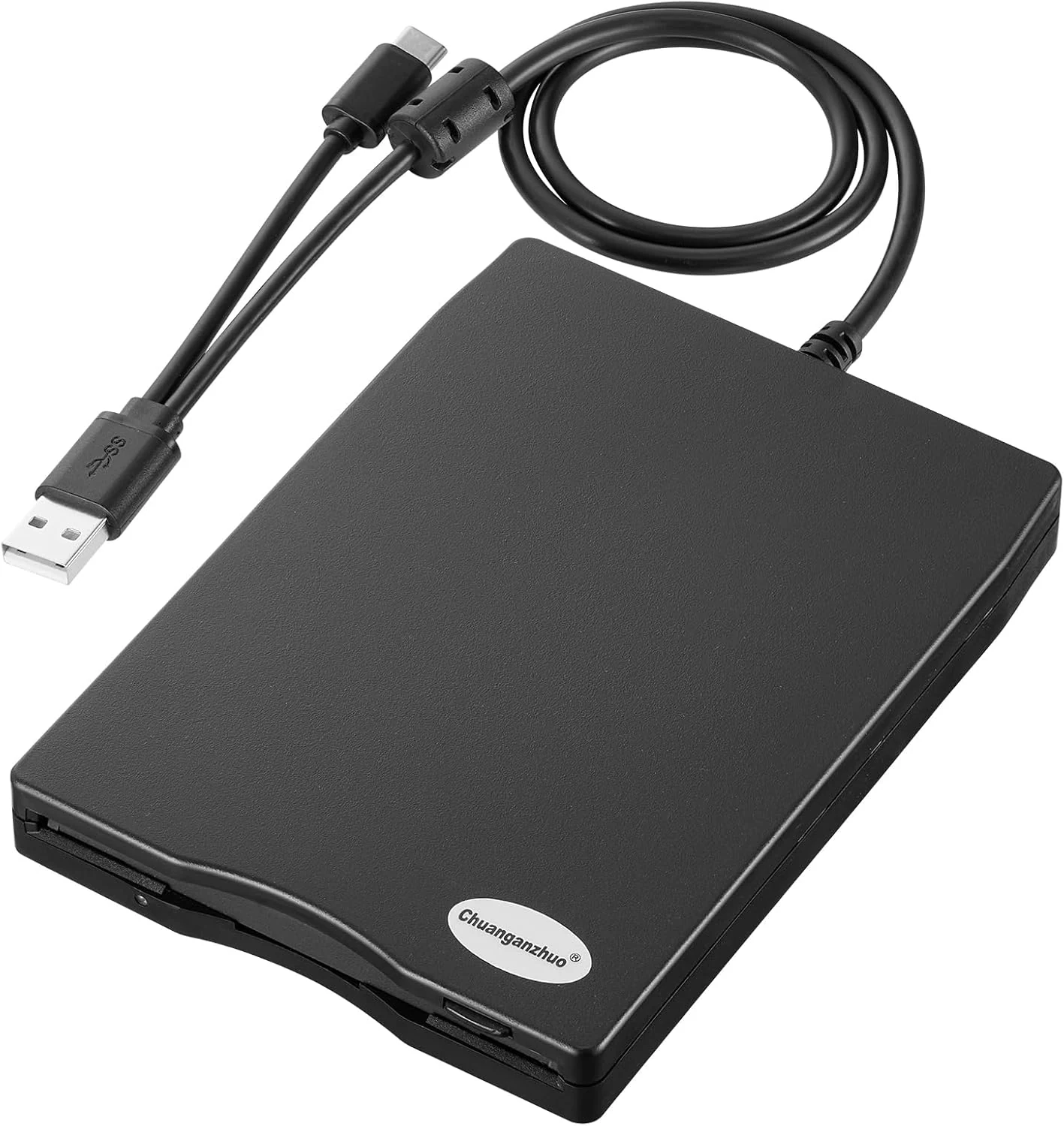
Chuanganzhuo Floppy Disk Reader 3.5 inch USB Floppy Disk Drive External
The Chuanganzhuo 3.5-inch USB floppy disk reader (ACM-006C) is a compact, plug-and-play way to access 1.44MB diskettes on Windows PCs without an internal floppy drive. It can read existing disks well for light, occasional recovery use, but floppy media age and Windows 11 behavior can require some troubleshooting for consistent results.
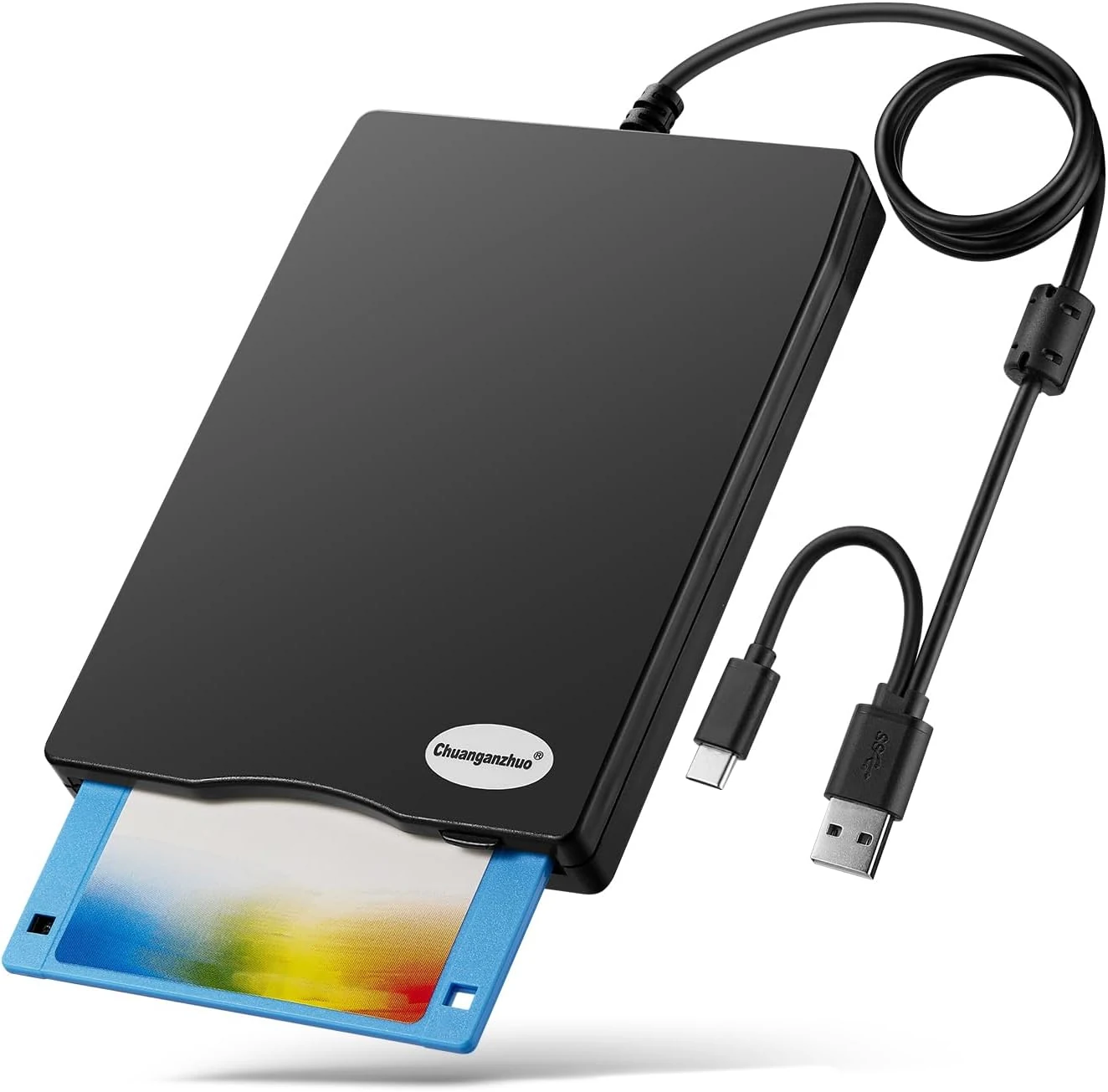
Floppy Disk Reader, 3.5 inch External USB Floppy Disk Drive (ACM-008)
A compact, USB-powered 3.5-inch floppy disk reader for Windows PCs, designed to help you access legacy disks when your modern computer lacks a built-in drive. It is plug-and-play on Windows, but it will only work with the right floppy formats and it is not compatible with Mac.
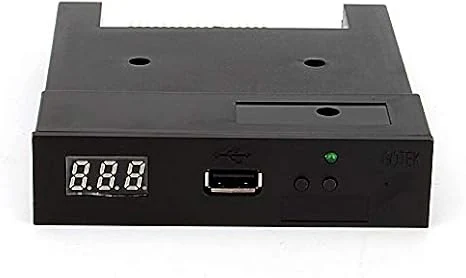
Floppy Drive Emulator 3.5 Inch 1.44MB USB Floppy Emulator SFR1M44 U100K Updated Flash Disk Floppy Drive Replacement Black
A USB-based 3.5-inch 1.44MB floppy drive emulator designed to replace failing legacy floppy hardware. It can read and write from a USB flash drive without extra drivers, but setup details, formatting/partitioning, and device compatibility can take some patience.
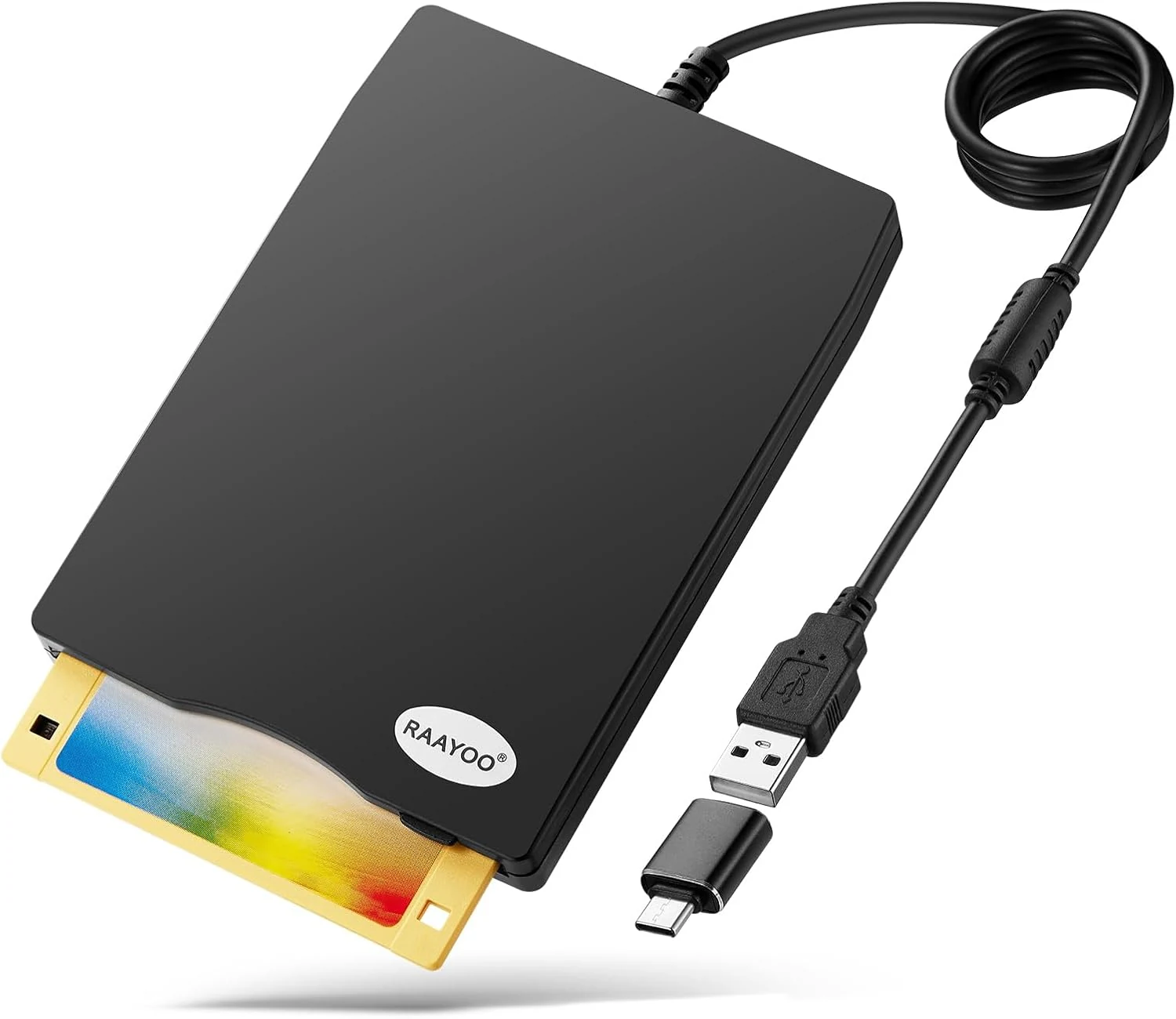
RAAYOO 3.5 inch USB Floppy Disk Reader (1.44MB)
RAAYOO’s slim 3.5 inch external USB floppy disk drive is a simple plug-and-play way to read (and copy) files from 1.44MB floppy disks on Windows PCs. It’s best for anyone who needs to rescue old photos, documents, or legacy files, with the main caveat that floppy disks themselves may be corrupted or dusty, and Windows may require a couple extra steps to locate the drive.