3.5 Floppy Drive USB External, Portable Floppy Disk Reader for Laptop
Quick take
This external 3.5-inch floppy disk reader lets you access 1.44 MB floppies using a USB connection, aiming for plug-and-play use on Windows (including Windows 10 and 11). It is a good match if you mainly need to open old Word documents and other files, but there is a practical risk of intermittent recognition during longer sessions on some laptops.
Pros and cons
Pros
- Designed for simple plug-and-play operation without needing separate software installation.
- Portable form factor (lightweight, thin design) for moving between home and office.
- Windows compatibility spanning older versions up through Windows 11.
- Reports of working well in USB 3.x ports and successfully reading and formatting multiple old disks.
Cons
- Some buyers report the drive stops being recognized after extended use, which can interrupt disk transfers.
- Setup may require a bit of “legacy” familiarity (for example, ensuring the PC recognizes the floppy drive and using the expected drive letter).
- No bundled storage features beyond the floppy reader itself, so it is only for reading/writing floppies, not replacing other backup needs.
What buyers think
Buyer feedback is mixed but gives useful signals for decision-making. Several reviews describe straightforward plug-and-play behavior and working performance when connecting the drive and accessing disk contents, including situations where old document files load successfully. A recurring helpful theme is that Windows may require the floppy drive to show up in device/drive listings, and refreshing folders in File Explorer can be part of routine use. At the same time, there is limited evidence from one low-rated review that recognition can fail after roughly half an hour during repetitive floppy transfers, even after reconnecting.
Who this is best for
- You need a simple USB 3.5-inch floppy drive for occasional recovery. If your goal is to open files from 1.44 MB disks (such as older Word documents) and copy them off to a modern PC, an external USB reader like this is often the most direct route.
- You have a Windows laptop or desktop. The drive targets Windows compatibility across a broad range of versions, including newer Windows 10 and 11.
- You want portability. Its lightweight, compact design makes it easier to bring to a workstation where the floppies are stored.
Who should avoid it
- If you require uninterrupted long batch transfers as a must-have. Buyer evidence includes at least one report of the drive being recognized for a short period and then disconnecting. If you plan to bulk-copy hundreds of disks in one sitting, consider adding extra time for troubleshooting and reconnection.
- If you are not comfortable with legacy drive workflows. You may need to verify the floppy drive is enabled/recognized in your system (for example, in Device Manager or in how drives appear in File Explorer) and use the expected drive letter (often A:).
Key features and practical compatibility notes
Plug-and-play installation
The drive is positioned as plug-and-play, with no extra driver downloads required. That said, modern systems still rely on how Windows detects legacy devices, so you should expect a short setup check the first time you use it (confirming it appears as a floppy drive and that a disk inserted is readable).
USB connection and power considerations
USB power consistency matters with small external drives. One review specifically mentions the drive working well when connected through a USB 3.0 slot, implying you may get better results when you connect directly to a USB port rather than an intermediary USB hub.
1.44 MB 3.5-inch floppy support
This is built for the classic 3.5-inch floppy format at a capacity of 1.44 MB. It is the right tool if your archive is the standard high-density 3.5-inch floppy type, not other floppy sizes or formats.
Pros and cons, summarized
- Best strengths: simple setup expectations, good portability, and Windows compatibility across multiple versions.
- Main tradeoff: a small but real chance of recognition dropping during longer repetitive use, based on limited buyer evidence.
- Most likely success scenario: plug it in directly to a full-power USB port, insert a disk, then open it from the expected floppy drive letter in Windows.
Verdict
If you are trying to retrieve files from standard 3.5-inch 1.44 MB floppies on a Windows PC, this USB external floppy drive is a reasonable, low-complexity option. The biggest thing to keep in mind is reliability during longer transfers. For light-to-moderate recovery sessions, it should fit well, but plan for occasional reconnection or verification if your workflow is prolonged and repetitive.
Price and availability
Prices can change frequently. Check the current cost and shipping details before ordering.
FAQ
Does this USB floppy drive require software or drivers?
It is designed for plug-and-play use, with drivers installed automatically when you connect it to a compatible Windows PC.
What Windows versions is it compatible with?
It targets Windows 2000, XP, Vista, 7, 8, 10, and 11.
Will it work with a USB hub or do I need a direct port?
For the best user experience, connecting directly to a USB port is recommended, since hubs or other intermediaries can sometimes cause issues.
What kind of floppies does it read?
It is for 3.5-inch 1.44 MB floppy disks.
What should I do if Windows does not recognize the floppy drive?
You may need to check that the floppy drive appears in Windows (such as in Device Manager) and confirm the floppy drive letter you should access in File Explorer (often A:). Refreshing the folder view after inserting a disk can also help.
Bottom line
For straightforward floppy-to-PC recovery on Windows, a portable USB 3.5-inch floppy drive is often the fastest path. Just be mindful that extended batch transfers may require extra checks if the connection recognition becomes inconsistent.
Specifications
| Product Title | 3.5 Floppy Drive USB External, Portable Floppy Disk Reader for Laptop, Plug and Play USB Disk Drive 3.5-inch External, Type C 1.44 MB FDD Drive, Reader for PC Windows 2000/XP/7/8/10/11 |
|---|---|
| Category | Electronics > Computers & Accessories > Data Storage > Floppy & Tape Drives |
| Brand | wintale |
| Manufacturer | wintale |
| Model Name | USB Floppy Drive |
| Model Number | Wintale-350 |
| Item Weight | 0.32 Kilograms |
| Color | Black |
| Digital Storage Capacity | 1.44 MB |
| Hard Disk Interface | USB 1.1 |
| Connectivity Technology | USB |
| Additional Features | Portable |
| Hard Disk Form Factor | 3.5 Inches |
| Compatible Devices | Desktop |
| Hard Disk Rotational Speed | 3.6E+2 RPM |
| Read Speed | 0.5 Megabytes Per Second |
| Media Speed | 0.14 MB/s |
| Cache Memory Installed Size | 1.44 MB |
| Data Transfer Rate | 1.44 Gigabits Per Second |
| Form Factor | 3.5-inch |
| Hardware Connectivity | USB |
| Installation Type | External Hard Drive |
| Enclosure Material | Plastic |
| Hard Disk Description | Floppy |
| Built-In Media | Floppy |
| UPC | 190726885675 |
| Warranty Description | 1 year |
Recommended next
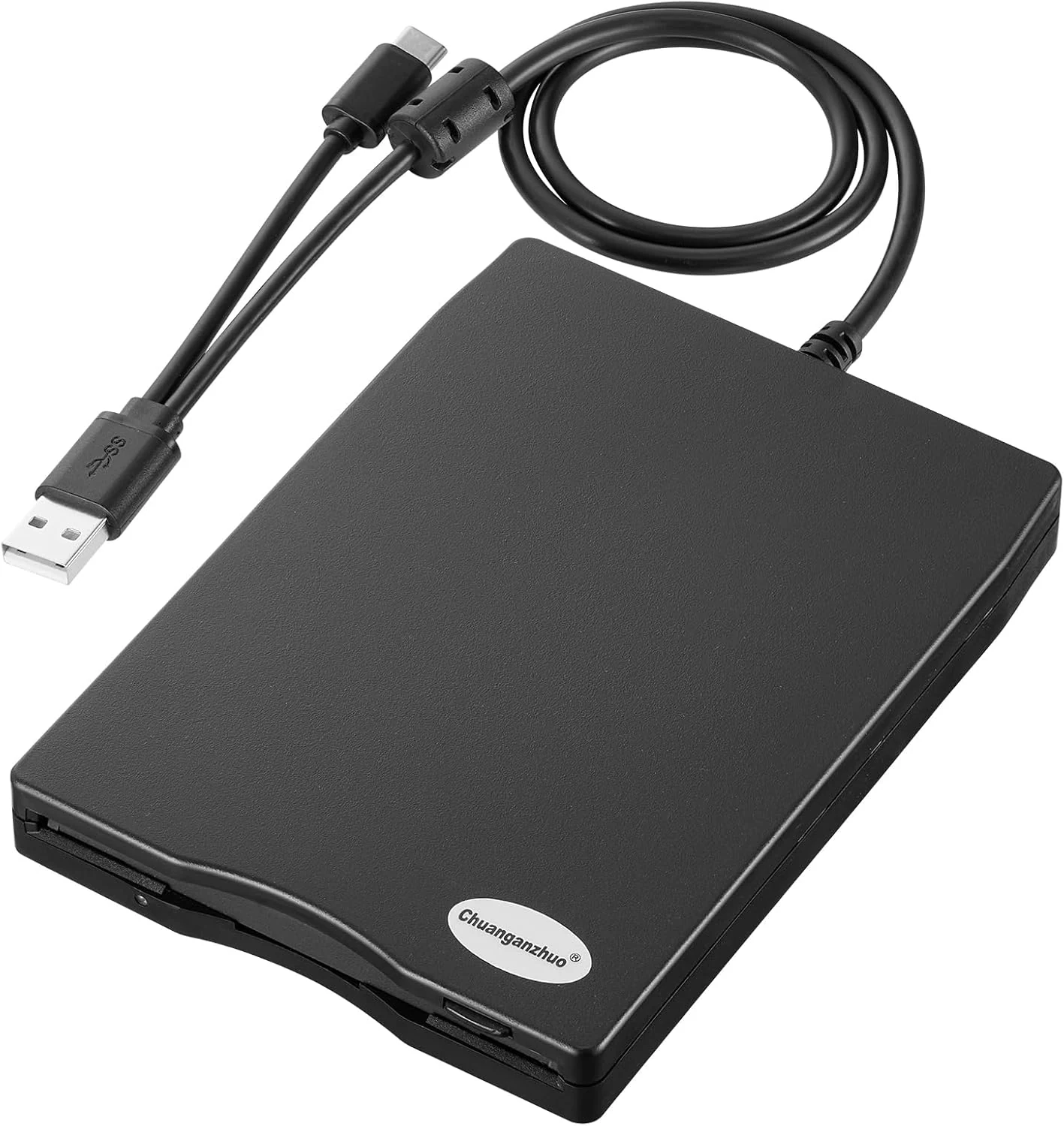
Chuanganzhuo Floppy Disk Reader 3.5 inch USB Floppy Disk Drive External
The Chuanganzhuo 3.5-inch USB floppy disk reader (ACM-006C) is a compact, plug-and-play way to access 1.44MB diskettes on Windows PCs without an internal floppy drive. It can read existing disks well for light, occasional recovery use, but floppy media age and Windows 11 behavior can require some troubleshooting for consistent results.
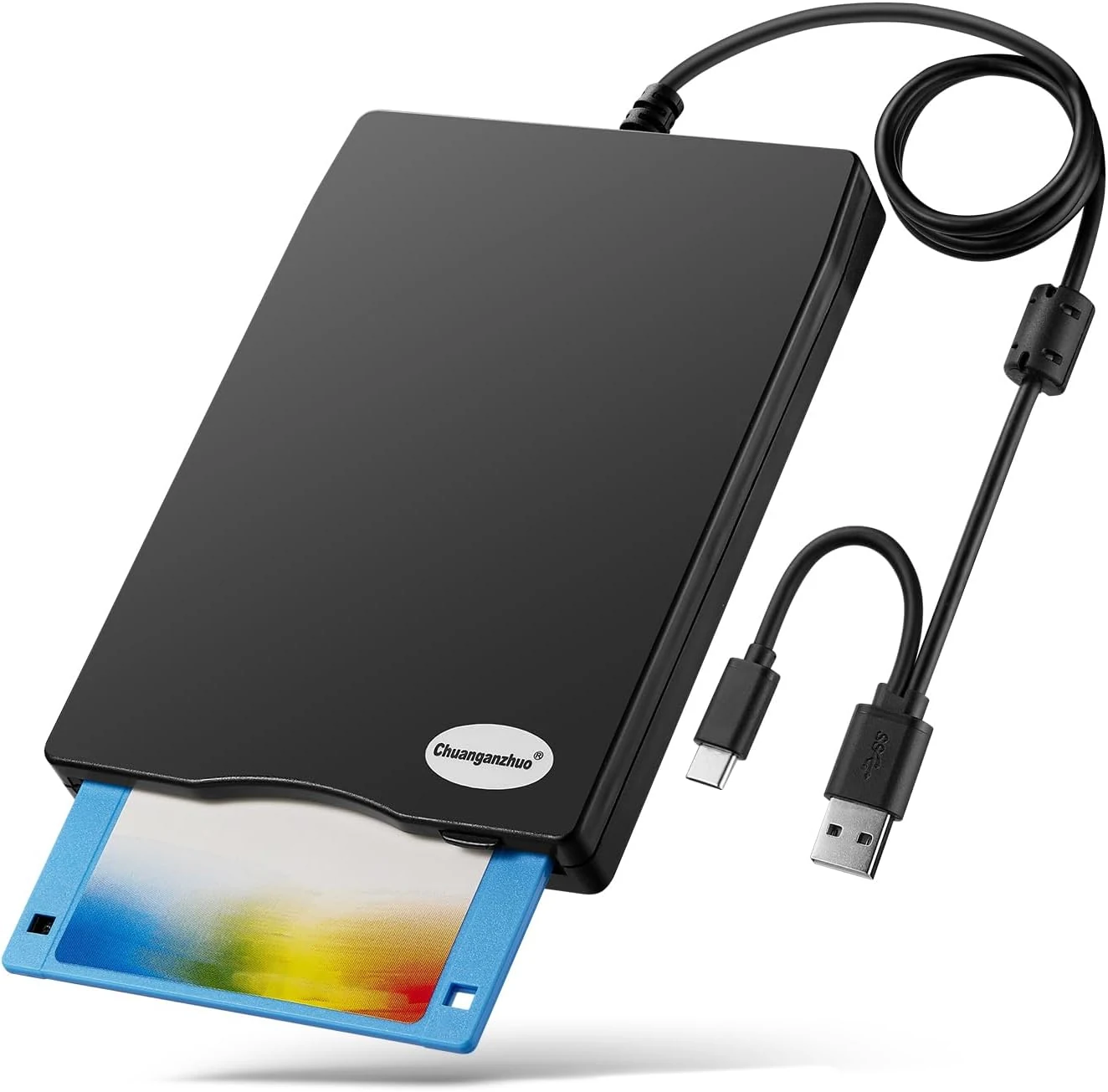
Floppy Disk Reader, 3.5 inch External USB Floppy Disk Drive (ACM-008)
A compact, USB-powered 3.5-inch floppy disk reader for Windows PCs, designed to help you access legacy disks when your modern computer lacks a built-in drive. It is plug-and-play on Windows, but it will only work with the right floppy formats and it is not compatible with Mac.
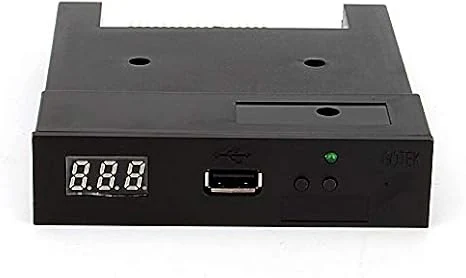
Floppy Drive Emulator 3.5 Inch 1.44MB USB Floppy Emulator SFR1M44 U100K Updated Flash Disk Floppy Drive Replacement Black
A USB-based 3.5-inch 1.44MB floppy drive emulator designed to replace failing legacy floppy hardware. It can read and write from a USB flash drive without extra drivers, but setup details, formatting/partitioning, and device compatibility can take some patience.
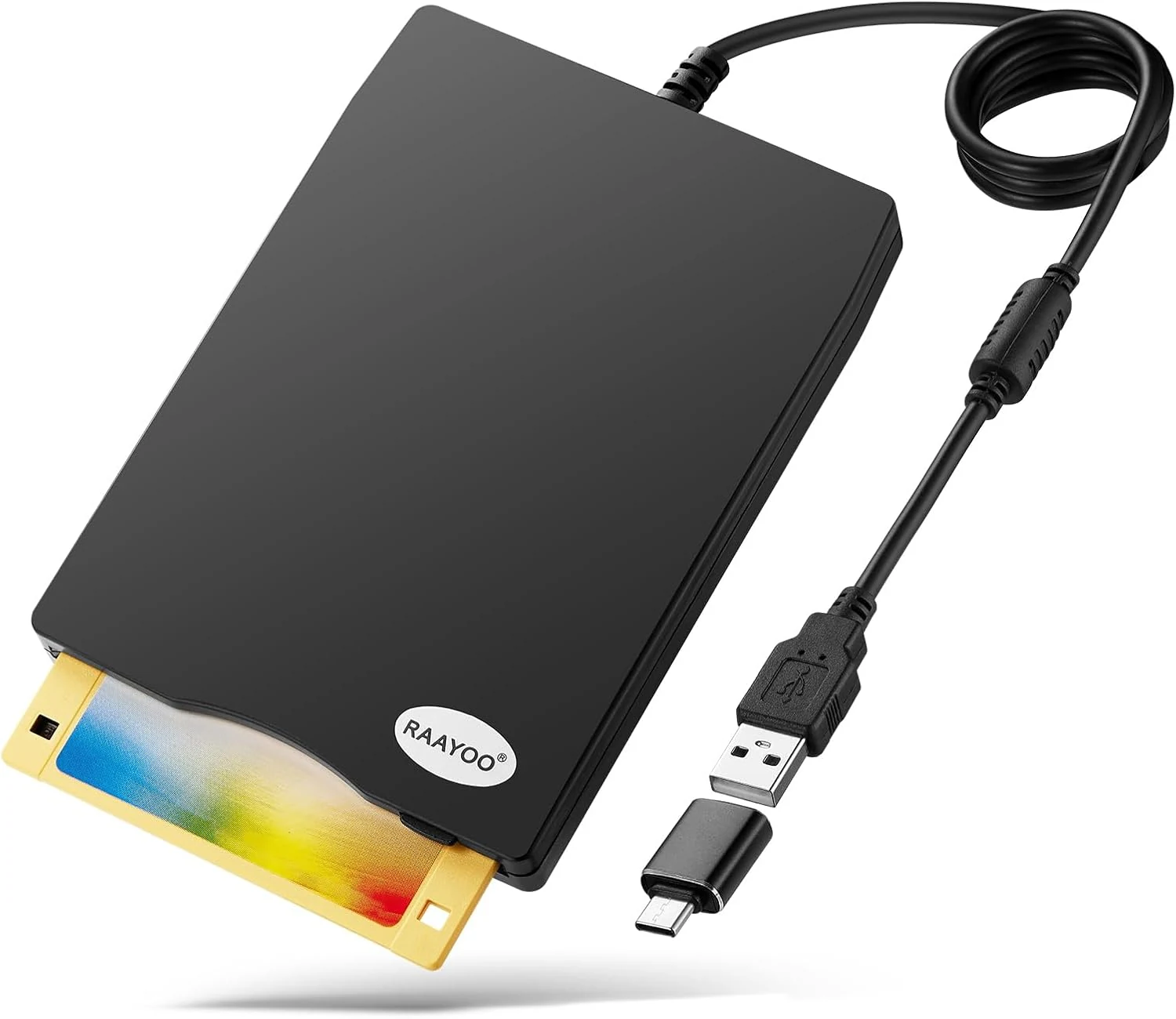
RAAYOO 3.5 inch USB Floppy Disk Reader (1.44MB)
RAAYOO’s slim 3.5 inch external USB floppy disk drive is a simple plug-and-play way to read (and copy) files from 1.44MB floppy disks on Windows PCs. It’s best for anyone who needs to rescue old photos, documents, or legacy files, with the main caveat that floppy disks themselves may be corrupted or dusty, and Windows may require a couple extra steps to locate the drive.