BENFEI USB 3.0 Hub 7-Port, Ultra-Slim Portable USB Splitter with 3.3ft Cable
Quick take
The BENFEI 7-port USB 3.0 hub is a slim, desk-friendly way to add more USB ports to a laptop or desktop, with enough bandwidth for everyday peripherals and faster file transfers (up to 5Gbps). It is best for data connections only, so if you need to charge devices, this is not the right fit.
Pros and cons
Pros
- 7 USB 3.0 ports for connecting multiple devices at once (mouse, keyboard, printer, flash drives, and more).
- Individual on/off switches and LED indicators for each port.
- Up to 5Gbps data transfer, with backward support for USB 2.0/1.0 devices.
- 3.3ft cable helps place the hub where you want it on your desk.
Cons
- No charging support, it is data transfer only.
- The port switches may not remove the need to eject or manage removable storage on your computer.
What buyers think
Buyer-review evidence is generally positive about the hub’s practical value and everyday usability. Reviewers commonly mention that it successfully expands a laptop’s available USB ports and makes it easier to keep multiple USB devices connected without constant unplugging. There is also recurring approval for the cable length for desk placement and for the overall “works as expected” experience. Some feedback suggests expectations around the per-port switches may not fully replace normal storage ejection workflows.
What this hub is for
This is a straightforward USB 3.0 hub built to solve a common laptop problem: not enough USB-A ports for everything you use regularly. With seven ports, it is a good match for setups where you want to keep several low-power accessories connected at the same time, such as a keyboard and mouse, plus things like flash drives, a card reader, or a printer.
Key features that matter day to day
7 ports for a fuller desk setup
Instead of swapping devices in and out, the hub is designed to keep multiple peripherals plugged in together. Because it supports simultaneous connections, it is useful for home offices, study desks, or any workspace where your USB devices outnumber the ports on your computer.
USB 3.0 speed support (up to 5Gbps)
The hub targets faster data movement than older USB 2.0 connections, with a stated up-to 5Gbps data transfer rate. That makes it more appealing if you frequently move large files to and from flash drives or external storage compared to relying on slower hubs.
Individual port on/off switches with LEDs
The hub includes per-port control plus LED indicators. In practical terms, that gives you a way to power down specific connected peripherals without unplugging them, which can be convenient when you want to reduce which device is active while the rest stay connected.
3.3ft cable for flexible placement
The included 3.3-foot cable is a small detail that can make a big difference on a cluttered desk. It allows you to keep the hub closer to where the devices will be used, rather than forcing everything directly against your laptop’s ports.
Compatibility and device considerations
It is designed for broad compatibility across common operating systems including Windows versions (XP through 10), macOS X, Linux, and Chrome OS. It is also intended to work with a wide range of USB devices such as mice, keyboards, printers, cameras, USB fans, card readers, and storage drives.
Important limitation: this hub does not provide charging. If your goal is to charge phones or power USB devices that require power delivery, look for a hub that explicitly supports charging (this one is data transfer only).
Pros and cons (buyer-fit verdict)
Who should buy it
- People who need more USB-A ports for multiple peripherals at once (especially keyboards, mice, printers, and storage).
- Buyers who want individual port control and LEDs for easier day-to-day toggling.
- Shoppers looking for a slim, budget-friendly hub for data transfer and desktop convenience.
Who should avoid it
- Anyone who expects the hub to charge devices, power accessories, or replace a charging dock.
- Users who want per-port switches to automatically handle removable storage workflows. You may still need to manage ejection or device handling properly in your operating system.
Price and availability
This model is positioned as an affordable USB hub option. For the most current price and stock status, check the listing here: Buy on Amazon.
Alternatives to consider
If you are comparing hub types, focus on what you need most:
- If charging matters: choose a hub that explicitly supports power delivery or charging. This one is data-only.
- If you want faster throughput for heavy external SSD workflows: compare hubs that emphasize higher sustained performance and the exact connection type (some storage setups can bottleneck regardless of “up to” speed). This hub’s headline spec is USB 3.0 up to 5Gbps.
- If you need fewer ports or a tighter footprint: smaller 4-port or 5-port hubs can reduce clutter and make placement easier, especially for travel.
FAQ
Is the BENFEI 7-port USB hub data transfer only?
Yes. It is designed for data connections and does not support charging.
Does it support USB 2.0 and older devices?
Yes. It is backward compatible with USB 2.0 and USB 1.0 devices.
What is the maximum data transfer speed?
The hub is rated for up to 5Gbps on USB 3.0 connections.
Do the individual port on/off switches replace ejecting USB drives?
The port switches can help you disable a specific port, but removable drive handling still may require proper ejection or device management in your operating system.
What computers and operating systems is it compatible with?
It supports multiple operating systems including Windows (XP through 10), macOS X, Linux, and Chrome OS, and it is intended to work with a wide range of USB peripherals and storage devices.
Specifications
| Product Title | BENFEI USB 3.0 Hub 7-Port, Ultra-Slim Portable USB Splitter with 3.3ft Cable - Compatible with MacBook Pro/Air,Mac Pro, Mac Mini, iMac, Surface Pro, XPS, PC, Flash Drive, Mobile HDD (No Charging Port) |
|---|---|
| Category | Electronics > Computers & Accessories > Computer Accessories & Peripherals > USB Hubs |
| Brand | BENFEI |
| Manufacturer | BENFEI LIMITED |
| Model Number | 000425black |
| Operating System | Chrome OS, Linux, Mac OS X, Windows 10, Windows 7, Windows 8, Windows 8.1, Windows Vista, Windows XP |
| Item Weight | 0.12 Kilograms |
| Color | Black |
| Hardware Interface | USB 3.0 |
| Additional Features | flash drives, Mouse, keyboards, printer, and other USB peripherals |
| Compatible Devices | Laptops, Desktops, Gaming Consoles, Flash Drives, Printers, Mice, Card Readers, Hard Disk Drives, Keyboards, Cameras, USB Fans |
| Total Usb Ports | 7 |
| Data Transfer Rate | 5 Gigabits Per Second |
| Number of Ports | 7 |
| Minimum Required Operating System Version | Windows XP |
| Enclosure Material | Plastic |
| Mfr Part Number | 000425black |
| Special Feature | flash drives, Mouse, keyboards, printer, and other USB peripherals |
Recommended next
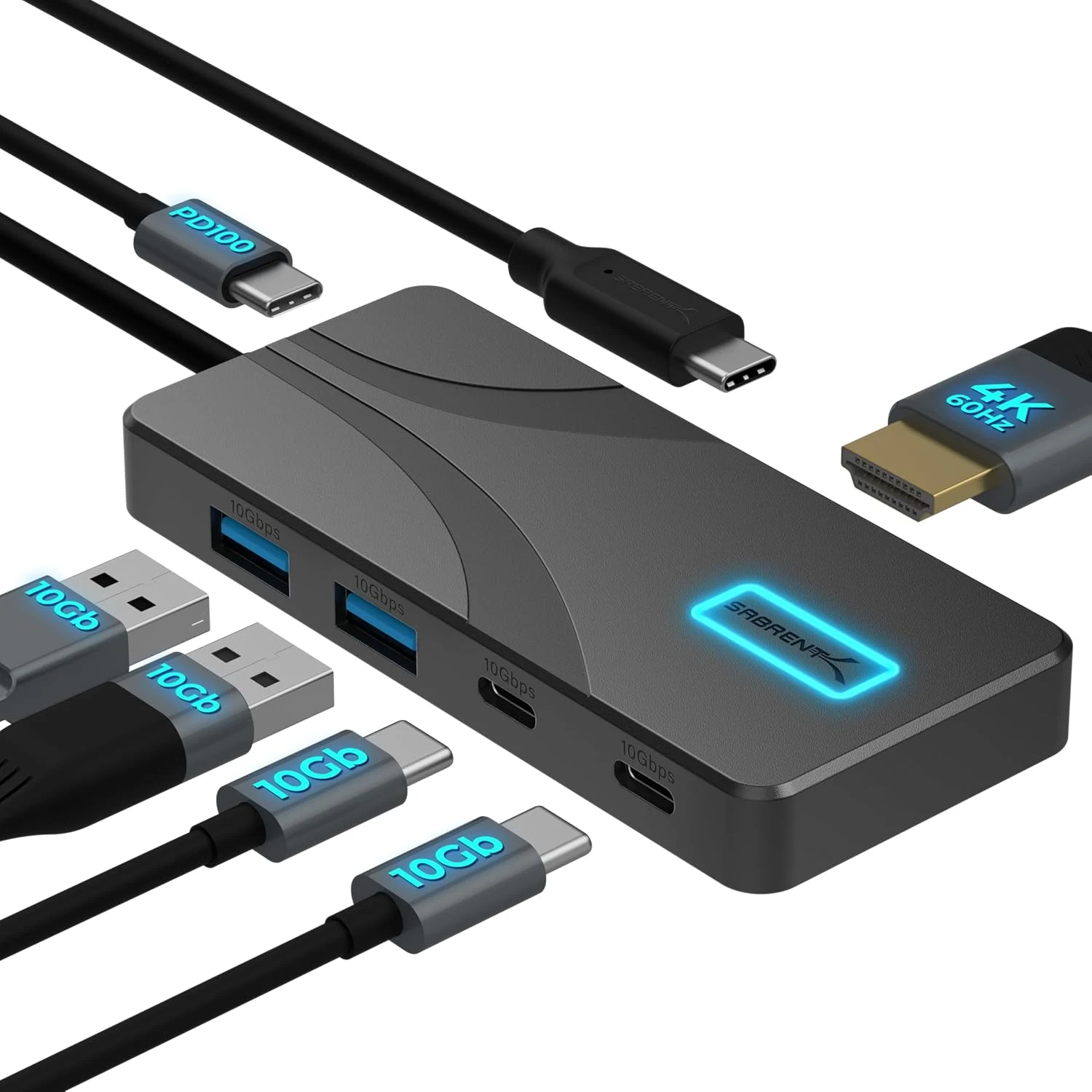
SABRENT USB C Hub 5-in-1, 10Gbps USB-A & USB-C Ports, Single 4K@60Hz HDMI, 100W PD Input, 80W Laptop Charging (HB-TG5P)
The SABRENT HB-TG5P is a compact USB-C hub that combines 10Gbps USB data, a single HDMI display output up to 4K@60Hz (HDR and Dolby Vision support), and up to 80W pass-through laptop charging from your own USB-C PD power adapter. It is a strong fit for MacBook, iPad, and USB-C laptops that support DisplayPort Alternate Mode, but the hub includes a manual power switch and does not auto-enable after a Mac reboot in some setups.
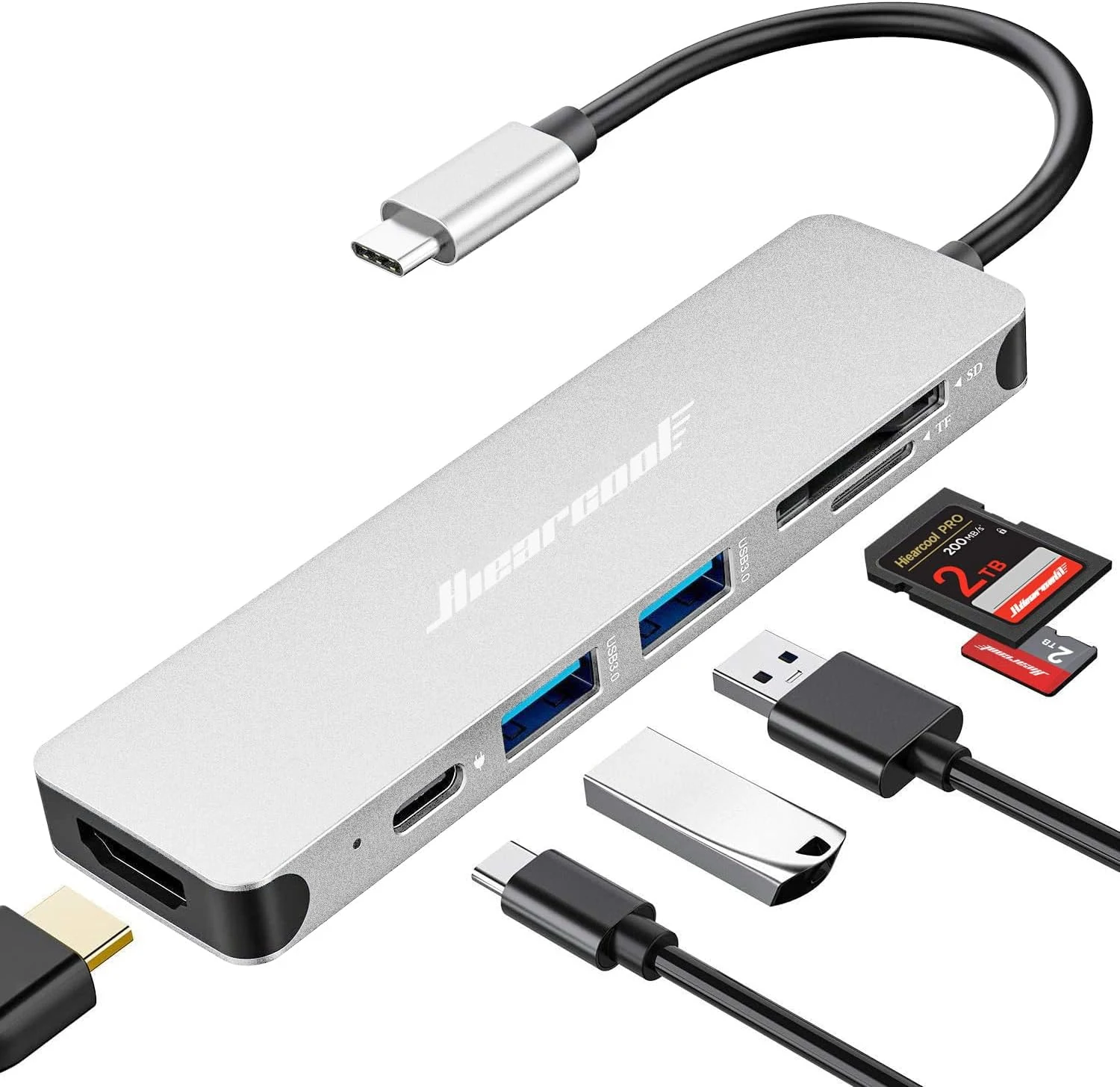
Hiearcool USB C Hub Multi-Port Adapter, 7-in-1 USB-C Dongle with 4K HDMI 100W PD SD/TF Card Reader
The Hiearcool 7-in-1 USB-C hub adds HDMI (up to 4K at 30Hz), two USB-A 3.0 ports, and SD/microSD card slots, plus USB-C power delivery pass-through (up to 100W) in a compact aluminum design. It’s a strong pick for MacBook and Windows laptop users who want a lightweight “desktop-lite” setup for work, school, and travel, with the key caveat that HDMI video requires USB-C DisplayPort Alt Mode support.
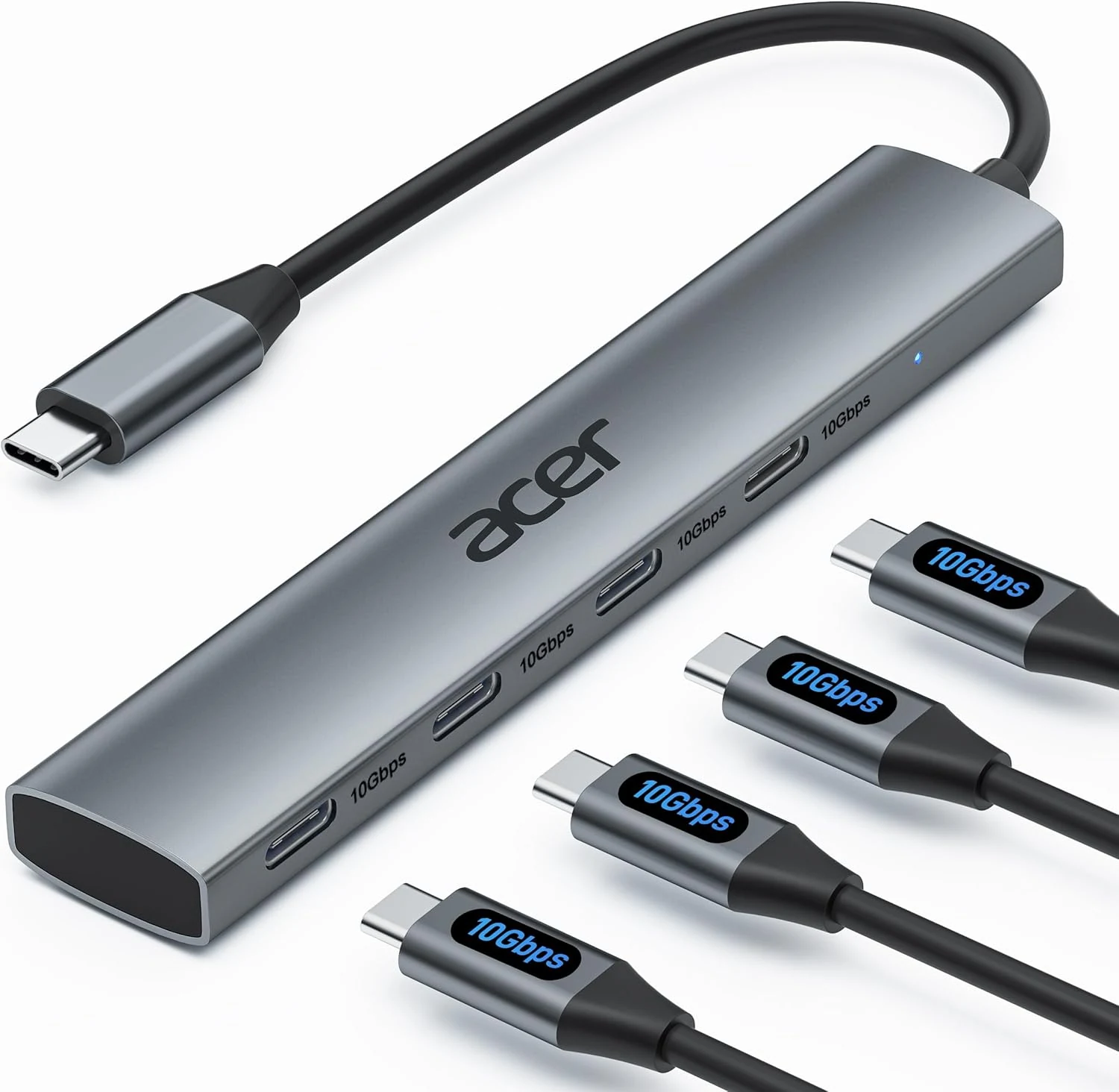
Acer USB C Hub, 10Gbps Type C Splitter with 4 USB-C 3.2 Ports
Acer’s 4-port USB-C hub adds four USB-C data connections to a single USB-C port, with up to 10Gbps throughput for fast transfers. It’s a solid, plug-and-play pick for keyboard, mouse, printers, scanners, and external drives, but it does not support charging or any video/monitor output.
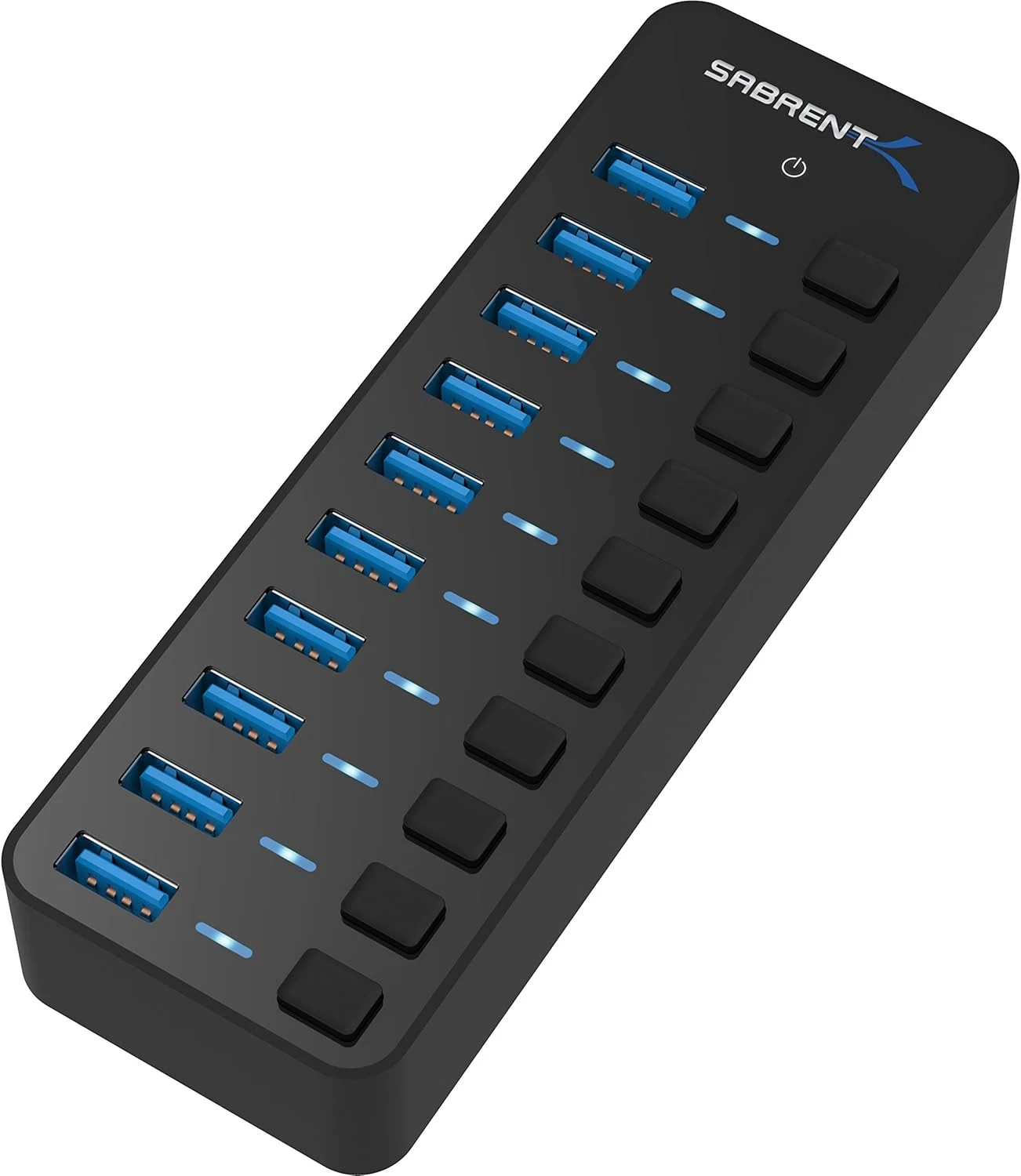
SABRENT 10-Port 60W USB 3.0 Hub with Individual Power Switches
A compact, powered 10-port USB 3.0 hub for people who need more connections than their PC has, especially when devices need consistent power. Individual port power switches and LEDs make it easier to manage multi-device setups, but you should consider whether your use case requires higher-than-usual data performance.