Apple Thunderbolt 3 (USB-C) to Thunderbolt2 Adapter
Quick take
This bidirectional adapter bridges legacy Thunderbolt 2 (and Thunderbolt) devices to newer Macs that use Thunderbolt 3 (USB-C) or USB4. It’s a practical way to keep older docks, external drives, and Thunderbolt 2 displays in use, with the key caveat that it does not work for DisplayPort-based monitors. If you’re trying to adapt a non-Thunderbolt display connection, you’ll need a different approach.
Pros and cons
Pros
- Lets Thunderbolt and Thunderbolt 2 devices connect to Thunderbolt 3 (USB-C) or USB4 ports on Mac.
- Bidirectional adapter, so it can also connect new Thunderbolt 3 devices to a Mac with Thunderbolt or Thunderbolt 2.
- Supports Thunderbolt-enabled displays such as the Apple Thunderbolt Display and LG Thunderbolt 2 displays (with the display’s own power caveat).
Cons
- Does not support DisplayPort displays (including Apple LED Cinema Display and third-party DisplayPort/Mini DisplayPort displays).
- Using an Apple Thunderbolt Display requires a power source because that display does not draw power through the adapter.
What buyers think
Buyer feedback is strongly consistent around it doing exactly what it’s meant to do: enabling connections between older Thunderbolt 2 gear and newer Macs. Multiple reviews highlight successful setups with older monitors, including getting a legacy display working again, and with device connectivity used for media workflows. Reviewers generally describe the adapter as straightforward and reliable for restoring “missing link” compatibility, though it is commonly framed as a higher-priced purchase compared to the alternative of replacing older hardware.
Buyer-review evidence is limited for detailed performance metrics, but the recurring theme is compatibility success rather than issues like dropouts, instability, or speed problems.
What this adapter does (and what it doesn’t)
The Apple Thunderbolt 3 (USB-C) to Thunderbolt 2 Adapter is designed to connect Thunderbolt and Thunderbolt 2 devices to Macs with Thunderbolt 3 (USB-C) / USB4 ports. That includes common categories like external storage, Thunderbolt docks, and Thunderbolt-capable displays.
It is not a general-purpose video adapter for every monitor input. If your display path is DisplayPort (or Apple LED Cinema Display style, or a third-party DisplayPort or Mini DisplayPort setup), this adapter won’t provide compatibility.
Key compatibility questions to answer first
1) Does your display use Thunderbolt, or DisplayPort?
If your target monitor is a Thunderbolt 2 display (for example, Apple Thunderbolt Display or LG Thunderbolt 2 displays), this adapter is in the right category. If it’s a DisplayPort-style display, plan on a different solution because this one does not support DisplayPort displays.
2) Will you have power for the display?
When using an Apple Thunderbolt Display with this adapter, you’ll need a separate power source, since that display does not provide power through the adapter.
3) Are you connecting Thunderbolt 2 devices to a newer Mac port?
This adapter is meant for Macs with Thunderbolt 3 (USB-C) / USB4 ports. If your Mac has those ports, you’re usually in the correct use case for docks, external drives, and other Thunderbolt 2 peripherals.
Who it’s best for
- You have legacy Thunderbolt 2 gear (external drives, docks, Thunderbolt displays) and want to connect it to a newer Mac with Thunderbolt 3 (USB-C) or USB4.
- You want a cleaner, purpose-built bridge rather than swapping equipment, especially for older setups that still work great.
- You’re restoring a display setup using a Thunderbolt 2 display that’s known to be compatible with this type of connection path.
Who should avoid it
- If your monitor connection is DisplayPort-based, this adapter won’t help. You’ll need a solution designed for DisplayPort-to-your-port compatibility.
- If you’re using an Apple LED Cinema Display (DisplayPort/Mini DisplayPort style) or a third-party DisplayPort/Mini DisplayPort monitor, this adapter is the wrong category.
Pros and cons recap
Pros
- Reliable compatibility bridge for Thunderbolt 2 and Thunderbolt devices to Thunderbolt 3 (USB-C) / USB4 Macs.
- Useful for docks, external storage, and supported Thunderbolt-enabled displays.
- Bidirectional design can help when the host Mac uses Thunderbolt or Thunderbolt 2.
Cons
- Limited by display type, it does not support DisplayPort displays.
- Some display setups require separate power, depending on the display model.
Price and availability
The Apple Thunderbolt 3 (USB-C) to Thunderbolt 2 Adapter is positioned as a premium, brand-specific accessory. If you’re considering it mainly to avoid replacing older Thunderbolt 2 equipment, that comparison can make the purchase easier to justify.
Alternatives based on your goal
- If you’re adapting a non-Thunderbolt monitor: look for an adapter or cable solution designed for DisplayPort (or the monitor’s actual video standard) rather than Thunderbolt 3 to Thunderbolt 2.
- If your issue is outdated hardware beyond Thunderbolt 2: replacing the dock, drive enclosure, or display may be simpler than troubleshooting connection compatibility across standards.
Verdict
Choose the Apple Thunderbolt 3 (USB-C) to Thunderbolt 2 Adapter if you have Thunderbolt 2 devices or a compatible Thunderbolt 2 display and you’re connecting them to a Mac with Thunderbolt 3 (USB-C) or USB4. It’s a straightforward way to keep a legacy Thunderbolt workflow alive, and buyer feedback supports that it typically works as expected for those exact use cases. Skip it if your display path is DisplayPort-based, because that’s where compatibility breaks down.
FAQ
Does the apple thunderbolt 3 (USB-C) to thunderbolt 2 adapter work with displayport monitors?
No. It does not support DisplayPort displays, including the Apple LED Cinema Display and third-party DisplayPort or Mini DisplayPort displays.
Can I use it to connect a Thunderbolt 2 display to a Mac with USB-C Thunderbolt 3?
Yes, for Thunderbolt-enabled displays such as the Apple Thunderbolt Display and LG Thunderbolt 2 displays. If you use an Apple Thunderbolt Display, you will need a power source because the display does not provide power through the adapter.
Is it bidirectional?
Yes. It can connect Thunderbolt 3 devices to a Mac with Thunderbolt or Thunderbolt 2 (macOS Sierra or later) and also connect Thunderbolt 2 devices to Thunderbolt 3 (USB-C) / USB4 ports.
What kinds of devices can I connect besides monitors?
It’s meant for Thunderbolt and Thunderbolt 2 devices such as external hard drives and Thunderbolt docks.
Which Macs is it compatible with?
It’s designed for Macs with Thunderbolt 3 (USB-C) or USB4 ports, including a wide range of MacBook, iMac, Mac Studio, and Mac mini models that include those port types.
Specifications
| Product Title | Apple Thunderbolt 3 (USB-C) to Thunderbolt2 Adapter |
|---|---|
| Category | Uncategorized |
| Brand | Apple |
| Manufacturer | Apple |
| Color | white |
| Item Weight | 1.92 ounces |
| Item model number | MYH93AM/A |
| Compatible Devices | MacBook Air (13-inch, M5), MacBook Air (15-inch, M5), MacBook Air (13‑inch, M4), MacBook Air (15‑inch, M4), MacBook Air (13-inch, M3), MacBook Air (15-inch, M3), MacBook Air (15-inch, M2), MacBook Air (13-inch, M2), MacBook Air (M1), MacBook Air (Retina, 13‑inch, 2020), MacBook Air (Retina, 13-inch, 2018–2019), MacBook Pro (14-inch, M5 Pro or M5 Max), MacBook Pro (16-inch, M5 Pro or M5 Max), MacBook Pro (14-inch, M5), MacBook Pro (14‑inch, 2024), MacBook Pro (16‑inch, 2024), MacBook Pro (14‑inch, 2023), MacBook Pro (16‑inch, 2023), MacBook Pro (13‑inch, M2, 2022), MacBook Pro (14‑inch, 2021), MacBook Pro (16-inch, 2021), MacBook Pro (16-inch, 2019), MacBook Pro (13-inch, M1, 2020), MacBook Pro (13-inch, 2020), iMac (24‑inch, M4, 2024), iMac (24-inch, M3, 2023), iMac (24-inch, M1, 2021), iMac (Retina 4K, 21.5‑inch, 2019), iMac (Retina 5K, 27-inch, 2019–2020), iMac Pro (2017), Mac Studio (2025), Mac Studio (2023), Mac Studio (2022), Mac mini (2024), Mac mini (2023), Mac mini (M1, 2020), |
| Specific Uses For Product | Computer, Tablet, Telephone |
| Connector Type | Thunderbolt 2, USB Type C |
Recommended next
![Apple Watch Series 10 [GPS 46mm case] Smartwatch with Jet Black Aluminum Case with Black Sport Band - M/L](/product-images/019eec89-ed9b-7bac-b7dc-68f775a359f9-0-5b4a5b1dd5f2.webp)
Apple Watch Series 10 [GPS 46mm case] Smartwatch with Jet Black Aluminum Case with Black Sport Band - M/L
Apple Watch Series 10 (GPS, 46mm) is a feature-rich iPhone companion with an always-on Retina display, ECG, advanced sleep and vitals insights, and robust fitness tracking. It also adds helpful safety features like Crash Detection and Emergency SOS, with 50m water resistance and crack-resistant design. The main tradeoff is battery longevity versus more basic smartwatches, plus the price if you are budget-sensitive.

eero 6+ mesh Wi‑Fi system (3-pack)
eero 6+ is a Wi‑Fi 6 mesh system designed for gigabit-speed internet plans and homes up to about 4,500 sq. ft. It’s built around simple app-guided setup, TrueMesh routing to reduce dead spots, and a built-in smart home hub for compatible Thread and Zigbee devices.
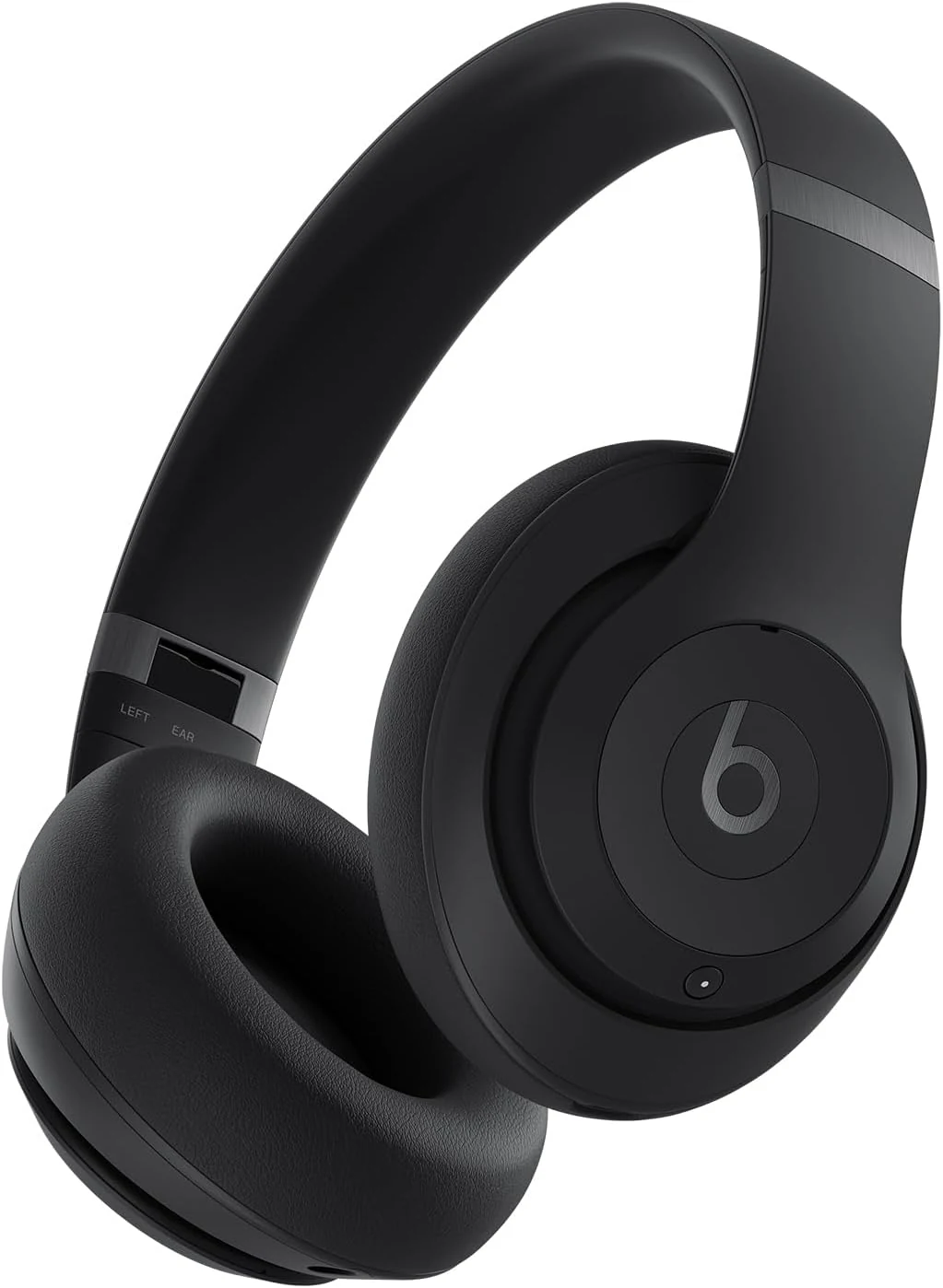
Beats Studio Pro Premium Wireless Over-Ear Headphones (Up to 40-Hour Battery Life)
Beats Studio Pro are premium over-ear wireless headphones built for travel and everyday listening, with active noise cancelling, transparency mode, spatial audio, and up to 40 hours of battery life. They also support USB-C lossless audio and offer a 3.5 mm option for analog listening.
![Apple Watch SE (2nd Gen) [GPS 40mm] Smartwatch with Starlight Aluminum Case with Starlight Sport Band S/M](/product-images/019ee2bc-295a-7bc4-a496-aabbe17f7661-0-4b9d89cba416.webp)
Apple Watch SE (2nd Gen) [GPS 40mm] Smartwatch with Starlight Aluminum Case with Starlight Sport Band S/M
Apple Watch SE (2nd Gen) (GPS, 40mm) is a compact, everyday Apple smartwatch that focuses on the essentials: heart-rate and fitness tracking, sleep insights, safety features like fall and crash detection, and convenient connectivity through your iPhone. The main tradeoff for many buyers is battery life expectations, especially when using sleep tracking heavily, plus the fact that “swimproof” does not mean it’s meant for long periods underwater.