Acer 8 in 1 USB C Hub 10Gbps, USBC to HDMI Adapter 4K@60Hz with 100W PD
Quick take
This Acer USB-C hub turns one port into HDMI (up to 4K@60Hz), fast USB connections (10Gbps on USB-C, 5Gbps on USB-A), and dual SD/microSD card readers. It is best for MacBooks and other USB-C laptops that support DisplayPort Alt Mode, so you can get video out and keep power pass-through via the 100W PD port. The main caveat: not every USB-C port can send video, and the hub’s PD charging and its data/video features are limited by how your device supports them.
Pros and cons
Pros
- HDMI output up to 4K@60Hz for external monitors
- Fast connectivity: 10Gbps on the USB-C (data) ports and 5Gbps on USB-A (data) ports
- Dual SD and microSD card readers, with simultaneous read/write support
- 100W USB-C PD port for power delivery to your laptop or tablet (device-specific limits may apply)
Cons
- Video over USB-C requires DisplayPort Alt Mode support from your laptop or USB-C port
- The hub’s USB-C PD port is for charging, and the USB-C/USB-A ports are for data only (not charging and not video/audio)
- HDMI may take a few seconds to recognize on first connection, and input selection may be needed on some monitors/TVs
What buyers think
Buyer-review evidence is generally positive but not detailed enough to confirm strong, repeatable patterns on performance beyond “works as promised.” The recurring themes in the available reviews focus on practical everyday setup, including working with a MacBook for external display and charging via the PD port, handling multiple peripherals at once, and generally meeting the intended use case for a compact hub. Some reviews mention an underpowered charging message in specific scenarios, suggesting that charging performance can depend on the charger, cable, and what your device expects for power delivery.
What you get with this 8-in-1 hub
The Acer hub is designed to replace a cluster of separate adapters by combining several common desk and travel needs in one device. It includes:
- HDMI for mirroring or extending a display, rated up to 4K@60Hz
- Two USB-C (10Gbps) data ports and two USB-A (5Gbps) data ports for peripherals and accessories
- SD and microSD card readers (with simultaneous read/write support)
- USB-C PD power via a 100W port for power pass-through
HDMI and display support: the compatibility checklist
This hub can output video to HDMI up to 4K@60Hz, but only if your USB-C connection supports video tunneling using DisplayPort Alt Mode. If your laptop’s USB-C port does not support video, you may get no image or inconsistent behavior even if other functions work.
Two other practical considerations that can help avoid frustration:
- Plug-in and recognition time: the connection may take a few seconds to establish on the first HDMI use.
- TV/monitor input selection: if the screen has multiple signal sources, you may need to manually select the correct input.
USB data speeds, card readers, and what “10Gbps” really means here
The hub is positioned for faster file transfers with a 10Gbps rating on the USB-C data ports and 5Gbps on the USB-A ports. In day-to-day terms, that can be helpful when moving large files to/from external drives or SD cards using the built-in readers.
The SD/microSD readers are also a strong value point if you regularly work with memory cards. The hub supports simultaneous read and write through both slot types, which can streamline workflows when you are transferring files.
Power pass-through with the 100W PD port
The hub includes a 100W USB-C PD port intended for charging power delivery. For best results, use a charger and cable that can actually reach the rated wattage and support USB-C PD. Some devices may show an “underpowered” warning if the incoming power cannot meet their needs.
It is also important to understand the functional separation: the hub notes that the USB-C PD port is for charging, while the other USB ports are for data (and they do not support charging or video/audio transmission through those same ports).
Who this Acer hub is best for
- MacBook and USB-C laptop owners who need HDMI for an external monitor plus USB peripherals in one compact hub
- Photographers and students who want built-in SD and microSD reading without bringing a separate card reader
- Desk or travel users who prefer consolidating multiple adapters into a single dongle
Who should avoid it
- If your USB-C port does not support DisplayPort Alt Mode, you should expect HDMI video to be unreliable or unavailable.
- If you are looking for a hub where every port can also charge devices or combine power with video/data behavior, this hub explicitly separates charging (PD port) from the data-only USB ports.
Pros and cons recap
- Strong fit: HDMI expansion, dual card readers, and fast data for typical peripherals, with the convenience of PD power pass-through.
- Main watch-outs: verify Alt Mode for HDMI, and ensure your charger and cable can support the power levels your device expects.
Price and availability
The Acer 8-in-1 hub is priced as an affordable multiport adapter option in the USB hub category. For the most current price and stock status, check the live listing.
FAQs
Will this hub work with my USB-C laptop for HDMI?
It works when your laptop’s USB-C port supports DisplayPort Alt Mode for video output. If Alt Mode is not supported, HDMI video may not work even if data ports function.
Can I charge my laptop and use the hub at the same time?
Yes, the hub includes a 100W USB-C PD port for charging power pass-through while you use HDMI and data ports. Charging performance depends on your charger and cable meeting the PD requirements, and some devices can display an “underpowered” warning if power delivery is insufficient.
Are the USB-C and USB-A ports for data only?
Yes. The USB-C (10Gbps) and USB-A (5Gbps) ports are intended for data transfer. They are not the same ports used for charging or for video/audio output.
Do the SD and microSD slots support simultaneous use?
The hub supports SD and microSD read & write simultaneously, which can be helpful for workflows that move files between card and external devices.
What should I do if the HDMI display is delayed or shows no signal at first?
Give the connection a few seconds for recognition, and ensure the HDMI input is selected correctly on the TV/monitor. Also confirm you are using a USB-C port that supports DisplayPort Alt Mode.
Specifications
| Product Title | Acer 8 in 1 USB C Hub 10Gbps, USBC to HDMI Adapter 4K@60Hz, 2×USB-C 3.2, 2×USB A 3.0 Data Transfer, 100W PD Port Type C Multiport Splitter with SD/TF Card Reader, for MacBook Neo, Laptop, PC, Desktop |
|---|---|
| Category | Electronics > Computers & Accessories > Computer Accessories & Peripherals > USB Hubs |
| Brand | Acer |
| Manufacturer | acer |
| Model Number | ODK520 |
| Operating System | Chrome OS, Linux, Windows, macOS |
| Item Weight | 118 Grams |
| Hardware Interface | HDMI, MicroSD, USB 3.0, USB Type C |
| Additional Features | 10Gbps Fast Data Transfer, 4K@60Hz HDMI, NOT included Charging Cable, SD/Micro SD Read & Write Simultaneously, Ultra-Fast 100W PD Port |
| Compatible Devices | Desktops, Laptops, Smartphones, Tablets |
| Total Usb Ports | 2 |
| Data Transfer Rate | 10 Gigabits Per Second |
| Number of Ports | 8 |
| Minimum Required Operating System Version | Windows 10 |
| Item Dimensions L x W x H | 5.4"L x 0.4"W x 1.4"H |
| UPC | 195133316903 |
| Mfr Part Number | ODK520 |
| Warranty Description | 1 Year Manufacturer |
| Special Feature | 10Gbps Fast Data Transfer, 4K@60Hz HDMI, NOT included Charging Cable, SD/Micro SD Read & Write Simultaneously, Ultra-Fast 100W PD Port 10Gbps Fast Data Transfer, 4K@60Hz HDMI, NOT included Charging Cable, SD/Micro SD Read & Write Simultaneously, Ultra-Fast 100W PD Port See more |
| Total USB Ports | 2 |
Available variants
Size
- 0.65ft
- 2ft
Recommended next
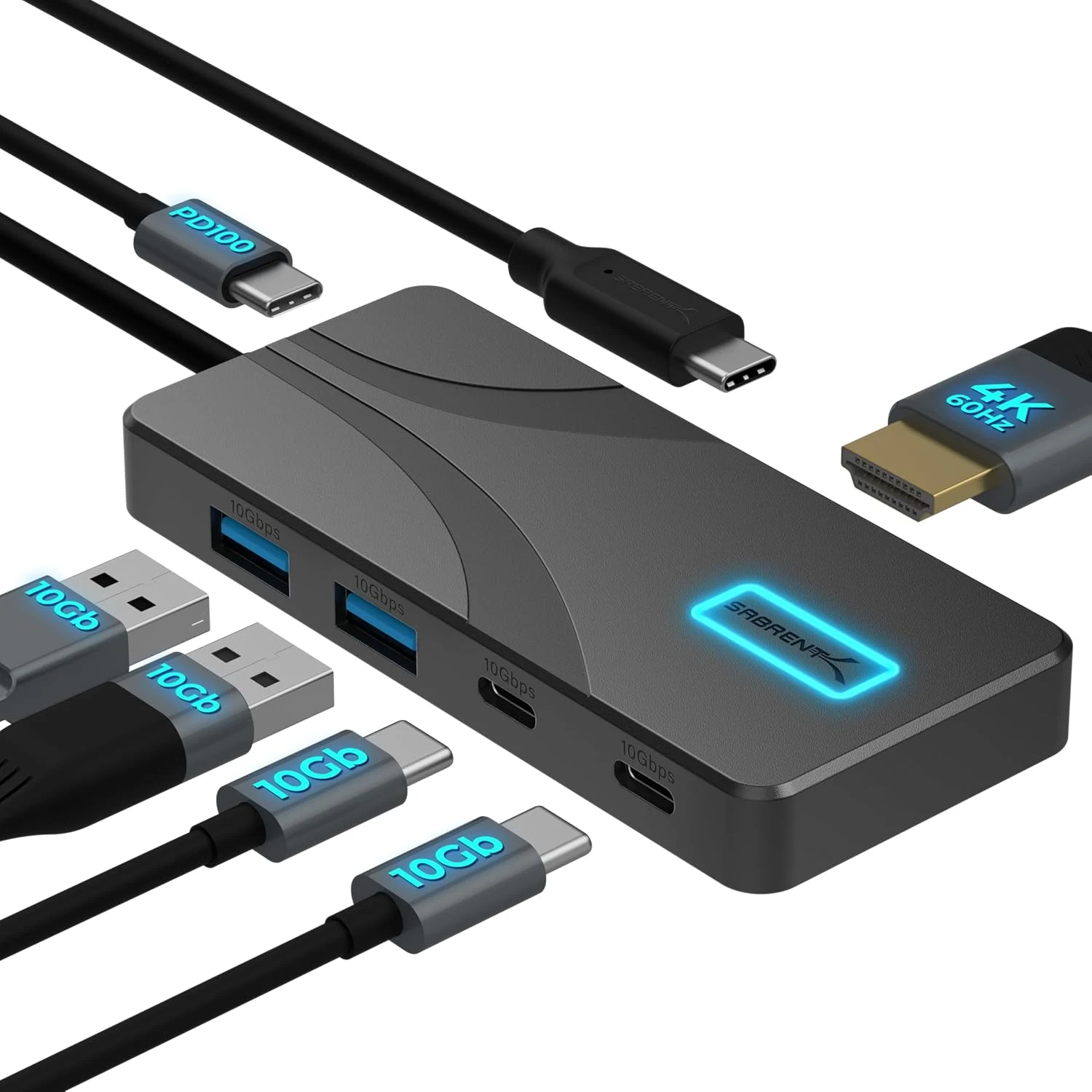
SABRENT USB C Hub 5-in-1, 10Gbps USB-A & USB-C Ports, Single 4K@60Hz HDMI, 100W PD Input, 80W Laptop Charging (HB-TG5P)
The SABRENT HB-TG5P is a compact USB-C hub that combines 10Gbps USB data, a single HDMI display output up to 4K@60Hz (HDR and Dolby Vision support), and up to 80W pass-through laptop charging from your own USB-C PD power adapter. It is a strong fit for MacBook, iPad, and USB-C laptops that support DisplayPort Alternate Mode, but the hub includes a manual power switch and does not auto-enable after a Mac reboot in some setups.
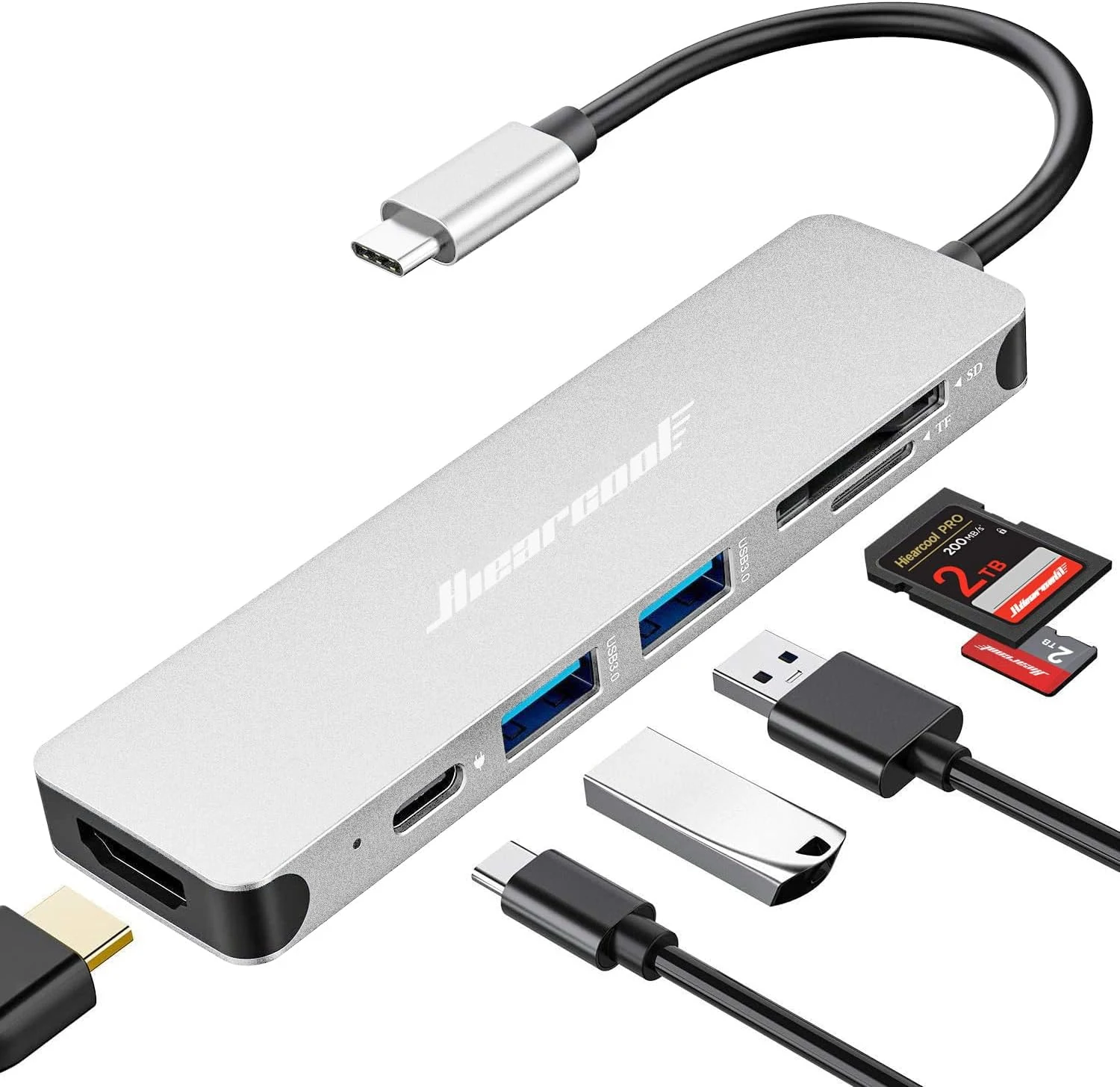
Hiearcool USB C Hub Multi-Port Adapter, 7-in-1 USB-C Dongle with 4K HDMI 100W PD SD/TF Card Reader
The Hiearcool 7-in-1 USB-C hub adds HDMI (up to 4K at 30Hz), two USB-A 3.0 ports, and SD/microSD card slots, plus USB-C power delivery pass-through (up to 100W) in a compact aluminum design. It’s a strong pick for MacBook and Windows laptop users who want a lightweight “desktop-lite” setup for work, school, and travel, with the key caveat that HDMI video requires USB-C DisplayPort Alt Mode support.
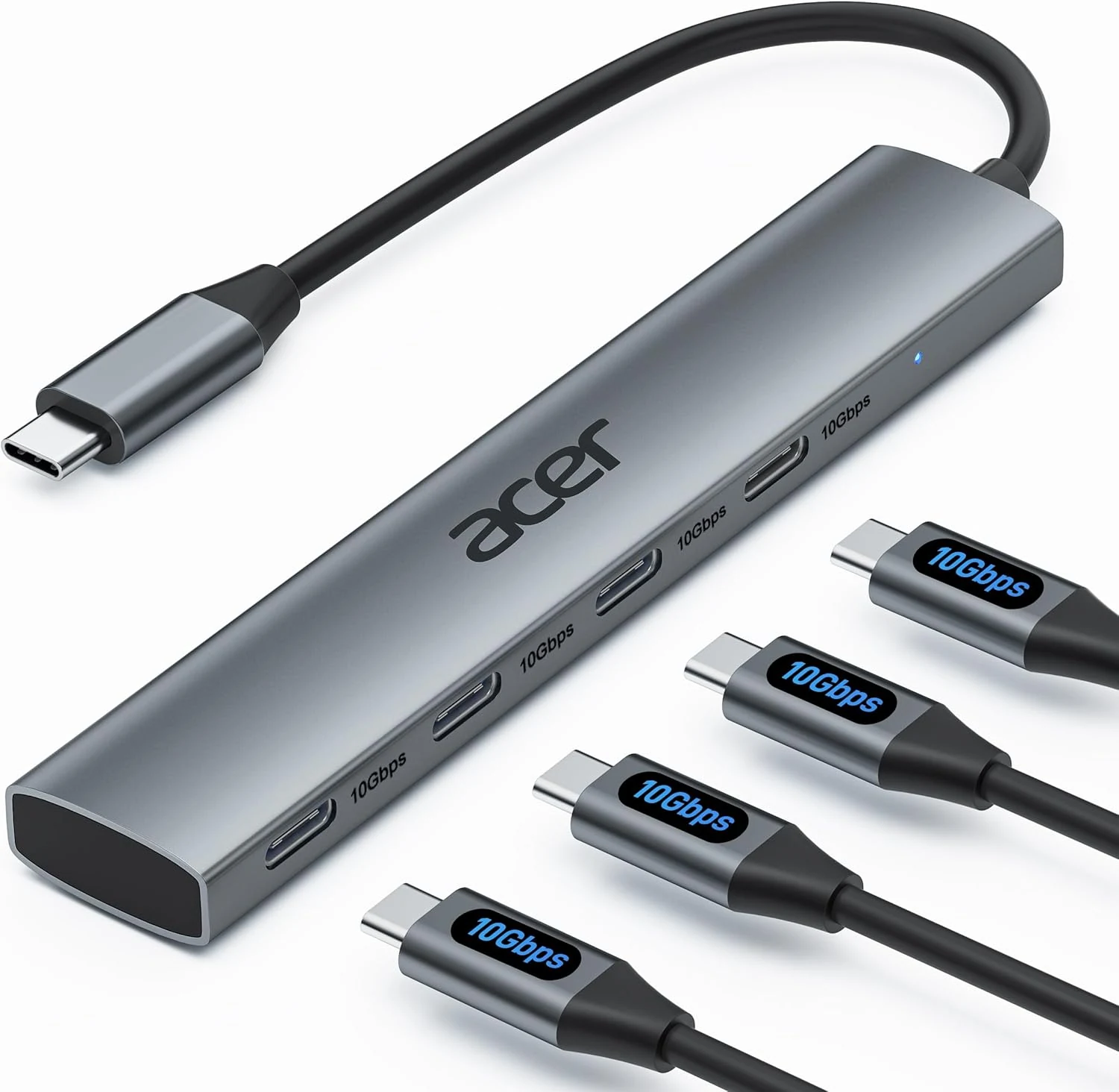
Acer USB C Hub, 10Gbps Type C Splitter with 4 USB-C 3.2 Ports
Acer’s 4-port USB-C hub adds four USB-C data connections to a single USB-C port, with up to 10Gbps throughput for fast transfers. It’s a solid, plug-and-play pick for keyboard, mouse, printers, scanners, and external drives, but it does not support charging or any video/monitor output.
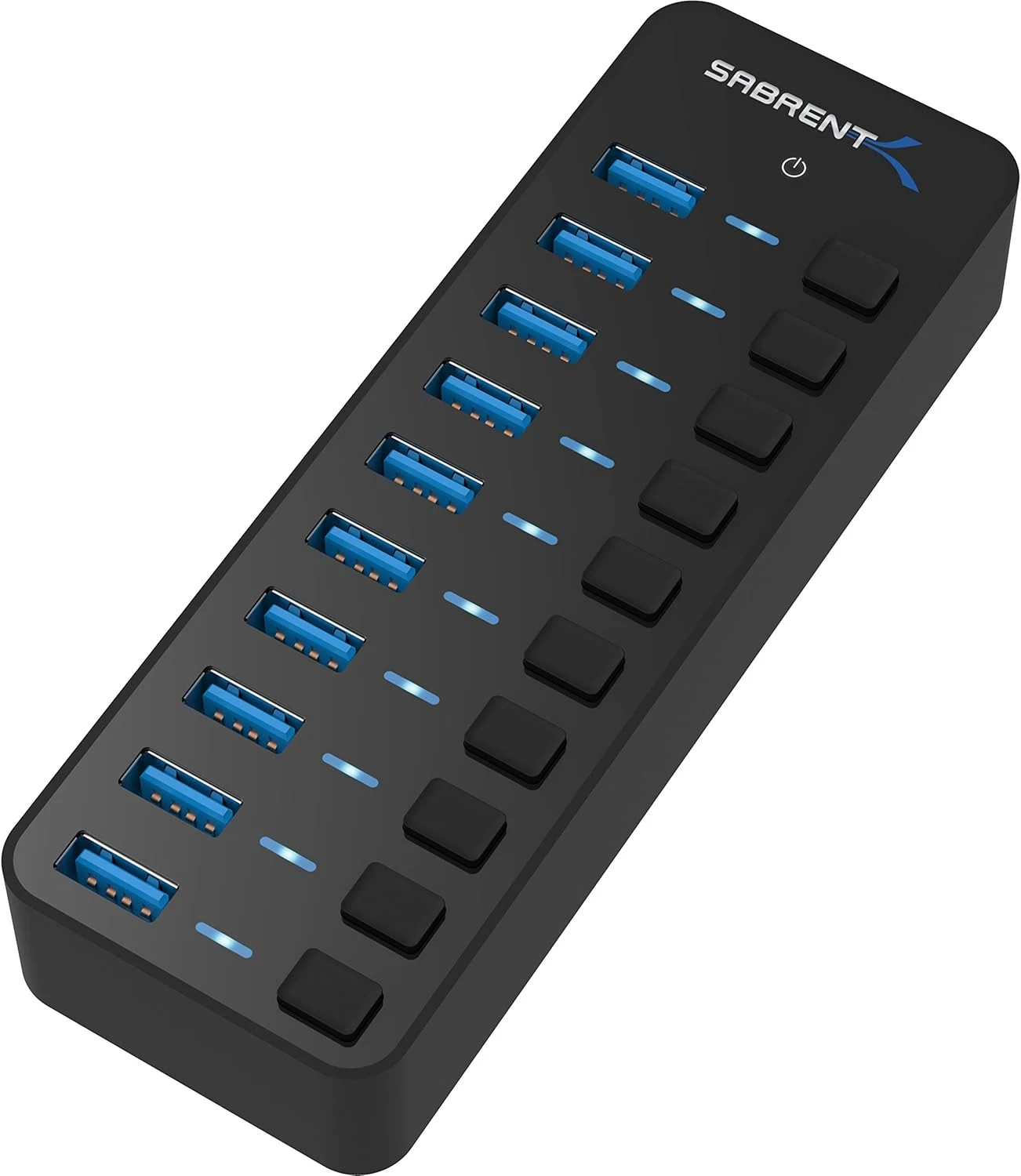
SABRENT 10-Port 60W USB 3.0 Hub with Individual Power Switches
A compact, powered 10-port USB 3.0 hub for people who need more connections than their PC has, especially when devices need consistent power. Individual port power switches and LEDs make it easier to manage multi-device setups, but you should consider whether your use case requires higher-than-usual data performance.