4Ft 7-Port USB Hub 3.0 for Desktop, 4 USB-A & 3 USB-C Ports Aluminium 5Gbps USB Extender Hub
Quick take
This 7-port USB 3.0 hub from ABFCRTTW is built to expand a desktop or laptop that is missing extra connections, offering four USB-A and three USB-C ports through a 4-foot cable. Buyers commonly like how it solves “port shortage” setups and how it performs for everyday accessories (mouse, dongles, and external drives). The biggest caveat is that it is designed for data transmission rather than charging.
Pros and cons
Pros
- 7 total ports: 4 USB-A plus 3 USB-C, useful for mixed-device desks
- 4-foot USB extender cable helps keep accessories within reach
- USB 3.0 class performance rated up to 5Gbps
- Aluminum enclosure supports a sturdier desktop feel
- Plug-and-play behavior is repeatedly mentioned
Cons
- Not intended for charging (data transmission focus)
- You only get 4 USB-A ports, so heavy USB-A users may want to check port mix first
What buyers think
Buyer-review evidence is limited but consistent across the small set of recent comments available. The most repeated themes are that the hub is an easy way to add missing USB-C support to older devices, it works reliably with a mix of peripherals and external storage, and the build feels solid for desk use. A recurring “works well for my setup” pattern shows up in users combining USB-A dongles, USB storage, and USB-C drives. There is also some expectation mismatch around the number of USB-A ports (buyers who assumed more USB-A connectors than the hub includes).
What this USB hub is for
The ABFCRTTW 4Ft 7-port hub is a good match when your computer does not have enough built-in connections for your daily accessories, or when those ports are inconveniently located. The included 4-foot cable is particularly useful if you want to route the hub from a monitor’s back ports, a desktop tower’s rear ports, or a wall outlet area to a spot that is reachable while you work.
Ports and speed, explained in practical terms
This is a USB 3.0 hub with a rated data transfer speed of 5Gbps. In day-to-day terms, that matters most for external storage transfers (USB flash drives, SSDs, and HDDs) and for keeping typical peripherals responsive when multiple devices are connected. Because the hub includes both USB-A and USB-C, it reduces the need for separate adapters and lets you consolidate dongles and drives in one place.
Compatibility and setup
The hub uses plug-and-play design, and buyers note it is straightforward to use once connected. It is described as compatible with Windows, macOS, and Linux environments, and it also lists support for Chrome OS and other Unix-like systems. For most users, this means you can focus on plugging in peripherals rather than installing drivers.
Power and the charging limitation
One important decision factor is how you plan to use it. The device is positioned for data transmission and not charging, so it is not the right choice if your goal is to power a phone or tablet. If you’re using USB accessories that require their own power or that draw power only as designed for their normal operation, the hub may still work for connectivity, but you should not rely on it as a charging solution.
Pros and cons (final verdict)
Who should buy
- You need a single hub with both USB-A and USB-C ports
- Your setup benefits from a longer cable, such as reaching ports behind a desk or under a monitor arm
- You’re connecting a mix of peripherals like a mouse dongle, security keys, and external storage
- You want an aluminum-bodied hub that feels more “desktop-ready” than small plastic splitters
Who should avoid
- You want a hub that charges devices, this one is not aimed at charging
- You require more than four USB-A ports, since the hub’s USB-A count is limited to four
Price and availability
Check the current price and stock status before buying, since costs can change. If you are trying to decide whether the port count and the 4-foot cable solve your specific desk layout problem, that will usually matter more than small differences in price.
FAQ
Does this USB hub support charging?
No, it is designed for data transmission rather than charging.
How many USB-A and USB-C ports does it have?
It provides 4 USB-A ports and 3 USB-C ports, for 7 total connections.
What is the cable length?
The included USB extender cable is 4 feet long.
Is it plug-and-play?
Yes, it is described as plug-and-play, and buyers report it is easy to use.
What kind of devices is it suitable for?
It is intended for desktop setups and peripherals like keyboards and mice, plus external storage devices such as flash drives and mobile HDD/SSD drives.
Specifications
| Product Title | 4Ft 7-Port USB Hub 3.0 for Desktop, 4 USB-A & 3 USB-C Ports Aluminium 5Gbps USB Extender Hub, USB Splitter, USB Hub Long Cable for Desktop, PC, Flash Drive, Mobile HDD SSD, Windows/XPS |
|---|---|
| Category | Electronics > Computers & Accessories > Computer Accessories & Peripherals > USB Hubs |
| Brand | ABFCRTTW |
| Manufacturer | ABFCRTTW |
| Model Number | HB436 |
| Operating System | Chrome OS, Mac OS, Unix, Windows, Windows XP |
| Item Weight | 0.2 Pounds |
| Color | 5Gbps |
| Hardware Interface | USB 3.0 |
| Additional Features | Plug and Play |
| Compatible Devices | Desktops, Hard Disk Drive, Keyboards, Laptops, Mouse |
| Total Usb Ports | 7 |
| Data Transfer Rate | 5 Gigabits Per Second |
| Number of Ports | 7 |
| Minimum Required Operating System Version | Windows 1 |
| Enclosure Material | Aluminum |
| Warranty Description | 1 Year |
| Item Dimensions L x W x H | 1"L x 0.66"W x 5.3"H |
| Special Feature | Plug and Play |
Available variants
Size
- 4FT
- 6Ft
- 4.01FT
- 3.99FT
Recommended next
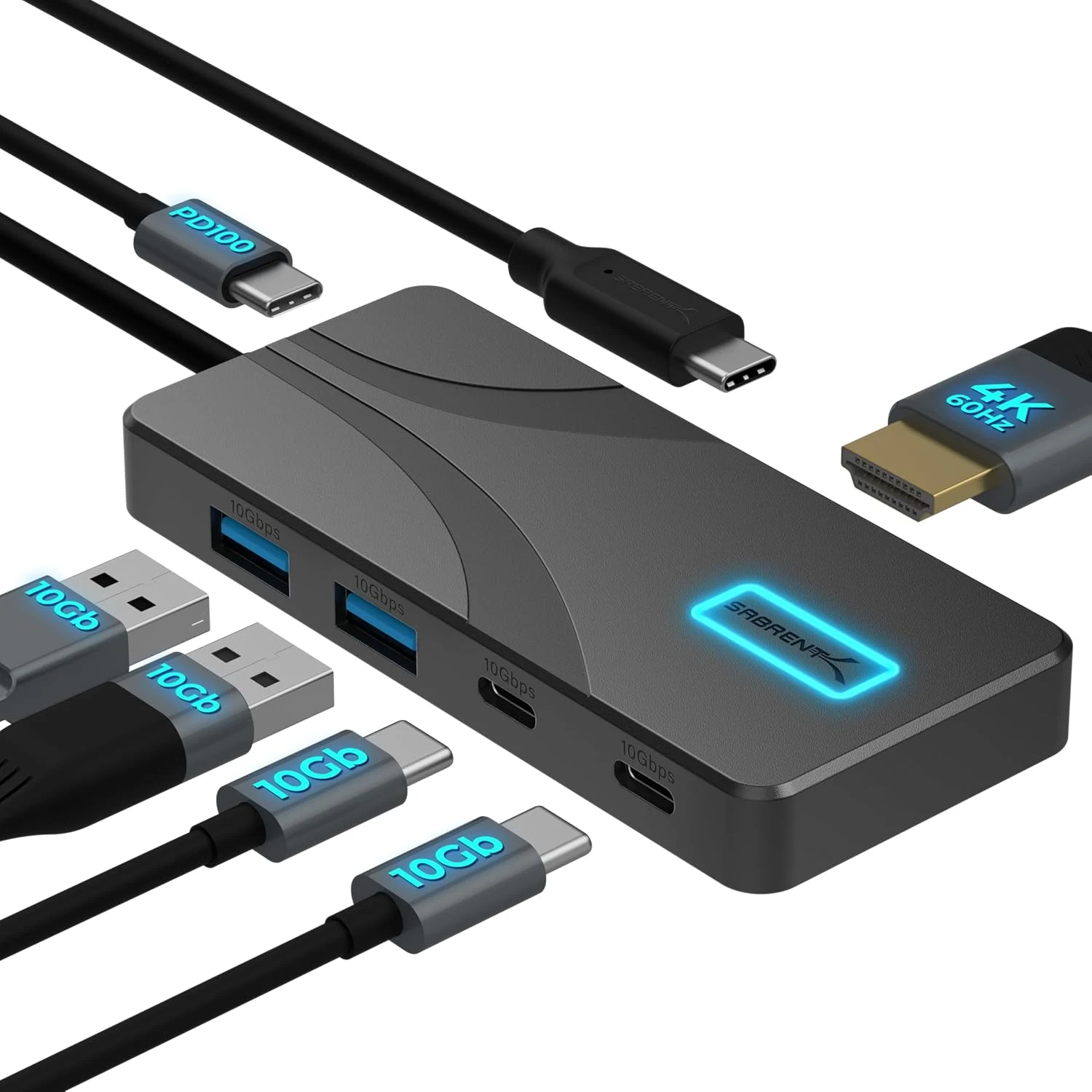
SABRENT USB C Hub 5-in-1, 10Gbps USB-A & USB-C Ports, Single 4K@60Hz HDMI, 100W PD Input, 80W Laptop Charging (HB-TG5P)
The SABRENT HB-TG5P is a compact USB-C hub that combines 10Gbps USB data, a single HDMI display output up to 4K@60Hz (HDR and Dolby Vision support), and up to 80W pass-through laptop charging from your own USB-C PD power adapter. It is a strong fit for MacBook, iPad, and USB-C laptops that support DisplayPort Alternate Mode, but the hub includes a manual power switch and does not auto-enable after a Mac reboot in some setups.
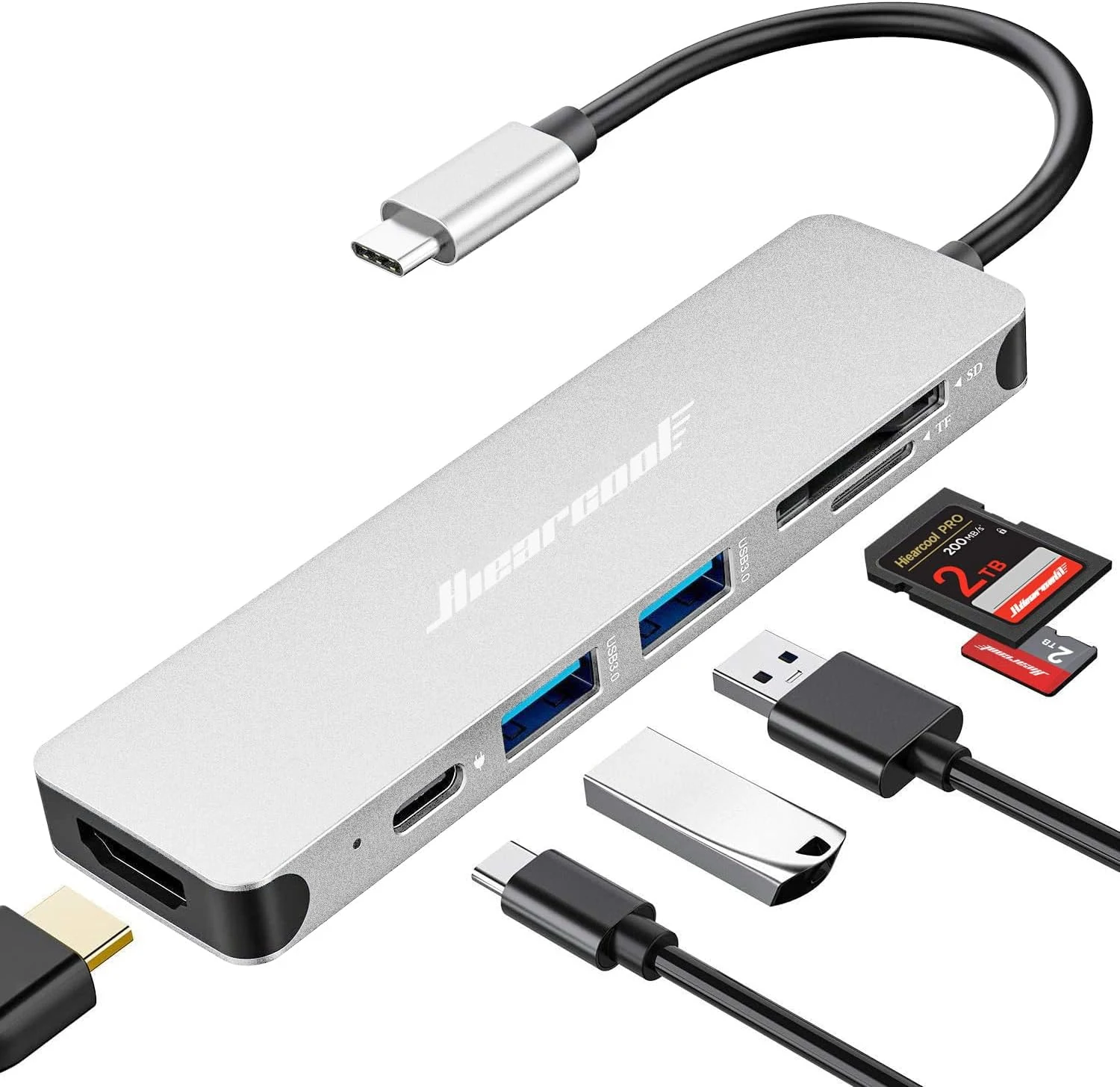
Hiearcool USB C Hub Multi-Port Adapter, 7-in-1 USB-C Dongle with 4K HDMI 100W PD SD/TF Card Reader
The Hiearcool 7-in-1 USB-C hub adds HDMI (up to 4K at 30Hz), two USB-A 3.0 ports, and SD/microSD card slots, plus USB-C power delivery pass-through (up to 100W) in a compact aluminum design. It’s a strong pick for MacBook and Windows laptop users who want a lightweight “desktop-lite” setup for work, school, and travel, with the key caveat that HDMI video requires USB-C DisplayPort Alt Mode support.
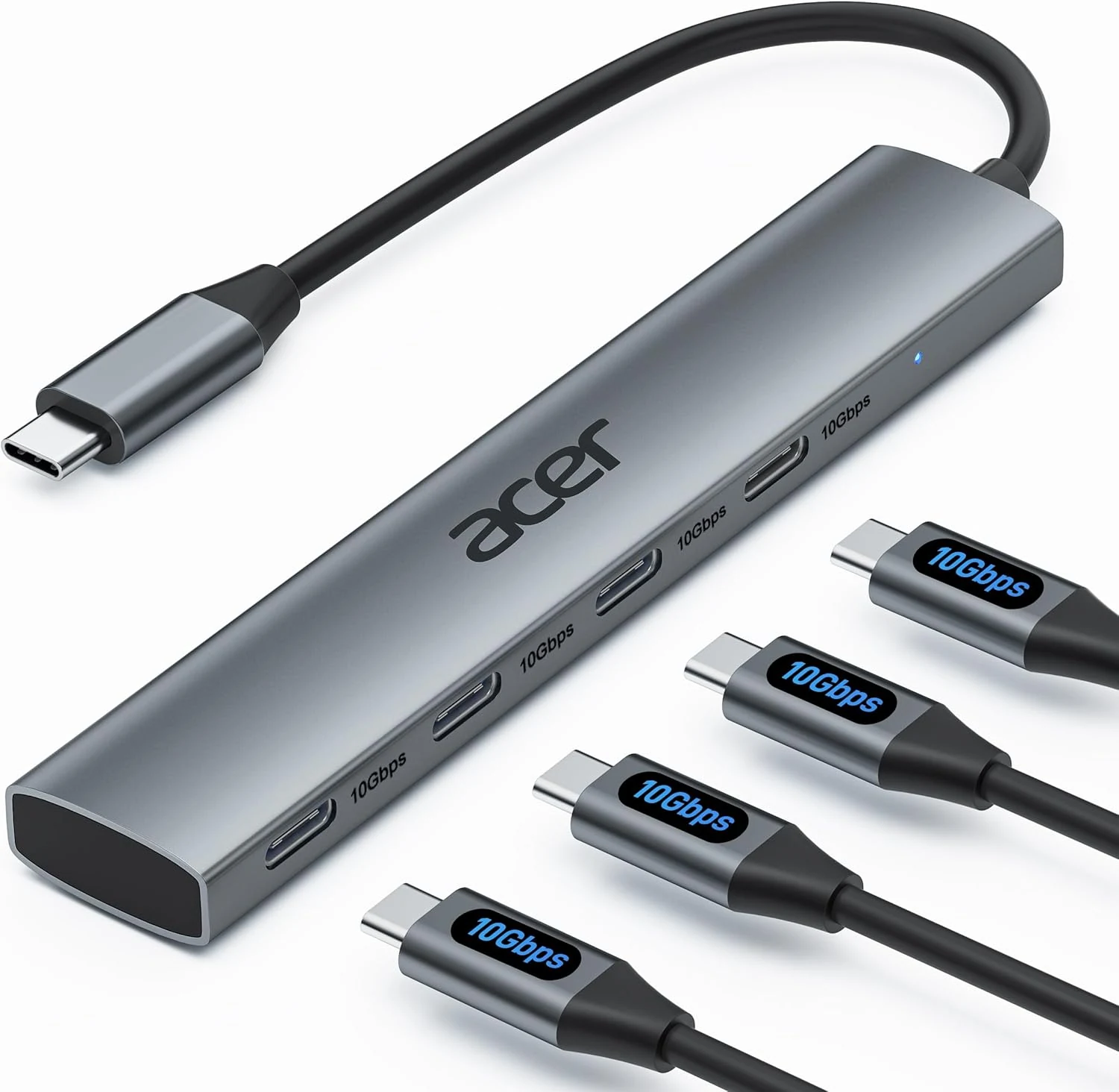
Acer USB C Hub, 10Gbps Type C Splitter with 4 USB-C 3.2 Ports
Acer’s 4-port USB-C hub adds four USB-C data connections to a single USB-C port, with up to 10Gbps throughput for fast transfers. It’s a solid, plug-and-play pick for keyboard, mouse, printers, scanners, and external drives, but it does not support charging or any video/monitor output.
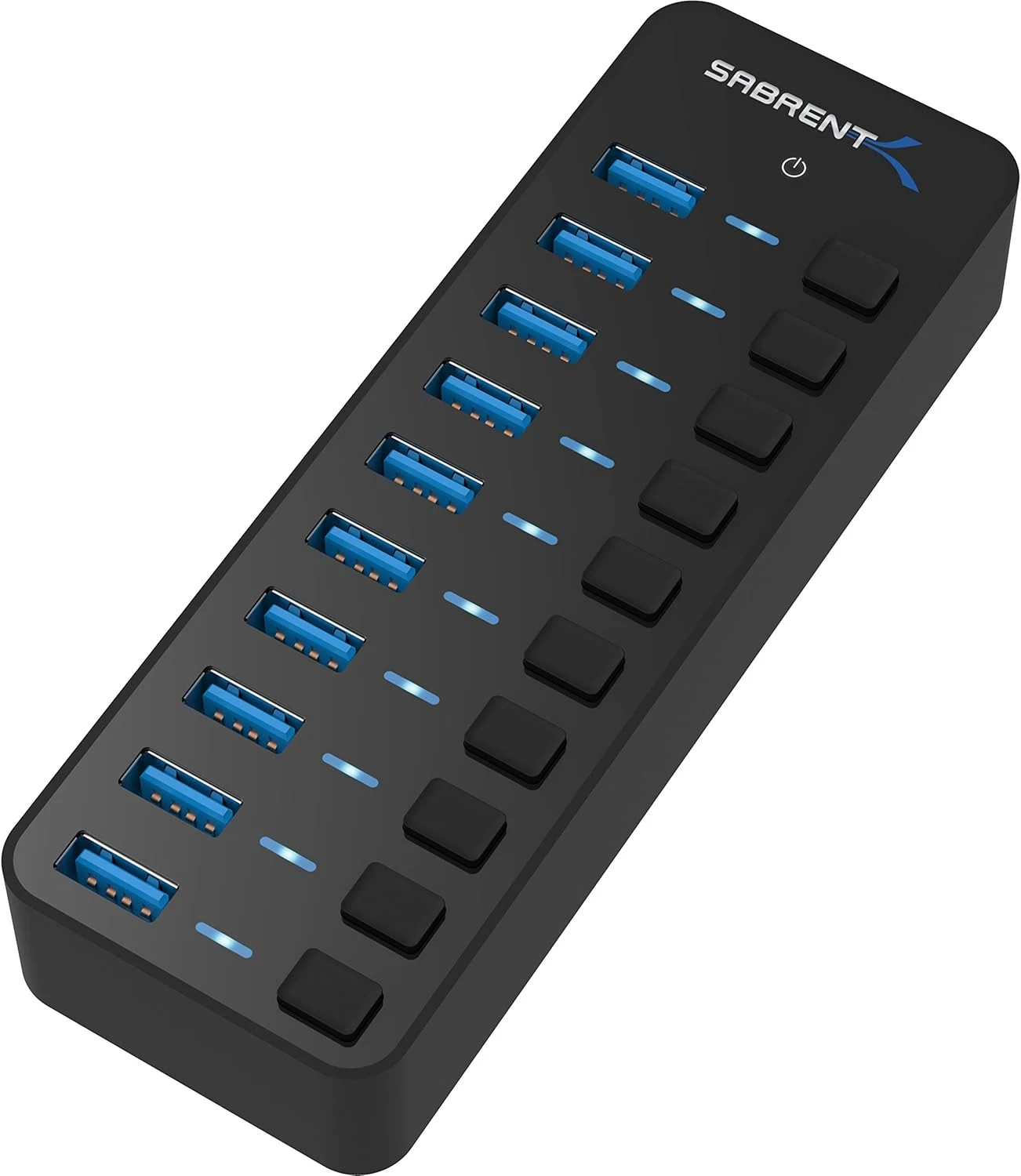
SABRENT 10-Port 60W USB 3.0 Hub with Individual Power Switches
A compact, powered 10-port USB 3.0 hub for people who need more connections than their PC has, especially when devices need consistent power. Individual port power switches and LEDs make it easier to manage multi-device setups, but you should consider whether your use case requires higher-than-usual data performance.