4K Document Camera for Teacher and Classroom, 8MP USB Webcam & Visualiser for A4 A3
Quick take
This USB document camera is built for classrooms and online instruction where you need a clear top-down view of printed pages, notes, and books. Buyers highlight how quickly it works with video apps and how autofocus helps keep text readable, but there is a tradeoff: if you change the camera position often, you may need to refocus manually using the on-device controls.
Pros and cons
Pros
- Designed for A4 and A3 document coverage, useful for larger materials than letter-size-only setups.
- Autofocus plus LED light, intended to keep pages and diagrams readable during live demos.
- Adjustable, foldable alloy stand for changing angles and easier storage.
- Includes a built-in microphone and can function as a USB webcam for Zoom and similar apps.
Cons
- Changing positioning can require refocusing each time, which may slow you down during fast-paced demos.
- LED light is described as “okay,” and some users prefer a separate light source for consistent illumination.
- Review evidence on video frame rate (FPS) is limited, so if you need specific streaming specs, confirm compatibility before buying.
What buyers think
Buyer-review evidence is fairly consistent on usability. People who needed a better way to show papers in video calls reported that setup was simple, with the camera appearing as a selectable USB video source in apps like Zoom. The other recurring theme is on-image clarity, especially for text, drawings, and step-by-step written explanations, where autofocus was repeatedly described as helpful for getting sharpness quickly after placing or moving documents.
On the hardware side, reviews often mention the stand as a practical benefit, particularly for teachers who move between desks or want the unit to fold compactly. A smaller set of comments also flags that the stand could be longer for very large items, and that the on-board LED may not replace a dedicated light box for everyone.
What this document camera is for
This camera is aimed at turning physical documents into a live video feed. It fits common teaching and training workflows, such as:
- Showing printed notes, worksheets, and homework during remote lessons
- Demonstrating step-by-step solutions with handwriting
- Presenting books, diagrams, and larger A3 materials
- Sharing drawings or design work during video meetings
- Acting as a secondary webcam for Zoom, Teams-style calls, and recording
Key features that matter in daily use
Sharp capture and autofocus for readable text
The camera supports up to 2160p (4K) video capture, and it lists an 8 MP effective still resolution. In practice, autofocus is a central part of the value proposition, because it helps when you swap pages or reposition paper under the lens.
Adjustable foldable alloy stand for changing angles
A multi-joint arm and rotatable head let you switch between top-down and angled viewing. Buyers also appreciate the foldable design for storage and for users who do not have one fixed classroom setup.
LED fill light and image orientation controls
There is a built-in LED light with multiple levels, intended to improve visibility for pages and handwriting. The unit also supports mirror or flip-style controls so the on-screen orientation can match how you teach or record. For some workflows, you may still prefer a separate, consistent lighting setup.
Built-in microphone for online teaching
Besides acting as a document camera, it includes a microphone so your voice can be captured during calls. This is useful when you are presenting while speaking, rather than relying on only the computer’s built-in mic.
Plug-and-play USB compatibility
It connects via USB (USB 3.0 Type A) and is described as compatible across major platforms, including Windows, Mac, Chromebook, and Linux, with common video apps such as Zoom, Microsoft Teams, Google Meet, OBS, and others. Buyers frequently mention that it appears as a selectable camera source without complex drivers.
Pros and cons, translated into buying decisions
Best for
- Teachers, tutors, and trainers who need a straightforward way to share printed documents live on video
- Anyone working with A4 and A3-sized materials (books, diagrams, worksheets)
- People who want a single device that can cover both document viewing and basic webcam use
- Workspaces where you need a foldable stand you can move between locations
Who should think twice
- If you frequently adjust camera position mid-session, plan on refocusing using the camera controls
- If you require highly controlled lighting for media work, the built-in LED may not fully replace a light box
- If you need guaranteed, specific streaming performance details like a defined FPS, you should verify those requirements before purchase
Alternatives to consider (based on your priorities)
If this style of doc camera looks right but you are still shopping, your best comparison points are capture size, autofocus behavior, and whether you need a stronger lighting solution.
- If A3 coverage is critical: prioritize models that explicitly support A3 and have a stand geometry that reaches larger pages comfortably.
- If you teach in low light often: look for higher-output lighting or options that integrate better with external light sources.
- If you need camera positioning to stay fixed: consider document cameras with more rigid, longer reach stands to minimize refocusing.
- If you only need occasional document views: a simpler USB visualizer may be enough, but you risk less help with autofocus and lighting consistency.
Verdict
This 4K 8MP USB document camera is a practical choice for everyday teaching and office-style document sharing, especially when you need A4 and A3 coverage and a setup that works quickly in video apps. The main limitation to plan for is refocusing when you reposition the camera or document, and the on-board LED may not satisfy every lighting requirement. If your workflow is regular, desk-to-desk teaching or remote instruction, the adjustable stand, autofocus, and built-in mic are the features most likely to make it feel worth the buy.
FAQ
Is this document camera good for showing small text and diagrams?
Reviews emphasize that autofocus helps keep pages sharp after documents are moved into position, making text and diagrams easier to read during live sharing.
Does it work as a webcam for Zoom and other video apps?
Yes. It connects via USB and is described as compatible with common platforms like Zoom and Microsoft Teams, and it also includes a built-in microphone for calls.
Does it support A4 and A3 documents?
It is designed to display both A4 and A3-sized materials, which is useful for books, worksheets, and larger posters or diagrams.
Do I need to install drivers?
Setup is described as plug-and-play, with the camera appearing as a selectable USB video source in apps. That means you can typically start without complex installation steps.
Will I need to refocus often?
Some buyers note that when the camera position is adjusted, it may need refocusing. If your workflow involves frequent repositioning, build in a quick autofocus step.
View latest price on Buy on Amazon
Specifications
| Product Title | 4K Document Camera for Teacher and Classroom, 8MP USB Webcam & Visualiser for A4 A3 Document, Doc Cam with Foldable Alloy Stand, Autofocus, LED Light & Mic, Work with Zoom, Mac, Windows, Chromebook |
|---|---|
| Category | Office Products > Office Electronics > Document Cameras |
| Brand | enjfeocy |
| Manufacturer | enjfeocy |
| Model Name | document camera |
| Model Number | EN-P08(03250) |
| Image stabilization | Optical |
| Video Capture Resolution | 2160p |
| Color | Grey |
| Item Weight | 0.56 Kilograms |
| Shooting Modes | Automatic |
| Exposure Control Type | Automatic |
| Media Type | USB |
| Water Resistance Level | Not Water Resistant |
| File Format | JPEG, MP4 |
| Video Capture Format | MP4 |
| Effective Still Resolution | 8 MP |
| Viewfinder Type | Optical |
| Compatible Devices | Desktop, Google Meet, Laptop, Desktop PC, Skyp-Microsoft Teams, Tiktok, SeeSaw, Camtasia, Zoom, OBS, Laptop, Mac Os, chromebook |
| Audio Recording | Yes |
| Has Self-Timer | No |
| Connectivity Technology | USB |
| Hardware Interface | USB 3.0 Type A |
| Zoom Type | Optical Zoom |
| Digital Zoom | 8 MP |
| Optical Zoom | 6 x |
| Aperture Modes | F1.6-F2.5 |
Available variants
Color
- Grey
Recommended next
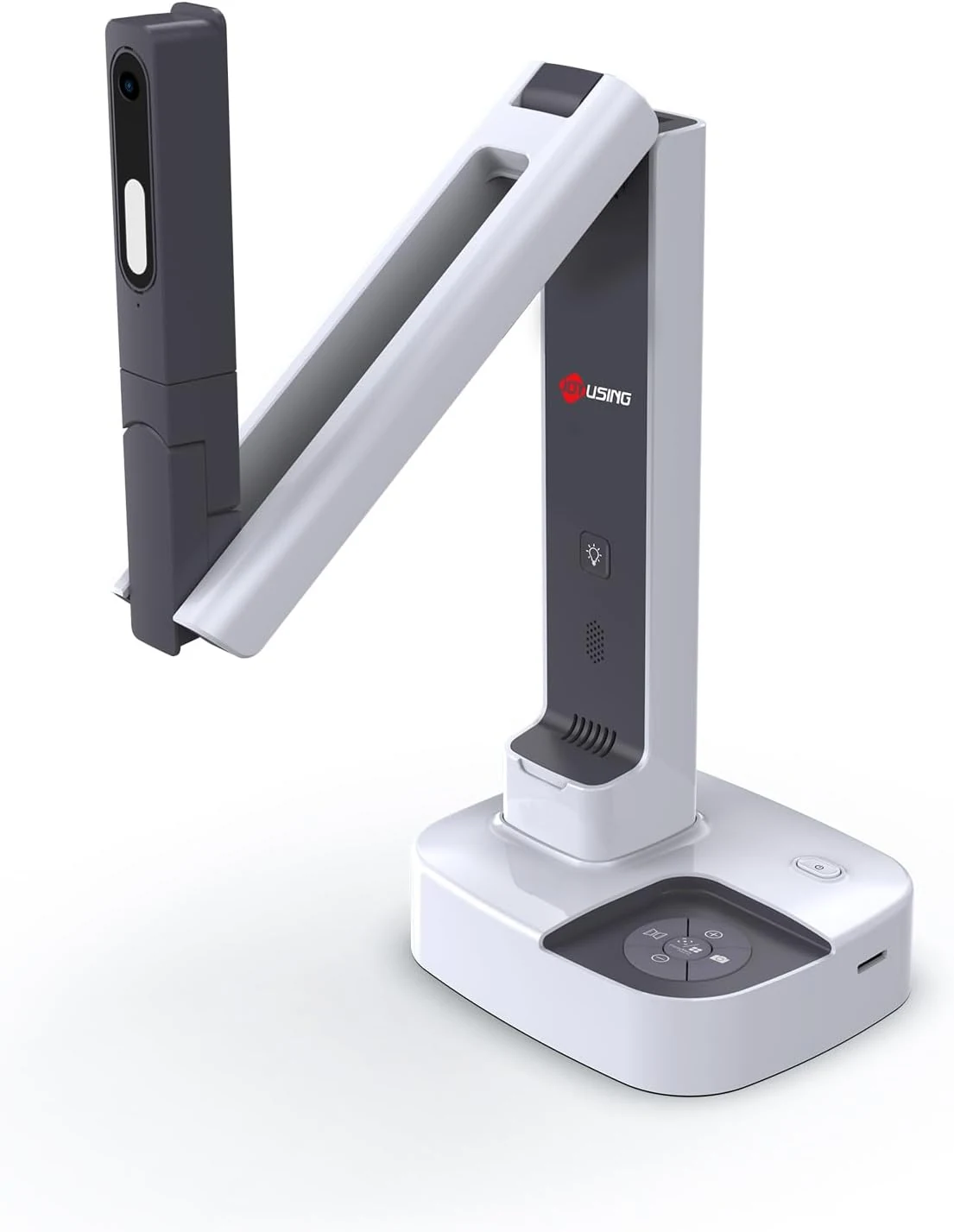
JOYUSING V513 HDMI/USB 13MP Dual Mode Document Camera for Teacher, review
The JOYUSING V513 is a dual-mode document camera built for live teaching and presentations, offering HDMI or USB connectivity, autofocus, and built-in LED lighting for real-time projection. Buyers highlight crisp, clear capture and straightforward setup, with the main tradeoff being that USB live streaming frame rate can drop slightly for motion-heavy content.
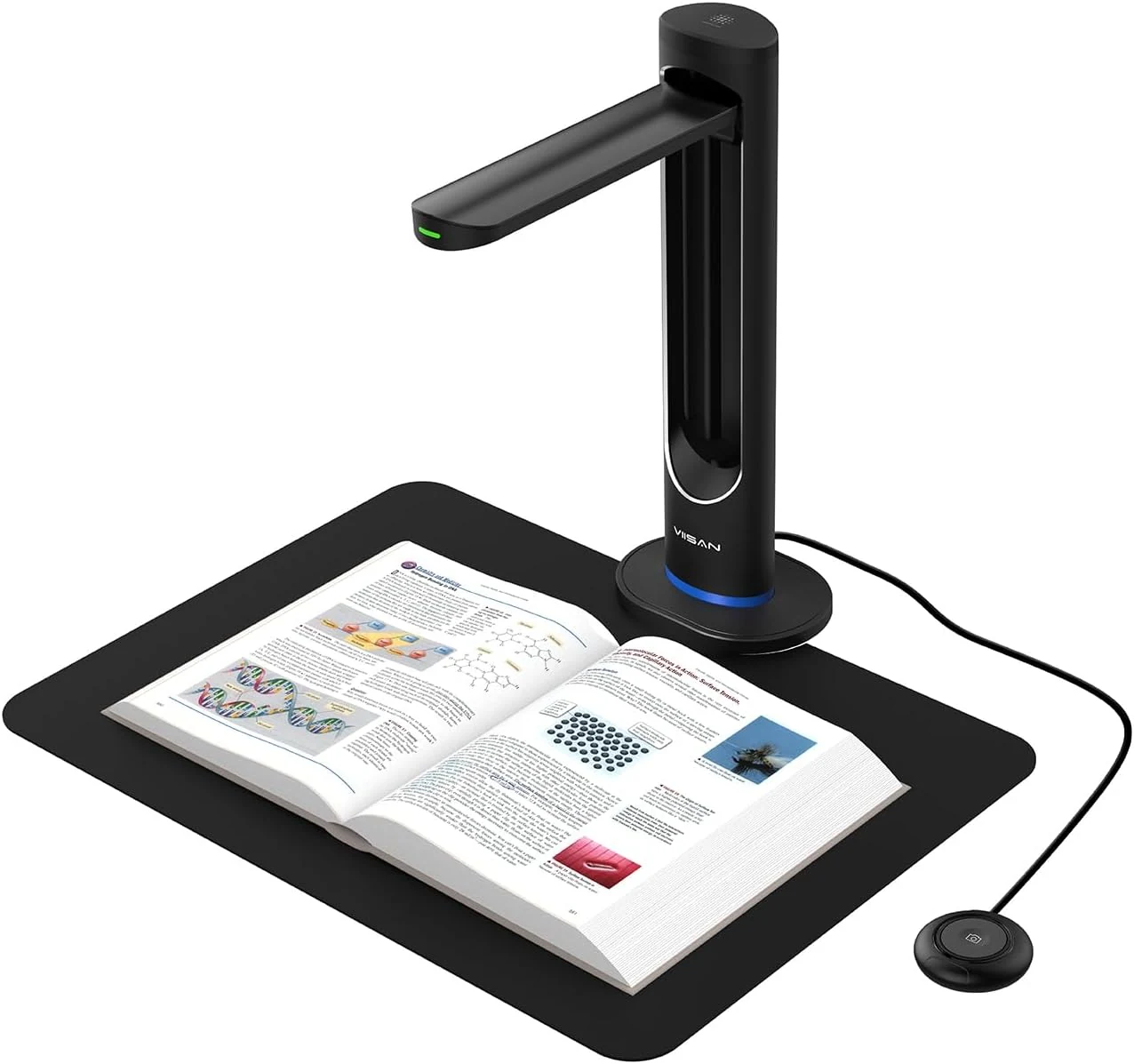
VIISAN K48 48MP Book Scanner & Document Camera, AI-Powered USB review
The VIISAN K48 is a USB document camera-style scanner aimed at digitizing books with tools like page-turn detection, curve-flattening, and OCR for searchable files. It can produce strong black-and-white results, but buyer feedback also flags software limitations and issues with color scanning and visual artifacts, so it may be a better fit for text-heavy workflows than full-color archival work.
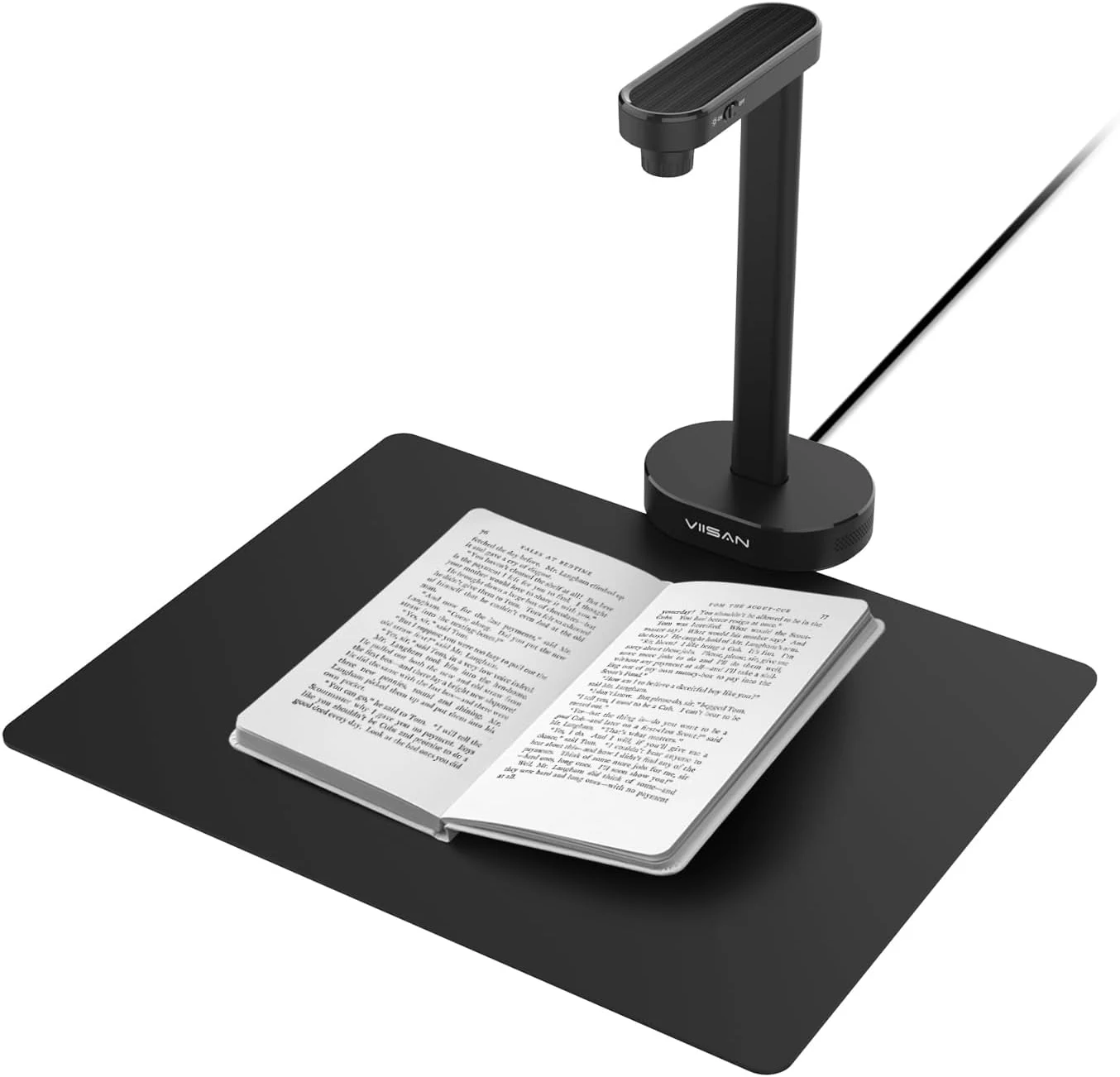
VIISAN A8401 16MP Document Scanner for Small Offices & Home Classrooms
The VIISAN A8401 is a compact USB document camera aimed at small offices and home classrooms, combining OCR, text-to-speech, and barcode recognition for digitizing paperwork and teaching materials. It is also UVC-compliant for remote lessons, but buyer feedback suggests image quality can be only “okay,” and connectivity can be frustrating for some setups.
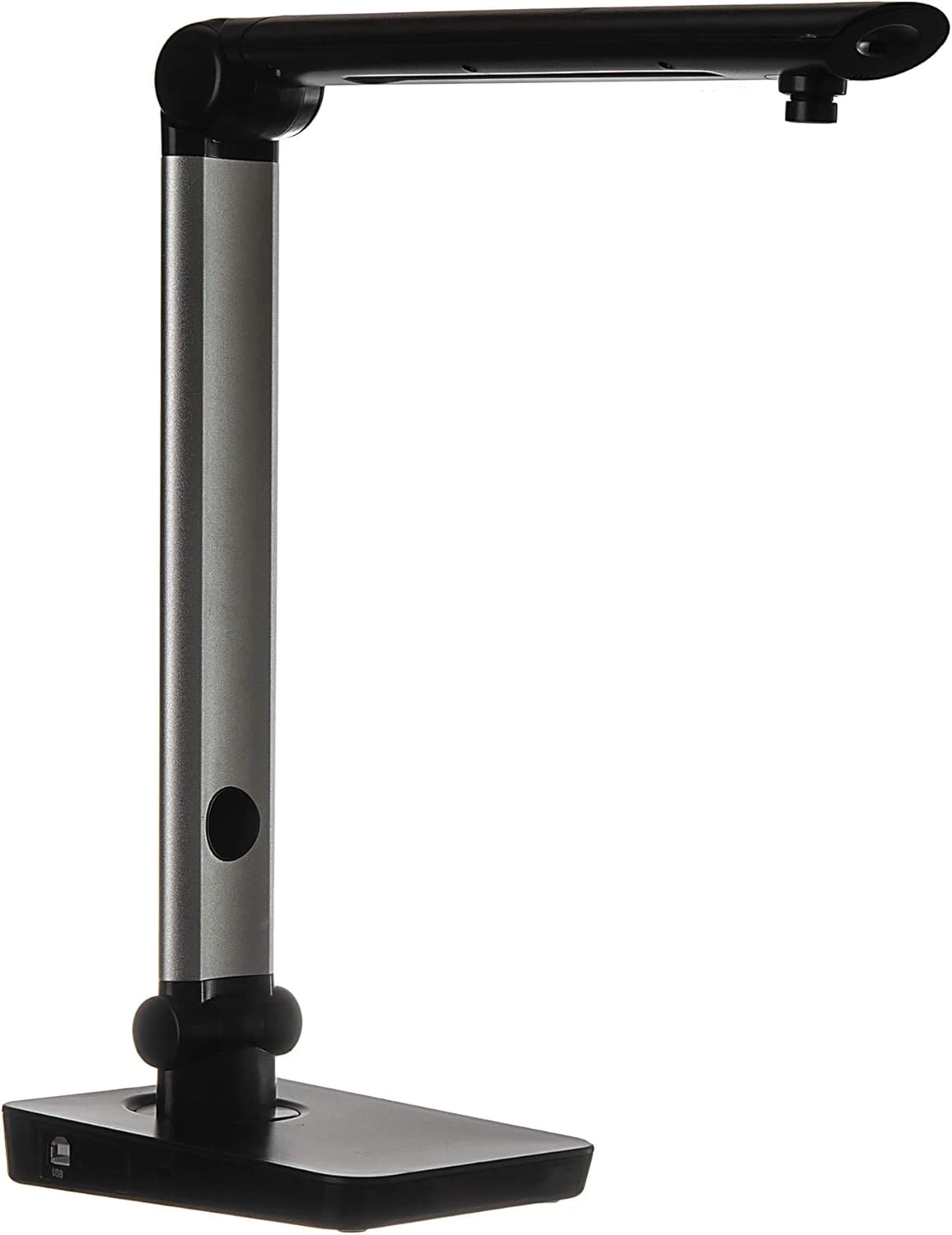
Digital Portable Multi-Angle USB Document Camera LV-1 Series LV-1010 (Black)
The Longjoy LV-1010 is a compact USB document camera designed for classrooms, office training, and quick document or ID capture. It offers a 5 MP sensor, built-in adjustable LED light, and flexible camera angles, but it relies on Windows software (not macOS/Chromebook) and buyers should double-check included items and cables when purchased from third parties.