Zenith XBV713 DVD VCR Combo
Quick take
The Zenith XBV713 DVD VCR Combo is a two-in-one player and recorder designed for people who still use VHS tapes, while also watching DVDs with progressive scan (480p) output. It can be a straightforward replacement for an aging VCR, but reviews suggest usability friction for some buyers, especially around setup and remote expectations.
Pros and cons
Pros
- Progressive scan DVD output rated up to 480p for a cleaner image than standard interlaced output
- Includes DVD-to-VCR “auto-dub” recording for converting DVD video to VHS
- Plays multiple disc types (DVD video and common DVD recordables, plus audio CDs)
- Uses familiar RCA (composite) A/V connections
Cons
- Some buyers report setup or usability challenges and may struggle to get certain functions working
- Remote control issues come up, including cases where a missing or hard-to-match remote affects day-to-day use
- Like most combo units, it is a legacy device, so it is best for TVs and setups that support analog A/V inputs
What buyers think
Buyer feedback is mixed. Positive comments tend to focus on getting the job done, with particular praise for the DVD picture quality and the idea of an easy-to-use replacement when a long-used VCR finally fails. A smaller set of reviews mentions minor recording playback quirks (such as audio not fully clearing in certain overwrites) but the evidence is limited. On the negative side, there are recurring themes around difficulty figuring out controls and remote-related frustrations, including situations where the remote experience did not match expectations.
Overall, the most consistent “buyer-fit” takeaway is this: you are more likely to be happy if you already know how to connect analog A/V devices and you are prepared to troubleshoot remote/control setup if anything is off.
What it is, and what it’s for
The Zenith XBV713 is a DVD player plus a VHS VCR in one chassis, aiming at households that want to keep using older media without buying separate machines. Its progressive scan DVD output (480p) is meant to improve the look of DVDs on compatible displays, while its DVD-to-VCR recording feature is for dubbing DVD content onto tape.
Key features that matter for real use
DVD playback with progressive scan output
This combo supports progressive scan output up to 480p. If your TV accepts the unit’s composite video via RCA inputs, progressive scan can help DVDs appear sharper and less prone to the “interlaced” look on many displays.
DVD-to-VCR dubbing (auto-dub)
If your VHS collection is what you still watch, the auto-dub feature is the headline workflow. It’s intended to streamline recording DVD video to VHS so you can archive or rewatch content on tape.
Multi-format disc playback
The unit is designed for DVD video and common optical media, plus audio CDs and CD recordables. That gives you flexibility if your household plays both movies and music discs.
Analog connection via RCA (composite)
Connectivity is based on composite A/V using RCA. This is a practical choice for older TVs and cable box setups with RCA ports, but it is also the biggest compatibility checkpoint. If your viewing setup only has HDMI, you may need additional gear (like an RCA-to-HDMI solution) to use this comfortably.
Setup and day-to-day usability
Most buyers want a combo unit that is “turn it on and use it,” and the feedback here suggests that experience can vary. Some reviews indicate controls or functions are not immediately intuitive, and remote control issues can interfere with getting the unit fully operational. If you plan to replace a working VCR, consider whether you have an easy path to matching the remote and connecting to your TV’s RCA inputs.
Pros and cons for the right buyer
Buy it if you need a VHS-capable combo
- You still record or playback VHS tapes and want one device for both DVD viewing and tape recording
- You want DVD-to-VHS dubbing without adding extra stand-alone equipment
- Your TV setup includes RCA (composite) inputs, or you are comfortable using analog-friendly connections
Avoid it (or double-check first) if remote setup is critical
- You rely heavily on a universal remote you already own and cannot easily reprogram or match commands
- Your viewing setup uses HDMI-only connections and you do not want to introduce extra adapters
- You want extremely simple navigation with minimal troubleshooting, since some buyers report figuring out functions can be difficult
Price and availability
The list price and current selling price can differ, but availability has been constrained for this model (it may sell out quickly depending on retailer stock). If you are considering it, it can be worth checking the latest price before committing.
Verdict
The Zenith XBV713 DVD VCR Combo is a sensible option for buyers who still use VHS tapes and want progressive scan DVD playback in the same unit, plus DVD-to-tape dubbing. The main thing to watch is usability, particularly remote/control expectations and the analog RCA connection requirement. If your setup matches those needs, it can be a convenient “keep the legacy media working” solution.
FAQs
Does the Zenith XBV713 connect to TVs using HDMI?
No. It uses RCA (composite) A/V connections, so it’s intended for TVs and devices that support analog inputs.
What is “auto-dub” on this DVD VCR combo?
Auto-dub refers to recording DVD video onto VHS tape. It’s designed to make DVD-to-VCR dubbing more convenient than manually stepping through a recording workflow.
What disc types does it support?
It supports DVD video and multiple common DVD recordable formats, plus audio CD and CD recordables.
Is the progressive scan output 480p?
Yes, it supports progressive scan DVD output up to 480p.
Are there common usability issues?
Reviews are mixed. Some buyers report setup or function navigation being difficult, and remote-related problems have come up, so it’s wise to plan for potential troubleshooting.
Specifications
| Product Title | Zenith XBV713 DVD VCR Combo |
|---|---|
| Category | Electronics > Television & Video > DVD-VCR Combos |
| Brand | LG |
| Manufacturer | Zenith |
| Model Name | XBV713 |
| Model Number | XBV713 |
| Color | Silv / Blk |
| Item Weight | 4.2 Pounds |
| Media Type | CD, DVD |
| Other Special Features of the Product | Progressive Scan |
| Resolution | 854 x 480 pixels |
| Connector Type | RCA |
| Connectivity Technology | Composite Video (RCA) |
| Audio Output Mode | (Dolby Digital) |
| Supported Audio Format | Dolby Digital |
| Surround Sound Channel Configuration | 5.1 |
| Video Encoding | MPEG-2 |
| Compatible Devices | Television |
| Analog Video Format | NTSC |
| Video Output Resolution | 480p |
| Controller Type | Remote Control |
| File Format | JPEG, MP3, MP4 |
| UPC | 719192171237 |
| Mfr Part Number | XBV713 |
| Warranty Description | 1 year parts / 90 days labor |
| Special Feature | Progressive Scan |
Recommended next
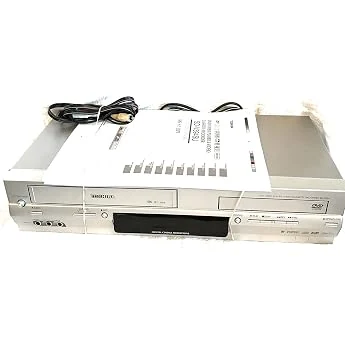
JVC HR-XVC33U Progressive-Scan DVD/VCR Combo, Silver
JVC HR-XVC33U is a space-saving DVD/VCR combo with progressive-scan (480p) video output, MP3/WMA and JPEG disc playback, and hi-fi VHS support. It also offers Dolby Digital and DTS 5.1 surround via digital audio outputs, plus front A/V inputs for easy device hookup.
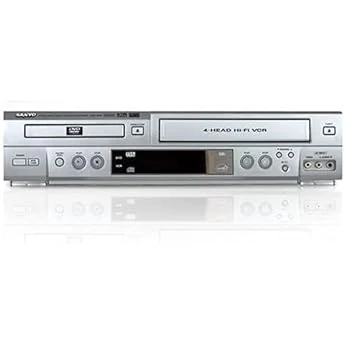
Sony SLVD360P DVD / VCR Combo
The Sony SLVD360P is a DVD-VCR combo built for people who still need both formats in one unit. Buyers report strong day-to-day usability for DVD and VHS playback, but reliability can vary over time, and there are occasional reports of units that arrived nonfunctional or later began freezing.
![Sanyo DVW-7200 DVD/VCR Combo, DVW-7200 [Electronics]](/product-images/019eecb8-1175-7865-8a47-e91e89f11d50-0-10092d9ca238.webp)
Sanyo DVW-7200 DVD/VCR Combo, DVW-7200 [Electronics]
The Sanyo DVW-7200 is a DVD/VHS combo meant for households that still use physical VCR tapes. It offers progressive scan for DVD playback and multiple video connections (component, composite/AV, and coax), plus stereo audio output with Dolby Digital support. The main tradeoff is reliability and condition sensitivity, since combo units can arrive with setup issues or fail after limited use.
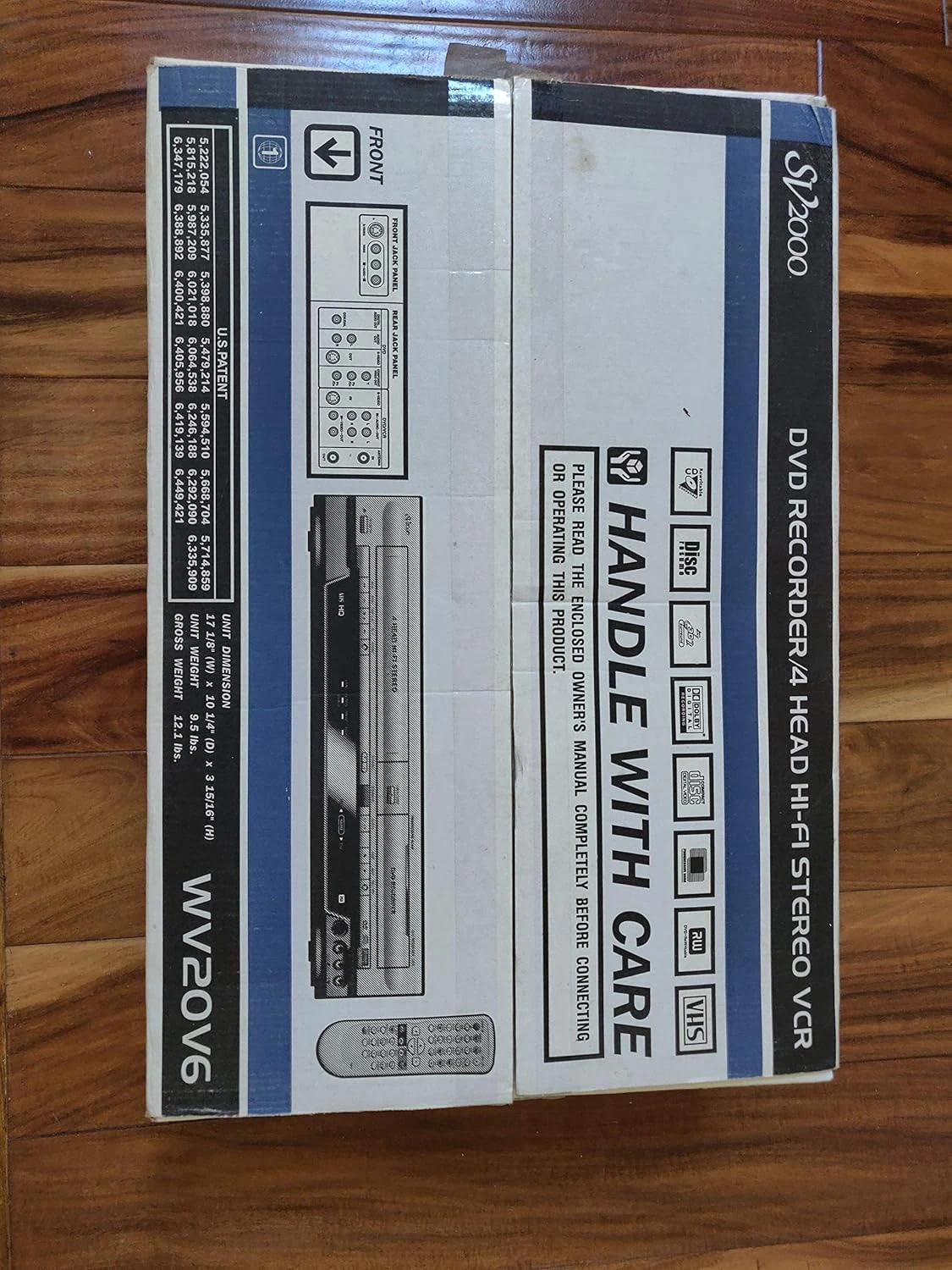
Funai WV20V6 SV2000 DVD Recorder and VCR Combo
The Funai WV20V6 SV2000 DVD recorder and VCR combo is a one-box way to digitize or archive VHS tapes to DVD, with DVD+R/RW recording, two-way dubbing, and progressive-scan DVD playback. It can be a strong fit for converting older media, but buyers should confirm they are getting a working remote and any needed A/V cables, since missing or faulty accessories can make the unit frustrating.