ZAHARA 2.4/5.8/6GHz RP-SMA Tri Band WiFi 6E Antenna for ASUS
Quick take
This tri-band Wi‑Fi 6E antenna is made for PCs that use RP‑SMA antenna connections, offering coverage across 2.4 GHz, 5.8 GHz, and the 6 GHz band. It pairs a 360-degree, omni-style design with a magnetic mount for easier positioning than many rear-only antennas. The biggest thing to verify before buying is compatibility with your specific motherboard/wireless card connectors, and it may not be suitable for Wi‑Fi 7 devices.
Pros and cons
Pros
- Tri-band support for Wi‑Fi 6E (2.4G, 5.8G, 6G) plus common Wi‑Fi generations including 802.11 a/b/g/n/ac/ax
- Omni-directional, 360-degree style coverage intended to help with everyday signal consistency
- Magnetic attraction base and 80 cm cable, making repositioning simpler
- Impedance listed as 50Ω and gain listed as 9 dBi
Cons
- RP‑SMA and dual-connector compatibility matters, so you need to confirm your motherboard or PCIe wireless card’s antenna ports
- If you’re using a Wi‑Fi 7 device, performance may not be what you expect
- Wireless improvement depends heavily on placement (the manufacturer recommends experimenting with directions/positions)
What buyers think
Buyer review evidence is mostly positive, with recurring themes around stronger wireless reception and flexible mounting. Several buyers specifically mention that the magnetic base makes the antenna easier to place on a desk or on a metal case, rather than being limited to the back of the enclosure. There are also mentions of good performance even through walls (though exact wall types and distances vary, so results will depend on your environment). A smaller amount of feedback frames the improvement as “modest,” suggesting this is best viewed as a practical reception upgrade rather than a guaranteed long-range solution. Overall, the review pattern points to convenience (magnetic mounting, repositioning) and reliable, day-to-day signal improvement when placement is optimized.
What it is and what it’s for
The ZAHARA antenna is built to extend or replace the external Wi‑Fi antennas on compatible desktop PCs. It’s intended for systems using RP‑SMA antenna connectors and targets Wi‑Fi 6E use, including the 6 GHz band (alongside 2.4 GHz and 5.8 GHz). It can also support Bluetooth connectivity, which matters if your motherboard or PCIe Wi‑Fi card uses a combo Wi‑Fi/Bluetooth module that routes through the antenna ports.
Key specs that matter for buying
Tri-band Wi‑Fi 6E coverage
It’s designed for 2.4 GHz (2400–2500 MHz), 5.8 GHz (5150–5850 MHz), and 6 GHz (5900–7125 MHz). That’s the practical reason to consider it if you want to take advantage of Wi‑Fi 6E’s 6 GHz band for lower interference and higher capacity in compatible setups.
Connector type and impedance
It uses RP‑SMA connections, with dual RP‑SMA support called out for use with compatible motherboards and PCIe wireless network cards. Impedance is listed at 50Ω, which is the typical value you want to match for many Wi‑Fi antenna systems.
Gain, mounting, and cable length
Gain is listed as 9 dBi and the design is described as omni-directional with 360-degree coverage. The magnetic attraction mount and 80 cm cable length are aimed at making positioning easier, which can be especially helpful if your PC is near a wall, inside a cabinet, or in a room where rear-mounted antennas aren’t ideal.
Installation and placement tips (to get the most out of it)
- Confirm connector compatibility first: Make sure your motherboard or PCIe Wi‑Fi card has RP‑SMA antenna ports that match this antenna’s connection style (it’s meant for dual RP‑SMA setups).
- Use placement as your tuning knob: Reviews and the manufacturer guidance both point toward experimenting with where the antenna sits and how the leads are oriented for best reception.
- Magnetic mounting is about practicality: If your case is metal, the magnet can make it easy to reposition without drilling or permanent mounting.
Pros and cons for different buyers
Best for
- Owners of compatible ASUS or similarly configured gaming motherboards/PCIe Wi‑Fi cards who want a replacement antenna or a better-positioned setup
- People who care about Wi‑Fi 6E (especially the 6 GHz band) and want their system to have matching external antennas
- Users who want flexible antenna placement because their PC location makes rear-only mounting awkward
Who should avoid it
- Anyone with a Wi‑Fi 7 device where this antenna may not be an appropriate match (compatibility guidance warns it may not work properly for Wi‑Fi 7)
- Shoppers who cannot confirm they have the right RP‑SMA antenna ports for a dual-antenna setup
- Buyers expecting a dramatic “farther than ever” range increase regardless of placement (antenna upgrades still depend on location and environment)
How it compares in the antenna category
Without naming specific brands, here’s how this style of antenna tends to compare based on what you should prioritize:
- Magnetic base vs. fixed/adhesive antennas: Magnetic mounting often makes it easier to test positions, and it’s convenient if you move your PC or your router placement changes.
- Tri-band Wi‑Fi 6E vs. dual-band antennas: If your router supports 6 GHz and your card supports Wi‑Fi 6E, tri-band design is the simplest way to keep antenna coverage aligned with your network’s capabilities.
- Omni-directional coverage vs. specialized directional designs: Omni-style antennas can be a better match for general home use where you cannot guarantee a fixed orientation between your PC and router.
Verdict
The ZAHARA 2.4/5.8/6GHz RP‑SMA tri-band Wi‑Fi 6E antenna is a solid, practical upgrade for compatible desktop setups, especially if you want Wi‑Fi 6E-ready external antennas and easier placement thanks to the magnetic base. It is most worth it when you confirm RP‑SMA dual-antenna compatibility and plan to adjust placement to suit your room. If you’re on Wi‑Fi 7 or you’re unsure about your antenna port type, that compatibility step should come first before you buy.
Price and availability
Check the latest price and stock status before ordering, since pricing can change frequently for accessory antennas. Use the button below to see the current listing.
FAQ
Will this antenna work with any ASUS motherboard?
It’s meant for systems that have dual RP‑SMA antenna ports that match this antenna’s connection type. Because models vary, you should verify your motherboard or PCIe wireless card has compatible RP‑SMA ports.
Does it support the 6 GHz Wi‑Fi 6E band?
Yes. It’s designed for tri-band operation, including 6 GHz (5900–7125 MHz), alongside 2.4 GHz and 5.8 GHz.
Is the magnetic base useful or just a gimmick?
It’s genuinely useful if you want to reposition the antenna easily. The magnet allows you to mount it to a metal surface or the case body when your setup makes rear-only placement inconvenient.
How do I get the best signal after installing it?
Try placing the antenna in different locations and adjusting its orientation. The manufacturer guidance recommends experimentation with direction and placement to optimize reception.
Will this work with a Wi‑Fi 7 motherboard or router?
Compatibility guidance notes that if your motherboard is a Wi‑Fi 7 device, this antenna may not work for you. If you’re using Wi‑Fi 7, confirm antenna compatibility first.
Specifications
| Product Title | ZAHARA 2.4/5.8/6GHz RP-SMA Tri Band WiFi 6E Antenna for ASUS ROG Strix B550-F Gaming WiFi II/B550-PLUS/Prime B450M-A II/ROG Strix B650-A B650-PLUS B650E-F B550-A B760-I Z690-I Z790-Plus Z790-A Z790-E |
|---|---|
| Category | Electronics > Computers & Accessories > Networking Products > Network Antennas |
| Brand | Zahara |
| Manufacturer | Zahara |
| Model Number | NF1204-W3 |
| Color | Black |
| AntennaDescription | Wi-Fi 6E antenna |
| Number of Items | 1 |
| Mfr Part Number | NF1204--W3 |
| Unit Count | 1.0 Count |
| Number of Channels | 3 |
| Impedance | 50 Ohms |
| Antenna | Wi-Fi 6E antenna |
| Number of Packs | 1 |
Available variants
Model
- NF1204-NF1207-W1
- NF1207-B-W2
- NF1204-W3
Recommended next
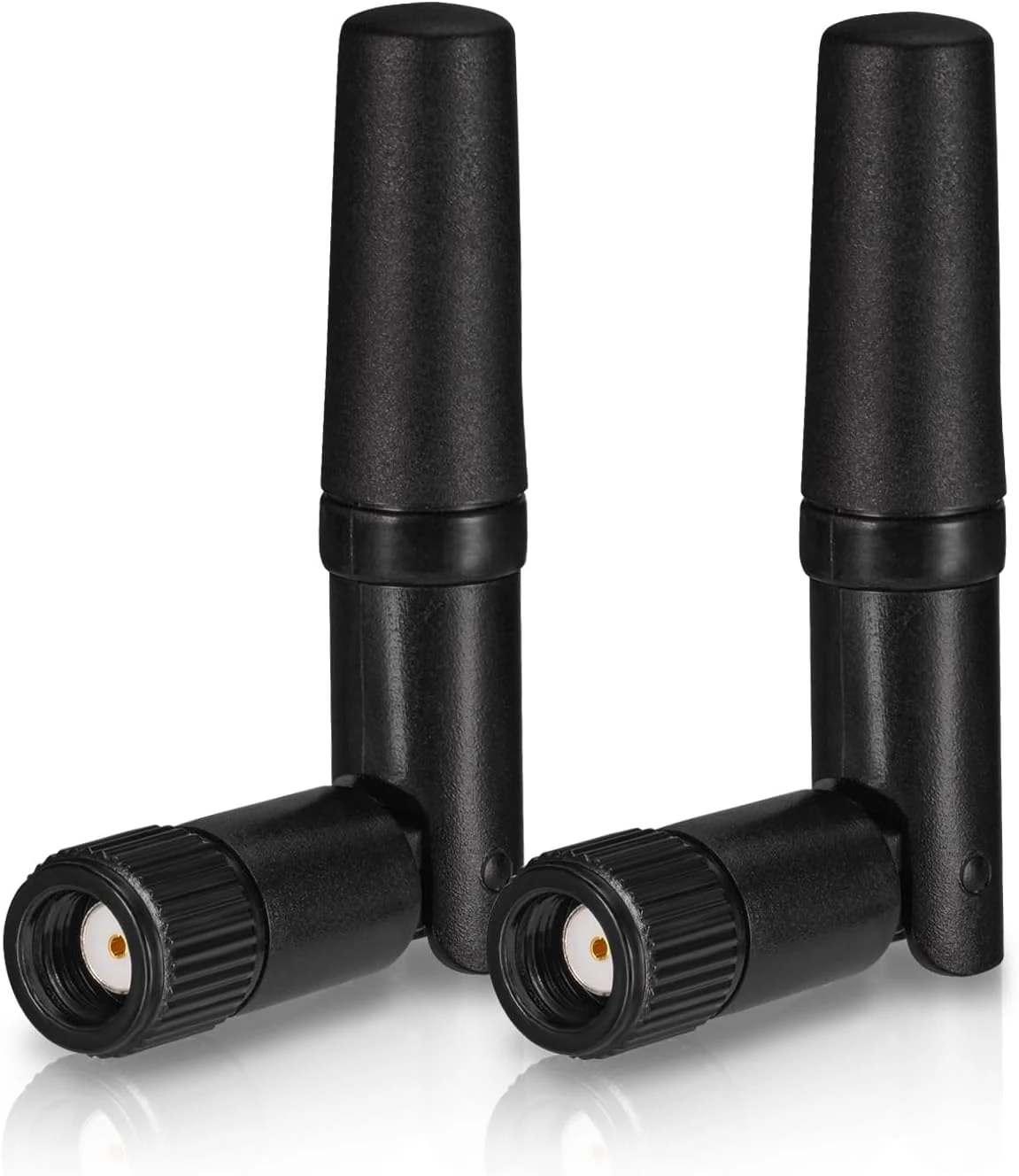
Eightwood Small WiFi Antenna Dual Band 2.4GHz 5GHz RP-SMA Antenna (2-Pack)
A compact dual-band (2.4GHz and 5GHz) RP-SMA antenna pair designed for low-profile PC setups, PCIe Wi-Fi cards, routers, and wireless cameras. Buyers highlight easy screw-on installation and steadier signal performance for the size, with the main caveat being that short antennas can be less effective than higher-gain replacements if you need maximum range.
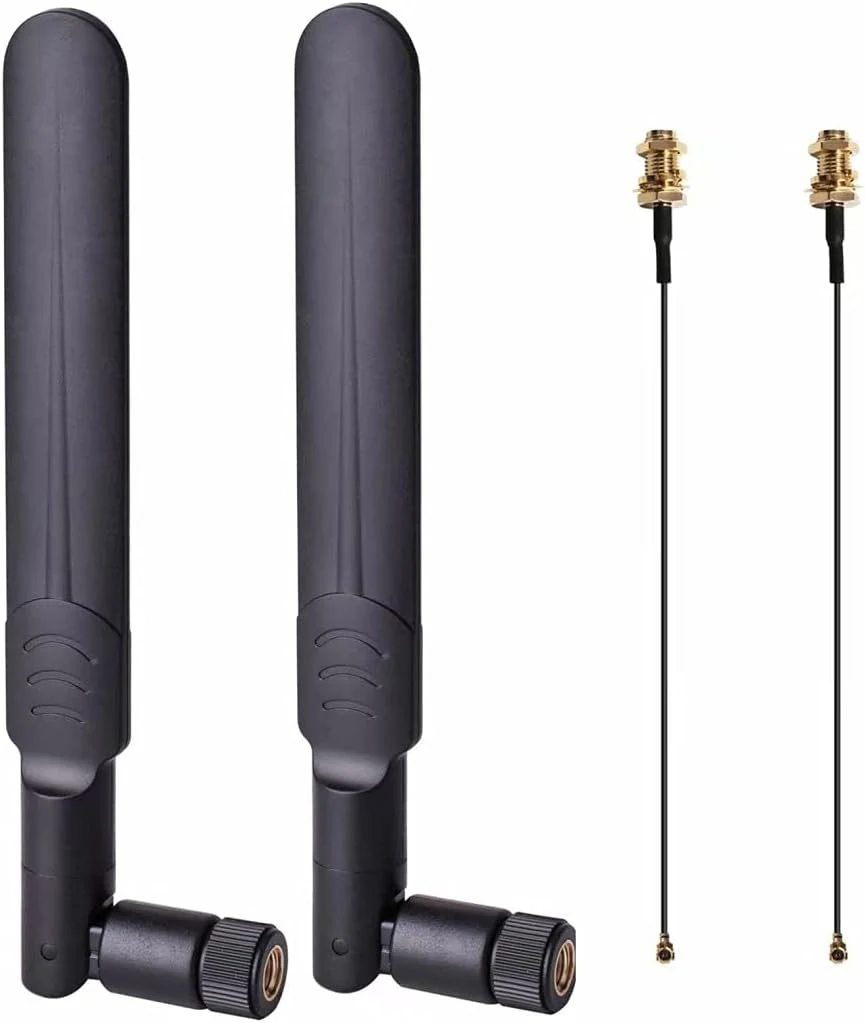
2 x 8dBi WiFi RP-SMA Male Antenna 2.4GHz 5.8GHz Dual Band +2 x 15CM U.FL/IPEX to RP-SMA Female Pigtail Cable
These dual-band, omni-directional 8dBi Wi-Fi antennas plus 15 cm U.FL/IPEX to RP-SMA pigtails are designed for Mini PCIe (not M.2/NGFF) wireless cards. They’re a solid, budget-friendly option when you need better coverage from a desktop or small build, but they may not be a good fit if you specifically need reliable 5.8 GHz connectivity.
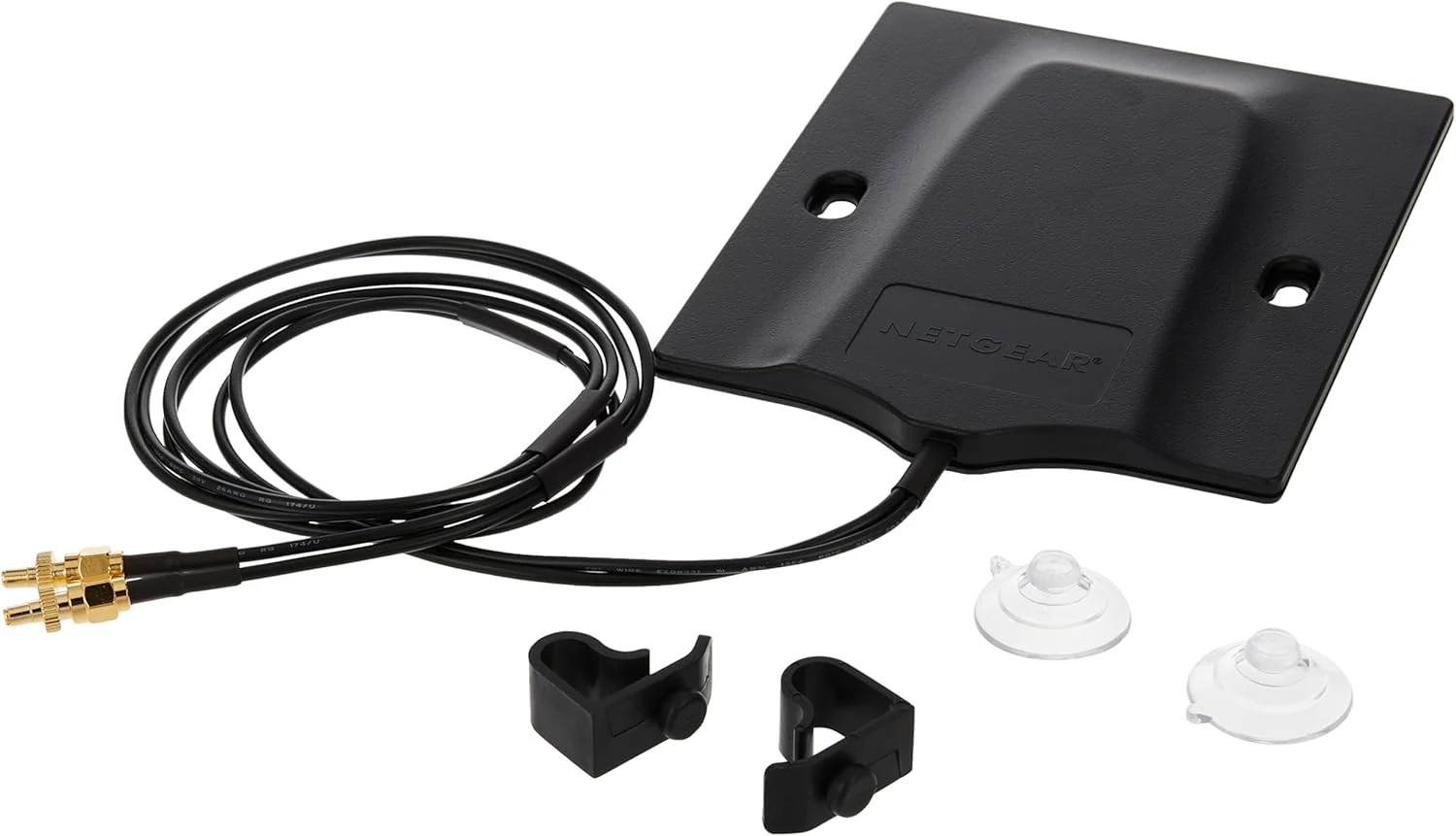
NETGEAR Omnidirectional MIMO Antenna (6000451)
The NETGEAR Omnidirectional MIMO Antenna (6000451) is a plug-in upgrade for select NETGEAR hotspot routers, designed to improve cellular performance in buildings or other low-signal areas. It is best for buyers who need stronger, more consistent 4G/5G connectivity outdoors or near windows, with the key caveat that it only fits compatible NETGEAR M5 and M6 hotspot models.
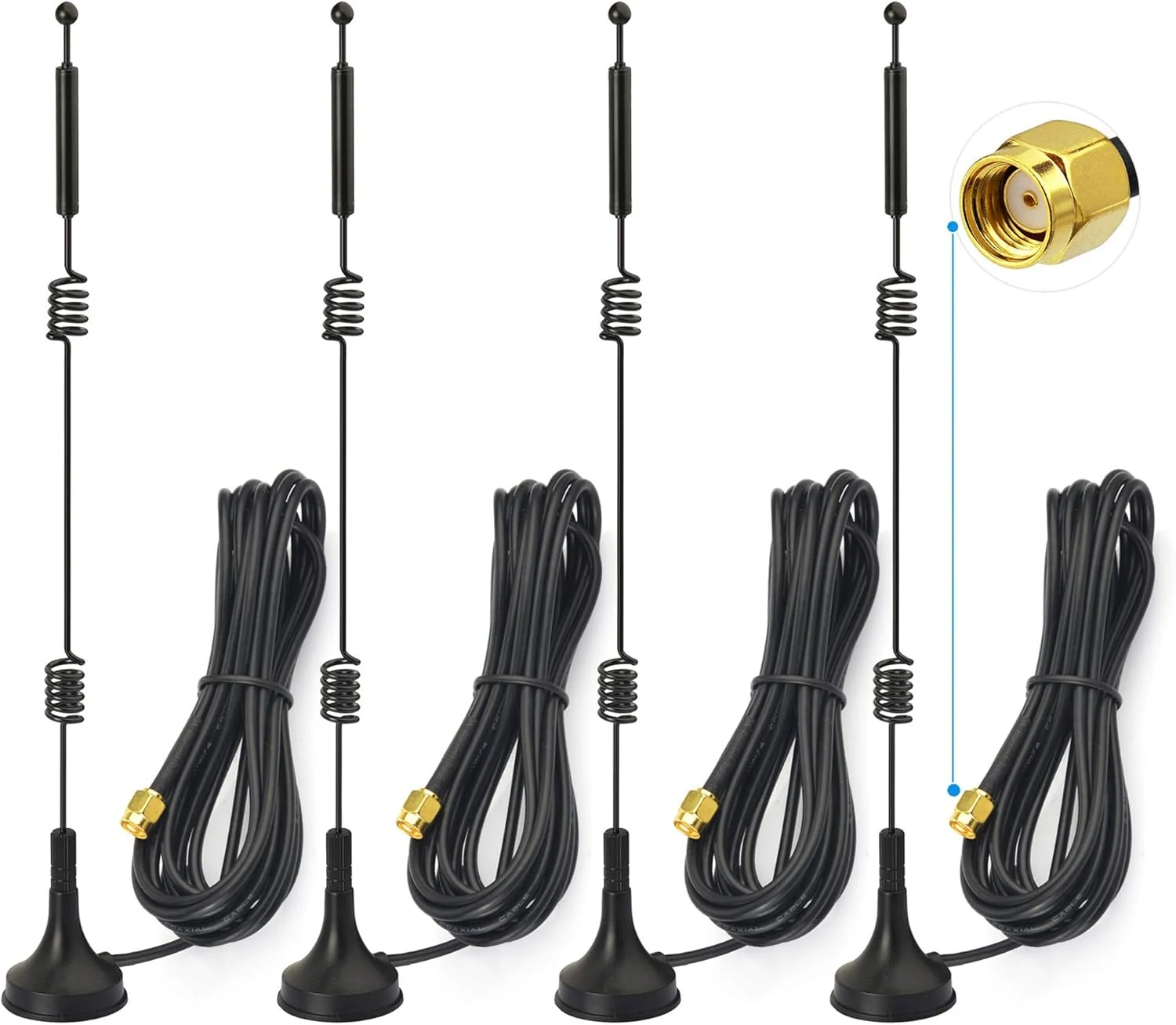
Bingfu Dual Band WiFi 2.4GHz 5GHz 5.8GHz 9dBi Magnetic Base MIMO RP-SMA Male Antenna 4-Pack
Bingfu’s dual-band WiFi antenna set is built for people who want more placement flexibility than their router’s built-in antennas, thanks to a magnetic mount and 3m RG174 coax leads. The key buying caveat is compatibility: it uses an RP-SMA male connector, so it won’t fit systems expecting a different SMA style. Review sentiment is mixed, with some buyers praising improved reception and others reporting little to no improvement versus stock antennas in their specific setups.