View Finder, View Catcher with Sliding Mechanism for Photography, Drawing, Sketching
Quick take
This slide-adjustable view finder helps artists and photographers narrow down what they’re looking at, making it easier to frame compositions and focus on a smaller area of a reference. It includes printed common aspect ratio frames and a sliding panel that can be adjusted, and buyers describe it as small, portable, and simple to use. The main buying caveat is that directions are minimal, so it helps if you already know how view finders are typically used or you’re comfortable learning from videos.
Pros and cons
Pros
- Slide mechanism lets you adjust viewing format across multiple aspect ratios (e.g., 8x10, 8x12, 9x12, 11x14).
- Designed for drawing and sketching to help isolate a portion of a scene (useful when reference photos feel too busy).
- Portable, lightweight design (about 1.44 oz) with an easy-to-operate sliding panel.
- Solid plastic build for everyday studio or classroom use (ABS plastic).
Cons
- No directions included, so you may need to learn the technique via tutorials.
- Aspect ratio embossing can be harder to read for some people, especially if vision is aging-related.
- Best value is for simple composition tasks, not for shoppers expecting a feature-rich pro viewing system.
What buyers think
Buyer-review evidence is limited but consistent on a few themes. Reviews commonly mention that the view finder is easy to use and portable, and that the sliding panel moves smoothly and stays in position. Several buyers highlight its usefulness for composition, especially with landscapes, and for focusing on smaller areas of a reference image when drawing. There is also feedback that the embossed aspect ratio markings exist, but they can be difficult to see clearly (which may matter if you need high-contrast or large labeling). One recurring practical point is that instructions are not detailed, though reviewers note it is straightforward enough to figure out and learn from videos.
What this view finder is for
This product is built around the same core idea as many traditional viewfinders and view catchers: you look through or align the opening with your subject (or a reference photo), then use the adjustable frame to help you decide what portion to draw and what proportions to keep. That can be useful when you want cleaner compositions, or when your reference image contains more detail than your eyes can comfortably translate into lines and shapes.
Adjustable sliding mechanism and aspect ratio framing
The slide mechanism is the standout feature. It lets you adjust the viewing window to different common formats, including options like 8x10, 8x12, 9x12, and 11x14. For drawing and sketching, that means you can quickly test how a scene changes when you crop it to different ratios. For photography-style composition work, it can help you rehearse framing decisions without needing to edit an image later.
Color isolation and “what to focus on” benefits
Beyond framing, this model is positioned as a color isolation view finder, meant to help you focus on the essence of a subject by isolating colors. In practice, buyers describe it as a way to narrow down what they’re looking at, which supports more accurate shape and spacing when the reference feels overwhelming. If you like drawing from photos but struggle to avoid getting lost in background detail, this type of isolating tool can be a good fit.
Pros and cons for different buyers
Best for
- Beginners and students who want an affordable way to learn framing and composition.
- Artists who draw from reference photos and need help isolating one area, rather than relying only on grid overlays.
- Anyone who values portability for classroom, studio, or on-location sketching.
Who should consider alternatives
- Shoppers who want clear, step-by-step instructions included in the package.
- People who need very high-contrast labeling for aspect ratios.
- Buyers looking for a more advanced, optics-heavy viewing system rather than a simple framing and isolation aid.
Material and portability
This view finder uses ABS plastic, which keeps the tool lightweight and practical for everyday use. With an item weight around 1.44 ounces and a compact package footprint, it’s the kind of accessory that can go with sketchbooks and small camera kits.
Buy it if you want simple framing help, learn the technique quickly
If your main goal is to crop, frame, and isolate what you’re drawing in a straightforward way, this slide-adjustable view finder is a budget-friendly option. The value is strongest for shoppers who are comfortable figuring it out from basic guidance or who are willing to use a tutorial video. Choose it if you like the idea of common aspect ratio frames, a sliding panel that stays put, and a compact tool you can bring to drawing sessions.
Price and availability
Check the current price and availability for the latest listing details.
FAQ
How do the sliding aspect ratios work?The sliding mechanism adjusts the viewing opening so you can switch between multiple common formats (such as 8x10, 8x12, 9x12, and 11x14) to match the composition you want.
Is this view finder good for drawing from reference photos?Review feedback suggests it can help you isolate one area of a reference image, which may reduce overwhelm and make it easier to focus on shape and spacing.
Does it include instructions?Buyers report that there are no directions included, though the design is described as simple enough to figure out, and videos can help with technique.
Is the aspect ratio labeling easy to read?Some buyers find the embossed aspect ratio markings hard to see (which could matter if you prefer large, high-contrast labels).
What is it made from?The frame and components are made from ABS plastic.
Who is this best suited for?It’s best for students, hobbyists, and artists who want an inexpensive, portable framing and isolation tool for drawing, sketching, and basic photo composition.
Specifications
| Product Title | View Finder, View Catcher with Sliding Mechanism for Photography, Drawing, Sketching |
|---|---|
| Category | Electronics > Camera & Photo > Accessories > Viewfinders |
| Manufacturer | LiuLiXia |
| Item Weight | 1.44 ounces |
| Package Dimensions | 5.04 x 5 x 0.43 inches |
| Item model number | 2 |
Available variants
Number Of Items
- 2
- 1
Recommended next
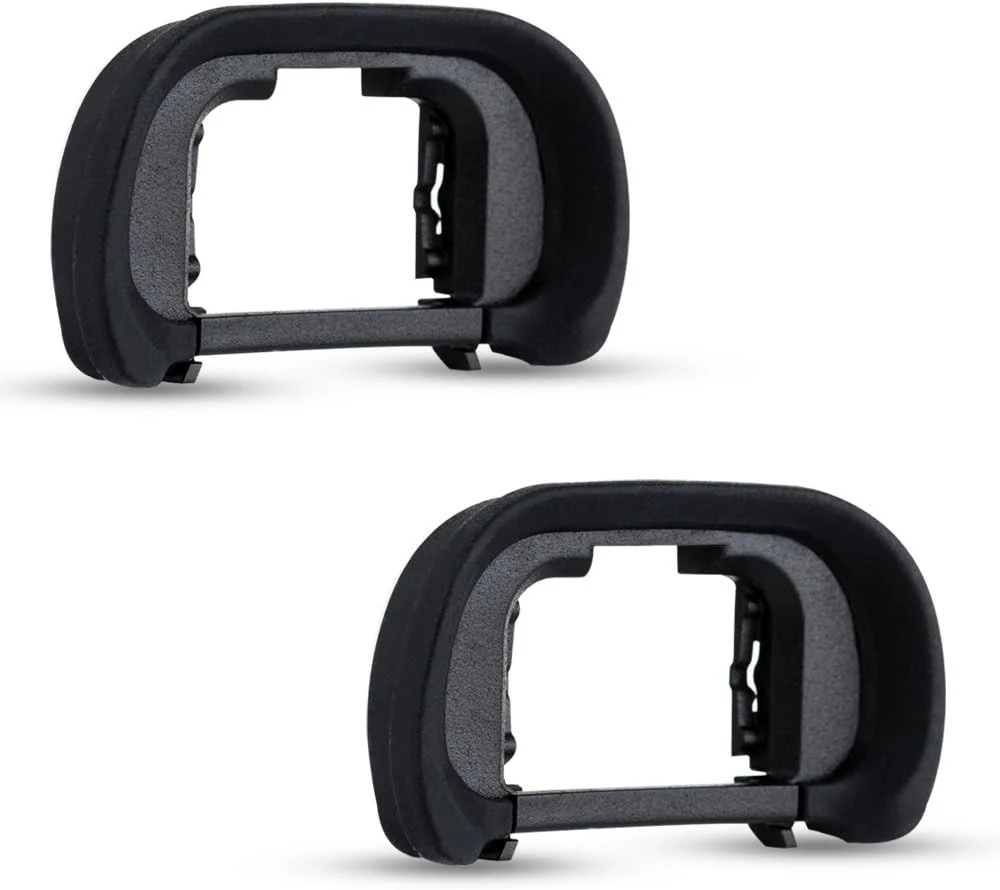
JJC 2-Pack FDA-EP18 Eyecup Eyepiece Eye Cup for Sony A7 review
The JJC 2-Pack FDA-EP18 eyecups are inexpensive silicone-and-ABS replacements for multiple Sony A7 and A9 series bodies. Buyers commonly note a secure fit and improved comfort, especially with glasses, and use the second cup as a spare. The main caveat is that fit can feel tighter or may be lost during shoots if you tend to remove eyecups often.
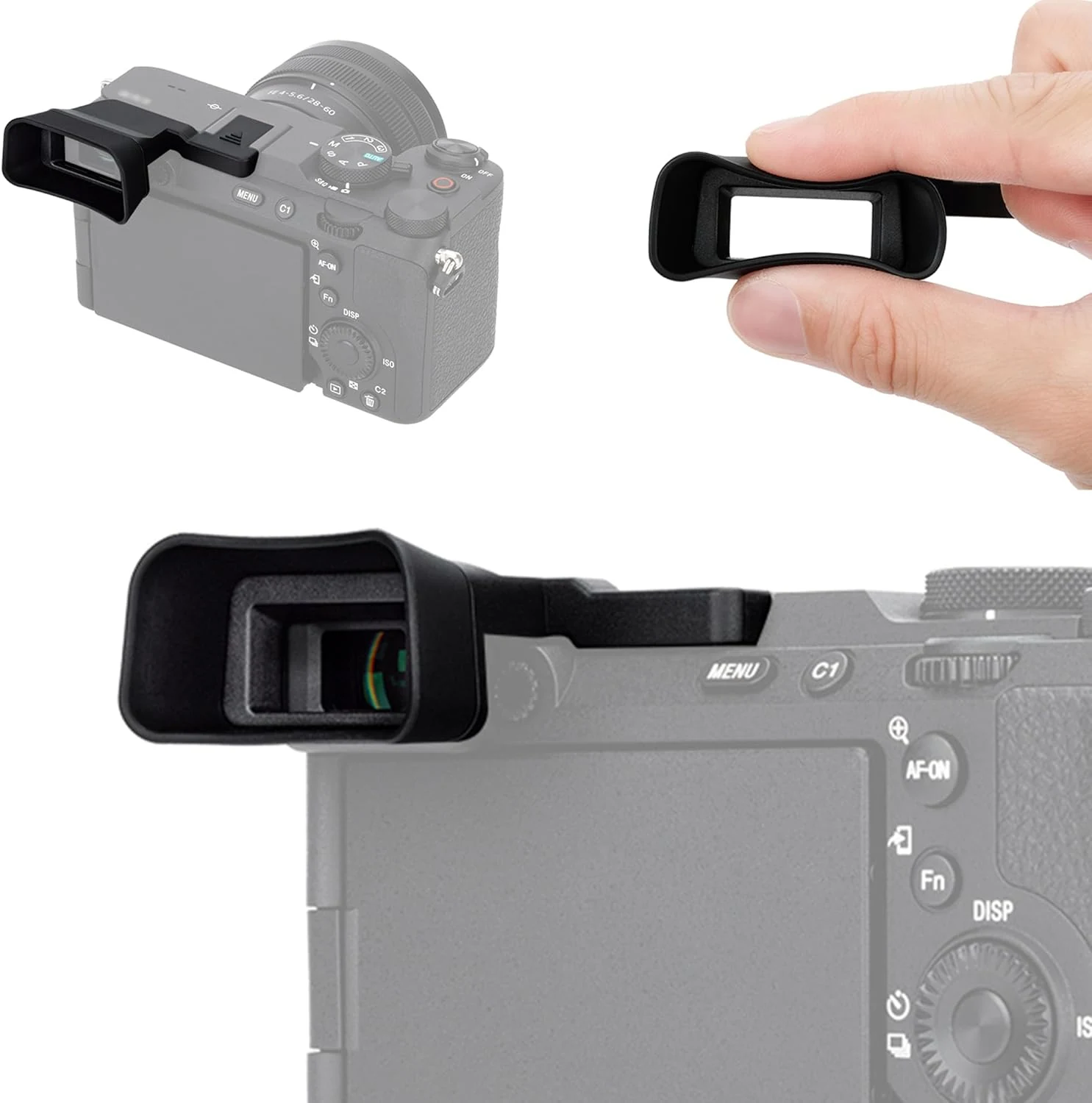
A7CII A7CR Eyecup Eyepiece, Soft Silicon Extended Camera Eye Cup
The A7CII A7CR soft silicone extended eyecup is a simple replacement for Sony Alpha A7CII and A7CR, aiming for a comfier eye fit, less stray light in the EVF, and fewer smudges on the screen from accidental nose contact. It’s easy to install, but it’s not compatible with the A7C, and some buyers note it can be easy to lose if it does not seat securely.
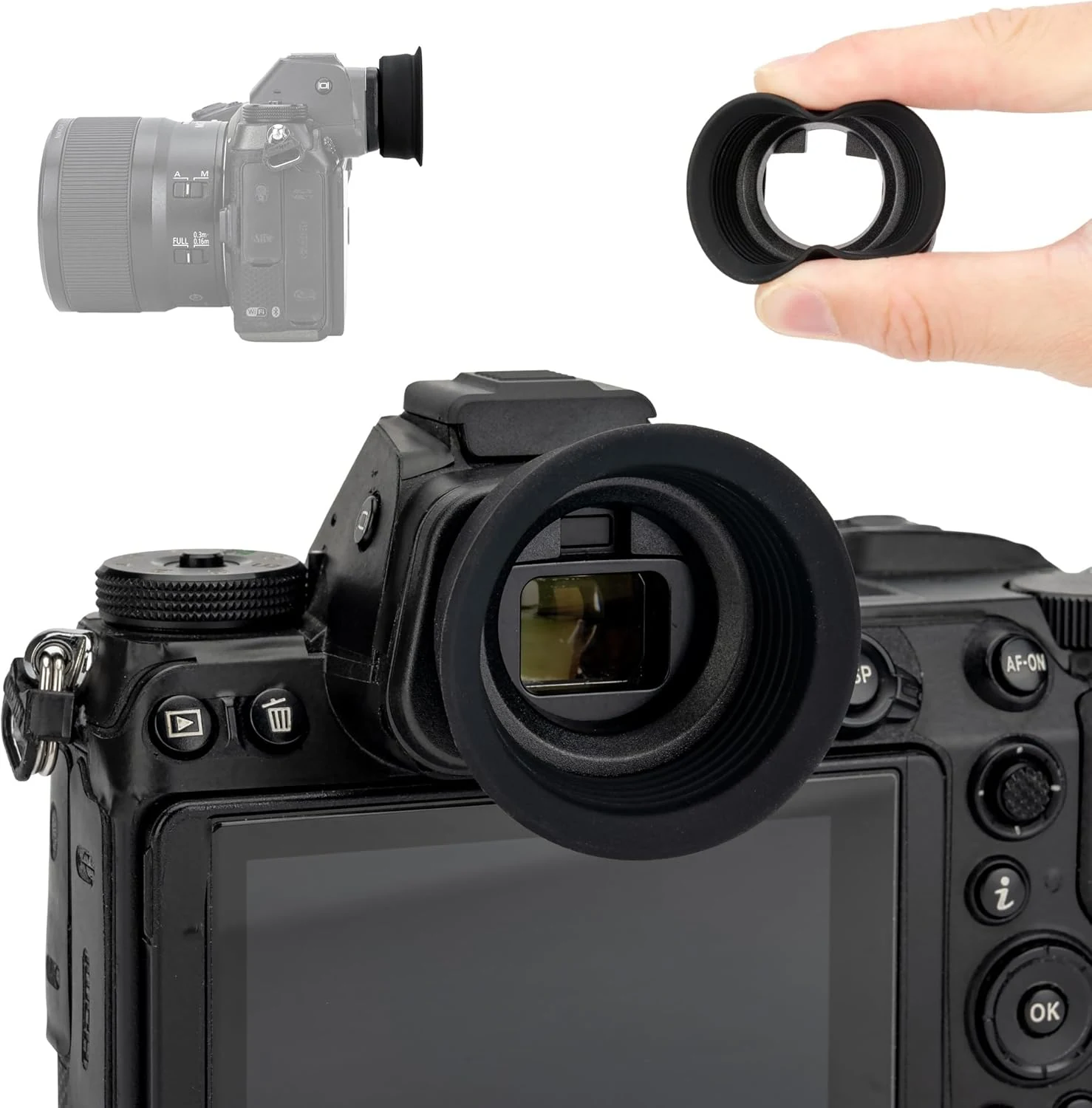
Extended Round Z6III Z5II Z7II Z6II DK-29 Eyecup, Upgraded Soft review
The Extended DK-29 eyecup is a soft-silicone replacement for Nikon Z6 II, Z6 III, Z7 II, Z7, and Z5 models that helps block stray light and keep your face positioned farther from the rear LCD. It’s comfortable and feels secure, but Z6 III owners who use the tilting/swivel screen should double-check clearance.
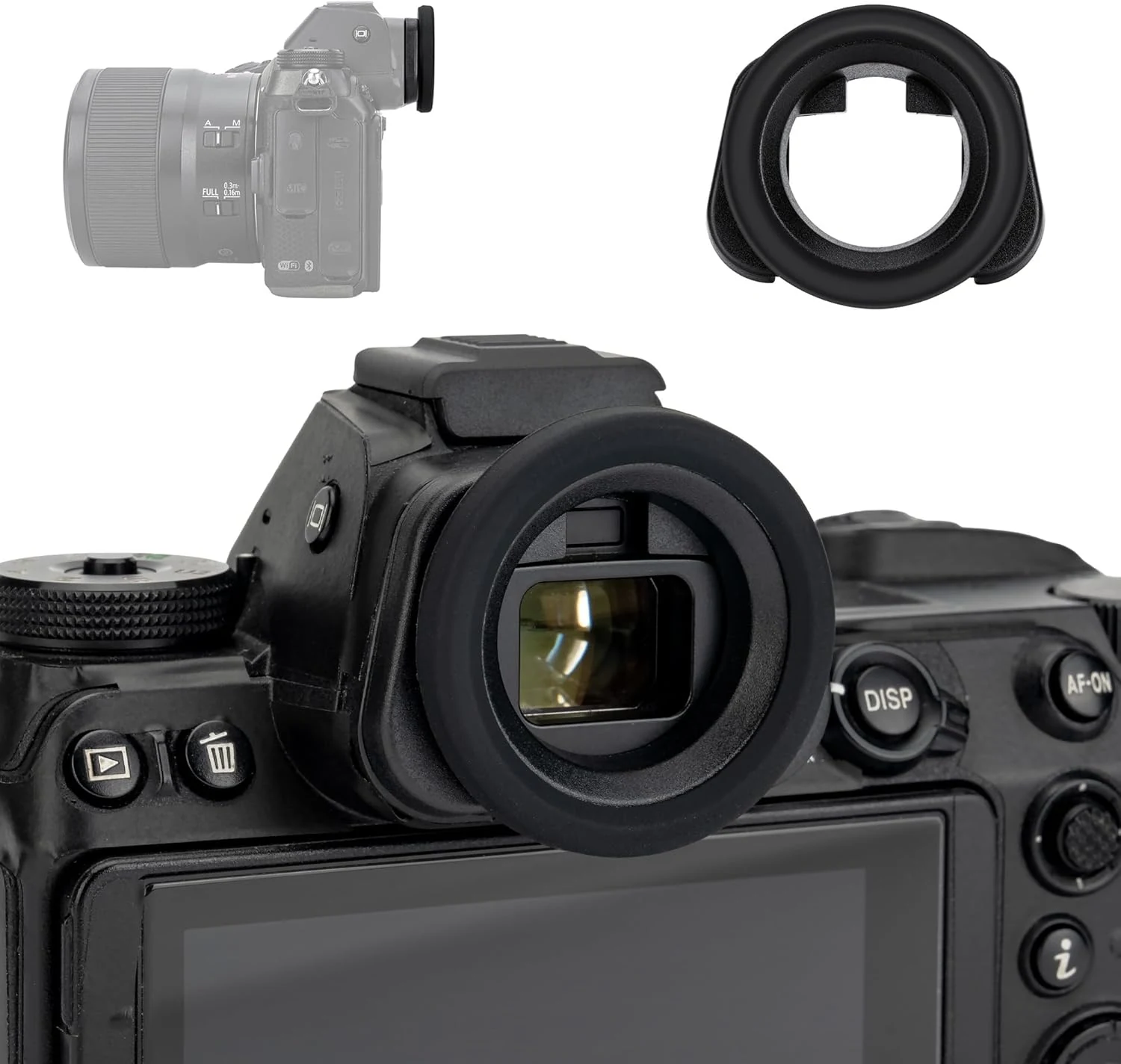
Round Z5II Z6III Z6II Z7II DK-29 Eyecup, Soft Silicon Eye review
A soft silicon eyecup designed to replace the Nikon DK-29 rubber eye cup on compatible Nikon Z mirrorless bodies. It aims to improve comfort at the viewfinder, reduce stray light and glare, and add some protection from scratches and dust, with one notable caveat for Z6 III owners who use the swivel screen often.