STARLINK Gen 3 Wi‑Fi Router (Wi‑Fi 6, tri-band mesh) for Gen 3, Gen 4, and Mini Kit
Quick take
The Starlink Gen 3 Wi‑Fi Router is built to improve your Starlink home Wi‑Fi experience using Wi‑Fi 6 and a tri-band design meant to handle multiple devices. It is a strong fit if you already use Starlink kits like Gen 3, Gen 4, Router Gen 4, and Router Mini, especially when you want added coverage in a workshop, garage, or multi-story home.
The main caveat is compatibility and placement: it is not for 3rd-party mesh systems, and for best performance you will typically want to use a wired connection.
Pros and cons
Pros
- Wi‑Fi 6 (802.11ax) with tri-band support for home networking.
- Designed specifically for Starlink router compatibility, including Gen 3, Gen 4, and Mini Kit setups.
- Two latching 1GbE LAN ports with a removable cover.
- IP56-rated water resistance for outdoor-tolerant placement.
Cons
- Not compatible with 3rd-party mesh systems, so you need a Starlink-based approach.
- Best results typically require a wired connection, which may limit placement options.
What buyers think
Buyer-review evidence is consistent on two themes: setup and real-world coverage. Multiple buyers describe the router as quick to connect, with little manual configuration needed to bring the network online. There is also a clear pattern of improved Wi‑Fi reach when using it to extend coverage in spaces like workshops or larger homes, including multi-story layouts.
Because the available review snippets focus mostly on ease of setup and coverage extension, there is limited detail on deeper areas like advanced security feature behavior, long-term reliability over years, or exact throughput performance in varied conditions. So, the most reliable takeaway is how well it fits as a Starlink-compatible mesh/coverage add-on.
Who this router is for
- Starlink users who need more Wi‑Fi coverage: If dead zones show up in garages, workshops, or across multiple floors, this router is meant to expand coverage as part of the Starlink router ecosystem.
- Home networks with lots of connected devices: The tri-band, Wi‑Fi 6 focus is aimed at handling multiple devices for streaming, gaming, and browsing.
- Buyers planning for outdoor-tolerant placement: IP56 water resistance supports use where normal indoor-only routers may be a poor fit.
- People who can run Ethernet: If you can wire the router for best performance, you are aligning with the product’s intended setup.
Key specifications to know
- Wi‑Fi standard: Wi‑Fi 6 (802.11ax)
- Network type: tri-band mesh approach
- Coverage estimate: up to around 2000 square feet (185 square meters) per router, with the usual caveat that home layout and construction can change results.
- Ports: two (2) latching Ethernet LAN ports (removable cover)
- LAN bandwidth: up to 1000 Mbps (1GbE)
- Number of antennas: three
- Security: WPA2-PSK
- Control: app-based
- Operating system: Linux
- Water resistance: IP56 rated
Pros and cons in plain English
Pros you can expect in daily use
- Coverage extension is the point: Reviews frequently tie the router to better Wi‑Fi reach when placed strategically.
- Straightforward setup experience: Buyers highlight quick connection and low effort to get online.
- More device capacity via Wi‑Fi 6: Wi‑Fi 6 and tri-band design are meant to support smoother performance as the number of devices grows.
Tradeoffs to consider before buying
- It is not a universal mesh router: If you want to pair it with 3rd-party mesh systems, this model is not designed for that.
- Wired placement matters: For best performance, you will likely want Ethernet, which can be inconvenient if you need the router in a location that is hard to wire.
Setup and compatibility notes
- It targets Starlink ecosystem compatibility: It is intended to work with Starlink Gen 3 Router, Gen 4 Router, Router Mini, and Starlink Mini Kit.
- Wiring guidance: For best performance, plan on using a wired connection for the router when possible.
- Using it with different Starlink hardware: When connecting with a Starlink Mini Kit, a standard Starlink cable is required, and wiring to a Gen 2 router involves an Ethernet adapter.
Is it worth it?
The Starlink Gen 3 Wi‑Fi Router is worth considering if you already use Starlink hardware and your priority is extending Wi‑Fi coverage in the rooms where your current signal struggles. The best-fit buyer typically has (1) Starlink Gen 3, Gen 4, Router Mini, or Mini Kit compatibility needs and (2) at least one placement option where Ethernet wiring is feasible.
If you are trying to replace or combine with a non-Starlink mesh system, you will want to look for an option that supports your existing mesh setup, since this router’s compatibility is intentionally focused on Starlink components.
Price and availability
Check current pricing and availability before ordering, since Starlink-related router kits can vary in stock depending on demand and regional listings.
FAQ
Will this work with any mesh system?
No. It is not compatible with 3rd-party mesh systems, so it is best used within the Starlink router ecosystem.
How much coverage can I expect?
Coverage is rated at up to around 2000 square feet (185 square meters) per router, but real results depend on home construction, layout, and placement.
Does it need to be wired for best performance?
For best performance, using a wired connection for the router is recommended. If you cannot wire it, you may still be able to use it, but you are more likely to see less consistent performance.
Is it safe to place outside?
It is IP56 rated for water resistance, which makes it more tolerant of outdoor placement than typical indoor-only routers.
What ports does it have?
It includes two (2) latching Ethernet LAN ports (with a removable cover), each supporting up to 1GbE speeds.
Specifications
| Product Title | STARLINK - Gen 3 Wi-Fi Router High Speed WiFi 6 Internet Dual Band WLAN Wireless for Gen 3, Gen4 4X V4, and Mini Kit Satellite |
|---|---|
| Category | Electronics > Computers & Accessories > Networking Products > Routers |
| Brand | Starlink |
| Manufacturer | STARLINK |
| Model Name | STARLINK Gen 3 Mesh Wi-Fi 6 Router |
| Model Number | 02633001 |
| Operating System | Linux |
| Item Weight | 0.57 Kilograms |
| Color | White |
| Other Special Features of the Product | Internet Security, Parental Control |
| Frequency Band Class | Tri-Band |
| Wireless Compability | 802.11ax |
| Compatible Devices | Gaming Console, Personal Computer, Smart Television, Smartphone, Tablet |
| Antenna Location | Business, Gaming, Home |
| Connectivity Technology | Wi-Fi |
| Security Protocol | WPA2-PSK |
| Number of Ports | 2 |
| Control Method | App |
| LAN Port Bandwidth | 1000 Mbps |
| Maximum Upstream Data Transfer Rate | 9600 Megabits Per Second |
| Number of Antennas | 3 |
| Smart Home Compatibility | Smart Home Compatible |
| Router Firewall Security Level | Basic |
| Wi-Fi Generation | Wi-Fi 6 |
| Has Internet Connectivity | Yes |
| Router Network Type | Tri-band |
| Connectivity Range | 2000 Square Feet |
Recommended next
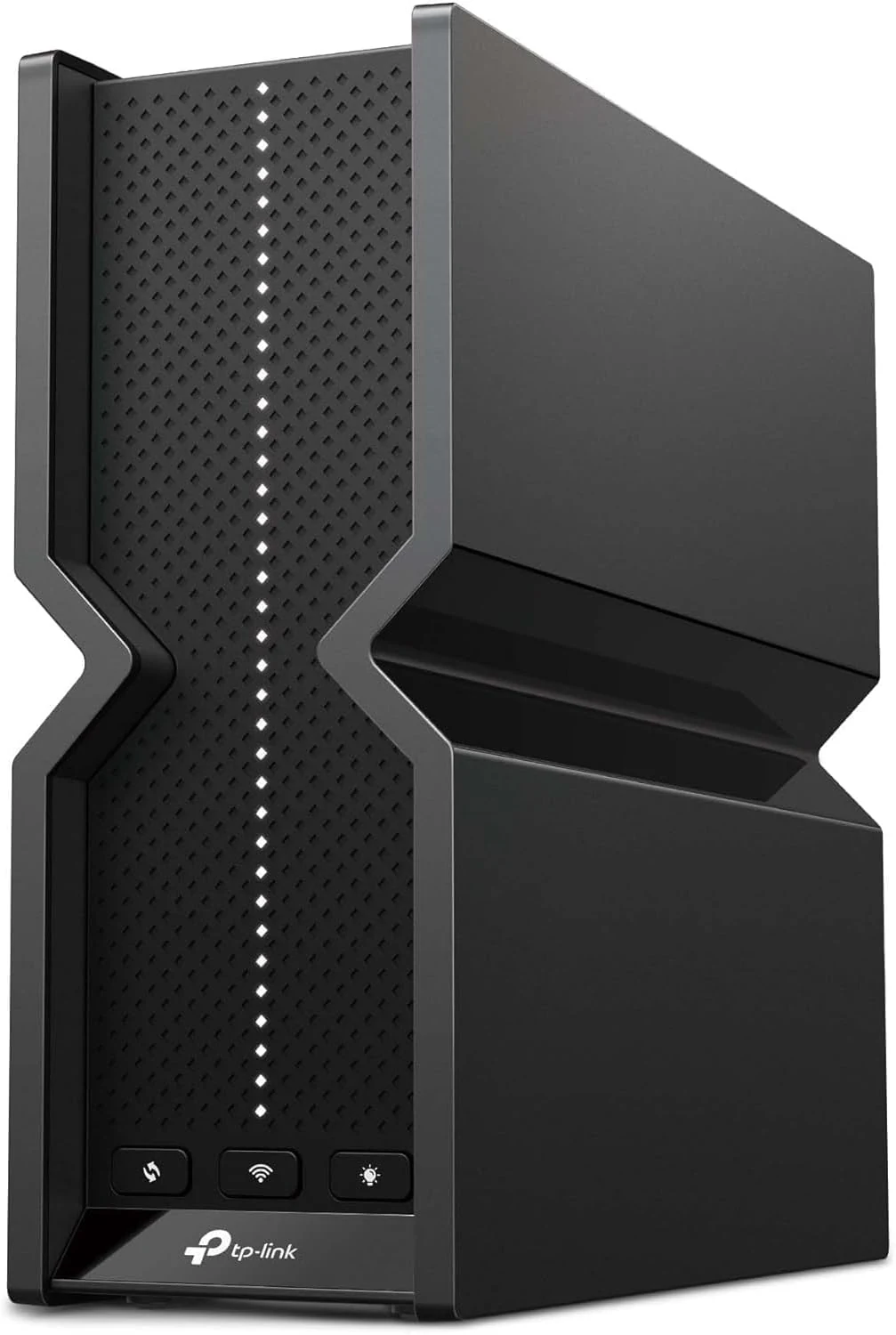
TP-Link Tri-Band BE9300 WiFi 7 Router (Archer BE550) – 6-Stream, review
TP-Link’s Archer BE550 is a tri-band Wi‑Fi 7 router built for higher-capacity home networks, with 6 internal antennas, EasyMesh expansion, and full 2.5G WAN plus 2.5G LAN ports for fast wired devices. It also includes HomeShield security features, an IoT network option, and VPN client/server support. Buyer feedback is mixed on stability, so it’s best for tech-savvy users who will spend a bit dialing in settings.
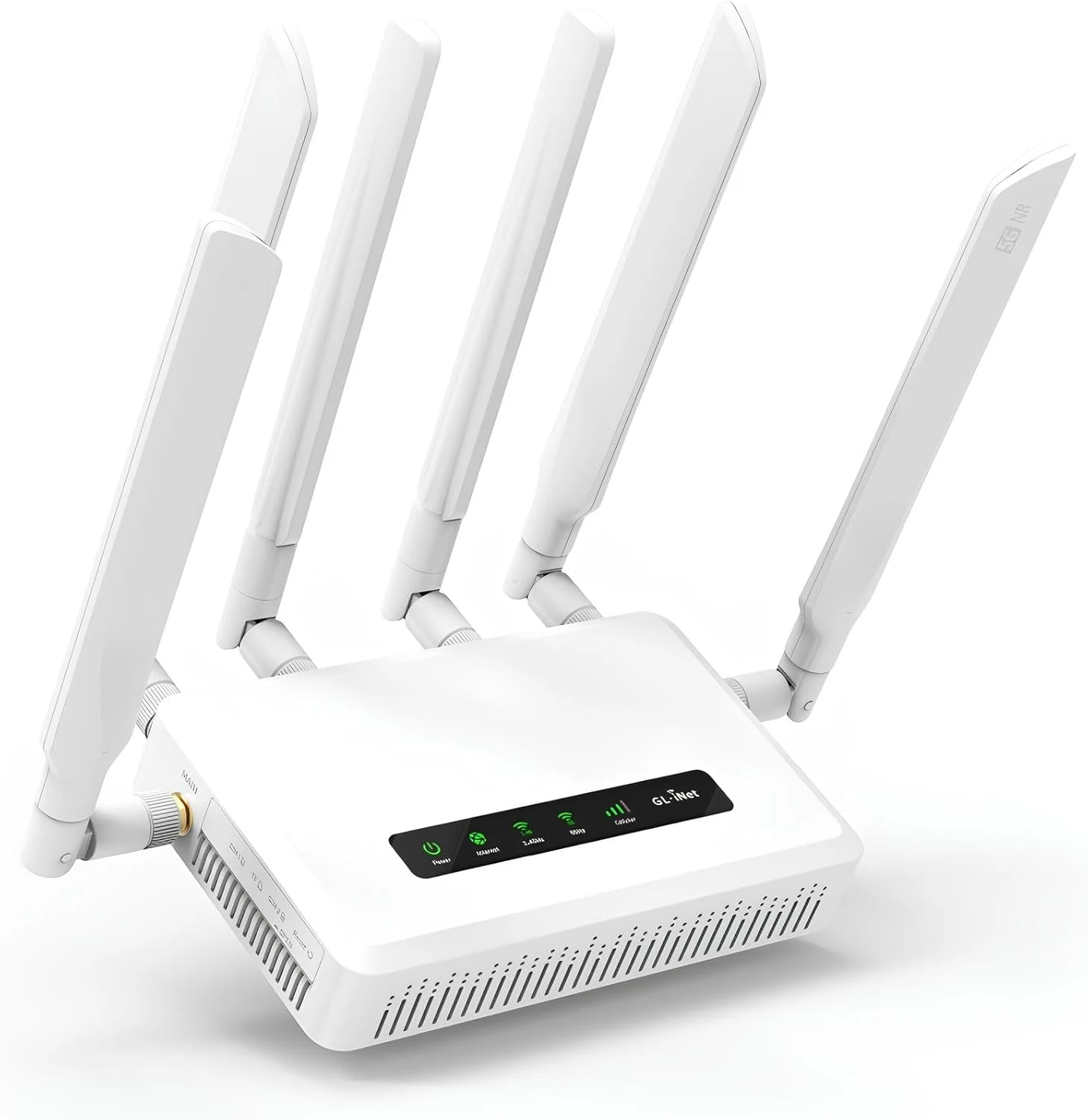
GL.iNet GL-X3000 (Spitz AX) Cellular Gateway 5G Router for House & RV
The GL.iNet GL-X3000 is a Wi‑Fi 6 5G cellular gateway built for travelers, rural setups, and anyone who needs reliable remote internet. With dual-SIM single-standby, detachable antennas, multi-WAN load balancing and failover, plus pre-installed OpenVPN and WireGuard, it’s designed for secure connectivity where wired options are limited. The main tradeoff is that real-world performance depends heavily on carrier coverage and configuration (and there is some limited evidence of latency or speed degradation over long uptime).
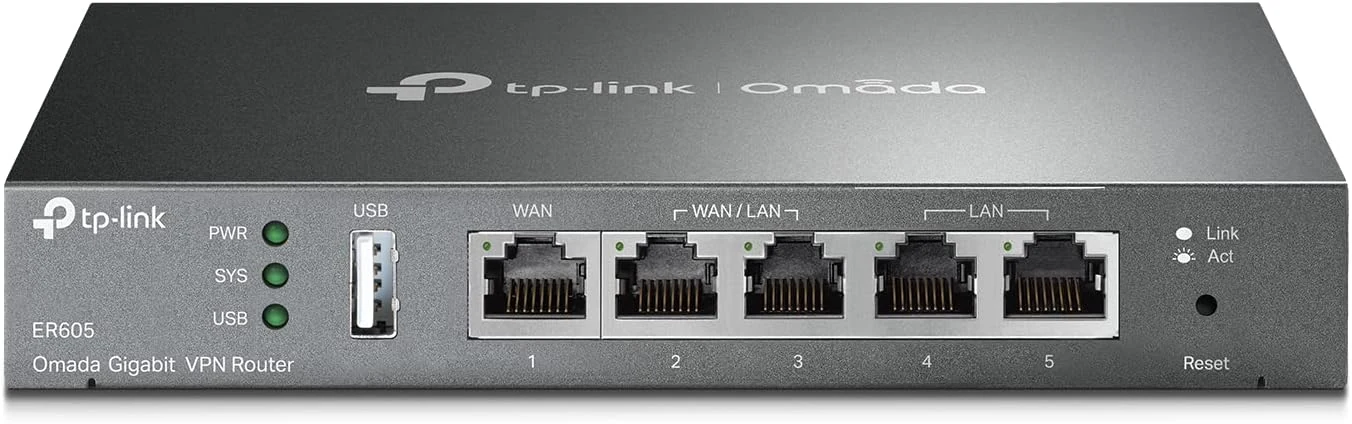
TP-Link ER605 V2 Wired Gigabit VPN Router, Up to 3 WAN Ethernet Ports + 1 USB WAN
The TP-Link ER605 V2 is a wired multi-WAN VPN router for small businesses and Omada-focused networks. It supports up to three WAN Ethernet connections, a USB WAN option for cellular failover, and multiple VPN types, with strong security features. It can be more complex than typical home routers, especially around VLANs and DHCP/routing behavior.
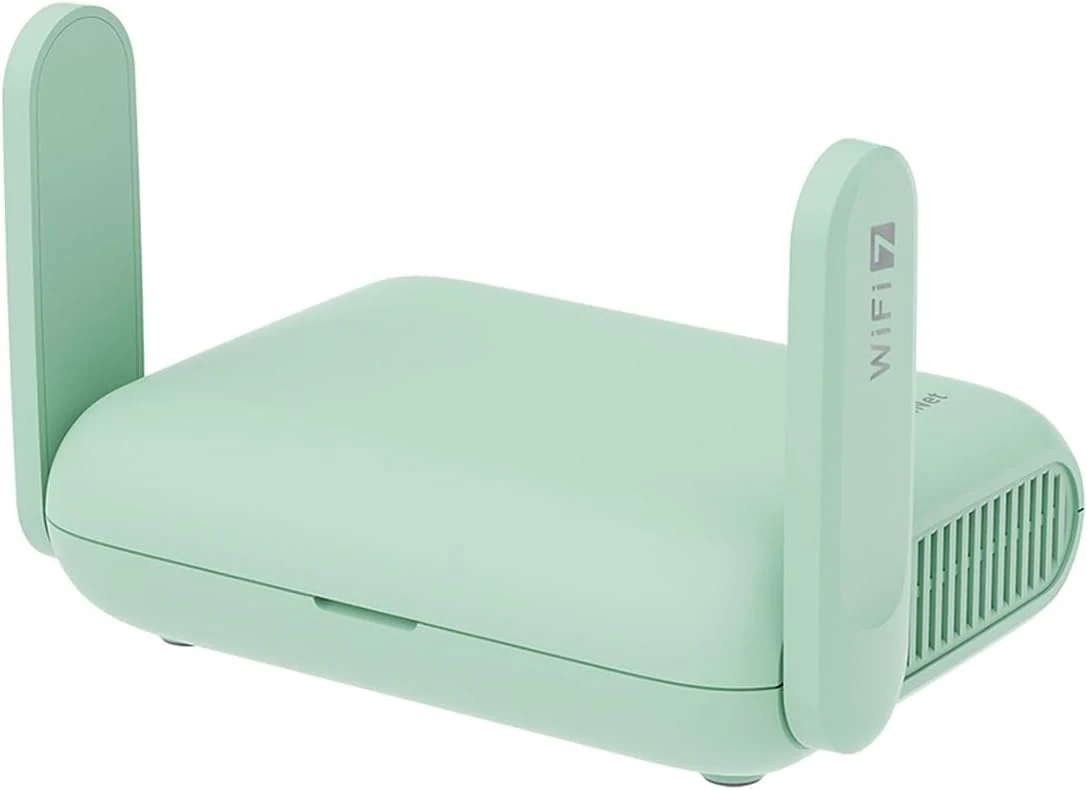
GL.iNet GL-MT3600BE (Beryl 7) Portable Travel Router, Pocket Wi-Fi 7
The GL.iNet Beryl 7 is a pocket-sized Wi-Fi 7 travel router built for secure browsing on public networks, with dual 2.5G Ethernet, USB 3.0, and OpenWrt-based customization. It also supports a VPN client and VPN server modes on the same device, but it is best for buyers who want to configure features, not for people who only want a simple plug-and-play hotspot.