Rokid AR Joy Pack 2 AR Glasses, Smart Glasses Max 2 with Station
Quick take
Rokid’s Joy Pack 2 combines AR glasses with an included Android TV Station, aiming to make media and gaming feel more standalone than many “phone-only” wearable displays. The virtual screen is built around micro-OLED and is tuned for smooth viewing (120Hz) with a wide field of view, plus adjustable diopters for many users. The main caveat is buyer variability around setup and screen mirroring performance, and streaming app support may not match every expectation (Netflix is not supported).
Pros and cons
Pros
- Large virtual display experience (micro-OLED virtual screen claimed up to 215 inches), designed for entertainment, gaming, and productivity.
- Smooth motion with 120Hz refresh rate and wide 50° field of view.
- More standalone use thanks to the included Android TV Station, with app access and signing in independently.
- Adjustable vision focus with diopter dials (up to 600° myopia support), potentially reducing the need for separate prescription lenses.
Cons
- Streaming app coverage may be limited, with no Netflix support.
- Some buyers report connection or screen-mirroring quality issues, so “plug-and-play” may depend on your setup.
- A physical protrusion at the top center was mentioned as occasionally getting in the way for some viewing positions.
- Astigmatism is not supported by the built-in adjustment method.
What buyers think
Buyer-review evidence is limited, but the recurring decision themes are clear. Several buyers like the “take video watching to another level” feel, especially the ability to see your surroundings while viewing through the display. There are also mixed experiences around connectivity, including comments describing setup being tricky and concerns about screen mirroring quality, though the evidence for reliability issues is not extensive.
What you get with Joy Pack 2 and why it matters
Joy Pack 2 is built around a glasses-plus-station approach. Instead of treating the glasses as just a display for your phone, the included Station is positioned as the hub, giving you a more self-contained way to launch apps, stream media, and play games. That matters most for travel and “away from the desk” use, where constant device cabling and frequent reconnecting can be annoying.
Display and viewing experience
The headline spec is a micro-OLED virtual display experience rated up to 215 inches, paired with a 50° wide field of view. For motion-heavy content, it targets smoothness with a 120Hz refresh rate and brightness up to 600 nits (adjustable). If your priority is an immersive, bright image for movies and gaming, these specs suggest Joy Pack 2 is aiming at “video glasses, not just screen goggles.”
Performance and everyday usability
The biggest usability differentiator is the Station workflow. Reviews mention that using the remote can make the system feel standalone, with the ability to download apps and sign in without always involving a phone or laptop.
Vision adjustment and comfort considerations
Joy Pack 2 includes diopter dials for focus adjustment, designed to support up to 600° myopia, intended to reduce dependence on corrective lenses. Keep in mind the adjustment method does not support astigmatism.
Battery and portability
The included Station uses a 5000mAh battery, advertised for up to 7 days of standby time. That’s a meaningful portability angle if you want something you can power up and use during trips without constantly hunting for outlets. If your plan involves long continuous viewing sessions, your real-world run time may vary based on usage patterns, brightness, and active streaming.
Connectivity, casting, and content support
Joy Pack 2 is designed for secure plug-and-play connectivity using HDCP support between the Station and the AR glasses. For wireless viewing, it supports casting approaches including Chromecast, and it also supports Steam Link casting from a Steam screen. However, buyer feedback includes complaints about screen mirroring quality in some cases, so if wireless mirroring is a core requirement for you, it may be worth testing with your specific phone/PC setup.
One important streaming caveat: the system does not include Netflix support. If Netflix is central to your watchlist, you’ll likely want to look at alternatives or ensure your preferred services are available through the Station’s app ecosystem.
Who this is best for
- Frequent travelers who want an easier, more standalone portable viewing setup (glasses plus Station).
- Media and casual gaming fans who prioritize a large virtual display, wide field of view, and 120Hz smoothness.
- Myopia-focused users (up to 600°) who want built-in diopter adjustment rather than relying only on external prescription lenses.
- PC/console and casting users who want wireless casting options (Chromecast/Steam Link) and HDCP connectivity.
Who should skip it
- Netflix-first streamers, since Netflix support is not included.
- Buyers who depend heavily on flawless screen mirroring across devices, given that some reviewers reported poor mirroring performance.
- Users with astigmatism who need built-in correction, since astigmatism adjustment is not supported.
Price and availability
Pricing can fluctuate, so check current availability before buying. You can also compare against other AR and video glasses options based on your must-have apps, wireless casting needs, and whether you want a standalone hub or a phone-driven workflow.
Alternatives to consider (based on your priorities)
Since no specific competitor model names were provided here, the best way to compare is by feature categories:
- If you want Netflix support, prioritize AR/video glasses systems that explicitly include Netflix in their supported app list, rather than relying on third-party workarounds.
- If wireless mirroring reliability is critical, compare for devices with strong, consistent casting support for your exact phone or computer OS.
- If you want simpler setup, consider systems that connect with fewer pairing steps or that rely more on a single-device workflow.
- If you need broader vision correction, look for glasses with adjustment methods that match your prescription needs (especially around astigmatism support).
Verdict
Rokid AR Joy Pack 2 is a strong fit for buyers who want a portable, more standalone AR “big screen” experience, with smooth 120Hz viewing and a wide field of view. The included Station is a clear advantage for entertainment and gaming away from a desk. Just be sure your streaming expectations match (Netflix is not supported) and that wireless mirroring or setup complexity will not be dealbreakers for how you plan to watch.
FAQs
Is rokid AR joy pack 2 netflix compatible?
No, Netflix support is not included.
Does it work without using a phone?
The included Android TV Station is designed to enable app access and independent sign-in, so you can use it more standalone than many phone-dependent setups.
Can I adjust the focus if I wear glasses?
It includes diopter dials intended to support up to 600° myopia, which may reduce the need for external prescription glasses. Astigmatism is not supported by the adjustment method.
Does it support wireless casting?
Yes, it supports wireless casting options such as Chromecast and Steam Link casting.
What are the main downsides buyers mention?
Common buyer concerns include connection or setup difficulty and mixed screen-mirroring quality experiences, plus a mention that a top-center protrusion can sometimes interfere with viewing depending on your fit.
Specifications
| Product Title | Rokid AR Joy Pack 2 AR Glasses, Smart Glasses Max 2 with Station, 160" Micro-OLED Display, Google Play, Media Streaming, HDCP Support & Cloud Gaming, Console, Android, Windows Compatible |
|---|---|
| Category | Electronics > Television & Video > Video Glasses |
| Manufacturer | Rokid |
| Item Weight | 2.83 pounds |
| Package Dimensions | 8.94 x 7.64 x 6.34 inches |
| Item model number | Rokid AR Joy |
| Batteries | 1 Lithium Ion batteries required. (included) |
Recommended next
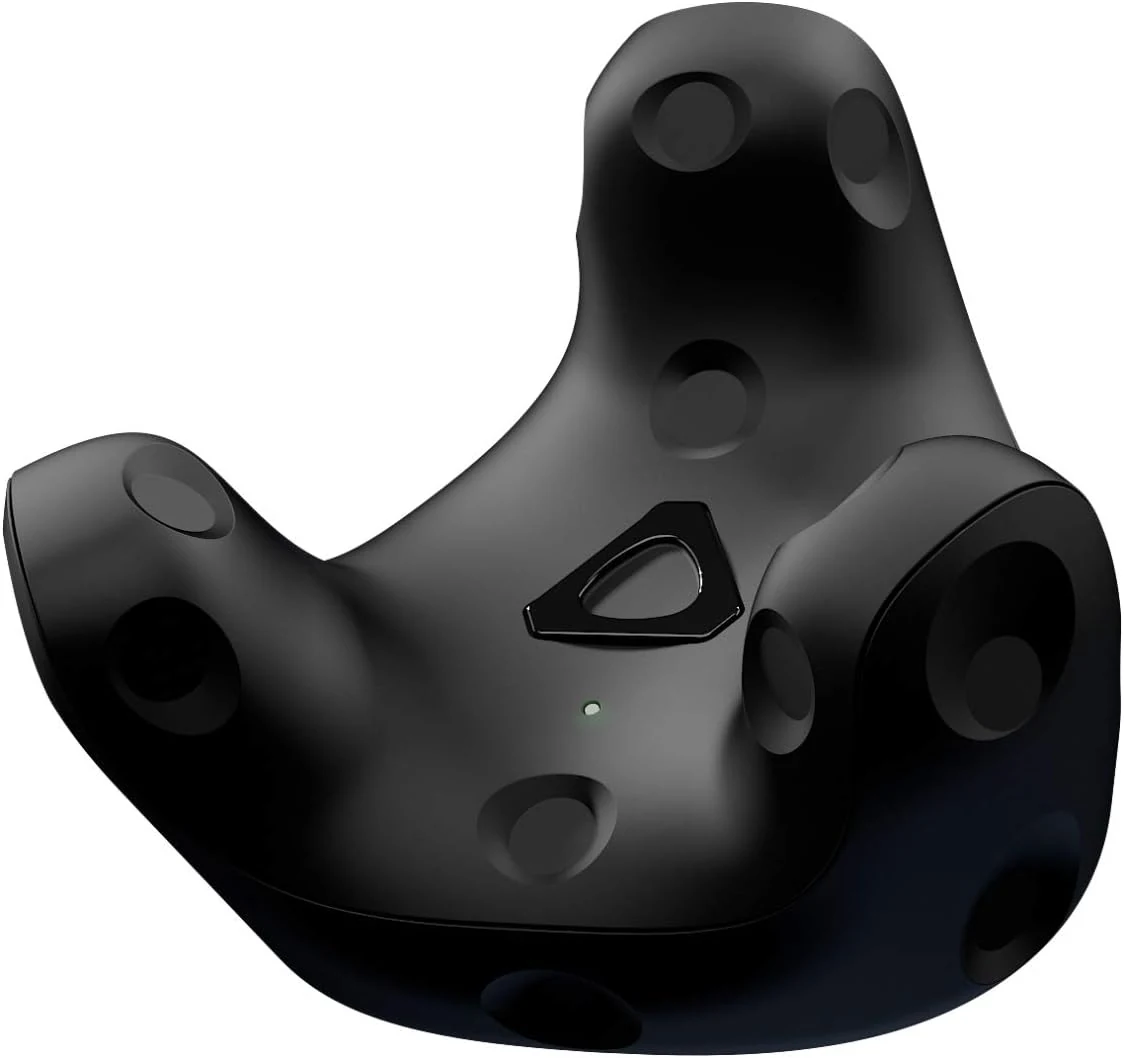
VIVE Tracker (3.0) - Go Beyond Controllers
HTC’s VIVE Tracker (3.0) is a SteamVR-compatible motion tracker designed to add full-body and object tracking beyond standard controllers. It stands out for a wider field of view, smaller and lighter build, and longer battery life, with buyer feedback indicating it works reliably once set up.
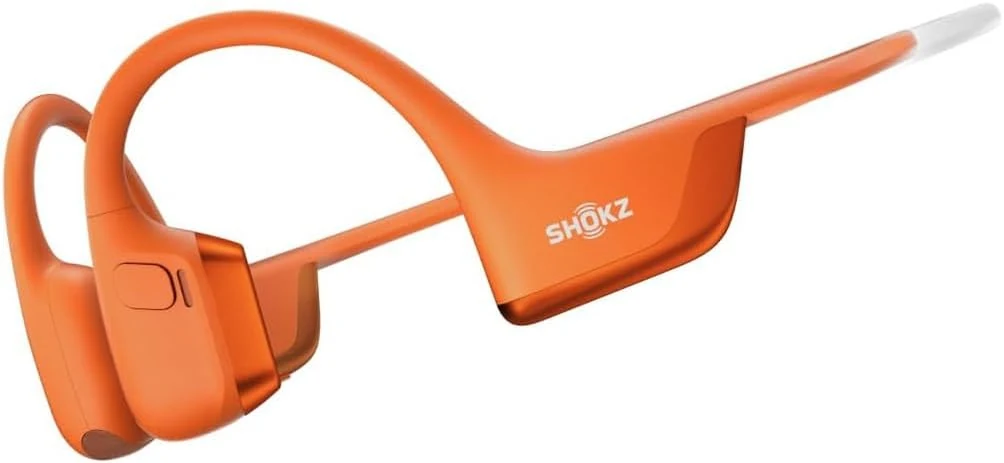
SHOKZ OPENRUN PRO 2 MINI Wireless Hybrid Sports Headphones - Orange
SHOKZ OPENRUN PRO 2 MINI is an open-ear, bone-conduction style sports headset made for staying aware while you listen. Buyers highlight strong sound quality for workouts and a secure fit during biking and jogging, with quick charging mentioned in some reviews.
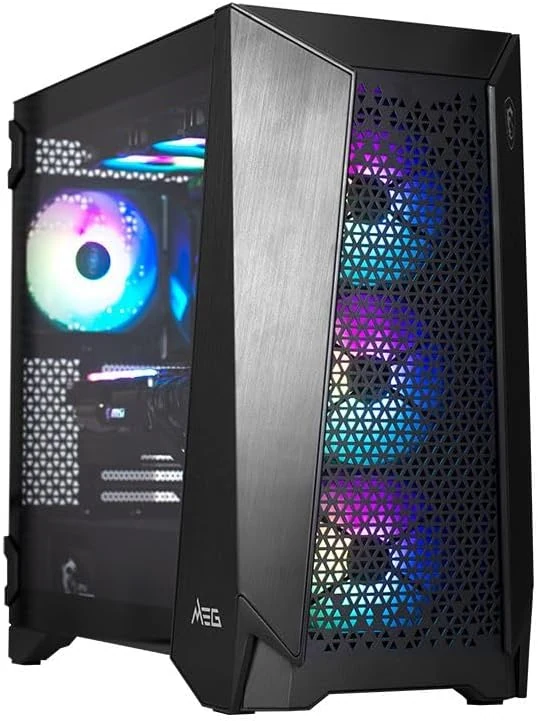
MSI Infinite RS AI 2NVZ9-1290US Gaming PC
The MSI Infinite RS AI 2NVZ9-1290US is a full desktop gaming PC (not video glasses) aimed at people who want a packaged, ready-to-run system. With limited public details, the main buying caveat is that you should verify the included hardware and connectivity before ordering.
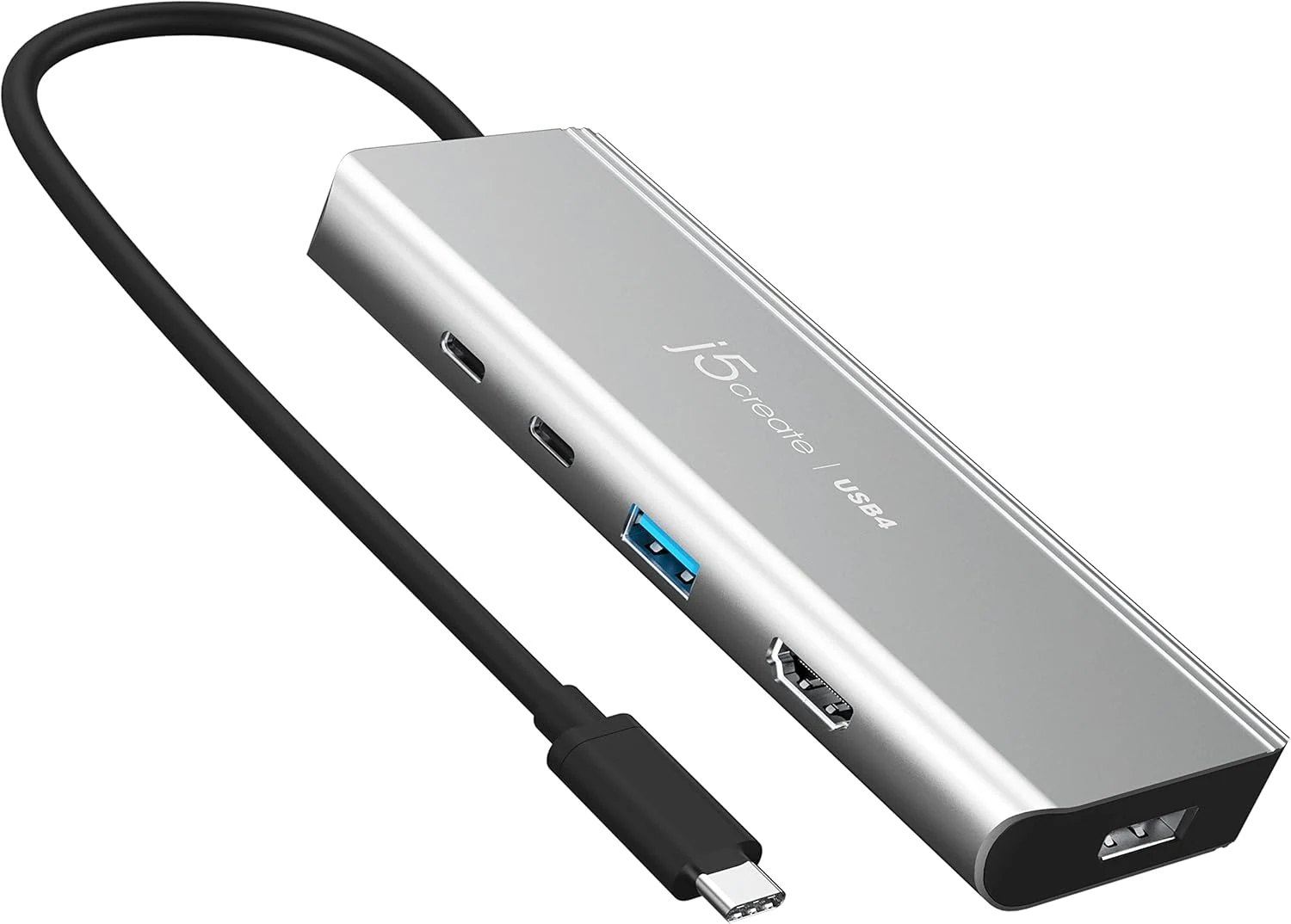
j5create USB4 Dual 4K Multi-Port Hub (JCD401)
The j5create JCD401 is a USB4/TB3/TB4-compatible multi-port hub built for dual 4K monitor setups, plus high-speed USB-A and USB-C data, and up to 85W USB-C PD pass-through charging. It can be a strong fit for people who need USB-C video over one cable, but buyer-review patterns are mixed, and compatibility can vary by device (especially dual-display on some Macs).