RJ40G 63Wh Laptop Battery Replacement for Dell Latitude 14 5420 / Latitude 15 5520 / Precision 15 3560
Quick take
The RJ40G is a 63Wh Li-ion, 15.2V (3941mAh) replacement battery designed for select Dell Latitude 14 5420, Latitude 15 5520, and Precision 15 3560 variants. Many buyers report an easy install and a return to multi-hour runtime after an older battery finally wore out. The main caveat is fit and reliability consistency, so double-check your exact part number/model before ordering.
Pros and cons
Pros
- Designed for RJ40G 63Wh configurations (15.2V, 3941mAh, Li-ion) used in compatible Dell models.
- Install experience is often described as straightforward, with buyers saying it slots in and works as expected.
- Reviewers report meaningfully improved runtime versus a previously failing or aged battery.
Cons
- Reliability feedback is mixed, including at least one report of fast failure after several charges.
- Battery recognition can be temperamental if the connection is loose, and may require cycling to “wake up” the new pack.
- Because it is model-specific, ordering the wrong variant or part number can lead to compatibility issues.
What buyers think
Buyer-review evidence is largely positive on install and day-to-day results, but not uniformly consistent on long-term reliability. Several buyers describe bringing an older Dell laptop back to usable battery life, with one detailed runtime test of continuous video playback lasting roughly several hours (with brightness set relatively high). Other feedback highlights that the replacement appeared to match the original battery configuration and was functioning correctly within the first few days.
That said, there is at least one strong negative experience where the battery stopped charging and powering the laptop after only a few charge cycles. Overall, the recurring themes are “easy install” and “better runtime after an aging battery,” paired with an important reminder that fit and early recognition can require troubleshooting, and that real-world reliability can vary.
Who this battery is for
- Dell Latitude 14 5420 owners who need an RJ40G 63Wh replacement and can match the listed compatible configurations/part numbers.
- Dell Latitude 15 5520 owners looking to restore battery life on compatible variants.
- Dell Precision 15 3560 owners replacing a worn-out battery in the correct configuration.
- Buyers troubleshooting “battery not detected” or unstable battery readings after confirming the physical connection and attempting basic cycling guidance.
Key specs and what they mean for everyday use
This battery is a 63Wh Li-ion pack with 15.2V output and 3941mAh capacity. In general, a higher-capacity replacement like 63Wh is intended to restore the runtime you should expect when the original battery was new (or close to it), assuming the laptop is configured for that capacity and the replacement is truly compatible.
It comes in a black housing and is intended for use as a rechargeably-operated laptop battery for the specific Dell models and part-number set listed for RJ40G.
Compatibility: double-check your exact Dell configuration
Before buying, verify that your laptop uses the RJ40G battery configuration. The listed replacement part numbers include:
- RJ40G
- 01K2CF
- 075X16
- WY9DX
- 0WK3F1
- 0M3KCN
- 005R42
The battery is also described as fitting multiple Dell Latitude and Precision variants. If your laptop model is close but not an exact match, do not assume compatibility. The biggest buying-risk with any replacement battery is ordering the right “style” for the wrong internal configuration.
Installation and first-use troubleshooting tips
Many buyers report that swapping the battery is straightforward. However, if your laptop does not recognize the new pack right away, the common fix is simple: check that the battery cable is fully seated and the interface connection is secure.
There is also practical guidance for “waking up” a new battery: avoid discharging all the way to 0%, then charge and cycle a few times after installation. This is most relevant when you see detection issues or unusual battery-level behavior immediately after the swap.
Pros and cons in plain language
- Best for: shoppers replacing a failing or heavily degraded battery in compatible Dell Latitude 14 5420, Latitude 15 5520, and Precision 15 3560 configurations that use RJ40G (63Wh).
- Potential downside: because the product is reliability-dependent in early life for some buyers, you will want to be able to verify function quickly after install.
- Compatibility matters more than features: unlike “universal” batteries, this is meant for specific model and part-number combinations.
Is the RJ40G 63Wh replacement battery worth it?
If your Dell laptop is one of the supported configurations, this replacement is a solid value-focused option for restoring battery runtime without replacing the entire laptop. The buyer pattern supports it as an effective swap, especially for users whose batteries now last only a short time. Just be careful with compatibility, and plan to verify detection soon after installation, given that reliability feedback is not universally perfect.
Price and availability
Check current pricing and stock status before you order. Battery replacement pricing can move, and confirming the most current details can help you avoid surprises.
Alternatives to consider
If you are not seeing a confident match for RJ40G in your exact laptop configuration, consider alternatives based on your needs:
- Another RJ40G-rated replacement if you need the same 63Wh (15.2V, 3941mAh) spec but want a different brand.
- A different capacity battery only if your system supports it. Do not switch capacities unless you confirm it is compatible with your exact Dell battery bay configuration and model.
- OEM or higher-verified-fit options if you have had trouble with detection or reliability in the past and want the most confidence on compatibility.
FAQs
What Dell models does the RJ40G 63Wh battery replace?
It is intended for select Dell Latitude 14 5420, Latitude 15 5520, and Precision 15 3560 variants that use the RJ40G battery configuration. Confirm your laptop’s battery part number or the compatible list (including RJ40G and the listed alternates) before purchasing.
What are the RJ40G battery specifications?
The battery is listed as Li-ion, 15.2V, and 63Wh with 3941mAh capacity.
Why isn’t my laptop detecting the new battery right after installation?
Often it is related to a loose or improperly seated battery cable connection. Reinstall and ensure the interface is fully connected. If needed, follow the initial charge and cycling guidance (avoiding full discharge to 0%) to help the battery “wake up.”
How long should this replacement battery last?
Battery runtime depends on your exact laptop configuration, battery settings, and how the laptop is used. Review feedback includes reports of several hours of runtime for video playback after replacing an older battery, but real-world results can vary.
Is this a reliable replacement?
Most buyer feedback describes successful installs and improved day-to-day battery life compared with an aging battery. However, reliability feedback is not perfect, including at least one case of early failure. If you decide to buy, it helps to test the battery soon after installation.
Do I need to match the battery part number exactly?
Yes. Even when the laptop model is similar, the safest approach is to match your current battery’s part number to the listed RJ40G and alternates.
What should I do to extend battery health after installing a new pack?
Use normal battery best practices, avoid leaving power adapters connected for long periods while using the battery, and consider periodic full discharge and recharge cycles as guidance for maintaining battery longevity.
Does this battery come with support?
Support and return/warranty terms are described by the seller, including a 30-day money-back window and a 12-month warranty. Review those terms at checkout for the final details.
Specifications
| Product Title | RJ40G 63Wh Laptop Battery Replacement for Dell Latitude 14 5420 Latitude 15 5520 Precision 15 3560 Series M033W P137G P104F P104F001 P104F002 075X16 1K2CF WY9DX 0WK3F1 0M3KCN 15.2V 3941mAh |
|---|---|
| Category | Electronics > Computers & Accessories > Laptop Accessories > Batteries |
| Brand | OUWEE |
| Manufacturer | Dongguan Mingyiyuan Electronics Co., Ltd. |
| Model Name | RJ40G |
| Model Number | RJ40G |
| Item Weight | 0.66 Pounds |
| Warranty Description | 1 YEAR |
| Reusability | Rechargeable |
| Compatible Phone Models | RJ40G |
| Antenna Location | Laptop |
| Recommended Uses For Product | Laptop |
Available variants
Size
- 11.9*3.4*0.30 inch BN06XL
- 8.75*2.92*0.38 inch 1F22N
- 7.09*4.72*0.28 inch MG04XL
- 7.6*4.0*0.25 inch HT03XL
- 8.66*5.71*0.24 inch RJ40G
- 10.35*3.13*0.24 inch R73TC
- 9.52*3.51*0.22 inch 07KRV
- 5.08*3.39*0.59 inch XVJNP
- 9.42*4.13*0.28 inch 3HWPP
- 10.02*3.74*0.25 inch L19M4PH2
- 12.17*2.67*0.32 inch RC30-0370
- 7.2*3.9*0.25 inch SE03XL
- 10.3*3.7*0.23 inch SA04XL
- 11.89*3.31*0.34 inch 69KF2
Recommended next
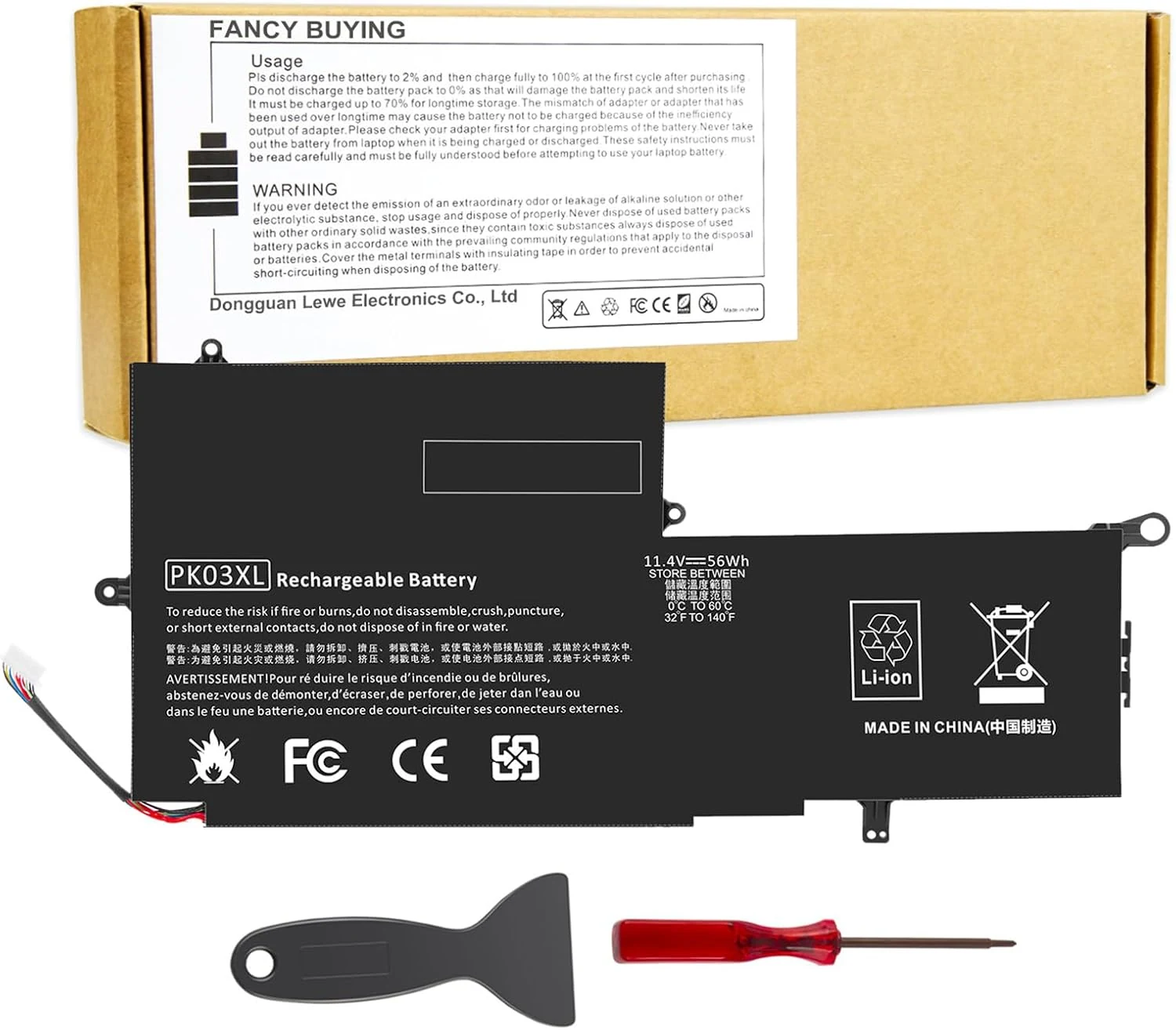
Fancy Buying PK03XL Laptop Battery Replacement for HP Spectre Pro X360 G1 G2
The Fancy Buying PK03XL is a 56Wh, 11.4V Li-ion 3-cell replacement battery designed for specific HP Spectre x360 G1 and G2 13-inch models. It’s a budget-friendly option for shoppers who need an in-chassis swap and want better unplugged time, with buyer reports describing proper fit and straightforward replacement. The main caveat is making sure your exact HP part number and model match to avoid ordering the wrong battery.
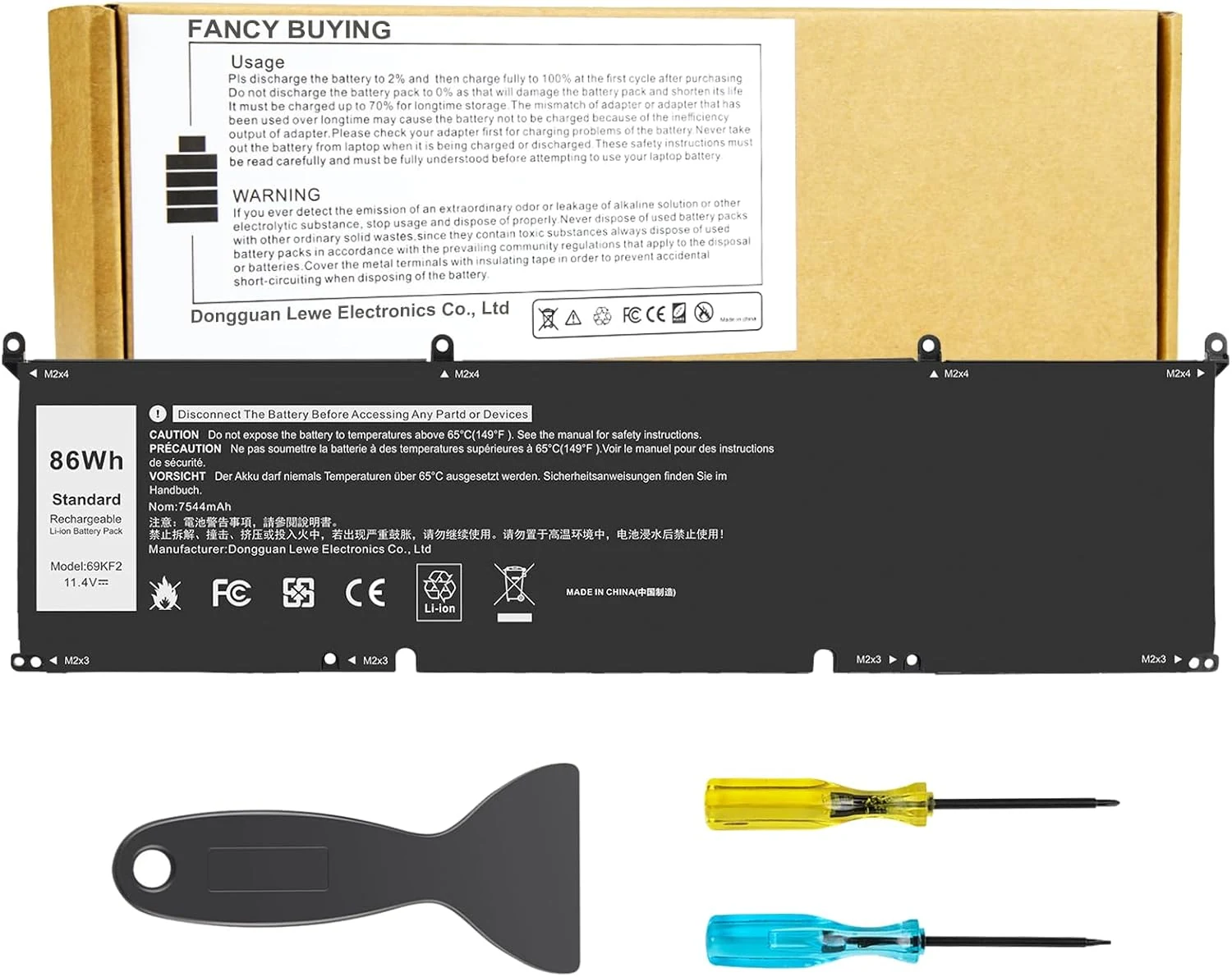
86Wh 69KF2 M59JH 8FCTC 70N2F Battery for Dell XPS 15 / Precision 5550-5570 / Alienware M15-M17
If you have a compatible Dell XPS 15, Precision 5550-5570, Alienware M15 or M17, G15, Inspiron 7510/7610, and you need a high-capacity (86Wh) replacement, this 69KF2 lithium-polymer battery is built for that fit. Early buyer feedback emphasizes easy replacement, solid recognition, and charge performance that feels “decent” for an older laptop, with longevity still the main unknown.
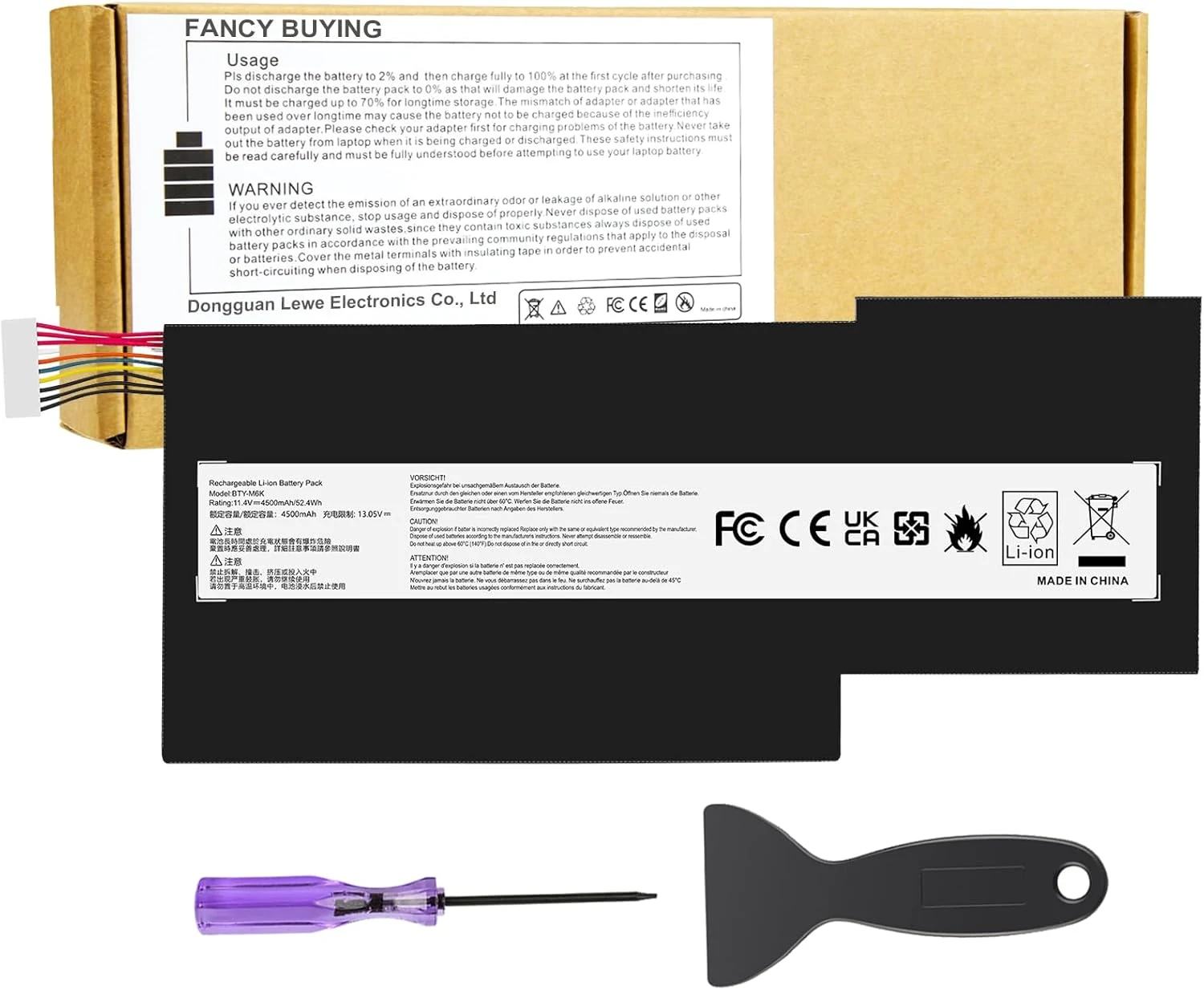
BTY-M6K Laptop Battery for MSI Stealth Pro GF63 GF65 GF75
The BTY-M6K is a 52.4Wh (11.4V) replacement battery designed for many MSI Stealth Pro, GF63/GF65/GF75, GS63VR/GS73VR, and certain workstation models. It’s a solid pick if your laptop is failing to charge or the battery no longer holds charge, with multiple buyers reporting quick recognition after install. The main caveat is compatibility: you’ll want to match the correct battery part number (BTY-M6K) and confirm it fits your specific MSI configuration.
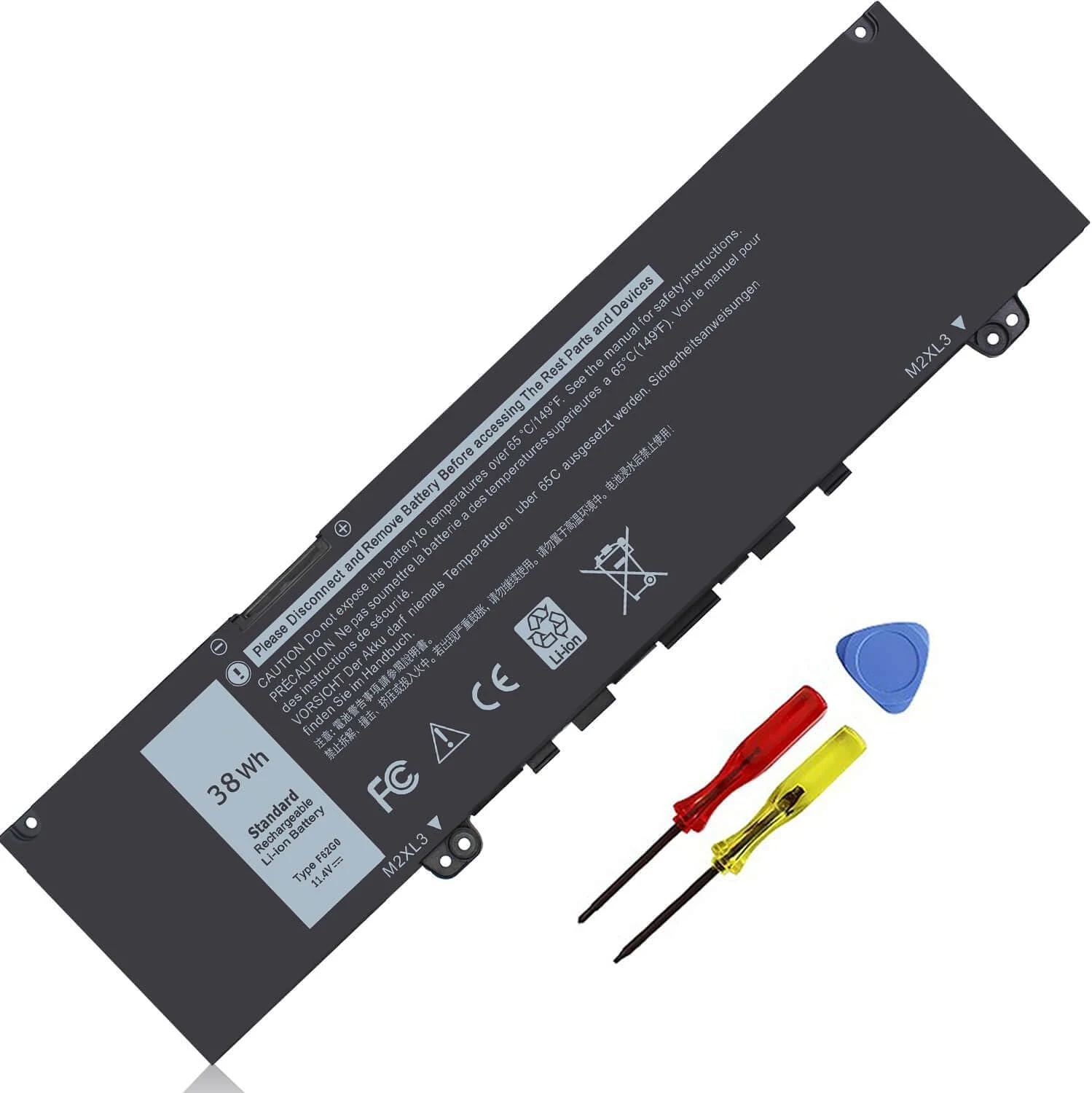
38Wh F62G0 Battery for Dell Inspiron 13 7000 7373 i7373 7386 2-in-1
The 38Wh F62G0 replacement battery (11.4V) is designed for specific Dell Inspiron 13 7000 and Vostro 13 models that use the F62G0 family battery part numbers. It includes installation tools and focuses on built-in circuit protection for safer day-to-day use. Best for Dell owners who need a direct-fit battery replacement, with the main caveat being battery-life expectations versus an original OEM battery when new.