PYS 4-Way Privacy Screen for MacBook Pro 13 Inch (2016-2022, M1, M2) & MacBook Air 13 Inch (2018-2021, M1)
Quick take
This matte privacy filter is tailored for specific 13-inch MacBook Pro (2016–2022) and MacBook Air (2018–2021) models, aiming to block side-angle viewing with a 4-way, 360° anti-spy design. Buyers who prioritize anti-glare and privacy typically like the look and usability, but visibility can be darker than the bare screen, so you may need to adjust brightness to match your usual comfort level.
Pros and cons
Pros
- Designed for 13-inch MacBook Pro and MacBook Air models listed (including M1 and M2 variants).
- 360° privacy focus with a 4-way anti-spy approach to limit off-angle viewing.
- Matte anti-glare finish, with blue-light blocking included for potential eye-comfort benefits.
- Scratch-resistant film and a touch-sensitive surface intended to preserve responsiveness.
Cons
- Expect reduced brightness and reduced “vivid colors” due to the privacy optics, which can make the screen feel darker.
- Installation has a learning curve, especially if dust specks or alignment issues occur.
What buyers think
Buyer-review evidence is mixed but still informative. Many reviews highlight strong anti-glare performance and generally clear visuals for everyday tasks, along with effective privacy. Color accuracy seems acceptable to several buyers, with some mentioning that the overall look stays normal even with the blue-light reduction. A smaller set of feedback points to the practical downside of privacy films: the display can appear significantly darker, and clarity or alignment may suffer if the film is not applied carefully.
Overall, the most consistent decision factor is the tradeoff between privacy and brightness. Buyers who can tolerate a dimmer, matte look tend to report a better experience, while those who want near-zero impact on screen brightness or perfect alignment may be disappointed.
What this privacy screen is (and how it helps)
The PYS 4-Way Privacy Screen is a protective, privacy-focused film for compatible 13-inch MacBook models. The goal is to make the display difficult to read from the sides while keeping the content more visible to the person directly in front of the laptop. This can be especially useful in open offices, shared workspaces, cafes, classrooms, and any situation where you might not control who is sitting nearby.
It also uses a matte, anti-glare surface and includes blue-light blocking as an additional comfort feature. In practice, that means fewer reflections and glare, and a screen “feel” that can be easier on the eyes for long sessions, depending on your sensitivity and lighting conditions.
Compatibility and fit
This filter is designed for specific 13-inch MacBook Pro and MacBook Air configurations. Compatibility is limited to the listed model numbers and years:
- MacBook Pro 13-inch (2016–2022): A1708, A1706, A1989, A2159, A2251, A2289, A2338 (includes M1 and M2 chips).
- MacBook Air 13-inch (2018–2021): A1932, A2179, A2337 (includes M1 chips).
If your MacBook is not one of these listed models, this is a poor fit risk. Privacy filters can look close but still misalign, especially around camera areas and edges, so double-check your model number before buying.
Brightness, color, and clarity tradeoffs
Privacy screens use specialized optics to restrict viewing angles, and that typically changes how the screen looks. This model specifically warns that applying the film will decrease brightness and reduce “vivid colors” to some extent. The practical takeaway is simple: if you rely on the display’s original brightness or vividness, you’ll likely want to raise brightness in your macOS display settings to reach your normal comfort level.
Some buyers report the image still looks normal, while others describe the film as too dark or blurry. The difference often comes down to your lighting environment, brightness habits, and how well the film was installed (dust, micro bubbles, or alignment can further impact perceived clarity).
Anti-glare and blue-light blocking
Several buyers explicitly call out that the anti-glare effect works well, including in brighter conditions. Blue-light blocking is positioned as a bonus comfort feature, and at least some reviews suggest it does not drastically harm color appearance for everyday use.
If you work outdoors, near windows, or under strong overhead lighting, the matte finish and glare reduction are usually the biggest day-to-day win. If your priority is color-critical design work, consider that privacy and matte treatments can subtly alter visual character.
Installation experience
Installation is a common make-or-break moment with privacy filters because small application issues (dust particles, bubbles, or slight misalignment) can affect both appearance and camera alignment. Reviews generally describe installation as doable, but one review notes an “art” to applying it correctly and advises following a careful step-by-step process.
For smoother installation, plan on doing it in a low-dust environment, take your time with alignment, and be prepared to reapply if debris gets trapped under the film.
Durability and daily use
The film is intended to be scratch-resistant and protective for everyday wear. It also uses a touch-sensitive surface, aiming to maintain device responsiveness. In daily use, the biggest durability question is whether you can apply it cleanly and keep it free from trapped debris during installation, since that can affect the look for the lifetime of the screen cover.
Who should buy this?
- You use a compatible 13-inch MacBook Pro or MacBook Air model and want a privacy screen that limits side-angle viewing.
- You care about anti-glare and working comfortably in offices or public spaces.
- You’re okay with a matte, slightly dimmer display and are willing to adjust brightness.
Who should consider other options?
- You’re sensitive to screen dimming and want maximum brightness and vividness with minimal visual impact.
- You have a MacBook model that is not on the compatibility list, or you want a filter with guaranteed alignment without careful installation.
- You do color-critical work (for example, precise photo/video editing) where privacy optics and matte finishes may be undesirable.
Pros and cons summary
- Best for: privacy in shared spaces, glare reduction, and comfort during longer work sessions (with a matte look).
- Main caveat: privacy films can reduce brightness and vividness, and clarity depends on careful application.
Verdict
If your top priorities are side-angle privacy and glare control for a compatible 13-inch MacBook, the PYS 4-Way Privacy Screen is a practical option. Just go in expecting a dimmer, matte experience, and plan a careful installation to avoid trapped dust or alignment issues.
FAQs
Will this privacy screen make my MacBook display darker?
Privacy screens with microfine louvre optics can reduce brightness and slightly mute vivid colors. If you notice the display feels darker, raising your screen brightness in macOS is the typical adjustment.
Is this compatible with all 13-inch MacBook models?
No. It is designed for specific 13-inch MacBook Pro (2016–2022, listed model numbers including M1 and M2) and 13-inch MacBook Air (2018–2021, listed model numbers including M1). Check your model number before purchasing.
Does the matte finish help with glare?
Yes. The anti-glare matte surface is one of the features buyers tend to notice positively, especially in brighter environments.
How hard is it to install?
Installation can require patience to get clean adhesion and proper alignment. Trapped dust or small bubbles can affect the look, so a careful, low-dust application helps.
Will it still let me use the screen normally?
The film is intended to be touch-sensitive and responsive for everyday use, but the privacy and matte characteristics change how the screen appears (especially brightness and reflectivity).
Does the privacy filter block viewing from the sides?
The 4-way, 360° anti-spy design is intended to restrict viewing angles so content is hardest to read from off to the side. How “perfect” it feels can vary with viewing position and lighting.
Specifications
| Product Title | PYS 4-Way Privacy Screen for MacBook Pro 13 Inch (2016-2022, M1, M2) & MacBook Air 13 Inch (2018-2021, M1) - 360° Anti-Spy Filter, Matte Anti-Glare Protector, Scratch-Resistant Film, Laptop Privacy Filter Shield |
|---|---|
| Category | Electronics > Computers & Accessories > Laptop Accessories > Screen Filters |
| Brand | PYS |
| Manufacturer | PYS |
| Model Name | MacBook Pro/Air |
| Model Number | MACPRO13-400AGSI |
| Screen Size | 13.3 Inches |
| Item Weight | 0.1 Kilograms |
| Product Dimensions | 11.81"L x 7.7"W |
| Color | Black |
| Material | Polyethylene Terephthalate |
| Compatible Devices | MacBook |
| Item Hardness | 9H |
| Compatible Phone Models | MacBook Air 13 Inch 2018 - 2021 Year, M1 Chip. (Models: A1932, A2179, A2337), MacBook Pro 13 Inch 2016-2022 Year, M1, M2 Chip. (Model: A1708, A1706, A1989, A2159, A2251, A2289, A2338) |
| Special Features | 4-Way 360° Anti-Spy, Anti Glare, Blue Light Block, Scratch Resistant |
| Finish Type | Matte |
| Water Resistance Level | Water Resistant |
| Screen Surface Description | Matte |
| Clarity | 10 |
| Item Dimensions L x W | 11.81"L x 7.7"W |
| Unit Count | 1.0 Count |
| Number of Items | 1 |
| Brand Name | PYS |
| Customer Package Type | FFP (Flat Free Package) |
| Part Number | MACPRO13-400AGSI |
| Warranty Description | 3 Year Manufacturer Warranty |
| Included Components | Cleaning Tool Kit, Privacy Filter, User Manual |
Available variants
Size
- 13.6 inch
- 14 inch
- 13 inch
- 13.3 inch
- 14.2 inch
- 15.3 inch
Color
- Black
- Blue
Recommended next
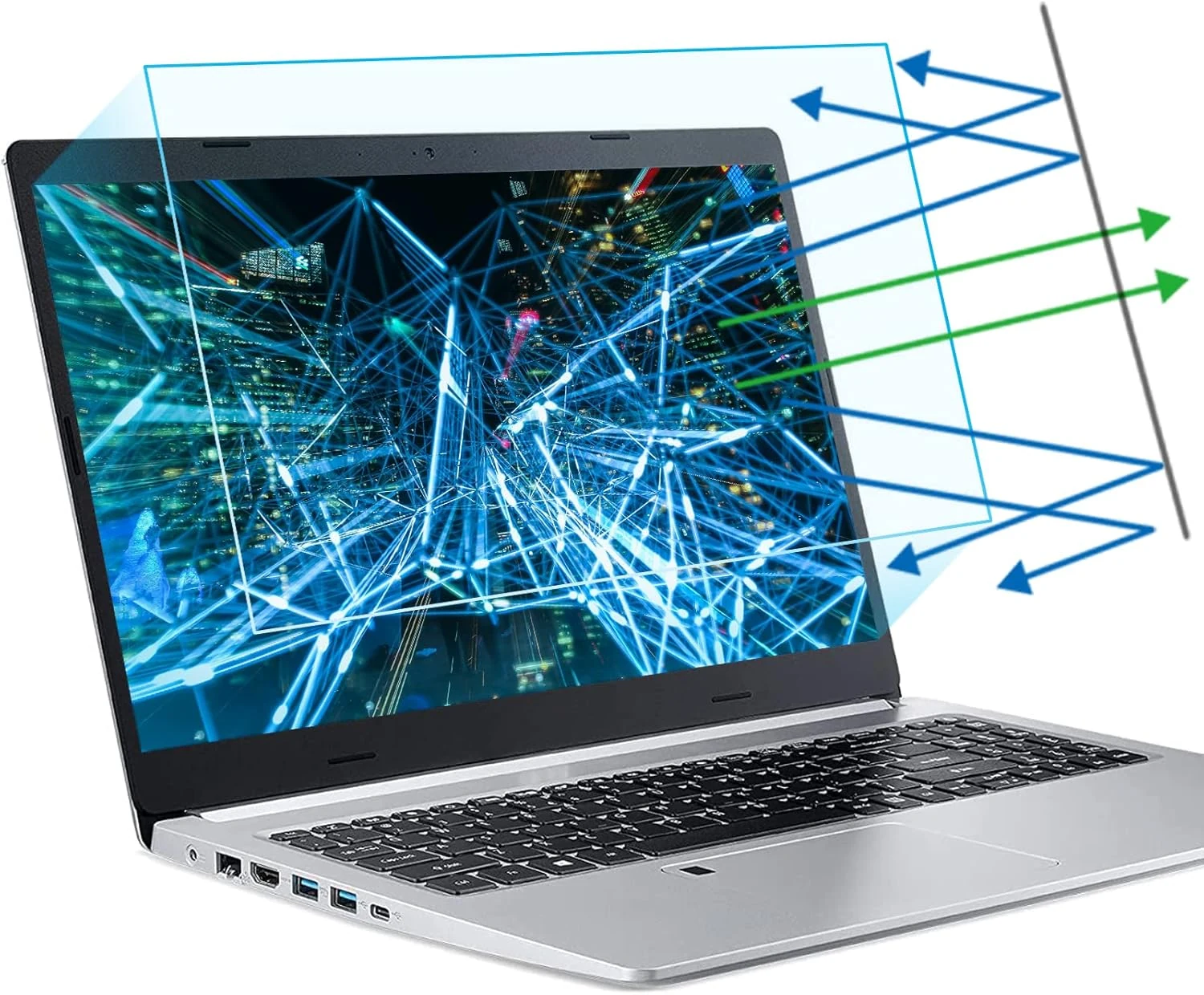
F FORITO 2-Pack 15.6 Inch Anti Blue Light Laptop Screen Protector
The F FORITO 2-Pack 15.6 inch anti blue light screen protectors are designed for 16:9 displays, adding anti-glare and scratch protection while staying touch-sensitive. Buyers commonly praise the glare reduction, clarity, and straightforward installation, with the main caveat being careful alignment and prep to minimize bubbles or mess.
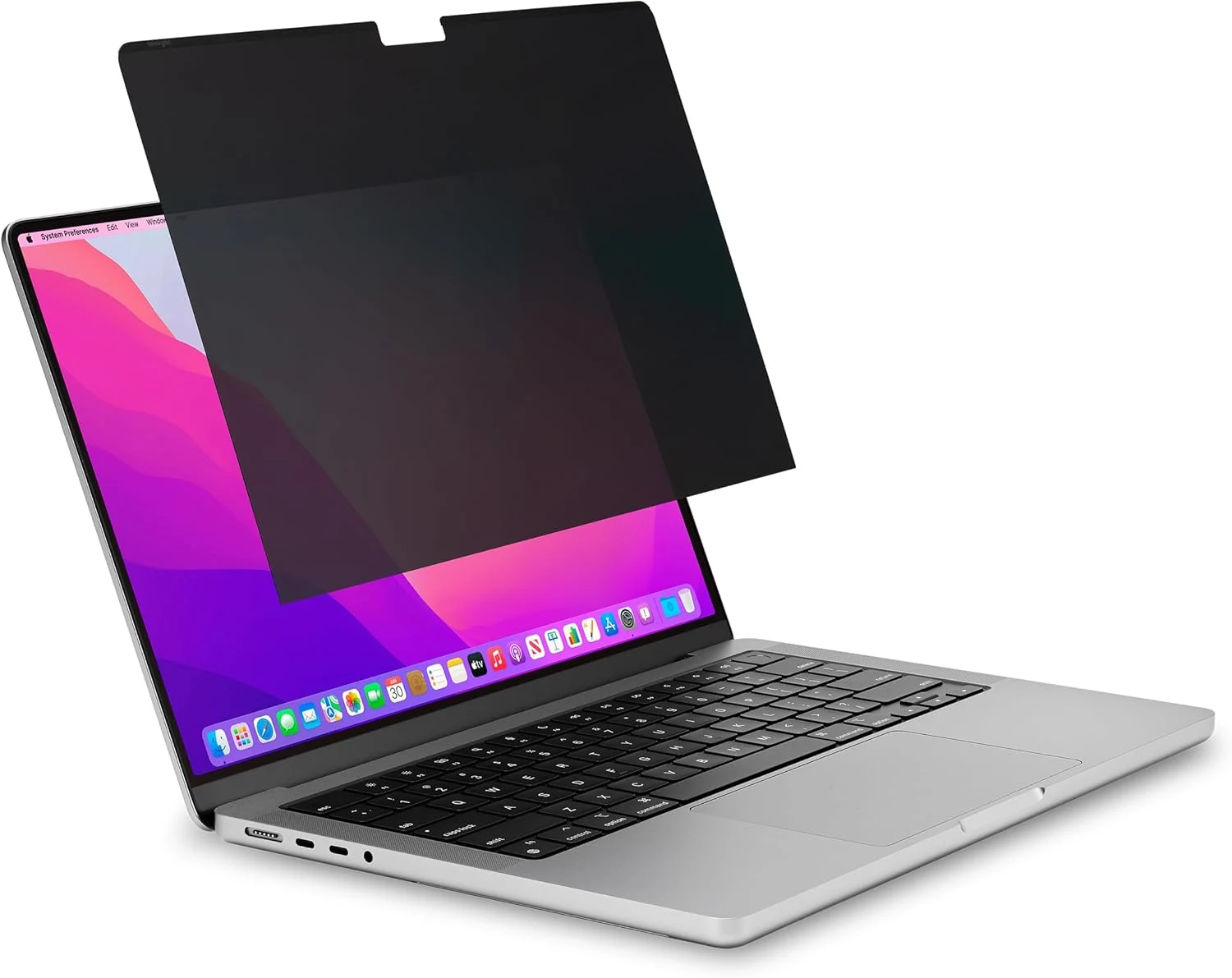
Kensington MP16 Magnetic MacBook Pro Privacy Screen for 16 inch (2021-2024)
The Kensington MP16 is a removable magnetic privacy screen made for 16-inch MacBook Pro models from 2021 onward. It narrows side viewing to about +/- 30 degrees, offers matte or glossy viewing, and is designed to work with the lid sleep behavior when used properly. The main tradeoff is that readability and fit depend on how the screen is oriented, and privacy/anti-glare impact varies with lighting.
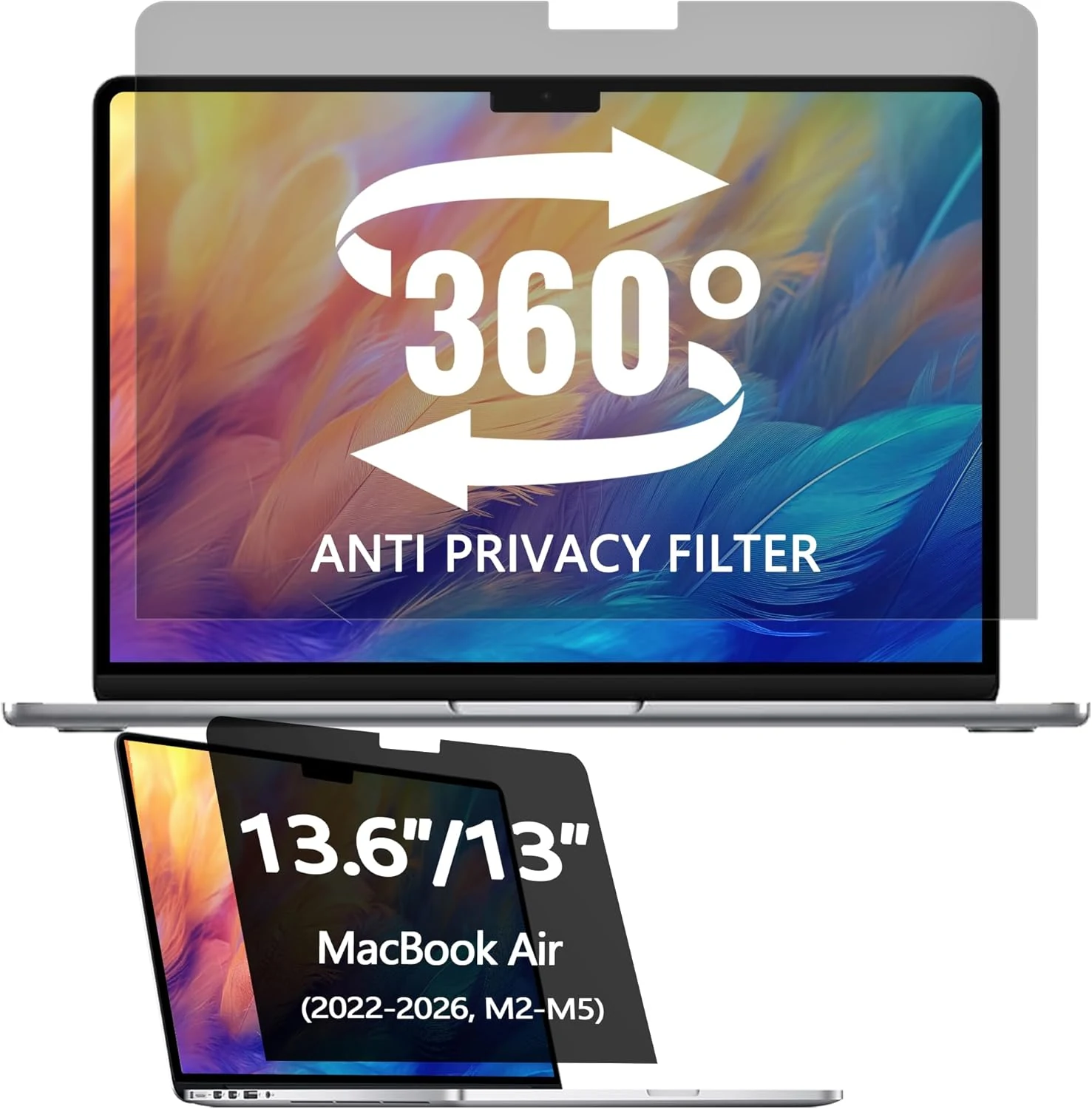
360° Privacy Screen Protector for Macbook Air 13.6/13 Inch (2022-2026, M2, M3, M4, M5)
A matte 13.6-inch privacy screen filter for MacBook Air (2022-2026, M2-M5) designed to keep the display readable from straight ahead while dimming it from off-angles. It also targets glare and blue light, and buyers highlight easy installation and a bubble-free look, with a key caveat that it will not block views directly behind you.
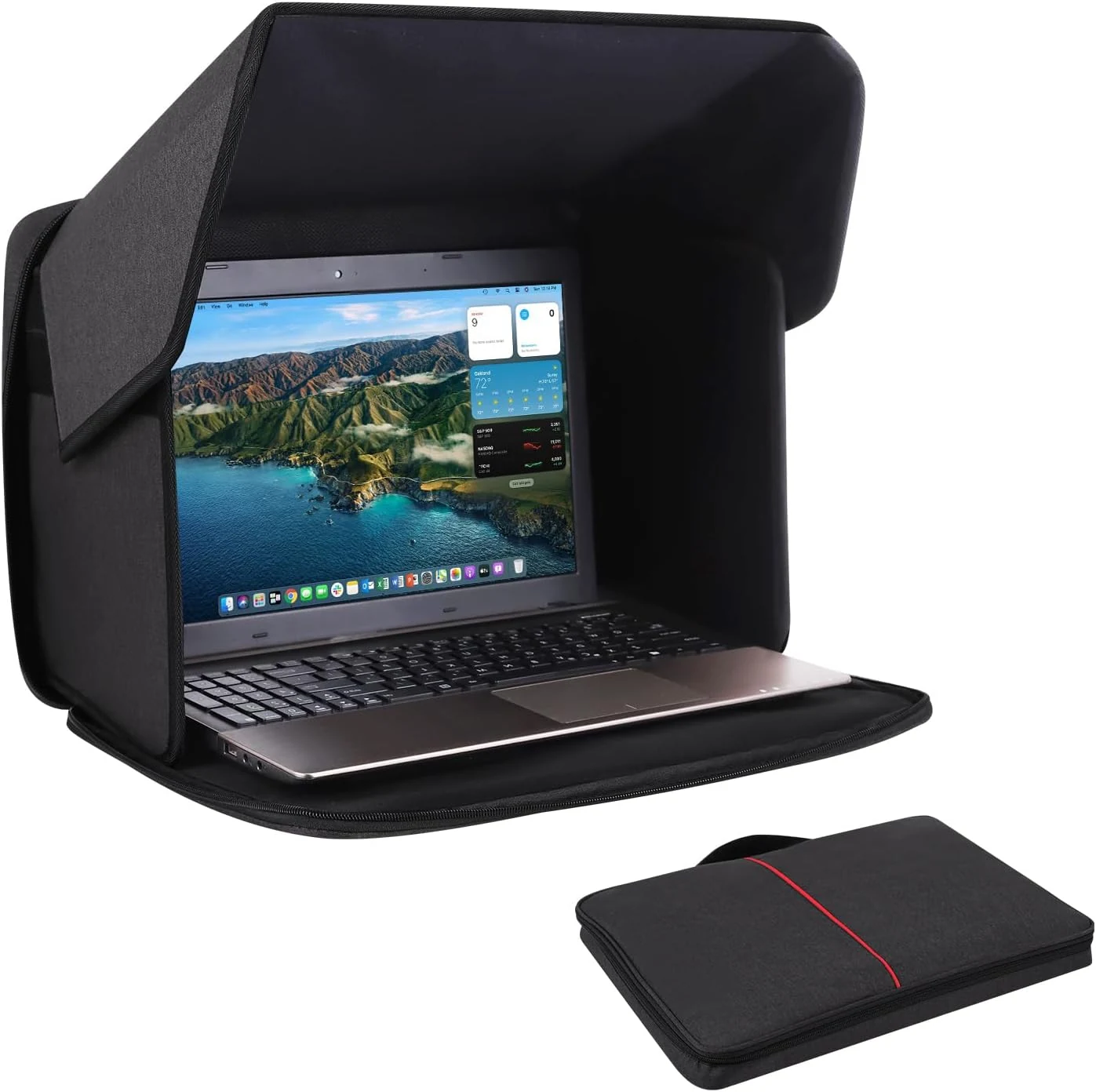
Yumt Laptop Sun Shade, Laptop Sun Glare Shield Privacy Screen Hood (15–16")
A foldable fabric hood designed to reduce outdoor screen glare and help block light and heat for 15–16 inch laptops. It also doubles as a carry-style cover with an extra compartment for small work essentials, but it is not water resistant and may not fully eliminate glare in very strong sun.