Plustek OpticFilm 9000i Ai 35mm Film Scanner
Quick take
The Plustek OpticFilm 9000i Ai is a dedicated 35mm film scanner aimed at photographers and film enthusiasts who want sharp scans with consistent alignment. It pairs a true 7200 dpi optical target with a 3rd-generation 5-glass lens system, five-axis precision calibration, and infrared dust and scratch removal via SilverFast iSRD. The biggest practical caveat is software activation and workflow, where some buyers find the included SilverFast licensing setup less straightforward than expected.
Pros and cons
Pros
- True optical resolution up to 7200 dpi, with 48-bit color and 16-bit grayscale support.
- Five-axis precision optical calibration for consistent focus and stability.
- Infrared channel with SilverFast iSRD for dust and scratch removal.
- Bundled software includes SilverFast Ai Studio and Plustek QuickScan Plus, plus an IT8 calibration target.
Cons
- Software licensing and detection can be problematic for some users, requiring troubleshooting or alternative workflows.
- Included QuickScan Plus auto-cropping may crop parts of dark scenes, with limited user control.
- Only targets 35mm film scanning, so it is not a fit for formats outside negatives and slides it supports.
What buyers think
Buyer-review evidence is limited (only a small number of ratings), but the available feedback points to two clear themes: the hardware itself is viewed as working well, while the included SilverFast licensing and detection process can cause delays or failures for some shoppers. A separate workflow concern mentions that QuickScan Plus auto-cropping can be aggressive in dark areas, potentially removing detail that users may want to keep. Other than those software-related friction points, the limited review chatter does not describe recurring hardware faults.
What the plustek opticfilm 9000i ai is for
This scanner is designed for people who want a dedicated device for 35mm negatives and slides, not a quick-and-simple “good enough” capture. It targets improved sharpness and repeatability through a 3rd-generation optical lens system (5-element glass) and automated five-axis calibration. If your priority is maximizing visible film grain detail and keeping color consistent with calibration support, the 9000i Ai is built to match that workflow.
Key features that affect scan quality
Resolution and tonal depth
The 9000i Ai offers true 7200 dpi scanning and supports 48-bit color depth (16-bit grayscale). In practical terms, that combination is meant for preserving fine texture in 35mm film and maintaining smoother tonal gradations when you edit in post.
3rd-generation lens system and alignment
Plustek highlights a 3rd-generation 5-glass lens design paired with five-axis precision optical calibration. Automated alignment is the kind of feature that can reduce the “scan-to-scan variability” problem, especially when you are digitizing multiple frames over time and want the output to feel consistent.
Infrared dust and scratch removal
The scanner includes an infrared channel working with SilverFast iSRD to automatically reduce dust and scratches. This can noticeably reduce manual retouching time if your film has visible surface defects, dust, or hairline scratches.
Software and workflow: where buyers may feel friction
The bundle includes SilverFast Ai Studio, Plustek QuickScan Plus, and an IT8 calibration target. That can be a big plus for color-managed digitization, but some buyers report that SilverFast’s license activation and model detection can be an obstacle. Another review theme suggests QuickScan Plus auto-cropping behavior is not easily adjustable, which could be a problem if you often scan dark scenes and rely on keeping the full frame.
If you prefer tuning cropping and retouching manually in a tool you already trust, it is worth planning your workflow before you buy. The hardware may be solid, but the “path to final files” depends heavily on software setup and how much control you want in the default capture mode.
Pros and cons in plain English
- Buy it if you scan 35mm negatives and slides regularly, care about high-detail digitization, and want infrared-based cleanup plus calibration support.
- Skip it or think twice if you want a minimal-friction software experience, or you specifically need configurable cropping and expect it to be handled automatically without compromises.
Setup basics and compatibility to check
Connectivity is USB. Minimum system requirements listed for this model include Windows 7 (64-bit only) or later, and macOS 10.14 or later. If you are on an older system, you may want to confirm your OS version meets these requirements before committing.
Price and availability
The 9000i Ai is positioned as a premium, dedicated film scanner. Current pricing can change, so check the live listing for the most accurate cost and availability.
Alternatives (how to choose without comparing brands)
If you are shopping the category, the biggest differentiators are usually: optical resolution and lens design, calibration approach, infrared cleanup quality, and how smooth the software experience is for your workflow. For example, if you are sensitive to software licensing friction, you may prefer a model where your preferred capture app works seamlessly. If your main issue is cleanup, prioritize scanners that include (or pair well with) infrared dust and scratch removal. If your priority is consistent color across batches, look for models that include or support IT8 calibration targets and stable ICC workflows.
Verdict
The Plustek OpticFilm 9000i Ai is a serious 35mm film scanner with strong quality-focused components, including a 7200 dpi imaging path, five-axis calibration, and infrared dust and scratch removal. The likely dealbreaker for some buyers is software friction, particularly around SilverFast activation and how default quick scanning handles dark-frame cropping. If you are comfortable working in a calibration-aware workflow, this is the kind of scanner that can produce consistent, detail-rich results for negatives and slides.
FAQs
What films and media types does the Plustek OpticFilm 9000i Ai support?
It is a dedicated film scanner for 35mm negative and slide (diapositif) scanning.
Does it scan at true 7200 dpi?
Yes, it is rated for true optical resolution up to 7200 dpi.
What is the benefit of five-axis precision optical calibration?
Five-axis precision calibration is intended to align the scanner’s optical system to improve focus accuracy, reduce distortion and misalignment, and keep scan results more consistent across frames.
How does infrared dust and scratch removal work?
The scanner includes an infrared channel that works with SilverFast iSRD technology to automatically remove or reduce dust and scratches, reducing the need for manual cleanup.
What software is included?
The bundle includes SilverFast Ai Studio, Plustek QuickScan Plus, and an IT8 calibration target.
Is the software easy to set up?
Some buyers report that SilverFast licensing and detection can be difficult, so it is wise to plan for activation steps and consider your preferred scanning workflow before purchase.
Can I control cropping in QuickScan Plus?
QuickScan Plus includes auto-cropping behavior, and some users report it can be aggressive in dark scenes and may not offer the control they want.
Specifications
| Product Title | Plustek OpticFilm 9000i Ai 35mm Film Scanner – New 3rd Gen Lens System & 5-Axis Precision Alignment – Professional Detail & Stability – 2026 Flagship Model |
|---|---|
| Category | Office Products > Office Electronics > Scanners & Accessories > Scanners > Slide & Negative Scanners |
| Brand | plustek |
| Manufacturer | Plustek |
| Model Name | OF9000i AI US |
| Item Weight | 1.5 Kilograms |
| Product Dimensions | 4.7"D x 4.7"W x 10.7"H |
| Scanner Type | Film |
| Connection Type | USB |
| Resolution | 7200 dpi |
| Color Depth | 48 Bits |
| Greyscale Depth | 16 bits |
| Media Type | negative,diapositif |
| Item Dimensions D x W x H | 4.7"D x 4.7"W x 10.7"H |
| Minimum System Requirements | Windows 7 (64-bit only) or later, macOS 10.14 or later |
| UPC | 783064369657 |
| Unit Count | 1.0 Count |
| Warranty Description | 1 Year |
| Connectivity Technology | USB |
Recommended next
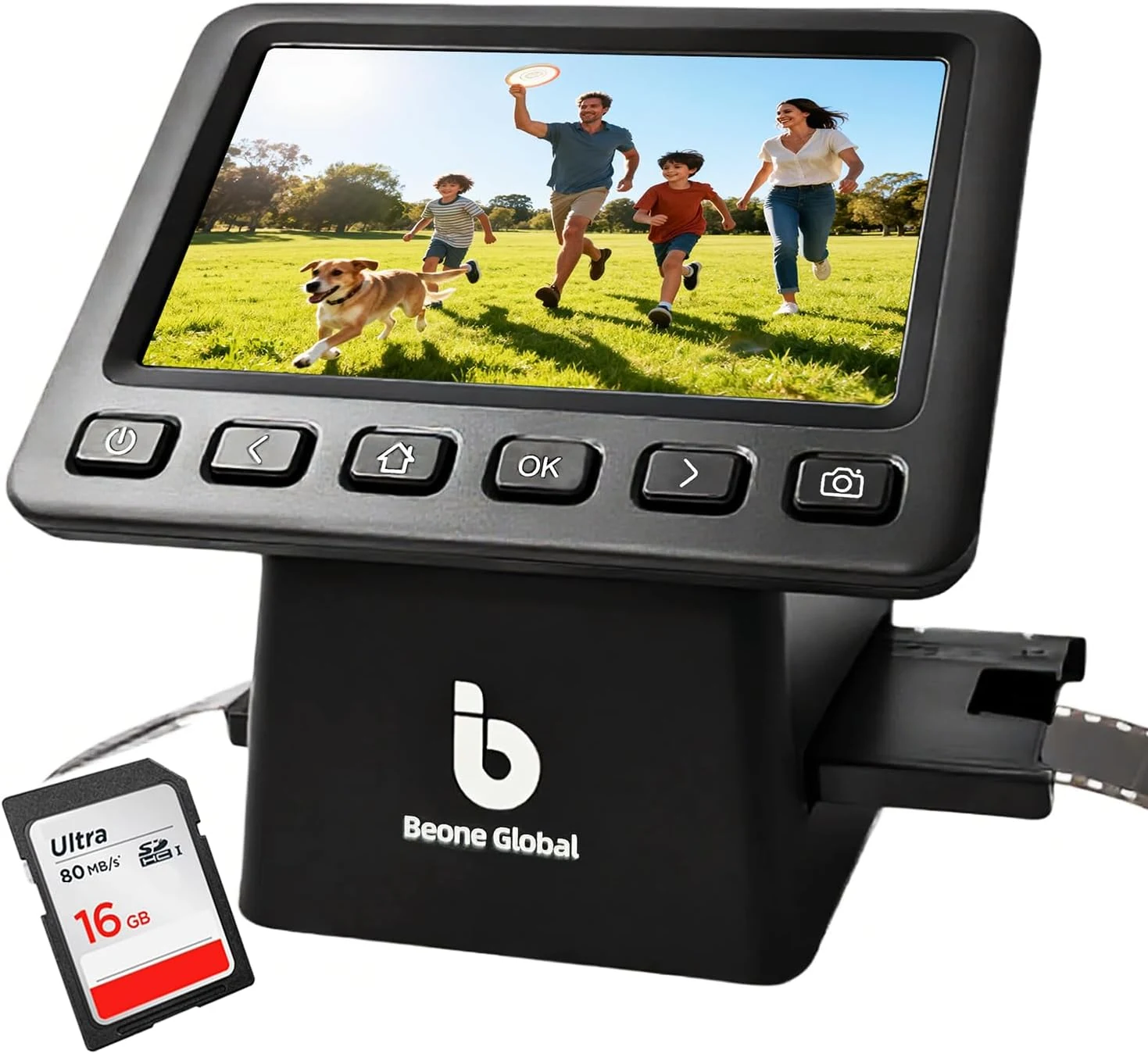
BEONEGLOBAL ClearScan P5 Film Scanner with SD Card, Upgraded Version, 24MP High-Resolution 35mm/135/126/110/Super 8 Film & Slide Converter with 5” LCD
The BEONEGLOBAL ClearScan P5 is a USB film and slide digitizer built for quick JPEG conversions, a 5-inch preview LCD, and SD card saving. It supports 35mm/135 plus 126/110/Super 8 formats, and includes an SD card to start scanning immediately. The main caveat is that some buyers feel the adjustment and zoom range may not capture the full frame consistently for certain 35mm setups, and scanning can be time-consuming for large lots.
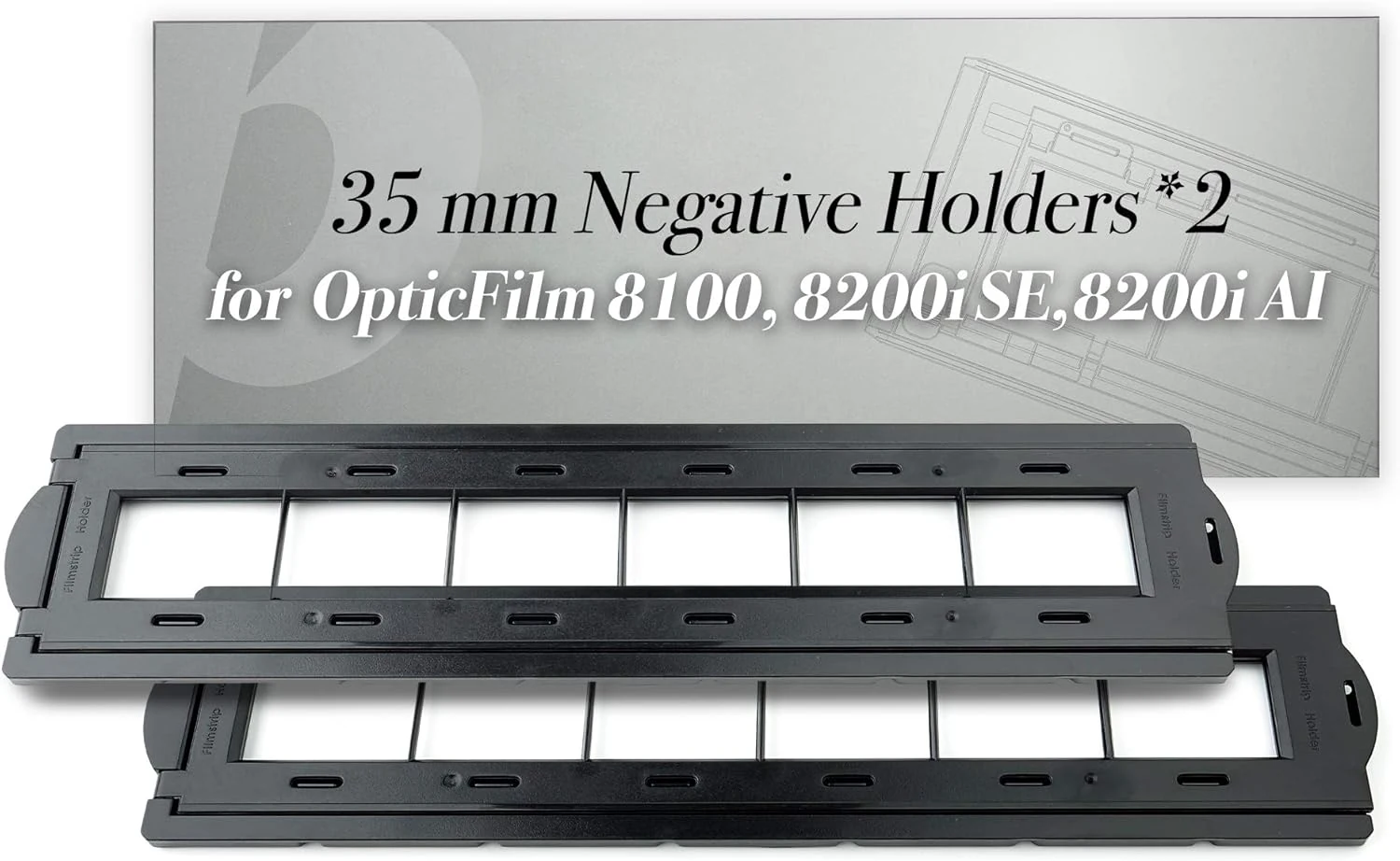
Plustek 2 x 35 mm Negative Holders (Negative Film), for OpticFilm 72~83 Series use only (8100 & 8200i & 8300i)
Plustek 2 x 35 mm negative holders are made for specific Plustek OpticFilm 72 to 83 series slide and negative scanners, helping you keep multiple 35mm negative strips organized for scanning. The main caveat is compatibility: these holders are not for the OpticFilm 135 and 135i series, so double-check your scanner model before buying.
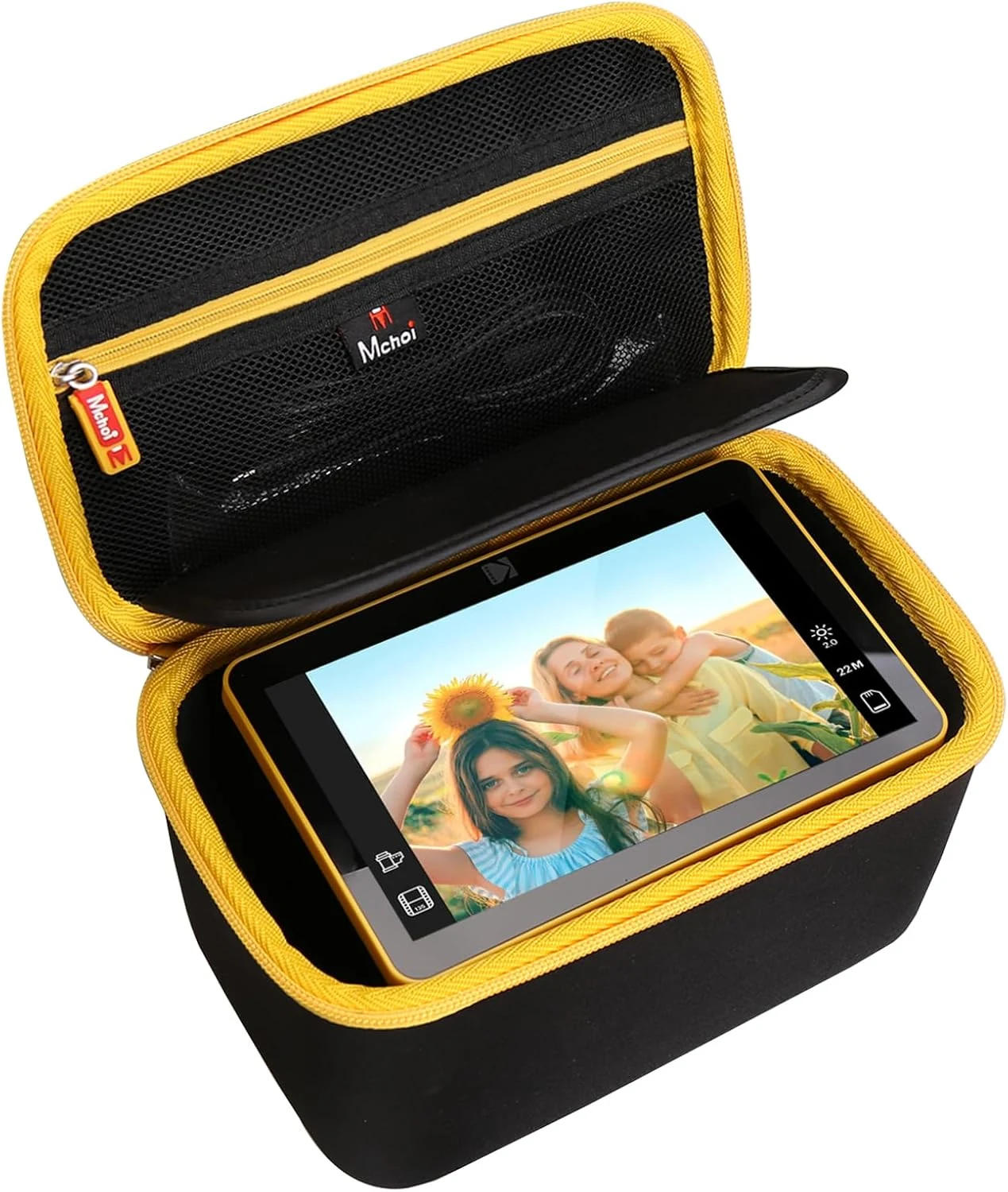
Mchoi Hard Case for Kodak Slide N SCAN Digital Film Scanner 7" Max RODFS70
The Mchoi hard case is a purpose-fit, EVA shell storage solution for the Kodak Slide N SCAN 7" Max (RODFS70) so you can protect the scanner and keep accessories together. Buyers praise the snug fit and sturdy construction, with the main caveat being that this is an empty case only.
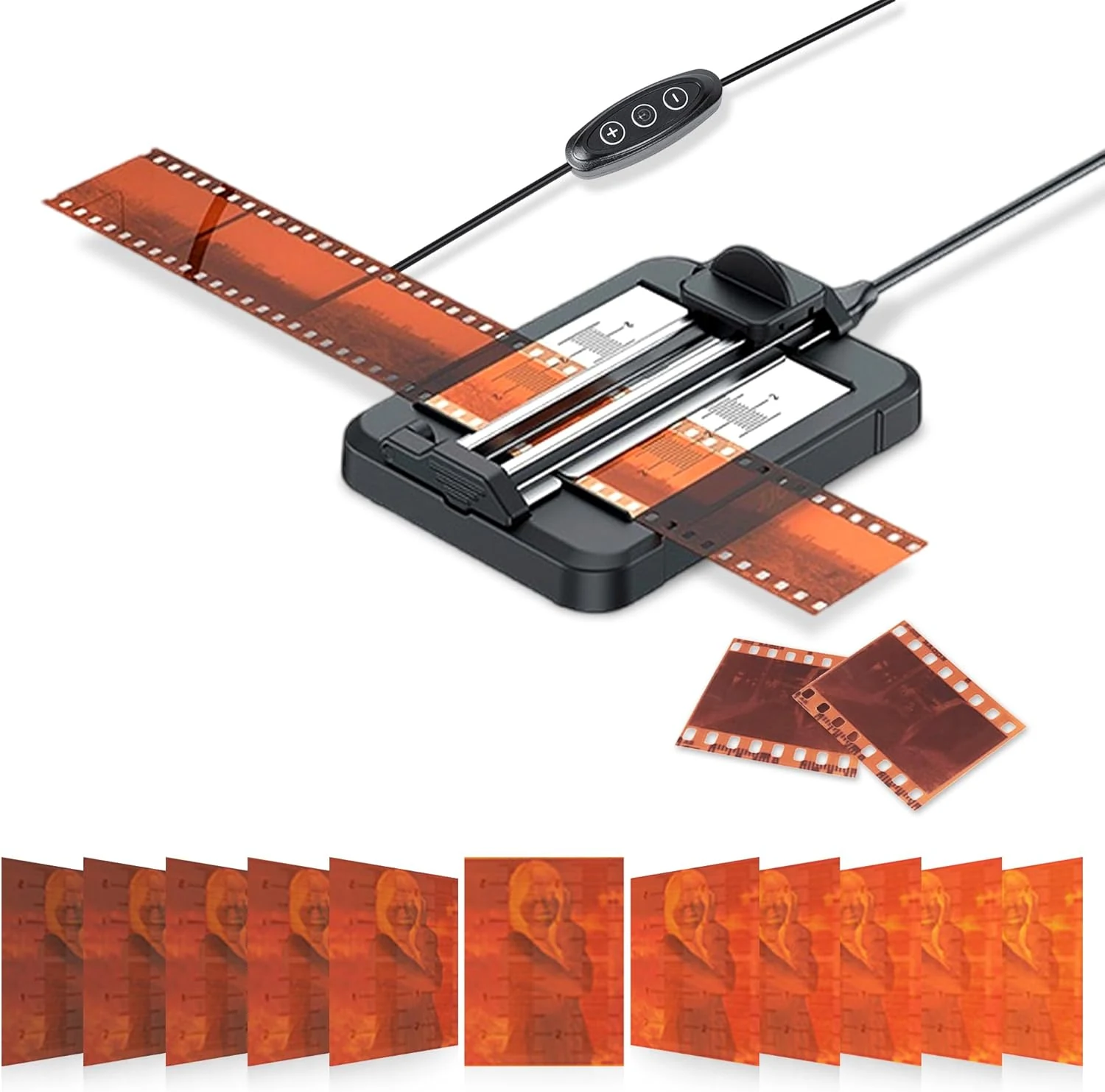
JJC Negative Slide Film Cutter for 35mm 120 Format Strip, 35mm Film Trimmer with 11-Level Brightness Adjustable LED Backlight Panel Support USB-C Charging and Graduated Mark for Clean Cutting
The JJC Negative Slide Film Cutter is a rail-based film trimmer built for straight, consistent cuts before scanning or storing negatives. Its adjustable LED backlight (11 levels) and engraved/graded placement marks make alignment easier, and the aluminum rail plus anti-slip silicone pads help keep film steady during cutting.