NVIDIA Shield TV Pro (Model 945-12897-2500-101)
The NVIDIA Shield TV Pro is a high-end Android TV streaming box for buyers who want more than basic app playback. This model 945-12897-2500-101 is listed with 4K HDR output, Dolby Vision, Dolby Atmos, 3 GB of RAM, 16 GB of storage, Ethernet, Wi‑Fi, Bluetooth 5.0, and two USB 3.0 ports. That makes it more appealing if you want a streamer that can also support external storage, Plex-style media use, or a more configurable living-room setup. If you only need straightforward streaming, the premium positioning is harder to justify.
Pros
- Two USB 3.0 ports add useful expandability for storage and accessories.
- Built-in Plex Media Server may suit local-media setups.
- Ethernet, Wi‑Fi, and Bluetooth 5.0 cover common connection needs.
- Dolby Vision and Dolby Atmos support fit home-theater use.
Cons
- At $199, it costs far more than basic streaming sticks.
- 16 GB storage is limited without external drives.
- Some review excerpts mention setup or compatibility issues.
Who this model is for
This is best for shoppers who want an Android TV box with extra I/O, not just a simple app launcher. The two USB 3.0 ports, Plex Media Server support, and Ethernet connection make it more suitable for mixed streaming and local-media use than many lower-cost devices.
It also makes sense if you want Dolby Vision and Dolby Atmos support in one box and like the idea of using Chromecast built in. The specifications also mentions game-controller support, but that should be treated as optional flexibility rather than a replacement for a dedicated console.
What the spec sheet supports
It supports 4K HDR output, Dolby Vision, Dolby Atmos, Dolby Digital Plus, 3 GB RAM, 16 GB storage, Bluetooth 5.0, Ethernet, and Wi‑Fi. It also says the Tegra X1+ chip enables AI upscaling of HD video to 4K, but that is a manufacturer claim rather than a tested result here.
For buyers comparing it with mainstream streamers, the main difference is flexibility rather than basic resolution. USB expansion, a built-in media server, and broader accessory support make this a more configurable box, though that can also mean more setup effort.
Main trade-offs
The clearest trade-off is price versus simplicity. At the supplied recorded price of $199, this is a premium buy in a category where many people only need access to a few major apps. If you do not plan to use the extra ports, storage expansion, or media-server features, the value case is weaker.
Storage is another practical limit. Sixteen gigabytes is enough for the operating system and apps, but it is not generous if you want to side-load apps or rely heavily on local-media workflows. The USB ports help, but they also add another decision point: whether you want to manage external storage at all.
What the review excerpts suggest
The review snippets are mostly positive and often mention smooth playback, strong format support, and good results with Dolby Vision or Atmos. That is consistent with the product’s stated feature set, but it is still only a small sample of user experiences.
A few excerpts also mention setup sensitivity, remote quirks, or compatibility workarounds with certain DACs or networks. Those reports should be treated as individual experiences, not proof of a general defect. They do, however, suggest that this box may reward buyers who are comfortable adjusting settings and checking compatibility.
What to check before buying
Make sure the rest of your setup supports the formats you care about. The box can only pass through or output what your TV, receiver, or soundbar handles. If you plan to use Plex or external audio hardware, verify the exact workflow you expect before buying.
Also ask whether you need a premium Android TV box at all. If the goal is only to stream Netflix, Hulu, Prime Video, and similar services, a cheaper streamer may be easier to justify. If you want USB expandability, media-server support, and broader customization, this model is the stronger fit.
How it compares with the cheaper Roku options
The alternatives make the value trade-off clear. Roku Ultra is much less expensive and still advertises 4K, Dolby Vision, Dolby Atmos, Ethernet, and a remote with TV controls. For many households, that is enough and likely simpler to live with.
Roku Express 4K+ and Roku Express go lower still, but they give up some of the Shield’s flexibility. Choose those if you want basic streaming at a lower cost. Choose the Shield TV Pro if you specifically want USB expandability, Plex server support, and a more configurable Android TV box.
The buying decision
Choose the Shield TV Pro if you want a premium Android TV box for home theater, local media, and expandability, and you are willing to pay for that flexibility. Skip it if you mainly want the cheapest, simplest streamer.
Product details and Amazon customer ratings as of .
Available variants
Style
- Player
Recommended next
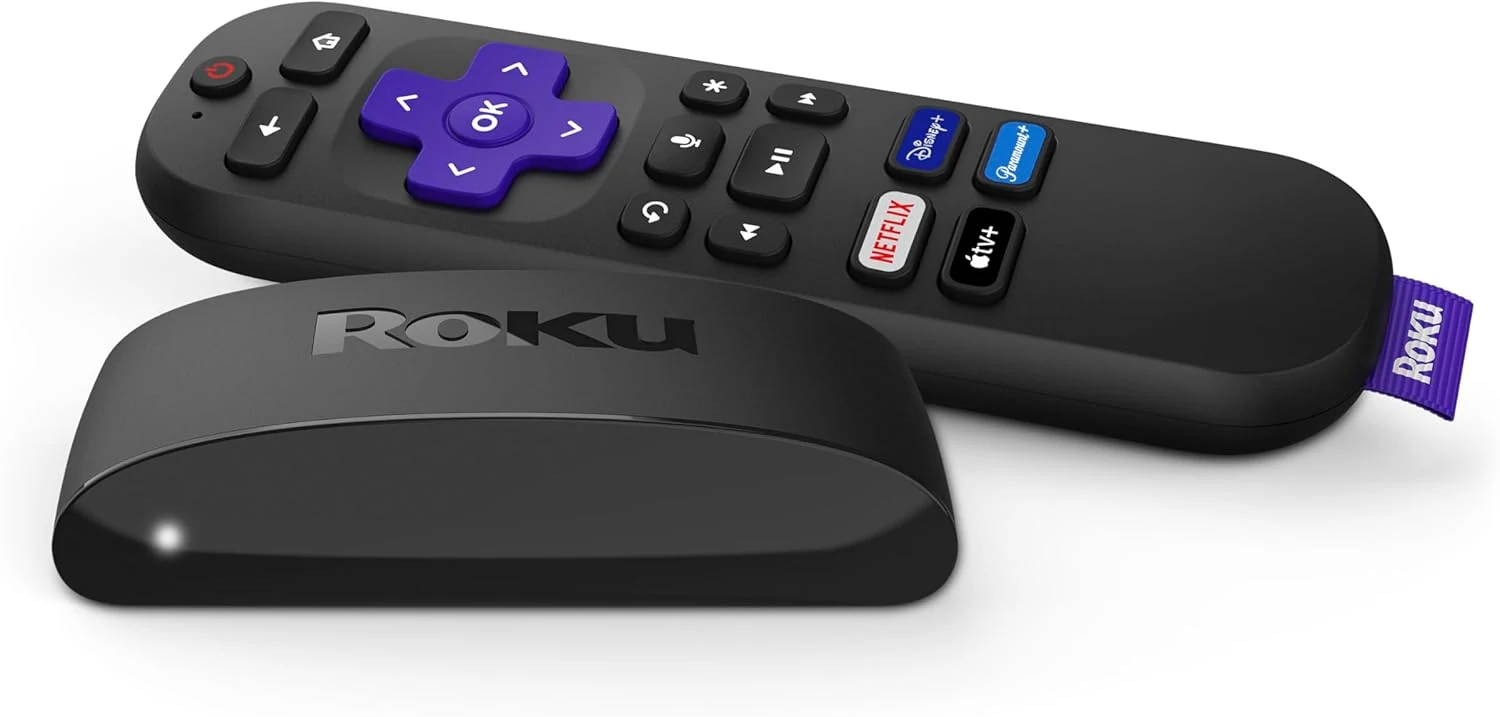
Roku Express 4K+ streaming device
A budget Roku streamer with 4K/HDR support and a voice remote with TV controls. Good for simple setups, but app availability and advanced features vary by market.
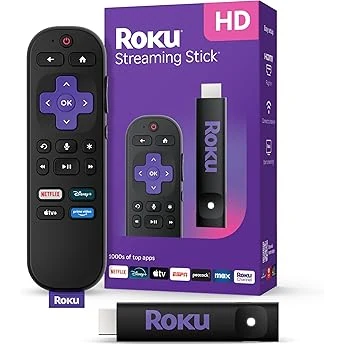
Roku Streaming Stick+ (3810R)
A compact Roku for HD/4K/HDR streaming with a voice remote and long-range Wi‑Fi. Best for simple setups; not the pick for Dolby Vision, Atmos, or top-tier features.
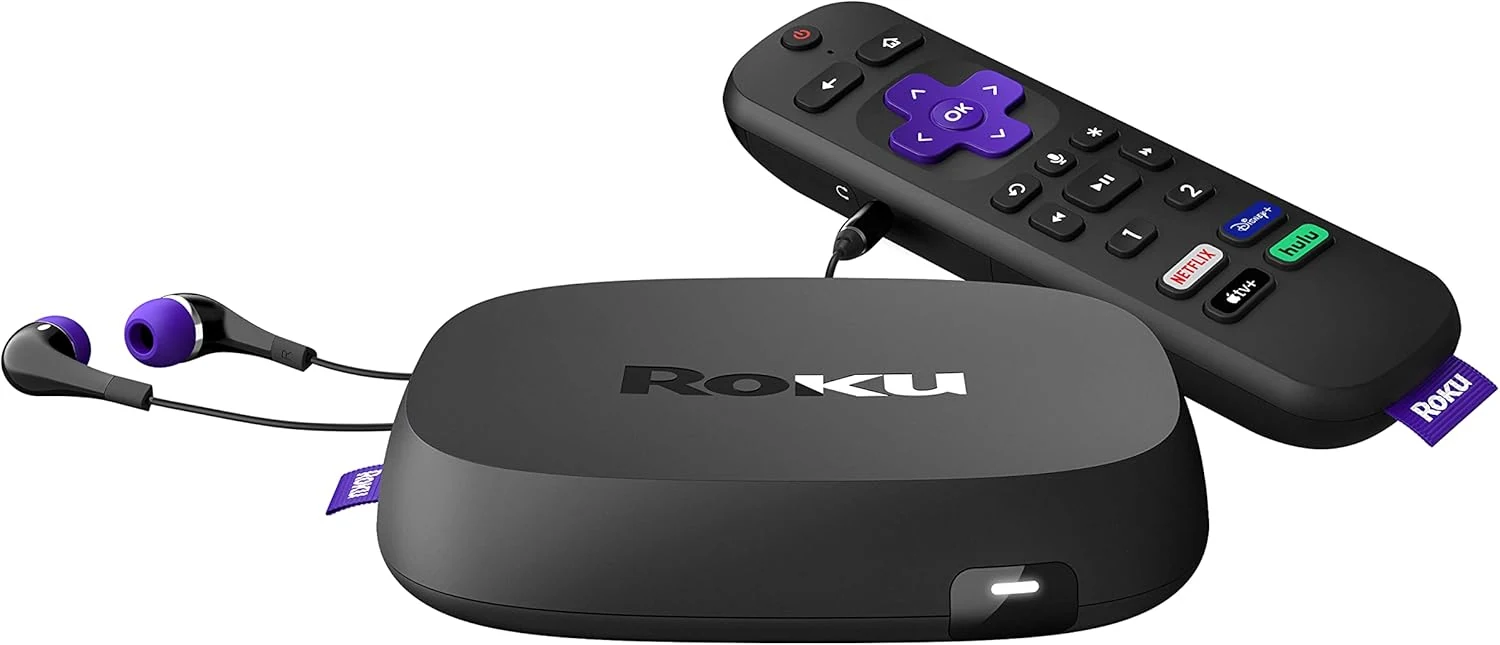
Roku Ultra (Model 4800R) streaming player
Roku Ultra 4800R is a feature-rich 4K streamer with Ethernet, Dolby Vision/Atmos support, and a remote with headphone jack. Best for a main TV; cheaper Roku models suit simpler needs.
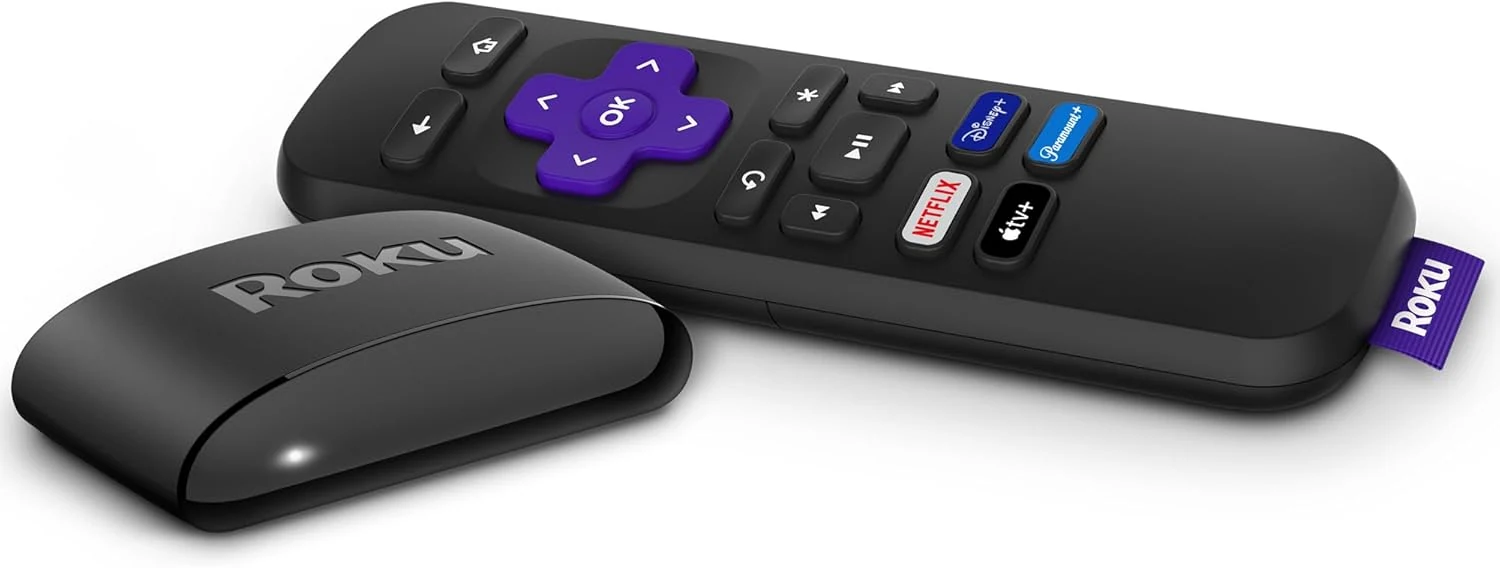
Roku Express 2022 HD Streaming Device
A simple, low-cost HD streamer for basic TVs and easy setups. It’s a good fit if you don’t need 4K, TV controls on the remote, or Bluetooth streaming.