Lenovo ThinkPad E14 Gen 5 Business Laptop 14" FHD+ (13th Gen Intel i5-1335U, 16GB DDR4, 256GB PCIe SSD, Intel Iris Xe)
Quick take
The Lenovo ThinkPad E14 Gen 5 is a business-focused 14-inch laptop that pairs a 13th Gen Intel Core i5-1335U with 16GB DDR4 and a 256GB PCIe NVMe SSD for smooth everyday productivity, multitasking, and business apps. You also get practical connectivity for office setups, including Thunderbolt 4 and RJ-45 Ethernet, plus a backlit keyboard, fingerprint reader, and a 5MP webcam. The biggest buying caveat is the 256GB SSD size, which may feel tight if you store lots of files locally or work with large media projects.
Pros and cons
Pros
- Business-ready hardware: 13th Gen i5-1335U, 16GB DDR4, and Intel Iris Xe integrated graphics.
- Great productivity visuals: 14.0-inch IPS WUXGA (1920 x 1200) 60Hz with extra vertical space (16:10).
- Office-friendly connectivity: Thunderbolt 4, HDMI 2.1, and RJ-45 Ethernet.
- Practical security and communication: fingerprint reader and a 5MP webcam.
Cons
- Limited local storage at 256GB, which can require cloud drives or external storage for heavier workloads.
- Graphics are integrated (Intel Iris Xe), so it is not aimed at demanding creative or gaming performance.
What buyers think
Buyer-review evidence for this specific configuration is very limited, so it is not possible to identify strong, reliable patterns around performance, screen quality, keyboard feel, battery life, or reliability. The available feedback is positive on overall satisfaction, but there is not enough detail to draw conclusions beyond that.
Who this laptop is for
This ThinkPad E14 Gen 5 fits best when you want a practical 14-inch Windows laptop built for daily work. It is a strong match for:
- Office or hybrid workers who use wired networks (RJ-45) or want docking flexibility (Thunderbolt 4).
- Students and professionals who need a comfortable typing experience (backlit keyboard) and reliable video calls (5MP webcam).
- Productivity-focused users running browser tabs, spreadsheets, Office-style apps, and typical business software.
Key specs that matter day to day
Processor and everyday performance
The system runs on a 13th Gen Intel Core i5-1335U (10 cores, 12 threads) with Intel Iris Xe integrated graphics. For everyday tasks like multitasking, document work, and business applications, this is a sensible, efficient configuration.
Memory and multitasking
With 16GB DDR4 RAM (8GB onboard plus an additional 8GB SODIMM), it is built to handle everyday multitasking more comfortably than 8GB systems. If your workflow includes lots of tabs, spreadsheets, and office tools at the same time, 16GB is the practical floor.
Display for work, not just entertainment
The 14-inch IPS WUXGA panel (1920 x 1200) is a 16:10 format, which typically helps with spreadsheets and document reading because you get extra vertical space. It also refreshes at 60Hz, which is standard for productivity.
Security and camera setup
The laptop includes a fingerprint reader for faster access and a 5MP webcam intended for clearer video conferencing. The hardware also includes Windows 11 Pro, which is commonly preferred in business environments.
Connectivity and ports, explained for real workflows
If you connect to a monitor, dock, or office network regularly, this is a meaningful part of the value:
- Thunderbolt 4 for modern docks and fast external device connections.
- RJ-45 Ethernet for stable wired internet in offices or home setups that prefer it.
- HDMI 2.1 for connecting to compatible displays and TVs.
- USB options include USB 3.2 Type-C and Type-A, plus legacy USB 2.0 for older peripherals.
Pros and cons in plain English
Pros you can feel in daily use
- Productivity-focused screen format (1920 x 1200, 16:10) makes document and spreadsheet work easier.
- More flexible office setup thanks to Thunderbolt 4 and RJ-45.
- Comfort and security extras like a backlit keyboard and fingerprint access.
Tradeoffs to consider before buying
- 256GB storage may run out if you keep lots of files locally, download courses, or work with large documents. If your workflow is storage-heavy, consider stepping up to a higher-capacity configuration.
- Integrated graphics only means you should not expect this to replace a dedicated GPU for advanced creative workloads.
Price and availability
Availability is listed as in stock. For the most current price and any configuration options, check the latest listing.
Verdict: is the Lenovo ThinkPad E14 Gen 5 worth it?
The Lenovo ThinkPad E14 Gen 5 is a good buying option if you want a business laptop with a 14-inch 1920 x 1200 display, 16GB of RAM, and practical connectivity for office setups. It is especially sensible for productivity and video calls. Just be sure the 256GB SSD storage size fits your habits, since local storage needs are the most likely reason you would feel constrained after purchase.
FAQ
Does the lenovo thinkpad E14 gen 5 support wired ethernet?
Yes. It includes an RJ-45 Ethernet port for wired networking.
What kind of display does it have?
It has a 14.0-inch IPS WUXGA display with a 1920 x 1200 resolution and a 60Hz refresh rate, in a 16:10 aspect ratio.
How much RAM and storage come with this configuration?
This configuration includes 16GB DDR4 RAM (8GB onboard plus an 8GB SODIMM) and a 256GB PCIe NVMe SSD.
Is the graphics performance good for gaming or creative work?
The laptop uses Intel Iris Xe integrated graphics. It is best for everyday productivity, not for demanding gaming or GPU-intensive creative workflows.
Is there a fingerprint reader and good webcam for video calls?
Yes. It includes a fingerprint reader and a 5MP webcam intended for video conferencing.
What ports are most useful for docking?
Thunderbolt 4 is the key docking port, and it also includes HDMI 2.1 plus multiple USB ports.
Specifications
| Product Title | Lenovo ThinkPad E14 Gen 5 Business Laptop 14" FHD+ (13th Gen Intel i5-1335U, 16GB DDR4, 256GB PCIe SSD, Intel Iris Xe, Backlit, Fingerprint, Thunderbolt 4, 5MP Webcam, WiFi 6E, RJ-45, Win 11 Pro) |
|---|---|
| Category | Electronics > Computers & Accessories > Computers & Tablets > Laptops > Traditional Laptops |
| Brand | ME2 MichaelElectronics2 |
| Manufacturer | ME2 MichaelElectronics2 |
| Model Name | ThinkPad |
| CPU Model | Core i5 |
| Graphics Coprocessor | Intel Iris Xe Graphics |
| Hard Disk Size | 256 GB |
| Screen Size | 14 Inches |
| Resolution | 1920 x 1200 |
| Operating System | Windows 11 Pro |
| Color | Graphite Black |
| Hard-Drive Size | 256 GB |
| Other Special Features of the Product | Backlit Keyboard, Fingerprint Reader, Thunderbolt 4, Webcam |
| Graphics Description | Integrated |
| Hard Disk Description | SSD |
| Video Processor | Intel |
| Specific Uses For Product | Business |
| Webcam Capability | Yes |
| Form Factor | Clamshell |
| Graphics Ram Type | Shared |
| Warranty Type | Limited |
| Item Dimensions L x W x Thickness | 12.3"L x 8.6"W x 0.75"Th |
| Video Output | HDMI |
| Native Resolution | 1920 x 1200 pixels |
| Display Type | IPS |
| Display Resolution Maximum | 1920x1200 |
Available variants
Capacity
- 16GB RAM|256GB SSD
- 24GB RAM|512GB SSD
- 24GB RAM|1TB SSD
- 16GB RAM|1TB SSD
- 16GB RAM|512GB SSD
Style
- Win11Pro
Recommended next
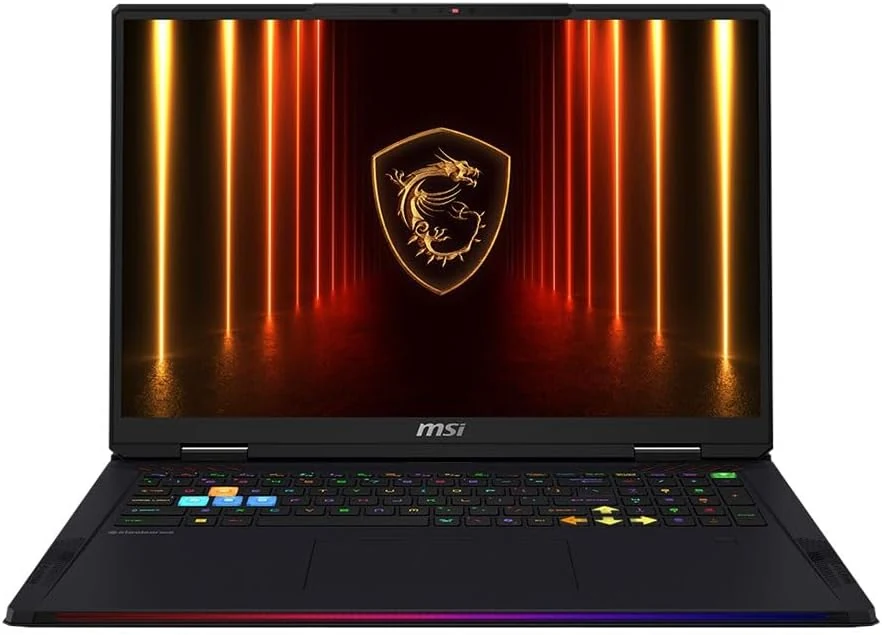
MSI Raider 18 HX AI A2XWJG-416US 18 Gaming Laptop Computer - CORE Black
The MSI Raider 18 HX AI A2XWJG-416US is a high-end, large-screen gaming laptop geared toward players who want desktop-style performance in a single machine. Early feedback points to impressive speed and cooling under heavy settings, but there is at least one serious display-quality complaint that can be a deal-breaker if you’re sensitive to panel uniformity.
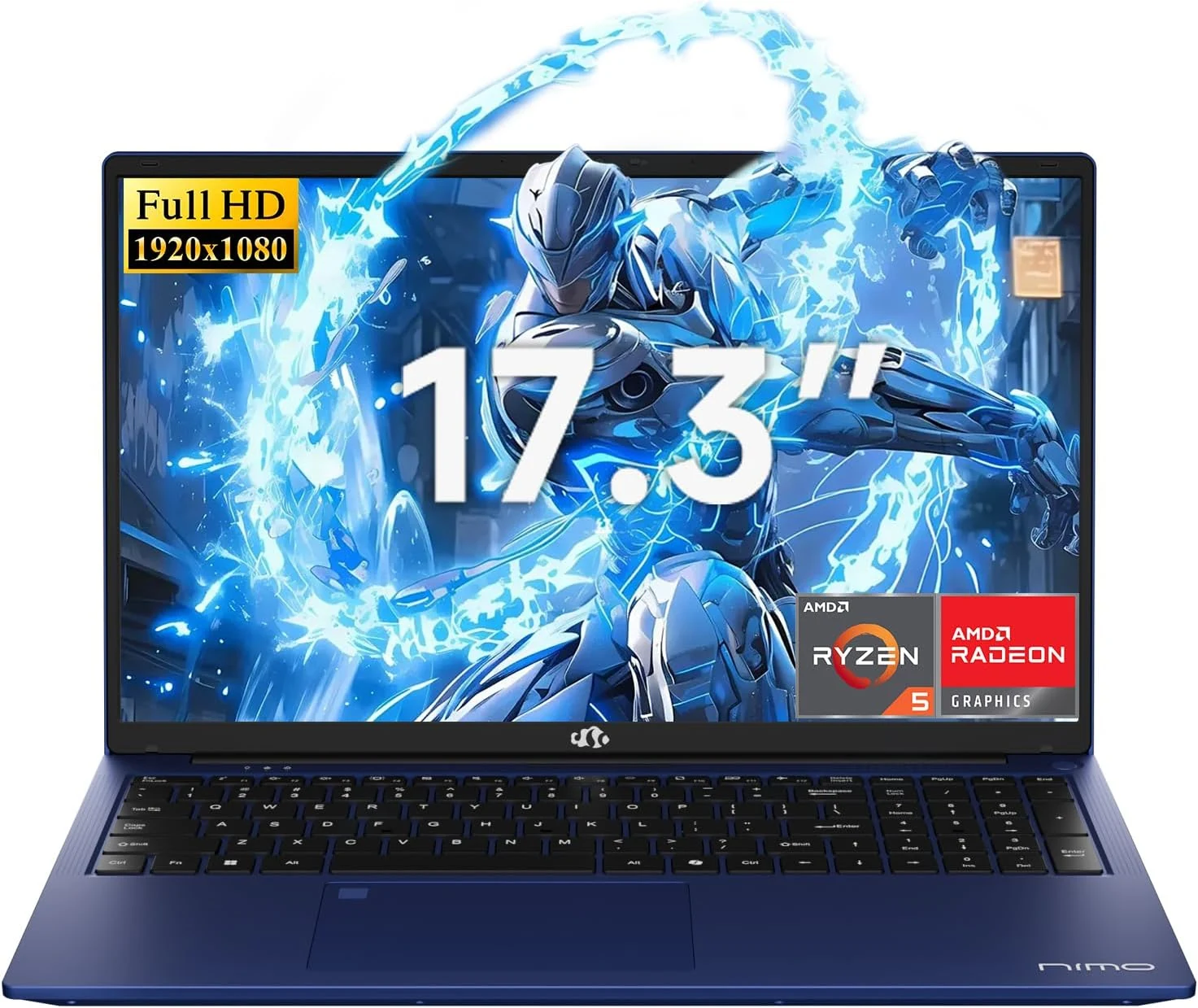
NIMO 2026 17.3" Gaming Laptop, 6-Core AMD Ryzen 5 6600H with Radeon 660M (Beat i7-1165G7), 16GB DDR5 RAM, 512GB SSD
The NIMO 2026 17.3-inch laptop pairs an AMD Ryzen 5 6600H with Radeon 660M integrated graphics, 16GB DDR5, and a 512GB SSD for smooth everyday work, school, and light gaming. Buyers highlight the bright large 1080p IPS display, simple day-to-day usability, and battery life for full-day tasks, with a big, portable 4.6 lb form factor and a 100W USB-C fast-charging feature to reduce downtime.
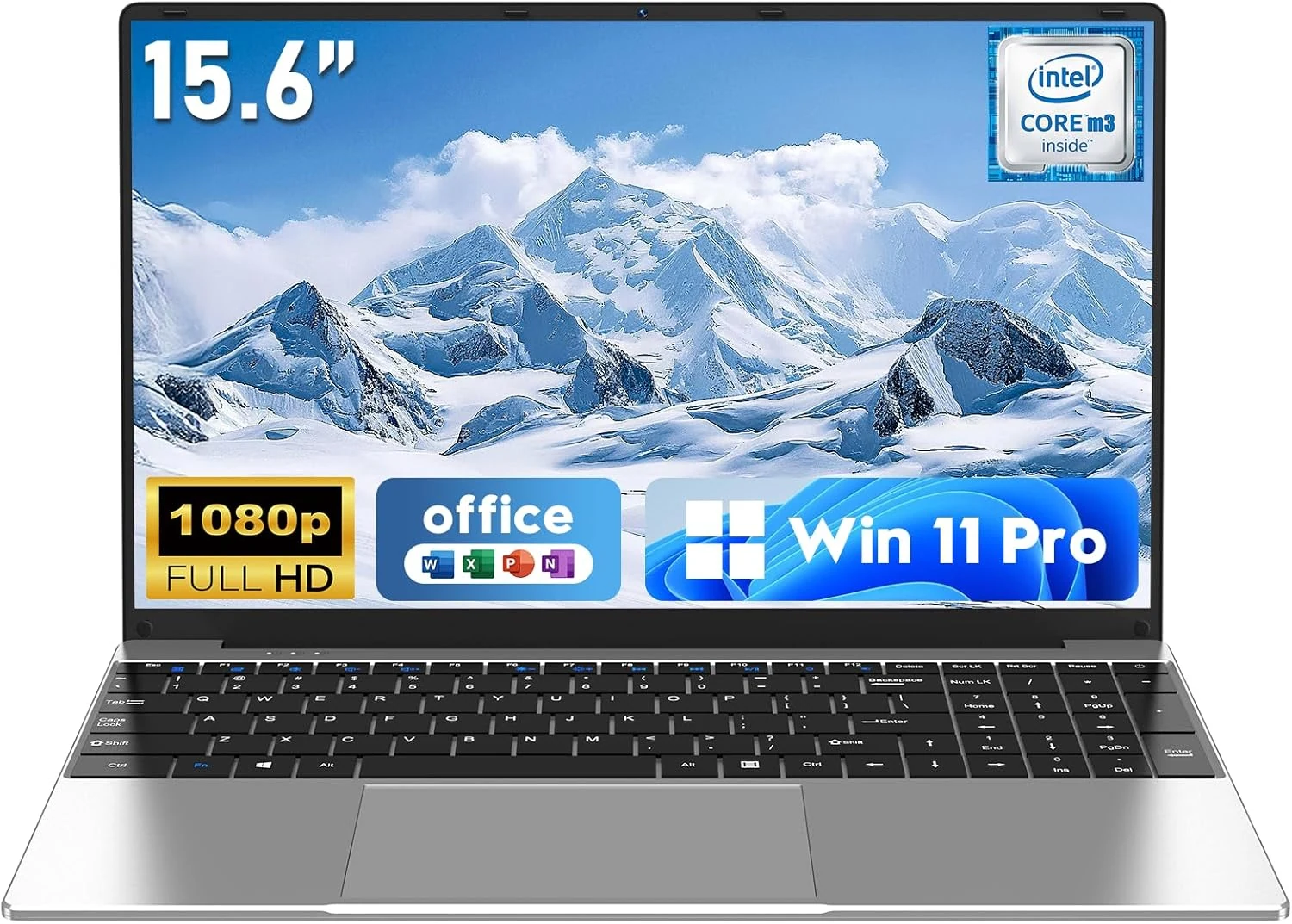
NAIKLULU Laptop Computer, Win 11 Pro Lap Top, 15.6 Inch review
The NAIKLULU 15.6-inch laptop pairs a low-power Core M3-6Y30 class processor with 16GB RAM and a 256GB SSD, plus WiFi 5, Bluetooth 4.2, and Windows 11 Pro. It’s a reasonable fit for school, office basics, and everyday media, but buyer reports are mixed, with some mentioning heat and setup needs for WiFi 5GHz.
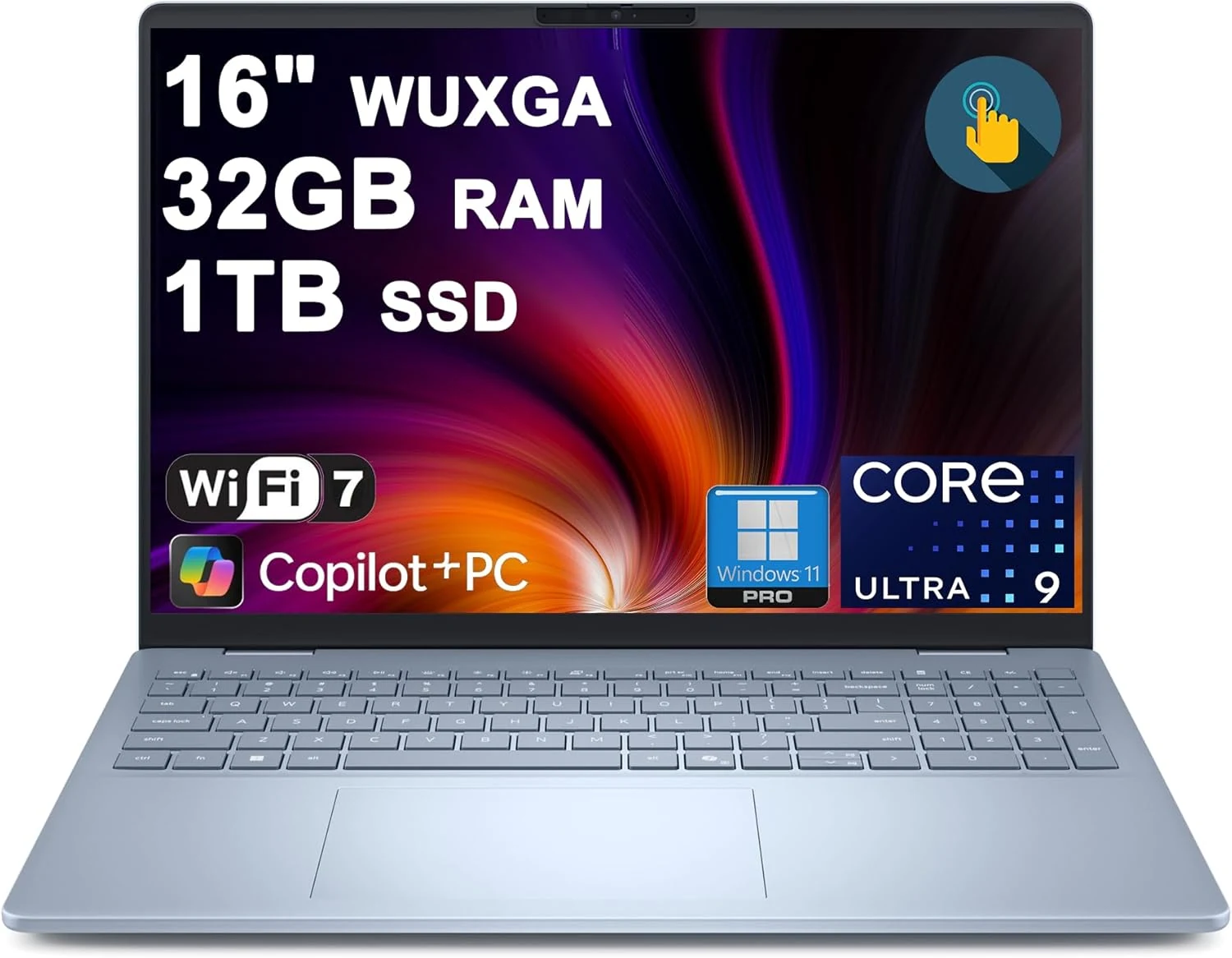
Dell 16 Plus Laptop 16" WUXGA Touch Intel 8-core Ultra 9 288V (Up to 48 Tops) 32GB RAM 1TB SSD Backlit Fingerprint Wi-Fi7
The Dell 16 Plus pairs an Intel Ultra 9 288V 8-core CPU with 32GB RAM and a 1TB SSD for creator, designer, and business workflows, plus a 16-inch 1920x1200 touch display. It also includes Wi‑Fi 7, Thunderbolt 4, HDMI 2.1, and a backlit keyboard with a fingerprint reader. Buyer-review evidence is very limited, so the biggest caution is verifying purchase and return experience before ordering.