Lenovo IdeaPad Slim 3i 15.6" FHD Laptop • Microsoft Office 365 (Intel N100, DDR5, 128GB SSD, Windows 11)
Quick take
The Lenovo IdeaPad Slim 3i is a budget-friendly 15.6-inch Windows 11 laptop designed for everyday tasks like web browsing, documents, and video calls, pairing an Intel N100 processor with 4GB LPDDR5 and a 128GB PCIe SSD. It is lightweight at about 3.41 lbs and includes Rapid Charge Boost for quick top-ups, plus a keyboard with a numeric keypad. The main caveat to watch is app availability and software mode expectations, especially if you rely on specific apps through Microsoft Store restrictions.
Pros and cons
Pros
- 15.6-inch Full HD (1920x1080) 16:10 display with anti-glare and TÜV-certified low blue light
- Lightweight, thin clamshell design (about 3.41 lbs, 0.7 in thick) for commuting and travel
- Full-size keyboard with numeric keypad, plus an HD 720p webcam with privacy shutter
- Wi‑Fi 6, Bluetooth 5.1, and useful ports including HDMI and USB-C (data transfer only), plus USB-A ports
- Rapid Charge Boost claims up to 2 hours of use from a 15-minute charge
Cons
- 4GB LPDDR5 RAM and 128GB SSD are limited, so it is better for light multitasking than heavier workloads
- Review evidence is limited, so buyer patterns are not strong enough to confirm broader performance or reliability trends
What buyers think
Buyer-review evidence for this model is limited. The available feedback highlights two themes that may influence fit: appreciation for portability (weight), the keyboard experience, and perceived value, and concern about S-mode or Microsoft Store restrictions affecting access to an app needed for Zoom. Beyond that, there is not enough review detail to draw reliable patterns on long-term performance, battery life in daily use, screen quality consistency, or durability beyond the manufacturer-stated MIL-STD-810H claim.
What this laptop is best for
The Lenovo IdeaPad Slim 3i makes the most sense as an “everyday” Windows machine. Its configuration is aimed at common productivity and school-work tasks such as web browsing, online meetings, document work, and light multitasking. The 15.6-inch Full HD display with a taller 16:10 aspect ratio can be helpful for spreadsheets and notes, and the full-size keyboard with a numeric keypad is a practical upgrade for anyone who types numbers regularly.
Key specs that shape day-to-day use
Performance and multitasking limits
With an Intel N100 (4 cores, 4 threads) paired to 4GB LPDDR5 RAM and a 128GB PCIe SSD, this laptop is positioned for responsiveness in everyday tasks rather than heavy creative work or demanding software. If you plan to keep many browser tabs open, run resource-heavy apps, or work with large files locally, you should expect the storage and RAM headroom to be relatively tight.
Display and comfort
The 15.6-inch 1920x1080 anti-glare LCD includes TÜV-certified low blue light, which is designed to reduce eye strain during extended sessions. The 16:10 layout also offers more vertical space than a typical 16:9 display, which can improve document review and studying without constant scrolling.
Portability and durability
At roughly 3.41 lbs and 0.7 inches thick, this is designed to be easy to carry. It also includes a MIL-STD-810H military test pass claim, suggesting it is built for everyday travel and commutes, not just desk use.
Battery top-ups and charging behavior
The Rapid Charge Boost feature is designed for quick recovery when you are on the move, with a claim of up to 2 hours of use from a 15-minute charge. If your routine involves short charging windows between classes, meetings, or errands, that can be more useful than long planning for a full charge.
Connectivity and ports
For modern accessories and work setups, you get Wi‑Fi 6 and Bluetooth 5.1, plus HDMI for external displays and multiple USB ports. There is also a full SD card reader, which can help if you transfer photos or files from a camera or SD storage. Note that the USB-C port is listed as data transfer only, so shoppers who plan for specific USB-C display or docking setups should verify compatibility with their exact accessories.
Pros and cons, translated into real buying decisions
When to buy
- You want a lightweight 15.6-inch Windows laptop for school or remote work
- Your work is mostly web apps, documents, and video calls, with occasional light multitasking
- You prefer a full-size keyboard with a numeric keypad and a privacy shutter webcam
- You value anti-glare and low blue light screen comfort for longer sessions
When to skip
- You need lots of installed apps locally, or you frequently work with large files, since 128GB storage can fill quickly
- You expect heavy multitasking or demanding software, because 4GB RAM sets a practical ceiling
- You rely on a particular app workflow that could be affected by S-mode or Microsoft Store access rules
Price and availability
This laptop is listed as in stock. Pricing can vary, so if you are comparing across the budget laptop category, focus on the total value of the configuration (N100, 4GB RAM, 128GB SSD), the included keyboard layout, and the screen features (anti-glare, low blue light) rather than the headline “Office” mention alone.
Tips to choose the right settings before you commit
- Confirm how your intended apps will install and run on this Windows edition, especially if you depend on Microsoft Store app access.
- If storage is tight, plan for offloading files to external storage or cloud drives early.
- Check whether your monitor or docking plan depends on USB-C video features, since this model’s USB-C is specified for data transfer only.
Alternatives to consider
If you are shopping with similar budget sensitivity, the main alternative path is moving to a higher RAM and storage configuration for smoother multitasking, or choosing a model with more flexible app installation options if you have specific software requirements. If your priority is screen comfort and portability, keep comparing laptops that offer anti-glare or low blue light style protections and a comfortable 15-inch to 16-inch display in a compact chassis.
FAQ
Is the Lenovo IdeaPad Slim 3i good for Zoom and video calls?
It is designed for everyday web and communication tasks, and it includes an HD 720p webcam and HD audio. However, if you specifically need a particular Zoom installation method that depends on Microsoft Store access or S-mode behavior, that can affect compatibility.
Does it have enough RAM and storage for multitasking?
The configuration uses 4GB LPDDR5 RAM and a 128GB SSD, which is typically best for lighter workloads. If you plan to run many browser tabs, multiple apps, or store a lot of files locally, you may feel limited by storage space and memory headroom.
Can I connect an external monitor?
Yes. The laptop includes HDMI for external displays, and it also has Wi‑Fi 6 for wireless options depending on your setup.
What ports does it include?
You get USB-A 3.2 Gen 1 ports, a USB-C 3.2 Gen 1 port (listed for data transfer only), HDMI 1.4b, a 3.5mm headphone/microphone combo jack, and an SD card reader.
How portable is it?
It is built to be thin and lightweight, around 3.41 lbs and 0.7 inches thick, which makes it easier to carry for commuting and travel.
Where can I check the latest price?
For the most current pricing and availability, open the listing here: Buy on Amazon.
Verdict
The Lenovo IdeaPad Slim 3i is a sensible pick for buyers who want a compact, lightweight 15.6-inch Windows laptop for school and everyday home use, especially when keyboard feel and screen comfort matter. The tradeoff is clear: 4GB RAM and 128GB storage keep it focused on lighter workloads, and software/app access expectations can be a deal-breaker for shoppers who need specific install paths or app availability. If your use case matches everyday web, documents, and meetings, this model’s feature set is aligned with that goal, and the Rapid Charge Boost helps when you need quick power between outings.
Specifications
| Product Title | Lenovo IdeaPad Slim 3i 15.6" FHD Laptop • Microsoft Office 365 • Intel 4 Cores • DDR5 • 128GB SSD • Military-Grade • Windows 11 • Quick Setup, Lightweight • Essential Laptop |
|---|---|
| Category | Electronics > Computers & Accessories > Computers & Tablets > Laptops > Traditional Laptops |
| Brand | Lenovo |
| Manufacturer | Lenovo |
| Model Name | IdeaPad Slim 3i |
| Model Number | IdeaPad Slim 3i |
| CPU Model | Celeron |
| Graphics Coprocessor | Intel UHD Graphics |
| Hard Disk Size | 128 GB |
| Screen Size | 15.6 Inches |
| Resolution | 1080p |
| Operating System | Windows 11 |
| Color | Gray |
| Hard-Drive Size | 128 GB |
| Other Special Features of the Product | Anti Glare Coating, HD Audio, Numeric Keypad, Spill Resistant |
| Graphics Description | Integrated |
| Hard Disk Description | SSD |
| Specific Uses For Product | Business, Student |
| Webcam Capability | Yes |
| Form Factor | Clamshell |
| Hard Disk Interface | Solid State |
| Compatible Devices | External displays, mice, keyboards, storage devices, printers, and other accessories with USB, HDMI, Ethernet, or wireless connectivity options. |
| Item Dimensions L x W x Thickness | 14.15"L x 9.25"W x 0.7"Th |
| Video Output | HDMI |
| Native Resolution | 1920 x 1080 pixels |
| Display Type | LCD |
| Display Resolution Maximum | 1920x1080 Pixels |
Recommended next
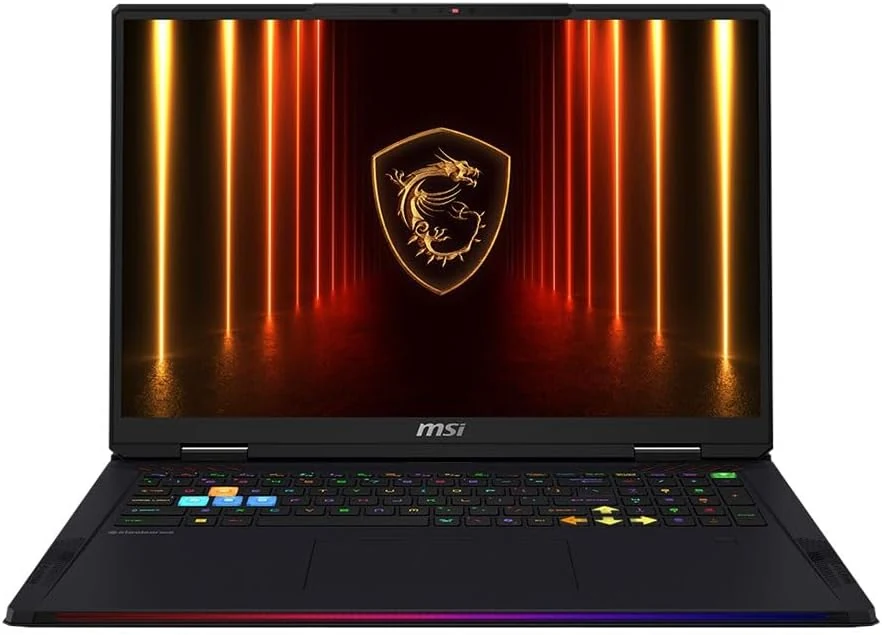
MSI Raider 18 HX AI A2XWJG-416US 18 Gaming Laptop Computer - CORE Black
The MSI Raider 18 HX AI A2XWJG-416US is a high-end, large-screen gaming laptop geared toward players who want desktop-style performance in a single machine. Early feedback points to impressive speed and cooling under heavy settings, but there is at least one serious display-quality complaint that can be a deal-breaker if you’re sensitive to panel uniformity.
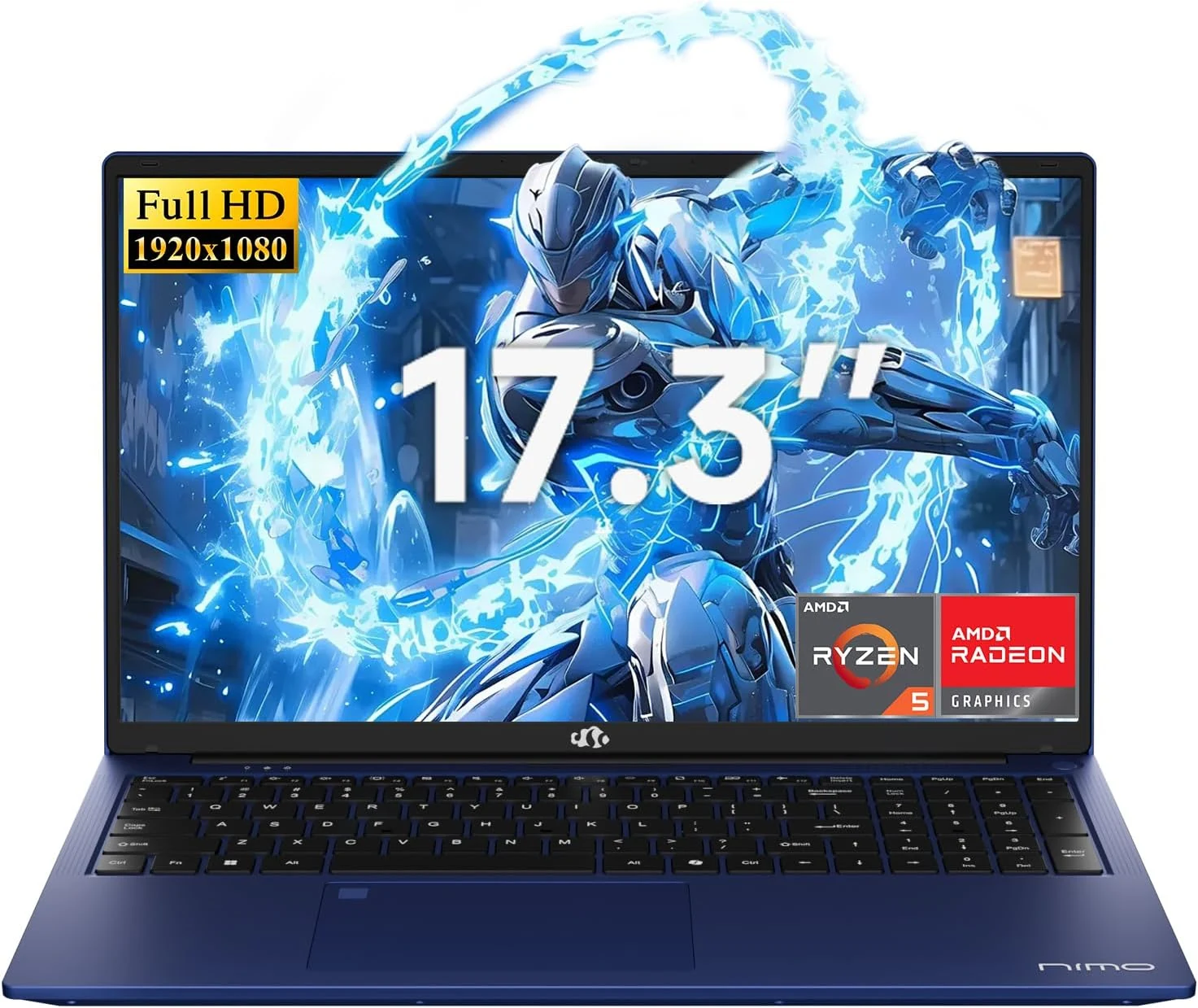
NIMO 2026 17.3" Gaming Laptop, 6-Core AMD Ryzen 5 6600H with Radeon 660M (Beat i7-1165G7), 16GB DDR5 RAM, 512GB SSD
The NIMO 2026 17.3-inch laptop pairs an AMD Ryzen 5 6600H with Radeon 660M integrated graphics, 16GB DDR5, and a 512GB SSD for smooth everyday work, school, and light gaming. Buyers highlight the bright large 1080p IPS display, simple day-to-day usability, and battery life for full-day tasks, with a big, portable 4.6 lb form factor and a 100W USB-C fast-charging feature to reduce downtime.
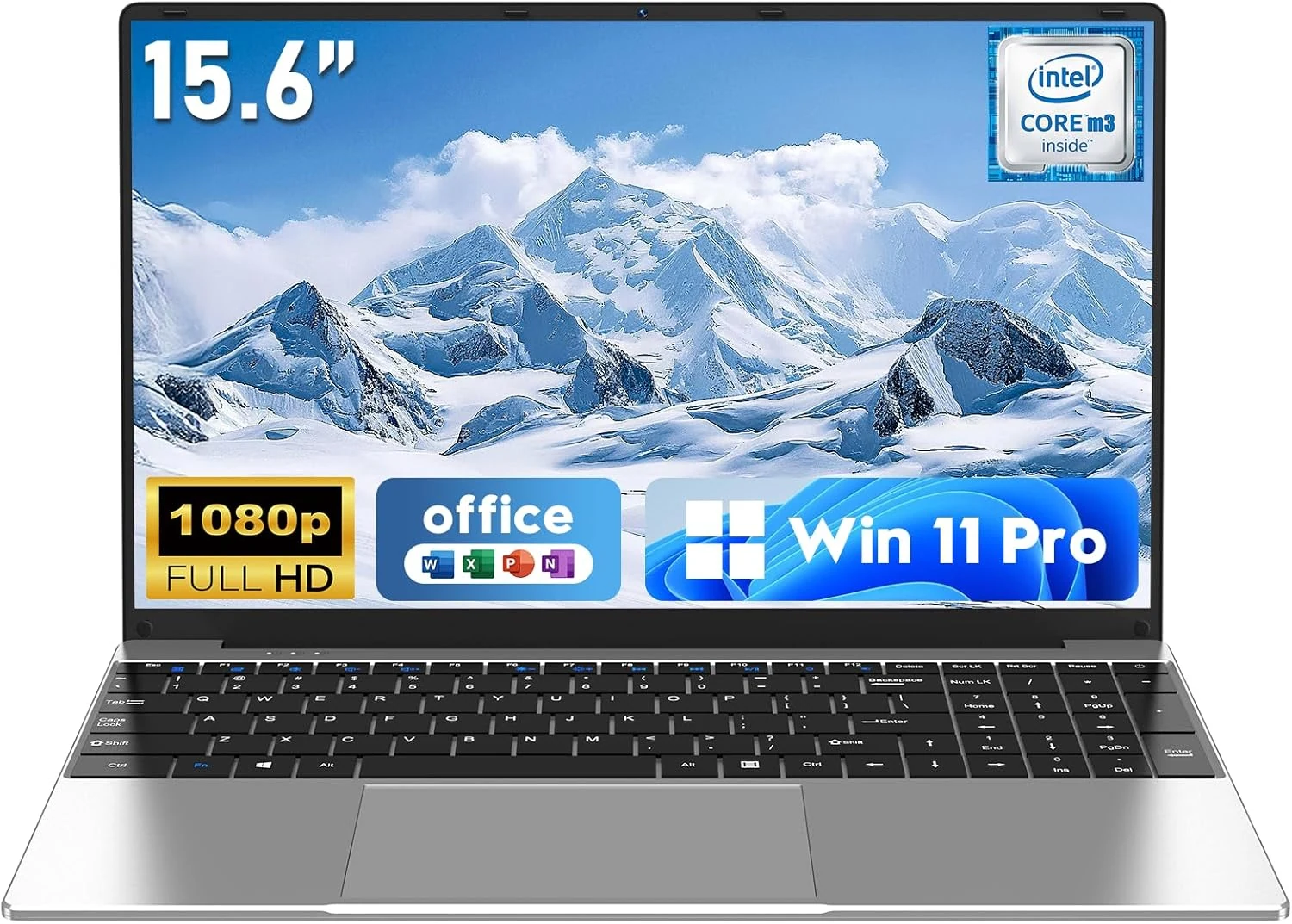
NAIKLULU Laptop Computer, Win 11 Pro Lap Top, 15.6 Inch review
The NAIKLULU 15.6-inch laptop pairs a low-power Core M3-6Y30 class processor with 16GB RAM and a 256GB SSD, plus WiFi 5, Bluetooth 4.2, and Windows 11 Pro. It’s a reasonable fit for school, office basics, and everyday media, but buyer reports are mixed, with some mentioning heat and setup needs for WiFi 5GHz.
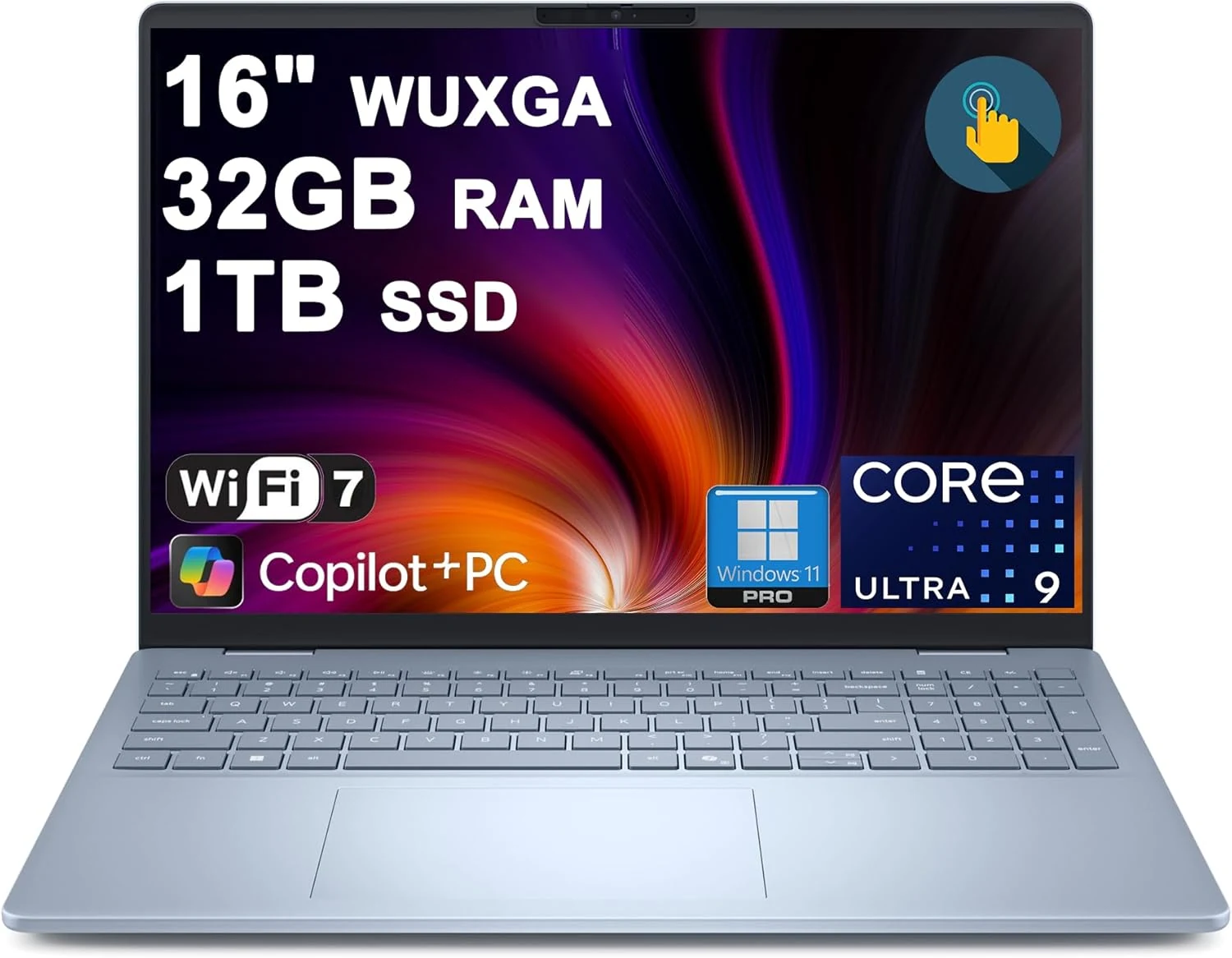
Dell 16 Plus Laptop 16" WUXGA Touch Intel 8-core Ultra 9 288V (Up to 48 Tops) 32GB RAM 1TB SSD Backlit Fingerprint Wi-Fi7
The Dell 16 Plus pairs an Intel Ultra 9 288V 8-core CPU with 32GB RAM and a 1TB SSD for creator, designer, and business workflows, plus a 16-inch 1920x1200 touch display. It also includes Wi‑Fi 7, Thunderbolt 4, HDMI 2.1, and a backlit keyboard with a fingerprint reader. Buyer-review evidence is very limited, so the biggest caution is verifying purchase and return experience before ordering.