Lenovo IdeaPad 5 2-in-1 16" WUXGA Touchscreen Laptop, AMD Ryzen AI 7 350
Quick take
This Lenovo IdeaPad 5 2-in-1 combines a 16-inch WUXGA (1920x1200) touchscreen with a 360-degree hinge, so you can switch between laptop and tablet modes. With an AMD Ryzen AI 7 350 processor, 16GB LPDDR5X RAM, and integrated Radeon 860M graphics, it is aimed at everyday productivity plus light creative and multitasking use, while Wi‑Fi 7 supports faster modern wireless.
The main tradeoff to consider is that graphics are integrated, and while the bundle includes a docking station, you still need to plan around the 512GB SSD base storage and how you will use external display connections.
Pros and cons
Pros
- 16-inch 1920x1200 IPS touchscreen with TÜV Low Blue Light and touchscreen glass
- 360-degree 2-in-1 hinge for flexible laptop and tablet-style use
- 16GB LPDDR5X RAM plus 512GB SSD, supporting responsive multitasking
- Wi‑Fi 7 (802.11be 2x2) and Bluetooth 5.4 for modern connectivity
- Includes a docking station set (7-in-1 dock with 1TB storage plus accessories)
Cons
- Integrated Radeon 860M graphics, best suited for everyday tasks and not heavy GPU workloads
- Glossy touchscreen can reflect room light depending on your workspace
- Review evidence is limited, so buyer performance impressions are hard to verify beyond core specs
What buyers think
Buyer-review evidence is limited. With only a small number of recorded ratings, there is not enough feedback to reliably identify recurring themes about performance, battery life, screen quality, or build durability.
For decision-making, it is best to focus on the concrete hardware details: the 16-inch WUXGA IPS touchscreen, the 360-degree convertible design, the Ryzen AI 7 350 CPU with integrated Radeon 860M graphics, 16GB LPDDR5X RAM, and the included docking station set.
What this laptop is for
The Lenovo IdeaPad 5 2-in-1 is a strong match for shoppers who want a large, touch-friendly display and a genuine convertible layout for note-taking, browsing, and casual media consumption. The 16-inch WUXGA resolution (1920x1200) gives you extra vertical space compared with 1080p, which can help with split-screen work and documents.
It is also designed for buyers who care about modern connectivity and day-to-day speed. With 16GB LPDDR5X RAM and a Ryzen AI 7 350 8-core/16-thread CPU, it targets smooth multitasking in common productivity apps, web work, and general multimedia use, while the integrated Radeon 860M handles typical graphics needs.
Key specs that matter in daily use
Display and touch experience
You get a 16-inch IPS touchscreen at 1920x1200 resolution and 60Hz refresh rate, rated at 300 nits and paired with TÜV Low Blue Light. If you plan to use it in tablet mode, the touchscreen support plus the IPS panel are central to the daily usability.
One practical consideration is the glossy finish. If your desk has bright overhead lighting or direct sunlight, reflections may be noticeable compared with matte screens.
Convertibility and ergonomics
The 2-in-1 hinges are built for flexibility, with a 360-degree design that lets you fold fully back for tablet-style use. This is useful if you alternate between typing and touch input, present content on a stand angle, or want a single device for both desk work and couch browsing.
Performance and graphics fit
Powered by an AMD Ryzen AI 7 7 350 processor, paired with integrated AMD Radeon 860M graphics. For most buyers, this configuration is aimed at everyday productivity, multitasking, and media, rather than demanding GPU-accelerated workloads.
If your workflow includes tasks like heavy 3D rendering, advanced video effects, or frequent high-end gaming, you will likely want a model with a dedicated graphics card. For lighter creative work and general use, integrated graphics are typically sufficient.
Memory, storage, and expansion strategy
Memory is 16GB LPDDR5X, which helps keep multitasking snappy. Storage comes as a 512GB SSD base, plus the bundle includes a docking station with 1TB storage, which can be a convenient way to offload files, media, or backups without immediately changing your setup.
Think about how you work: if you store a large library locally, you may rely on the additional dock storage; if you mainly use cloud storage or external drives, the 512GB SSD could be enough with careful management.
Ports and connectivity
The laptop includes multiple USB ports, HDMI 1.4, a 3.5mm headphone/mic combo jack, and a microSD card reader. It also supports Wi‑Fi 7 (802.11be 2x2) and Bluetooth 5.4, which is helpful if you want fast wireless for streaming, video calls, and home network use.
For external monitors and docking, HDMI 1.4 is a detail to confirm against your display needs. If you use high-resolution monitors frequently, double-check what your display expects over HDMI.
Battery and real-world speed (what to check)
The hardware list does not provide battery capacity figures here, and buyer-review evidence is limited. If battery life is a key purchasing factor, it is worth checking additional user reports or published battery benchmarks for comparable configurations, especially if you plan to use it in tablet mode with brightness turned up.
Similarly, since integrated graphics handle the GPU side, if your usage includes graphics-heavy apps, confirm that your specific tools run comfortably at your expected settings.
Pros and cons vs. typical 2-in-1 buyers
Best for
- Students and professionals who want a larger touchscreen with a convertible, 360-degree design
- Buyers who prioritize modern Wi‑Fi (Wi‑Fi 7) and everyday multitasking (16GB RAM)
- People who like having a docking setup included for a more desktop-like workflow
- Casual creators and media users who mainly need integrated graphics performance
Who should avoid it
- Shoppers who need strong dedicated-GPU performance for demanding creative workloads or gaming
- Anyone sensitive to screen reflections who works under bright lighting (glossy panel)
- Buyers who require strong, verified community review patterns before deciding (current review evidence is too limited)
Alternatives to consider (by fit, not brand)
If this Lenovo configuration does not align with your priorities, compare other 2-in-1 laptops using these decision points:
- Dedicated GPU vs. integrated: choose an integrated model like this for everyday work, choose a dedicated GPU model if your apps demand it.
- Screen finish: if reflections are a concern, look for matte or anti-glare touchscreen options.
- Storage strategy: if you do not want to rely on dock storage, look for a higher-capacity SSD in the base configuration.
- Docking and ports: if you already have a docking station, you can shop for value by focusing on port compatibility instead of included extras.
Value verdict
The Lenovo IdeaPad 5 2-in-1 feels designed for versatility and convenience, with a large 16-inch WUXGA touchscreen, a 360-degree convertible hinge, 16GB LPDDR5X RAM, and a bundled docking station package that can extend your day-to-day workstation setup. It is a sensible pick for buyers who want an all-in-one laptop/tablet experience and modern wireless support.
The biggest reasons to pause are the integrated graphics (not ideal for heavy GPU tasks) and the glossy display finish (reflections in bright environments). With review evidence currently limited, confirm your priorities around battery life and graphics needs using additional sources if those are dealbreakers.
Ready to compare the latest pricing and availability? Buy on Amazon
FAQ
Is the Lenovo IdeaPad 5 2-in-1 good for school or office work?
It is well suited for school and office tasks that benefit from a touchscreen and a convertible 360-degree design, especially with 16GB of RAM for multitasking and a 1920x1200 16-inch display for productivity.
Does it have a touchscreen and can it be used as a tablet?
Yes. It includes a 16-inch WUXGA touchscreen and a 360-degree hinge, so you can convert it into tablet mode.
What kind of graphics performance should I expect?
The system uses integrated AMD Radeon 860M graphics, so it is typically best for everyday visuals like web work, office apps, and media. If you plan to run demanding GPU-heavy creative workloads or modern games, you may want a configuration with dedicated graphics.
How much storage does it include?
The base storage is a 512GB SSD, and the bundle includes a docking station that adds 1TB of storage.
Does it support Wi-Fi 7?
Yes. It supports Wi‑Fi 7 (802.11be 2x2) and Bluetooth 5.4.
What ports are available for connecting monitors and accessories?
It includes USB-A 3.2, USB-C 3.2, HDMI 1.4, a 3.5mm headphone/mic combo jack, and a microSD card reader.
Is the glossy touchscreen a problem?
Glossy screens can reflect light in bright rooms or near windows. If you frequently work in glare-prone environments, consider whether you prefer matte or anti-glare displays.
Specifications
| Product Title | Lenovo IdeaPad 5 2-in-1 16" WUXGA Touchscreen Laptop, AMD Ryzen AI 7 350, 16GB LPDDR5X, 1.5TB Storage (512GB SSD+1TB Docking Station), AMD Radeon 860M Graphics, Backlit Keyboard, Wi-Fi 7, Win 11, Blue |
|---|---|
| Category | Electronics > Computers & Accessories > Computers & Tablets > Laptops > 2 in 1 Laptops |
| Brand | Lenovo |
| Manufacturer | Lenovo |
| Model Name | Lenovo IdeaPad 5 |
| Model Number | Lenovo IdeaPad 5 |
| CPU Model | Others |
| Graphics Coprocessor | AMD Radeon 860M |
| Hard Disk Size | 512 GB |
| Screen Size | 16 Inches |
| Resolution | 1920x1200 |
| Operating System | Windows 11 Home |
| Item Weight | 6 Pounds |
| Color | Blue |
| Hard-Drive Size | 512 GB |
| Other Special Features of the Product | Backlit Keyboard |
| Graphics Description | Integrated |
| Hard Disk Description | SSD |
| Specific Uses For Product | Multimedia |
| Webcam Capability | Yes |
| Form Factor | Convertible |
| Hard Disk Interface | Solid State |
| Graphics Ram Type | Shared |
| Compatible Devices | External displays, mice, keyboards, storage devices, printers, and other accessories |
| Item Dimensions L x W x Thickness | 19"L x 12"W x 3"Th |
| Video Output | HDMI |
| Native Resolution | 1920 x 1200 pixels |
Available variants
Capacity
- 16GB | 2TB Storage
- 16GB | 3TB Storage
- 16GB | 1.5TB Storage
Recommended next
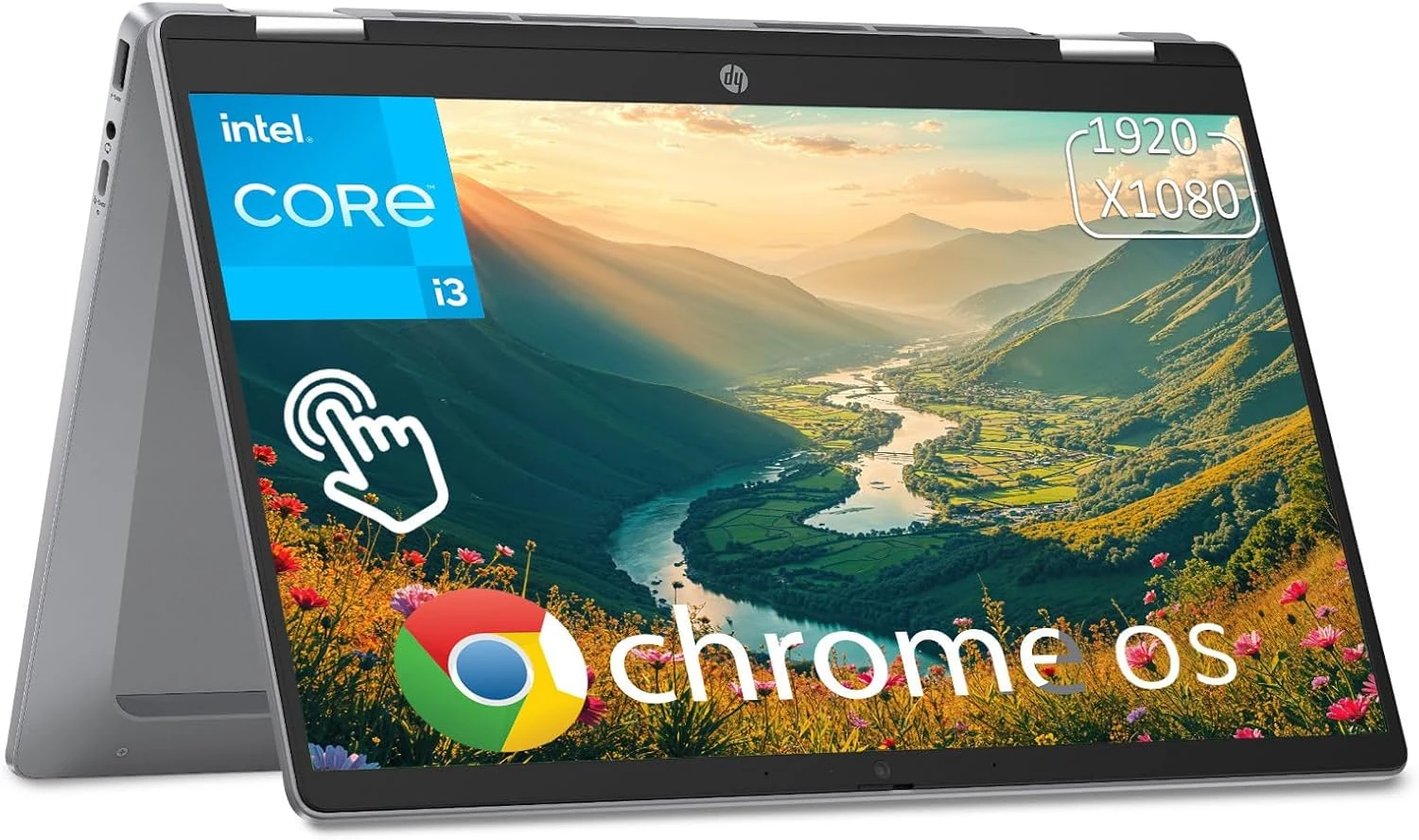
HP Chromebook Plus x360 Laptop 14" 2 in 1 Touchscreen (Intel Core i3 N305, 8GB/256GB)
A 14-inch 2-in-1 Chromebook aimed at students and everyday work, with a sharp FHD touchscreen, backlit keyboard, and a 360-degree hinge for multiple modes. It pairs an Intel Core i3 N305 with 8GB RAM and 256GB UFS storage, plus Wi‑Fi 6 and Bluetooth 5.3, but the value depends on whether you are comfortable using Chrome OS and the port selection. View latest price on Amazon.
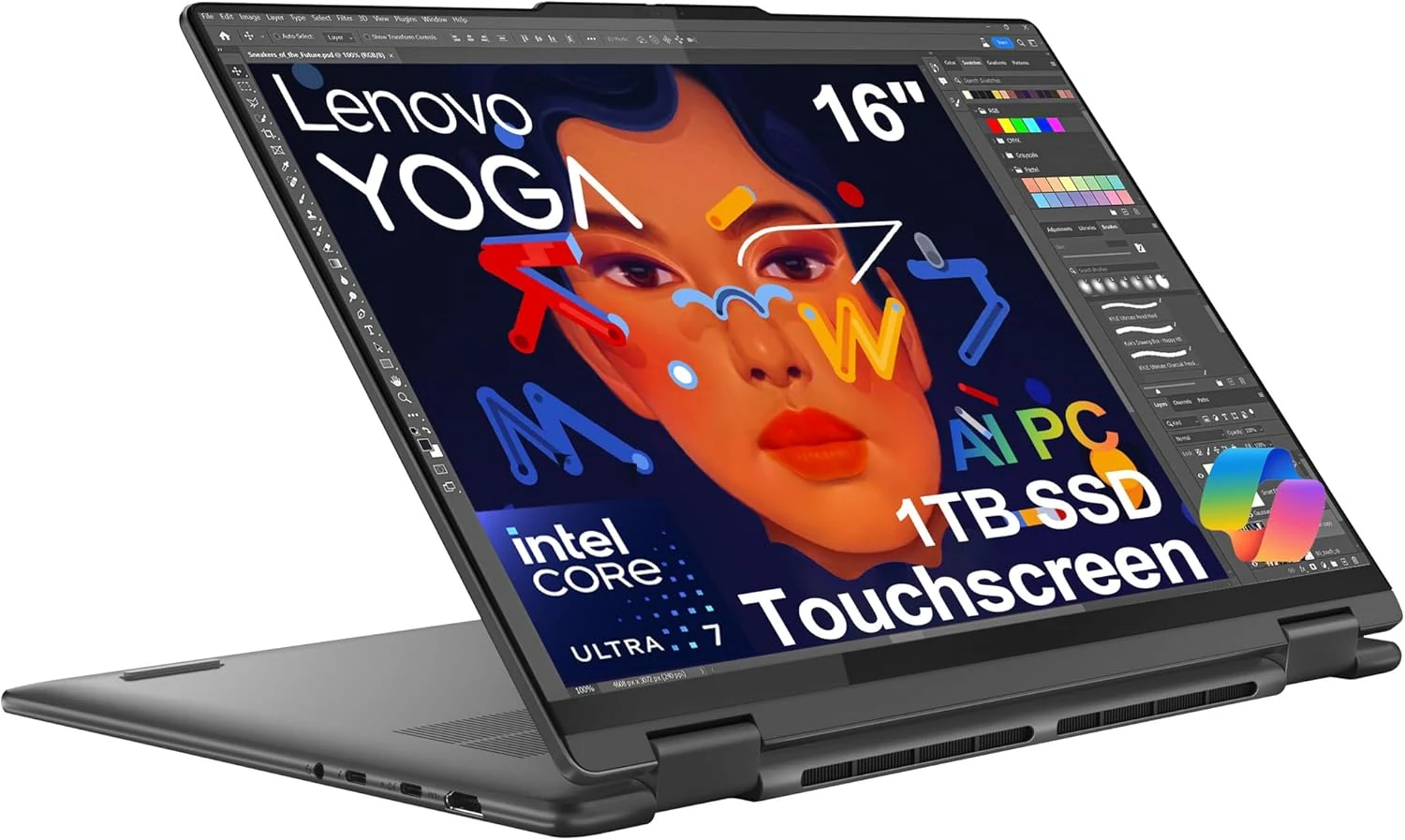
Lenovo Yoga 7i 2-in-1 Business Laptop (16" FHD+ Touchscreen, Intel Ultra 7 155U, 16GB RAM, 1TB SSD)
The Lenovo Yoga 7i 2-in-1 is a 16-inch Windows 11 convertible built around an Intel Core Ultra 7 155U, 16GB of fast LPDDR5x memory, and a 1TB SSD. It pairs a touchscreen 16:10 display with Dolby Vision support, Thunderbolt 4, Wi‑Fi 6E, and a fingerprint reader, making it a strong fit for professionals and students who want laptop-plus-tablet flexibility. Main caveat: as an integrated-graphics machine, it is best for everyday work and light creative tasks rather than heavy gaming or GPU-bound workloads.
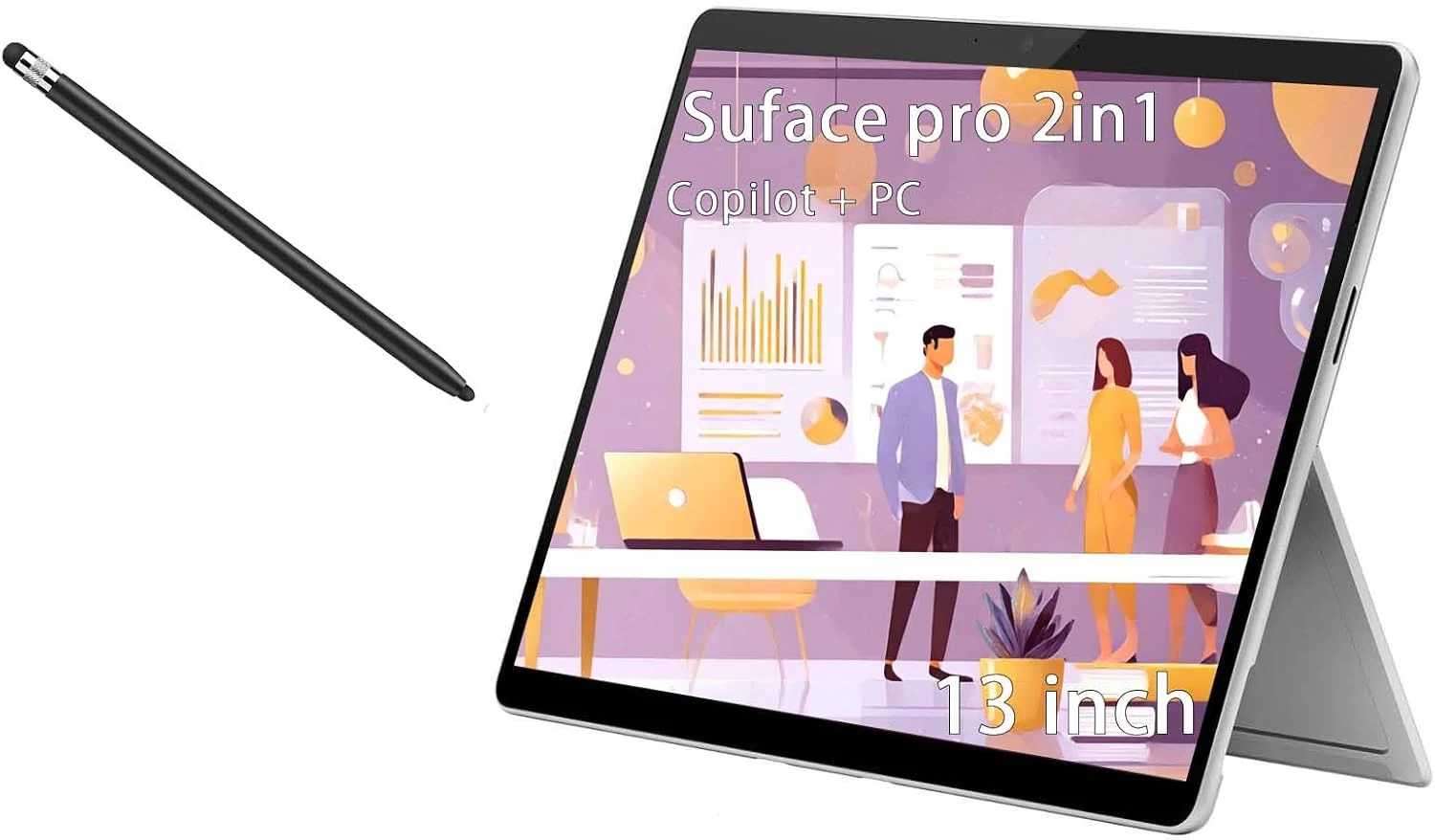
Microsoft Surface Pro, 2-in-1 Laptop, Windows 11 Pro Copilot + 365 Family (13-inch, Snapdragon X Plus, 16GB/512GB)
Microsoft’s Surface Pro pairs a 13-inch 2880 x 1920 touchscreen with Windows 11 Pro on a Snapdragon X Plus platform, plus security features like facial recognition. It also includes a 512GB SSD and 16GB RAM, but buyer-review evidence is limited, so evaluate the pen and overall kit condition carefully when ordering.
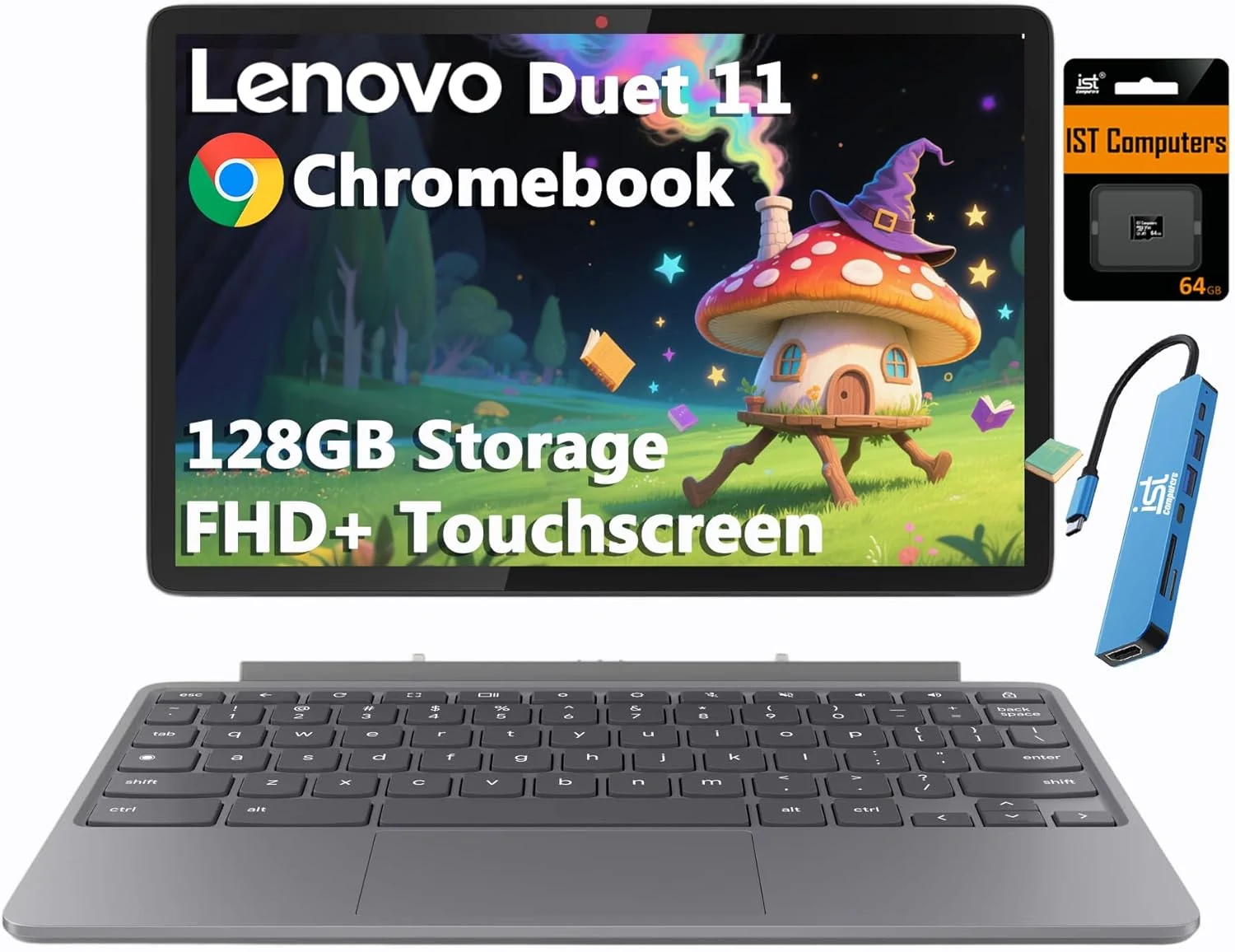
Lenovo Chromebook Duet Gen 9 11" FHD+ 2-in-1 Touchscreen Tablet Laptop
The Lenovo Chromebook Duet Gen 9 is a lightweight, detachable 2-in-1 built around Chrome OS, an 11" 1920x1200 IPS touchscreen (400 nits), and Wi‑Fi 6. It stands out for its versatile portrait and laptop-like modes, Gorilla Glass 3 display protection, and all-day style portability, with a detachable keyboard that takes a little getting used to.