IFCASE Under Desk Laptop Mount, Metal Under Desk Shelf Holder
Quick take
The IFCASE under-desk laptop mount is a space-saving aluminum bracket setup that positions your laptop (and other compact devices) under your desk. It’s best for buyers who want a cleaner desktop and are comfortable with drilling or adhesive-based placement during install. The main caveat is convenience: accessing your laptop may require removing it from the mount, and cable or dock connections can add friction.
Pros and cons
Pros
- Hard aluminum construction designed for a sturdy under-desk hold
- Anti-scratch silicone pads help protect the device and reduce slipping
- Non-slip mounting surface plus a cable pass-through hole to help manage cords
- Relies on adhesive placement for positioning, then secures with included screws
Cons
- Under-desk access can be less convenient than a top-of-desk stand
- Fit depends on device thickness (supports devices under 38 mm / 1.5 in)
- If your laptop is heavily docked, removing it may mean unplugging or moving cables
What buyers think
Buyer review evidence points to a consistent theme: the mount is straightforward to install, and once positioned, it tends to feel stable for everyday use. Many comments describe the adhesive-and-screw workflow as practical, with pass-through drilling holes making the process easier. Users also highlight the silicone padding as a meaningful protection feature, especially for laptops that get inserted and removed during work routines.
At the same time, review feedback includes a recurring usability tradeoff for under-desk setups: when the laptop needs to be taken out to power on, service ports, or manage connections, the mount can slow you down. Cable and dock configurations can make removal more annoying, because cables may need to be moved or unplugged first. Overall, buyer evidence suggests this product is most satisfying when it becomes a “set it and keep it there” desk organization move.
What it is and who it’s for
This is an under-desk laptop shelf holder designed to free up desk surface area by mounting a low-profile platform underneath. It’s positioned as a fit for a range of compact devices, including laptops and similar devices such as Mac mini and other small form-factor equipment, as long as the device thickness requirement is met.
Best for: People with small desks who want less clutter on top, remote workers who mostly keep one computer set up, and buyers using simple under-desk cable organization and a dedicated laptop (or a laptop used with minimal cable juggling).
Not ideal for: Buyers who frequently remove the laptop, turn it on and off repeatedly, or regularly change which device is docked and connected. If you expect lots of plugging and unplugging at the laptop, the under-desk placement may feel inconvenient.
Key features that matter in daily use
Aluminum build and anti-scratch silicone padding
The holder is made from hard aluminum, and the contact points use anti-scratch silicone pads. In real-world use patterns, padding is the difference between “metal close to the device” versus a more protective, less abrasive contact surface. Reviews commonly connect the padding to reduced concern about damage when inserting the laptop into the brackets.
Non-slip grip and a cable pass-through
The mount includes a non-slip surface to help prevent accidental movement. It also features a large hole design intended to allow cables to route cleanly and make drilling installation easier. For desk setups with a dock or monitor cables, the pass-through feature can help keep cords from turning into a tangled mess under the desk.
Supports devices up to 38 mm thick
Compatibility hinges on thickness. The mount is meant for laptops and other devices that are less than 38 mm (about 1.5 in) thick. If your laptop or device is outside that range, it may not seat properly in the holder.
Installation: what to expect
Installation is designed to be relatively quick. You can place the brackets using an auxiliary adhesive sticker for positioning, then secure each bracket with screws using a power tool. The system also targets desks that are at least 3/4 in thick.
Practical tip from buyer experiences: If your desk mounting access is tight, using the right drill bit length can make pilot holes and screw work easier. Planning the bracket location before committing to drilling helps reduce rework.
Pros and cons in plain language
Why it works well
- It clears up desktop space and creates a more organized working area.
- Aluminum plus silicone padding supports stable day-to-day placement with less concern about scuffs.
- Adhesive placement helps you get the bracket alignment right before drilling.
Where buyers may feel friction
- If your workflow involves frequent laptop removal, under-desk access is slower than a top-of-desk stand.
- Docking and cabling can complicate removal, since you may need to move or unplug cables first.
Is the IFCASE under-desk laptop mount worth it?
It’s a strong buy if you want to declutter a small desk and keep a single laptop-based setup running with minimal daily removal. The aluminum build and silicone padding address two common concerns for under-desk mounting: stability and device protection. The value tradeoff is convenience, especially for dock-heavy setups where unplugging cables is part of the routine.
If you’re the type of user who constantly takes the laptop on and off the stand, you may prefer a top-of-desk mount or a more accessible laptop stand that keeps ports easier to reach.
Price and availability
Pricing varies by marketplace and can change over time. Check the current listing to confirm today’s cost and shipping details: Buy on Amazon.
FAQ
What thickness of laptop does this mount support?
It’s designed for devices less than 38 mm (1.5 in) thick.
Does it require drilling to install?
The system uses an auxiliary adhesive sticker for positioning, and it’s designed to be secured with the included screws using a drill/power tool.
Will it work with a laptop dock or Thunderbolt dock setup?
Many buyers use it with docked setups, but removal can be less convenient if your laptop ports require cable movement or unplugging.
Is it safe for the laptop finish?
The mount includes anti-scratch silicone pads at the contact points to help protect against scratches and reduce slipping.
Can I access the laptop easily once it’s mounted under the desk?
Access is generally less convenient than top-of-desk options. If you frequently remove the laptop, expect it to take a bit more effort, especially when cables are involved.
Does it help with cable management?
There is a cable pass-through hole designed to route cables more cleanly and keep them out of the way under the desk.
Specifications
| Product Title | IFCASE Under Desk Laptop Mount, Metal Under Desk Shelf Holder for Laptop, Mac mini, MacBook, Keyboard with Anti-Scratch Silicone (Black) |
|---|---|
| Category | Electronics > Computers & Accessories > Laptop Accessories > Mounts |
| Brand | IFCASE |
| Manufacturer | IFCASE |
| Model Number | Ca Mount C |
| Item Weight | 172 Grams |
| Color | Black |
| Form Factor | Pillow |
| Compatible Devices | Keyboard |
| Compatible Phone Models | Laptop, Mac Mini M1, Macbook |
| Mounting Type | Table Mount,Under Your Desk |
| Other Special Features of the Product | Ergonomic |
| Antenna Location | Desk |
| Adjustable Length | No |
| Fastening Type | Sticky Pad |
| Theme | Space |
| Style Name | Minimalist |
| Enclosure Material | Hard Aluminum, Thermoplastic Polyurethane |
| Number of Items | 1 |
| Mfr Part Number | Ca Mount C |
| Unit Count | 1.0 Count |
Available variants
Color
- Black
- Silver
Recommended next
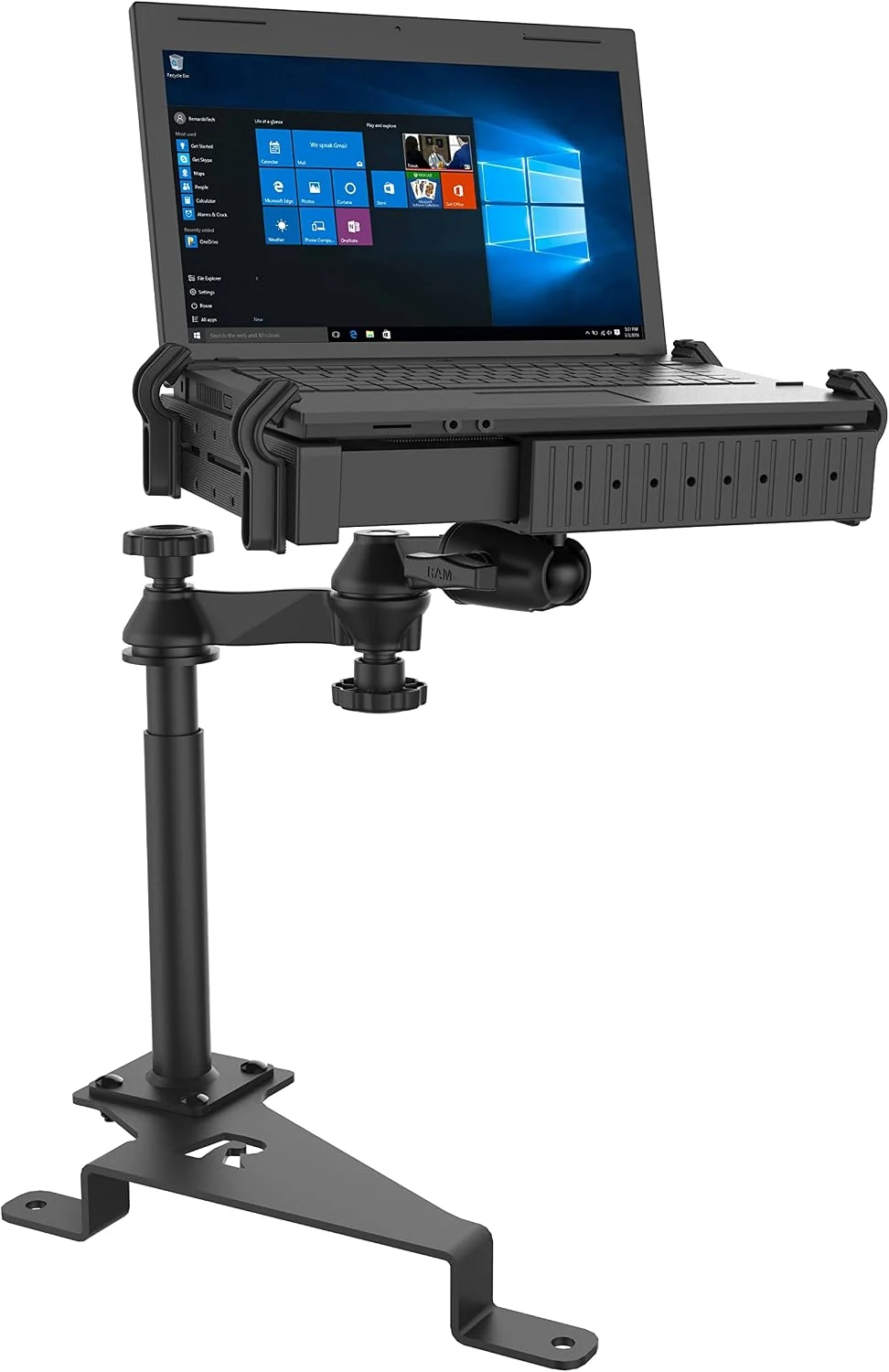
RAM MOUNTS No-Drill Laptop Mount for 2015–2026 Ford F-150 & 2017–2026 F-250–F-550 (RAM-VB-195-SW1)
RAM MOUNTS RAM-VB-195-SW1 is a no-drill, passenger-side seat-bolt laptop mount for select Ford trucks. It uses dual swing arms, a telescoping range, and a Tough-Tray that fits 10 to 16-inch wide laptops. Expect strong build quality and a fairly involved assembly, plus some fit tradeoffs around cup holder clearance and height.
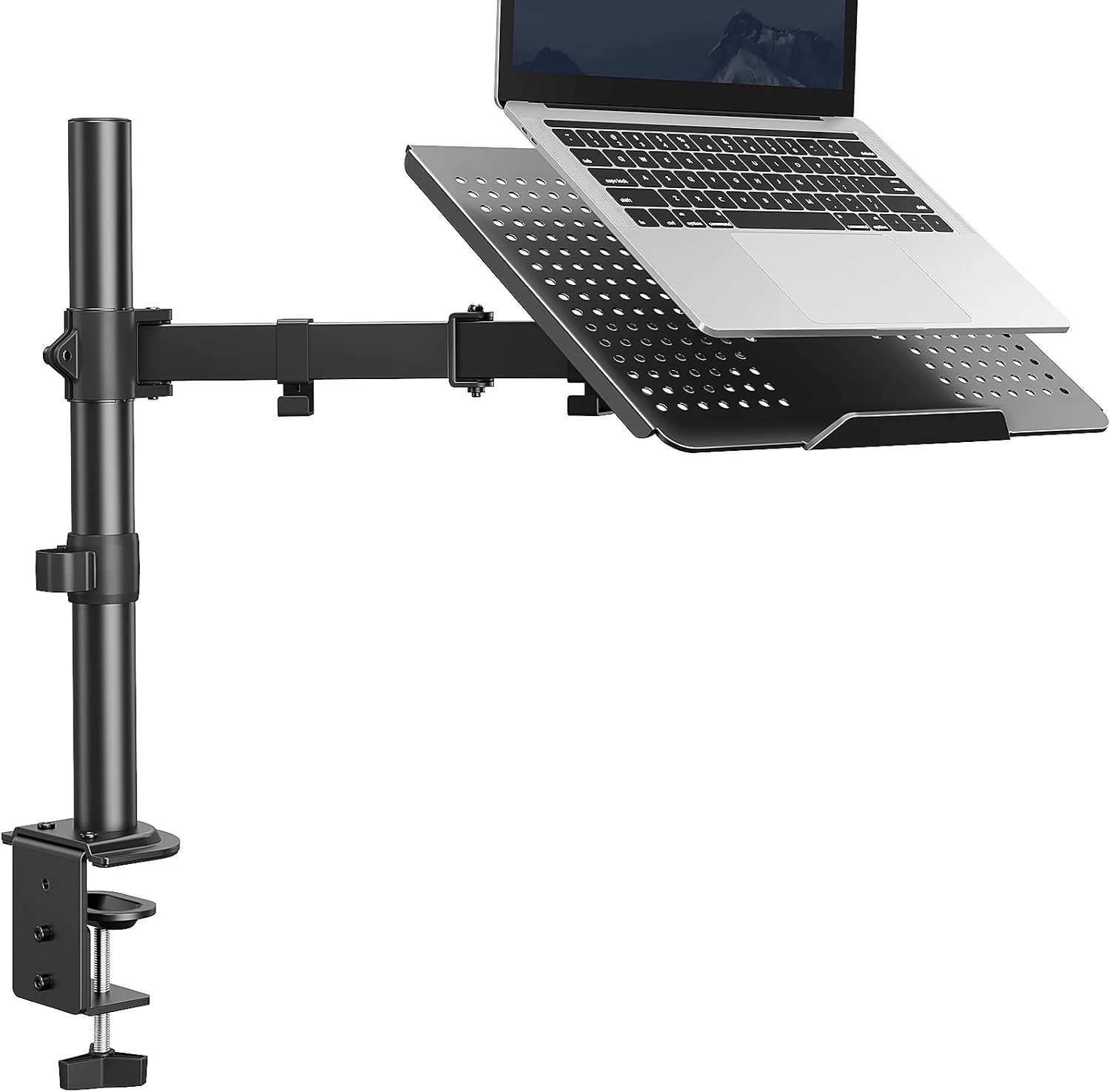
HUANUO Laptop Desk Mount (17” to 32” monitor arm)
The HUANUO 2-in-1 laptop/monitor desk mount uses a ventilated tray and an adjustable arm to clear desk space and bring screens closer to eye level. It’s built around a 22 lb capacity, VESA support (75x75 and 100x100), and flexible tilt/swivel/rotation, with C-clamp or grommet mounting. The main caveat is setup needs a screwdriver (and your desk thickness must fit the clamp or grommet range).
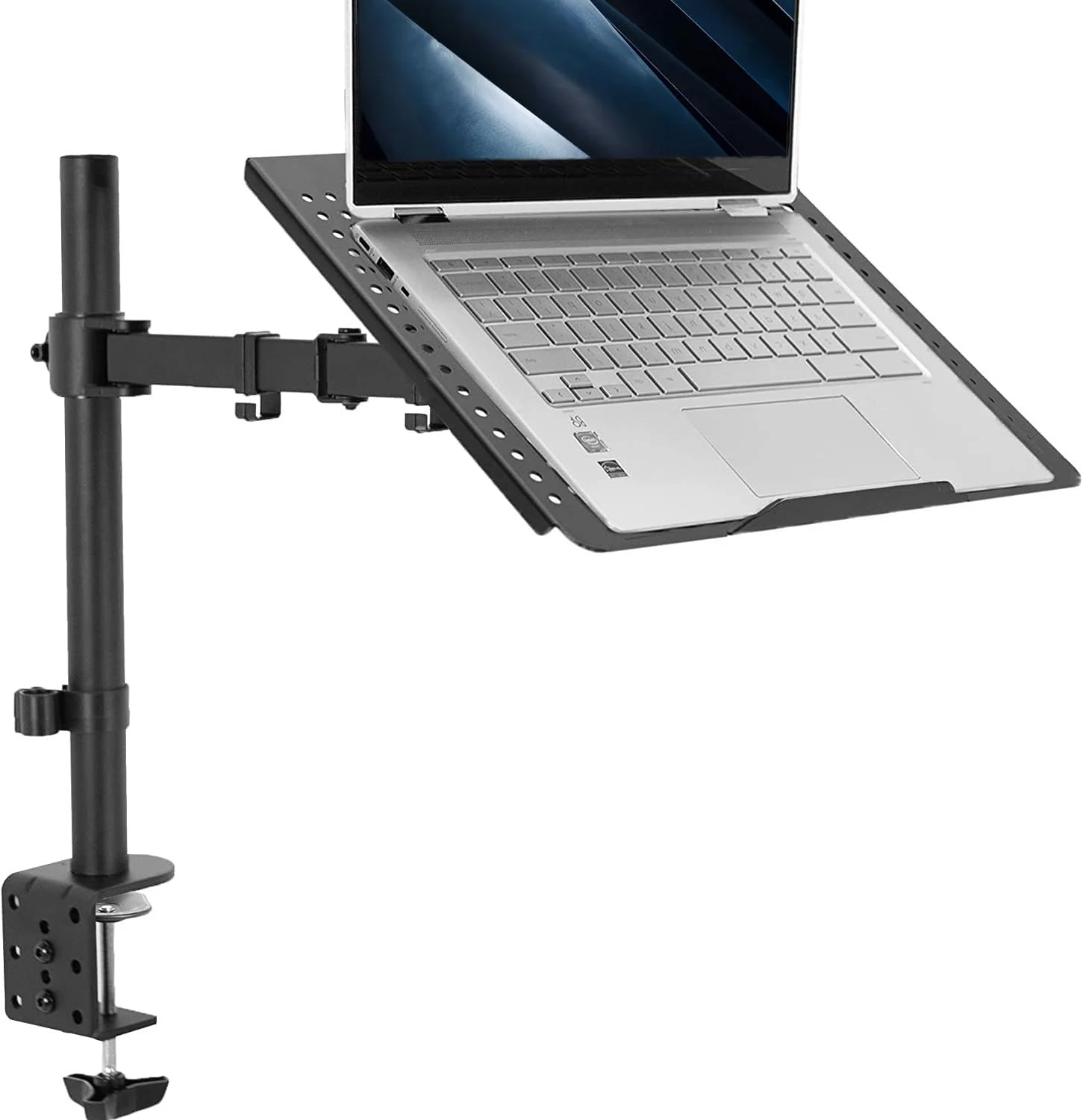
VIVO Single Laptop Notebook Desk Mount Stand, Fully Adjustable Extension with C-clamp (STAND-V001L)
The VIVO STAND-V001L is a ventilated single-laptop desk stand that frees up desk space and lets you raise, tilt, and swivel a 17-inch laptop using a drill-free clamp or grommet-style mounting. It’s generally described as sturdy and easy to assemble, but some setups can reveal fit-and-finish quirks like minor play in the tray platform if assembly or alignment is off.
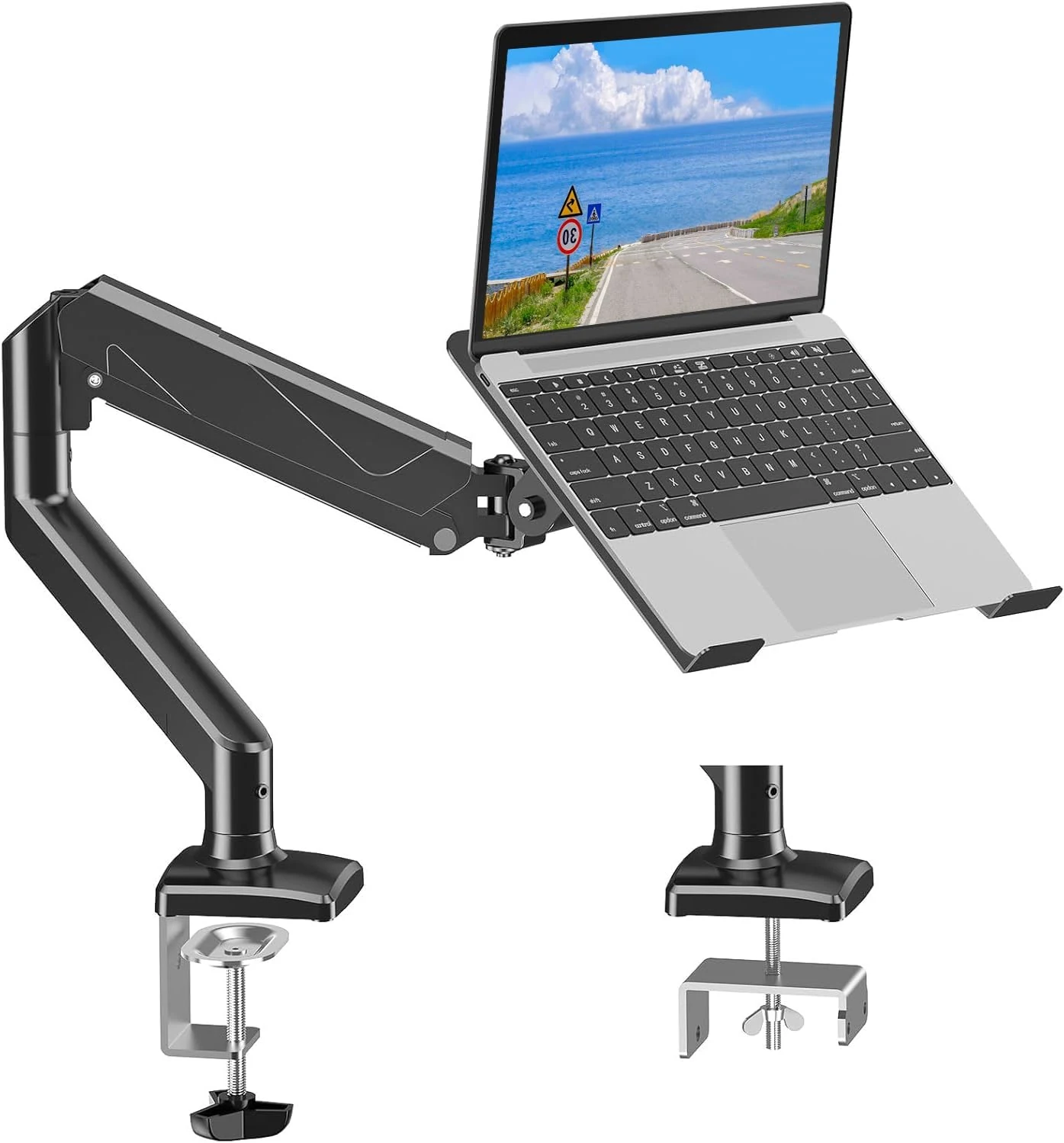
MOUNTUP Laptop Stand for Desk, Adjustable Aluminum Laptops Arm Mount for 14-17 Inch Notebook & 32" Monitor
The MOUNTUP adjustable aluminum laptop stand uses a full-motion, dual-arm design to position a 14 to 17 inch laptop (or select VESA monitors) at a comfortable height. Two installation options (clamp or grommet) and a heat-dissipation tray help with everyday desk ergonomics, with the main caveat being that heavier laptops or non-standard setups may require careful strap and pad adjustment.