HP Sprocket 3x4 Instant Photo Printer – Wirelessly Print 3.5x4.25” photos on Zink paper
Quick take
The HP Sprocket 3x4 turns your iOS or Android photos into instant color prints on Zink paper (3x4 inches, sticky-backed). It is best for people who want small, shareable prints for scrapbooks, gifts, and decorating, but it is not ideal for long print sessions due to reported overheating and performance quirks after several sheets.
Pros and cons
Pros
- Wireless smartphone printing (Bluetooth) for quick, on-the-go photo output
- Zink “zero-ink” printing uses dedicated Zink paper, avoiding ink or toner hassles
- Compact and lightweight design for bag or backpack portability
- Sticky-backed 3x4 photos are convenient for scrapbooks and crafts
Cons
- Ongoing cost of Zink paper can add up if you print often
- Buyer feedback mentions overheating and pauses after multiple prints
- Some users report error messages (for example overheats or paper jam alerts) that may require troubleshooting
- It is a small-format printer, so it is not suited to document-style or larger photo prints
What buyers think
Buyer-review evidence is mixed, but it consistently highlights a few decision-driving themes. Many reviews describe the experience as easy to use with a smartphone connection, with “quick to print” output and clear color quality for small photo prints. Portability and the ability to create sticky-backed keepsakes for scrapbooking or events also come up frequently. On the limitation side, some buyers report that after a handful of prints the printer may overheat, sometimes triggering error behavior, which can slow down or interrupt a longer printing session. There is also a recurring concern around the cost of the Zink paper over time, which affects overall value if you plan to print frequently.
How the HP Sprocket 3x4 works (and what you get)
This is a portable, print-only instant photo printer using Zink technology, meaning it prints directly onto dedicated Zink photo paper without needing ink cartridges or toner. It is designed for 3x4-inch color output (often marketed as 3.5 x 4.25 inches photos depending on the format description), with sticky-backed paper that is handy for crafts, scrapbooks, and decorating.
Instead of printing from a computer, you send images from your phone. It uses the HP Sprocket app for wireless control and supports iOS and Android connectivity via Bluetooth. The app also includes editing and customization options like borders and stickers, which matters if you want more than “plain” prints.
Best for vs. not ideal for
Best for
- Scrapbooking and event favors: Small sticky-backed prints are easy to place into pages, cards, and gift items.
- On-the-go sharing: You can print photos right from your phone for quick physical keepsakes.
- People who want smartphone-only simplicity: No computer setup is required for basic use.
- Light, occasional printing: A compact printer is well matched to vacations, parties, and small batches of prints.
Not ideal for
- High-volume, long print sessions: Some buyers report overheating after multiple prints, so expect breaks if you plan to print a lot.
- Budget-focused printing: The need for compatible Zink paper changes the ongoing cost compared to printers that use bulk ink.
- Large photo or document printing: The 3x4 format is small by design, so it is not the right tool for larger prints.
- Buyers who do not want to troubleshoot: A minority of feedback mentions error codes (such as overheats or “paper jam” alerts) that can slow workflow.
Pros and cons in real-world terms
Pros
- Instant gratification workflow: Wireless phone printing makes it easy to go from photo to physical print at the moment you want it.
- Craft-friendly output: Sticky-backed Zink paper supports decorating and memory keeping without extra supplies.
- Compact footprint: With a portable design, it is easier to bring along than bigger photo printers.
Cons
- Print-session limits: Reported overheating suggests you may need to work in shorter batches rather than expecting continuous output.
- Value depends on how often you print: Zink paper is a recurring purchase, and buyers explicitly call out that cost.
- Workflow friction can happen: Some users describe error states that require reset or careful handling, which is less convenient than a printer that runs uninterrupted.
What to check before you buy
- Phone compatibility and app setup: Since it is app-controlled via Bluetooth, make sure you are comfortable pairing a phone to the printer and using the Sprocket app for edits.
- Paper format and availability: Confirm you want the 3x4 Zink paper workflow (and budget for it). If you only print a few times a year, the convenience may outweigh the ongoing cost.
- Your printing expectations: If your goal is to print dozens of photos in one sitting, plan for breaks, and be prepared for occasional error messages.
- Size expectations: This is a small-format instant photo printer, so it is for keepsakes and sharing, not replacement for a traditional photo printer.
Price and availability
Pricing varies by retailer and promotions. If you are comparing value, consider not only the device price, but also the long-term cost of compatible Zink paper, especially if you expect frequent printing.
Verdict
The HP Sprocket 3x4 is a strong choice for shoppers who want compact, wireless instant prints that are great for scrapbooking and sharing, especially when you are printing in smaller batches. If you expect continuous printing for large projects, you should factor in buyer-reported overheating and error behavior after multiple sheets, and you will want to budget for ongoing Zink paper costs.
FAQ
Can I print from iOS and Android?
Yes. The printer is designed for wireless printing from iOS and Android devices through Bluetooth and the HP Sprocket app.
Does it use ink cartridges?
No. It uses Zink “zero-ink” technology, which means it prints on compatible Zink paper without separate ink or toner.
What size photos does it print?
It prints small-format color photos on 3x4-inch Zink paper.
Is it good for scrapbooking?
It is well suited for scrapbooking and crafts because the prints are produced on sticky-backed Zink paper that can be placed directly onto pages and projects.
Are there any limitations from buyer feedback?
Some buyers report overheating and occasional error messages after several prints, plus concerns about the ongoing cost of Zink paper. That suggests it works best for shorter, intermittent print sessions rather than extended runs.
Specifications
| Product Title | HP Sprocket 3x4 Instant Photo Printer – Wirelessly Print 3.5x4.25” Photos on Zink Paper from iOS & Android Devices |
|---|---|
| Category | Electronics > Camera & Photo > Printers & Scanners > Portable Photo Printers |
| Brand | HP |
| Manufacturer | C&A Marketing, Inc. |
| Model Name | HP Sprocket 3x4 Instant Photo Printer |
| Model Number | HPISP3X4W |
| Color | White |
| Item Weight | 16 ounces |
| Printer Type | Zink Technology |
| Other Special Features of the Product | Portable |
| Printer Output Type | Color |
| Item Dimensions D x W x H | 5.1"D x 6.4"W x 1.1"H |
| Controller Type | iOS |
| Print media | Glossy photo paper |
| Scanner Type | Photo,Portable |
| Maximum Copy Speed Black and White | 1 ppm |
| Compatible Devices | Smartphones |
| Warranty Type | limited warranty |
| Additional Printer Functions | Print Only |
| Control Method | App |
| Number of Trays | 1 |
| Processor Count | 1 |
| Resolution | 300 x 300 |
| Maximum Media Size | 3x4 |
| Maximum Sheet Capacity | 10 |
| Paper Size | 3x4 inches |
| Output sheet capacity | 10 |
Available variants
Style
- Printer
- Gift Bundle
Recommended next
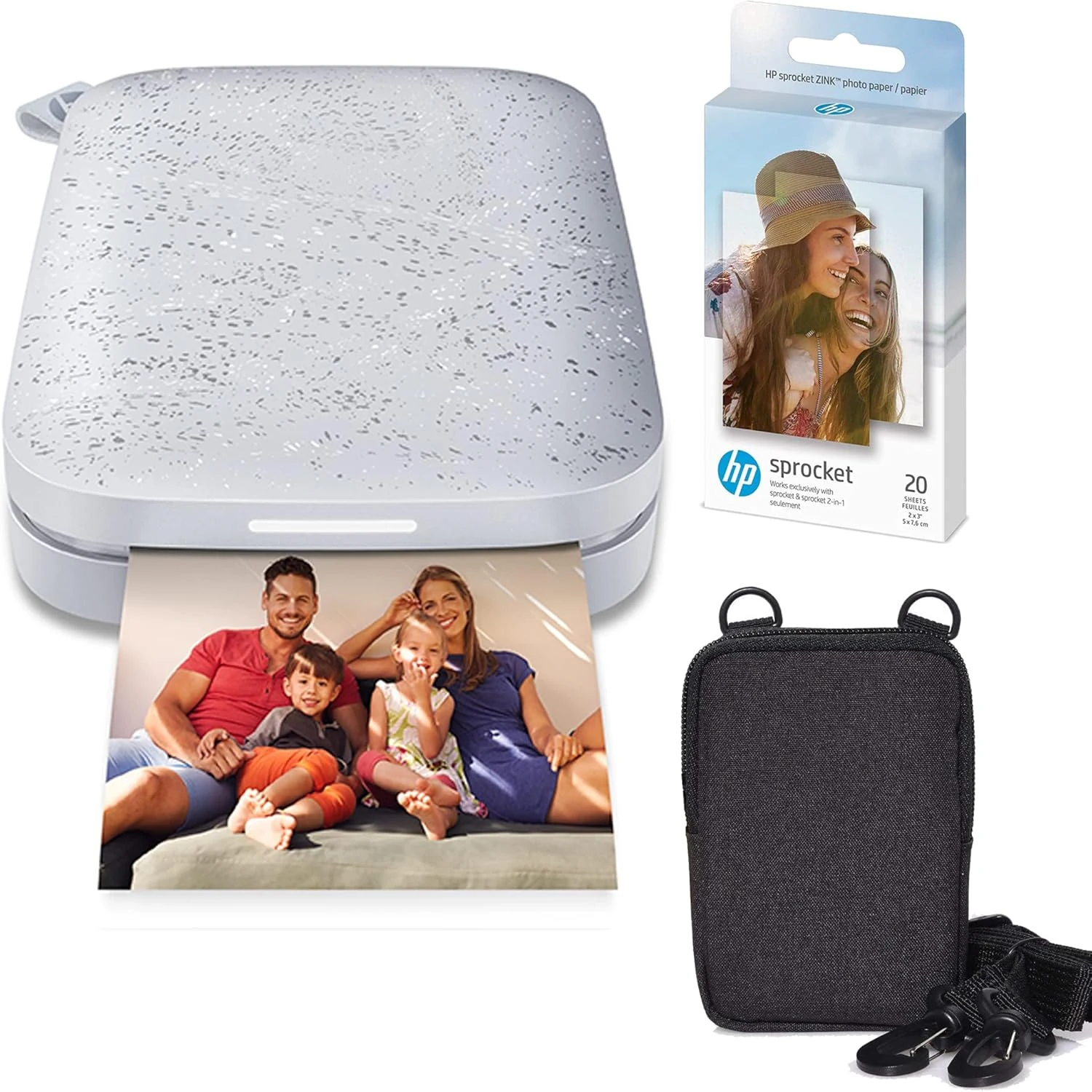
HP Sprocket Portable 2x3 Instant Photo Printer (Luna Pearl) Zink Paper Bundle
The HP Sprocket prints 2x3 photos directly from your phone using ZINK zero-ink paper, making it a convenient pick for scrapbooks, journals, and instant “print it now” moments. It is easy to use and portable, but the Android app can be less reliable, and color can vary slightly depending on the photo.
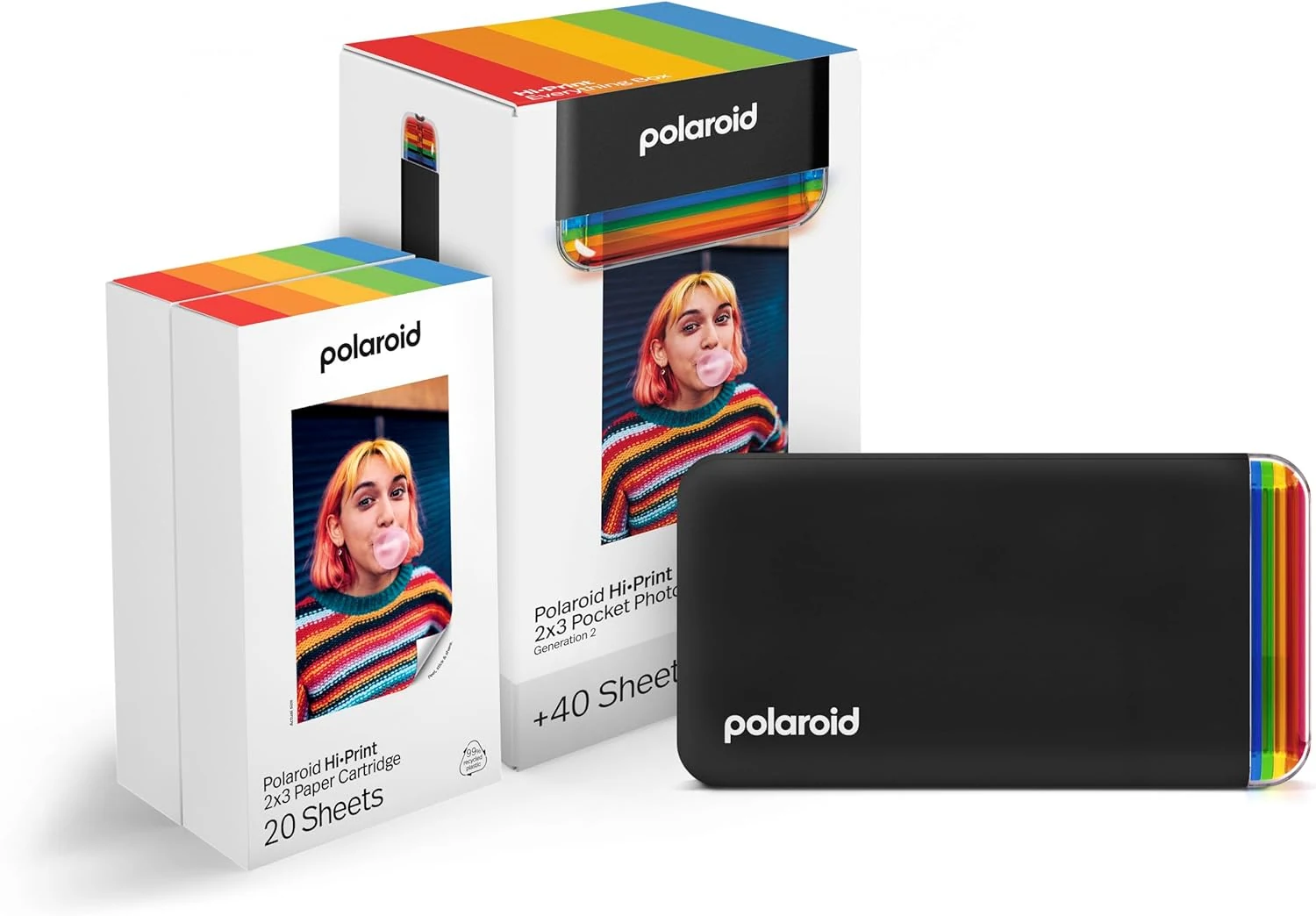
Polaroid Hi-Print + Paper Bundle- 2nd Generation Bluetooth Connected 2x3 Pocket Photo Dye-Sub Printer - Black Printer + 40 Photos (6439)
The Polaroid Hi-Print 2x3 Bluetooth pocket photo printer is a simple, app-based way to turn phone photos into peel-and-stick prints. This bundle includes 40 ready-to-print sheets, dye-sub printing for vibrant color, and edits like frames, filters, text, and more through the Polaroid Hi-Print app. The main catch is the dedicated 2x3 paper format and print run limits tied to the included cartridge.
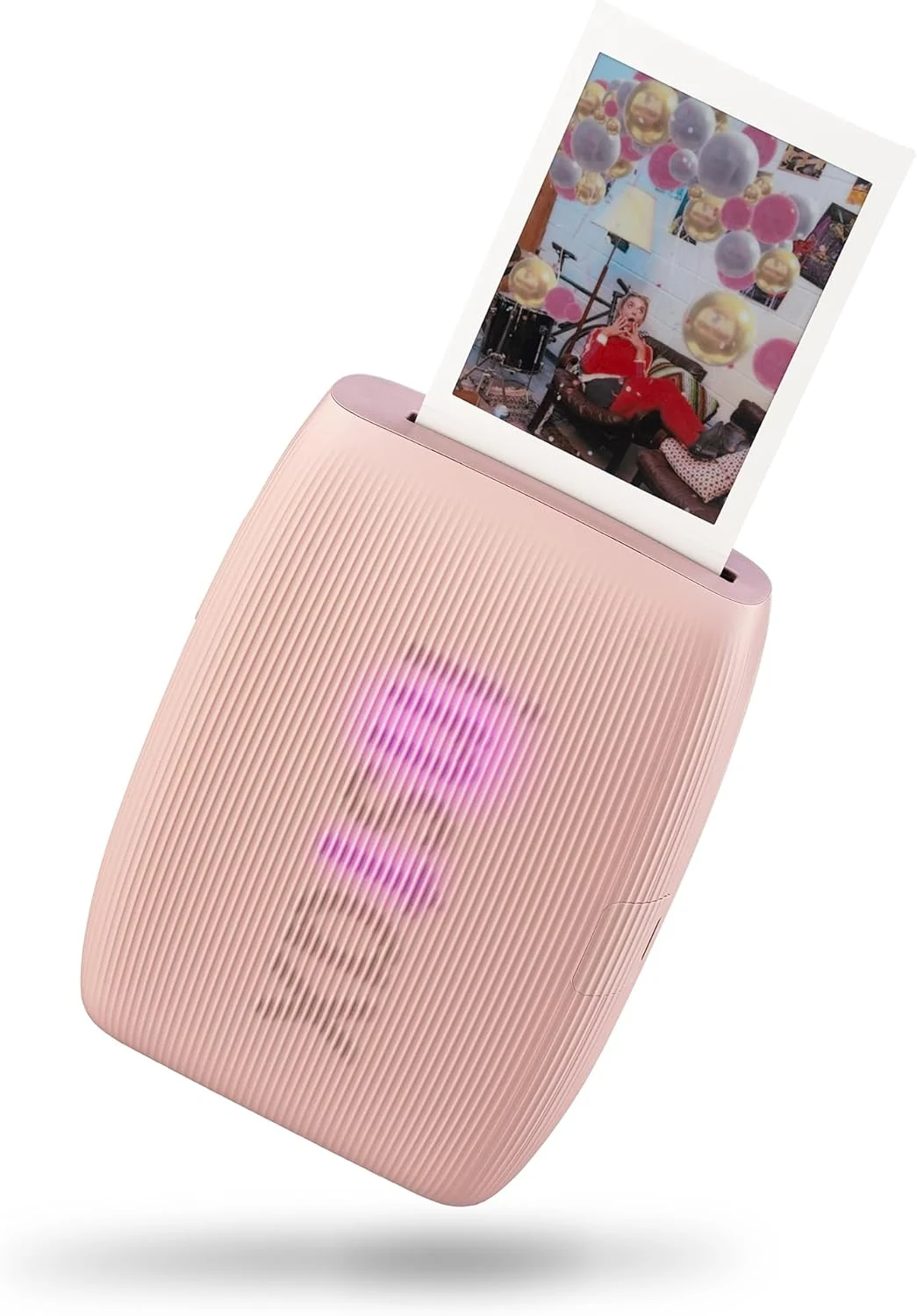
Fujifilm Instax Mini Link 3 Smartphone Printer - Rose Pink
The Fujifilm Instax Mini Link 3 turns smartphone photos into glossy Instax Mini prints in about 15 seconds, with app-based controls and a compact design made for sharing on the go. It’s a strong fit if you want simple, repeatable “print right now” convenience, with the main tradeoff being that it’s print-only and relies on specific Instax Mini film.
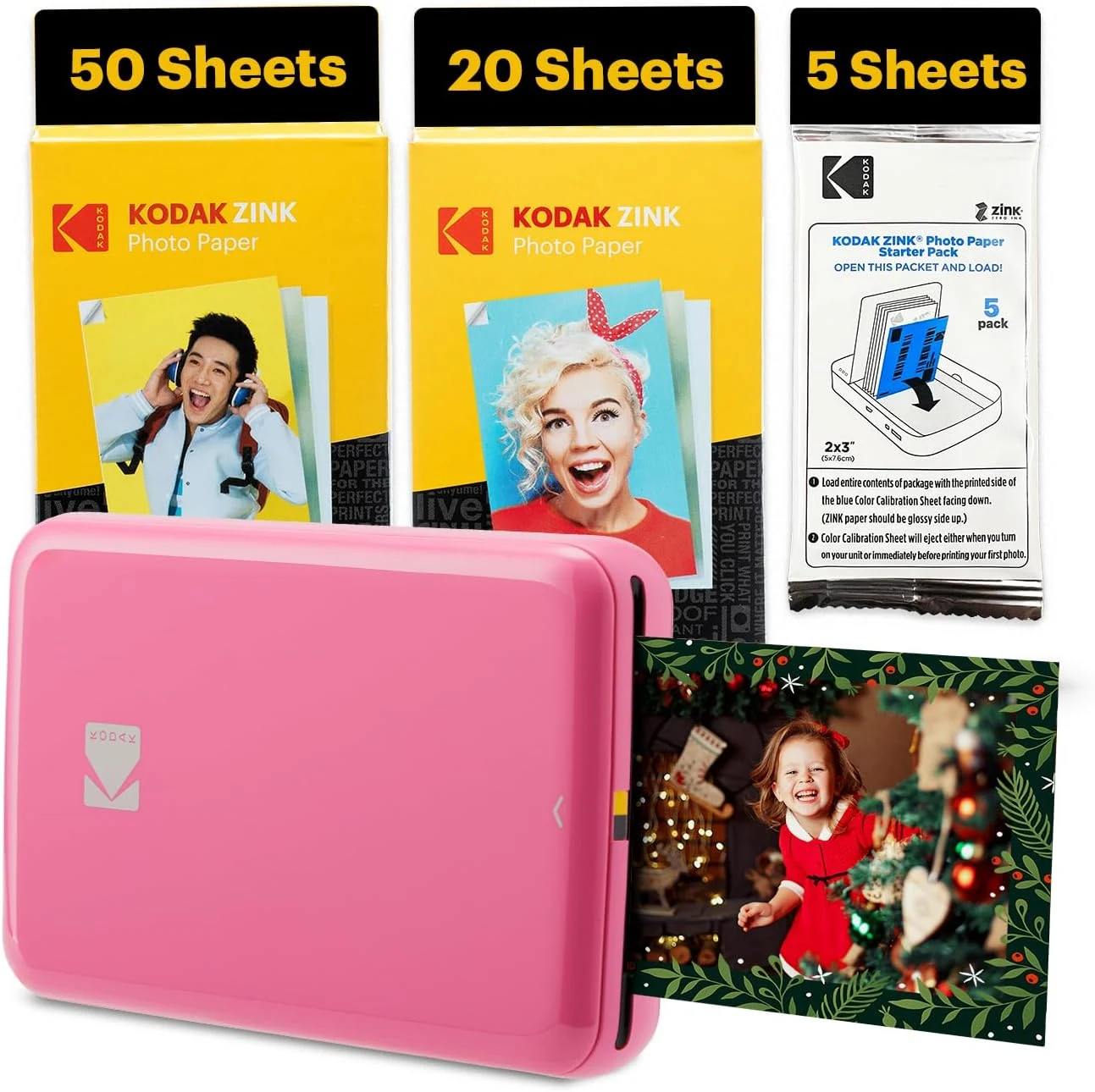
Kodak Step Instant Smartphone Photo Printer
The Kodak Step is a portable 2x3-inch Zink photo printer that lets you print and peel-and-stick photos directly from your smartphone (Bluetooth or NFC). Reviewers highlight fast, reliable pairing and great “sticker” usability for scrapbooks and travel journaling, with a few caveats around slower print speed and occasional color inconsistency.