HP Chromebook 14 Laptop, Quad-Core Intel Celeron Processor N4500(> N4020) 4GB RAM, 192GB Storage, 14" HD Display, Wi-Fi 6, Bluetooth, Chrome OS, Modern Grey
Quick take
The HP Chromebook 14 is a lightweight 14-inch Chrome OS laptop designed for quick web sessions, schoolwork, and everyday entertainment. It pairs an Intel Celeron quad-core class processor with 4GB RAM and a storage setup that includes 64GB eMMC plus a 128GB SD card for expanded space. The biggest buying caveat is that it is best suited for basic multitasking, not demanding apps or heavy workloads.
Pros and cons
Pros
- Chrome OS experience focused on speed, automatic updates, and security for everyday tasks.
- Wi‑Fi 6 and Bluetooth for modern wireless connectivity.
- Flexible storage approach with 64GB eMMC plus 128GB SD card for files and media.
- Port selection includes USB‑C (3.1), multiple USB‑A ports, and HDMI 1.4 for an external display.
Cons
- 4GB RAM and entry-level Celeron performance limit demanding multitasking and heavier software.
- Display is listed as 14-inch HD (with 1366×768 maximum noted), which is not as sharp as a full 1080p panel.
- Review evidence is limited, so real-world performance impressions are hard to generalize.
What buyers think
Buyer-review evidence for this specific model is limited (only a small number of reviews are available), so there is not enough detail to identify consistent patterns about performance, battery life, display quality, or long-term reliability. The available feedback is broadly positive and centers on general usability and that it works well for the buyer’s intended purpose, but it does not provide enough information to draw a reliable, model-wide performance verdict.
What this Chromebook is for
This HP Chromebook 14 is built around the Chrome OS workflow, so it is most useful when your day-to-day relies on a browser, web apps, and cloud-based documents. If you want a simple laptop for browsing, email, video streaming, and typical school or office tasks, the spec balance (Celeron-class CPU, 4GB RAM, flash storage) aligns with that use.
Performance and multitasking: where it shines and where it won\u2019t
The processor is an Intel Celeron quad-core class (N4500, positioned above N4020). For Chrome OS, that typically means snappy startup and steady performance with normal numbers of tabs and web applications. The tradeoff is the 4GB RAM. If you plan to keep many browser tabs open, use more complex web apps, or rely on heavier desktop-style programs, expect the system to feel more constrained.
Display and media
The laptop uses a 14-inch HD-class display with non-touch design and LED/LCD style hardware. That is suitable for streaming, video calls, and everyday reading. If you are sensitive to crisp text and prefer sharper panels, consider that the maximum resolution is noted as 1366×768, which is less detailed than full HD (1920×1080) screens.
Storage and connectivity you\u2019ll actually use
Storage is configured as 64GB eMMC plus 128GB SD card space, for a total of 192GB available for files, downloaded media, and offline content. This can be a practical setup for buyers who store music, photos, or documents on removable storage. The machine also includes common port options: USB‑C 3.1, two USB‑A 3.0 ports, and HDMI 1.4 for connecting to a TV or monitor.
Chrome OS benefits for everyday buyers
Chrome OS is designed around quick boot and automatic updates, with a security model intended to keep browsing, accounts, and system updates streamlined. For students and everyday users who want less time managing software and more time getting tasks done, that simplicity is a major part of the appeal.
Pros and cons, summarized
- Best for: web-based schoolwork, email and docs, video streaming, and basic daily computing.
- Watch-outs: limited RAM headroom for heavy multitasking, HD display sharpness may be less than you expect, and review evidence is limited.
- Portability and everyday connectivity: a compact 14-inch form factor with Wi‑Fi 6, Bluetooth, and HDMI support.
Who should buy (and who should avoid it)
You should buy it if
- You want a budget Chromebook for browsing, school tasks, and light entertainment.
- You are comfortable living in Chrome OS web apps and do not need Windows-style software.
- You like the idea of expanding storage with the included 128GB SD card.
You should avoid it if
- You routinely use memory-heavy apps or want to run many demanding tasks at once.
- You specifically need a sharp, full-HD laptop display for detailed work or crisp text.
- You want a Chromebook with well-documented, model-wide performance from lots of buyer feedback (the available review sample is small).
Price and availability
This Chromebook is positioned as an inexpensive entry into the 14-inch Chromebook category. Availability can vary, and inventory levels may change quickly. If you are ready to buy, check the current listing for the most up-to-date price and stock status.
FAQ
Is this HP Chromebook 14 good for school?
It is a strong fit for school tasks that run through a browser, such as Google Docs, web-based assignments, and research, assuming you are comfortable with Chrome OS and basic multitasking needs.
How much storage does it include?
Storage is listed as 64GB eMMC plus a 128GB SD card, for 192GB total configured storage. The SD card can help if you download a lot of files or media.
Does it support connecting to an external monitor or TV?
Yes. It includes HDMI 1.4, which you can use to connect to a compatible external display.
What are the main limitations of this model?
The 4GB RAM and Celeron-class performance are best for everyday web use. If you expect heavy multitasking or demanding software, you may want to consider a Chromebook with more RAM and a stronger processor.
What is the screen resolution?
The maximum resolution is noted as 1366×768 for the listed HD-class 14-inch display, which is not full 1080p.
Does it include Wi-Fi 6 and Bluetooth?
Yes. Wi‑Fi 6 and Bluetooth support are included for modern wireless connectivity.
Can I expand storage further?
The setup includes an SD card option included in the configuration, and it is intended to help expand accessible storage for files and media. For additional expansion beyond that, you would need to confirm what other storage options are available on the specific unit.
Specifications
| Product Title | HP Chromebook 14 Laptop, Quad-Core Intel Celeron Processor N4500(> N4020) 4GB RAM, 192GB Storage,(64GB eMMC+128GB SD Card) 14''HD Display, Wi-Fi6, Bluetooth, Chrome OS, Long Battery Life, Modern Grey |
|---|---|
| Category | Electronics > Computers & Accessories > Computers & Tablets > Laptops > Traditional Laptops |
| Brand | HP |
| Manufacturer | HP |
| Model Name | HP |
| Model Number | HP |
| CPU Model | Celeron |
| Graphics Coprocessor | NoTouch |
| Hard Disk Size | 192 GB |
| Screen Size | 14 Inches |
| Resolution | 1080p |
| Operating System | Chrome OS |
| Color | Modern Grey |
| Hard-Drive Size | 192 GB |
| Other Special Features of the Product | HD Audio, Memory Card Slot |
| Graphics Description | Integrated |
| Hard Disk Description | SSD |
| Specific Uses For Product | Gaming |
| Webcam Capability | No |
| Form Factor | Clamshell |
| Hard Disk Interface | PCIE x 2 |
| Item Dimensions L x W x Thickness | 8.94"L x 12.85"W x 0.72"Th |
| Video Output | HDMI |
| Native Resolution | 1920 x 1080 pixels |
| Display Type | LCD |
| Display Resolution Maximum | 1366x768 Pixels |
| Display Technology | LED |
Available variants
Capacity
- 8GB RAM|320GB Storage
- 4GB RAM|192GB Storage
- 4GB RAM|128GB Storage
- 4GB RAM|320GB Storage
- 8GB RAM|128GB Storage
Color
- Natural Silver
- Modern Grey
Recommended next
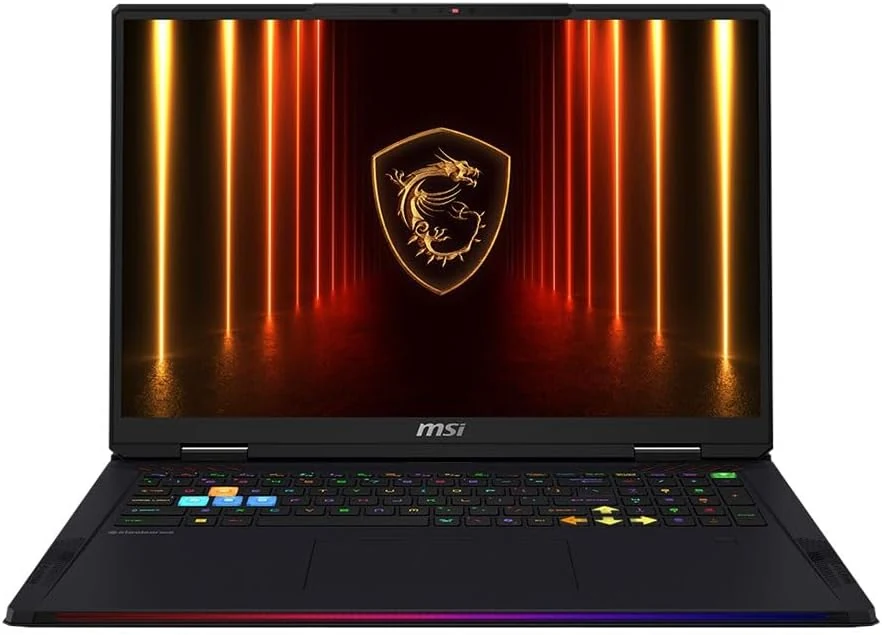
MSI Raider 18 HX AI A2XWJG-416US 18 Gaming Laptop Computer - CORE Black
The MSI Raider 18 HX AI A2XWJG-416US is a high-end, large-screen gaming laptop geared toward players who want desktop-style performance in a single machine. Early feedback points to impressive speed and cooling under heavy settings, but there is at least one serious display-quality complaint that can be a deal-breaker if you’re sensitive to panel uniformity.
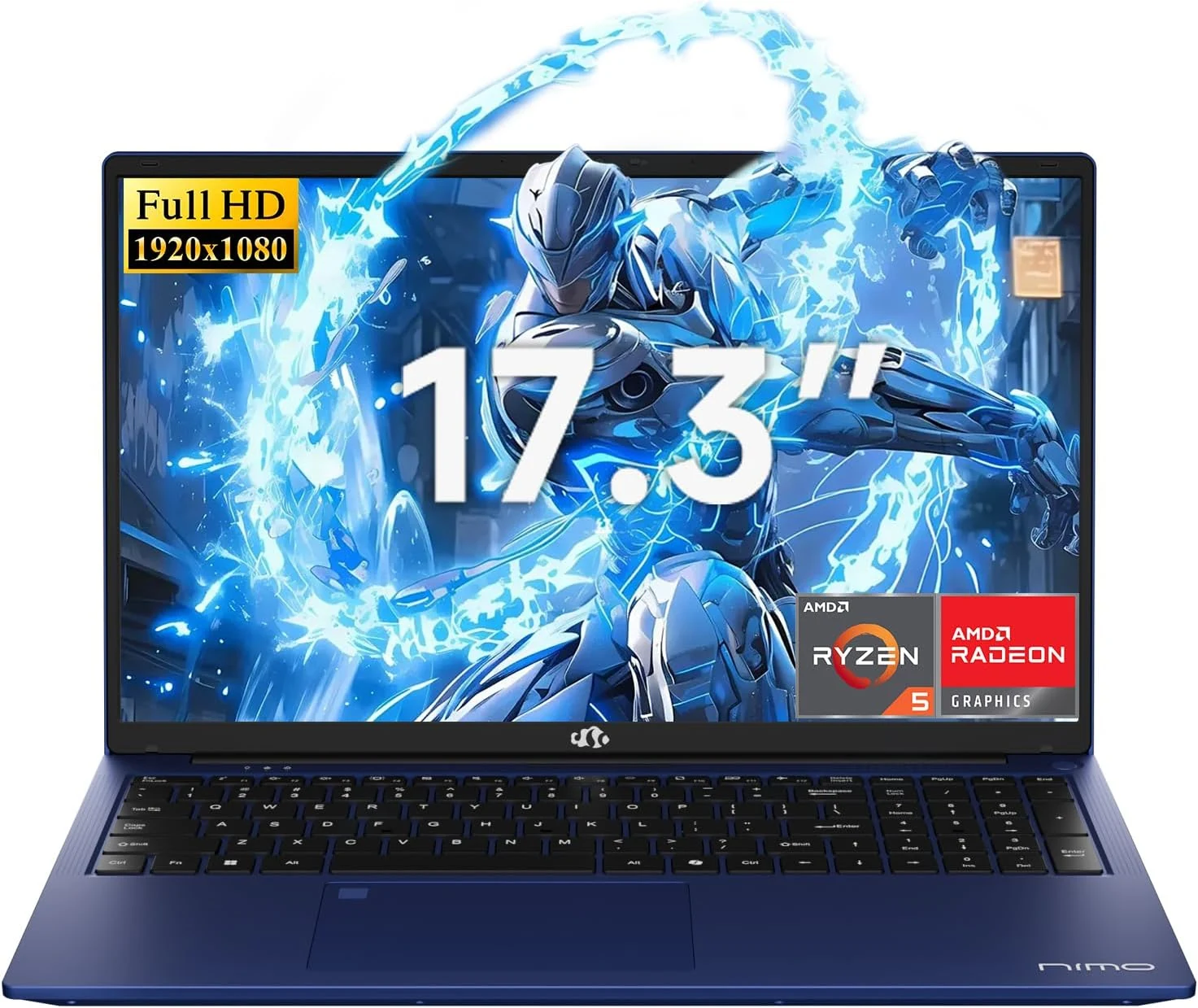
NIMO 2026 17.3" Gaming Laptop, 6-Core AMD Ryzen 5 6600H with Radeon 660M (Beat i7-1165G7), 16GB DDR5 RAM, 512GB SSD
The NIMO 2026 17.3-inch laptop pairs an AMD Ryzen 5 6600H with Radeon 660M integrated graphics, 16GB DDR5, and a 512GB SSD for smooth everyday work, school, and light gaming. Buyers highlight the bright large 1080p IPS display, simple day-to-day usability, and battery life for full-day tasks, with a big, portable 4.6 lb form factor and a 100W USB-C fast-charging feature to reduce downtime.
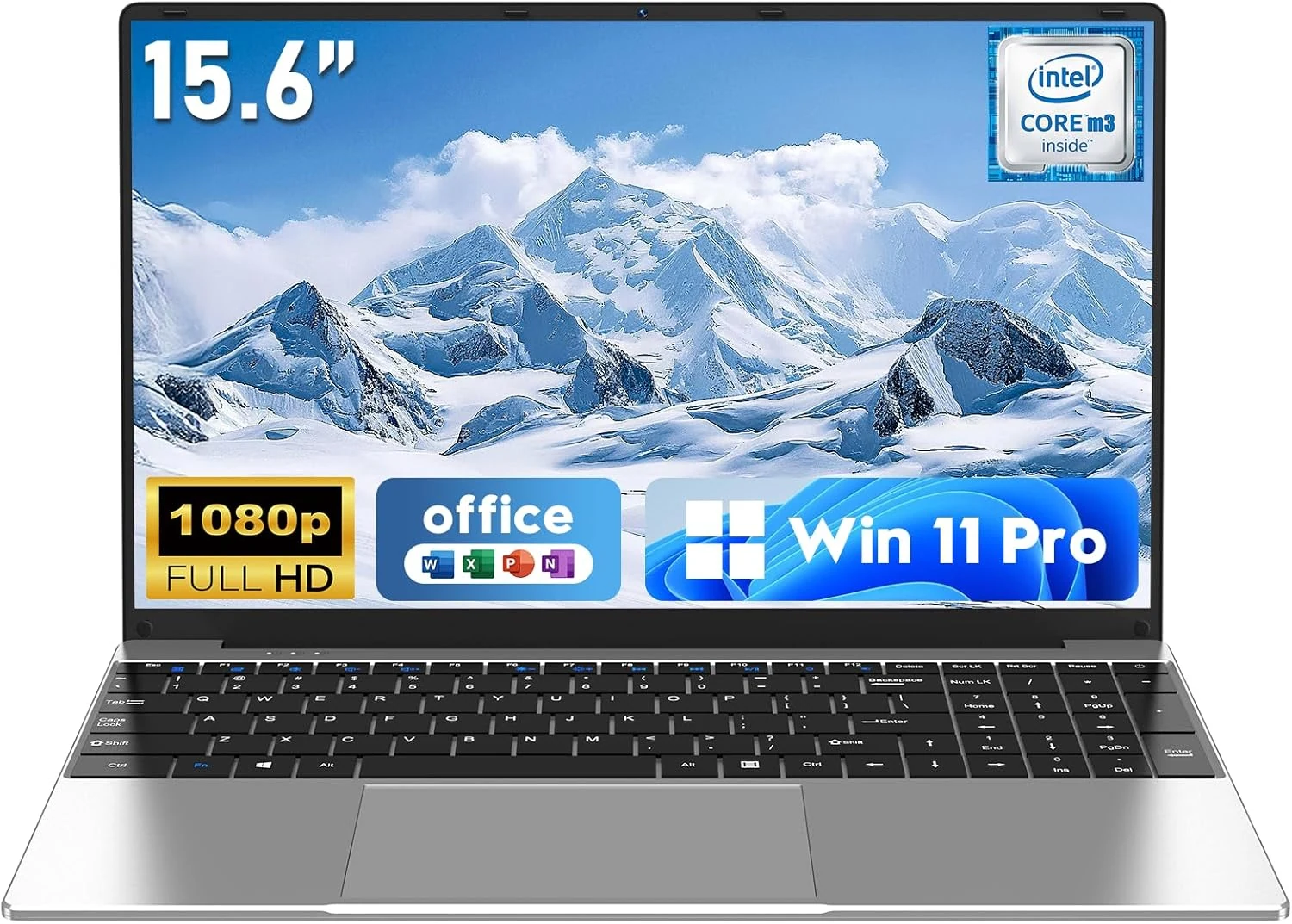
NAIKLULU Laptop Computer, Win 11 Pro Lap Top, 15.6 Inch review
The NAIKLULU 15.6-inch laptop pairs a low-power Core M3-6Y30 class processor with 16GB RAM and a 256GB SSD, plus WiFi 5, Bluetooth 4.2, and Windows 11 Pro. It’s a reasonable fit for school, office basics, and everyday media, but buyer reports are mixed, with some mentioning heat and setup needs for WiFi 5GHz.
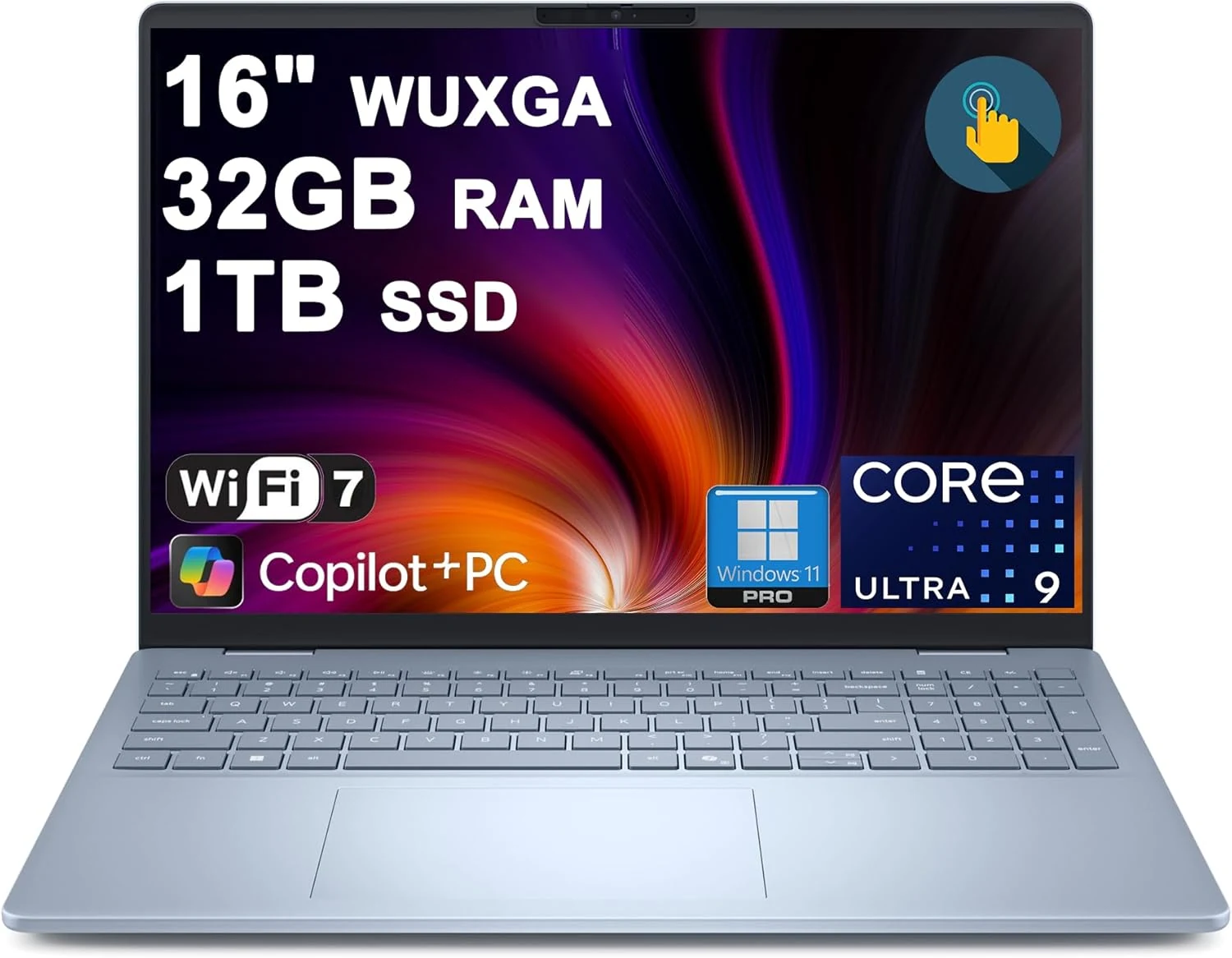
Dell 16 Plus Laptop 16" WUXGA Touch Intel 8-core Ultra 9 288V (Up to 48 Tops) 32GB RAM 1TB SSD Backlit Fingerprint Wi-Fi7
The Dell 16 Plus pairs an Intel Ultra 9 288V 8-core CPU with 32GB RAM and a 1TB SSD for creator, designer, and business workflows, plus a 16-inch 1920x1200 touch display. It also includes Wi‑Fi 7, Thunderbolt 4, HDMI 2.1, and a backlit keyboard with a fingerprint reader. Buyer-review evidence is very limited, so the biggest caution is verifying purchase and return experience before ordering.