Google Nest WiFi Pro (Wi‑Fi 6E) 3‑Pack (Snow)
Quick take
Google Nest WiFi Pro is a tri-band Wi‑Fi 6E mesh router system built to improve speed and consistency across more of your home. Reviewers commonly highlight a straightforward Google Home setup and stronger, faster Wi‑Fi for work, gaming, and everyday streaming.
The main buying caveat is compatibility with Wi‑Fi 6E devices, since the 6 GHz band is not available for older hardware and Wi‑Fi signal performance still depends on placement and home layout.
Pros and cons
Pros
- Tri-band Wi‑Fi 6E design (2.4 GHz, 5 GHz, and 6 GHz) for modern devices.
- Three-router mesh coverage that can be customized for the space you need.
- App-based setup and automated network performance tuning for smoother day-to-day use.
- Security features include secure booting and software updates, plus WPA2 support.
Cons
- Wi‑Fi 6E benefits depend on having Wi‑Fi 6E-capable clients.
- Compatibility limitation, it is not compatible with previous generations of Google Wifi or Nest Wifi.
- Performance can vary with home materials and router placement, and edge-of-coverage behavior depends on your layout.
What buyers think
Buyer-review evidence is mixed, but it does include clear patterns tied to setup ease and day-to-day performance. Several reviewers describe the Google Home app setup as quick and easy, including cases where the system was installed without complicated networking steps. Many also report improved Wi‑Fi strength and faster performance across computers, tablets, gaming systems, and phones.
At the same time, there is at least one sharply negative review raising concerns about how some devices may roam and choose network points, leading to weak signal or drops. Because that complaint is isolated, buyer-review evidence is too limited to confirm whether this is a widespread product issue, though it is a reminder that device behavior and home layout matter with any mesh system.
What this is, and what it’s best for
Google Nest WiFi Pro is a whole-home mesh Wi‑Fi system built around Wi‑Fi 6E, which adds a 6 GHz band on top of the traditional 2.4 GHz and 5 GHz options. In practice, that means you can better support modern clients and reduce congestion in homes where many devices compete for bandwidth.
The included 3-pack configuration is aimed at larger spaces, or homes that need more consistent coverage in multiple areas. It is also positioned for users who want the system to adjust itself over time, rather than managing manual settings.
Key specs that impact real-world use
Tri-band Wi‑Fi 6E
The system supports three bands: 2.4 GHz, 5 GHz, and the 6 GHz band (Wi‑Fi 6E). That 6 GHz band is typically the one that enables extra capacity, but it is only usable by Wi‑Fi 6E-capable devices. If your phone, laptop, and tablets are older, you can still use the network, but you should not expect 6E-specific performance benefits.
Coverage and mesh flexibility
One router is rated for up to 2,200 square feet of coverage, and a three-router mesh setup gives you more room to tailor where strong signal lands. Actual results depend on router placement, home materials, and layout, so planning where to install the nodes matters.
Ports and wired devices
There are 4 ports (with LAN port bandwidth listed at 1.0 Gbps). With mesh systems, a wired connection can help performance for devices that support Ethernet, like gaming consoles, streaming boxes, or desktop PCs.
Security and updates
Support includes WPA2, along with secure booting and software updates designed to help protect against unauthorized software and router hacks.
Setup experience and daily management
Reviewers frequently mention that setup is simple through the Google Home app, with the system largely handling installation and configuration once you plug in the router nodes. Automated performance adjustments and network diagnostics are intended to keep the network running smoothly without constant manual tuning.
The system can also prioritize common traffic patterns, including video calls, which is useful if you work from home or have frequent real-time video sessions.
Pros and cons: who should buy (and who should wait)
You’ll likely be happy if you want
- A Wi‑Fi 6E mesh upgrade for a larger home where coverage and consistency matter.
- An app-guided setup experience without deep networking knowledge.
- Better performance for modern devices that support Wi‑Fi 6E.
- Automated monitoring and diagnostics to reduce troubleshooting effort.
You may want to consider another option if
- Your devices are mostly older Wi‑Fi hardware and you cannot realistically upgrade to Wi‑Fi 6E clients soon.
- You already own previous Google Wifi or Nest Wifi hardware and need compatibility for an expanded setup.
- Your home layout is challenging and you are unwilling to experiment with node placement, since mesh performance can be placement-sensitive.
Price and availability
Check the latest price and current availability on Amazon using the link below, since pricing can vary by pack size and retailer listings.
Alternatives to consider
If you are comparing mesh systems, use these decision points:
- Prioritize Wi‑Fi 6E only if you have (or plan to buy) Wi‑Fi 6E clients. If not, a Wi‑Fi 6 mesh kit may deliver better value.
- Consider compatibility with your existing routers. If you already use older Google Wifi or Nest Wifi hardware, this model’s non-compatibility may push you toward a different ecosystem.
- Match coverage to your home size and layout. If you routinely have dead zones, ensure you pick the right number of nodes for your square footage and wall materials.
Verdict
Google Nest WiFi Pro is a compelling choice for homeowners who want a modern Wi‑Fi 6E mesh system with an easier setup process and automated day-to-day optimization. The strongest value comes when you have Wi‑Fi 6E-capable devices and can place the nodes well for your home layout. If your clients are mostly older or you are relying on compatibility with earlier Google Wifi/Nest Wifi equipment, you may want to evaluate other mesh options or plan your device upgrades first.
FAQs
Is google nest wifi pro a modem or router?
It is a router mesh system, not a modem.
Do i need wi‑fi 6E devices to benefit from google nest wifi pro?
The 6 GHz band is designed for Wi‑Fi 6E-capable client devices, so Wi‑Fi 6E benefits depend on your hardware. You can still use the network on compatible bands for older devices.
How much coverage do you get with this 3-pack?
Coverage depends on your layout and placement, but one router is rated up to 2,200 square feet, and the 3-pack is meant to extend and balance signal across a larger area.
Is google nest wifi pro compatible with older google wifi or nest wifi?
No, it is not compatible with previous generations of Google Wifi or Nest Wifi, so you should plan accordingly if you are mixing hardware.
Can the system automatically detect and fix network issues?
It includes monitoring, diagnosis, and the ability to address some common issues on its own, which is intended to reduce troubleshooting effort.
Specifications
| Product Title | Google Nest WiFi Pro - Wi-Fi 6E - Reliable Home Wi-Fi System with Fast Speed and Whole Home Coverage - Mesh Router - Non-Retail Packaging - 3 Pack - Snow |
|---|---|
| Category | Electronics > Computers & Accessories > Networking Products > Whole Home & Mesh Wi-Fi Systems |
| Brand | |
| Manufacturer | |
| Model Name | Google Nest |
| Model Number | Google Nest |
| Operating System | Proprietary Operating System |
| Item Weight | 2.85 Kilograms |
| Color | Snow |
| Other Special Features of the Product | Guest Mode, Parental Control |
| Frequency Band Class | Tri-Band |
| Wireless Compability | 802.11ax |
| Compatible Devices | Works with devices you have today (laptops, phones, etc.), it also has the tech to make the most out of the next generation of phones, laptops, and more |
| Antenna Location | Gaming, Home |
| Connectivity Technology | Wi-Fi |
| Security Protocol | WPA2 |
| Number of Ports | 4 |
| Control Method | App |
| Data Transfer Rate | 1 Gigabits Per Second |
| LAN Port Bandwidth | 1.0 gigabits_per_second |
| Maximum Upstream Data Transfer Rate | 500 Megabits Per Second |
| Smart Home Compatibility | Smart Home Compatible |
| Wi-Fi Generation | Wi-Fi 6E |
| Has Internet Connectivity | Yes |
| Router Network Type | wireless |
| Connectivity Range | 2200 Square Feet |
| Is Modem Compatible | No |
Available variants
Color
- Fog
- Snow
Size
- 3 Pack
- 2 Pack
- 1 Pack
- 6 Pack
- 4 Pack
Recommended next
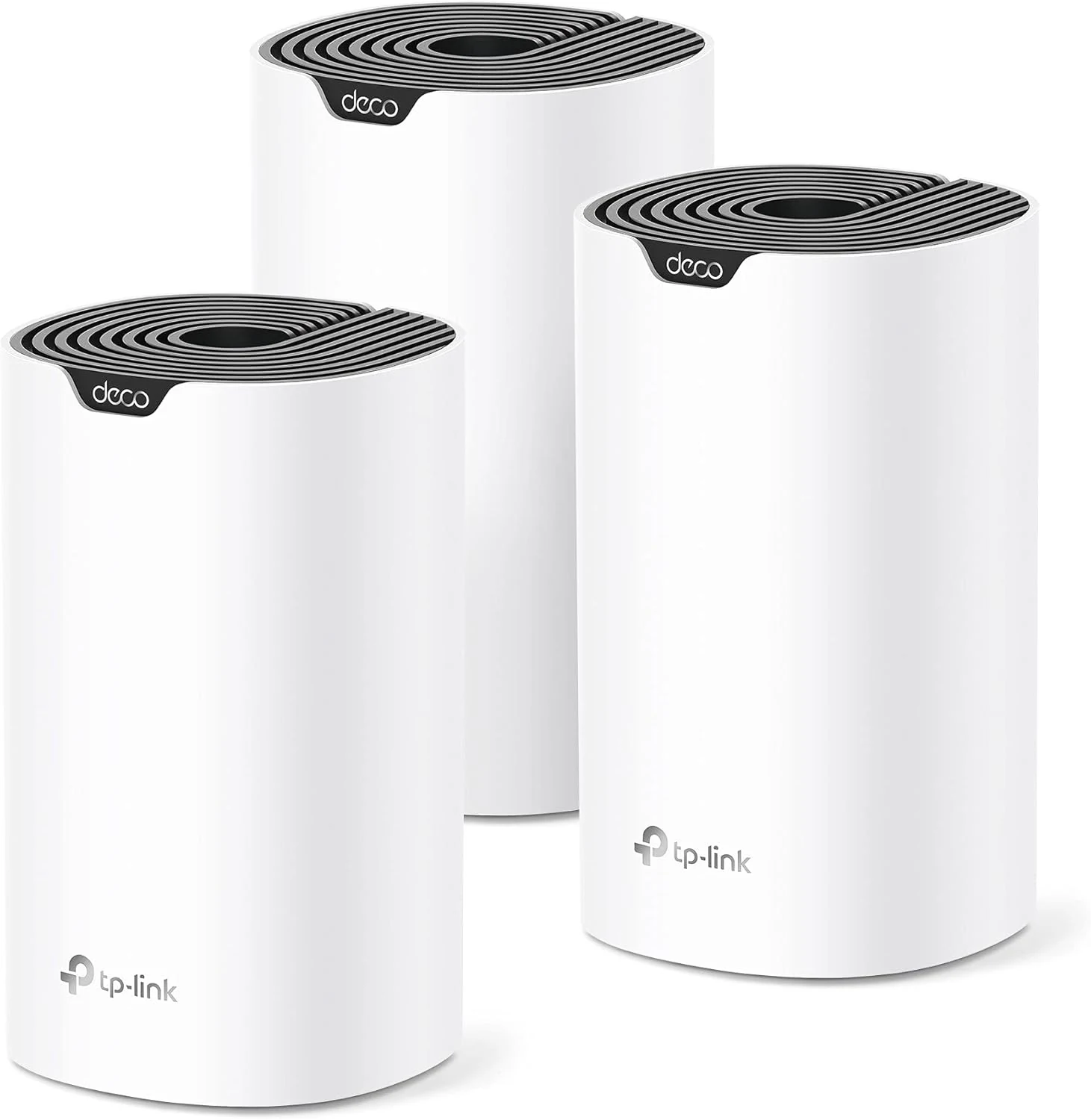
TP-Link Deco S4 Mesh AC1900 WiFi System (3-Pack)
The TP-Link Deco S4 (3-pack) is a dual-band Wi-Fi 5 mesh system designed to eliminate dead zones with seamless roaming, a single network name, and easy setup via the Deco app. It includes gigabit Ethernet ports (6 total for the 3-pack), supports wired Ethernet backhaul for better performance, and offers parental controls plus guest Wi-Fi. The main tradeoff to consider is that real-world speed can vary based on how far apart the units are placed and your home’s layout.

Google Nest WiFi Pro - Wi-Fi 6E reliable home mesh system
Google Nest WiFi Pro brings tri-band Wi‑Fi 6E to a whole-home mesh setup, with automatic performance tuning, guest and parental controls, and secure boot plus software updates. It’s a good pick for buyers who have (or plan to get) 6E-capable devices and want strong coverage, but installation experience and setup guidance may take patience depending on your home layout.
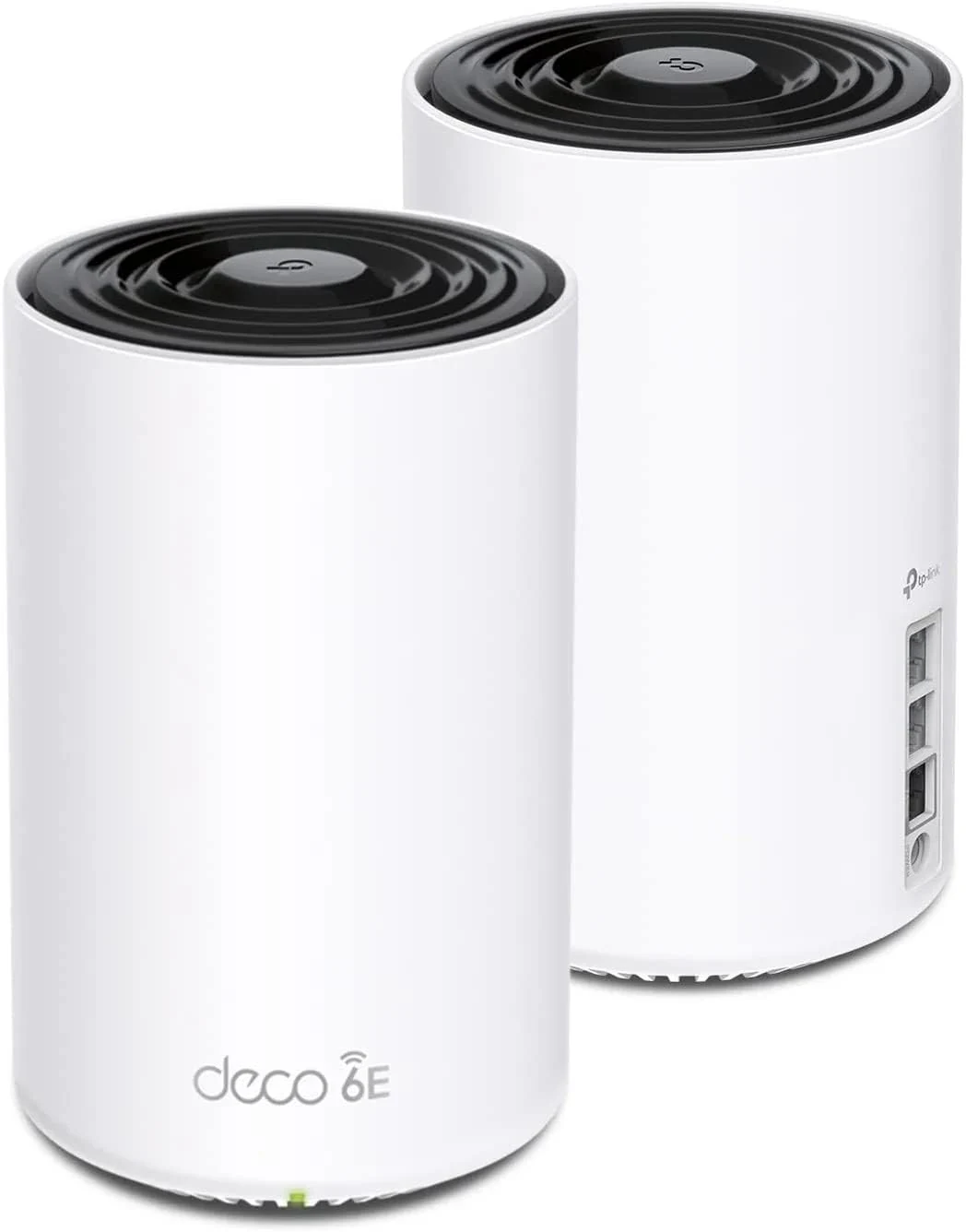
TP-Link Deco XE75 Pro AXE5400 Tri-Band WiFi 6E Mesh System
TP-Link Deco XE75 Pro is a tri-band WiFi 6E mesh system aimed at whole-home coverage, especially when you have multi-gig internet. It uses a 6 GHz band (often as backhaul) plus an AI-driven mesh approach for smoother roaming. The main catch is that coverage can vary by home layout, and the “Pro” value depends on whether you will use the 2.5G wired ports.
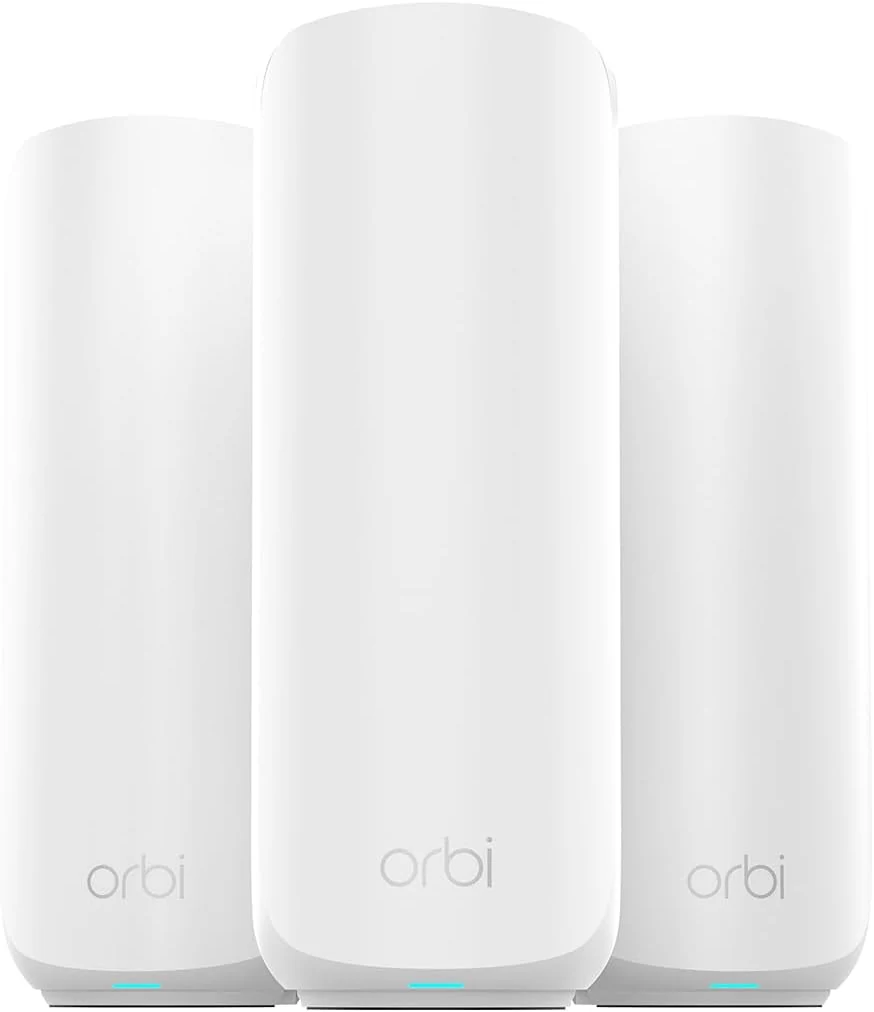
NETGEAR Orbi 370 Series WiFi 7 Mesh System for Home (RBE373)
NETGEAR Orbi 370 Series (RBE373) is a dual-band WiFi 7 mesh kit (router plus extenders) built for whole-home coverage up to about 6,000 sq ft, with multi-gig 2.5 Gbps Ethernet for faster wired links. It’s a strong option for buyers who want easier app-based setup and smoother performance across multiple devices, but it does not include a dedicated 6 GHz band and some users report occasional satellite stability issues.