Goalake 5-Port Ethernet PoE Switch (4 PoE Ports, 1 Uplink) with Extend Function, Easy Smart Managed Ethernet Switch
Quick take
This Goalake 5-port PoE switch combines four PoE+ powered ports with a dedicated 1Gb uplink, making it a practical choice for small camera or wireless access point networks. It supports features like VLAN, QoS, port mirroring, storm control, and smart management via web/app, plus a distance extend mode (with speed drop) for longer runs. The biggest buying caveat is power compatibility, and the reality that you only get five total Ethernet ports, so it may feel limiting as your network grows.
Pros and cons
Pros
- Four PoE+ ports (up to 30W per port, 52W total) for powering IP cameras and access points over Ethernet.
- Managed features shoppers often look for, including VLAN, QoS, port mirroring, and storm control.
- Quiet, fanless metal design, with mounting support for desktop or wall use.
- Extend transmission support up to about 250 m, with the expected tradeoff of reduced link speed.
Cons
- Only four ports provide PoE power, and non-PoE or passive PoE devices may require separate power.
- It is a small 5-port switch, so you may quickly run out of ports for larger setups.
- Extend mode reduces performance (speed drops to 10 Mbps), which may affect demanding video streams on long runs.
What buyers think
Buyer-review evidence for this switch highlights a few recurring themes: setup tends to be straightforward for straightforward plug-in deployments, and the PoE ports are used successfully to power cameras, VoIP phones, and other PoE-capable endpoints. Reviewers also mention practical management features in day-to-day use, such as the ability to enable or disable PoE per port and view port/device info from a management interface. Performance expectations appear matched to small networking needs, with users describing stable connections for PoE camera projects. That said, the review evidence includes at least one account of serious hardware failure after harsh outdoor exposure (inside an external enclosure), but it is not clear that this is a common product issue across typical indoor use, so it is best treated as a buyer-fit warning for outdoor conditions rather than a guaranteed defect.
Who this switch is for
- Home offices and small offices needing PoE for a handful of devices, such as cameras, Wi-Fi access points, or VoIP phones.
- DIY installers who want a managed feature set (VLAN/QoS, mirroring, control options) without moving up to a larger rack switch.
- Anyone extending runs where longer cabling matters, since the unit includes an extend function with a distance target and a clear performance tradeoff.
Key features that matter in real setups
PoE power budget and port layout
The switch provides four PoE ports (PoE+ compatible) plus a 1Gb uplink. Each PoE port can deliver up to 30W, and the total PoE output across all PoE ports is 52W. That means it can support typical PoE cameras and access points, but you still need to check each device’s power class and total consumption when running multiple endpoints at once.
Smart management, VLAN, and qos
For buyers who care about control, this model supports a practical managed feature list, including 802.1Q VLAN, QoS optimization, port mirroring, and storm control. It also includes controls that help you manage which connected devices get PoE power, plus options for MAC/static addressing and network behavior. In daily use, that can be valuable if you are segmenting devices (VLAN) or prioritizing traffic (QoS) for steadier video and voice performance.
Extend function for longer Ethernet runs
The switch includes an extend feature intended to push data and power over longer distances, targeting up to 250 m. The tradeoff is important: link speed drops (to 10 Mbps) on extended links. For longer camera lines, this can be a lifesaver, but it is also a reason to match expectations to the bandwidth needs of your specific cameras (and to use solid cabling like Cat5e or better when stretching runs).
Hardware design for everyday installs
It uses a fanless metal enclosure and is designed for desktop or wall mounting. A quiet, compact form factor can be a strong advantage when placing the switch near power and cabling rather than in a rack. There are also LED indicators per port to quickly confirm link and PoE behavior at a glance.
Pros and cons, summarized
If you want a compact managed PoE switch for a small number of devices, the PoE+ power capability, VLAN/QoS feature set, and extend mode make the Goalake a credible option. The limitations are mostly about scope (only five ports total) and compatibility (PoE power is not universal for non-PoE or passive-PoE equipment), plus the extend mode performance drop.
Price and availability
The listing pricing can fluctuate, so the best approach is to check the current Amazon price before buying. If the price is close to competing small PoE switches, prioritize the feature mix that matches your plan (managed VLAN/QoS, port count, and whether you truly need extend mode).
Verdict: should you buy it?
Buy it if you need a small managed PoE switch for up to four PoE endpoints, want VLAN/QoS and other control features, and your cabling distances are sometimes longer than standard runs (where extend mode can help).
Skip it if you need more than four PoE devices, you are planning to power non-PoE or passive-PoE hardware without a separate power solution, or you cannot tolerate reduced speed on extended links.
See the latest price here: Buy on Amazon.
FAQ
Does this switch deliver PoE power to every Ethernet device?
No. It is designed to provide PoE power only through its PoE ports to compatible PoE devices. If you connect a passive PoE or non-PoE device, the switch may only pass data, and you may need separate power or an appropriate PoE splitter.
How much power can it provide per PoE port?
Up to 30W per PoE port, with a total PoE power budget of 52W across all PoE ports combined.
What happens when you use the extend transmission feature?
It is intended to support longer distance data and PoE, targeting up to 250 m. The main tradeoff is that link speed can drop to around 10 Mbps on extended connections.
Is this switch good for IP cameras?
It is commonly used for small camera setups because it has four PoE ports, supports PoE+ standards, and includes management features like VLAN and QoS that can help with network organization and traffic handling.
Can I mount it on a wall?
Yes. It is designed for both desktop and wall mounting, and it uses a compact metal housing.
Does it support VLAN and QoS?
Yes. It supports 802.1Q VLAN and includes QoS optimization features.
Specifications
| Product Title | 5-Port Ethernet PoE Switch (4 PoE Ports, 1 Uplink) with Extend Function, Easy Smart Managed Ethernet Switch, Plug & Play, Fanless Metal Design, VLAN, Qos,Desktop/Wall Mount |
|---|---|
| Category | Electronics > Computers & Accessories > Networking Products > Switches |
| Brand | Goalake |
| Manufacturer | GL |
| Model Number | 5 Port | 52W 4x PoE+ |
| Item Weight | 0.4 Kilograms |
| Color | black |
| Number of Ports | 5 |
| Compatible Devices | Fully compatible with IP cameras, access points, IP phones, computers, printers, and more. |
| Voltage | 44 Volts (DC) |
| Maximum Power | 52 |
| Upper Temperature Rating | 60 Degrees Celsius |
| Interface | PoE |
| Data Transfer Rate | 100 Megabits Per Second |
| Switch Type | Unmanaged PoE Switch |
| Platform | Not Machine Specific |
| Case Material Type | Metal |
| Built-In Media | 5 Port PoE Switch, 1 Power Cord, User Manual |
| Warranty Description | 1-Year Replacement Guarantee |
| Mfr Part Number | PS104G |
| Unit Count | 1.0 Count |
| Item Dimensions L x W x H | 4.1"L x 3.7"W x 1.1"H |
| Included Components | 5 Port PoE Switch, 1 Power Cord, User Manual |
Available variants
Style
- Built with SFP
- NO SFP
Size
- 24 Ports
- 4 Ports
- 16 Ports
- 8 Ports
Recommended next
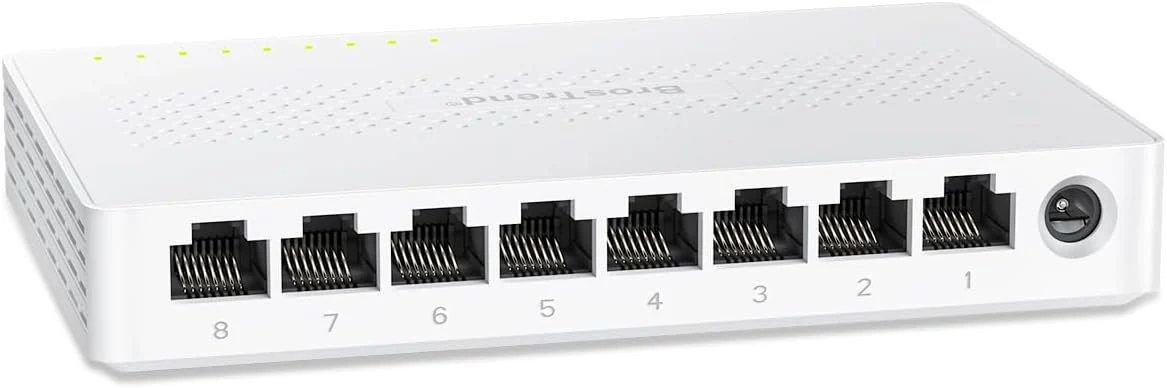
BrosTrend 2.5Gb Switch, 8 Port Network Switch 2.5 Gigabit, Unmanaged Ethernet Switch
The BrosTrend 8-port unmanaged 2.5Gb switch is a simple, fanless way to add multi-gig speeds to a small home office or gaming setup. It focuses on plug-and-play convenience, quiet operation, and using common RJ45 connections, with a straightforward limitation: it does not add managed features like VLAN.
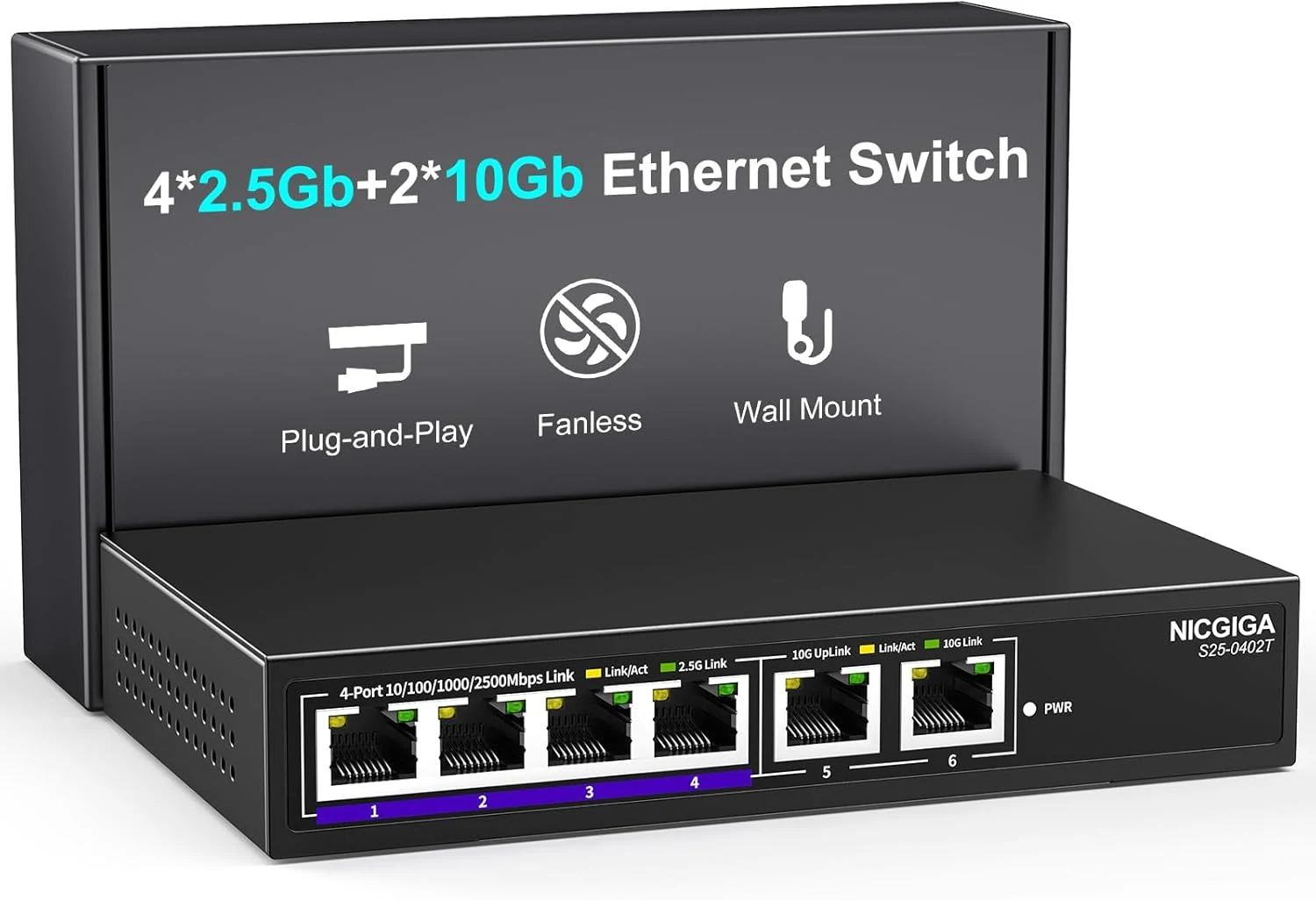
NICGIGA 10Gbe Ethernet Switch Unmanaged with 2 x 10Gb RJ45 Ports + 4 x 2.5Gb Base-T Ports
A simple, unmanaged 6-port switch that mixes 2 x 10Gb RJ45 and 4 x 2.5Gb RJ45 for upgrading a home lab, NAS, or Wi-Fi setup. It is designed for plug-and-play use, fanless operation, and quiet 24/7 running, with the main caveat that unmanaged switches offer no advanced controls.
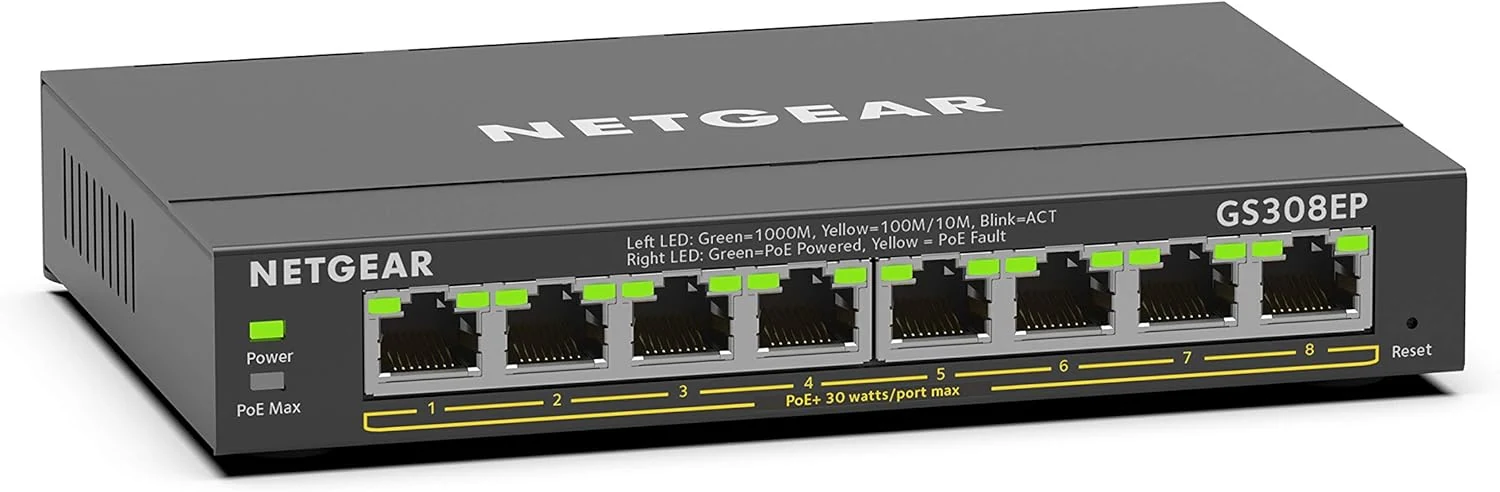
NETGEAR 8 Port PoE Gigabit Ethernet Easy Smart Managed Essentials Switch (GS308EP)
The NETGEAR GS308EP is an 8-port Gigabit PoE+ (8 PoE+ ports) smart managed switch designed to power devices like IP cameras, VoIP phones, and wireless access points with a 62W total PoE budget. Buyers highlight plug-and-play simplicity, stable performance over months, and a compact desktop or wall-mount form factor, with the main tradeoff being limited “advanced” controls compared with more feature-heavy managed switches.
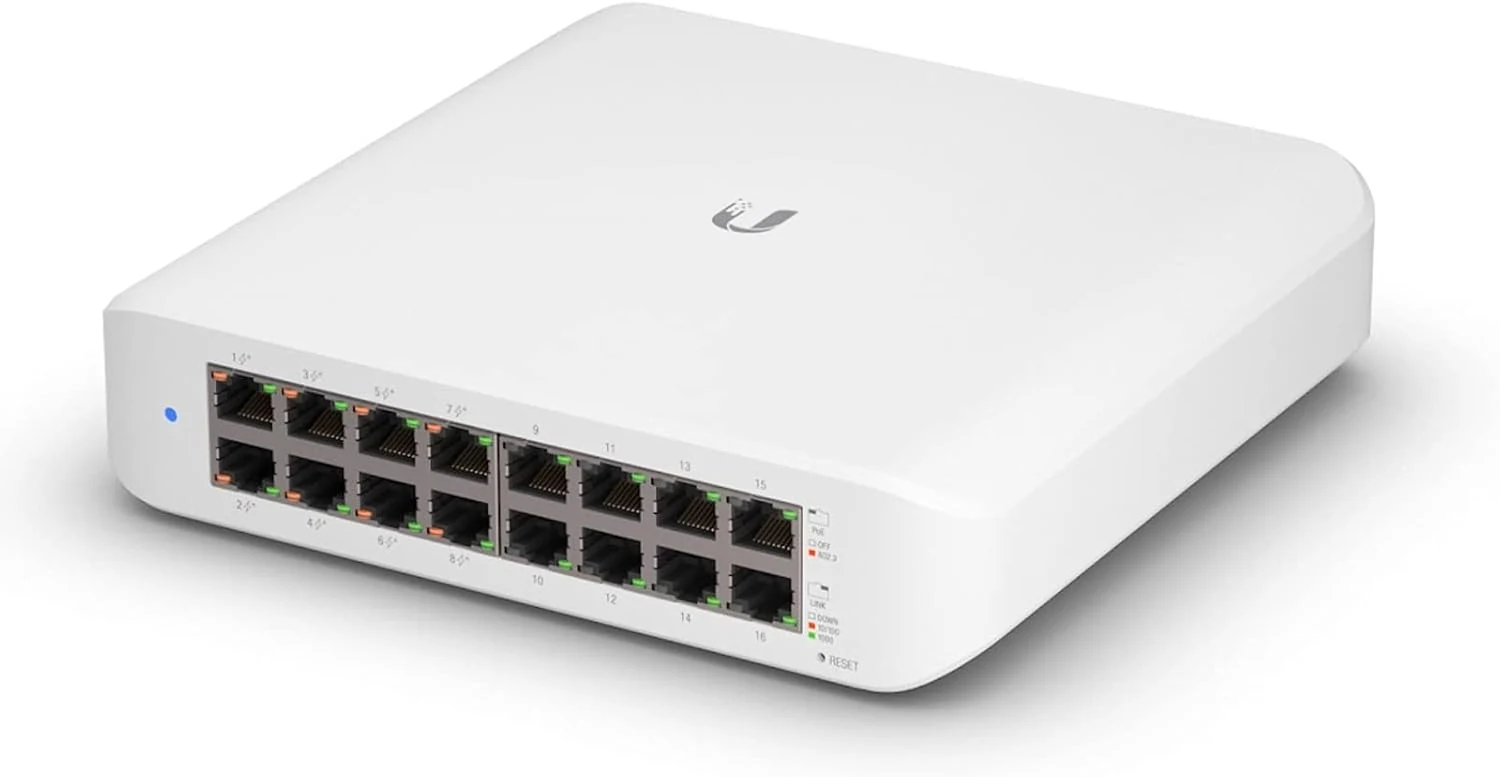
Ubiquiti UniFi Switch (USW-Lite-16-PoE, 16 Gigabit Ethernet Ports, 8 PoE+ Ports, Wall Mounted)
The Ubiquiti UniFi Switch USW-Lite-16-PoE is a fully managed, Layer 2 gigabit switch built for UniFi controller setups. It includes eight PoE+ ports for powering devices like access points and cameras, with an overall PoE power cap that matters if you plan to run power-hungry gear.