Garmin Adapter Cable
Quick take
The Garmin Adapter Cable is designed to connect a Yamaha engine bus multi-hub setup to a compatible Garmin GPSMAP chartplotter so Yamaha touchscreen engine interface data can appear on the Garmin. Buyers who have the matching Yamaha bus wiring and a Garmin unit with a J1939 port often describe it as fast to get working. The main caveat is compatibility and planning, because many installs still require Yamaha-specific pigtail or adapter parts, and connecting to the wrong port can cause confusion.
Pros and cons
Pros
- Built to bridge Yamaha J1939 engine bus data to compatible Garmin GPSMAP chartplotters.
- Installation is often described as simple, with users reporting information appears on the Garmin quickly after connecting.
- Single-cable adapter for the Yamaha-to-Garmin link (you provide the right Yamaha pigtail/hub side as needed).
- Supports Garmin navigation features that rely on Yamaha-sourced data in the supported setup.
Cons
- You may need additional Yamaha adapter hardware (pigtail bus wire and/or part-specific adaptation) to complete a working system.
- Correct port selection matters, since it is intended for the Garmin J1939 port (not the NMEA 2000 port).
What buyers think
Buyer-review evidence is fairly consistent that the Garmin Adapter Cable can enable Yamaha engine-bus data to show up on a compatible Garmin MFD without lengthy troubleshooting. Many comments highlight quick, plug-and-play style setup once the correct Yamaha connection path is in place. The most recurring “gotcha” is that this adapter does not necessarily eliminate the need for Yamaha-specific pigtail or bus-bar adaptation pieces, and that the Garmin connection must be made to the J1939 port.
What this cable actually connects
This adapter is intended to connect a J1939-equipped Garmin GPSMAP chartplotter series installation to a Yamaha engine bus multi-hub. The practical result, in supported setups, is that Yamaha’s custom touchscreen engine interface data can be brought into the Garmin display. It is a marine accessory category cable, not a general-purpose charging cable, so matching the Yamaha and Garmin sides is essential.
Who it is best for
- You have a Yamaha engine bus multi-hub and want that engine data available on a Garmin GPSMAP chartplotter.
- Your Garmin unit has a J1939 port and you are ready to use the Garmin’s Yamaha integration path.
- You prefer a targeted adapter solution rather than piecing together a mixed set of connectors without knowing which signals are supported.
Who should avoid it
- You want a cable that works with a Garmin via NMEA 2000 alone. This adapter is meant for the Garmin J1939 port.
- Your Yamaha setup does not include (or cannot be adapted to) the correct engine bus multi-hub side that this cable is meant to mate with.
- You are not willing to verify parts on both the Yamaha and Garmin sides. If you cannot confirm compatibility, you may end up needing additional Yamaha pigtails/adapters anyway.
Key setup details to double-check before buying
1) Confirm your Garmin has the right port
The intended connection is the Garmin J1939 port. Some buyers note that the connector may physically fit into other Yamaha- or marine-network sockets, but it must be connected to the correct Garmin port for the data link to work as intended.
2) Plan for Yamaha pigtail or adaptation hardware
Several installation experiences point out that completing the Yamaha-to-Garmin data path can require Yamaha-specific pigtail bus wire and/or additional adaptation parts. If your bus hub is not conveniently reachable, you may also need the right length of Yamaha pigtail bus wire, since the adapter cable itself may be available only as a single adapter length.
3) Make sure you have the Yamaha side that supports the interface
This is not a universal “engine data to any GPS” adapter. The expected use case is connecting from Yamaha engine bus multi-hub wiring to a compatible Garmin J1939 chartplotter installation.
Pros and cons, in plain terms
Pros: When paired with the correct Yamaha bus side and a Garmin chartplotter that supports the J1939 path, users report quick communication and immediate availability of Yamaha info on the Garmin display. Buyers also describe the setup as straightforward after the right connections are made.
Cons: Expect the possibility of additional Yamaha parts. The cable is an adapter, so you may still need Yamaha pigtails and must ensure you are connecting to the Garmin J1939 port rather than relying on other marine networking ports that may look compatible.
Price and availability
The current price can change, so it is worth checking the latest listing price before you order. At the time of this writing, the product is listed in the US market with an availability status of in stock, and a list price higher than the current price is shown.
Verdict: is the Garmin Adapter Cable worth it?
Buy the Garmin Adapter Cable if you already have a Yamaha engine bus multi-hub setup and a Garmin GPSMAP unit with the J1939 port, and you want Yamaha engine interface data on your Garmin screen. It looks like a strong fit for boaters who want a clean, supported Yamaha-to-Garmin data bridge and can also source any required Yamaha pigtail or adaptation pieces. Skip it (or at least verify compatibility first) if you are counting on a plug-into-anything solution, or if you are trying to make it work via NMEA 2000 only.
FAQ
Does this cable replace the need for a Yamaha pigtail?
Not necessarily. Multiple install experiences indicate you may still need Yamaha-specific pigtail bus wire and/or adaptation parts to connect the Garmin to the Yamaha hub and bus wiring properly.
Where should I plug it in on the Garmin, J1939 or NMEA 2000?
It is intended for the Garmin J1939 port. Using the wrong port can lead to confusion, since the connector may physically fit elsewhere.
Will it work with any Garmin chartplotter?
No. It is designed for compatible Garmin GPSMAP chartplotter installations that support the J1939 connection approach.
How hard is the installation?
Many buyers describe setup as fast once the correct Yamaha pigtail/adaptation pieces are in place and the connection is made to the proper Garmin port.
What Yamaha setup do I need?
You generally need a Yamaha engine bus multi-hub style setup that can connect through the Yamaha bus wiring path intended for J1939 engine data.
Specifications
| Product Title | Garmin Adapter Cable |
|---|---|
| Category | Electronics > GPS, Finders & Accessories > GPS System Accessories > Chargers & Cables |
| Brand | Garmin |
| Manufacturer | Garmin |
| Model Number | 101277000 |
| Color | Black |
| Item Weight | 0.8 Ounces |
| Compatible Devices | Router |
| Connector Type | Standard connector for Yamaha engine bus multi-hubs and Garmin GPSMAP chartplotters |
| Number of Ports | 1 |
| Power Plug Type | No Plug |
| UPC | 753759205614 |
| Global Trade Identification Number | 00753759205614 |
| Mfr Part Number | 010-12770-00 |
| Built-In Media | Garmin Adapter Cable |
| Item Type Name | Marine Accessory |
| Warranty Description | 2 year limited warranty |
| Item Dimensions | 12 x 0.5 x 1 inches |
| Package Quantity | 1 |
| Unit Count | 1.0 Count |
| Number of Items | 1 |
| Warranty Type | warranty information not available |
| Item dimensions L x W x H | 12 x 0.5 x 1 inches |
Recommended next
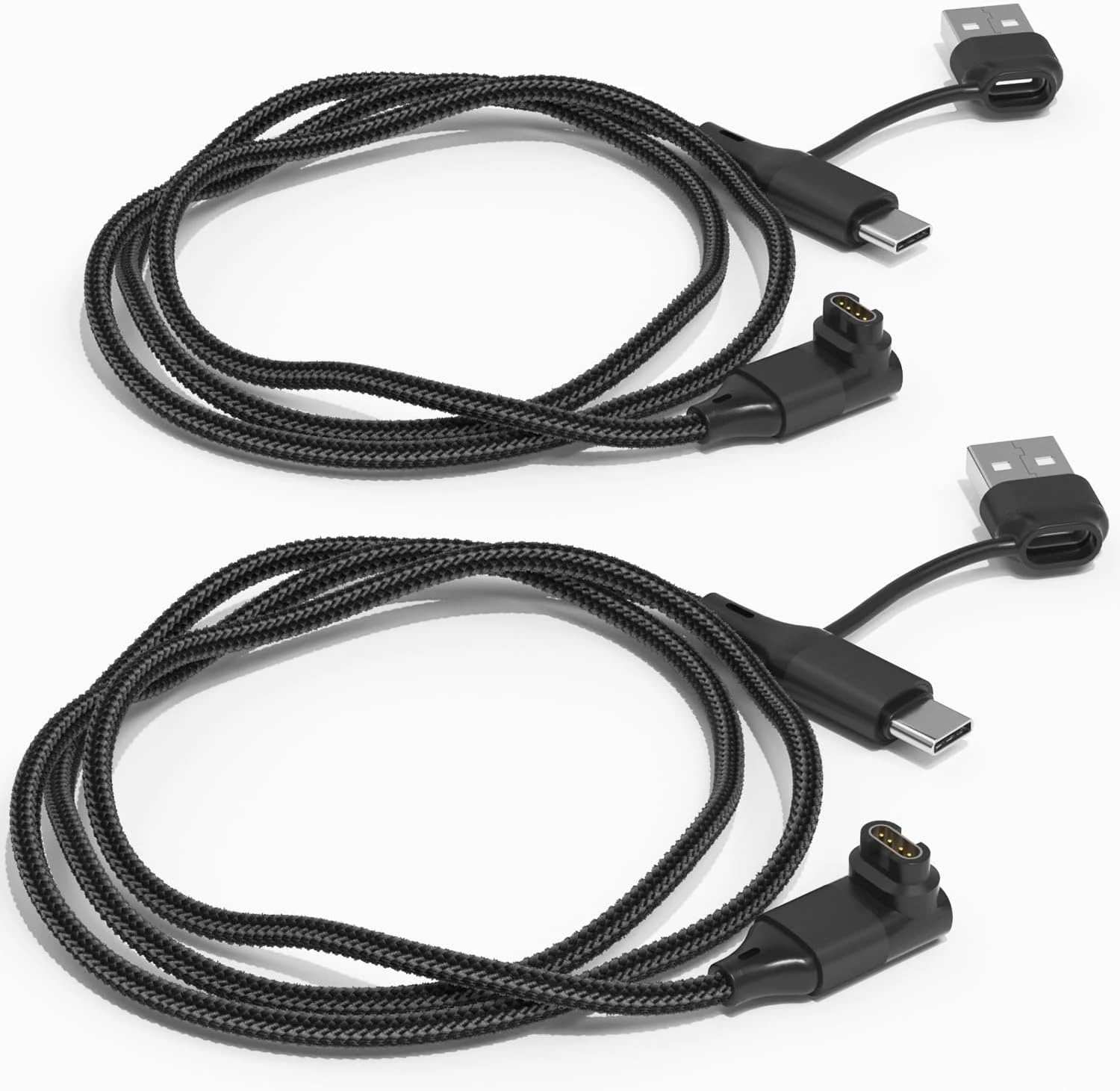
2 in 1 for Garmin Watch Charger Cable 3.3FT 2-Pack, USB Charging Cord with Type-C for Fenix 8 7 7X 6 Pro,Forerunner 970 965 570 265 255 165 55,Vivoactive 5 4,Instinct,Venu 3 3S X1,Epix,Vivomove,Tactix
This 2-pack of angled Garmin watch charging cables is designed to keep your watch stable while it charges, with a short 3.3 ft (100 cm) braided cable and a 4-pin connector. Buyers like the right-angle plug for reducing strain and the flexible USB-A or USB-C charging options via a included USB-A to USB-C adapter, with compatibility across many Garmin Fenix, Forerunner, Vivoactive, Venu, Instinct, and other lines.
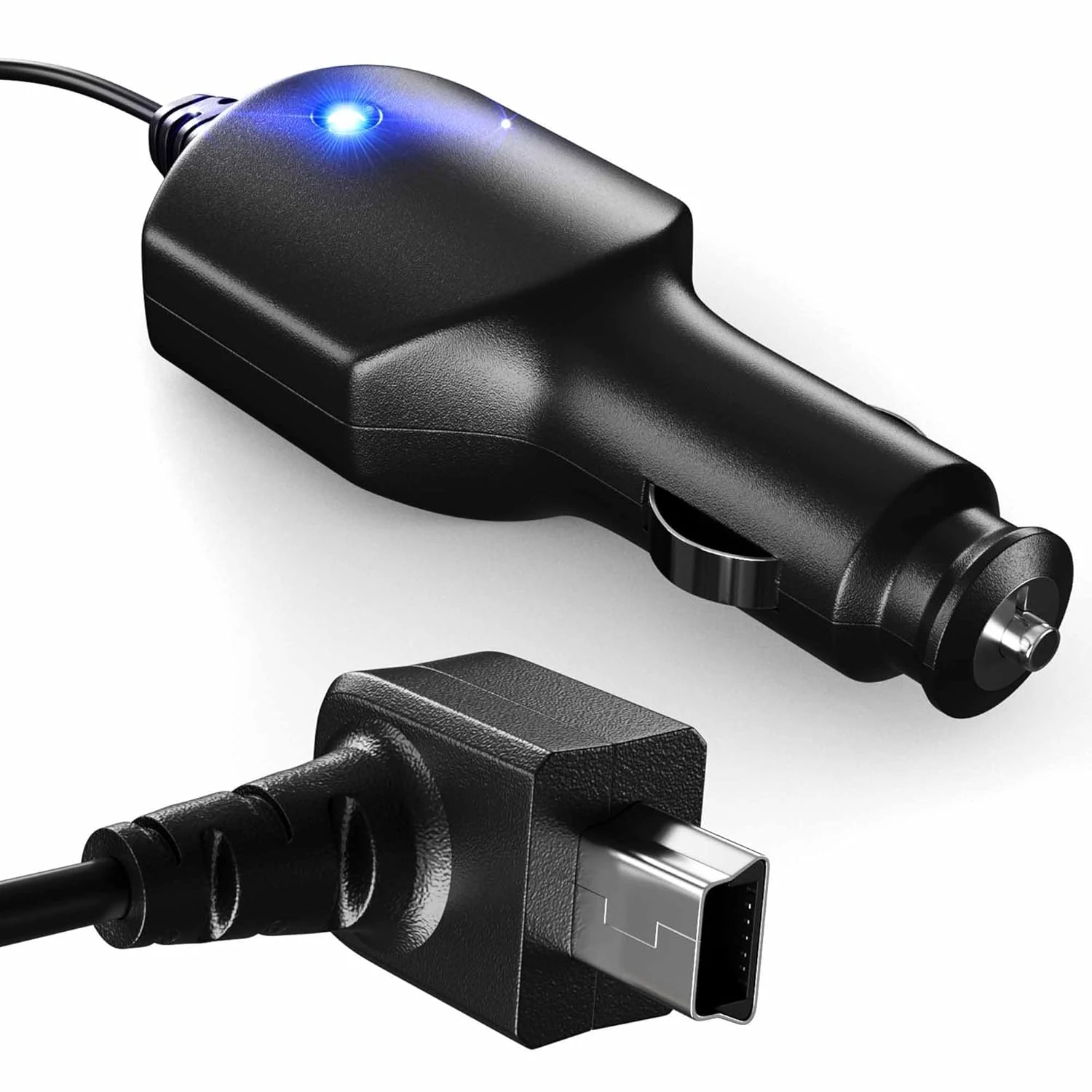
Crossery Car Charger Power Cord for Garmin Nuvi GPS
A 5 ft mini-USB car charging cable built for Garmin nüvi, Dezl, Drive, DriveSmart, DriveAssist, RV, and Zumo models (no traffic support). It’s designed to plug into a North American 12V car adapter and keep your GPS powered while you drive, with a handy charging LED indicator. The main caveat is that it’s a power-only replacement and it will not add traffic functionality.
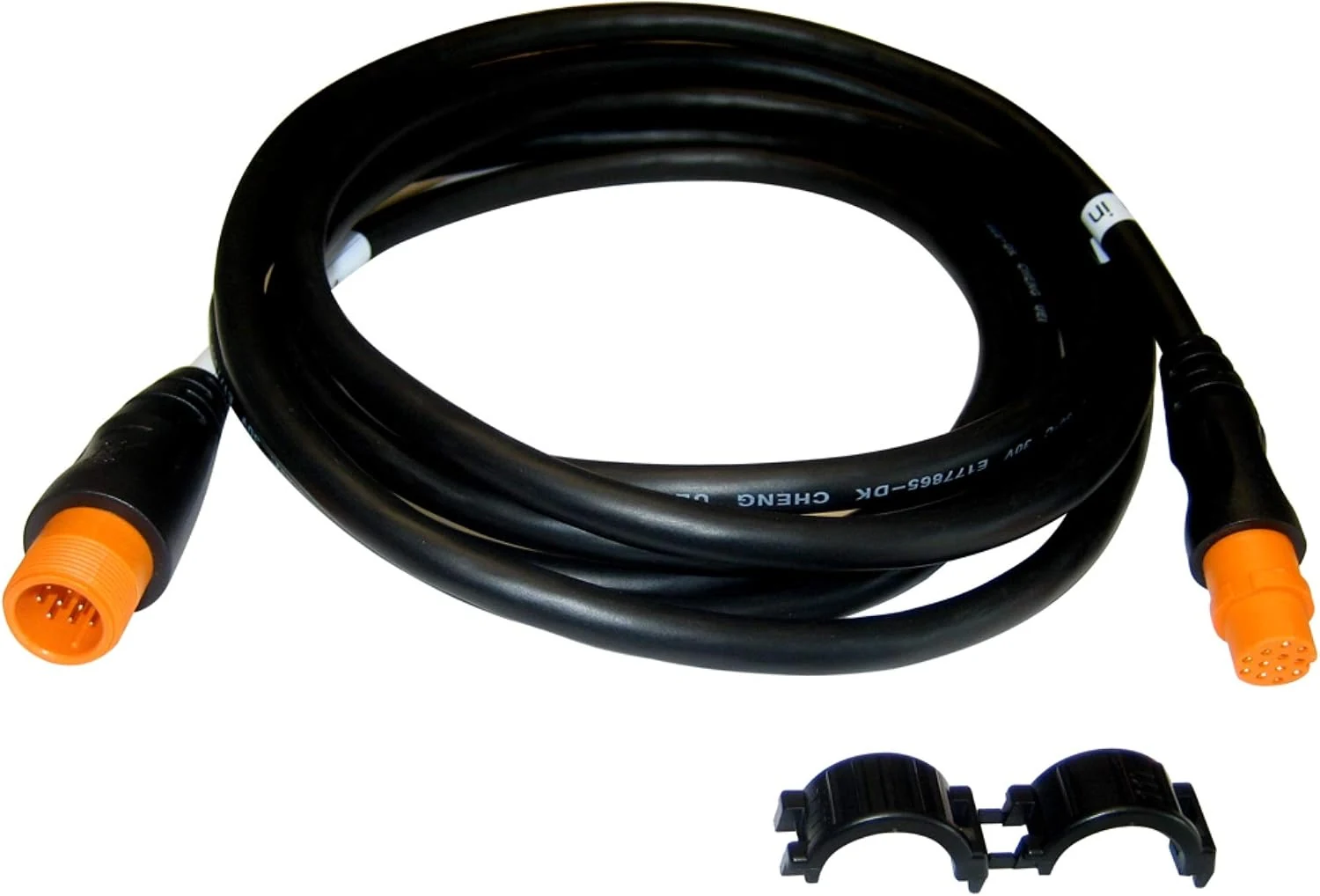
Garmin Extension Cable, 12-pin
The Garmin Extension Cable, 12-pin is a purpose-built marine accessory for extending the reach of compatible 12-pin transducers, using Airmar XID support. It is designed to be weather and UV resistant, making it a practical solution when cable length is the limiting factor. The main caveat is compatibility, since it is intended for specific 12-pin setups.
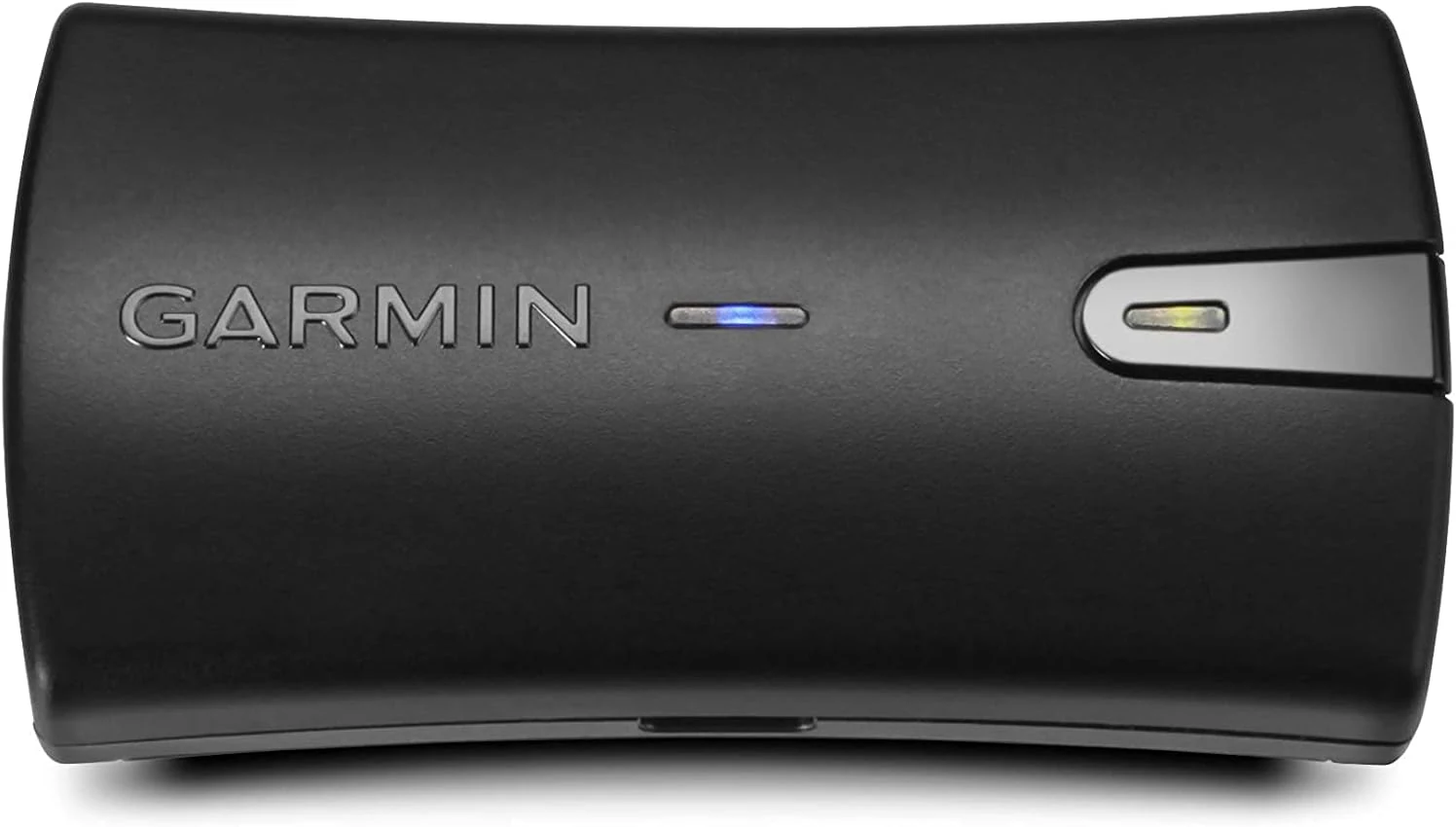
Garmin GLO 2 Bluetooth GPS Receiver Bundle with Vehicle Power Cable 010-02184-01
Garmin GLO 2 is a compact Bluetooth GPS receiver designed for tablets and phones that lack built-in GPS. It supports GPS and GLONASS, offers up to 13 hours of battery life, and can connect to multiple devices, making it a practical add-on for road trips and on-water navigation. The main caveat is that real-world accuracy gains depend on your host device and environment.