for Microsoft Surface Pro 7 1866 2019 Screen Replacement (LP123WQ1 / LP123WQ2, 2736x1824)
Quick take
This is a replacement LED LCD touch screen assembly built for the Microsoft Surface Pro 7 (model 1866, 2019) with LP123WQ1 or LP123WQ2 digitizer parts. Buyers report it can restore a cracked screen and, when installed correctly, bring touch and display back to working order. The main caveat is that installation details and cable handling matter a lot, and some display oddities can require a careful reinstall or troubleshooting.
Pros and cons
Pros
- Designed for Surface Pro 7 (1866, 2019), with compatibility tied to LP123WQ1/LP123WQ2 digitizer versions.
- Includes touch functionality support (2736x1824 resolution on a 12.3-inch LED LCD).
- Many buyers describe it as a good replacement fit when the right screen version is selected.
- Packaging and safe handling are frequently mentioned as positives.
Cons
- Installation is delicate, including detachable display/touch cable connectors that must be seated correctly.
- Touch or display performance issues can occur if connectors are mishandled, or if additional setup steps are needed.
- Because the Surface Pro 7 has different internal display variants, you must verify the exact model and whether your original screen is touch.
What buyers think
Buyer review evidence is mixed in detail, but the recurring themes are clear. Compatibility is a strong factor when the correct LP123WQ1 or LP123WQ2 version is chosen, with multiple reports describing a good fit on Surface units. Buyers also frequently emphasize that installation accuracy is critical, especially around fine connectors and keeping small parts aligned during reassembly. Some users report that after a first power-on, visual issues like odd color behavior were resolved after a driver reinstall or a careful reseat, suggesting troubleshooting may be part of the process rather than a guaranteed plug-and-play experience. There are also limited but notable reports of touch problems or an area of the display not functioning as intended, which points to the importance of handling and testing promptly after installation.
Key specs you should confirm before buying
- Compatible device: Microsoft Surface Pro 7 (1866, 2019).
- Digitizer version: LP123WQ1 or LP123WQ2.
- Display size and type: 12.3-inch LED LCD touch screen.
- Resolution: 2736x1824.
The most important buying step is verifying your exact Surface Pro 7 screen variant, including whether your current display is touch. If you are unsure, it is worth double-checking the model and screen details before you order, because choosing the wrong digitizer version can lead to compatibility problems.
Installation considerations that buyers highlight
Replacing a Surface Pro display is different from swapping many typical laptop screens. Reviews repeatedly point to careful connector handling and reassembly alignment. Here are the practical checkpoints that show up in buyer feedback:
- Don’t rush the cable swap. Detachable display/touch-related cables are easy to damage or mis-seat if you force anything.
- Keep small components organized. Reassembly can involve tiny spacer parts or alignment features that must go back in the right place.
- Expect fine-tolerance work. Multiple reviews mention that snapping connectors into place and re-screwing carefully is part of the job.
- Test early after installation. Buyers recommend booting and checking function promptly so you can address issues while the repair is still accessible.
If the display powers on but looks wrong, one review notes that a driver reinstall helped resolve a “pink hue” type symptom. That is not guaranteed, but it does suggest you may need basic software-level troubleshooting after hardware replacement.
Pros and cons for the right buyer
Best for
- Surface Pro 7 (1866, 2019) owners with a cracked or failing touch screen who have identified their current LP123WQ1 or LP123WQ2 digitizer variant.
- DIY repairers who are comfortable doing careful, small-connector work and following a detailed disassembly guide.
- Buyers who want to restore both display and touch functionality at the part level, not just a screen panel.
Who should avoid it
- If you cannot verify your exact screen variant (LP123WQ1 vs LP123WQ2), there is a higher risk you may order the wrong assembly.
- If you expect an easy, tool-light replacement, this type of Surface Pro teardown may be more difficult than other laptop screen swaps.
- If you are not prepared to troubleshoot (for example, basic driver or reseat steps), you may prefer a service-based repair instead.
Is this for Microsoft Surface Pro 7 1866 2019 screen replacement worth it?
It can be worth considering when you have a confirmed match for your Surface Pro 7 display variant and you want a touch-capable replacement assembly. The strongest practical benefit is that buyers often describe it as a workable fit when the right version is selected. The biggest risk is not the screen resolution or size, it is the combination of model-variant matching and the precision needed during installation. If you are willing to take your time, test methodically, and follow careful disassembly steps, this is a reasonable way to bring a damaged Surface Pro 7 display back to life.
Price and availability
The current price can change over time. Check the live listing for the most accurate cost and any updated terms. You can also compare listings to confirm that the assembly specifically targets the Surface Pro 7 (1866, 2019) and matches LP123WQ1 or LP123WQ2.
FAQ
How do I make sure this screen replacement matches my Surface Pro 7?
You should verify your Surface Pro 7 model (1866, 2019) and confirm the digitizer version (LP123WQ1 or LP123WQ2). Also confirm whether your existing screen is touch. If you cannot confirm these details, contact the seller for help before ordering.
Is this replacement screen for Surface Pro 7 touch-enabled?
Yes. This assembly is described as a touch screen digitizer for the specified Surface Pro 7 models and uses the 2736x1824 resolution on a 12.3-inch LED LCD.
What should I do if the screen looks wrong after installation?
Buyer reports suggest testing after reassembly, and if the display behaves oddly, trying a careful reinstall or troubleshooting steps (for example, updating or reinstalling the graphics driver) may help. Reseating connectors is also a key consideration during troubleshooting.
What are the most common installation pitfalls?
Common pitfalls include damaging or misaligning the detachable display or touch-related cables, losing small spacer or alignment components during reassembly, and not snapping fine connectors into place correctly. Taking your time and following a detailed Surface Pro 7 disassembly guide is important.
Will this work if my Surface Pro 7 uses a different screen variant?
Surface Pro 7 units can use different internal display variants. This replacement is intended for the LP123WQ1 or LP123WQ2 digitizer versions, so using the wrong variant increases the chance of compatibility issues. Confirm before you buy.
What should I test right after swapping the screen?
After installation, boot the device and verify basic display function and touch responsiveness. It is also smart to check for any obvious visual artifacts so you can address problems while the repair is still accessible.
Specifications
| Product Title | for Microsoft Surface Pro 7 1866 2019 (2019) Screen Replacement for Surface Pro 7 C02XR7Y9JG5H Digitizer 2736x1824 12.3 inch LED LCD Touch Screen Display Digitizer Assembly LP123WQ1 LP123WQ2 |
|---|---|
| Category | Electronics > Computers & Accessories > Laptop Accessories > Replacement Screens |
| Manufacturer | PEHDPVS |
| Item Weight | 1.76 pounds |
| Package Dimensions | 14.29 x 10.31 x 1.73 inches |
| Item model number | Surface Pro 7 (1866 ) |
Available variants
Size
- for Surface Pro 5 6 LCD
- for Surface Pro 6
- for Surface Pro 9
- for Surface Pro 7 Plus
- for Surface Pro 10
- for Surface Pro 4
- for Surface Pro 11-OLED
- for Surface Pro X
- for Surface Pro 11-Non-OLED
- for Surface Pro 7
- for Surface Pro 3
Recommended next
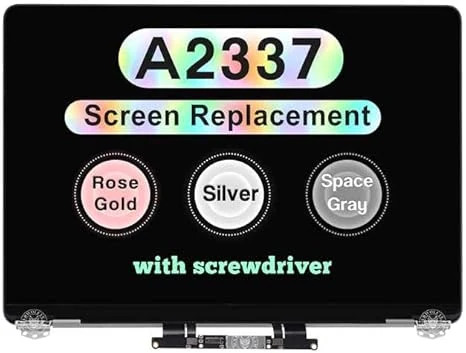
Screen Replacement for MacBook Air M1 2020 A2337 EMC 3598 Retina Full LCD Display Assembly 13.3" 2560x1600 (Space Gray)
This WARWOLFTEAM replacement LCD is designed for MacBook Air 13-inch M1 (2020) models with A2337 and EMC 3598. It offers a 2560x1600 Retina LED backlight panel for restoring the look and brightness of a damaged screen, but success depends heavily on correct model matching and careful installation.
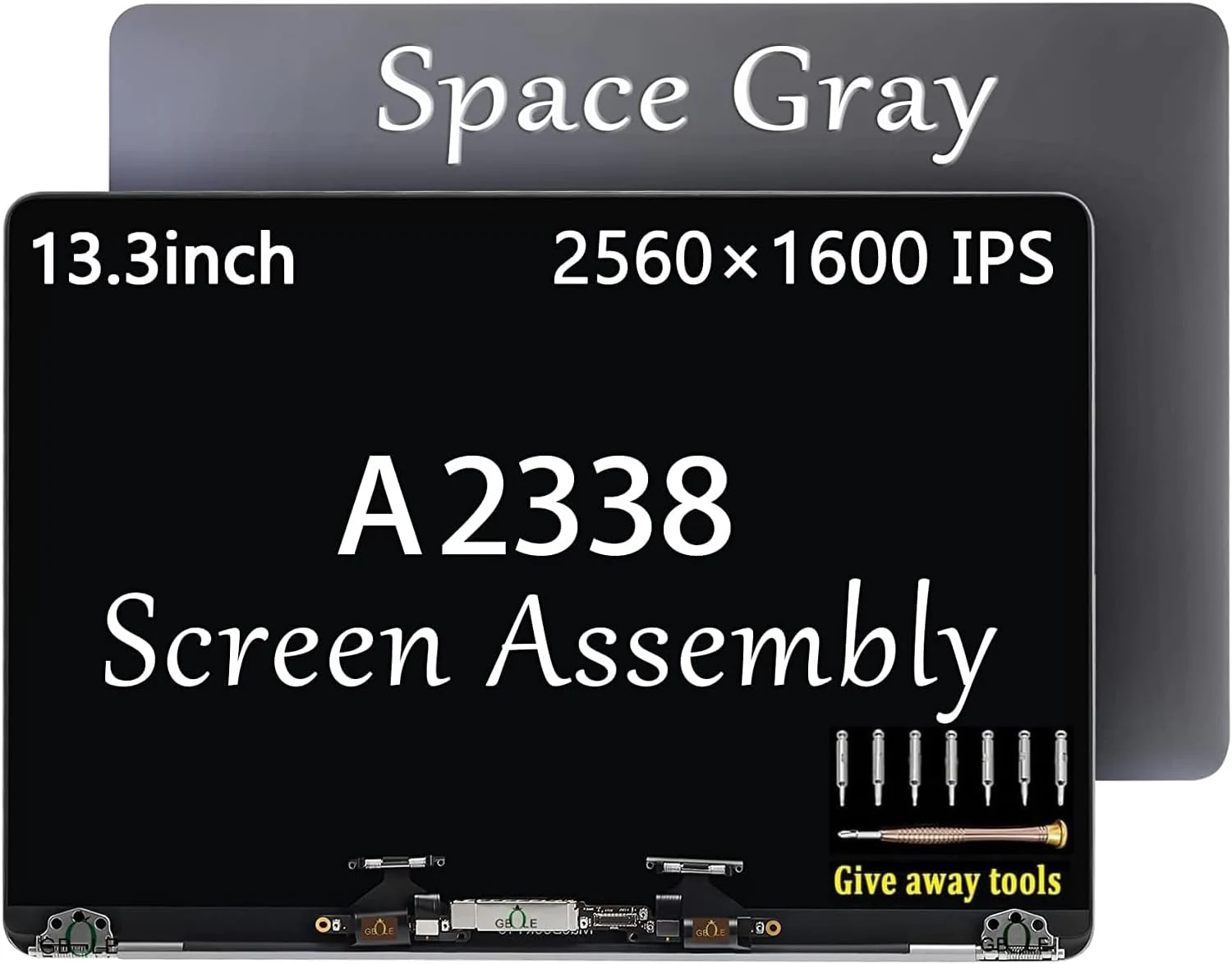
A2338 M1 M2 Screen Replacement for MacBook Pro Retina A2338
A replacement LED LCD screen assembly for select 13.3-inch MacBook Pro Retina models (A2338, M1/M2, EMC 3578). Buyers like the fit and image restoration, plus helpful included tools, but there are concerns about brightness differences and occasional early failures or support friction.
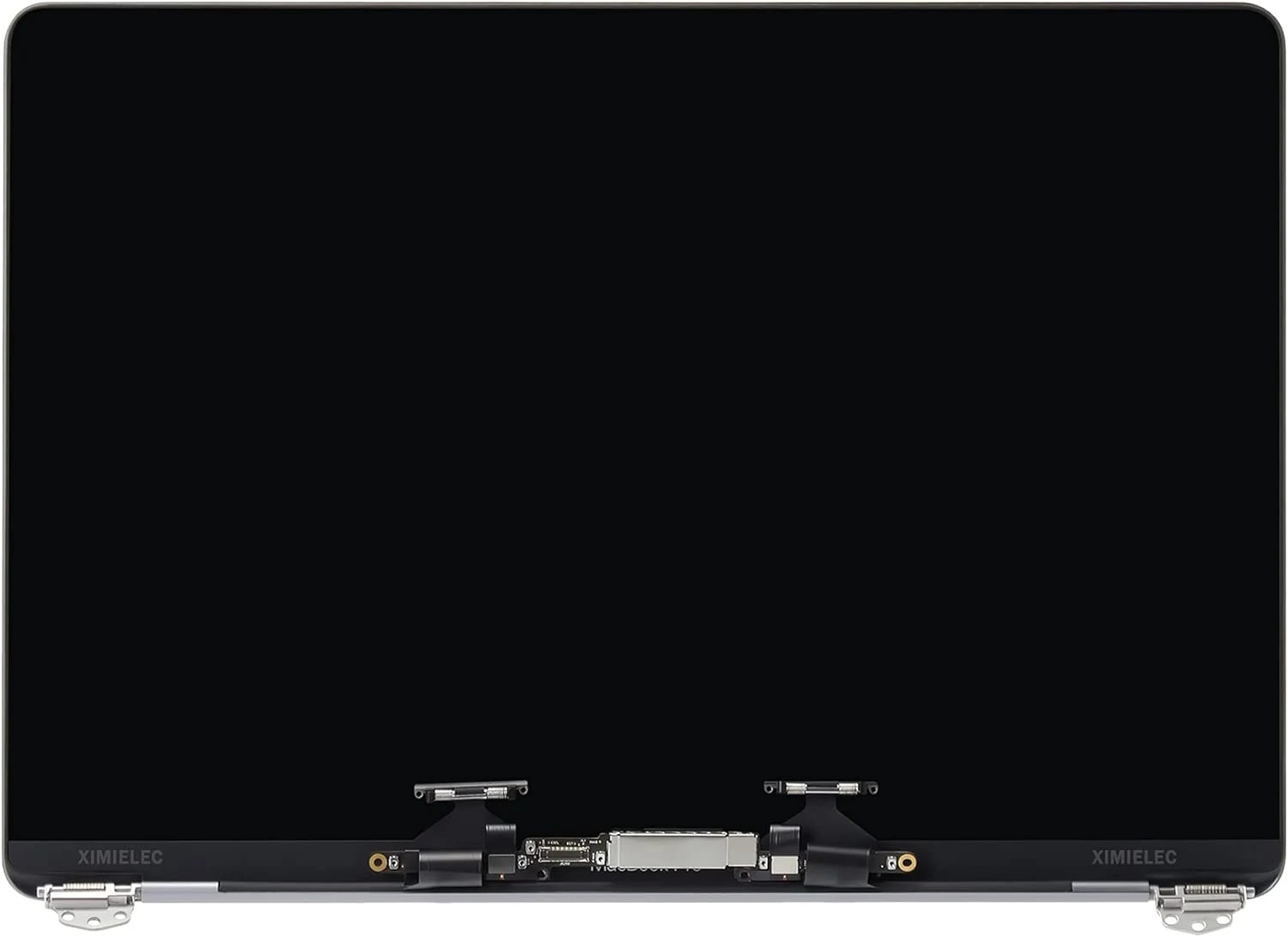
XIMIELEC Replacement for MacBook Pro A1706 A1708 EMC 3071 EMC 3163 EMC 2978 EMC 3164 13-inch Space Gray LCD Display Assembly Kit
This complete 13-inch Retina LCD display assembly kit is designed to replace specific Late 2016 and Mid 2017 MacBook Pro models (A1706/A1708, with matching EMC and part numbers). Buyers report it restores display function and can look bright and crisp, with the main caveat being that correct model matching and careful connector seating are essential for a stable install.
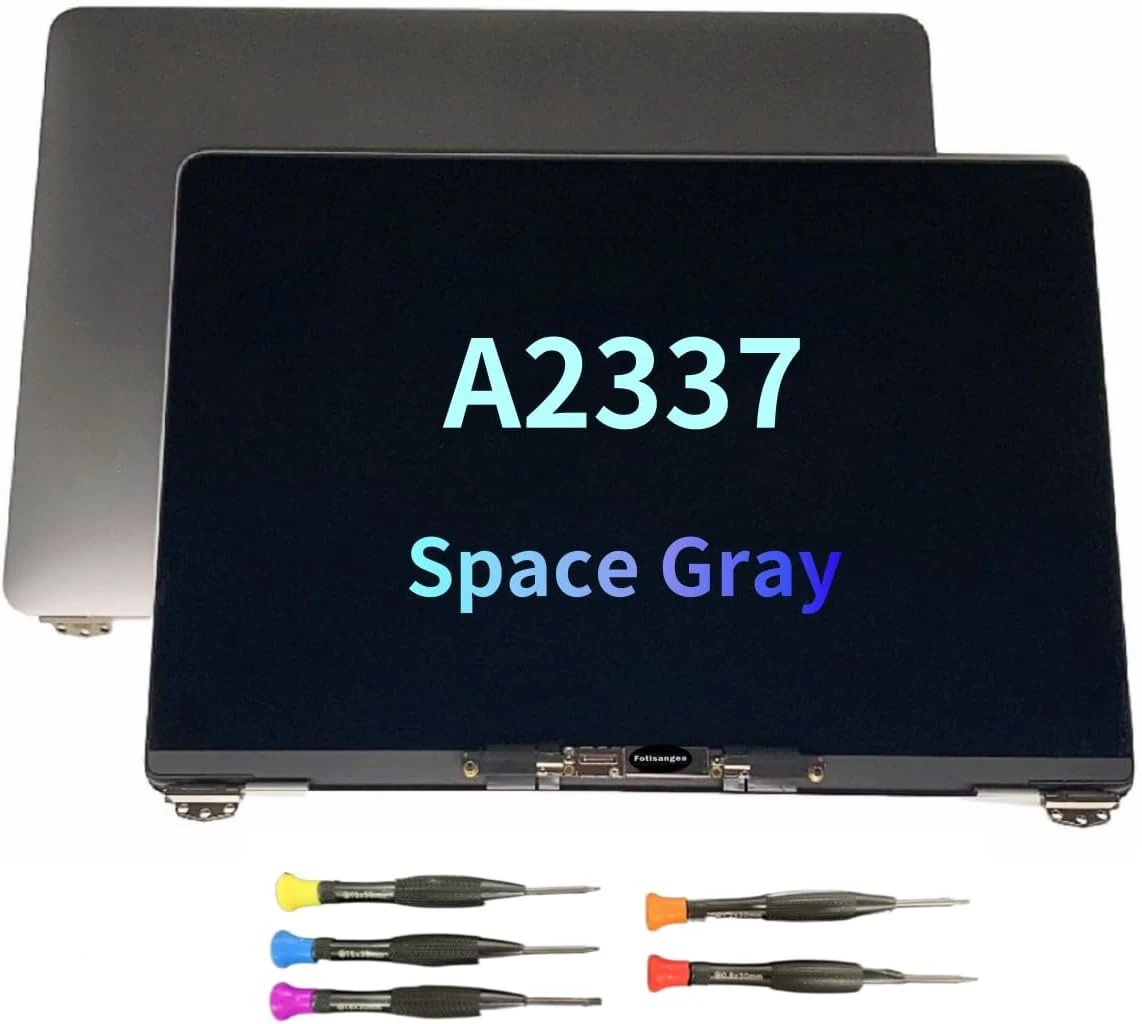
LCD Screen Replacement for MacBook Air M1 A2337 2020 13" EMC 3598 LCD Display Assembly 2560x1600 (Space Gray)
This 13-inch 2560x1600 LCD display assembly is made for the MacBook Air M1 (A2337, 2020) with EMC 3598 in Space Gray. Buyers who install it themselves often report straightforward fitting and solid image quality, but there is limited mixed evidence about long-term durability.