Floppy Disk Reader 3.5 inch External USB A&C Floppy Disc Drive
Quick take
This external 3.5-inch floppy disk reader is meant to bring your old floppy data back to life on Windows computers using USB (USB 2.0 with USB-A and Type-C connection support). It’s typically straightforward to plug in and access the floppy contents, but what you can actually open or convert depends on the disk’s age and the software needed for those older file formats.
Pros and cons
Pros
- Designed for 3.5-inch floppy disks (1.44 MB format) with an ultra-slim, portable build.
- Plug-and-play style setup on Windows (no extra driver installation claimed).
- Windows compatibility is explicitly listed across several versions, including Windows 11 and 10.
- Multiple buyers describe it as easy to use and able to read many disks.
Cons
- Not compatible with macOS.
- Can’t guarantee all disks will be readable, especially if the media is old or corrupted.
- Accessing files is one step, opening or converting them is another, and may require additional software.
What buyers think
Buyer-review evidence is generally consistent: this reader is viewed as simple to operate and effective at getting data off 3.5-inch floppies on Windows 11. Several buyers specifically highlight easy setup and successful access to older photos or files. At the same time, review evidence also points to realistic expectations, some files or disks may not load fully or may not open due to limitations of older file formats and disk condition. Overall, the strongest pattern is that the device helps you retrieve data, while the “can I open this file?” question depends on software compatibility and the quality of the floppy media.
Who this is for (and who should skip it)
Best for
- Windows owners who need an external drive to read 3.5-inch floppies (1.44 MB).
- People transferring old photos, documents, or other legacy files off floppy disks before storage media continues to degrade.
- Users who want a compact USB floppy drive that’s easier to carry than installing an internal drive.
Skip it if
- You use a Mac and need macOS compatibility.
- Your main goal is to reliably open or convert any and all legacy file formats without additional software. This reader focuses on accessing the disk contents.
- Your disks are extremely degraded, as readability varies with media age and condition.
Design and compatibility overview
This is a dedicated 3.5-inch external floppy disk drive that supports 1.44 MB floppy media. It connects through USB 2.0 and is listed as compatible with systems including Windows 11, Windows 10, Windows 8.1, Windows 7, Vista, XP, and 2000. The drive is also described as portable and ultra-slim, with a brushed texture (frosted texture plastic enclosure) and a low-profile form factor.
One practical thing to know: modern Windows may present the floppy drive in a way that’s not immediately obvious in File Explorer. Buyers mention success using the built-in Windows navigation steps to locate the floppy drive and then view its contents.
How well it works for real floppy transfers
Across buyer feedback themes, the reader’s success centers on two stages:
- Disk access: Many buyers report that the drive can be recognized and used to read contents from typical 3.5-inch floppies.
- File usability: Even when files are visible or transferable, older data often requires the right programs to open. Some buyers note that outdated extensions may not be readily convertible by the reader itself, and some disks may load slower or not be fully readable.
Bottom line, this is a practical tool for getting data off floppies, but it is not a guarantee that every archived file will open cleanly or convert automatically.
Pros and cons recap
What to like
- Windows-focused plug-and-play experience, backed by repeated buyer “easy to use” comments.
- Portable, slim external design for desk use or occasional transfers.
- Correct target format support for 3.5-inch (1.44 MB) floppies.
What to watch
- Not for macOS users.
- Floppy media condition is a real variable, some disks may be partially readable or not recognized.
- File opening and conversion depends on your system software and the original file formats.
Price and availability
The listed price is relatively low for an external floppy reader, which makes it appealing if you only need it for periodic legacy transfers. If you’re dealing with irreplaceable archives, consider setting aside time for troubleshooting on both the hardware side (disk readability) and the software side (how you’ll open legacy files once copied).
Verdict: should you buy it?
Buy this if you have 3.5-inch floppy disks and a Windows PC, and your goal is to access or copy the contents so you can save them in modern formats. Don’t buy it if you need macOS support, or if you’re expecting the drive to automatically open or convert every type of legacy file from every floppy, regardless of disk condition.
FAQ
Common questions
Q: Does this read 3.5-inch floppy disks?Yes. It’s made for 3.5-inch floppy disks (1.44 MB format).
Q: Is it compatible with Mac?No, it is not compatible with macOS.
Q: Do I need to install drivers?The setup is described as plug-and-play for Windows, with no extra driver program required.
Q: Why can I see files but can’t open them?
Q: Will it read every floppy disk?
Ready to check the latest details? Buy on Amazon
Specifications
| Product Title | Floppy Disk Reader 3.5 inch External USB A&C Floppy Disc Drive 3 1/2 Floppy Disk Drive/Converter/Player/Reader/Transfer for Laptop Desktop PC Compatible with Windows 11/10 (Brushed Texture) |
|---|---|
| Category | Electronics > Computers & Accessories > Data Storage > Floppy & Tape Drives |
| Brand | CIpotZIZ |
| Manufacturer | ZIZ01A-BT |
| Model Name | ZIZ01A-BT |
| Model Number | ZIZ01A-BT |
| Item Weight | 0.31 Kilograms |
| Hard Disk Interface | USB 2.0 |
| Connectivity Technology | USB |
| Additional Features | Dust Resistant, Portable |
| Hard Disk Form Factor | 3.5 Inches |
| Compatible Devices | Desktop, Laptop |
| Hard Disk Rotational Speed | 300 RPM |
| Data Transfer Rate | 300 Megabits Per Second |
| Form Factor | 3.5-inch |
| Hardware Connectivity | USB 2.0, USB Type C |
| Hard-Drive Size | 1.44 MB |
| Number of Items | 1 |
| Unit Count | 1.0 Count |
| Enclosure Material | Frosted Texture Plastic |
| Hard Disk Description | Hybrid Drive |
| Built-In Media | Quick Start Guide |
| UPC | 889269579546 |
| Warranty Description | 2 Year Manufacturer |
| Installation Type | External Hard Drive |
| Special Feature | Dust Resistant, Portable |
| Hard Disk Size | 1.44 MB |
Available variants
Capacity
- 3.5 inch
Style
- Brushed Texture
- Frosted Panel
Recommended next
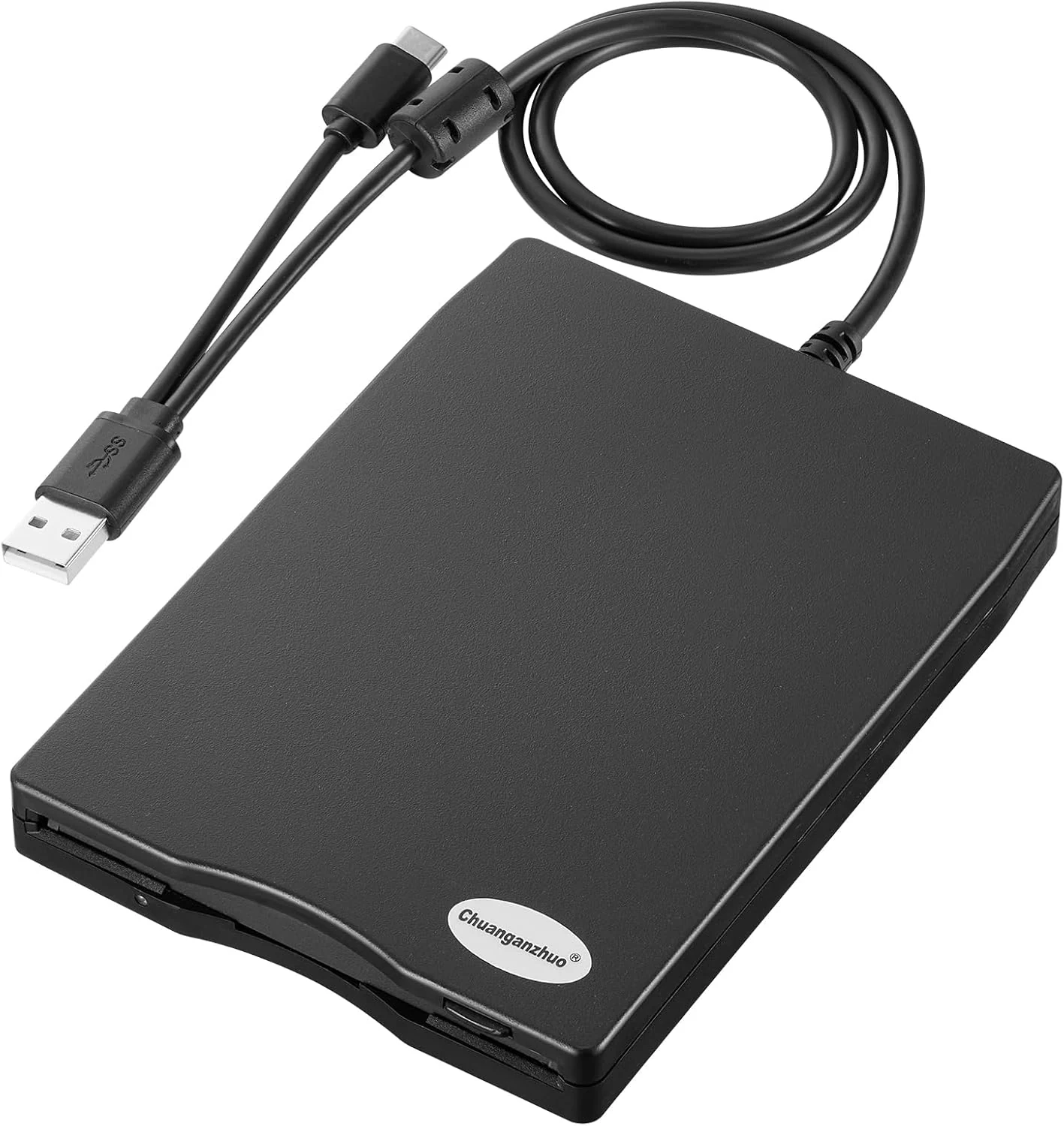
Chuanganzhuo Floppy Disk Reader 3.5 inch USB Floppy Disk Drive External
The Chuanganzhuo 3.5-inch USB floppy disk reader (ACM-006C) is a compact, plug-and-play way to access 1.44MB diskettes on Windows PCs without an internal floppy drive. It can read existing disks well for light, occasional recovery use, but floppy media age and Windows 11 behavior can require some troubleshooting for consistent results.
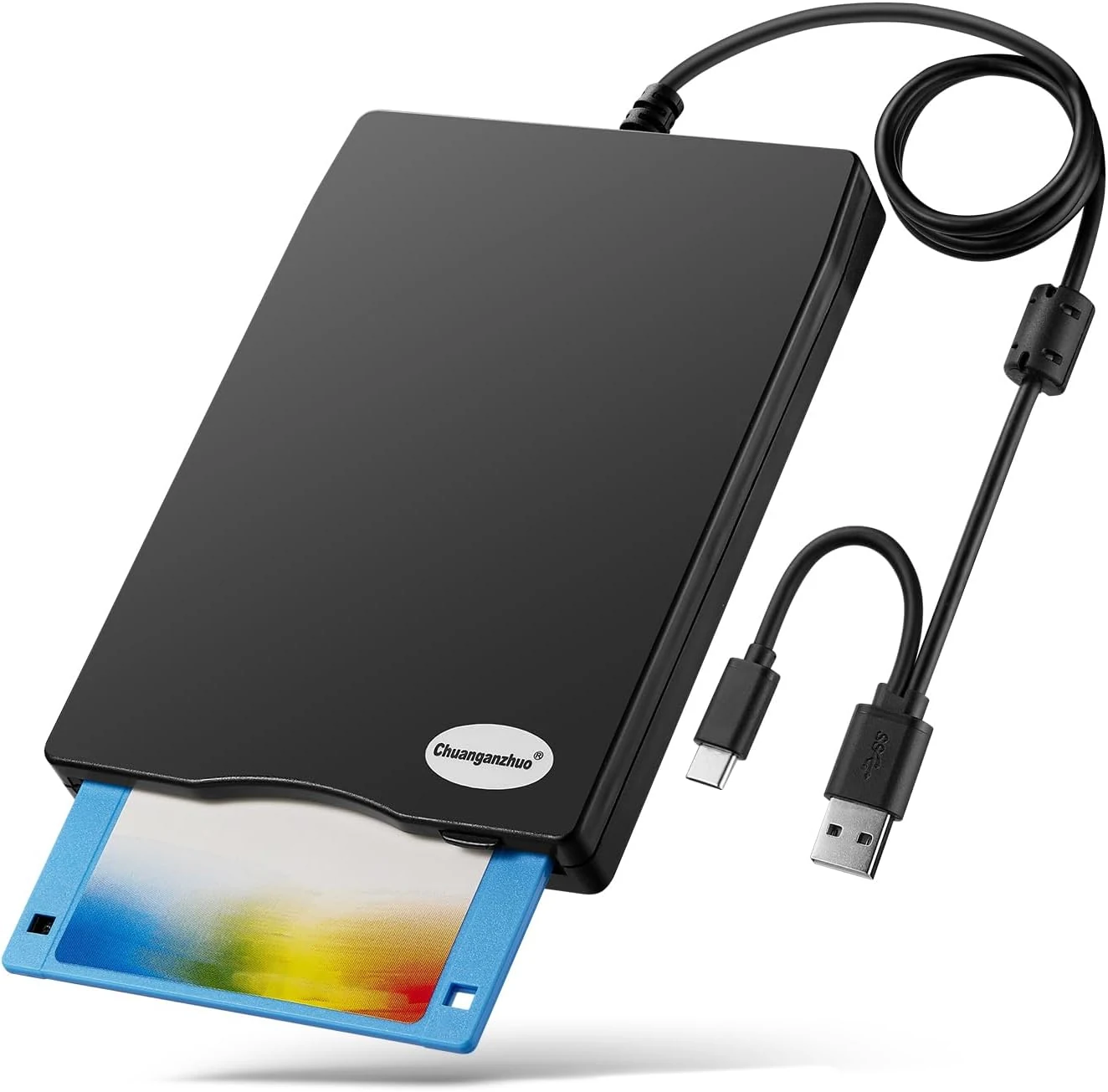
Floppy Disk Reader, 3.5 inch External USB Floppy Disk Drive (ACM-008)
A compact, USB-powered 3.5-inch floppy disk reader for Windows PCs, designed to help you access legacy disks when your modern computer lacks a built-in drive. It is plug-and-play on Windows, but it will only work with the right floppy formats and it is not compatible with Mac.
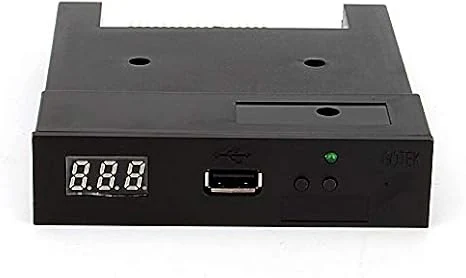
Floppy Drive Emulator 3.5 Inch 1.44MB USB Floppy Emulator SFR1M44 U100K Updated Flash Disk Floppy Drive Replacement Black
A USB-based 3.5-inch 1.44MB floppy drive emulator designed to replace failing legacy floppy hardware. It can read and write from a USB flash drive without extra drivers, but setup details, formatting/partitioning, and device compatibility can take some patience.
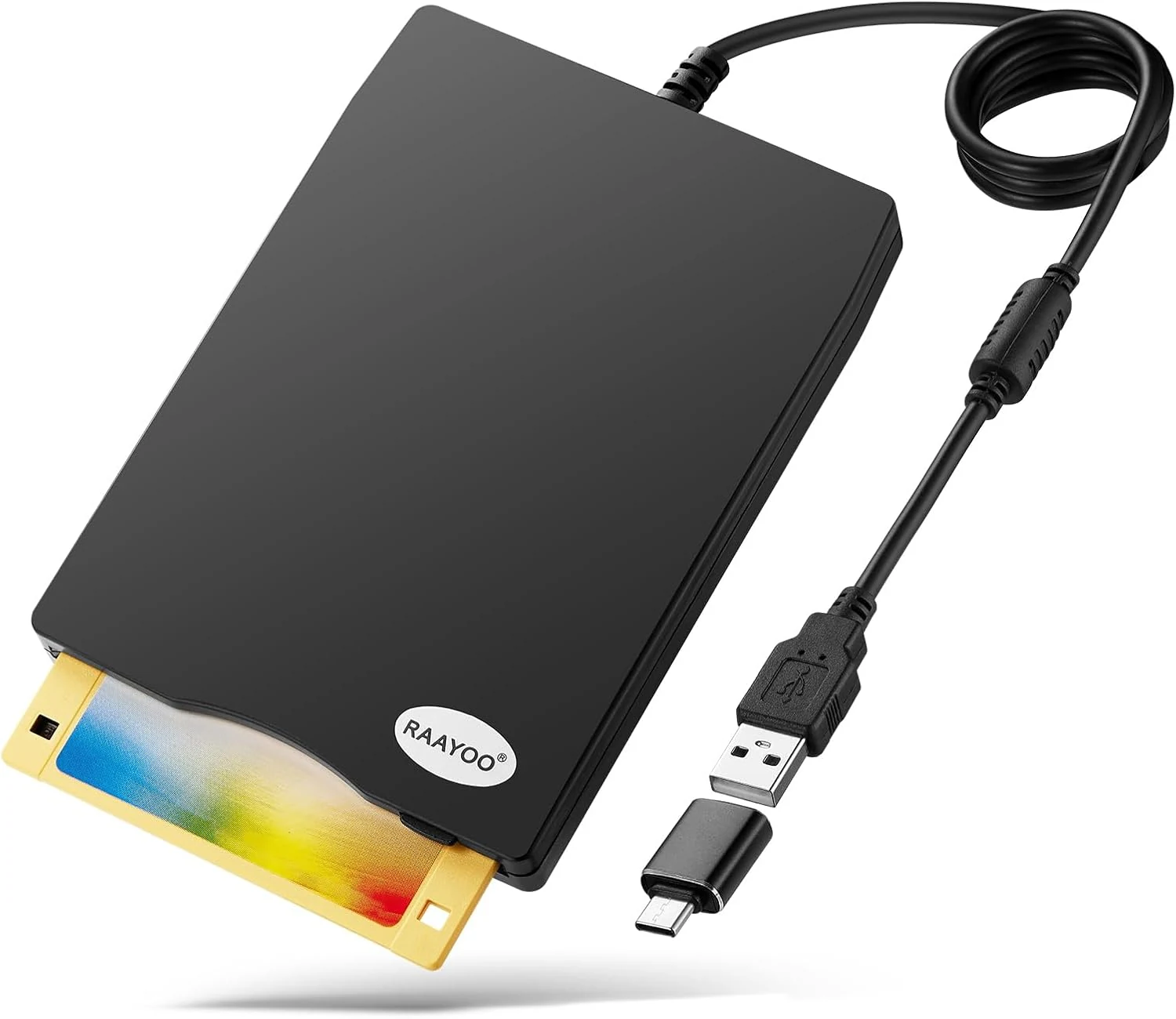
RAAYOO 3.5 inch USB Floppy Disk Reader (1.44MB)
RAAYOO’s slim 3.5 inch external USB floppy disk drive is a simple plug-and-play way to read (and copy) files from 1.44MB floppy disks on Windows PCs. It’s best for anyone who needs to rescue old photos, documents, or legacy files, with the main caveat that floppy disks themselves may be corrupted or dusty, and Windows may require a couple extra steps to locate the drive.