Eightwood WiFi 6E Antenna Tri-Band 6GHz 5GHz 2.4GHz RP-SMA WiFi
Quick take
The Eightwood WiFi 6E tri-band antenna is designed to help a compatible desktop PC or network device get better 2.4GHz, 5GHz, and 6GHz (WiFi 6E) coverage by improving antenna placement. It uses a magnetic base for easy setup and comes with a 6.5 ft coax extension so you can position antennas higher and unobstructed. The main limitation is compatibility, especially the RP-SMA male (no center pin) connector requirement.
Pros and cons
Pros
- Tri-band coverage for 2.4GHz (2400-2500MHz), 5GHz (5150-5850MHz), and 6GHz (5900-7125MHz) WiFi 6E setups.
- Omnidirectional, linear vertical antennas with 5.0 dBi gain specification.
- Magnetic base plus 6.5 ft cable helps you place the antenna for better signal quality.
- Designed for common WiFi standards including WiFi 6 and WiFi 6E.
Cons
- Connector mismatch risk: it uses 2 × RP-SMA male connectors with internal threads and no center pin, so you must verify your ports.
- Antenna placement matters, and best results require keeping the antennas high and unobstructed.
- Buyer feedback suggests big gains are most noticeable when the original built-in antennas were low or blocked.
What buyers think
Buyer-review evidence is strong on the installation experience and on the practical reason antennas are upgraded: better placement. Multiple reviewers describe much improved connectivity or stability after adding external antennas to devices that otherwise sat under a desk or had limited antenna reach. There is also consistent feedback that the magnetic base makes positioning quick and that the antennas can help with both WiFi and Bluetooth reception.
That said, review evidence is not detailed enough to predict exact throughput or latency outcomes for every home setup. Performance gains depend heavily on where the antenna sits relative to your router or mesh node and what is blocking the signal.
Key specs that matter for WiFi 6E upgrades
- Frequency bands: 2.4GHz (2400-2500MHz), 5GHz (5150-5850MHz), and 6GHz (5900-7125MHz).
- Wireless compatibility: Supports standards listed for 802.11 b/g/n/ac/ax, including WiFi 6 and WiFi 6E.
- Gain and signal behavior: 5.0 dBi gain, omnidirectional direction, linear vertical polarization.
- VSWR: Listed as < 2.0 (a signal quality indicator).
- Impedance: 50 ohms.
- Connectors: 2 × RP-SMA male (internal threads, no center pin).
- Cable: RG174 extension cable, 6.5 ft (200 cm).
How this antenna improves real-world coverage
Most WiFi performance problems with desktop PCs come down to antenna placement, not just the router. When built-in antennas sit low, behind metal, or under a desk, signal strength and stability can suffer. This model is built for quick repositioning, using the magnetic base and a longer coax lead so you can get the antenna higher and more in line with your access point.
Because it is tri-band and explicitly meant for WiFi 6E, it is also relevant if you want to take advantage of the 6GHz band for faster, lower-interference connections, such as gaming and streaming that benefit from more responsive links.
Installation and placement tips
Setup is straightforward if your device has the right antenna ports. Expect two coax-to-RP-SMA connections (one for each antenna), then position the antennas where they have a clear line of sight or at least reduced obstruction.
- Place it high and unobstructed: The product guidance emphasizes elevating the antenna and avoiding blockage.
- Try different angles: It is recommended to adjust antenna angles for stability (for example, one vertical and one horizontal orientation).
- Match orientation to your router/AP: Aligning how the antennas face the access point can help optimize the signal.
Compatibility checklist before you buy
This is the most important buying step. The antenna uses 2 × RP-SMA male connectors (internal threads, no center pin). It is compatible with RP-SMA female ports (external threads with a center pin). If your WiFi card or router uses U.FL, SMA, or RP-TNC, you may need a different model or adapters.
Also double-check that your device actually supports external antennas and that the radio is compatible with WiFi 6E/6GHz operation if you want to use the 6GHz band.
Pros and cons for different buyer types
Best for
- Desktop PCs or WiFi cards where the stock antennas are low, blocked, or hard to aim.
- Users with WiFi 6E capable routers or mesh nodes who want to improve 6GHz connection reliability.
- Home offices or multi-level homes where you need better signal coverage from a specific location (for example, a gaming desk).
- Anyone who wants an easy placement method, thanks to the magnetic base.
Who should avoid it
- Buyers who are unsure whether their antenna connectors are RP-SMA (male vs female, pin present vs not present).
- People expecting improvements without changing placement (external antennas generally help most when you can move them out from under obstructions).
- Devices that do not support external antenna connections or do not support the bands you are targeting.
Verdict: is the Eightwood WiFi 6E antenna worth it?
If you have a WiFi 6E-capable setup and you can position external antennas better than your current ones, the Eightwood tri-band antenna is a practical, install-friendly way to improve day-to-day stability. The magnetic base and 6.5 ft cable are strong value features for getting antennas where they matter. Just make connector compatibility your first priority, because using the wrong RP-SMA type is the most common reason antennas end up being unusable.
FAQ
Does this support 6GHz WiFi 6E?
Yes. It is specified for 6GHz (5900-7125MHz) in addition to 2.4GHz and 5GHz, and it lists compatibility with WiFi 6E along with WiFi 6.
What connector type does it use?
It includes 2 × RP-SMA male connectors (internal threads, no center pin). It is compatible with RP-SMA female ports (external threads with a center pin), so you should verify your device’s antenna port type before purchasing.
How long is the extension cable?
The coax extension cable is listed as 6.5 ft (200 cm), using RG174.
Is omnidirectional good for gaming and streaming?
Omnidirectional antennas can help with overall coverage because they do not require precise aiming. For low-latency or high-bandwidth use, the biggest factor is still getting the antenna placement high and unobstructed relative to your router or access point.
Will it also improve Bluetooth?
Bluetooth performance depends on your device and environment, but buyers report improved Bluetooth reception when they use these antennas to get stronger signal from a better position.
What should I do if my WiFi signal is still weak after installing?
Start by repositioning the antennas higher and more unobstructed, and try different angles (for example, one vertical and one horizontal). If the improvement is limited, double-check connector compatibility and confirm that your router or mesh node is actually providing a strong 2.4GHz/5GHz/6GHz signal to your location.
Specifications
| Product Title | Eightwood WiFi 6E Antenna Tri-Band 6GHz 5GHz 2.4GHz RP-SMA WiFi Antenna Magnet Mount Base for PC Desktop Computer Motherboard WiFi Bluetooth Card Wireless WiFi Router |
|---|---|
| Category | Electronics > Computers & Accessories > Networking Products > Network Antennas |
| Brand | Eightwood |
| Manufacturer | Eightwood |
| Model Number | EWUA0197 |
| Item Weight | 213 Grams |
| Product Dimensions | 3.15"L x 2.95"W x 9.65"H |
| Color | RP-SMA WiFi 6E Antenna style 1 |
| AntennaDescription | Tri-Band WiFi 6E Antenna with Magnetic Mount Base and Multi-Band Frequency Support (2.4GHz, 5GHz, 6GHz) |
| Number of Items | 1 |
| Mfr Part Number | EWUA0197 |
| Warranty Description | 12 Month Manufacturer |
| Unit Count | 1.0 Count |
| Number of Channels | 3 |
| Impedance | 50 Ohms |
| Maximum Range | 150 Feet |
| Item Dimensions L x W x H | 3.15"L x 2.95"W x 9.65"H |
| Antenna | Tri-Band WiFi 6E Antenna with Magnetic Mount Base and Multi-Band Frequency Support (2.4GHz, 5GHz, 6GHz) Tri-Band WiFi 6E Antenna with Magnetic Mount Base and Multi-Band Frequency Support (2.4GHz, 5GHz, 6GHz) See more |
| Number of Packs | 1 |
Available variants
Style
- wifi 6 antenna/rp-sma connector
- wifi 6e antenna/rp-sma connector
- wifi 7 antenna/rp-sma connector
Recommended next
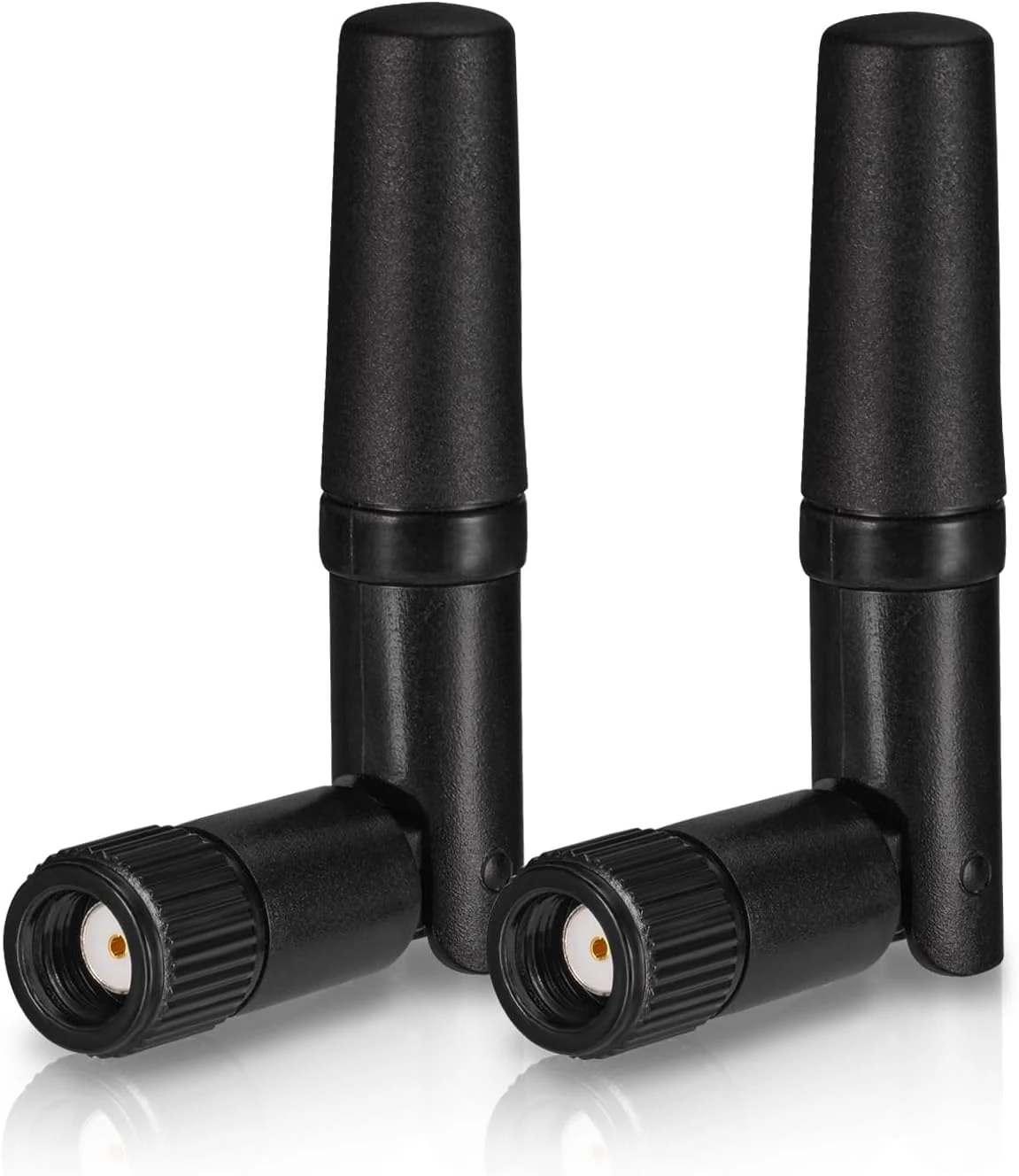
Eightwood Small WiFi Antenna Dual Band 2.4GHz 5GHz RP-SMA Antenna (2-Pack)
A compact dual-band (2.4GHz and 5GHz) RP-SMA antenna pair designed for low-profile PC setups, PCIe Wi-Fi cards, routers, and wireless cameras. Buyers highlight easy screw-on installation and steadier signal performance for the size, with the main caveat being that short antennas can be less effective than higher-gain replacements if you need maximum range.
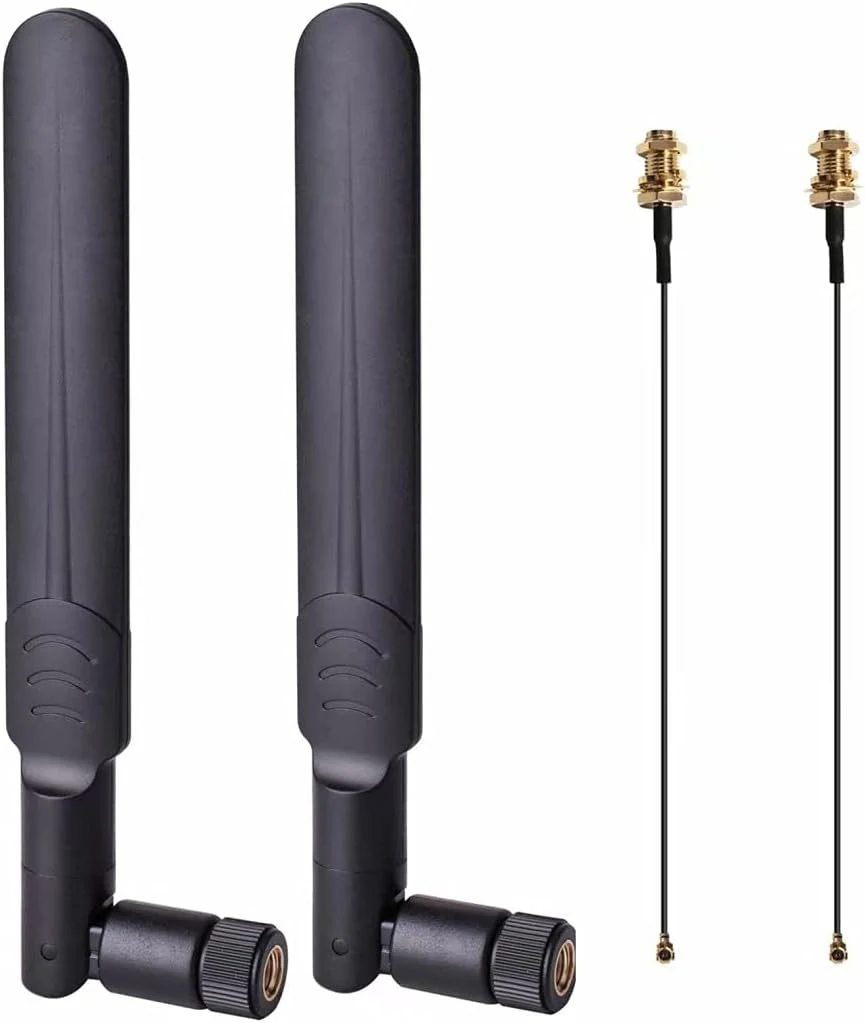
2 x 8dBi WiFi RP-SMA Male Antenna 2.4GHz 5.8GHz Dual Band +2 x 15CM U.FL/IPEX to RP-SMA Female Pigtail Cable
These dual-band, omni-directional 8dBi Wi-Fi antennas plus 15 cm U.FL/IPEX to RP-SMA pigtails are designed for Mini PCIe (not M.2/NGFF) wireless cards. They’re a solid, budget-friendly option when you need better coverage from a desktop or small build, but they may not be a good fit if you specifically need reliable 5.8 GHz connectivity.
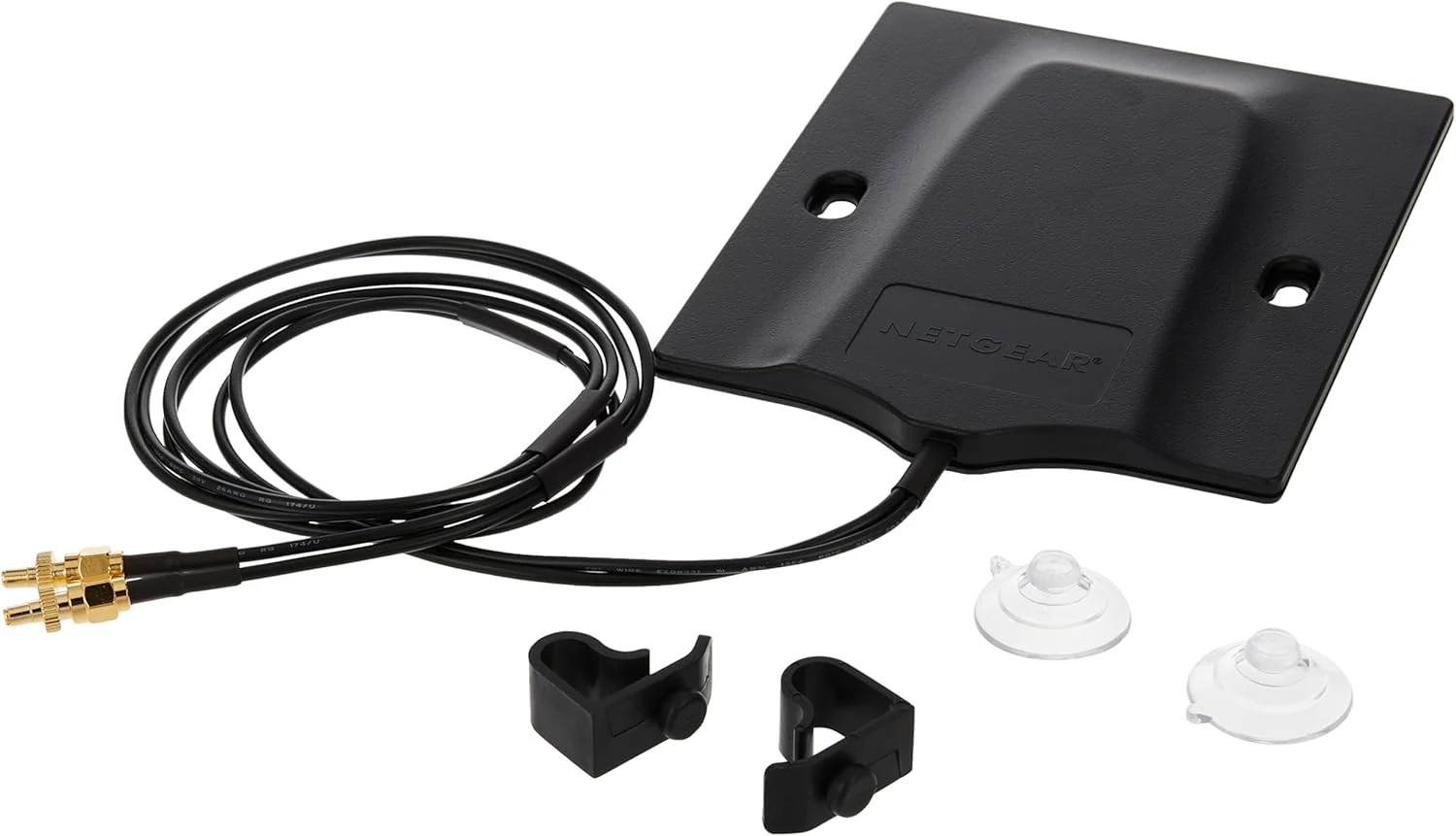
NETGEAR Omnidirectional MIMO Antenna (6000451)
The NETGEAR Omnidirectional MIMO Antenna (6000451) is a plug-in upgrade for select NETGEAR hotspot routers, designed to improve cellular performance in buildings or other low-signal areas. It is best for buyers who need stronger, more consistent 4G/5G connectivity outdoors or near windows, with the key caveat that it only fits compatible NETGEAR M5 and M6 hotspot models.
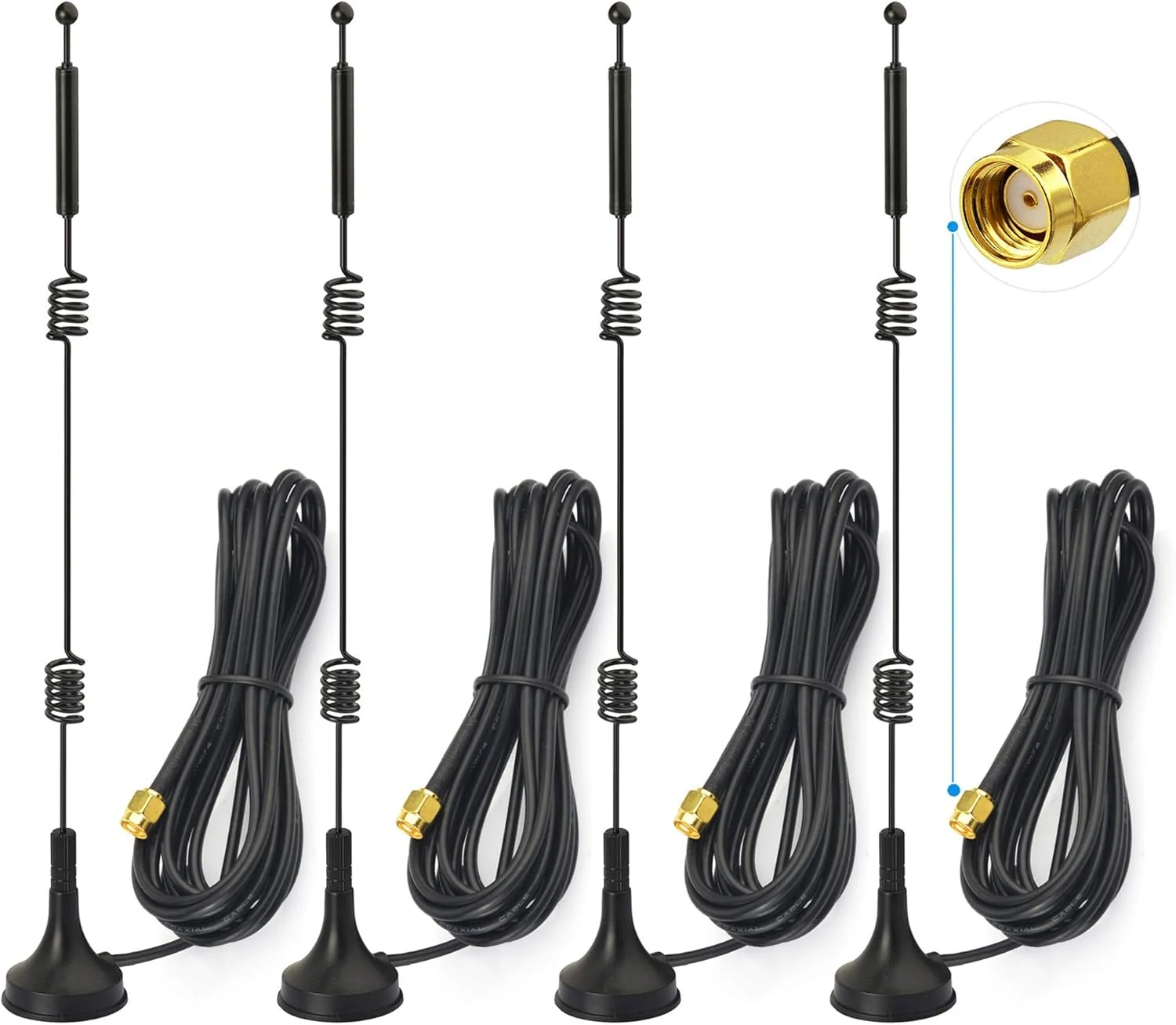
Bingfu Dual Band WiFi 2.4GHz 5GHz 5.8GHz 9dBi Magnetic Base MIMO RP-SMA Male Antenna 4-Pack
Bingfu’s dual-band WiFi antenna set is built for people who want more placement flexibility than their router’s built-in antennas, thanks to a magnetic mount and 3m RG174 coax leads. The key buying caveat is compatibility: it uses an RP-SMA male connector, so it won’t fit systems expecting a different SMA style. Review sentiment is mixed, with some buyers praising improved reception and others reporting little to no improvement versus stock antennas in their specific setups.