eero 6 mesh Wi‑Fi add-on extender
This eero 6 add-on extender is meant for people who already have an eero mesh system and want to push coverage into a weak area. It can add up to 1,500 sq. ft. of Wi‑Fi 6 coverage, but that is an advertised claim rather than a measured result here. The main question is whether you need a simple way to extend an existing eero network; if you do not already have compatible eero hardware, this is the wrong product.
Pros
- Adds coverage to an existing eero mesh system.
- App-guided setup is designed to be simple.
- Can help reach weak-signal rooms or outbuildings.
- Supports Wi‑Fi 6 in the listed configuration.
Cons
- Requires an existing eero network.
- Coverage gains depend on placement and home layout.
- Not a standalone router.
Who this is for
This is for someone already using eero mesh hardware who needs coverage farther from the main router or node. It makes the most sense for known dead spots such as an office, bedroom, garage, or shed.
It also fits shoppers who want a low-friction setup. Features include app-based setup and automatic updates, which are useful if you want a network that is easy to manage rather than something you tune manually.
Who should skip it
Skip it if you do not already have an eero network. An existing eero system is required, so it is not a starter router or a universal extender.
It is also a weak choice if you expect a speed upgrade on its own. A mesh add-on can improve reach and reduce drop-offs, but it does not change your internet plan or guarantee better performance in every room.
Features and compatibility
The merchant copy supports a few clear points: this is an eero-branded Wi‑Fi 6 add-on, it is meant to extend an existing mesh network, and it is positioned as a coverage solution rather than a replacement router. The 1,500 sq. ft. figure should be treated as the brand’s coverage claim, not a promise for every home.
Features include TrueMesh routing, 4K streaming, gaming, and video calls. The safer reading is that the extender is intended to help keep devices connected in harder-to-reach areas, not to solve every wireless problem.
Setup and daily use
The strongest practical advantage is convenience. The app-led setup is designed to be quick, and the product is meant to blend into an existing eero network without manual juggling between networks.
That said, mesh performance still depends on where the node is placed and what it has to pass through. If the weak area is separated by dense walls, distance, or interference, the extender may help but not fully eliminate the problem.
Compatibility and placement
Compatibility is the first thing to confirm. This extender is for eero networks, not for arbitrary routers or modem combinations.
Placement matters just as much. If you choose a spot that is too far from the main node, the extender may not have a strong enough backhaul to be useful. If you place it well, it is better suited to filling in a specific dead zone than to covering an entire difficult home at once.
Value at the recorded price
At the recorded price of $79.99, this is a reasonable buy only if one more eero node solves a real coverage problem. It is most attractive when the alternative is living with dead spots or paying recurring rental fees for networking hardware.
It is less appealing if you are unsure whether the issue is range, placement, or the broader network design. In that case, the right fix may be different hardware or a different layout, not just another extender.
The buying decision
Buy it if you already run eero mesh and want an easy way to extend coverage in a specific weak spot. Skip it if you need a standalone router, broader compatibility, or a guaranteed performance boost.
Product details and Amazon customer ratings as of .
Available variants
Size
- 1 add-on extender
- 1 router + 1 extender
- 1 router + 2 extenders
- 3 routers
- 1 router
- 2 routers
Configuration
- with 1 month free eero Plus
- without eero Plus
Recommended next
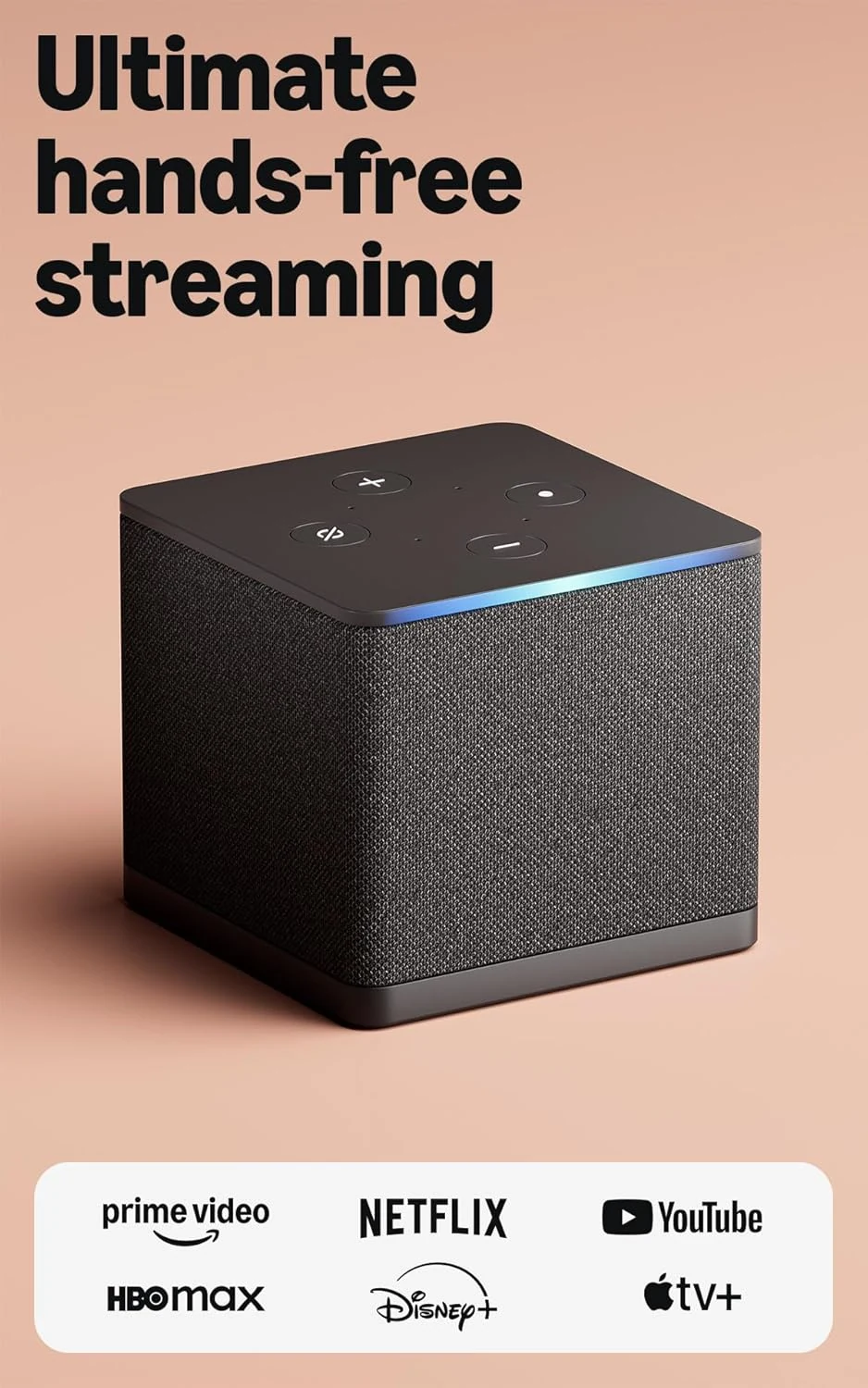
Amazon Fire TV Cube (Wi‑Fi 6E)
A premium Fire TV box that makes the most sense if you want hands-free Alexa control and multi-device switching; otherwise, a simpler streamer may be better.

Apple Watch SE (2nd Gen) 40mm GPS Starlight
A compact GPS Apple Watch for iPhone users who want core fitness, safety, and notifications without paying for higher-end health features.
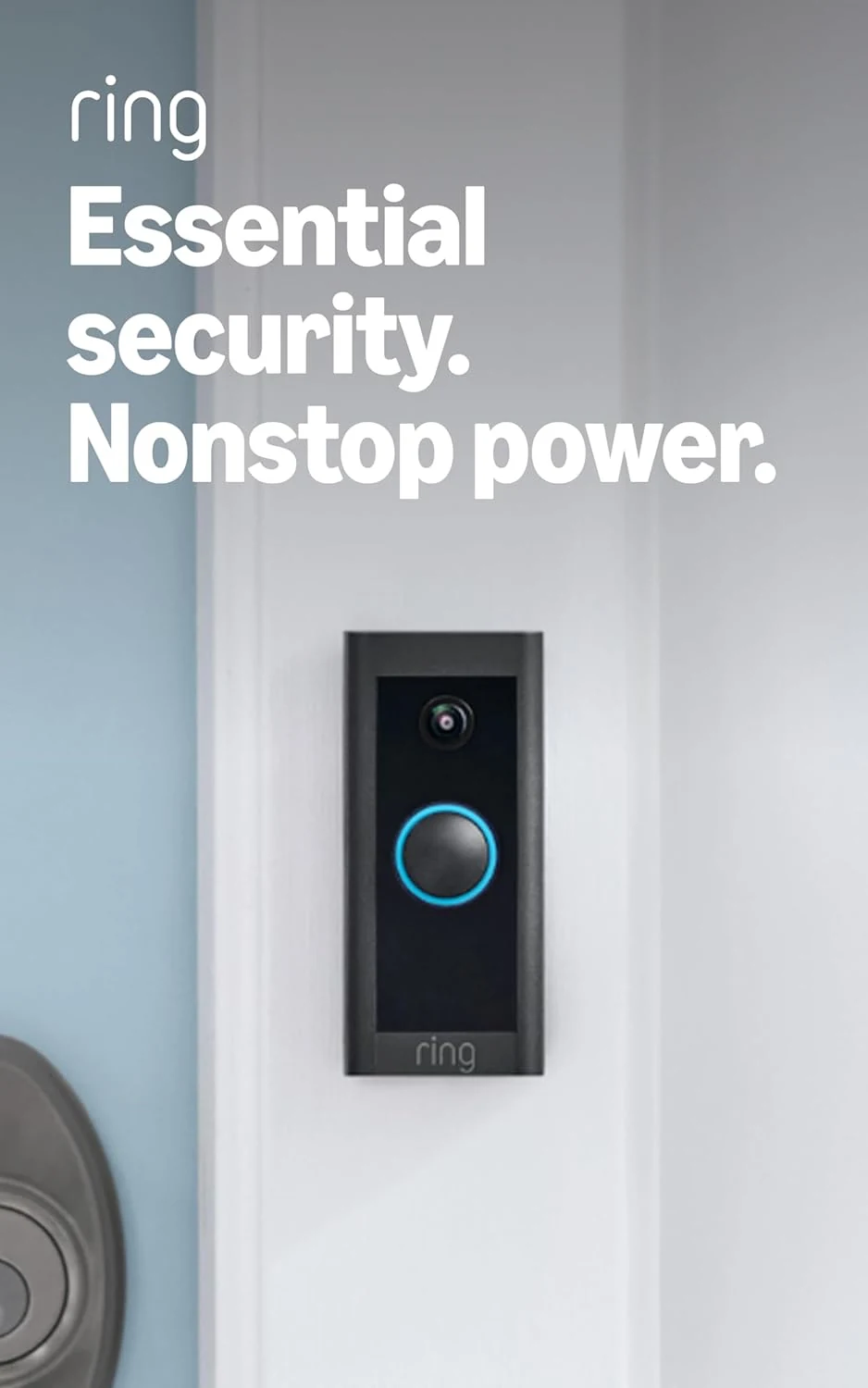
Ring Video Doorbell Wired
A low-cost wired Ring doorbell with 1080p video, motion alerts, two-way talk, and Alexa support, but it needs existing wiring and a separate chime solution.
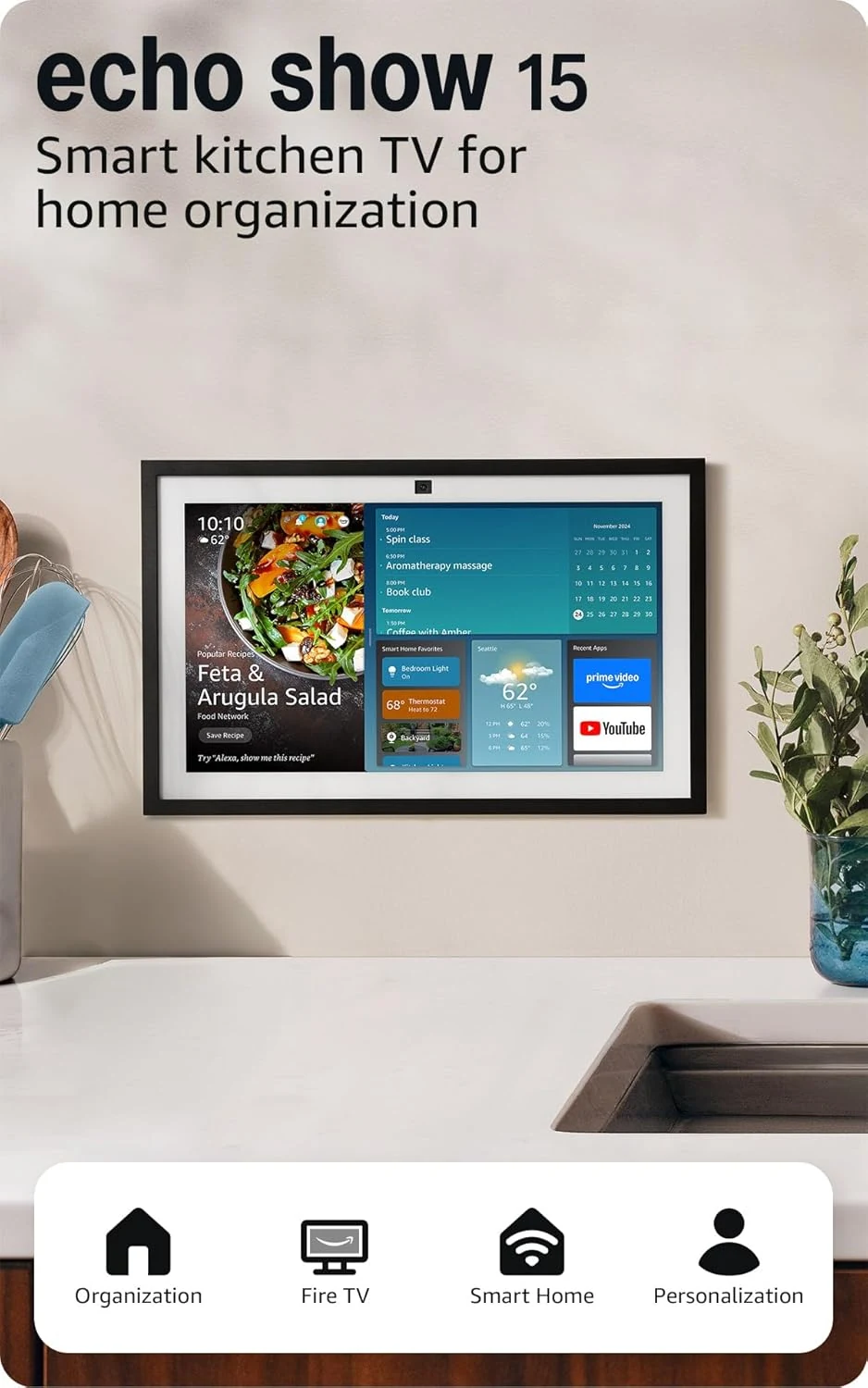
Amazon Echo Show 15 (newest model)
A 15.6-inch Alexa smart display built for kitchen organization, streaming, and video calls. Best for fixed shared spaces; less appealing if you want portability or a simpler display.