Dell WD19S 180W Docking Station (130W Power Delivery) USB-C, HDMI, Dual DisplayPort, Black
Quick take
The Dell WD19S is a USB-C docking station built to run a multi-monitor workstation and charge a compatible laptop through its power delivery. It’s a straightforward desk hub for people who want a Dell-style docking setup, but buyer feedback includes occasional USB connection instability (beeping or disconnect/reconnect behavior) and a small number of early failures.
Pros and cons
Pros
- Designed for a streamlined USB-C dock workflow with video outputs for external displays.
- High-watt power delivery is intended to support laptop charging from the dock.
- Multiple ports for a typical office desk setup (broad connectivity: USB-C hub + video outputs).
- Buyers often describe it as matching expectations for replacement or daily use.
Cons
- Some users report disruptive USB-C connection behavior that can interrupt the dock experience.
- Limited review evidence exists for long-term reliability, because a small number of buyers report a unit that stopped working soon after setup.
What buyers think
Buyer-review evidence is mixed and relatively limited. Several comments focus on it performing the basic job, working as described, or serving as an equivalent replacement when a charging/dock setup was needed while traveling or rebuilding an office. At the same time, there are reports of a persistent “USB device not recognized” style issue with connection noise and periodic disconnect/reconnect behavior. There are also a small number of reviews indicating the dock was non-functional after being out in use for a short period, suggesting that, while uncommon, hardware failures can happen.
Who this docking station is for
The Dell WD19S makes the most sense if you want a dependable, desk-based USB-C dock experience for a compatible laptop and you need to connect multiple displays. It’s also a good fit if you are returning to a known docking ecosystem (for example, replacing a missing or worn dock and wanting a similar outcome at the desk).
Key features that matter at checkout
Power delivery for charging through the dock
With 180W class docking and listed 130W power delivery, the WD19S is positioned for users who want their laptop charged while peripherals and monitors are connected. The practical question to ask before buying is whether your laptop model supports the power profile needed for full charging behavior through the dock.
Dual display support
This model supports video output via HDMI and dual DisplayPort connections, which is meant for multi-monitor setups. If your workflow relies on running two external monitors, this is one of the core reasons to consider this dock over a simpler single-display option.
Port and desk-connectivity expectations
The unit is listed as having multiple USB ports and dedicated display outputs (HDMI, plus two DisplayPort outputs). If you want one cable to manage laptop connectivity, peripherals, and monitor signaling, this port mix is built around that use case.
Pros and cons (real-world decision points)
Pros
- One-dock workflow for multi-monitor desks: HDMI plus dual DisplayPort support makes it geared toward dual-display productivity.
- Charging via the dock: The high-watt class and 130W power delivery target laptop charging while docked.
- Buyers looking for an equivalent replacement often find it matches needs: multiple reviews describe it as working as expected for their replacement/daily use scenario.
Cons
- USB-C connection stability may be a pain point: some users report repeated disconnect/reconnect behavior and connection noise, which can be disruptive during meetings.
- Reliability proof is not uniform: there are reports of early failure for a limited number of buyers, so it’s smart to double-check compatibility and plan to test promptly after purchase.
Compatibility tips before you buy
Because USB-C docks can behave differently depending on laptop model, power requirements, and port negotiation, confirm these basics before committing:
- Laptop power delivery support: ensure your laptop can accept the dock’s intended charging profile over USB-C.
- Display output needs: verify that your monitors’ input types (HDMI vs DisplayPort) match what you plan to connect.
- USB-C port quality: if you are sensitive to connection stability, inspect your laptop’s USB-C port for cleanliness and secure seating (USB-C docks can be sensitive to fit).
Price and availability
Pricing can change frequently, but it generally sits in the mid-range for business USB-C docking stations. If you’re comparing options, focus less on the headline watt number and more on your laptop’s supported charging behavior, the display ports you need, and whether the dock’s port count matches your day-to-day peripherals.
Verdict
The Dell WD19S is a strong choice for Dell laptop users (or anyone with a compatible USB-C docking setup) who want a one-cable desk solution with dual display connectivity and dock charging. The main reasons to think twice are the reported USB-C connection instability in some setups and the small number of early “dead dock” reports. If you value dual-monitor productivity and want a well-known docking form factor, it’s worth considering, especially if you can test connectivity soon after purchase.
FAQs
How many external displays can the Dell WD19S support?
It’s designed for dual-display use, using HDMI plus two DisplayPort outputs (three video output types, configured for multi-monitor setups depending on your laptop’s capabilities and how you connect your monitors).
Does the Dell WD19S charge a laptop over USB-C?
Yes. It’s listed as supporting 130W power delivery, intended for laptop charging while the dock is connected. Your laptop must support charging through USB-C at the needed power level.
What should I check to avoid USB-C disconnect issues?
Confirm your laptop model and USB-C power delivery support, make sure both ends of the USB-C connection are seated properly, and test your monitor and peripheral connections shortly after setup. If you are seeing repeated connect or disconnect behavior, troubleshooting the cable seating and port fit is often the first step.
How many USB ports does the dock have?
It’s listed as having multiple USB ports (with the total USB port count shown as 6).
Is the Dell WD19S a good upgrade from an older or simpler dock?
If your goal is dual-monitor support and charging through the dock over USB-C, the WD19S can be a practical upgrade versus a simpler one-display dock. If your current setup already works reliably, the main tradeoff to weigh is whether the WD19S’s connectivity behavior is compatible with your exact laptop configuration.
Specifications
| Product Title | Dell WD19S 180W Docking Station (130W Power Delivery) USB-C, HDMI, Dual DisplayPort, Black |
|---|---|
| Category | Electronics > Computers & Accessories > Laptop Accessories > Docking Stations |
| Brand | Dell |
| Manufacturer | Dell Technologies |
| Model Number | WD19 |
| Item Weight | 1.28 Pounds |
| Product Dimensions | 8.07"L x 8.1"W x 1.1"H |
| Color | Black |
| Hardware Interface | USB Type C |
| Compatible Devices | Likely compatible with USB-C enabled devices, particularly Dell brand laptops and devices |
| Total Usb Ports | 6 |
| Number of Ports | 2 |
| Total Number of HDMI Ports | 2 |
| Wattage | 90 watts |
| Smart Home Compatibility | Not Smart Home Compatible |
| Item Dimensions L x W x H | 8.07"L x 8.1"W x 1.1"H |
| EU Spare Part Availability Duration | 3 Years |
| Global Trade Identification Number | 00884116398349, 05397184513989 |
| UPC | 884116398349 |
| Mfr Part Number | FPFY9 |
| Item Type Name | Docking Station |
| Unit Count | 1.0 Count |
| Built-In Media | Docking Station |
| Warranty Description | manufacturer |
| Total USB Ports | 6 |
| Total HDMI Ports | 2 |
Recommended next
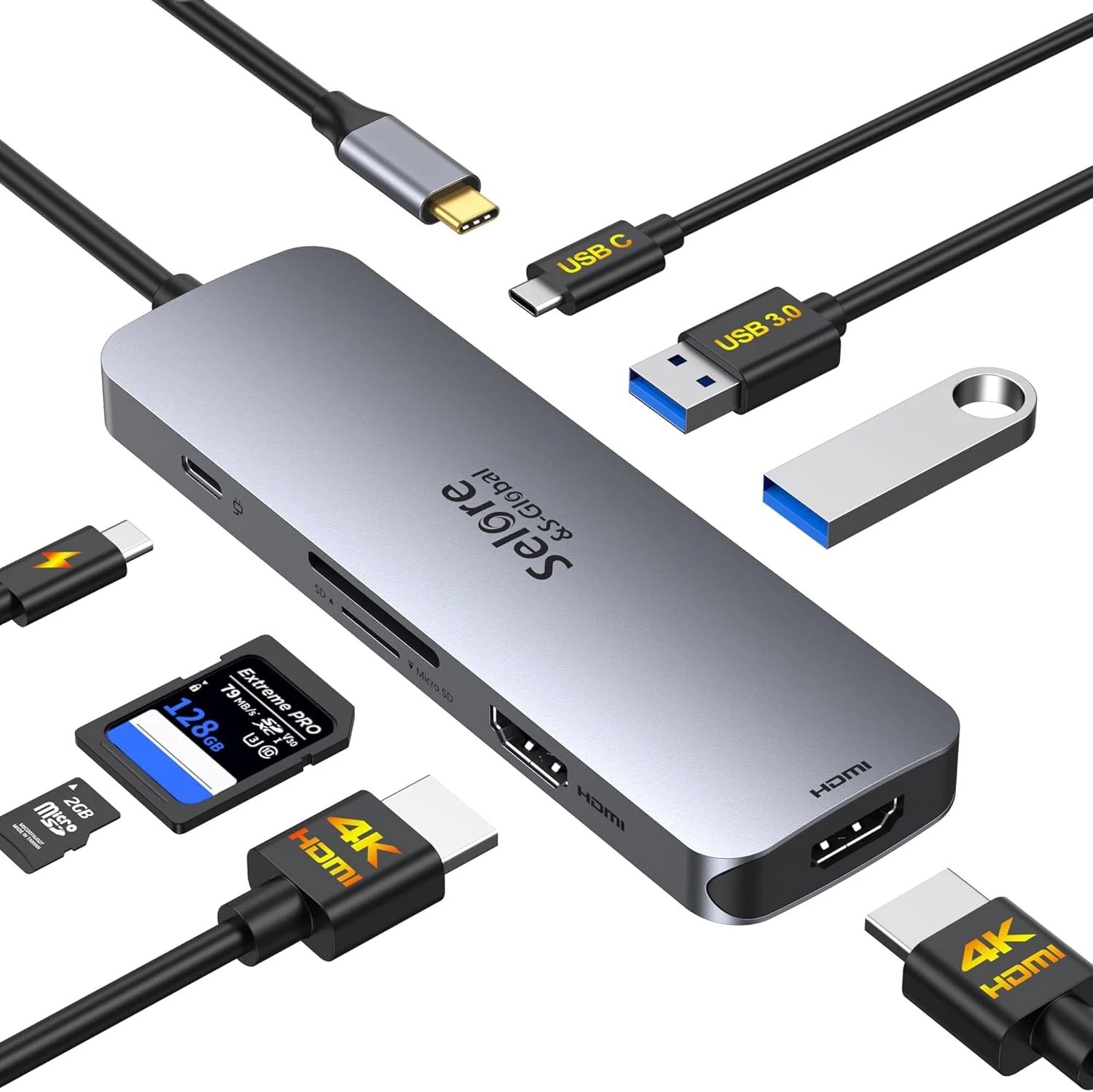
USB C Docking Station Dual HDMI Monitor, USB C to Dual HDMI Adapter with 2HDMI Ports, PD Charging, SD/microSD, USB A&C 3.0 Ports
A compact 8-in-1 USB-C docking station built for dual 4K@60Hz HDMI expansion, with PD charging up to 100W and built-in SD/microSD plus USB 3.0 ports. It can be a strong convenience upgrade for Windows users who want extended dual monitors, but Mac compatibility is limited to display mirroring and the dual-video setup depends on having a full-featured USB-C or Thunderbolt connection.
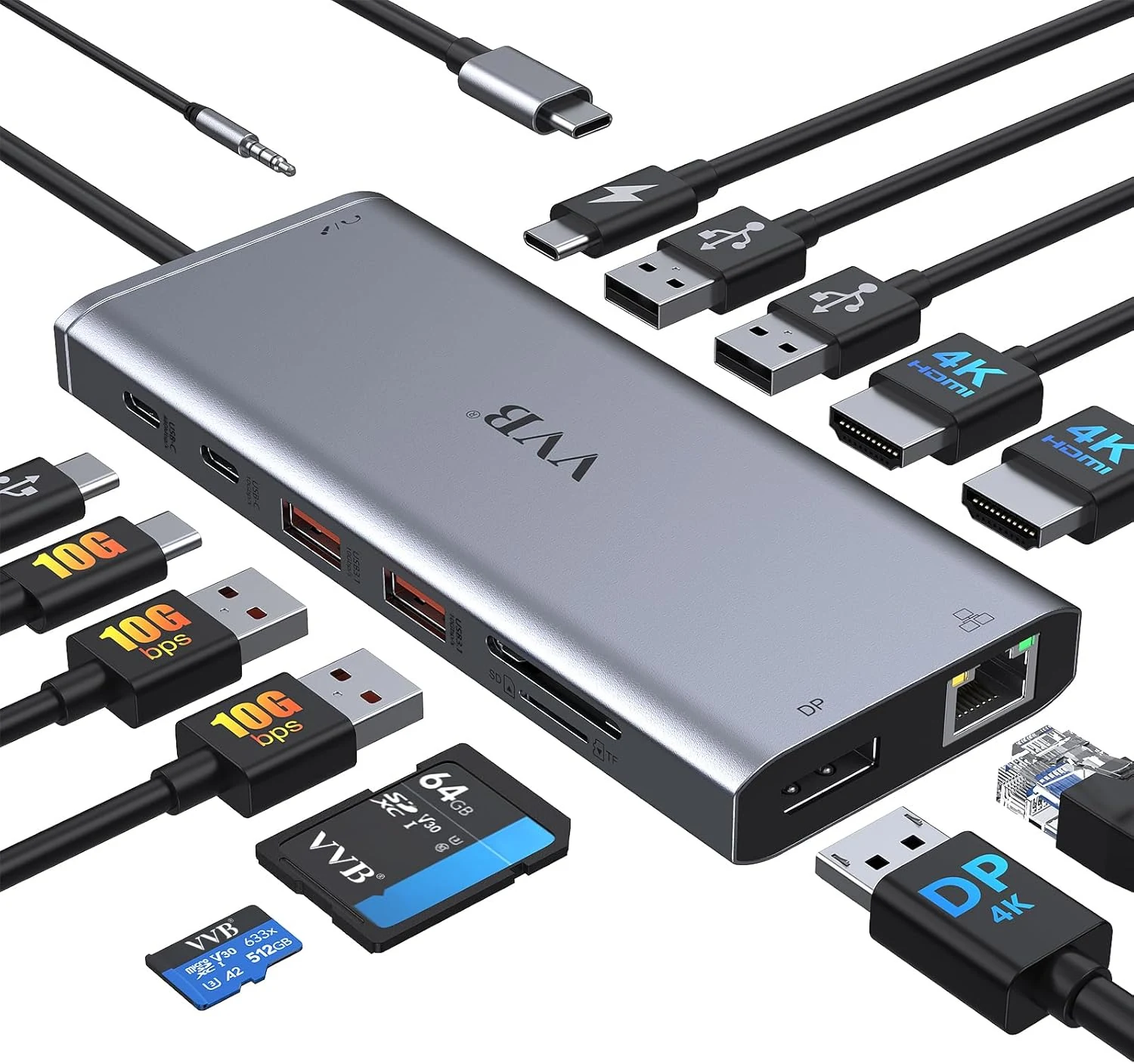
VVB USB C Laptop Docking Station Dual Monitor HDMI for Dell/Lenovo/HP (14-in-1)
The VVB 14-in-1 USB-C docking station adds dual-monitor video (HDMI plus DisplayPort), gigabit Ethernet, charging up to 100W via USB-C PD, and multiple USB ports in one compact hub for compatible Dell, HP, and Lenovo laptops. It also includes SD/microSD card slots and a 3.5mm audio jack. The main caveat is compatibility: not every USB-C port supports the video features, and the dock does not work the same with all laptops.
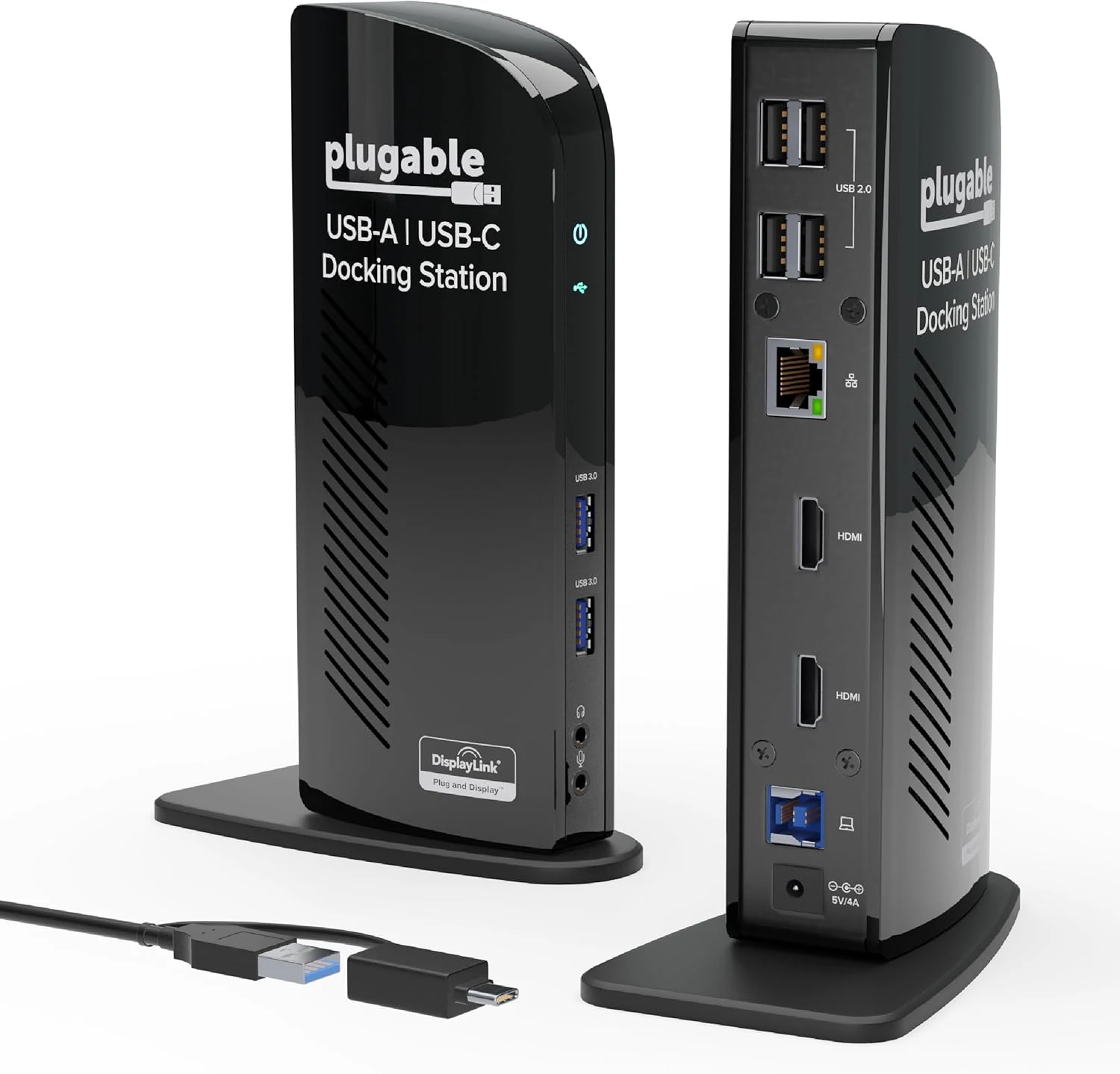
Plugable Universal Laptop Docking Station Dual HDMI Monitor for Windows and Mac (UD-3900)
The Plugable UD-3900 is a universal dual-HDMI USB docking station built for desk setups that need extra USB ports, gigabit Ethernet, and audio. It works with Windows, while macOS requires manual DisplayLink driver setup, and ChromeOS 100+ is supported out of the box. Best for productivity and web use where 2 external monitors at up to 1920x1200 (60Hz) are the target, not for gaming or HDCP-protected content.
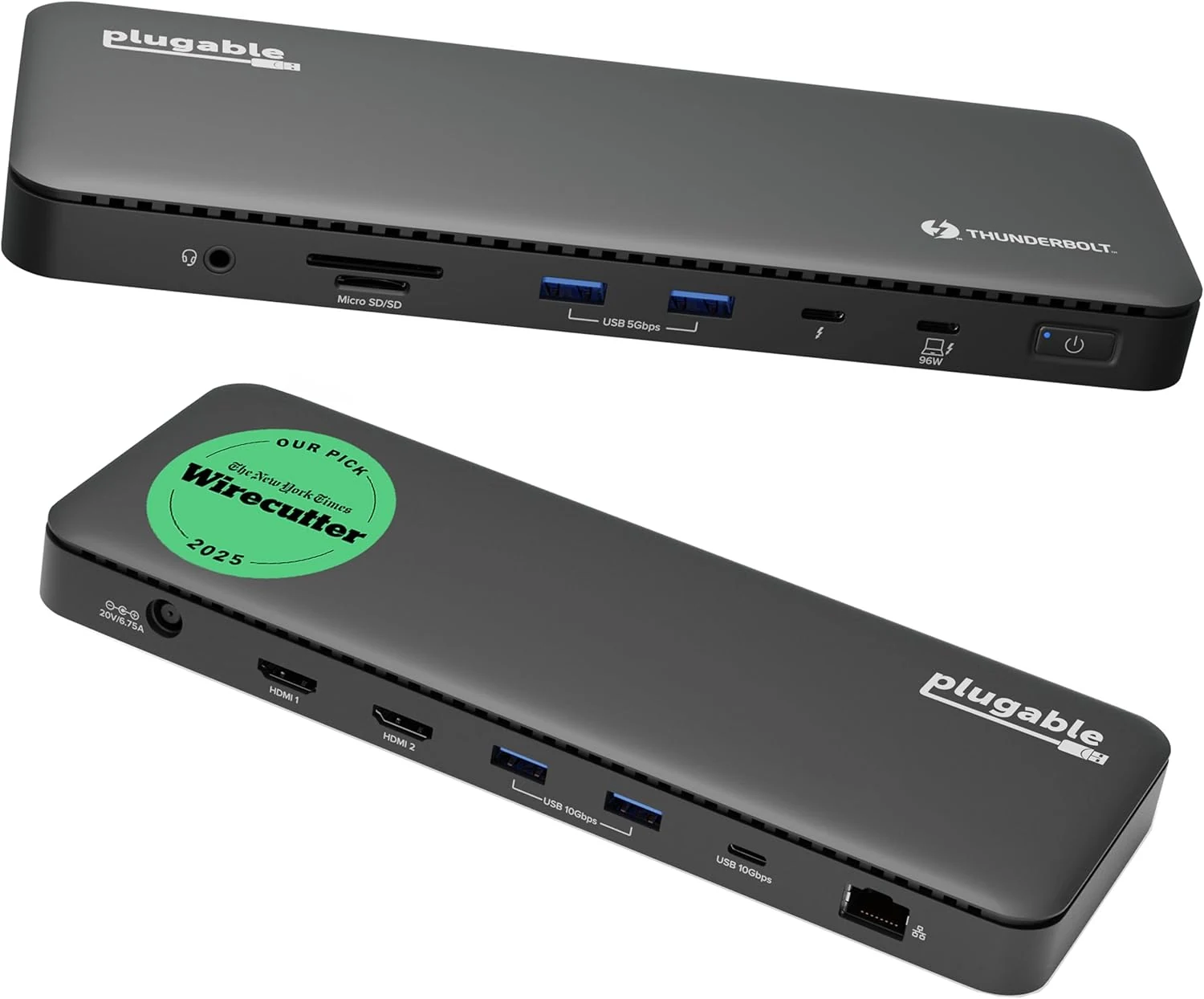
Plugable Thunderbolt 4 Dock with 100W Charging, Thunderbolt Certified (TBT4-UD5)
Plugable’s Thunderbolt 4 dock (TBT4-UD5) is built for one-cable desktop-style setups with dual 4K HDMI or single 8K video, gigabit Ethernet, and multiple high-speed USB ports, plus up to 100W-class charging. It’s a strong fit for Thunderbolt 4/Thunderbolt 5/USB4 Windows laptops and many MacBook configurations, with the main caveat being that display capability depends heavily on your specific Mac model and Thunderbolt support.