Custom Swivel USB Flash Drive 128MB Promotional Product Personalized with Your Logo (50 Pack)
Quick take
This is a bulk pack of logo-customized swivel USB flash drives designed for promotions, client handouts, and small file transfers. With USB 2.0 (USB Type-A) and 128MB capacity, it fits best when you need compact content, simple branding, and a lightweight, easy-to-distribute drive.
Pros and cons
Pros
- Logo personalization makes it suitable for business giveaways and branded onboarding materials.
- Swivel design and lightweight build support everyday portability.
- USB Type-A compatibility for common laptops and desktops.
- Buyer feedback frequently highlights the customized branding looking right and a smooth ordering process.
Cons
- 128MB is limited for large files, high-resolution media, or full software installers.
- USB 2.0 is older tech, so transfers may be slower than USB 3.0 drives for bigger content.
What buyers think
Buyer review evidence is strongly skewed toward the ordering and personalization experience. Multiple recent purchasers mention that the drives arrived in good condition, the logo/artwork matched expectations, and the process felt responsive. Several comments also point to out-of-the-box functionality for most units, with the vendor handling replacements when a small number of drives did not work at first.
Because review snippets focus mostly on communication, branding results, and overall satisfaction, buyer-review evidence is too limited to draw a reliable pattern about long-term durability or real-world transfer speeds. What we can responsibly take away is that the product is being used as a promotional tool, and buyers generally feel it performs its intended job.
Key specs that matter for buyers
- Capacity: 128MB, best for small documents, PDFs, or short presentations.
- Interface: USB 2.0, USB Type-A connection.
- Reported speeds: 12 MB/s read speed and 10 MB/s write speed (useful only as a baseline, not a guarantee for every computer).
- Build: lightweight with a swivel form factor.
- Bulk format: customizable in a 50 pack for campaigns and ongoing distribution.
Who this is best for
- Marketing and sales teams that want branded USB giveaways with predictable, small-content use.
- Training, events, and conferences where attendees receive a simple “starter pack” (agenda, brochures, contact info, a few documents).
- Small businesses doing periodic client mailers that need a compact, lightweight branded item.
- Organizations planning bulk personalization and who want support with preloading or labeling (optional services like data preload, custom label, and auto-run setup are offered).
Who should avoid it (or consider an upgrade)
- If you plan to preload large files (videos, catalogs, high-resolution assets), 128MB will run out quickly.
- If transfer time is a top priority, USB 2.0 may feel slower compared to USB 3.0 options for larger data.
- If you need higher capacity reliability for long-term storage, you may want a higher-capacity, faster interface drive designed for day-to-day file movement.
Pros and cons in plain English
Pros
- Branding that’s made for promotional use: personalization is the main point, and buyers repeatedly mention the artwork/logo looks right.
- Practical portability: the swivel design and lightweight form factor make it easy to hand out and carry.
- Simple compatibility: it’s a USB Type-A drive, suitable for most common laptops and desktops.
- Process and support are a standout: multiple reviews highlight responsive help when placing orders or addressing issues.
Cons
- Capacity limits the payload: 128MB is ideal for small documents, not full libraries.
- USB 2.0 can mean slower transfers: fine for small content, but less ideal if you regularly move bigger files.
Is it worth it?
It’s worth considering if you’re buying a branded USB as a marketing or client-handoff tool and your files are small enough to fit within 128MB. The strongest reason to choose this pack is the personalization-first setup paired with buyer feedback about the logo result and a responsive ordering experience.
If your use case involves larger assets or faster transfer needs, look for higher-capacity and newer USB speeds before committing. The 128MB, USB 2.0 combination is best viewed as a compact promotional medium, not a general-purpose drive for heavy storage.
Alternatives to consider (based on your goal)
- Higher-capacity branded drives: If you want to include photos, video, or multiple large documents, move up from 128MB.
- USB 3.0 branded drives: If attendees will frequently copy content, USB 3.0 can reduce wait times for bigger transfers.
- Different promotional formats: If your “content” is more complex, consider packaging a QR code that links to downloadable content instead of relying on onboard storage limits.
Price and availability
For the most current pricing and stock status for this 50-pack, use the button below.
FAQ
Common questions
Does this USB drive work with laptops and desktops that have USB Type-A?Yes, it uses a USB Type-A (USB) connection, which is typical on many laptops and computers.
How much data can a 128MB USB flash drive hold?128MB is best for small documents and short downloads. It is not suited for large files like videos or big photo catalogs.
What is the main benefit of a logo-personalized USB?The main value is branding on the drive itself, which makes the handout feel more intentional and helps keep your business name visible after the event.
Is USB 2.0 good enough for promotional content?For small, preloaded files, USB 2.0 is usually sufficient. If you plan to move larger amounts of data, a faster USB version may be a better fit.
Specifications
| Product Title | Custom Swivel USB Flash Drive 128MB Promotional Product Personalized with Your Logo - Bulk USB 2.0 - Customizable 50 Pack |
|---|---|
| Category | Electronics > Computers & Accessories > Data Storage > USB Flash Drives |
| Brand | Possibox |
| Manufacturer | Possibox |
| Model Number | 734602003526 |
| Item Weight | 14 Grams |
| Color | 50PCS Blue |
| Memory Storage Capacity | 128 MB |
| Hardware Interface | USB 2.0 |
| Additional Features | Lightweight |
| Write Speed | 10 |
| Read Speed | 12 Megabytes Per Second |
| Connectivity Technology | USB |
| Flash Memory Type | USB |
| Hardware Connectivity Technology | USB Type A |
| Compatible Devices | Laptop |
| UPC | 734602003526 |
| Text | 3 text inputs |
| Image | 2 images |
| Special Feature | Lightweight |
Available variants
Size
- 2GB
- 8GB
- 128MB
- 16GB
- 4GB
- 32GB
- 1GB
- 512MB
- 256MB
- 16GB USB3.0
- 32GB USB3.0
Product Packaging
- 500PCS
- 100PCS
- 200PCS
- 50PCS
- 1000PCS
Recommended next
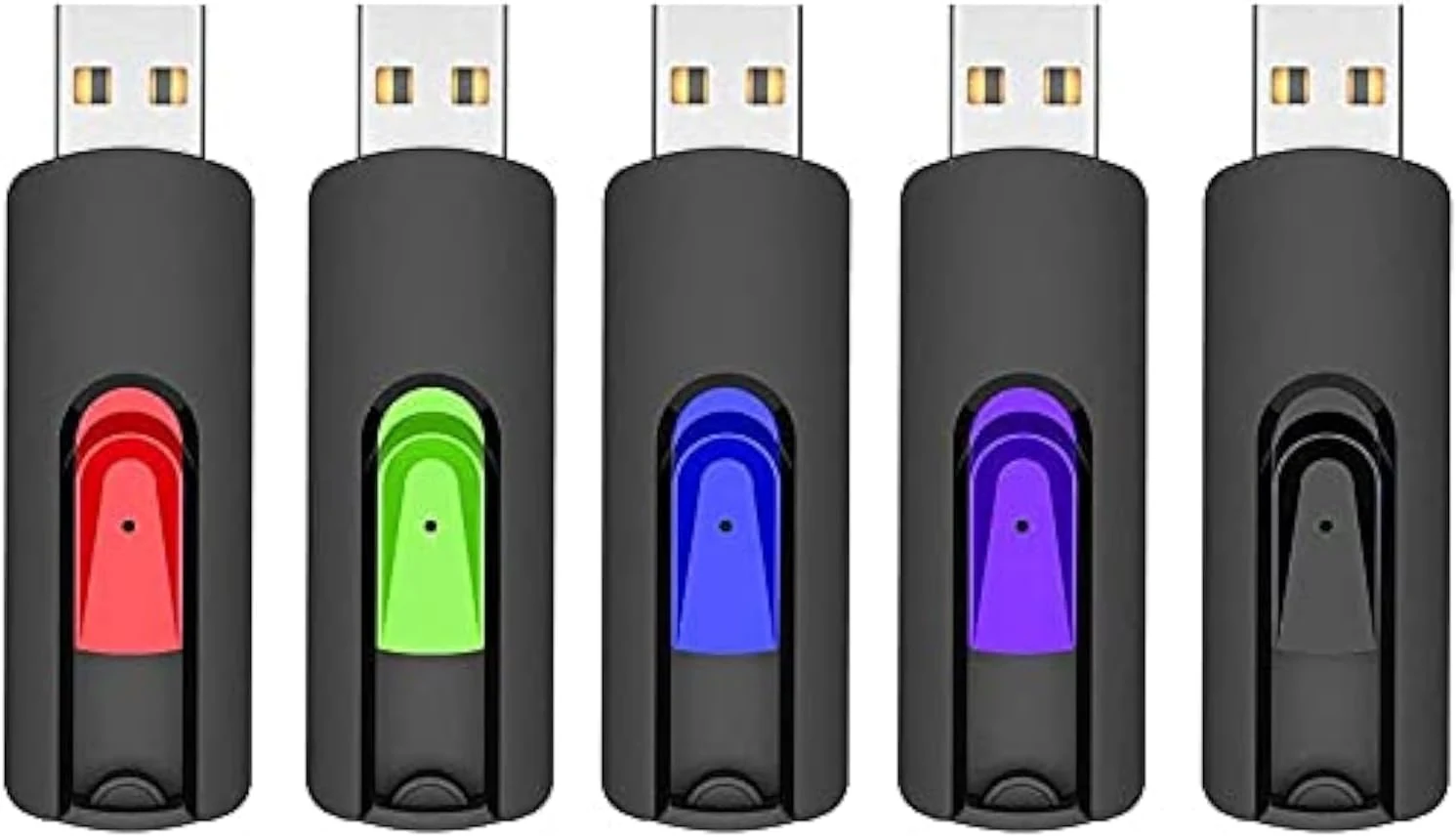
RAOYI 5 Pack 64GB USB Flash Drive, USB 2.0 Memory Stick thumb drives
RAOYI’s 5-pack gives you five compact 64GB USB 2.0 drives with a retractable, capless design for easy, everyday file transfers. They’re a good fit for basic documents, photo backups, and distributing files across multiple devices, with the main caveats being USB 2.0 speed limits and the default exFAT format.
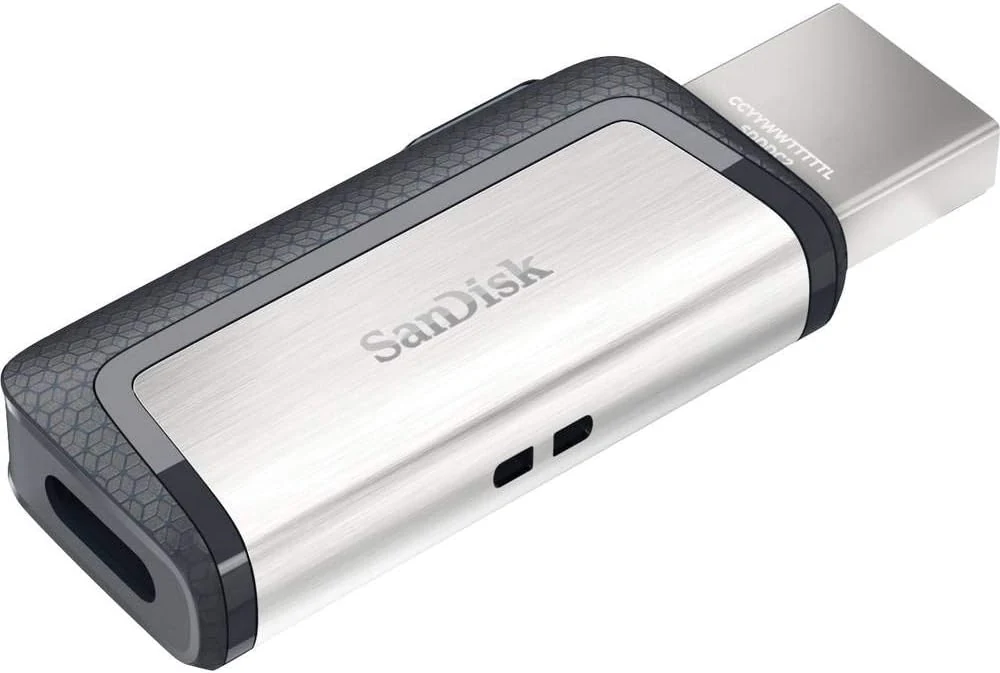
SanDisk 128GB Ultra Dual Drive USB Type-C
The SanDisk 128GB Ultra Dual Drive USB Type-C is a compact dual-connector flash drive that helps you move files between USB-C phones/tablets and laptops with USB-A. It supports USB 3.1 speeds (up to 150MB/s read), and it uses the SanDisk Memory Zone app for Android, but buyers should expect write speeds to vary by formatting and use case.
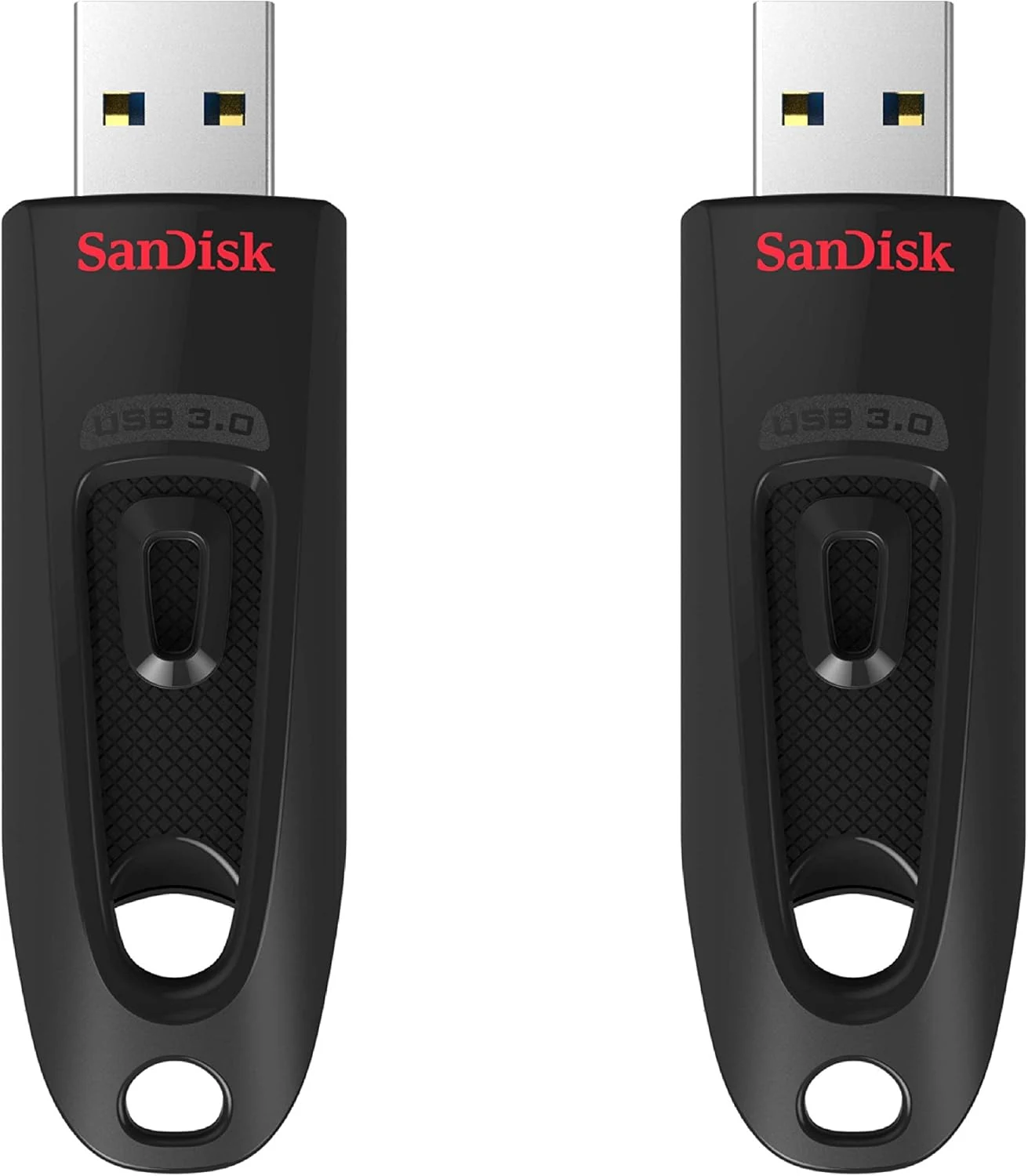
SANDISK 64GB 2-Pack Ultra USB 3.0 Flash Drive (2x64GB)
The SanDisk Ultra USB 3.0 2-pack is a practical, pocketable option for moving files, sharing media, and quick backups. It’s built around fast USB 3.0 speeds (up to 130MB/s read) and adds password protection via 128-bit AES, though real-world performance depends on your host device.
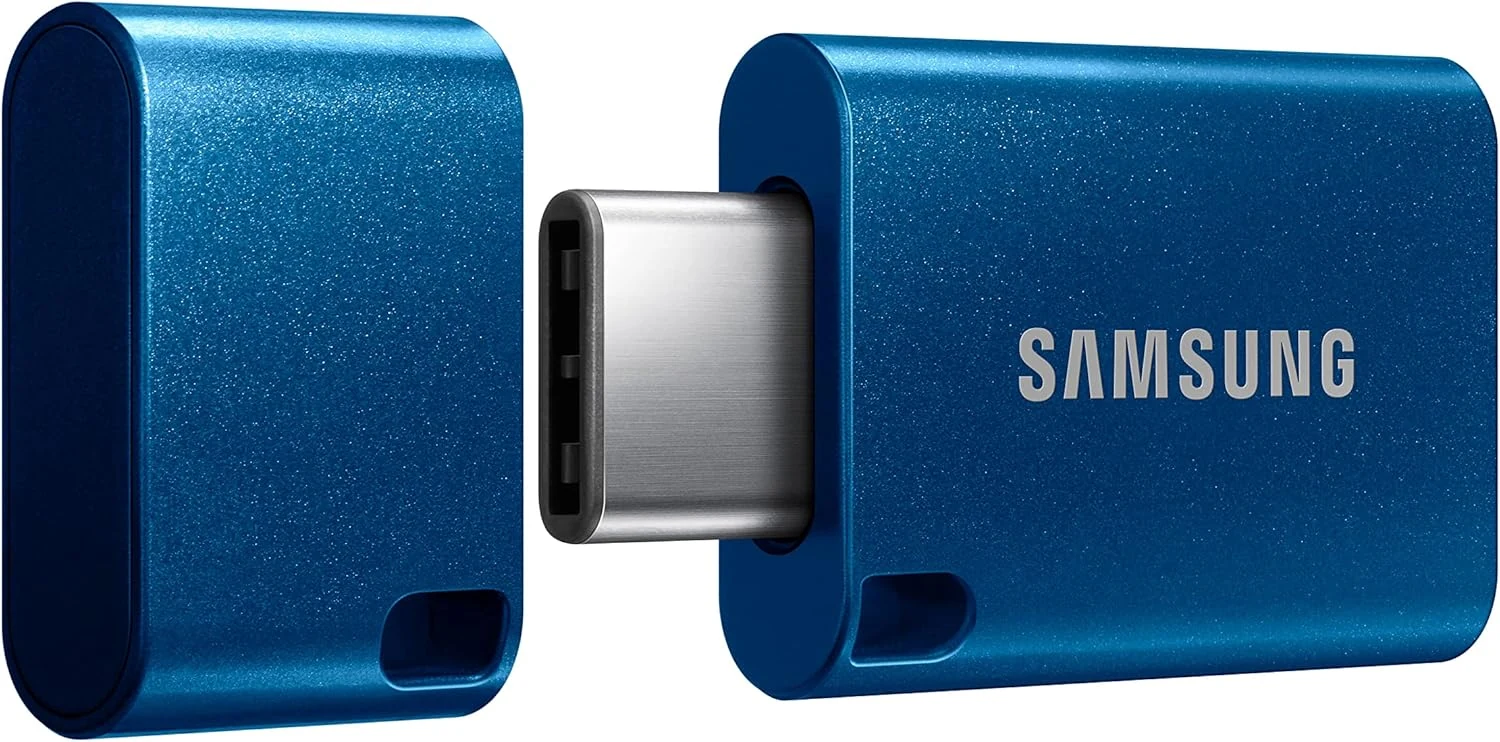
Samsung Type-C USB Flash Drive, 256GB, Transfers 4GB Files in 11 Secs w/Up to 400MB/s USB 3.2 Gen 1 Read Speeds, Compatible w/USB 3.0/2.0, Waterproof, 2022, Blue, MUF-256DA/AM
A compact USB-C flash drive built for on-the-go transfers, with up to 400MB/s USB 3.2 Gen 1 read speed and a rugged, waterproof body. Best for people who want quick file moving between phones, tablets, and USB-C laptops, with the tradeoff that it still behaves like a flash drive on writes and needs compatible ports.