CloudValley Webcam Cover Slide, [5 Pack] 0.6mm-Thin Metal Web Camera Cover Sticker for MacBook Pro, MacBook Air, Laptop, iMac, PC, Surfcase, iPhone 8/7/6 Plus, Privacy Cover, Black-5 pcs
Quick take
The CloudValley W3 is a 5-pack of 0.6mm-thin, matte-black metal webcam covers that slide over your device’s front camera for privacy. Buyers tend to like how slim it is and how straightforward it is to install once the alignment is right. The biggest caveat is sizing and camera placement, so it may feel smaller than expected on some devices.
Pros and cons
Pros
- Very thin (0.6mm) metal design that aims to stay low-profile on phones and laptops.
- Matte black, minimalist look that is less visually distracting than bulkier covers.
- Designed for easy installation with an adhesive approach and an included alignment aid.
- Includes 5 covers, which helps if you want more than one device covered.
Cons
- May be smaller than some buyers need, suggesting fit depends heavily on your exact camera area.
- Requires careful alignment during sticking, since repositioning may be limited to early adjustments.
- Not water resistant (so it is best treated as an indoor-device accessory).
What buyers think
Buyer feedback is generally consistent around three themes: the cover’s slimness, how manageable installation feels, and how well the cover lines up with a camera. Multiple reviewers highlight that the product is genuinely thin and does not look or feel bulky on devices. Installation is often described as easy, with some buyers noting that the included positioning help (tape) makes it simpler to place accurately the first time. For use on laptops, reports focus on whether the cover stays flush when closing the lid and whether it blocks the camera without creating odd edge gaps.
Not all experiences are identical. There is limited evidence that fit is not universal, with some buyers finding the cover smaller than they expected. Overall, buyer-review evidence supports the idea that this is a good option when your camera placement matches the cover’s intended alignment, but sizing expectations should be checked before you apply it.
How this webcam cover works
This is a slide-on privacy cover, built to sit over the front-facing camera area. Once placed, it remains in a low-profile position, and you can move it to cover or uncover the lens. Because it relies on an adhesive attachment, you will want a clean, dry surface before you press it into place.
Key features that matter for everyday use
Low-profile metal design
At 0.6mm thin, the cover is intended to reduce bulk, which is especially important for people who slide devices into pockets or carry laptops in bags. Buyers who were concerned about clearance around cases and laptop closure tend to mention that the cover does not seem to create scraping or contact when aligned correctly.
Matte black, minimalist appearance
The layered matte-black finish is meant to blend in with common laptop and phone aesthetics. If you do not want a bright or highly reflective cover, the understated look is part of the appeal.
Multi-device value with a 5-pack
With five covers included, this kit is useful when you want privacy protection on more than one device, or if you expect to keep a spare for another compatible camera location.
Installation and fit considerations
Installation is adhesive-based. Buyers commonly mention that the included transparent tape strips help with positioning, and that early repositioning is possible if the placement is crooked at first. To avoid misalignment, take time to align the cover precisely over the camera before fully committing pressure.
Fit depends on camera location and the cover’s size relative to your device. If your device camera area does not match the intended alignment, you may end up with a cover that feels too small or not as neatly centered as you want. This is the main practical reason someone might not be happy after application.
Pros and cons, in practical terms
- Best for: Buyers who want a slim, metal webcam privacy solution for laptops and phones, and who will take a moment to align the adhesive cover accurately.
- Not ideal for: People who need a one-size-fits-all cover without checking camera placement, or anyone who wants a non-adhesive option.
- Office and travel use: The low-profile build is the selling point for people who routinely close laptops and move them around in bags.
Is it worth it?
If you’re shopping for a matte-black, 0.6mm-thin slide cover and your device camera placement fits well, the CloudValley W3 is the type of accessory that can disappear visually while still giving you physical camera privacy. The value increases with the 5-pack, especially if you cover more than one device. Just make sure your camera area matches the cover size closely, since some buyers report that it can be smaller than expected on certain setups.
Alternatives to consider
If you want a different tradeoff than a thin metal adhesive slider, consider browsing by these criteria:
- For simpler installation: Look for covers that emphasize easy placement guides or more forgiving templates.
- For bulk-free options: Compare thickness and whether the cover is designed to stay flush when the lid is closed or when a phone case is used.
- For stronger all-around protection: Compare how well the cover blocks the camera without leaving edge gaps (especially important for people in frequent video calls).
If you share your exact device models (laptop year/model, phone model, and whether you use a case), you can narrow down whether a thin slider like this will likely align well.
Price and availability
Check current pricing and stock on the product listing:
FAQ
Will this work on my MacBook Pro or MacBook Air?
It’s designed to fit common laptop front camera placements, but webcam covers are sensitive to alignment and size. If your camera area matches the cover’s intended positioning, it should sit cleanly. Double-check your camera location and dimensions before applying.
Does the cover interfere with the camera indicator light or webcam use?
The goal is to block the camera without affecting basic webcam usability, and buyers generally report they can still use the camera without visible edge “shadow” issues when the cover is aligned correctly. If alignment is off, coverage and appearance may be less ideal.
How hard is it to install?
Installation is adhesive-based. Many buyers say it is easy once you follow the alignment steps, and that the included tape helps with positioning. Plan for careful placement because accurate alignment is the key to a clean fit.
Is it safe for devices and cases?
It is made as a thin privacy sticker/cover, intended to stay low-profile. However, it is still adhesive attached, so you should apply it to clean, dry surfaces and avoid handling that could disturb the alignment right after installation. It is not water resistant.
What’s the main drawback to watch for?
Fit. Some buyers report the cover felt smaller than they needed, which points to the importance of matching your camera placement. If your camera area differs from the cover’s alignment, you may not get the centered, flush look you want.
Specifications
| Product Title | CloudValley Webcam Cover Slide, [5 Pack] 0.6mm-Thin Metal Web Camera Cover Sticker for MacBook Pro, MacBook Air, Laptop, iMac, PC, Surfcase, iPhone 8/7/6 Plus, Privacy Cover, Black-5 pcs |
|---|---|
| Category | Electronics > Computers & Accessories > Laptop Accessories > Camera Privacy Covers |
| Brand | CloudValley |
| Manufacturer | CloudValley |
| Model Name | W3 |
| Model Number | W3 |
| Screen Size | 17 Inches |
| Item Weight | 9.07 g |
| Image stabilization | false |
| Video Capture Resolution | [720p, 1080p] |
| Color | Black-5 pcs |
| Sensor Type | CMOS |
| Connectivity Technology | USB |
| Features | webcam cover |
| Water Resistance Level | Not Water Resistant |
| Has Image Stabilization | No |
| Form Factor | webcam cover |
| Style Name | Minimalist |
| Item Dimensions D x W x H | 0.02"D x 0.02"W x 0.02"H |
| Focus Type | Manual Focus |
| Video Resolution | [720p, 1080p] |
| Video Capture Format | MP4 |
| Image Aspect Ratio | 16:9 |
| Supported Image Format | JPEG |
| White Balance Settings | Auto |
| File Format | JPEG |
| Exposure Control Type | Manual |
Recommended next
![CloudValley Upgrade Magnetic Webcam Cover, [6-Pack] 0.023 inch Metal Camera cover slide](/product-images/019ee18b-88d8-7055-a631-58c319974189-0-d09430e82ae3.webp)
CloudValley Upgrade Magnetic Webcam Cover, [6-Pack] 0.023 inch Metal Camera cover slide
The CloudValley magnetic webcam cover pack is designed to be extremely thin and easy to install across many laptops and tablets. It uses a metal slide with strong magnets for a non-permanent seal, but the sliding piece can feel a bit flimsy on some setups, so alignment matters.
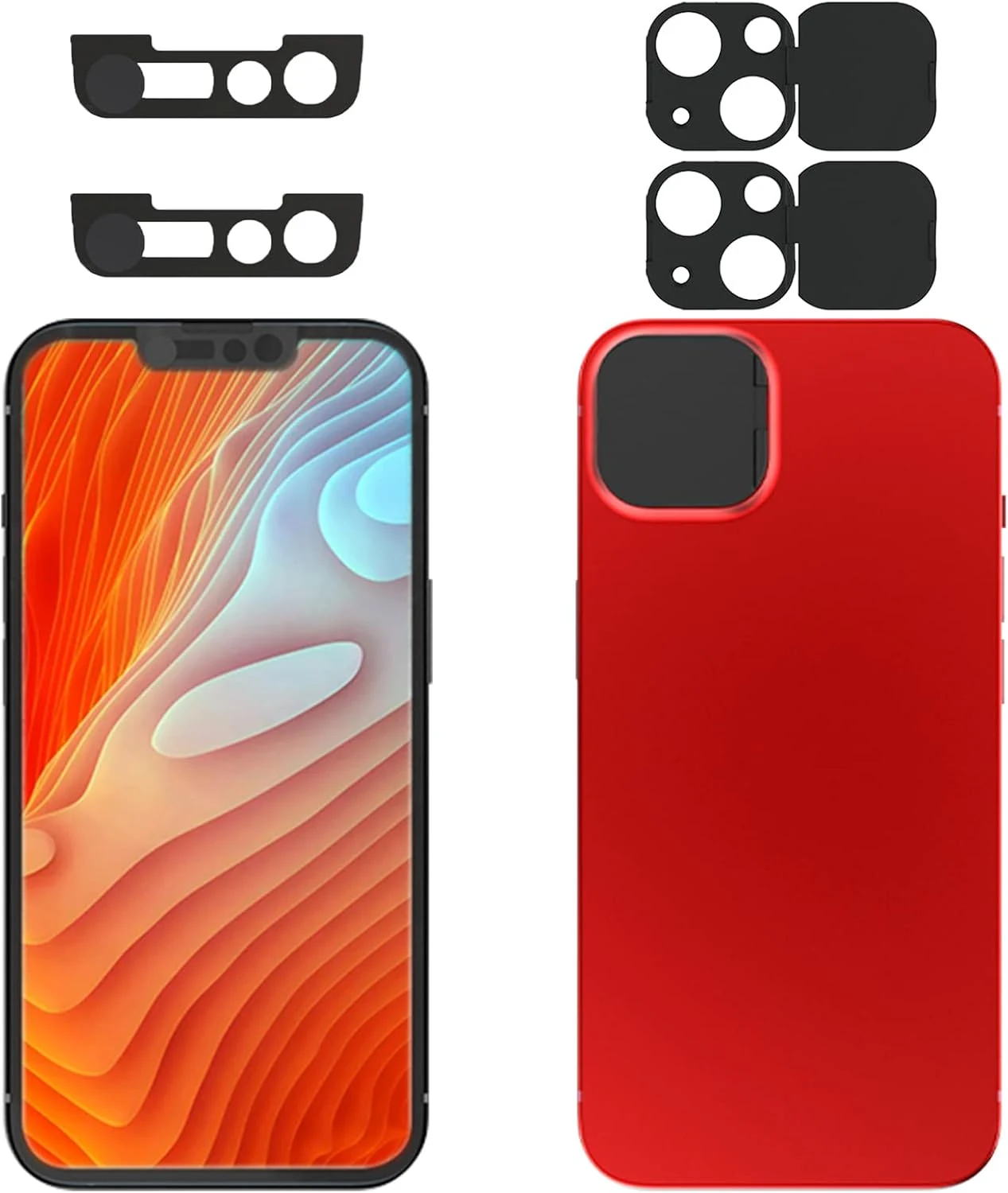
Privacy Cover Compatible for iPhone13 /iPhone 13 Mini with iPhone 13 Front Camera Cover (2 Pack)
This 2-pack camera privacy cover set is made to block both the iPhone 13 rear camera lenses and the iPhone 13 front camera area. It’s easy to install using adhesive tape and is designed not to interfere with face recognition when the front slider is closed, but buyer feedback suggests adhesion durability can vary over time, especially under screen protector conditions.
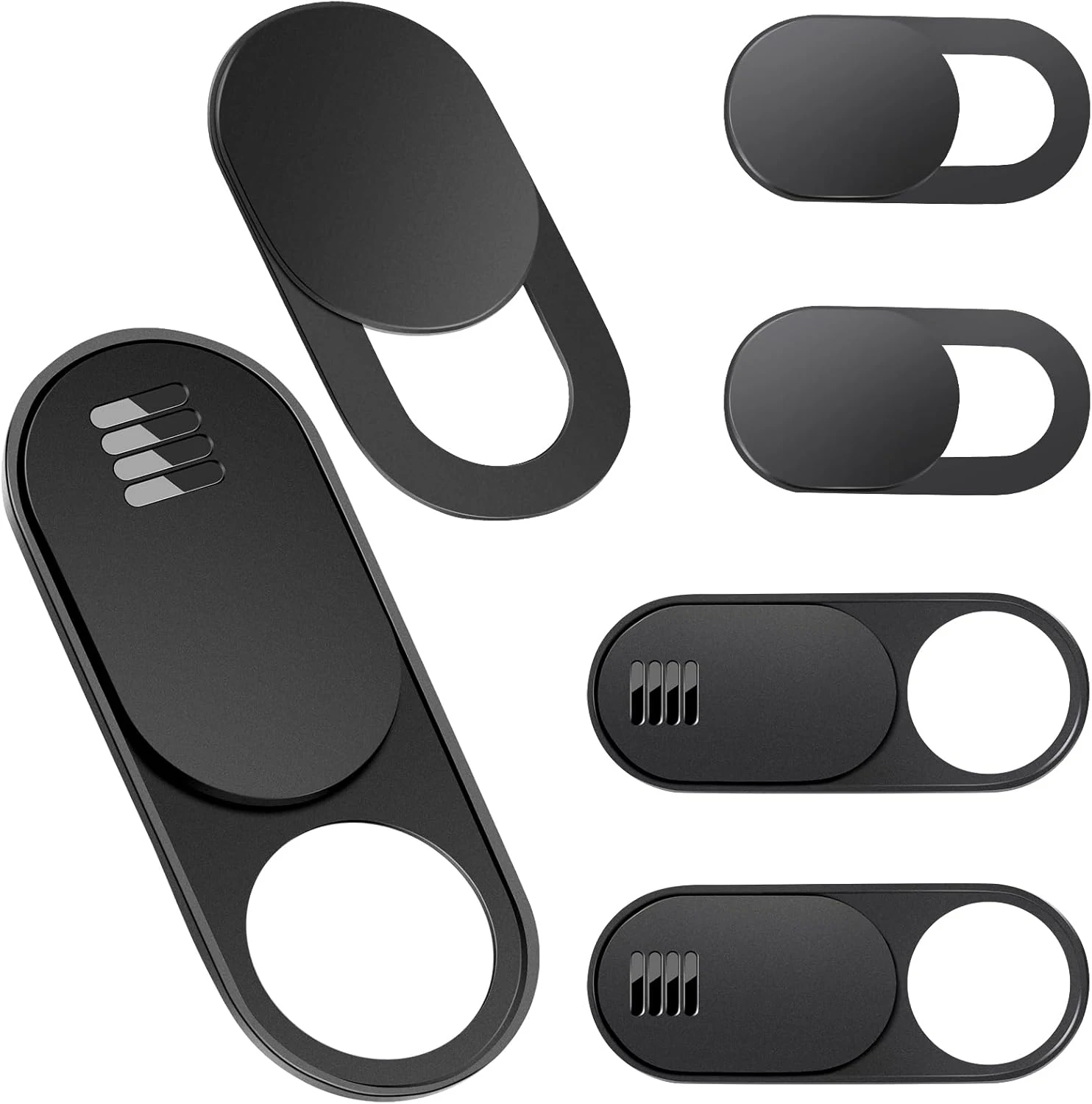
Toojcc Laptop Camera Cover Slide, 3 Large + 3 Small Ultra Thin Webcam Cover
The Toojcc camera cover slide is an ultra-thin, slide-to-open privacy blocker designed for laptops, tablets, phones, and even Tesla Model 3/Y interior cameras. It uses adhesive mounting, includes two aperture sizes (large and small), and is made to stay low-profile when your device closes. The main buying caveats are compatibility limits (curved screens, some full-screen devices, and a specific MacBook Pro model) and adhesive behavior over time.
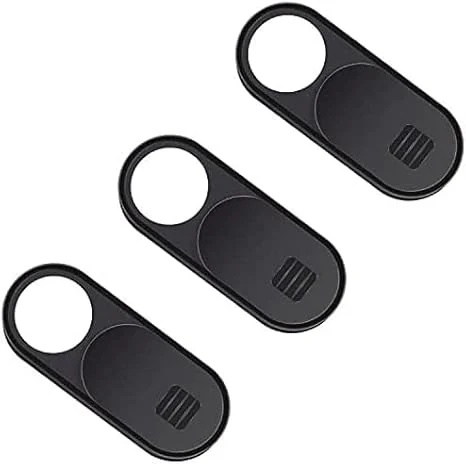
Laptop Camera Cover Slide, 2.0 Ultra-Thin Webcam Cover Slide Compatible (3-Pack)
A slim, slide-to-open webcam privacy cover designed to stick over many laptop, tablet, and phone front cameras. It’s easy to install, generally stays in place, and reviewers like the smooth switching for video calls, with the main tradeoff being that fit depends on camera shape and placement (and finger access may be less convenient if the groove is flat).