Canon SELPHY CP1500 Compact Photo Printer | Black with 2 x KP-108IN Color Ink and Paper Set (3 Items)
Quick take
The Canon SELPHY CP1500 is a compact wireless photo printer that makes it easy to print from a phone, USB, or an SD card, with a 3.5" LCD for previewing and adding basic effects. It’s a strong choice for people who want quick, physical 4x6-style prints for scrapbooking, travel journals, or sharing on the spot. The buying caveat: it’s an instant photo printer, so it won’t match the finest detail and look of traditional professional photo printing workflows.
Pros and cons
Pros
- Portable compact size with optional battery support for on-the-go printing
- Flexible input options, including Wi‑Fi with the SELPHY Layout app, plus USB and SD card printing
- Built-in 3.5" LCD to preview and apply effects like sepia or B/W
- Vibrant dye-sublimation color prints (300 x 300 dpi) for glossy photo paper
- Bundle includes Canon KP-108IN color ink and paper set(s) for postcard-size 4x6 prints
Cons
- Photo detail is limited compared to professional print services (plan for “instant proof” expectations)
- Color output may vary by connection method (some buyers note differences when printing from a computer)
- Works with specific SELPHY consumables, so ongoing costs depend on how often you print
What buyers think
Buyer-review evidence points to three consistent themes: setup and day-to-day use are described as straightforward, the mobile printing experience is a major strength, and the prints are generally viewed as vivid and good-looking for instant photo use. Several buyers also highlight how useful the printer is for projects like scrapbooking and travel journaling, where having physical prints quickly matters more than matching a lab-grade finish. At the same time, a few comments suggest the printer can show differences in perceived detail depending on subject matter, and some buyers notice color expectations may not translate the same way across phone versus computer workflows. Overall, buyer feedback is strongest for portability and convenience, with print quality viewed as “very good for instant,” not “studio perfect.”
What makes the SELPHY CP1500 different?
The SELPHY CP1500 is designed around fast, wireless photo printing in a small footprint. Instead of relying on a large office-style printer setup, it uses dye-sublimation thermal transfer printing for glossy color photos, aiming for instant, ready-to-handle results.
Practically, that means you can print from common sources you already have: a camera memory card, a USB drive, or a phone over built-in Wi‑Fi using the SELPHY Layout app. The 3.5" LCD also helps you preview and add simple presentation touches (like sepia or B/W) before you commit to the print.
Key specs that affect everyday use
Print quality and output
- Printing method: dye sublimation / thermal transfer
- Resolution: 300 x 300 dpi
- Color printing: CMY dye film with high color depth support (listed up to 256 levels per color)
- Print speed (listed): up to 10 ppm for black and white (print-only design)
Wireless and connection options
- Wi‑Fi: supports AirPrint (and can connect over 2.4 GHz 802.11 b/g)
- App workflow: SELPHY Layout app for iOS and Android, with editing and effects
- Other inputs: USB Type‑C and SD card slots
Paper formats and bundle fit
This kit includes Canon KP-108IN color ink and paper sets intended for postcard-size 4" x 6" prints, using pre-cut paper designed for straightforward loading. The printer is also built to support multiple paper sizes beyond 4" x 6" (including adhesive sticker-style formats), so the CP1500 is a better fit if you like variety in your printed outputs, not just the same one-size photo every time.
Pros and cons in real buying terms
It’s a great pick if you want fast physical photos
If your goal is getting photos onto paper quickly for scrapbooking, gifts, travel journals, or event sharing, the CP1500’s app-driven setup and portable design are the big wins. Buyers frequently mention that it’s easy to get going and simple to use regularly, especially when printing directly from a smartphone.
It’s not the best choice if you need the finest “lab-level” detail
For highly detailed subjects, very fine textures, or prints meant to replace professional photo lab output, the CP1500 may feel limiting. Treat it as an instant print companion, not a replacement for premium print shops.
Expect color differences depending on your workflow
While phone printing is commonly described as smooth and vivid, some comments suggest color results can be different when printing from a computer. If accurate color matching is critical, budget time to test your preferred workflow (app versus computer) before you print important photos in volume.
Who should buy the Canon SELPHY CP1500?
- Casual photographers and journaling fans who want quick 4x6-style prints with minimal setup
- Scrapbookers and crafters looking for an easy way to create physical photo pages and layouts
- Travel and event use where portability matters, especially if you’ll use the optional battery
- Gift printers who like being able to add effects and print immediately from a phone
Who should avoid it?
- People replacing professional photo labs who need maximum tonal nuance and fine detail
- Buyers who require perfect color consistency across every connection method without any workflow testing
- Anyone who prints extremely rarely and may find the dedicated ink/paper format less convenient than a standard printer ecosystem
Verdict
The Canon SELPHY CP1500 is a convenience-first portable photo printer: compact, wireless, and easy to use for creating vivid instant prints from a phone, SD card, or USB. It’s best when you want photos in-hand quickly for everyday sharing and creative projects. If you’re expecting professional photo lab output or strict color matching across all devices, you may need to adjust expectations and test your workflow first.
Price and availability
Pricing and stock can vary, but the listed kit bundles the CP1500 with Canon KP-108IN color ink and paper set(s), which can reduce the “what do I need to print?” friction for first-time buyers. Check the current deal and any bundle details before ordering.
FAQ
Is the Canon SELPHY CP1500 good for scrapbooking and printed journaling?
It’s well suited for scrapbooking and journaling because it’s designed for quick, easy printing from a phone or memory card and produces glossy color photo prints on pre-cut paper.
Can I print from my smartphone?
Yes. The CP1500 supports Wi‑Fi printing and works with the SELPHY Layout iOS/Android app for editing and adding effects before printing.
Does the CP1500 print borderless photos?
The printer supports both bordered and borderless-style printing modes, depending on the selected output and layout settings.
What size prints does it support?
It’s commonly used for 4" x 6" prints, and it also supports additional paper or sticker formats beyond 4" x 6".
Will the color look the same if I print from a computer vs a phone?
Color results can vary by workflow. Some buyers report smooth, vivid results from a phone app, while color expectations may differ when printing from a computer, so it can help to test your preferred method.
Is this a good replacement for professional photo printing?
It’s better thought of as an instant photo printer. It can deliver very good results for everyday prints, but it may not match the finest detail and finish of traditional professional lab prints.
Specifications
| Product Title | Canon SELPHY CP1500 Compact Photo Printer | Black with 2 x KP-108IN Color Ink and Paper Set (3 Items) |
|---|---|
| Category | Electronics > Camera & Photo > Printers & Scanners > Portable Photo Printers |
| Brand | Canon |
| Manufacturer | Canon |
| Model Name | SELPHY CP1500 |
| Model Number | CP1500 |
| Color | Black |
| Product Dimensions | 2"D x 7"W x 5"H |
| Printer Type | Dye Sublimation |
| Other Special Features of the Product | Wireless |
| Printer Output Type | Color |
| Item Dimensions D x W x H | 2"D x 7"W x 5"H |
| Controller Type | Android, iOS |
| Print media | Glossy photo paper |
| Scanner Type | Photo, Portable |
| Maximum Copy Speed Black and White | 10 ppm |
| Compatible Devices | PC, Smartphones |
| Warranty Type | limited |
| EU Spare Part Availability Duration | 1 Years |
| Ink Color | Black |
| Additional Printer Functions | Print Only |
| Control Method | App |
| Number of Trays | 1 |
| Resolution | 300 x 300 |
| Display Type | LCD |
| Maximum Media Size | 4 x 6 |
| Maximum Sheet Capacity | 20 |
Available variants
Style
- CP1500 + 108 Prints Kit
- CP1500 + 216 Prints Kit
Color
- White
- Black
Recommended next
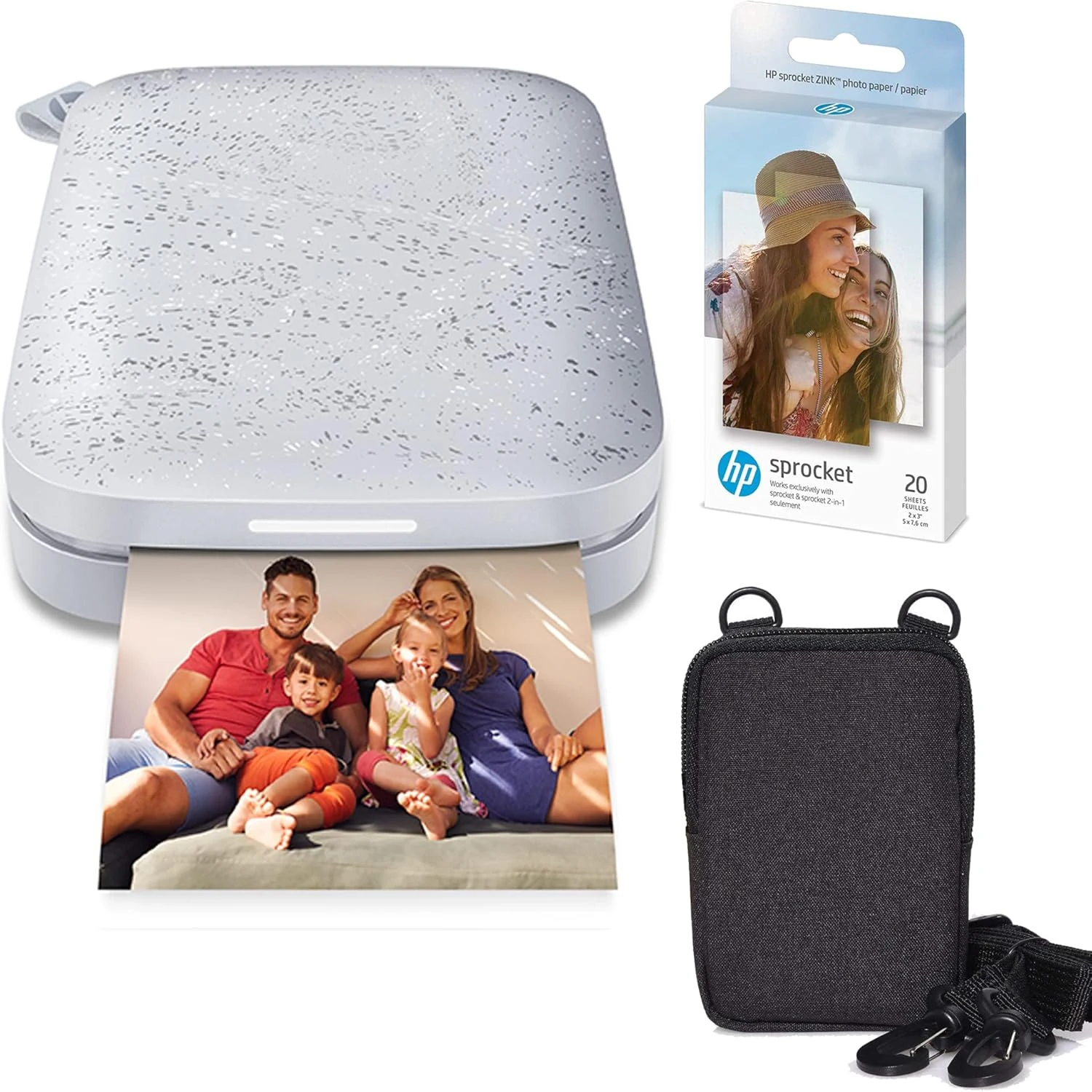
HP Sprocket Portable 2x3 Instant Photo Printer (Luna Pearl) Zink Paper Bundle
The HP Sprocket prints 2x3 photos directly from your phone using ZINK zero-ink paper, making it a convenient pick for scrapbooks, journals, and instant “print it now” moments. It is easy to use and portable, but the Android app can be less reliable, and color can vary slightly depending on the photo.
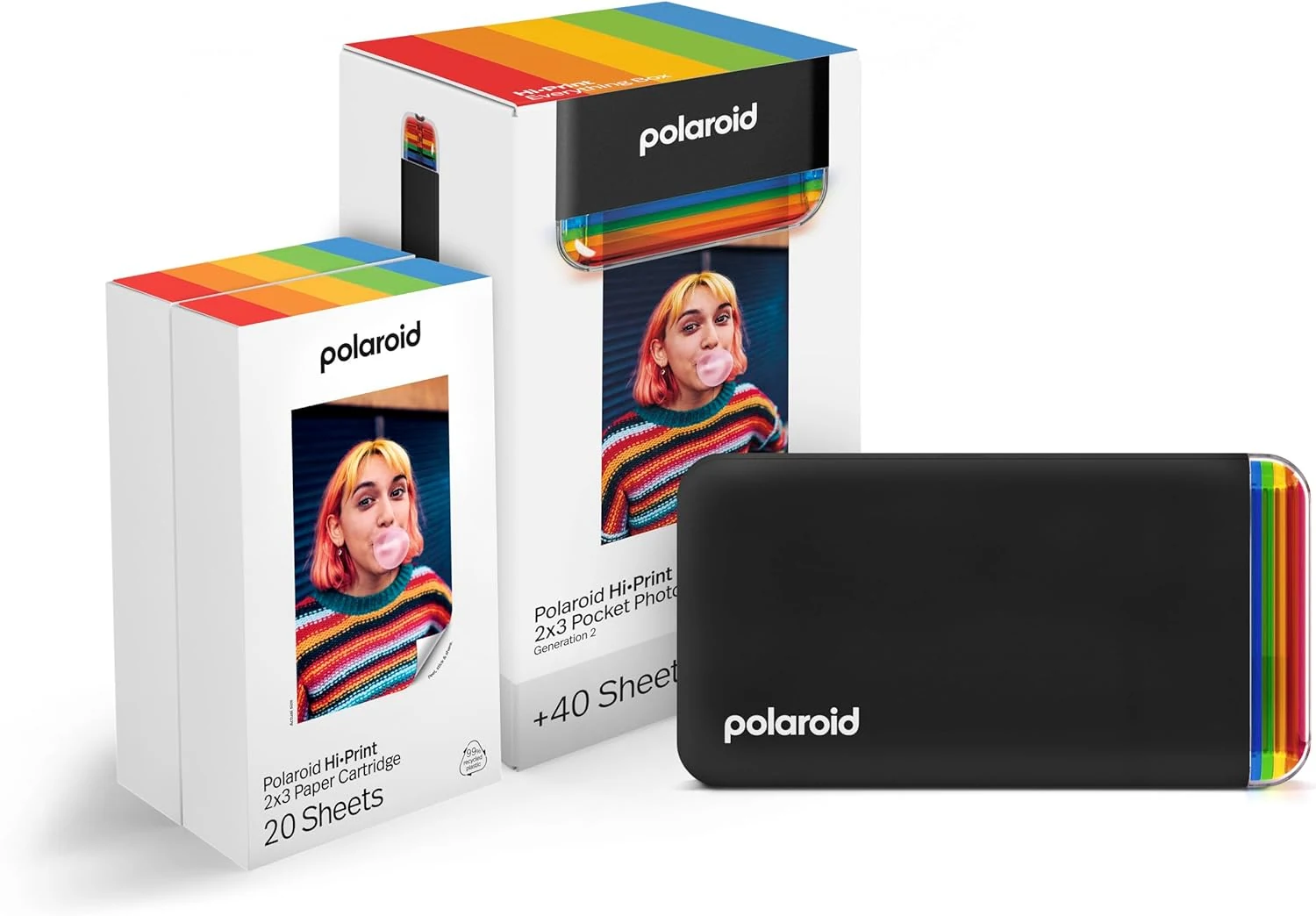
Polaroid Hi-Print + Paper Bundle- 2nd Generation Bluetooth Connected 2x3 Pocket Photo Dye-Sub Printer - Black Printer + 40 Photos (6439)
The Polaroid Hi-Print 2x3 Bluetooth pocket photo printer is a simple, app-based way to turn phone photos into peel-and-stick prints. This bundle includes 40 ready-to-print sheets, dye-sub printing for vibrant color, and edits like frames, filters, text, and more through the Polaroid Hi-Print app. The main catch is the dedicated 2x3 paper format and print run limits tied to the included cartridge.
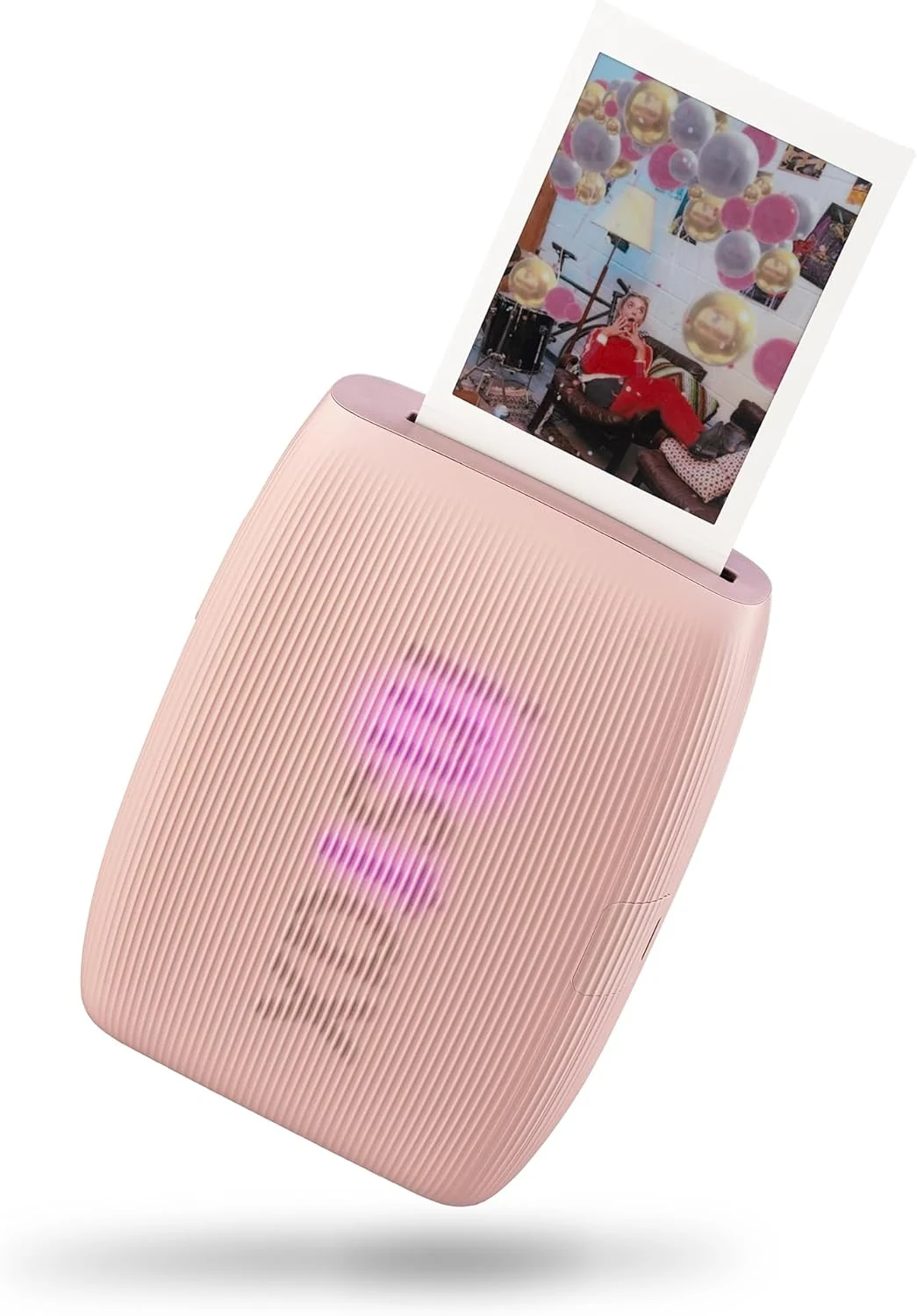
Fujifilm Instax Mini Link 3 Smartphone Printer - Rose Pink
The Fujifilm Instax Mini Link 3 turns smartphone photos into glossy Instax Mini prints in about 15 seconds, with app-based controls and a compact design made for sharing on the go. It’s a strong fit if you want simple, repeatable “print right now” convenience, with the main tradeoff being that it’s print-only and relies on specific Instax Mini film.
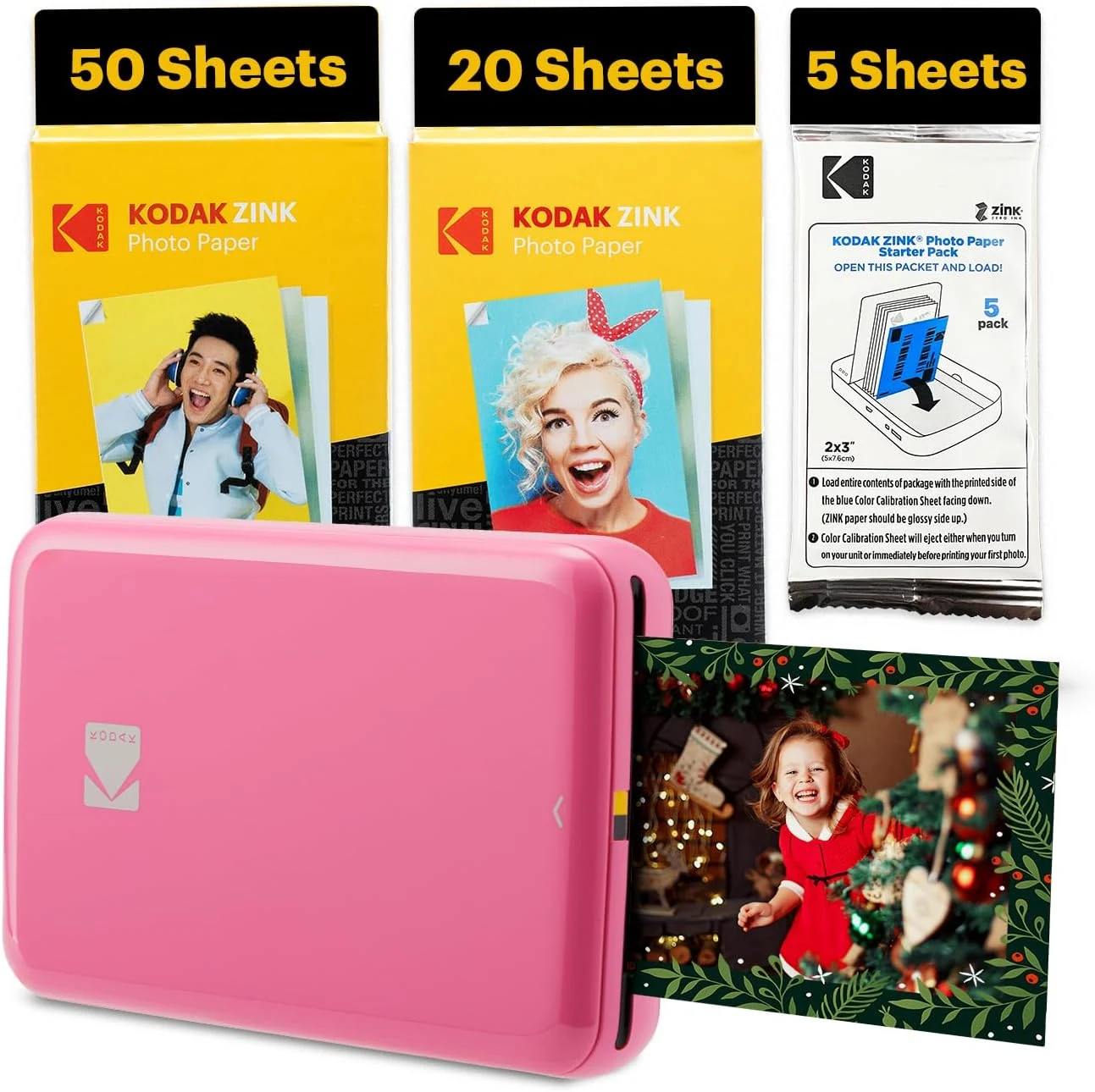
Kodak Step Instant Smartphone Photo Printer
The Kodak Step is a portable 2x3-inch Zink photo printer that lets you print and peel-and-stick photos directly from your smartphone (Bluetooth or NFC). Reviewers highlight fast, reliable pairing and great “sticker” usability for scrapbooks and travel journaling, with a few caveats around slower print speed and occasional color inconsistency.