BLUEING EnvyBook14 Laptop (8GB RAM, 256GB SSD, Pentium, 14-inch FHD IPS)
Quick take
The BLUEING EnvyBook14 is a lightweight, budget traditional laptop built for everyday school and home tasks like web browsing, document work, and streaming. Buyers who stick to light multitasking often describe it as smooth and responsive thanks to the 256GB SSD, but there are also reports of slower performance and noticeably warm temperatures under heavier use.
Pros and cons
Pros
- 14-inch 1080p FHD IPS display with clear visuals for video and daily work
- 8GB RAM and 256GB SSD for everyday speed, faster boot, and quick access
- Pentium quad-core (up to 2.64GHz) suitable for browsing, writing, and light multitasking
- Wi‑Fi 5 and Bluetooth 5.0 for wireless connectivity, plus a comfortable full-size typing experience
Cons
- Some buyers report it can feel slow for their expectations, especially when workloads increase
- There are mentions of the bottom running very hot, so consider lap use carefully
- It is best suited for basic productivity and streaming, not demanding apps or heavy multitasking
What buyers think
Buyer-review evidence is limited (a small number of reviews), but a few decision-relevant themes show up. Positive feedback centers on overall build feel, a modern look, smooth performance for routine tasks, and an SSD-based experience that reduces waiting. Several buyers also mention a good screen for entertainment and a keyboard that feels comfortable for typing. On the downside, there is limited but notable feedback about slower performance and heat buildup, which suggests the laptop may struggle when pushed beyond basic day-to-day use.
What this laptop is for
The EnvyBook14 is positioned as a practical student and casual user laptop. Its hardware mix, Pentium quad-core CPU, 8GB RAM, and a 256GB SSD, aligns well with tasks like writing papers, researching, using Google Docs/Slides-style workloads, browsing, and streaming. It also includes Windows 11 out of the box, along with Wi‑Fi 5 and Bluetooth 5.0 for everyday connectivity.
Key specs that matter day to day
Performance for everyday tasks
With 8GB RAM and a 256GB SSD, the system is designed to feel responsive during common workflows like web browsing, document editing, and light multitasking. If your routine stays in that lane, buyer reports generally describe smooth performance.
Display experience
The 14-inch 1080p FHD IPS panel is a core selling point for readability and media. Reviews mention the screen looking good for video use, and the IPS design typically supports wider viewing angles for a more consistent picture across seated positions.
Portability and connectivity
At about 2.6 pounds and with built-in Wi‑Fi 5 and Bluetooth 5.0, it is built to be moved around for classes, studying, and casual use at home. Buyers specifically mention being able to connect wireless audio without major issues.
Pros and cons in real buying terms
When it makes sense
- You want an affordable traditional laptop for schoolwork, research, and everyday productivity
- You prefer SSD speed and faster startup behavior over older hard-drive-based systems
- You want a compact 14-inch screen for documents and streaming
- You need basic wireless connectivity, Wi‑Fi and Bluetooth, for headphones and peripherals
When you should think twice
- Your use includes heavier multitasking, demanding software, or frequent performance-heavy workloads
- You plan to use it on your lap for long sessions, given some reports of bottom heat
- You expect a premium performance tier, since buyer feedback includes at least some cases where speed did not meet expectations
Price and availability
This laptop is offered as a budget option, with a listed price in the US market that can change over time. For the most accurate cost, check the current listing.
Comparison checklist (what to compare against)
Since no direct competitor models were provided, use this quick checklist when shopping alternatives in the same budget category:
- RAM: 8GB is workable for basic use, but 16GB can noticeably help if you multitask often.
- Storage: 256GB SSD is a solid start, but consider how much offline media, large files, or app installs you need.
- CPU class: Pentium-level systems are fine for everyday tasks, but slower under heavier apps.
- Display: A 1080p IPS screen improves comfort for reading and watching, especially for a 14-inch format.
- Thermals and comfort: If you often use a laptop on your lap, prioritize reviews that address heat and comfort.
Verdict
The BLUEING EnvyBook14 is a reasonable buy for shoppers who want a lightweight traditional laptop for everyday student and home tasks, especially if you value an SSD-based experience and a clear 14-inch 1080p IPS display. Just set expectations for heavier workloads, and be mindful that a few buyers report warmth during use, which may affect lap comfort.
FAQ
Is the BLUEING EnvyBook14 good for students?
It is designed for student-friendly basics like browsing, writing, research, and streaming. The combination of 8GB RAM and a 256GB SSD fits everyday productivity, but it may not be ideal for demanding software or sustained heavy multitasking.
What are the standout features of this laptop?
Key standouts include the 14-inch 1080p FHD IPS display, the SSD storage for snappy startup, Wi‑Fi 5 and Bluetooth 5.0 for wireless use, and Windows 11 out of the box.
How is the performance for everyday tasks?
Buyer feedback suggests performance is smooth for common tasks such as web browsing, document work, and light multitasking. However, some reviews mention slower speed when expectations or workloads are higher, so it is best treated as an everyday/basic laptop.
Does the laptop run hot?
There is review evidence mentioning heat buildup on the bottom during use. If you plan to use it on your lap for long sessions, consider using a desk surface or a cooling pad.
Is 256GB SSD enough storage?
For documents, school files, and a small set of apps, 256GB SSD is often a practical starting point. If you store lots of offline media or large downloads, you may want more capacity or additional external storage.
What should I check before buying?
Confirm your required software and workload needs, consider whether 8GB RAM is enough for your multitasking habits, and evaluate whether you need more storage. Also consider comfort for your typical use setting, since some buyers report bottom heat.
Specifications
| Product Title | BLUEING Laptop Computer, 8GB RAM 256GB SSD Laptop, Pentium Quad-Core Processor(Up to 2.64GHz), 14-Inch 1080P FHD IPS, Wi-Fi 5, BT5.0, Win 11, Laptops for Students, Lightweight |
|---|---|
| Category | Electronics > Computers & Accessories > Computers & Tablets > Laptops > Traditional Laptops |
| Brand | BLUEING |
| Manufacturer | BLUEING |
| Model Name | EnvyBook14 |
| Model Number | 14-Inch |
| CPU Model | Pentium Other |
| Graphics Coprocessor | Intel HD Graphics 405 |
| Hard Disk Size | 256 GB |
| Screen Size | 14 Inches |
| Resolution | 1080p |
| Operating System | 11 |
| Item Weight | 2.6 Pounds |
| Color | Silver |
| Hard-Drive Size | 256 GB |
| Other Special Features of the Product | HD Audio, Lightweight |
| Graphics Description | Integrated |
| Hard Disk Description | SSD |
| Video Processor | I |
| Specific Uses For Product | Business, Student |
| Webcam Capability | Yes |
| Graphics Card Ram | 8 GB |
| Form Factor | Netbook |
| Hard Disk Interface | Serial ATA-600 |
| Camera Description | Front |
| Graphics Ram Type | DDR SDRAM |
| Compatible Devices | External displays, mice, keyboards, storage devices, speakers, printers |
Recommended next
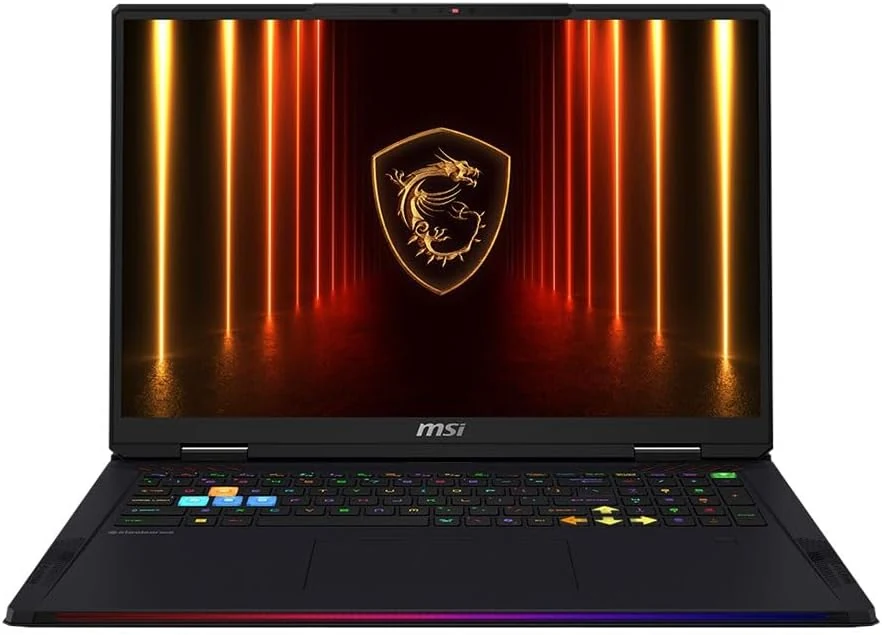
MSI Raider 18 HX AI A2XWJG-416US 18 Gaming Laptop Computer - CORE Black
The MSI Raider 18 HX AI A2XWJG-416US is a high-end, large-screen gaming laptop geared toward players who want desktop-style performance in a single machine. Early feedback points to impressive speed and cooling under heavy settings, but there is at least one serious display-quality complaint that can be a deal-breaker if you’re sensitive to panel uniformity.
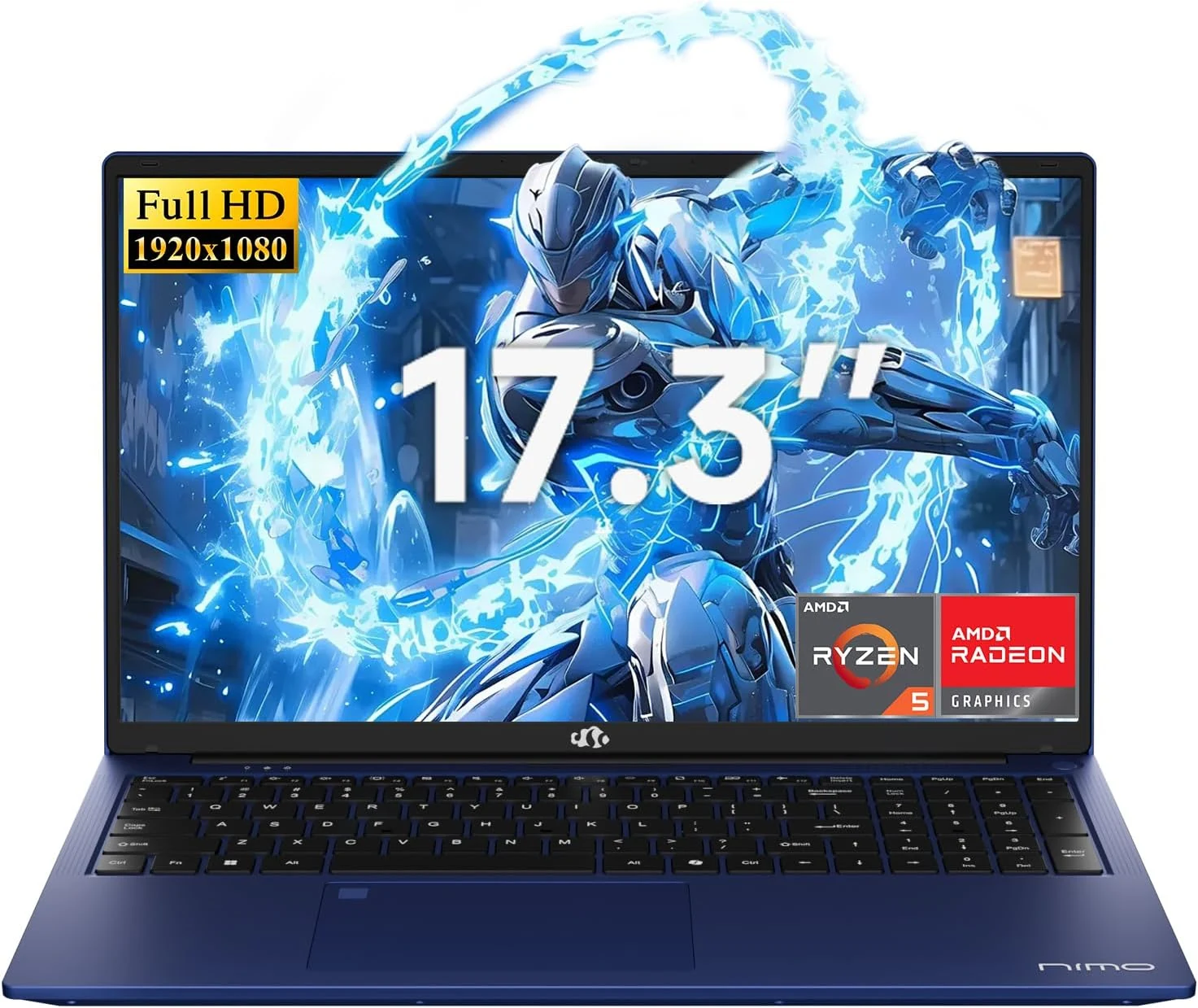
NIMO 2026 17.3" Gaming Laptop, 6-Core AMD Ryzen 5 6600H with Radeon 660M (Beat i7-1165G7), 16GB DDR5 RAM, 512GB SSD
The NIMO 2026 17.3-inch laptop pairs an AMD Ryzen 5 6600H with Radeon 660M integrated graphics, 16GB DDR5, and a 512GB SSD for smooth everyday work, school, and light gaming. Buyers highlight the bright large 1080p IPS display, simple day-to-day usability, and battery life for full-day tasks, with a big, portable 4.6 lb form factor and a 100W USB-C fast-charging feature to reduce downtime.
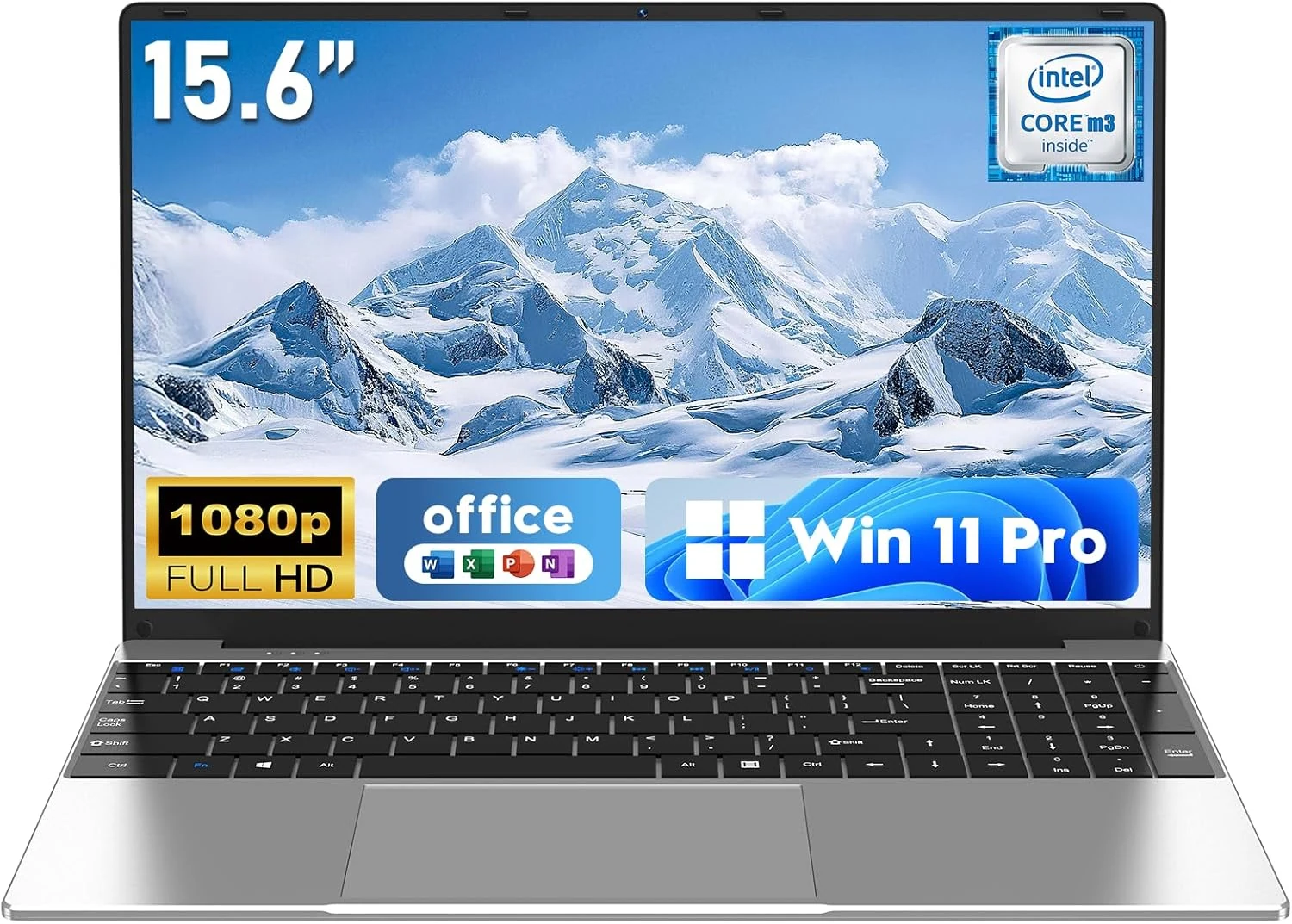
NAIKLULU Laptop Computer, Win 11 Pro Lap Top, 15.6 Inch review
The NAIKLULU 15.6-inch laptop pairs a low-power Core M3-6Y30 class processor with 16GB RAM and a 256GB SSD, plus WiFi 5, Bluetooth 4.2, and Windows 11 Pro. It’s a reasonable fit for school, office basics, and everyday media, but buyer reports are mixed, with some mentioning heat and setup needs for WiFi 5GHz.
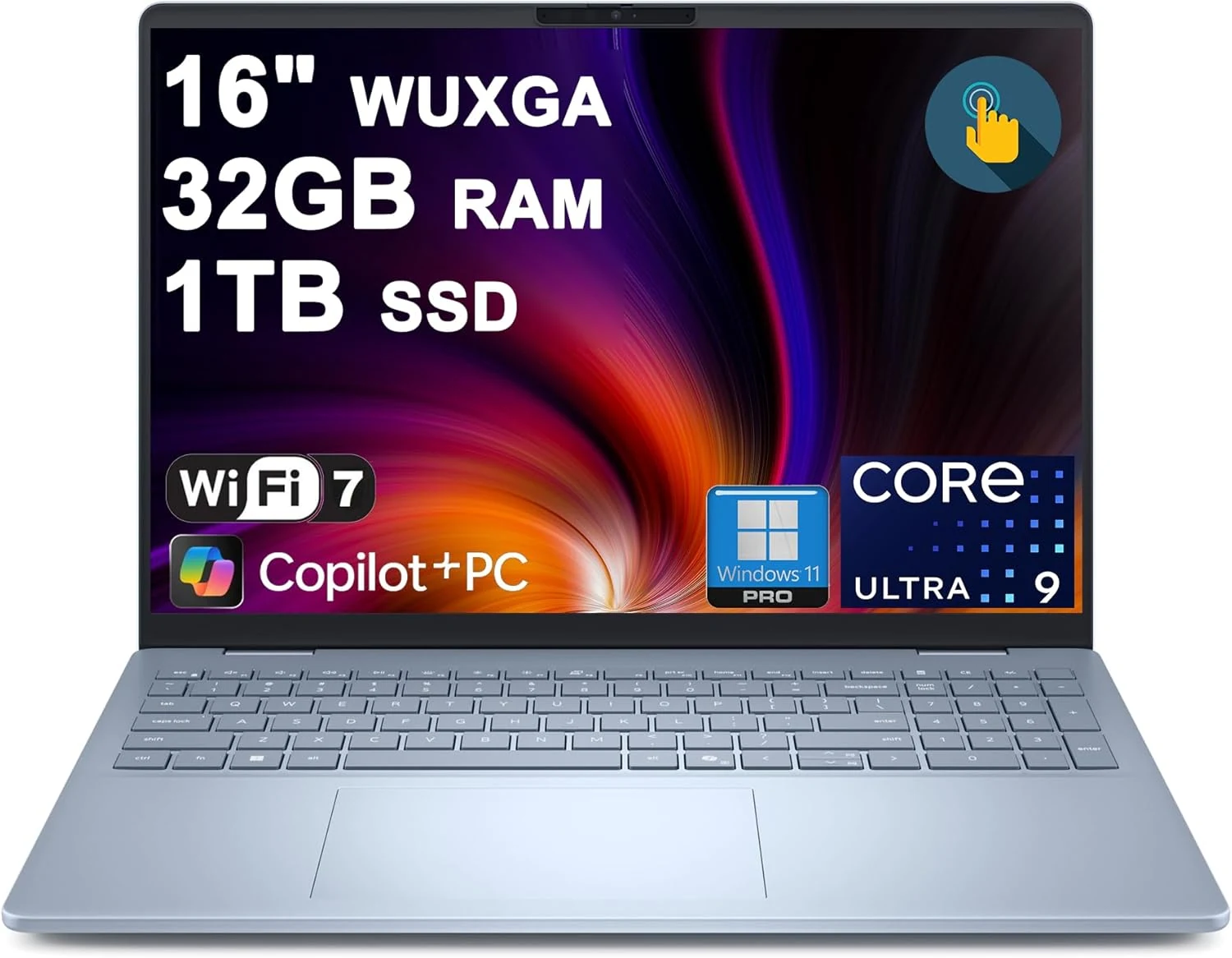
Dell 16 Plus Laptop 16" WUXGA Touch Intel 8-core Ultra 9 288V (Up to 48 Tops) 32GB RAM 1TB SSD Backlit Fingerprint Wi-Fi7
The Dell 16 Plus pairs an Intel Ultra 9 288V 8-core CPU with 32GB RAM and a 1TB SSD for creator, designer, and business workflows, plus a 16-inch 1920x1200 touch display. It also includes Wi‑Fi 7, Thunderbolt 4, HDMI 2.1, and a backlit keyboard with a fingerprint reader. Buyer-review evidence is very limited, so the biggest caution is verifying purchase and return experience before ordering.