ASUS Vivobook 14 Laptop, Intel 10-Core 5 120U(Up to 5GHz), 16GB RAM 1TB SSD, 14" FHD IPS Win 11 WiFi 6 Bluetooth Laptops
Quick take
This ASUS Vivobook 14 is a portable 14-inch traditional laptop aimed at business and college workflows, featuring an Intel 10-core Core 5 120U, 16GB RAM, and a 1TB SSD. The 1920×1080 FHD IPS display, plus Wi‑Fi 6 and Bluetooth, make it a solid pick for everyday productivity and reliable connectivity on campus or at work. The biggest buying caveat is that Windows 11 is set up in S mode, so you may need to switch out if your essential apps are not available through the Microsoft Store.
Pros and cons
Pros
- Strong baseline configuration for multitasking: 16GB DDR4 RAM and a 1TB SSD.
- 14-inch 1920×1080 FHD IPS screen with wide-angle viewing for presenting and sharing projects.
- Modern wireless support, including Wi‑Fi 6 and Bluetooth.
- Lightweight design at about 3.09 lb for students and business travel.
Cons
- Windows 11 runs in S mode, which can limit app installs unless you switch out.
- Integrated Intel graphics means it is better for lighter creative work than for demanding GPU-heavy gaming.
- Battery life is rated for mixed usage, and real results can vary depending on brightness and workload.
What buyers think
Buyer-review evidence is too limited to draw a reliable pattern about real-world performance, build quality, or battery endurance. With only minimal review data available, it is best to evaluate fit using the published hardware specs and your typical software and workload needs.
Key features that matter for everyday use
Enough CPU and memory for typical college and office tasks
The Core 5 120U is a 10-core, 12-thread processor designed for balanced everyday performance, and it pairs with 16GB DDR4 RAM. That combination is aimed at reducing slowdowns when you have multiple browser tabs open, use office apps, or work across school and work documents at the same time.
A 14-inch FHD IPS display built for sharing
The 14-inch 1920×1080 FHD IPS panel is geared toward readable text and a clean look for presentations, video calls, and project reviews. With wide-angle viewing, it is easier to show content to others compared with narrower-view panels.
Storage capacity that fits projects and media
A 1TB SSD gives you room for course materials, office files, and downloaded resources without constantly managing storage. It is also listed as expandable up to 2TB, which can help if your needs grow.
Connectivity for campus, home, and meetings
Wi‑Fi 6 and Bluetooth help with faster, more stable wireless connections, especially in environments with many devices. The laptop also includes an HDMI port and USB-C for connecting to displays and peripherals.
Performance expectations (and what to consider)
Integrated graphics is fine for most productivity, less ideal for heavy gaming
The laptop uses integrated Intel graphics, which typically works well for everyday computing and light content creation, but it is not the kind of GPU setup that you buy for high-end, frame-rate-focused gaming.
Battery life is rated for mixed usage
Battery life is listed as up to 8 hours in mixed usage. If you run bright screens, video calls, or more demanding apps, expect that runtime to trend lower.
Ports, expandability, and setup
You get a practical mix of ports: USB‑C, USB‑A ports, HDMI 1.4, and a DC jack. There is also mention of a memory card slot, which can be helpful if you transfer photos or files from a camera or media source. For accessories, the listing includes an accessory 3-in-1 hub.
Windows 11 in S mode: the main compatibility question
This system uses Windows 11 Home in S mode. In S mode, it is designed to run apps from the Microsoft Store. If you need software that is not available there, you will want to plan on switching out of S mode to install apps directly. If your workflow is mostly web-based and Microsoft Store apps are sufficient, this may not be an issue for you.
Who this laptop is best for
- College students who need a lightweight 14-inch laptop for assignments, research, and streaming, with enough RAM and storage to stay productive.
- Business users who want a straightforward, modern Windows laptop for email, documents, spreadsheets, and meeting apps.
- Buyers who value portability and want a laptop around 3.09 lb for commuting and campus movement.
Who should avoid it
- Heavy PC gamers or anyone who needs a dedicated gaming GPU.
- Software-dependent users who rely on specific desktop apps not available through the Microsoft Store, unless you are prepared to switch out of S mode.
- Buyers searching for maximum battery certainty under their exact usage pattern, since battery life is rated and real-world results vary.
Bottom line verdict
The ASUS Vivobook 14 is a sensible pick if you want a portable 14-inch laptop with a strong general-purpose configuration, a bright-looking FHD IPS display for everyday presenting, and modern wireless connectivity. The tradeoffs are mostly about Windows S mode app flexibility and the limits of integrated graphics for demanding games. If your software needs align and you prefer an easy, lightweight everyday machine, it can be a good fit.
FAQs
Is the ASUS Vivobook 14 good for college and schoolwork?
It is designed for everyday productivity and typical student workflows, with 16GB RAM and a 1TB SSD to handle multitasking and storing files. The FHD IPS 14-inch display is also geared toward clear reading and sharing content.
Does it have Wi‑Fi 6 and Bluetooth?
Yes. It is listed with Wi‑Fi 6 and Bluetooth for modern wireless connectivity.
Will I need to switch out of Windows 11 S mode?
Possibly. Windows 11 Home in S mode limits app installs to the Microsoft Store. If your essential apps are not available there, you would need to switch out of S mode.
Is it suitable for gaming?
With integrated Intel graphics, it is better suited to lighter gaming or casual play than demanding, high-GPU gaming titles.
How much does it weigh?
It is listed at about 3.09 lb, making it relatively easy to carry for commuting and campus use.
Specifications
| Product Title | ASUS Vivobook 14 Laptop, Intel 10-Core 5 120U(Up to 5GHz), 16GB RAM 1TB SSD, 14" FHD IPS Win 11 WiFi 6 Bluetooth Laptops-Computer for Business College Students w/GM Accessory |
|---|---|
| Category | Electronics > Computers & Accessories > Computers & Tablets > Laptops > Traditional Laptops |
| Brand | ASUS |
| Manufacturer | ASUS |
| Model Name | ASUS Laptop |
| Model Number | ASUS |
| Graphics Coprocessor | Intel Graphics |
| Hard Disk Size | 1 TB |
| Screen Size | 14 Inches |
| Resolution | 1080p |
| Operating System | Windows 11 |
| Item Weight | 3.1 Pounds |
| Color | Quiet Blue |
| Hard-Drive Size | 1 TB |
| Other Special Features of the Product | HD Audio, Memory Card Slot |
| Graphics Description | Integrated |
| Hard Disk Description | SSD |
| Video Processor | Intel |
| Specific Uses For Product | Business, Gaming, Personal |
| Webcam Capability | Yes |
| Automatic Backup Software Included | Webcam |
| Form Factor | Netbook |
| Hard Disk Interface | Solid State |
| Camera Description | Front |
| Graphics Ram Type | Shared |
| Compatible Devices | External displays, keyboards, mice, storage devices, printers, and other accessories via USB-C, HDMI, Wi-Fi 6, and Bluetooth |
| Warranty Type | Limited |
Recommended next
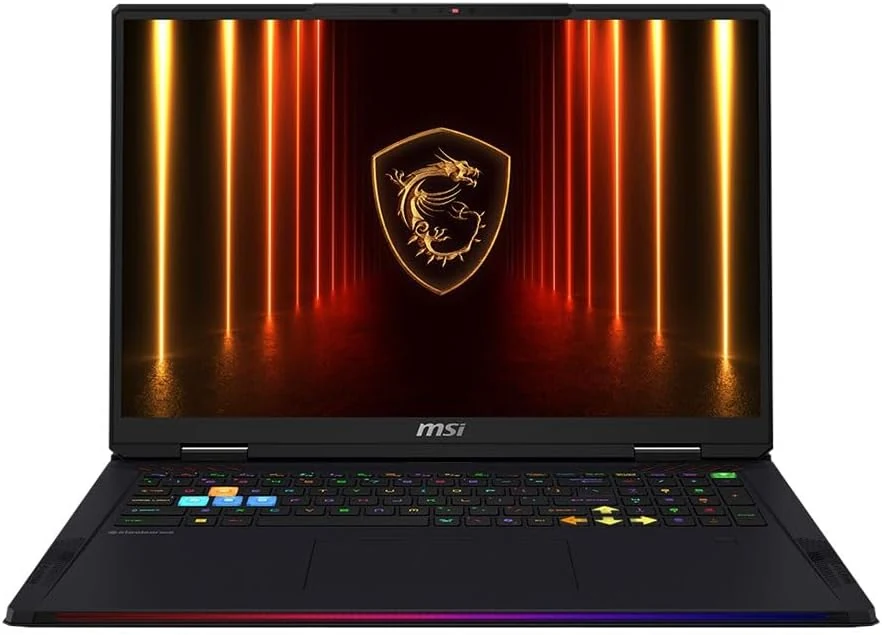
MSI Raider 18 HX AI A2XWJG-416US 18 Gaming Laptop Computer - CORE Black
The MSI Raider 18 HX AI A2XWJG-416US is a high-end, large-screen gaming laptop geared toward players who want desktop-style performance in a single machine. Early feedback points to impressive speed and cooling under heavy settings, but there is at least one serious display-quality complaint that can be a deal-breaker if you’re sensitive to panel uniformity.
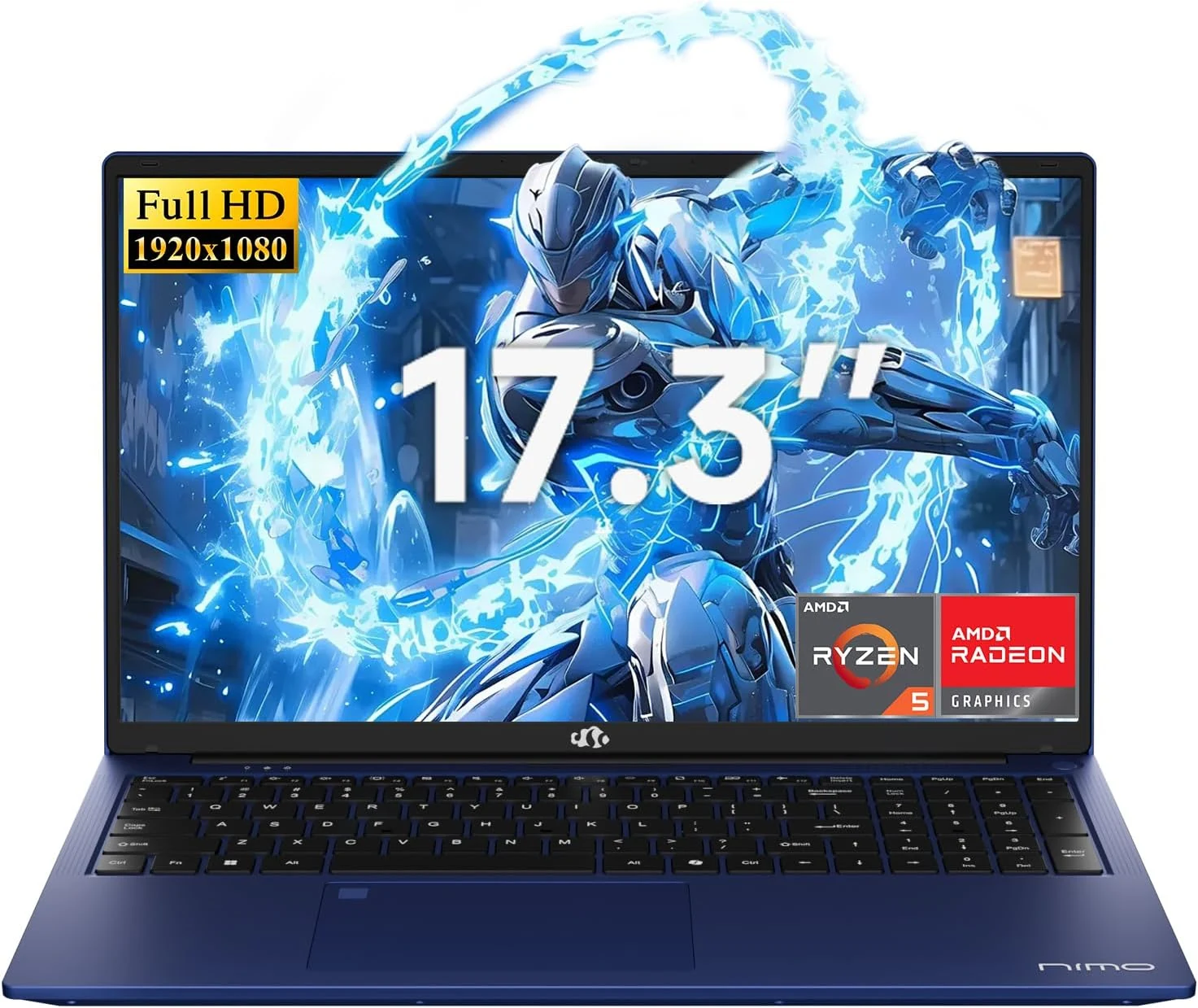
NIMO 2026 17.3" Gaming Laptop, 6-Core AMD Ryzen 5 6600H with Radeon 660M (Beat i7-1165G7), 16GB DDR5 RAM, 512GB SSD
The NIMO 2026 17.3-inch laptop pairs an AMD Ryzen 5 6600H with Radeon 660M integrated graphics, 16GB DDR5, and a 512GB SSD for smooth everyday work, school, and light gaming. Buyers highlight the bright large 1080p IPS display, simple day-to-day usability, and battery life for full-day tasks, with a big, portable 4.6 lb form factor and a 100W USB-C fast-charging feature to reduce downtime.
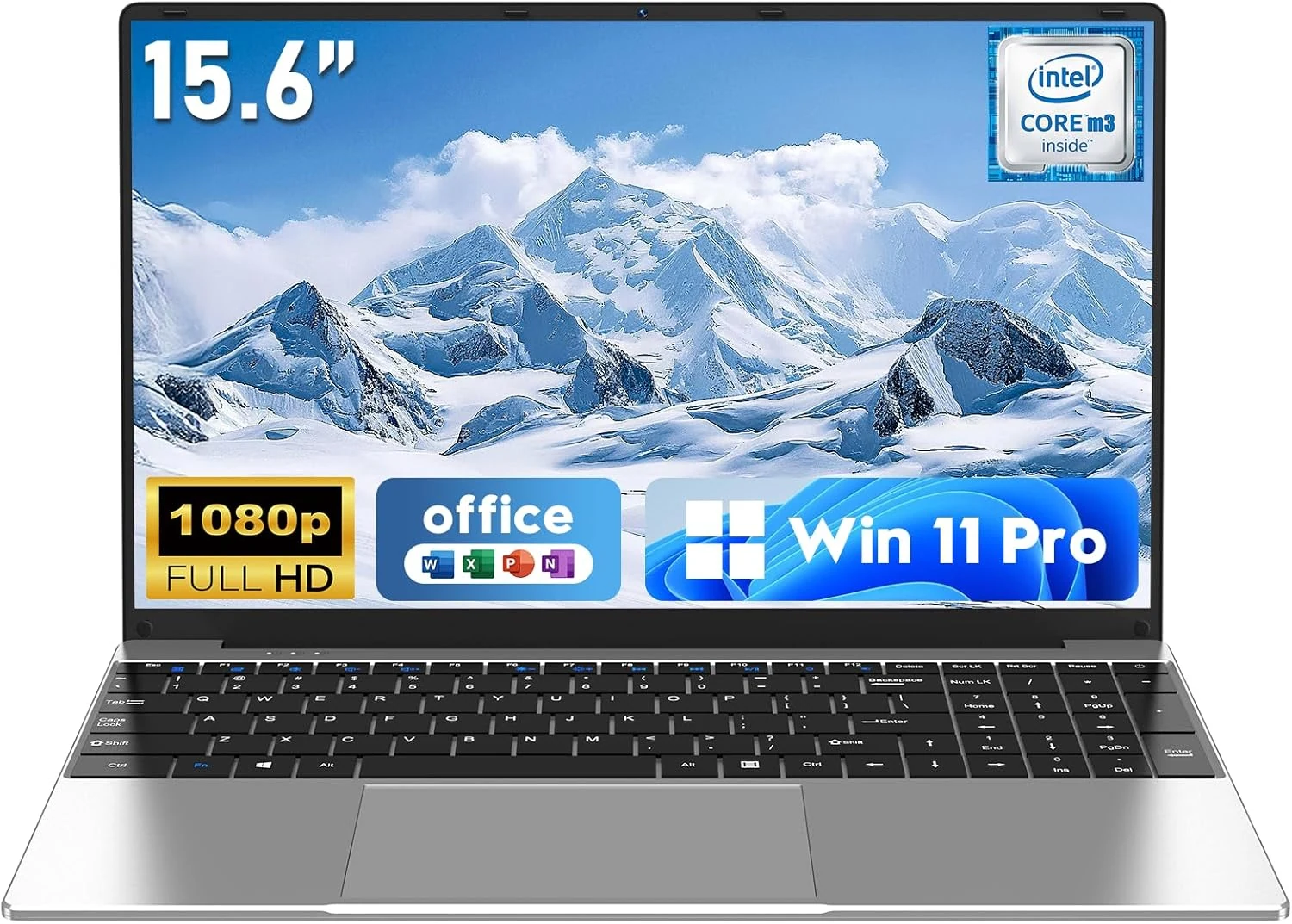
NAIKLULU Laptop Computer, Win 11 Pro Lap Top, 15.6 Inch review
The NAIKLULU 15.6-inch laptop pairs a low-power Core M3-6Y30 class processor with 16GB RAM and a 256GB SSD, plus WiFi 5, Bluetooth 4.2, and Windows 11 Pro. It’s a reasonable fit for school, office basics, and everyday media, but buyer reports are mixed, with some mentioning heat and setup needs for WiFi 5GHz.
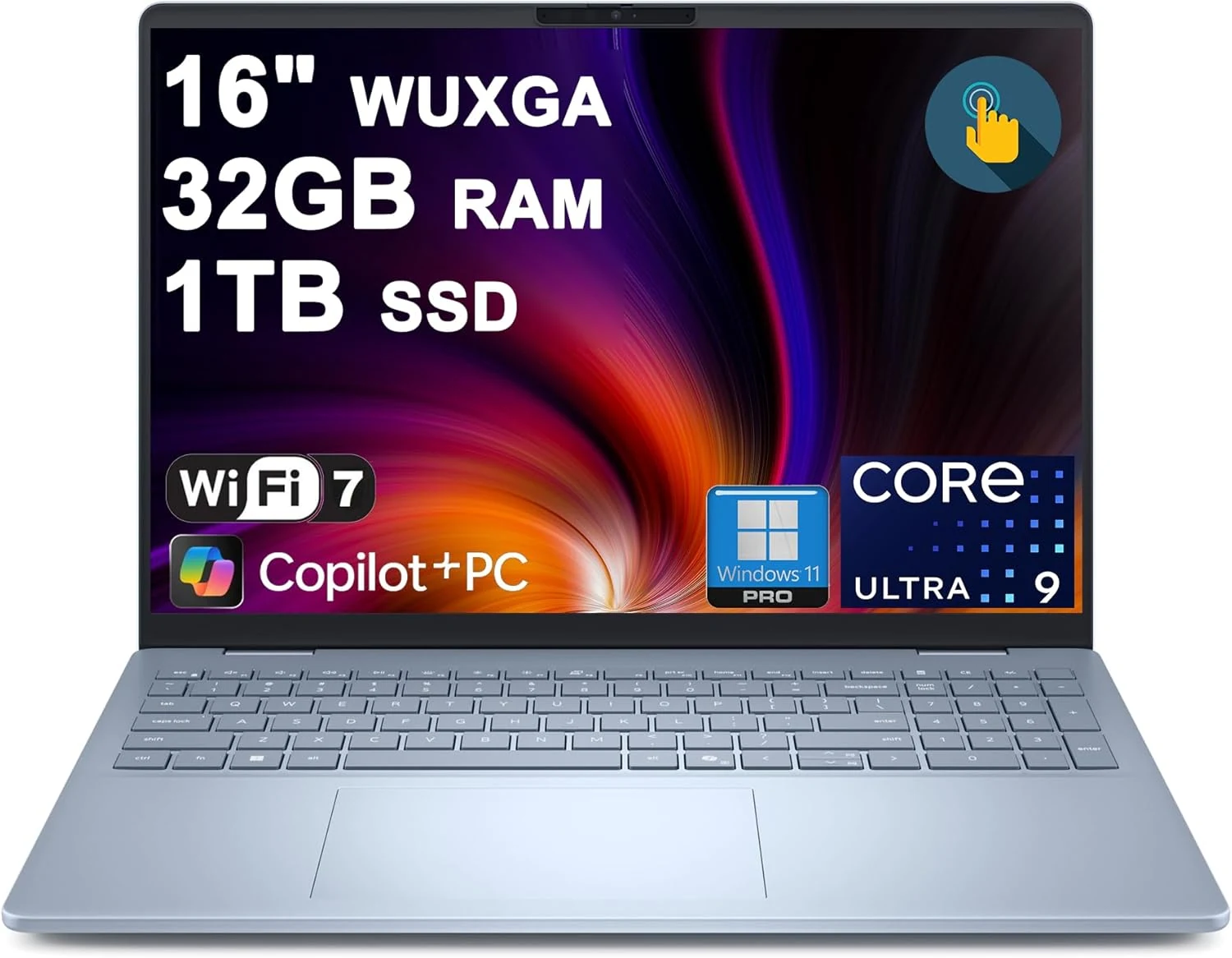
Dell 16 Plus Laptop 16" WUXGA Touch Intel 8-core Ultra 9 288V (Up to 48 Tops) 32GB RAM 1TB SSD Backlit Fingerprint Wi-Fi7
The Dell 16 Plus pairs an Intel Ultra 9 288V 8-core CPU with 32GB RAM and a 1TB SSD for creator, designer, and business workflows, plus a 16-inch 1920x1200 touch display. It also includes Wi‑Fi 7, Thunderbolt 4, HDMI 2.1, and a backlit keyboard with a fingerprint reader. Buyer-review evidence is very limited, so the biggest caution is verifying purchase and return experience before ordering.