ASUS Vivobook 14 14" FHD Laptop, Intel 10-Core 5 120U, 16GB RAM, 512GB SSD, Windows 11
Quick take
The ASUS Vivobook 14 is a compact 14-inch Windows 11 laptop aimed at students and everyday business users who want smooth multitasking, fast storage, and easy external display or drive connections. It includes 16GB RAM and a 512GB SSD, plus Wi-Fi 6 and Bluetooth for reliable online meetings. The biggest practical caveat is that Windows 11 runs in S mode by default, so some app choices may require switching out of it.
Pros and cons
Pros
- 16GB DDR4 RAM with 512GB SSD for responsive day-to-day performance and file storage.
- 14-inch 1920 x 1080 IPS display for clear viewing and work on spreadsheets or documents.
- Wi-Fi 6 and Bluetooth support for stable online classes and meetings.
- Lightweight design (3.09 lb) for students who carry a laptop frequently.
- Connectivity options include USB-C 3.2 and HDMI 1.4, plus a 3-in-1 accessory for fewer adapter headaches.
Cons
- Windows 11 Home in S mode can limit app installation, so plan to switch out of S mode if you need non-Store apps.
- Integrated Intel graphics means it is better suited to general productivity and light creative workflows than heavy gaming.
- Battery life is listed as up to 8 hours mixed use, which can vary with brightness, Wi-Fi, and your workload.
What buyers think
Buyer-review evidence is limited, with only a small number of ratings. The feedback that exists highlights two recurring themes: value for the money and day-to-day practicality for student workflows. One mention focuses on the included 3-in-1 hub as especially helpful for connecting external displays and speeding up transfers of large video files, while another emphasizes that the laptop can feel like a good deal when purchased during a sale. Overall, the available review data does not provide enough detail to confirm broader performance or reliability patterns, but it does support the idea that the device is viewed as a practical student-friendly configuration.
Key specs that shape the experience
Processor and performance for typical workloads
This Vivobook 14 uses an Intel Core 5 120U with 10 cores (up to 5GHz). For many buyers, that class of CPU is geared toward multitasking, browser-heavy school or business work, and running multiple productivity apps without feeling sluggish. With 16GB RAM and a 512GB SSD, it is also positioned for faster app switching and quicker access to frequently used files.
Display, portability, and everyday usability
The laptop’s 14-inch 1920 x 1080 IPS screen is designed for sharp, consistent visuals for everyday tasks like editing documents, reading long assignments, and viewing media. Combined with the listed 3.09 lb weight, it fits the “carry it around campus or in a bag” use case.
Storage for files, assignments, and media projects
With 512GB SSD storage (expandable up to 2TB), you have room for documents, downloads, and media files without constantly managing space. That expandability matters if you plan to grow your local library over time.
Connectivity for remote work and external gear
Wi-Fi 6 and Bluetooth help keep connections steady for video calls, online lectures, and wireless accessories. For physical connections, you get USB-C 3.2 plus HDMI 1.4 and USB-A ports, and the included 3-in-1 accessory is meant to simplify common student or office connections like external monitors and transferring files to drives.
Windows 11 S mode: the main thing to plan for
Windows 11 runs in S mode by default. In S mode, the system is designed to run apps from the Microsoft Store, which can be a deal-breaker if you rely on specific software that is not available there. If you expect to install apps outside the Store, switching out of S mode can become a necessary step. If your workflow primarily uses web apps, Microsoft 365 tools, and Store-available programs, the S mode approach may feel more straightforward and secure.
Pros and cons, in plain English
Who it’s a good fit for
- College students who want a lightweight laptop with enough RAM and SSD space for assignments and multimedia file transfer.
- Business users focused on productivity, presentations, and reliable Wi-Fi for meetings.
- People who connect to external monitors and drives and prefer fewer adapters thanks to the included connectivity accessory.
Who should look elsewhere
- Buyers who need specific non-Store software right away may prefer a laptop that does not start in S mode.
- Heavy gamers or buyers needing advanced GPU performance should consider systems with dedicated graphics.
- Anyone expecting long battery life in every scenario should treat “up to 8 hours mixed usage” as an estimate that can change with brightness and workload.
Comparison points to use when choosing
If you are comparing traditional laptops in the same size class, focus on these decision factors rather than headline specs alone:
- RAM and SSD size: 16GB RAM and 512GB SSD are a strong baseline for multitasking and everyday storage.
- Port selection and adapters: check whether the combination of USB-C, HDMI, and included hub meets your docking, monitor, and drive needs.
- Operating system constraints: confirm whether you can meet your app requirements in Windows 11 S mode or are comfortable switching out.
- Graphics expectations: integrated graphics generally suits productivity, web work, and light creative tasks, not demanding gaming.
Verdict
The ASUS Vivobook 14 makes a compelling case for students and business users who want a portable 14-inch Windows laptop with 16GB RAM, 512GB SSD storage, Wi-Fi 6, and practical connection options for external displays and file transfers. Just make sure Windows 11 S mode aligns with your software needs, and keep expectations realistic for integrated graphics.
FAQ
Does this laptop come with Windows 11 in S mode?
Yes. It runs Windows 11 Home in S mode by default. If you need apps that are not available via the Microsoft Store, you may need to switch out of S mode to install them.
How much RAM and storage does it include?
It includes 16GB DDR4 RAM and a 512GB SSD. The SSD is listed as expandable up to 2TB.
Is the display 1080p?
Yes. The laptop uses a 14-inch 1920 x 1080 (FHD) IPS display.
What connectivity ports are available?
It includes USB-C 3.2, HDMI 1.4, and multiple USB-A ports, plus an included 3-in-1 accessory designed to simplify common connections.
How good is the battery life?
Battery life is listed as up to 8 hours for mixed usage. Actual results will vary based on brightness, Wi-Fi use, and what applications you run.
Is it suitable for gaming?
With integrated Intel graphics, it is best viewed as a productivity and school laptop. It should handle typical everyday tasks well, but it is not the right choice if you want a laptop built specifically for demanding gaming.
Specifications
| Product Title | ASUS Vivobook 14 14" FHD Laptop, Intel 10-Core 5 120U(Up to 5GHz), 16GB RAM 512GB SSD, Win 11 Wifi6 Bluetooth Long Battery Life Webcam Computer for Business College Students w/GM Accessory |
|---|---|
| Category | Electronics > Computers & Accessories > Computers & Tablets > Laptops > Traditional Laptops |
| Brand | ASUS |
| Manufacturer | ASUS |
| Model Name | ASUS Laptop |
| Model Number | ASUS |
| Graphics Coprocessor | Intel Graphics |
| Hard Disk Size | 512 GB |
| Screen Size | 14 Inches |
| Resolution | 1080p |
| Operating System | Windows 11 |
| Item Weight | 3.09 Pounds |
| Color | Quiet Blue |
| Hard-Drive Size | 512 GB |
| Other Special Features of the Product | HD Audio, Memory Card Slot |
| Graphics Description | Integrated |
| Hard Disk Description | SSD |
| Video Processor | Intel |
| Specific Uses For Product | Business, Gaming, Personal |
| Webcam Capability | Yes |
| Automatic Backup Software Included | Webcam |
| Form Factor | Netbook |
| Hard Disk Interface | Solid State |
| Camera Description | Front |
| Graphics Ram Type | Shared |
| Compatible Devices | External devices with USB, HDMI, or Bluetooth connectivity |
| Warranty Type | Limited |
Recommended next
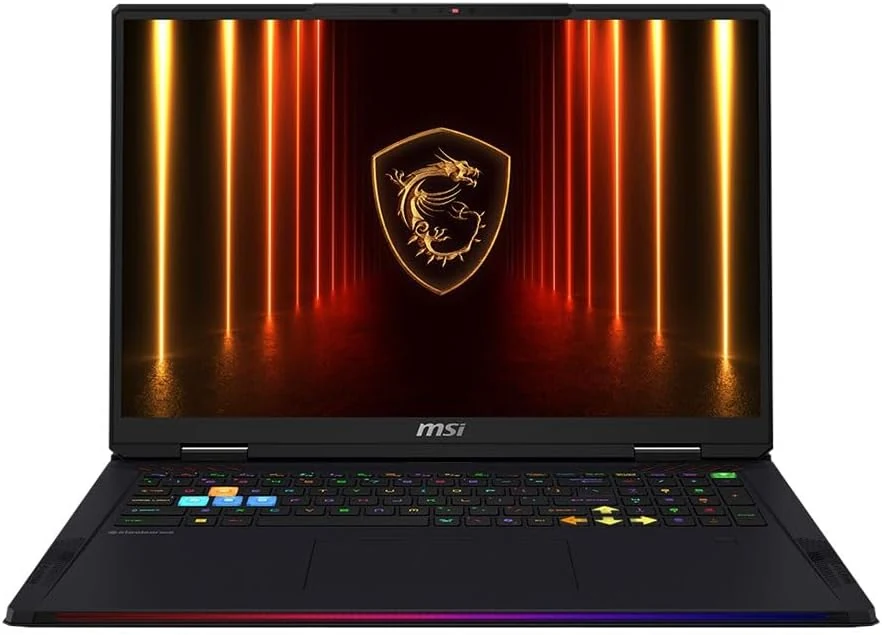
MSI Raider 18 HX AI A2XWJG-416US 18 Gaming Laptop Computer - CORE Black
The MSI Raider 18 HX AI A2XWJG-416US is a high-end, large-screen gaming laptop geared toward players who want desktop-style performance in a single machine. Early feedback points to impressive speed and cooling under heavy settings, but there is at least one serious display-quality complaint that can be a deal-breaker if you’re sensitive to panel uniformity.
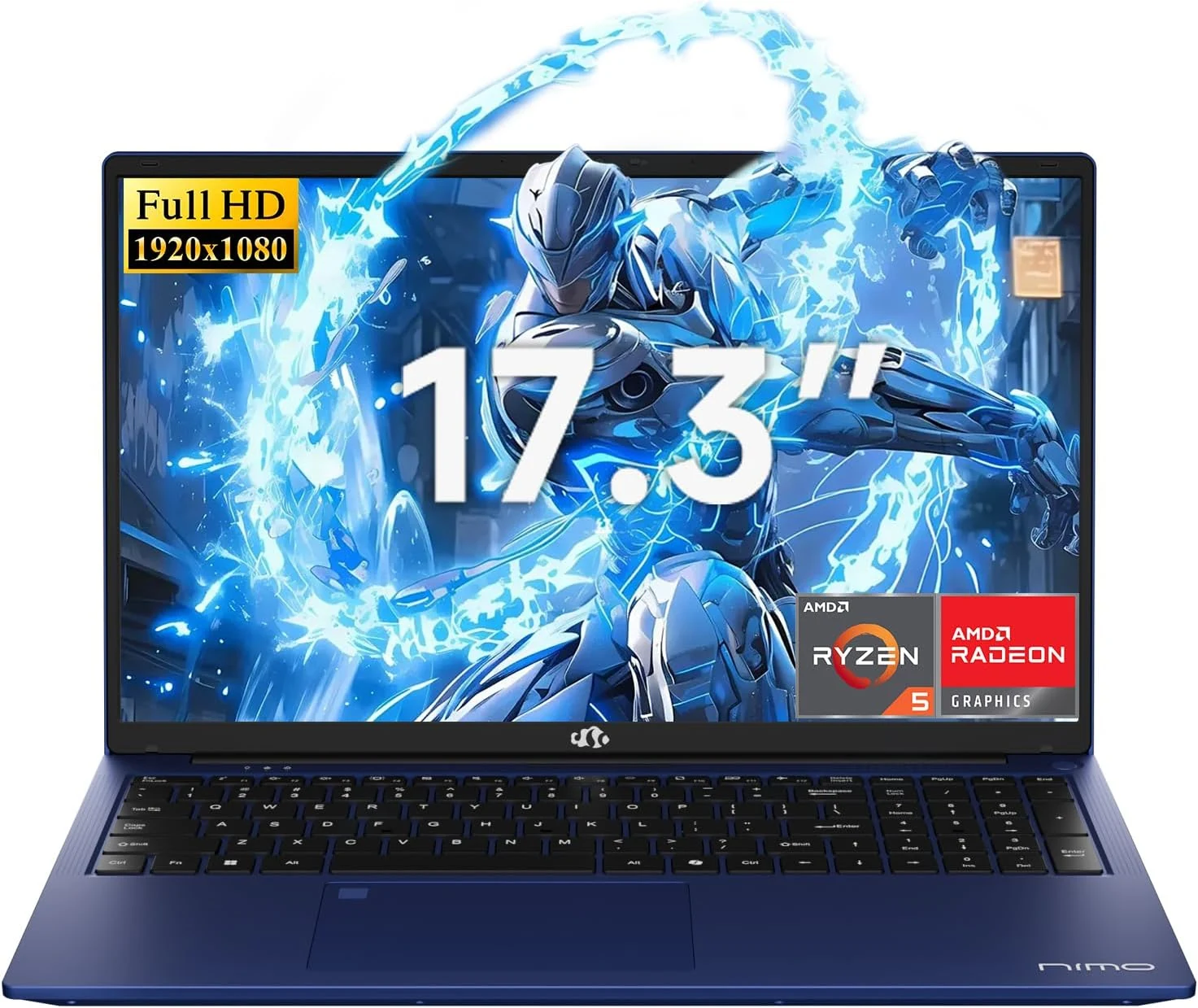
NIMO 2026 17.3" Gaming Laptop, 6-Core AMD Ryzen 5 6600H with Radeon 660M (Beat i7-1165G7), 16GB DDR5 RAM, 512GB SSD
The NIMO 2026 17.3-inch laptop pairs an AMD Ryzen 5 6600H with Radeon 660M integrated graphics, 16GB DDR5, and a 512GB SSD for smooth everyday work, school, and light gaming. Buyers highlight the bright large 1080p IPS display, simple day-to-day usability, and battery life for full-day tasks, with a big, portable 4.6 lb form factor and a 100W USB-C fast-charging feature to reduce downtime.
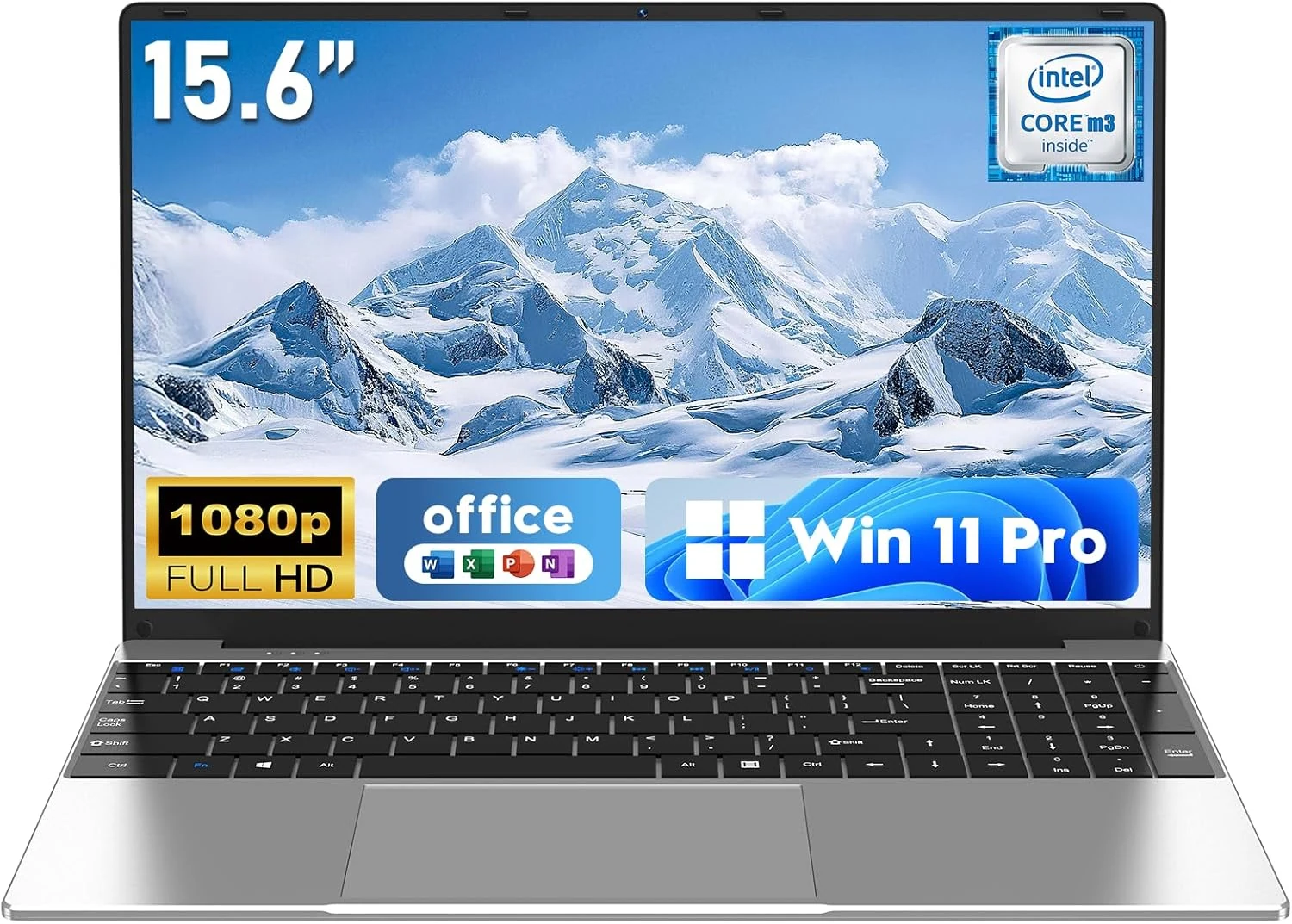
NAIKLULU Laptop Computer, Win 11 Pro Lap Top, 15.6 Inch review
The NAIKLULU 15.6-inch laptop pairs a low-power Core M3-6Y30 class processor with 16GB RAM and a 256GB SSD, plus WiFi 5, Bluetooth 4.2, and Windows 11 Pro. It’s a reasonable fit for school, office basics, and everyday media, but buyer reports are mixed, with some mentioning heat and setup needs for WiFi 5GHz.
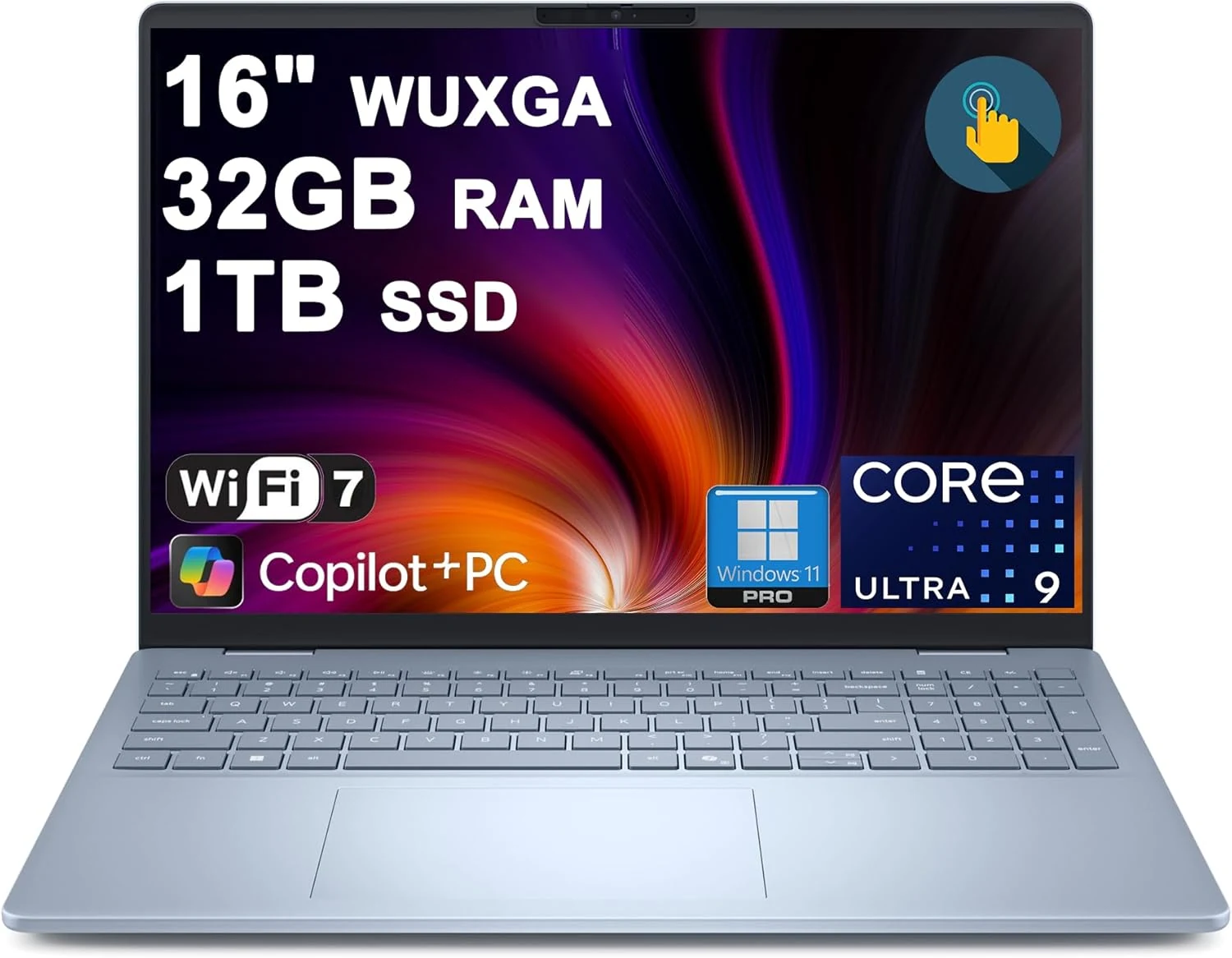
Dell 16 Plus Laptop 16" WUXGA Touch Intel 8-core Ultra 9 288V (Up to 48 Tops) 32GB RAM 1TB SSD Backlit Fingerprint Wi-Fi7
The Dell 16 Plus pairs an Intel Ultra 9 288V 8-core CPU with 32GB RAM and a 1TB SSD for creator, designer, and business workflows, plus a 16-inch 1920x1200 touch display. It also includes Wi‑Fi 7, Thunderbolt 4, HDMI 2.1, and a backlit keyboard with a fingerprint reader. Buyer-review evidence is very limited, so the biggest caution is verifying purchase and return experience before ordering.