ASUS Chromebook Plus CX 14" Touchscreen Laptop, Intel Core 3 Processor, FHD 1920x1080, 8GB RAM, 256GB Storage, Chrome OS, CX1405CTA-IS386PT
Quick take
The ASUS Chromebook Plus CX 14" pairs a 14-inch FHD touchscreen with Chrome OS and an Intel Core 3 N355 processor, supported by 8GB RAM and a 256GB SSD. It is a practical option for students and everyday browser-based work, with buyer feedback suggesting it works well for school use. The main caveat to watch for is heat, especially if airflow vents are blocked.
Pros and cons
Pros
- 14-inch FHD touchscreen for tap, swipe, and note-taking style use
- Intel Core 3 N355 with 8GB RAM and 256GB SSD for typical school and daily tasks
- Chrome OS approach aimed at fast, secure everyday computing
- Buyer comments repeatedly point to school-friendly performance
Cons
- Some users report the laptop can run warm during use
- Buyer-review evidence is limited, so broader performance patterns are harder to confirm
What buyers think
Buyer-review evidence is limited, but the feedback themes are fairly consistent for this Chrome OS model. Overall, the available comments support it as a dependable everyday Chromebook for students, while pointing to heat management as the most relevant day-to-day consideration.
Who this Chromebook is best for
This ASUS Chromebook Plus CX 14" is best suited for shoppers who want a touchscreen Chrome OS laptop for everyday use cases where most work happens in the browser. It is a good match if you need a school laptop, homework companion, or a lightweight system for reading, writing, web apps, and general productivity.
Who should avoid it
You may want to look elsewhere if you expect high-end desktop-style performance, heavy offline workloads, or you regularly use the laptop in a way that blocks vents (for example, soft surfaces that trap heat). Also, if you need a built-in webcam, this specific configuration lists webcam capability as no, which can be a deal-breaker for video calls and classes that require one.
Key features that matter in real use
Screen and touchscreen usability
The 14-inch FHD display is paired with touchscreen support, which is useful for students taking notes, reviewing content, and interacting with learning apps that benefit from touch. For everyday browsing, the 1920 x 1080 resolution is a practical baseline.
Performance setup for school and daily work
The Intel Core 3 N355 (1.9 GHz) plus 8GB RAM, along with 256GB SSD storage, targets smooth performance for typical Chrome OS tasks. The integrated graphics setup is consistent with a Chromebook design that prioritizes web and productivity workflows over demanding GPU workloads.
Storage and memory expectations
With 256GB SSD, there is room for apps and offline files compared to lower-storage configurations. RAM is listed at 8GB, and the platform supports up to 32GB, which suggests flexibility if you are planning for longer-term use, although you should confirm how memory expansion works for your exact configuration before purchase.
Connectivity and ports
The laptop includes Wi-Fi compatibility (802.11ac, 802.11g, 802.11n) and Bluetooth support. Port availability is listed as 3 USB total and 2 ports (the listing details are a bit inconsistent), so if you rely on multiple peripherals, double-check your connection needs before buying.
Pros and cons, summarized
Overall, the ASUS Chromebook Plus CX 14" looks like a strong value-oriented Chromebook choice for school and everyday web work, especially if touchscreen interaction is important to you. The biggest practical concern from buyer feedback is heat during use, so pay attention to airflow and how you place the laptop while operating.
Price and availability
Pricing can change quickly, and current availability is limited. Check the latest listing details before you commit.
Verdict
Choose the ASUS Chromebook Plus CX 14" if you want a 14-inch touchscreen Chromebook with an Intel Core 3 processor, 8GB RAM, and 256GB storage for school and everyday productivity. It is especially appealing for shoppers prioritizing a Chrome OS workflow. Just plan to manage airflow carefully because some users report warmth during use, and confirm fit for your needs like webcam availability if video calls matter.
FAQ
- Does the ASUS Chromebook Plus CX 14" have a webcam?
This configuration lists webcam capability as no, so you should plan around that for video calls or remote classes.
- Is this Chromebook good for school use?
The available buyer feedback specifically calls it out as a good option for school, which aligns with its Chrome OS focus and everyday performance setup.
- Does it run hot?
Some users report it can get warm while in use. Avoid blocking the vents and consider how you place the laptop during longer sessions.
- What are the core specs for performance?
It uses an Intel Core 3 N355 processor, 8GB RAM, and a 256GB SSD, paired with an integrated graphics solution and a 14-inch FHD touchscreen.
- Will it be enough storage for typical apps and school files?
256GB SSD is generally a comfortable amount for a Chromebook used for web apps and offline materials. If you store lots of media locally, you may still want to consider how you manage files.
Specifications
| Product Title | ASUS Chromebook Plus CX 14" Touchscreen Laptop, Intel Core 3 Processor, FHD 1920x1080, 8GB RAM, 256GB Storage, Chrome OS, CX1405CTA-IS386PT |
|---|---|
| Category | Electronics > Computers & Accessories > Computers & Tablets > Laptops > Traditional Laptops |
| Brand | ASUS |
| Manufacturer | ASUS |
| Model Name | 1405CTA-IS386PT |
| Model Number | 1405CTA-IS386PT |
| CPU Model | Intel Core 3 N355 |
| CPU Speed | 1.9 |
| Screen Size | 14 Inches |
| Operating System | Chrome OS |
| Color | Gray |
| Graphics Description | Integrated |
| Hard Disk Description | SSD |
| Video Processor | Intel |
| Specific Uses For Product | Entertainment |
| Webcam Capability | No |
| Graphics Ram Type | DDR4 SDRAM |
| Item Dimensions L x W x Thickness | 12.78"L x 8.44"W x 0.67"Th |
| Display Type | FHD |
| RAM Memory Installed | 8 GB |
| RAM Memory Technology | LPDDR5 |
| Ram Memory Maximum Size | 32 GB |
| RAM Type | DDR4 SDRAM |
| Wireless Compability | 802.11ac, 802.11g, 802.11n |
| Bluetooth support? | Yes |
| Total Usb Ports | 3 |
| Number of Ports | 2 |
Available variants
Set Name
- Core 3
- Core i5
Recommended next
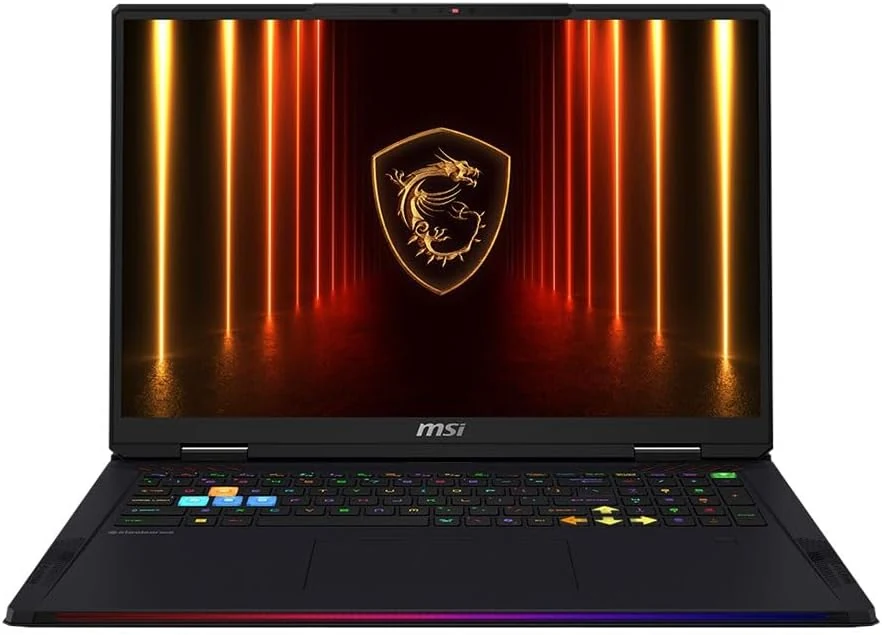
MSI Raider 18 HX AI A2XWJG-416US 18 Gaming Laptop Computer - CORE Black
The MSI Raider 18 HX AI A2XWJG-416US is a high-end, large-screen gaming laptop geared toward players who want desktop-style performance in a single machine. Early feedback points to impressive speed and cooling under heavy settings, but there is at least one serious display-quality complaint that can be a deal-breaker if you’re sensitive to panel uniformity.
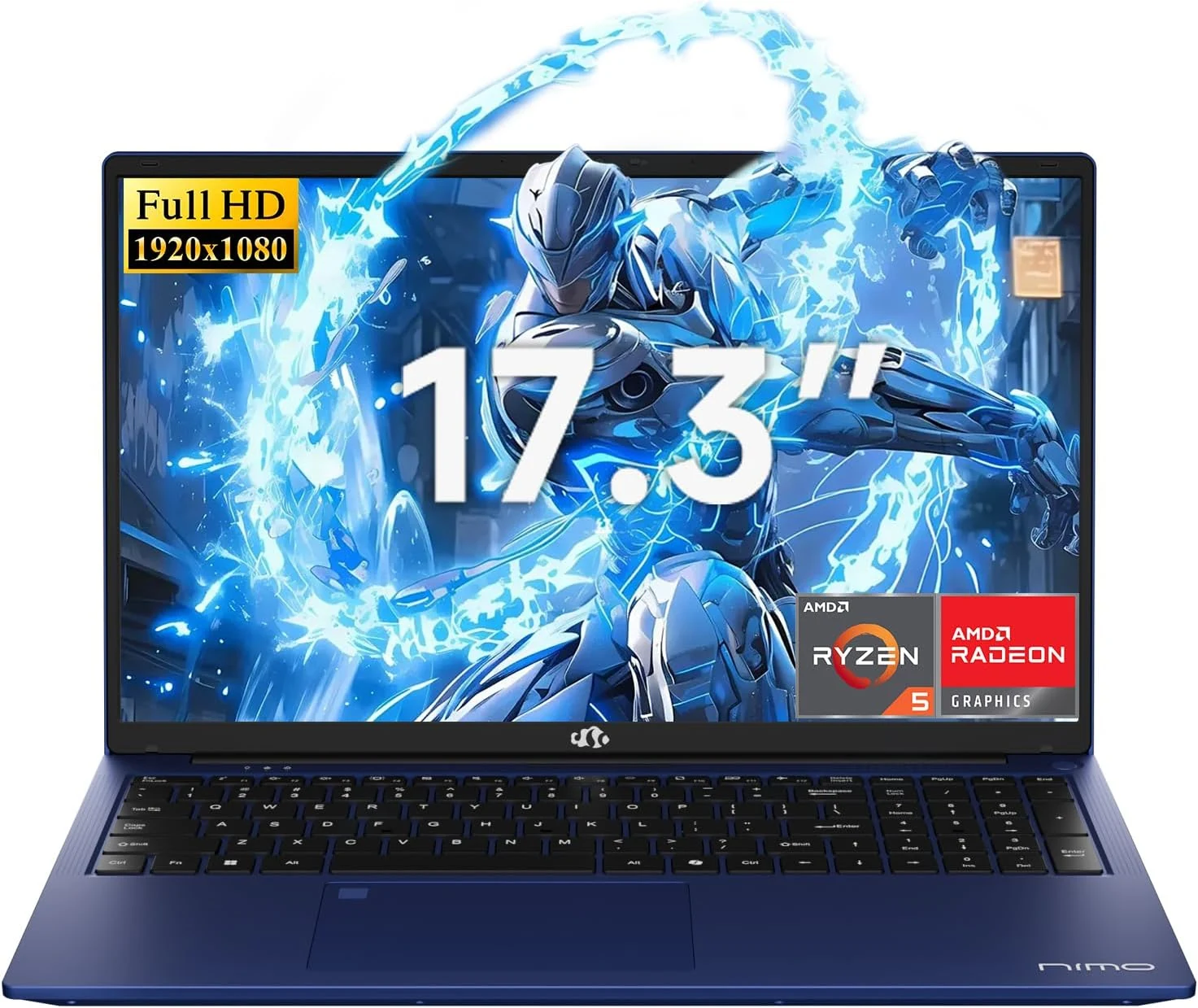
NIMO 2026 17.3" Gaming Laptop, 6-Core AMD Ryzen 5 6600H with Radeon 660M (Beat i7-1165G7), 16GB DDR5 RAM, 512GB SSD
The NIMO 2026 17.3-inch laptop pairs an AMD Ryzen 5 6600H with Radeon 660M integrated graphics, 16GB DDR5, and a 512GB SSD for smooth everyday work, school, and light gaming. Buyers highlight the bright large 1080p IPS display, simple day-to-day usability, and battery life for full-day tasks, with a big, portable 4.6 lb form factor and a 100W USB-C fast-charging feature to reduce downtime.
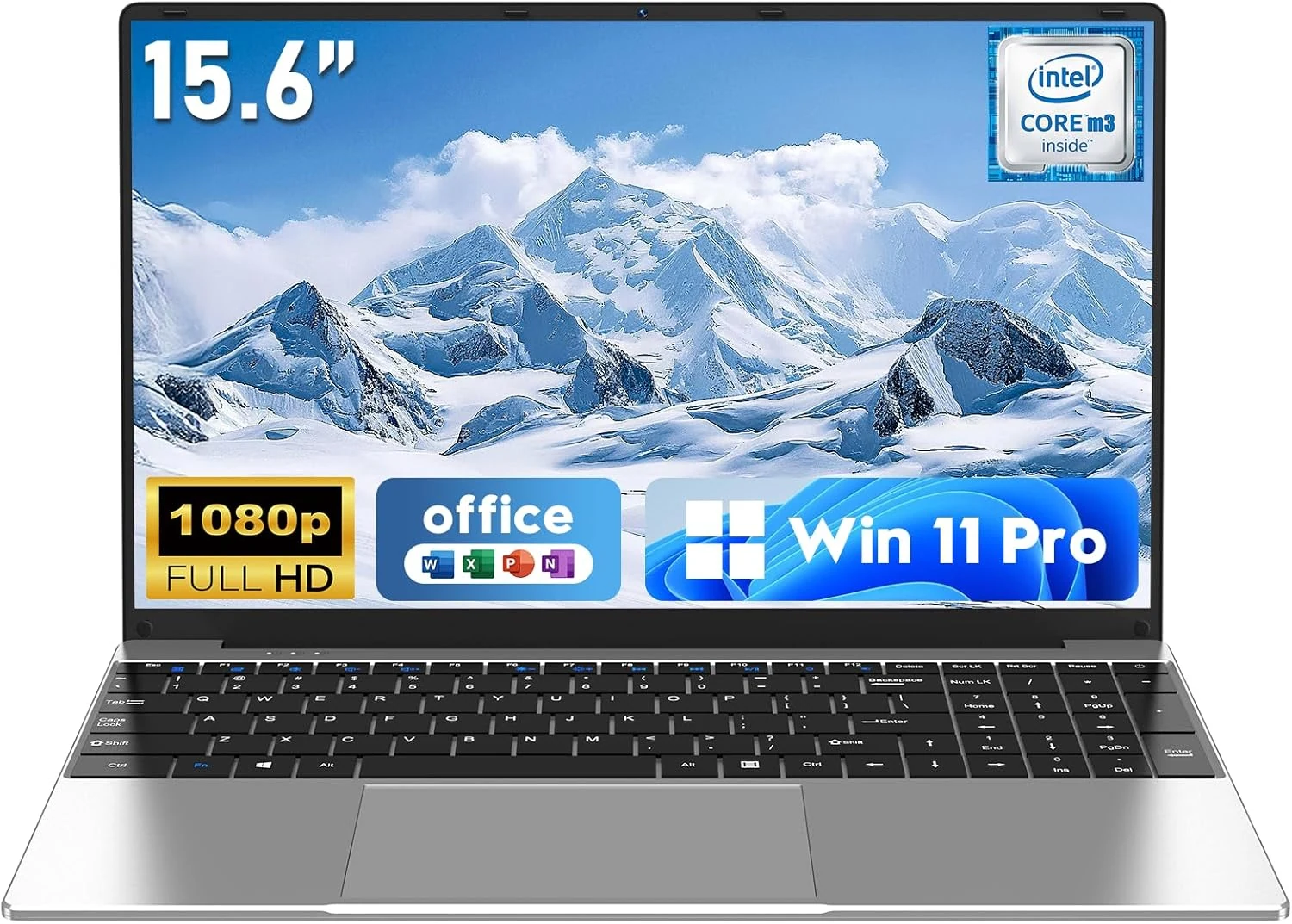
NAIKLULU Laptop Computer, Win 11 Pro Lap Top, 15.6 Inch review
The NAIKLULU 15.6-inch laptop pairs a low-power Core M3-6Y30 class processor with 16GB RAM and a 256GB SSD, plus WiFi 5, Bluetooth 4.2, and Windows 11 Pro. It’s a reasonable fit for school, office basics, and everyday media, but buyer reports are mixed, with some mentioning heat and setup needs for WiFi 5GHz.
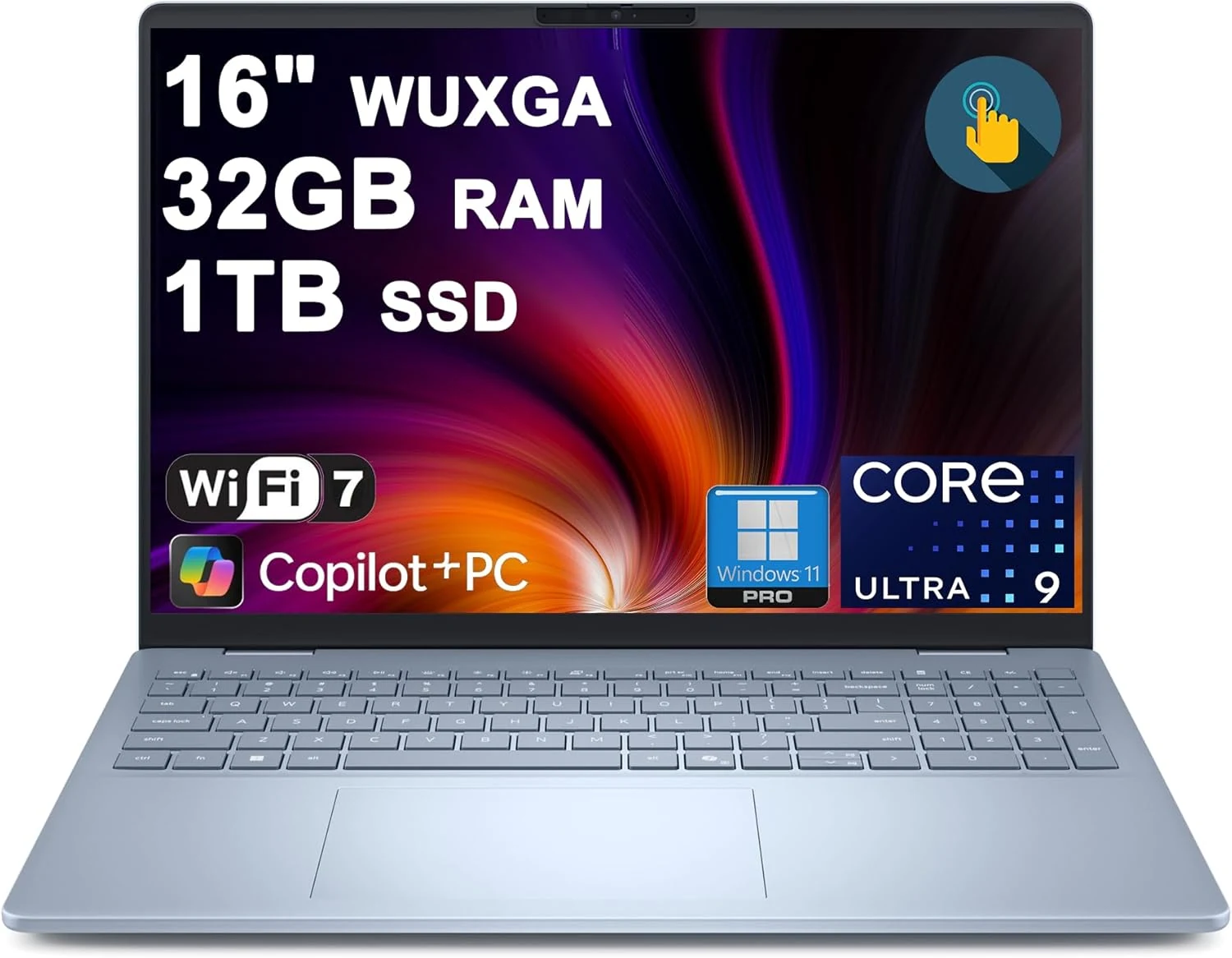
Dell 16 Plus Laptop 16" WUXGA Touch Intel 8-core Ultra 9 288V (Up to 48 Tops) 32GB RAM 1TB SSD Backlit Fingerprint Wi-Fi7
The Dell 16 Plus pairs an Intel Ultra 9 288V 8-core CPU with 32GB RAM and a 1TB SSD for creator, designer, and business workflows, plus a 16-inch 1920x1200 touch display. It also includes Wi‑Fi 7, Thunderbolt 4, HDMI 2.1, and a backlit keyboard with a fingerprint reader. Buyer-review evidence is very limited, so the biggest caution is verifying purchase and return experience before ordering.