Anker Laptop Docking Station, 13-in-1 USB-C Docking Station, Triple Display with 2xHDMI and 1xDP, 10 Gbps USB-C and 5 Gbps USB-A Data, Ethernet, Audio, SD, 85W Charging for Dell, HP, Lenovo and More
Quick take
This 13-in-1 USB-C dock turns one cable into a full workstation, with an 85W USB-C charging port, Ethernet, audio, SD/microSD, and enough video output for up to three external displays (2xHDMI and 1xDP). It tends to suit Windows and ChromeOS desk setups that want broad device compatibility and stable plug-and-play behavior. The big caveat is macOS, where multiple external monitors mirror the same content (single-stream behavior), and Linux compatibility is not supported.
Pros and cons
Pros
- Docking and charging in one place, with 85W USB-C power for the laptop plus an 18W Power Delivery USB-C port for another device.
- Triple display support with 2xHDMI and 1xDisplayPort, rated up to 1080p at 60Hz for simultaneous output.
- Useful connectivity mix: Ethernet, 3.5mm audio, SD and microSD slots, and multiple USB-A and USB-C ports.
- Strong Windows-oriented buyer feedback, including stable multi-monitor use and fewer re-seating or setup tweaks compared to older docks.
Cons
- macOS multi-monitor independence is limited, external displays are identical rather than extended across different content.
- Not compatible with Linux, so Linux laptop owners will need a different dock.
- High-end display scenarios may require careful matching (for example, resolution and flicker behavior can vary with cables and the rest of the display chain).
- Some buyers report port reliability issues developing after extended use, so build and cable handling matter.
What buyers think
Buyer-review evidence centers on compatibility and day-to-day reliability. Multiple shoppers describe the dock as an easy “plug in and go” upgrade that restores stable keyboard/mouse behavior and consistent multi-monitor output when older docks started failing. For many Windows users, the dock’s mix of charging plus video plus Ethernet is praised as a complete desk solution. There is also feedback that USB-C implementations vary by laptop, so performance can depend on whether your laptop’s USB-C/Thunderbolt supports the right alt-mode and power delivery features. Review evidence about display behavior and port reliability exists, including some negative experiences, but overall the most consistent theme is that this dock is a strong fit when your laptop’s ports and OS are supported.
Who this dock is for
- Windows and ChromeOS users who want a single USB-C connection to add monitors, Ethernet, audio, SD, and multiple USB peripherals.
- People using a multi-display desk who want 2 HDMI plus 1 DisplayPort so they can choose the monitor inputs they already have.
- Buyers who want laptop charging through the dock, with an 85W USB-C charging port intended for compatible laptops.
Key features that matter in daily use
Charging and power delivery
The dock includes an 85W USB-C charging port for your laptop, plus an 18W Power Delivery USB-C port for charging a phone or other device at the same time. If you want a cleaner setup where your laptop stays on power while you work, this dual charging approach is a practical benefit.
Triple display setup (2xHDMI + 1xDP)
Video output supports simultaneous streaming to up to three monitors, using DisplayPort and dual HDMI connections. The listed output target is up to 1080p at 60Hz for each connected display. This is especially useful for office workflows like spreadsheets, email, and side-by-side apps rather than for buyers solely chasing very high-resolution gaming displays.
Ethernet, audio, and card slots
You get Ethernet for more consistent connectivity than Wi-Fi, a 3.5mm AUX audio port for simple analog audio routing, and both SD and microSD card slots. For people who frequently move files between laptops and a desk workstation, card-reader access can be a meaningful time saver.
USB ports and speed
The dock includes multiple USB-A ports plus a USB-C data port. It’s rated for 10 Gbps USB-C data and 5 Gbps USB-A data, which is useful if you plan to connect fast external storage or other higher-throughput peripherals.
macOS, Linux, and USB-C compatibility notes
macOS external displays mirror by default
On macOS and iPadOS, the dock uses a single-stream approach, which means both external monitors show the same content rather than behaving like an extended desktop across different apps. If you specifically need true multi-monitor extension on a Mac, plan for that limitation before buying.
Linux is not supported
This dock is not compatible with Linux, so Linux owners should look for a different solution.
USB-C alt mode and power delivery can affect performance
Even when a laptop has USB-C or Thunderbolt, capability can vary. For best results, your laptop should support DP Alt Mode (for video) and Power Delivery (for charging). If you have a “works with one laptop, fails with another” situation, it often comes down to those laptop-specific implementations.
Pros and cons in context
When this dock makes sense
- You want an all-in-one desk hub that combines charging, triple display outputs, Ethernet, and everyday accessories (USB, audio, and SD).
- You’re primarily working in office and productivity use cases that align with 1080p multi-monitor output.
- You’re upgrading from a lower-end dock that struggled with consistent monitor switching or peripheral behavior.
When you might want to skip it
- You need extended, independent multi-monitor behavior on macOS. This dock’s approach mirrors content on external displays.
- You use Linux as your daily OS.
- Your work depends on very specific high-resolution or high-refresh configurations, where the entire chain (dock, laptop GPU/port modes, cables, and monitors) needs to be matched carefully.
Verdict
The Anker 13-in-1 USB-C dock is a strong pick for Windows and ChromeOS users who want a practical workstation upgrade: 85W charging, Ethernet, audio, SD/microSD, and triple display connectivity with 2 HDMI plus 1 DisplayPort. If you’re on macOS and your goal is true multi-monitor extension, the single-stream mirroring behavior is the main reason to reconsider. For the right supported laptop and OS pairing, it’s the kind of dock that can replace a tangle of cables and reduce day-to-day friction.
FAQ
Can this dock run three monitors at the same time?
Yes. It supports simultaneous triple display using 2 HDMI ports and 1 DisplayPort, with the listed output target of up to 1080p at 60Hz per connected display.
Will this dock extend displays on macOS?
No. On macOS and iPadOS, external monitors use a single-stream behavior, so both external displays show the same content (mirroring), rather than separate extended desktop views.
Is it compatible with Linux laptops?
No. The dock is not compatible with Linux.
Does it charge the laptop while you use the dock?
Yes. It includes an 85W USB-C charging port for the laptop, and it also has an 18W Power Delivery USB-C port to charge a second device at the same time.
What laptops will it work with?
It’s designed for laptops that support USB-C/USB4/Thunderbolt connectivity, DP Alt Mode, and Power Delivery (and it’s rated for Windows 10 and Windows 11, plus ChromeOS). The exact experience can vary by laptop’s USB-C implementation.
How fast are the USB ports?
The dock is rated for 10 Gbps data on the USB-C data port and 5 Gbps data on USB-A ports.
Does it include Ethernet and audio?
Yes. It has an Ethernet port and a 3.5mm AUX audio port.
Does it support SD cards?
Yes. It includes SD and microSD card slots.
Specifications
| Product Title | Anker Laptop Docking Station, 13-in-1 USB-C Docking Station, Triple Display with 2xHDMI and 1xDP, 10 Gbps USB-C and 5 Gbps USB-A Data, Ethernet, Audio, SD, 85W Charging for Dell, HP, Lenovo and More |
|---|---|
| Category | Electronics > Computers & Accessories > Laptop Accessories > Docking Stations |
| Brand | Anker |
| Manufacturer | Anker |
| Model Number | A83921A1 |
| Item Weight | 13.12 ounces |
| Product Dimensions | 3.5"L x 1.6"W x 4.9"H |
| Color | Gray |
| Hardware Interface | HDMI, MicroSD, USB |
| Compatible Devices | Full Functional USB C/Thunderbolt3/4/5 Lenovo/HP/Dell laptops, Macbook(For macOS, the displays on the external monitors are identical) |
| Total Usb Ports | 4 |
| Number of Ports | 13 |
| Total Number of HDMI Ports | 2 |
| Wattage | 85 |
| Minimum Required Operating System Version | Windows 10, Windows 11 |
| Smart Home Compatibility | Not Smart Home Compatible |
| Item Dimensions L x W x H | 3.5"L x 1.6"W x 4.9"H |
| UPC | 194644033583 |
| Mfr Part Number | A83921A1 |
| Unit Count | 1.0 Count |
| Warranty Description | 18-month warranty |
| Total USB Ports | 4 |
| Total HDMI Ports | 2 |
Recommended next
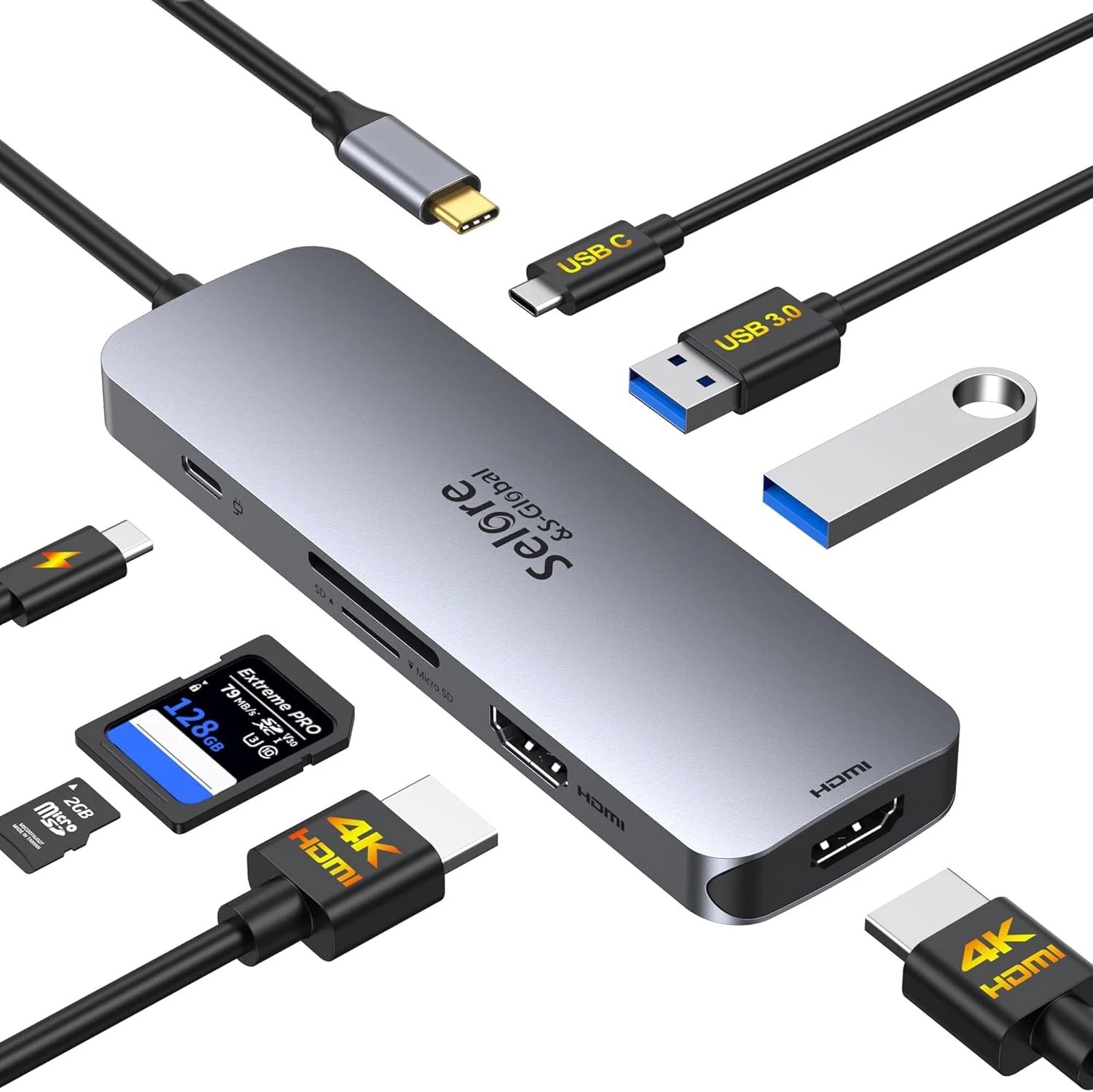
USB C Docking Station Dual HDMI Monitor, USB C to Dual HDMI Adapter with 2HDMI Ports, PD Charging, SD/microSD, USB A&C 3.0 Ports
A compact 8-in-1 USB-C docking station built for dual 4K@60Hz HDMI expansion, with PD charging up to 100W and built-in SD/microSD plus USB 3.0 ports. It can be a strong convenience upgrade for Windows users who want extended dual monitors, but Mac compatibility is limited to display mirroring and the dual-video setup depends on having a full-featured USB-C or Thunderbolt connection.
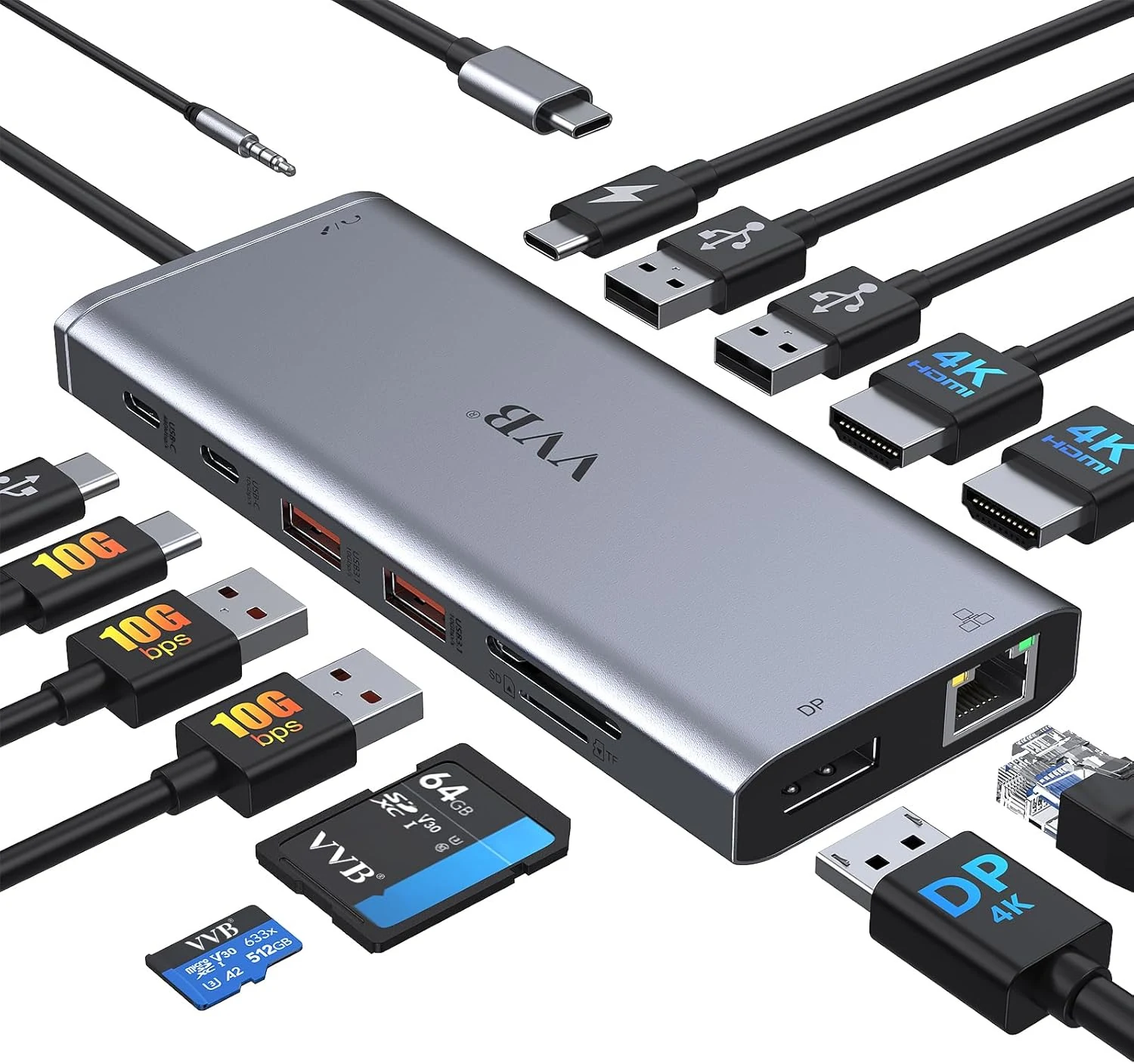
VVB USB C Laptop Docking Station Dual Monitor HDMI for Dell/Lenovo/HP (14-in-1)
The VVB 14-in-1 USB-C docking station adds dual-monitor video (HDMI plus DisplayPort), gigabit Ethernet, charging up to 100W via USB-C PD, and multiple USB ports in one compact hub for compatible Dell, HP, and Lenovo laptops. It also includes SD/microSD card slots and a 3.5mm audio jack. The main caveat is compatibility: not every USB-C port supports the video features, and the dock does not work the same with all laptops.
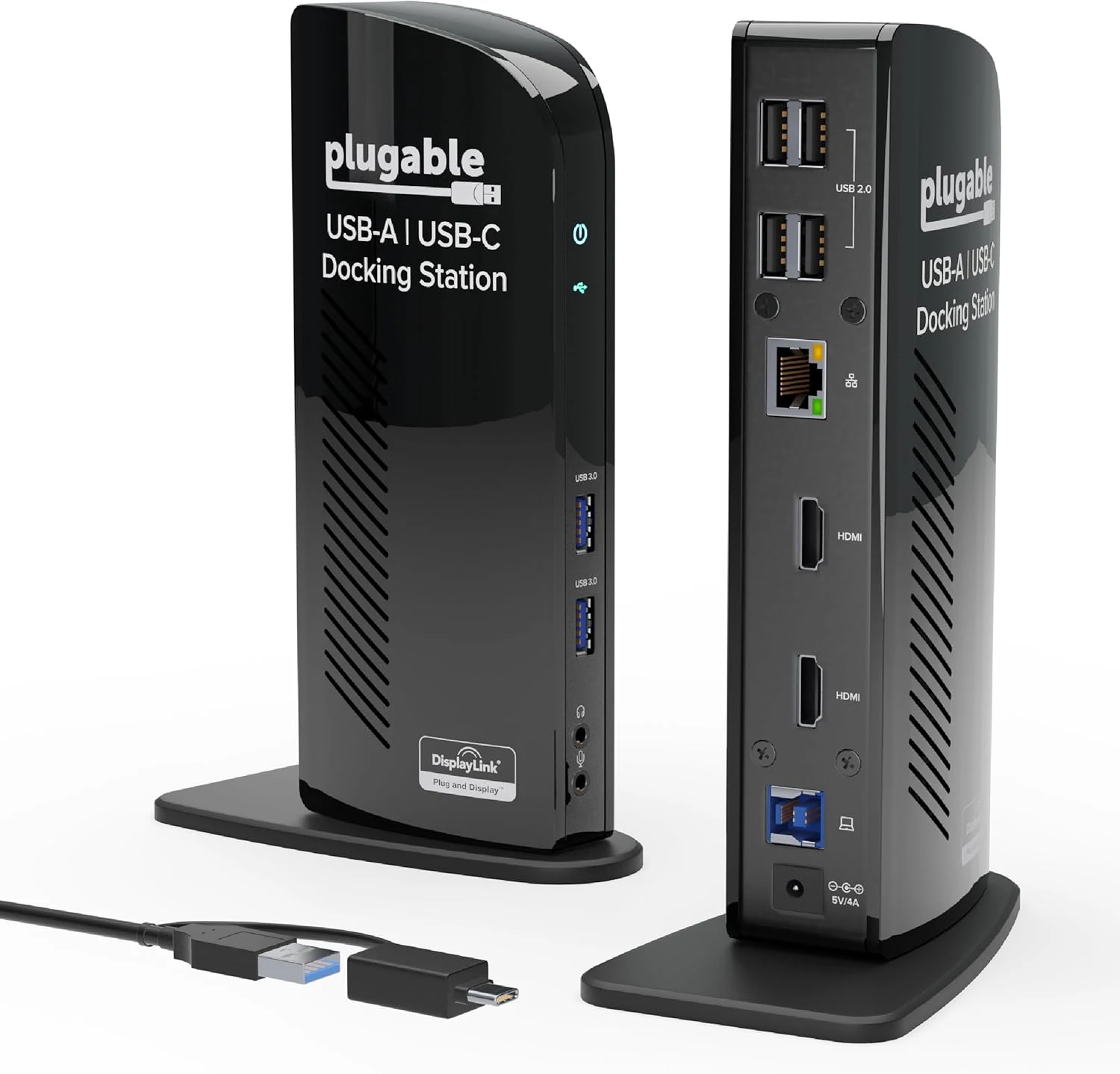
Plugable Universal Laptop Docking Station Dual HDMI Monitor for Windows and Mac (UD-3900)
The Plugable UD-3900 is a universal dual-HDMI USB docking station built for desk setups that need extra USB ports, gigabit Ethernet, and audio. It works with Windows, while macOS requires manual DisplayLink driver setup, and ChromeOS 100+ is supported out of the box. Best for productivity and web use where 2 external monitors at up to 1920x1200 (60Hz) are the target, not for gaming or HDCP-protected content.
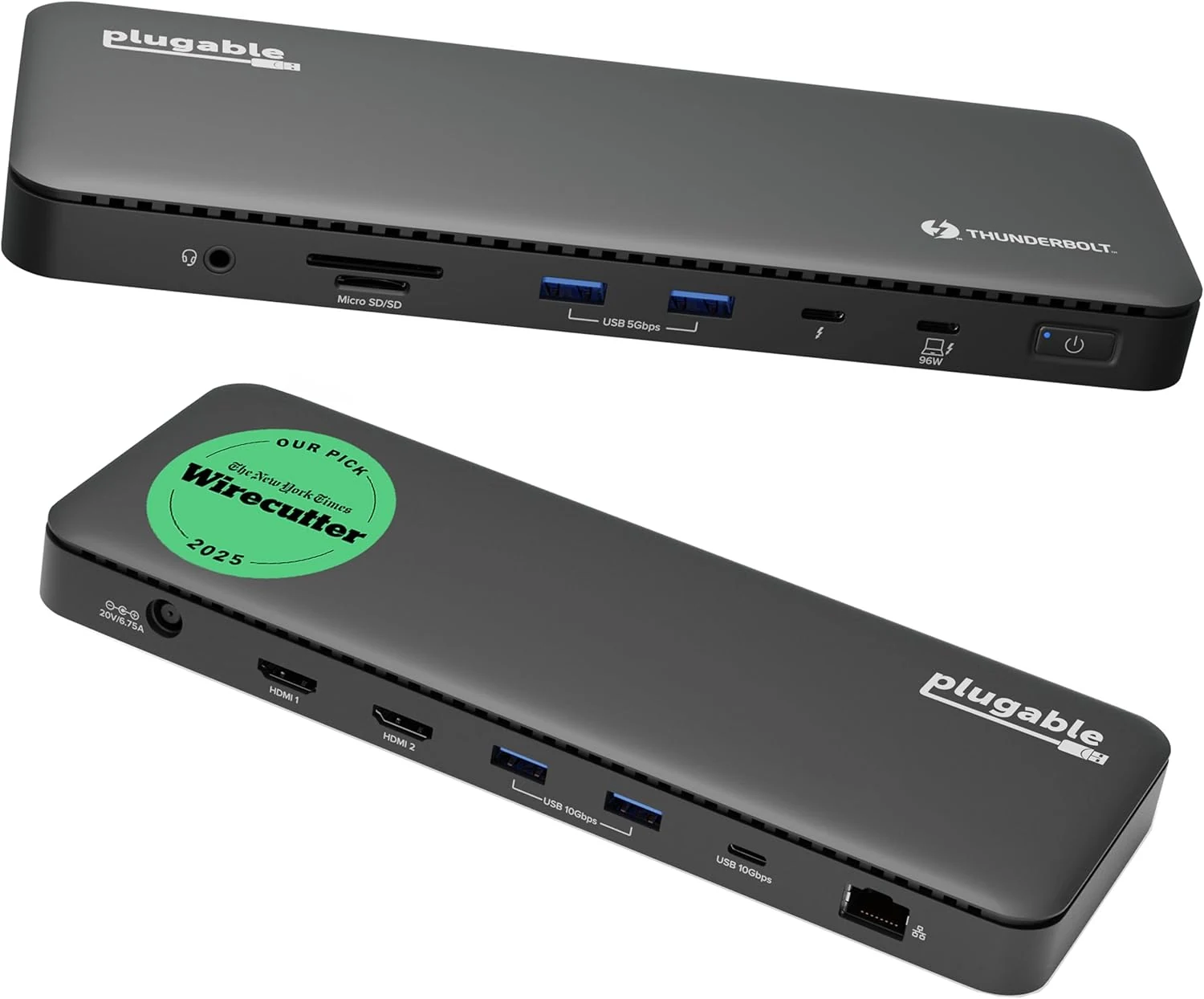
Plugable Thunderbolt 4 Dock with 100W Charging, Thunderbolt Certified (TBT4-UD5)
Plugable’s Thunderbolt 4 dock (TBT4-UD5) is built for one-cable desktop-style setups with dual 4K HDMI or single 8K video, gigabit Ethernet, and multiple high-speed USB ports, plus up to 100W-class charging. It’s a strong fit for Thunderbolt 4/Thunderbolt 5/USB4 Windows laptops and many MacBook configurations, with the main caveat being that display capability depends heavily on your specific Mac model and Thunderbolt support.