acer GPU Support Bracket, GPU Sag Bracket, Graphics Card GPU Stand with Magnet & Non-Slip Base (L, 70-120mm)
Quick take
This Acer GPU support bracket uses an anodized aluminum alloy rod plus a strong bottom magnet to help prop up heavier graphics cards and reduce visible sag. It’s designed for straightforward, tool-free height calibration in seconds. The biggest buying caveat is fit, since the L size targets a 70 to 120mm range, and some case layouts may limit reach at full extension.
Pros and cons
Pros
- Magnet-based base with silicone pads to help keep the bracket aligned and reduce contact marks.
- Tool-free, height-adjustable design with 0.5mm increments for fine-tuning.
- Aluminum alloy construction with an anodized finish for rust resistance.
- Spiral support rod and locking collar help you set and hold a chosen height.
Cons
- Size matters, it’s intended for a 70 to 120mm range, so clearance may require placement tweaks in some cases.
- It uses a magnetic base, so it relies on compatible metal surfaces in the chassis floor area.
What buyers think
Buyer-review evidence is limited but consistently points to a few practical themes. People generally describe the bracket as easy to install and quick to adjust, with the locking collar and height tuning making leveling straightforward. Reviews also repeatedly highlight that the magnet holds the base securely and that the grippy, padded contact points help prevent unwanted movement and protect the GPU surface.
Some reviews mention that choosing the correct size is important, as the L version may not reach every GPU position at maximum extension in every case layout.
How this GPU sag bracket is built to work
The bracket’s core idea is simple: a height-adjustable support rod props the underside of your graphics card, while a magnetic base anchors the bracket to the chassis. The rod is made from aluminum alloy with an anodized finish, and silicone padding at the contact points is intended to prevent damage where the bracket touches the GPU.
For setup, the design uses hand-tightening adjustments. Height changes are done in fine steps (0.5mm increments), and a locking collar holds the chosen height so the card stays supported.
Installation and fit considerations (the part that affects results)
Expect quick setup, but measure clearance
Reviews describe the install as quick, with many users leveling the GPU in minutes. Still, this bracket’s effectiveness depends on placement and extension range. The L model is meant for a 70 to 120mm range, so you may need to position it where it can reach comfortably without overextending.
Make sure the magnetic base can bite
Because the bottom anchors magnetically, it works best when the chassis floor area beneath your GPU has a suitable metal surface for the magnet to hold. If your case has unusual materials, cutouts, or a non-ferrous floor section, you may need to try a different mounting location.
Pros and cons in real-world terms
- Best for: PC builders who want a compact GPU sag support that’s easy to adjust by hand, especially when dealing with a heavier graphics card.
- Best for: cases where a magnetic base can attach to the chassis floor near the GPU.
- Who should avoid: shoppers who cannot confirm the bracket’s height range (70 to 120mm) matches their build’s clearance and desired placement.
- Who should consider alternatives: if your chassis has limited magnetic mounting options, or if you want a non-magnetic mounting style for your specific case design.
Verdict: is the acer GPU support bracket worth it?
The Acer GPU support bracket is a straightforward, magnet-based way to level sagging graphics cards, with fine height adjustment and padded contact points to help keep things stable and minimize contact wear. If your case allows the magnet to attach and the L (70 to 120mm) range fits your GPU position, it’s a practical upgrade from struggle-prone anti-sag solutions.
If you’re unsure about reach or case floor compatibility, consider measuring the available space under your GPU before ordering, since fit constraints are the main concern that shows up in buyer experiences.
FAQ
What size is the L bracket (70-120mm) for?
The L version is intended for builds where the bracket height needs to fall within a 70 to 120mm range. If you cannot reach your preferred GPU contact point within that adjustment window, you may need a different size or a different placement strategy.
Will the magnetic base work in every PC case?
It depends on the chassis floor material and where you place it. Since it anchors magnetically, it works best when there is a suitable metal surface beneath the GPU area for the magnet to hold firmly.
Does it scratch or mark the GPU?
The bracket includes silicone pads at contact points to reduce the chance of damage where it touches the graphics card. This is meant to help protect your GPU surface during adjustment and everyday use.
Is installation tool-free?
Yes, the bracket is designed for hand tightening to calibrate height, so you can set the support without tools.
How do I adjust the bracket height?
Loosen the adjustment by hand, extend or retract the rod to the needed height using the incremental markings, then lock it in place with the collar so the GPU stays supported.
Specifications
| Product Title | acer GPU Support Bracket, GPU Sag Bracket, Graphics Card GPU Stand with Magnet & Non-Slip Base, Video Card Holder (L, 70-120mm) |
|---|---|
| Category | Electronics > Computers & Accessories > Computer Accessories & Peripherals > Racks & Cabinets |
| Brand | Acer |
| Manufacturer | acer |
| Model Number | OGS530 |
| Color | Black |
| Brand Name | Acer |
| UPC | 195133345026 |
| Manufacturer Part Number | TH-CO-AGTGS03 |
| Manufacturer Warranty Description | 1 year warranty |
| Unit Count | 1.0 Count |
| Finish Types | Anodized |
| Finish Type | Anodized |
Available variants
Size
- M(50mm-80mm)
- S(25mm-50mm)
- L(70mm-120mm)
Recommended next
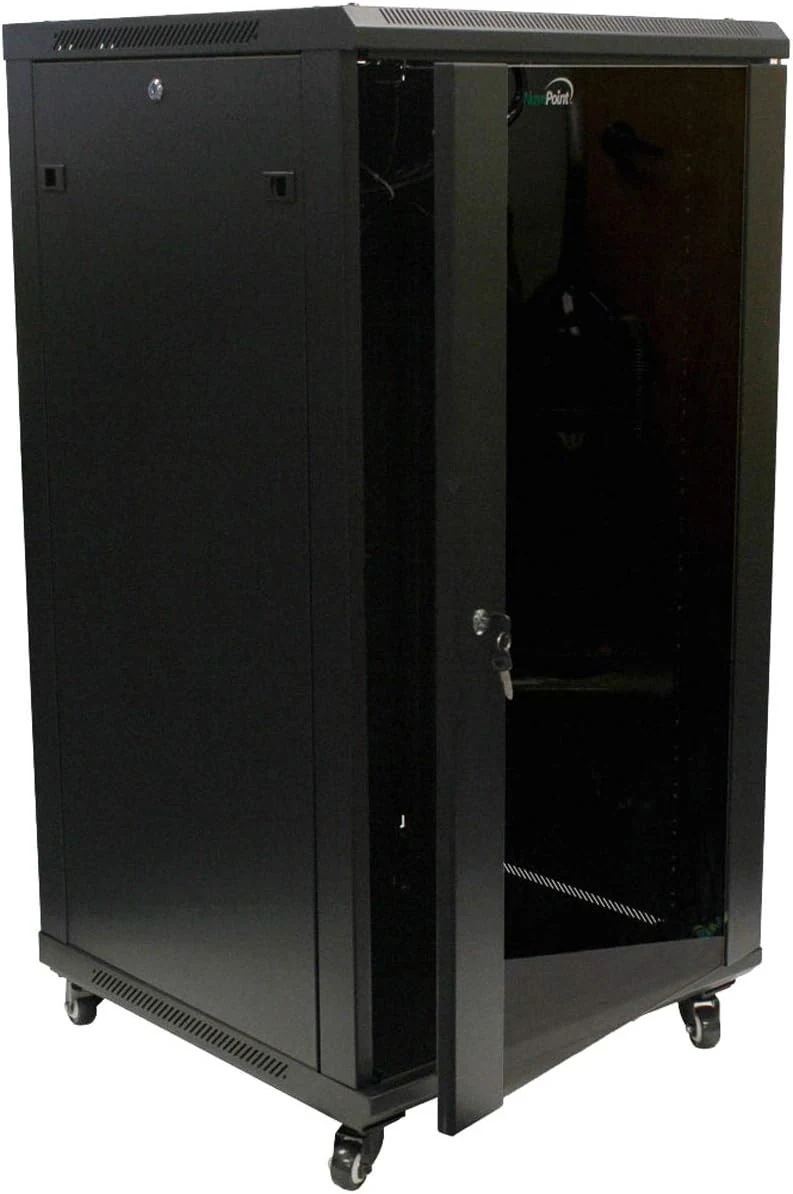
NavePoint 22U Server Cabinet Wall Mount Rack Enclosure with Caster
The NavePoint 22U server cabinet is a steel, 22U rack enclosure built for 19-inch IT and A/V gear, with options for wall-mounting or floor use and mobility via caster wheels. Built-in fans and a lockable tempered glass door help with airflow and equipment security, but the included airflow can be loud, and you will want to plan for cable depth and grounding before assembly.
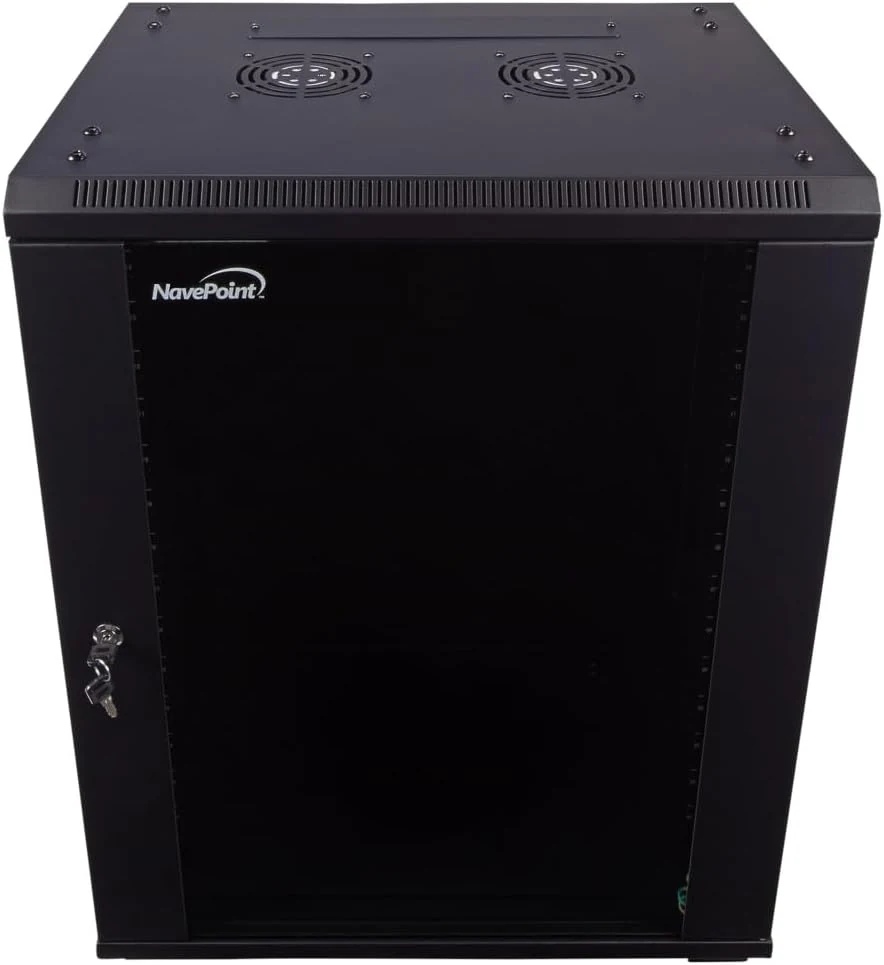
NavePoint 15U Server Cabinet Wall Mount Rack Enclosure with Caster
A sturdy 15U network cabinet built for 19-inch rack gear, with a locking tempered-glass door, removable side panels, and built-in fans. Best for home labs and small IT installs that need a neat, secure enclosure, but it is a bit depth- and airflow-sensitive (the included fans can be loud).
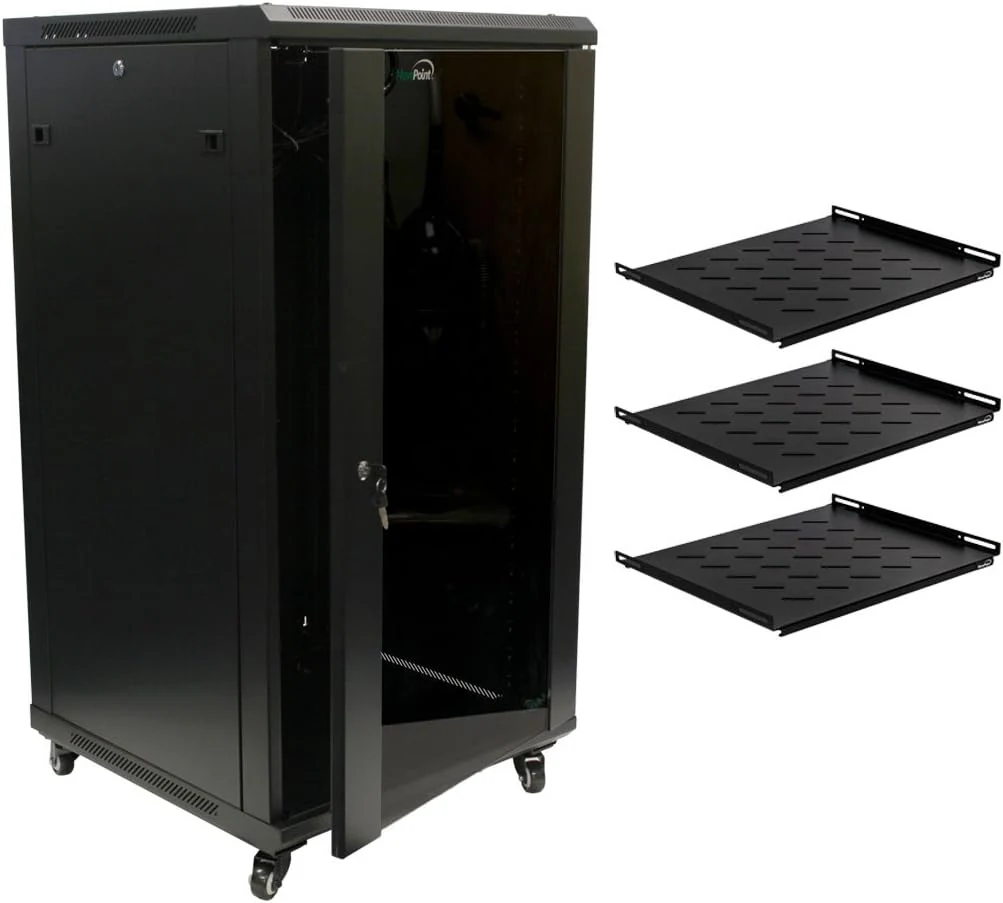
NavePoint 22U Server Rack Enclosure with Shelves, Caster Wheels, 2 Fans, Locking Glass Door, Removable Side Panels
The NavePoint 22U server rack enclosure is a steel, 19-inch rack cabinet designed for home or small business A/V and networking gear. It includes three shelves, removable locking side panels, caster wheels for easier repositioning, and two built-in fans for airflow, with a lockable tempered glass front door for secure, visible access. The main tradeoff is assembly complexity and a few hardware design annoyances reported by buyers, so it’s best for those who want a functional, budget-friendly rack and don’t mind careful setup.
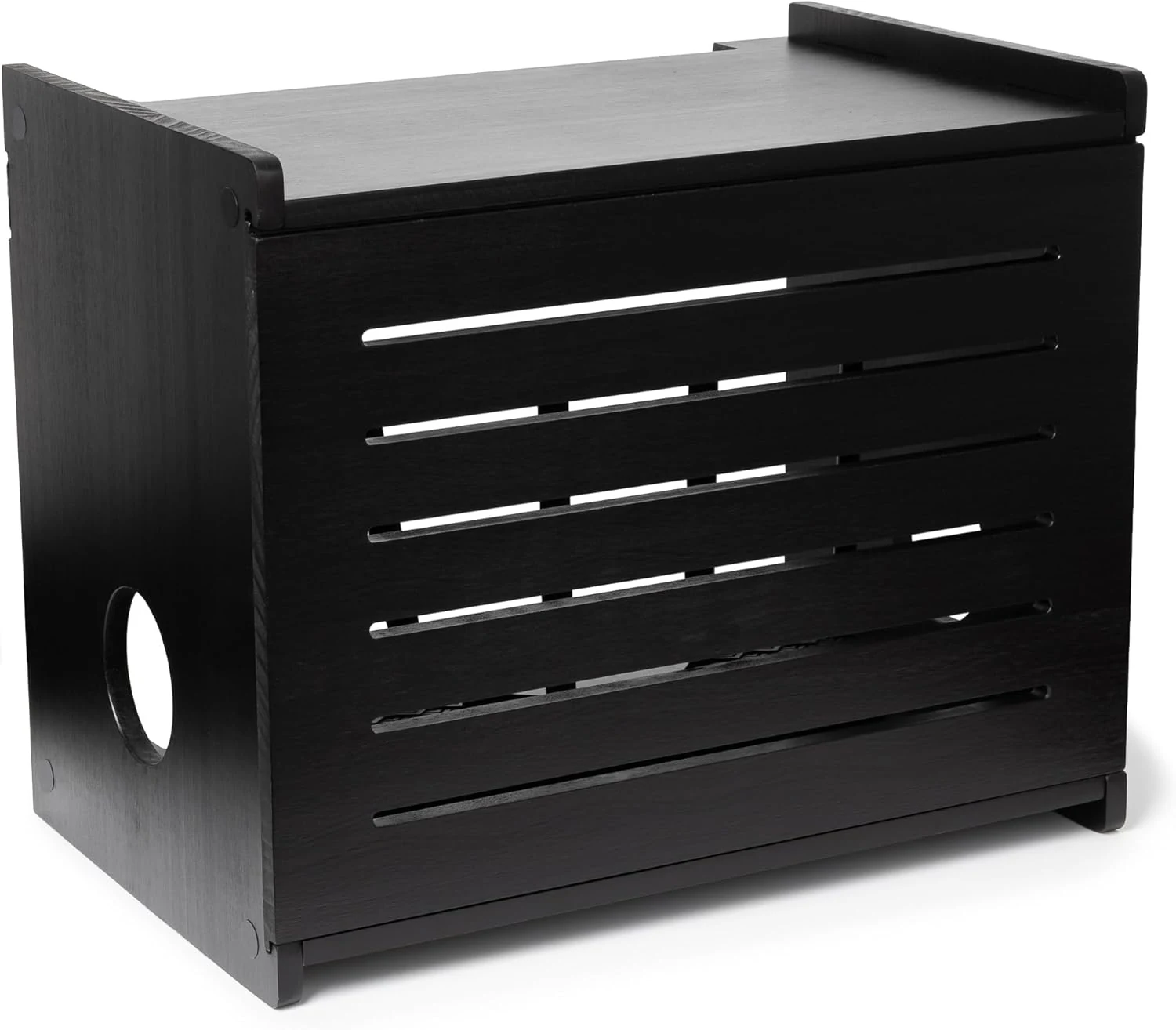
Wooden WiFi Router Storage Box (Deluxe, wall mountable, cable management)
A pine wood “router hider” that mounts to the wall and helps keep your modem and router wiring tidy. Buyers like the fit for a variety of tall routers up to 11 inches, the neat cable management straps, and the look of the finished wood, with the main caution being brittle wood during assembly if you rush the screws.