Acer Aspire Go 15 AI Ready Laptop (AG15-32P-352Z)
Quick take
The Acer Aspire Go 15 AI Ready Laptop is a traditional, budget-oriented 15.6-inch laptop built for everyday tasks like web browsing, streaming, and basic school or office work. It combines an Intel Core 3 N355 with 8GB DDR5 and 128GB UFS storage, and it includes Windows 11 Home in S mode with Copilot in Windows. The main tradeoff is that the 128GB UFS space and the Windows 11 S experience can be restrictive if you need flexibility beyond core apps.
Pros and cons
Pros
- 15.6-inch Full HD IPS display for comfortable everyday viewing (1080p resolution, wide usability).
- Good “basic laptop” performance for browsing, streaming, and light productivity, with multitasking that stays smooth for typical use.
- Wi‑Fi 6 support plus HDMI output, useful for home and travel setups.
- Copilot in Windows integration via a dedicated Copilot key.
Cons
- Limited 128GB UFS storage, which may require external storage or careful file management.
- Windows 11 Home in S mode can limit app installation choices compared with a non-S Windows setup.
What buyers think
Buyer-review evidence for the Acer Aspire Go 15 is limited (only a small number of reviews), so it is hard to confirm strong, repeatable patterns across every aspect. Still, the available feedback points to a mostly consistent use-case story: the laptop is viewed as a workable everyday machine for web, streaming, and straightforward productivity.
On the downside, one review is sharply negative, criticizing the overall spec package for the price, complaining about pre-installed software (bloatware), and warning that 8GB RAM and low storage can increase the chance of a slower experience as demands grow. Since this concern is not supported by a larger set of reviews, the safest conclusion is that buyer experience likely depends heavily on expectations and the apps you plan to run.
Who this laptop is best for
This model makes the most sense if your computing needs are straightforward and you want an affordable, portable traditional laptop:
- Students and casual learners: for web-based coursework, documents, and video calls (webcam is included).
- Home and commuting basics: browsing, streaming, and light multitasking with typical browser workloads.
- AI-curious users who prefer Windows Copilot: it includes Copilot in Windows and a dedicated Copilot key for quick access.
- Buyers who plan to use external storage: if you store media and larger files elsewhere, 128GB can be workable.
Who should avoid it
- Power users and heavy multitaskers: 8GB RAM is adequate for light workloads, but it can become a constraint as apps and browser tabs multiply.
- People who need broad software flexibility immediately: Windows 11 Home in S mode is designed to be streamlined, and that can limit the kinds of apps you can install compared with a non-S Windows setup.
- Anyone who expects lots of local storage: 128GB UFS is small for photo/video libraries and large offline files.
Key specs that affect everyday use
Performance for real-world tasks
The Intel Core 3 N355 paired with 8GB DDR5 is geared toward responsive everyday tasks rather than demanding performance. In practical terms, this configuration is most aligned with web browsing, streaming, and office-style work, and it should feel comfortable for lighter multitasking. For more intensive workloads, you would typically want more headroom (especially more RAM and storage).
Display and viewing comfort
The 15.6-inch Full HD (1920 x 1080) IPS panel is a strong point for day-to-day comfort. Buyers who value a larger screen for side-by-side documents and general media consumption are likely to appreciate the extra workspace compared with smaller laptops. It is still a budget 1080p class display, so brightness and color intensity may not match premium higher-tier panels.
Storage and the “128GB reality”
With 128GB of UFS onboard storage, you will probably need a system for managing space. If you install lots of apps, download frequently, or keep large media collections locally, consider using external storage or cloud backups. If your use is mostly streaming and web apps, the storage size can be less of an issue.
Connectivity for home, work, and TV setups
Wi‑Fi 6 (802.11ax) supports faster, more efficient wireless connections, especially on modern networks. You also get HDMI 2.1 for external displays, plus dual full-function USB Type-C ports, which is helpful for docking and charging options. Bluetooth support is included for peripherals.
Pros and cons, summarized
- Best fit: a budget 15.6-inch Windows laptop for students and everyday home use.
- Most likely limitation: storage capacity (128GB) and the constraints that come with Windows 11 Home in S mode.
- What you’re buying: solid basics, a comfortable screen size, and straightforward connectivity, with AI access through Copilot in Windows.
Is the acer aspire go 15 AI ready laptop worth it?
It is worth considering if you want an affordable, traditional laptop that focuses on daily browsing, streaming, and light productivity on a larger 15.6-inch display. The value case strengthens when your software needs are modest and you can manage storage or rely on external/cloud storage. If you need a more flexible Windows environment, lots of local space, or heavier multitasking, you may want to look for a configuration with more RAM and storage (and ideally a Windows edition that does not limit app installation).
FAQ
What is Windows 11 Home in S mode, and what does it mean for apps?
Windows 11 Home in S mode is a streamlined setup intended to keep the system more controlled. It can restrict how and which apps you install compared with a non-S Windows edition, so it is best for buyers whose needs focus on widely available Microsoft Store apps.
Is the 128GB UFS storage enough for everyday use?
For web browsing, streaming, and basic documents, 128GB can be workable. If you install many apps or keep large offline files (especially photos and videos), you will likely want external storage or cloud storage to avoid running out of space.
How good is the 15.6-inch IPS display?
The 15.6-inch Full HD IPS panel is designed for comfortable daily viewing at 1080p. Buyers who want a less cramped screen size for documents and media should find it suitable for everyday tasks.
Does this laptop support external monitors?
Yes. It includes HDMI 2.1 output, so you can connect to compatible external displays for a home desk or extended workspace setup.
Who should buy the Acer Aspire Go 15 (AG15-32P-352Z)?
It is a good match for students and everyday users who want a budget laptop for browsing, streaming, and light productivity, and who are comfortable with the Windows 11 Home in S mode approach.
Who should pass on it?
If you need broad software flexibility right away, expect heavy multitasking, or require lots of local storage, you may be better served by a different configuration with more RAM and storage, and a less restrictive Windows setup.
Specifications
| Product Title | acer Aspire Go 15 AI Ready Laptop | 15.6" FHD (1920 x 1080) IPS Display | Intel Core 3 Processor N355 | Intel Graphics | 8GB DDR5 | 128GB UFS | Wi-Fi 6 | Windows 11 Home in S Mode | AG15-32P-352Z |
|---|---|
| Category | Electronics > Computers & Accessories > Computers & Tablets > Laptops > Traditional Laptops |
| Brand | Acer |
| Manufacturer | Acer |
| Model Name | Aspire Go 15 |
| Model Number | AG15-32P-352Z |
| CPU Model | Intel Core 3 N355 |
| Hard Disk Size | 128 GB |
| Screen Size | 15.6 Inches |
| Resolution | 1080p |
| Operating System | Windows 11 S |
| Item Weight | 3.81 Pounds |
| Color | Silver |
| Hard-Drive Size | 128 GB |
| Other Special Features of the Product | Copilot in Windows |
| Graphics Description | Integrated |
| Hard Disk Description | UFS |
| Video Processor | Intel |
| Specific Uses For Product | Entertainment, Personal, Student |
| Webcam Capability | Yes |
| Form Factor | Clamshell |
| Camera Description | Front |
| Graphics Ram Type | Shared |
| Compatible Devices | USB devices, external displays, mice, keyboards, storage devices, printers, and other Bluetooth-enabled accessories |
| Item Dimensions L x W x Thickness | 14.29"L x 0.78"W x 9.44"Th |
| Video Output | HDMI |
| Native Resolution | 1920 x 1080 pixels |
Recommended next
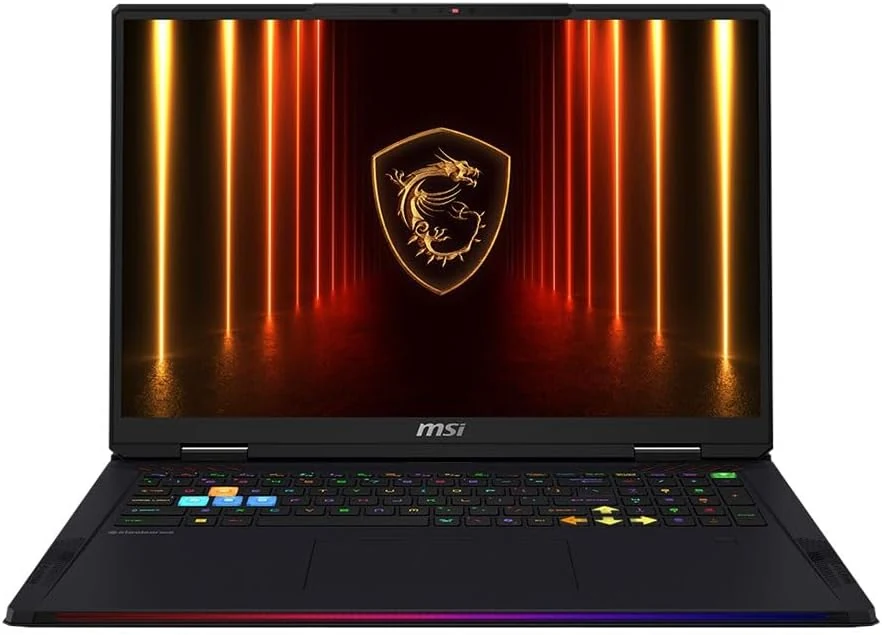
MSI Raider 18 HX AI A2XWJG-416US 18 Gaming Laptop Computer - CORE Black
The MSI Raider 18 HX AI A2XWJG-416US is a high-end, large-screen gaming laptop geared toward players who want desktop-style performance in a single machine. Early feedback points to impressive speed and cooling under heavy settings, but there is at least one serious display-quality complaint that can be a deal-breaker if you’re sensitive to panel uniformity.
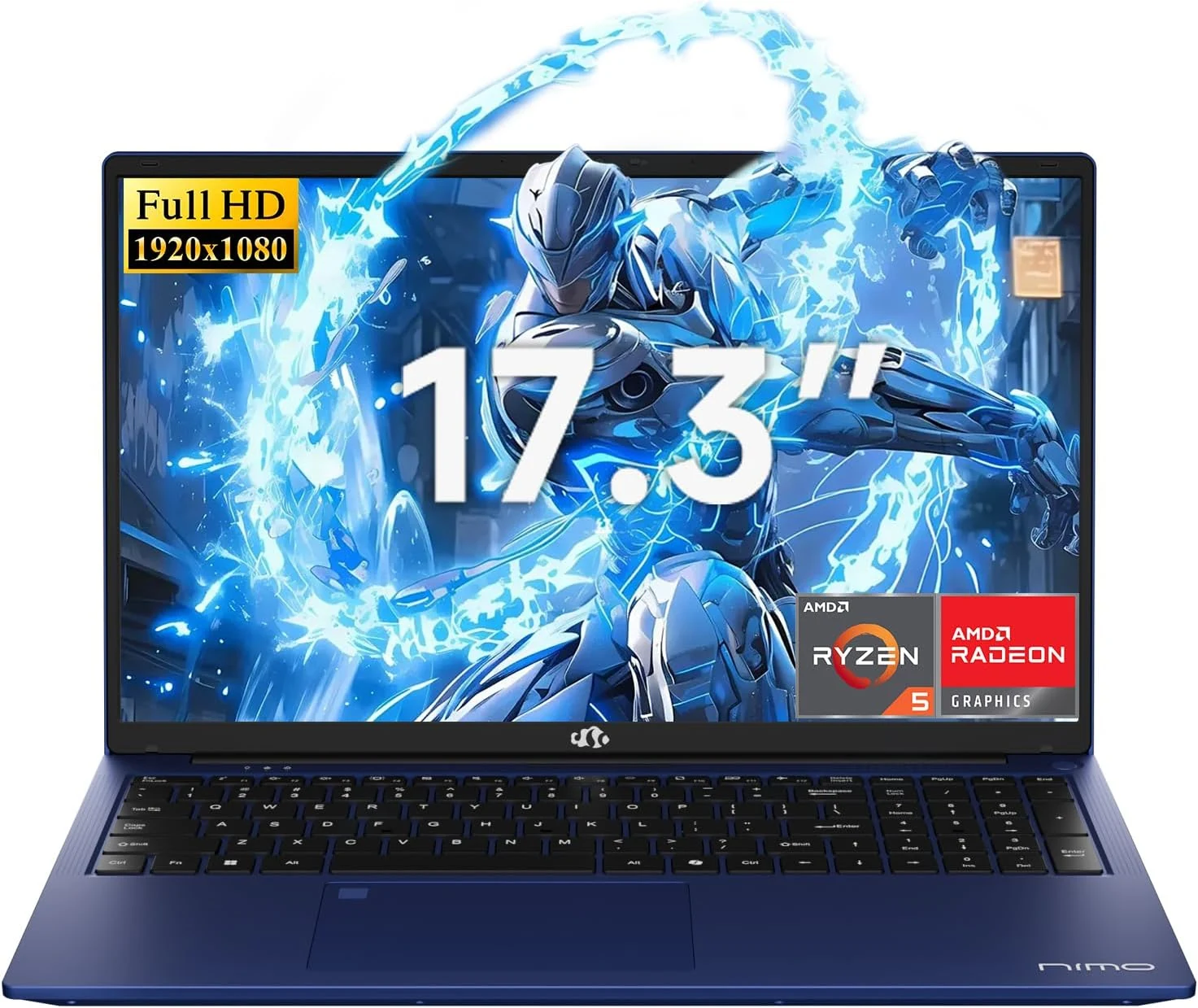
NIMO 2026 17.3" Gaming Laptop, 6-Core AMD Ryzen 5 6600H with Radeon 660M (Beat i7-1165G7), 16GB DDR5 RAM, 512GB SSD
The NIMO 2026 17.3-inch laptop pairs an AMD Ryzen 5 6600H with Radeon 660M integrated graphics, 16GB DDR5, and a 512GB SSD for smooth everyday work, school, and light gaming. Buyers highlight the bright large 1080p IPS display, simple day-to-day usability, and battery life for full-day tasks, with a big, portable 4.6 lb form factor and a 100W USB-C fast-charging feature to reduce downtime.
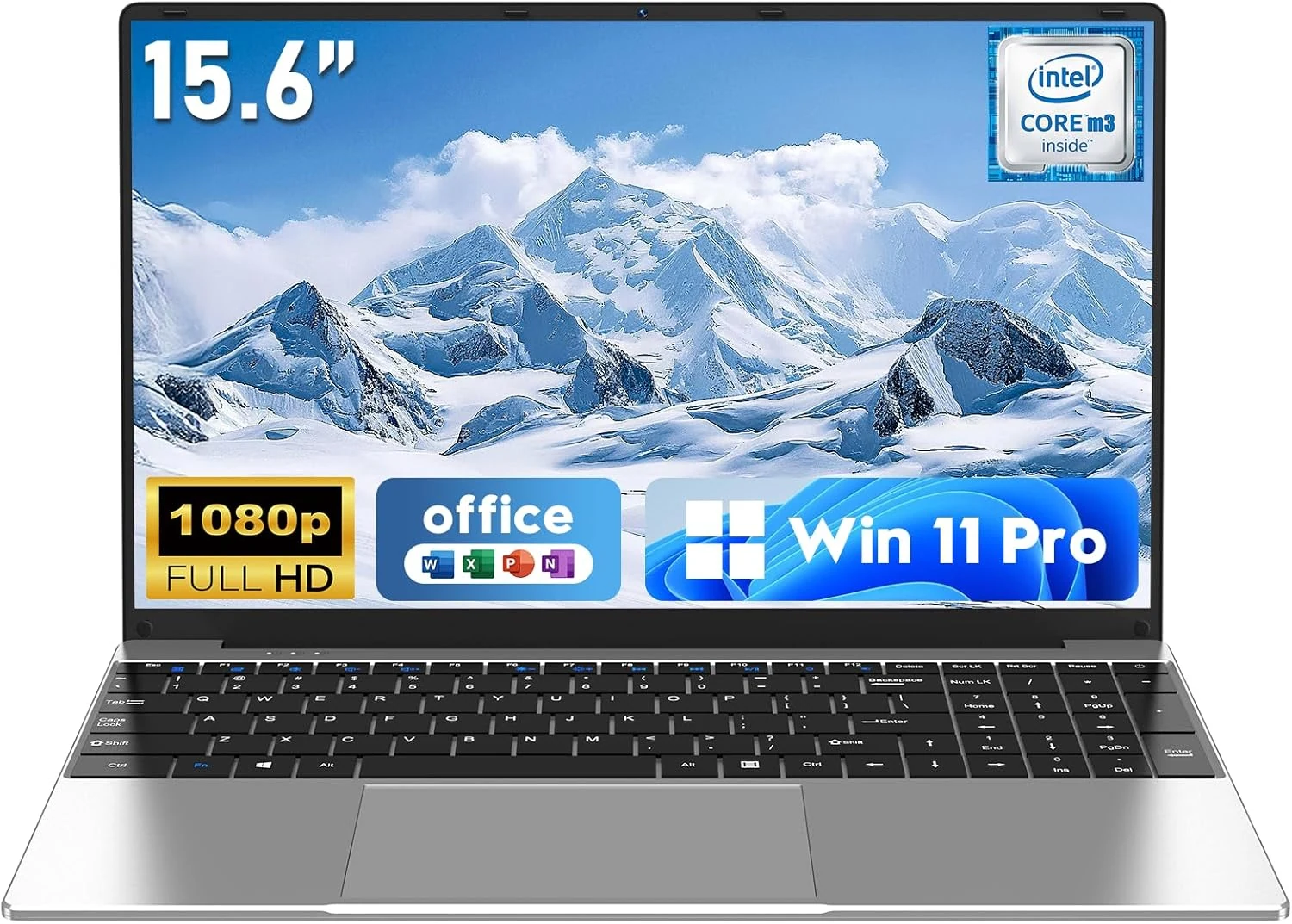
NAIKLULU Laptop Computer, Win 11 Pro Lap Top, 15.6 Inch review
The NAIKLULU 15.6-inch laptop pairs a low-power Core M3-6Y30 class processor with 16GB RAM and a 256GB SSD, plus WiFi 5, Bluetooth 4.2, and Windows 11 Pro. It’s a reasonable fit for school, office basics, and everyday media, but buyer reports are mixed, with some mentioning heat and setup needs for WiFi 5GHz.
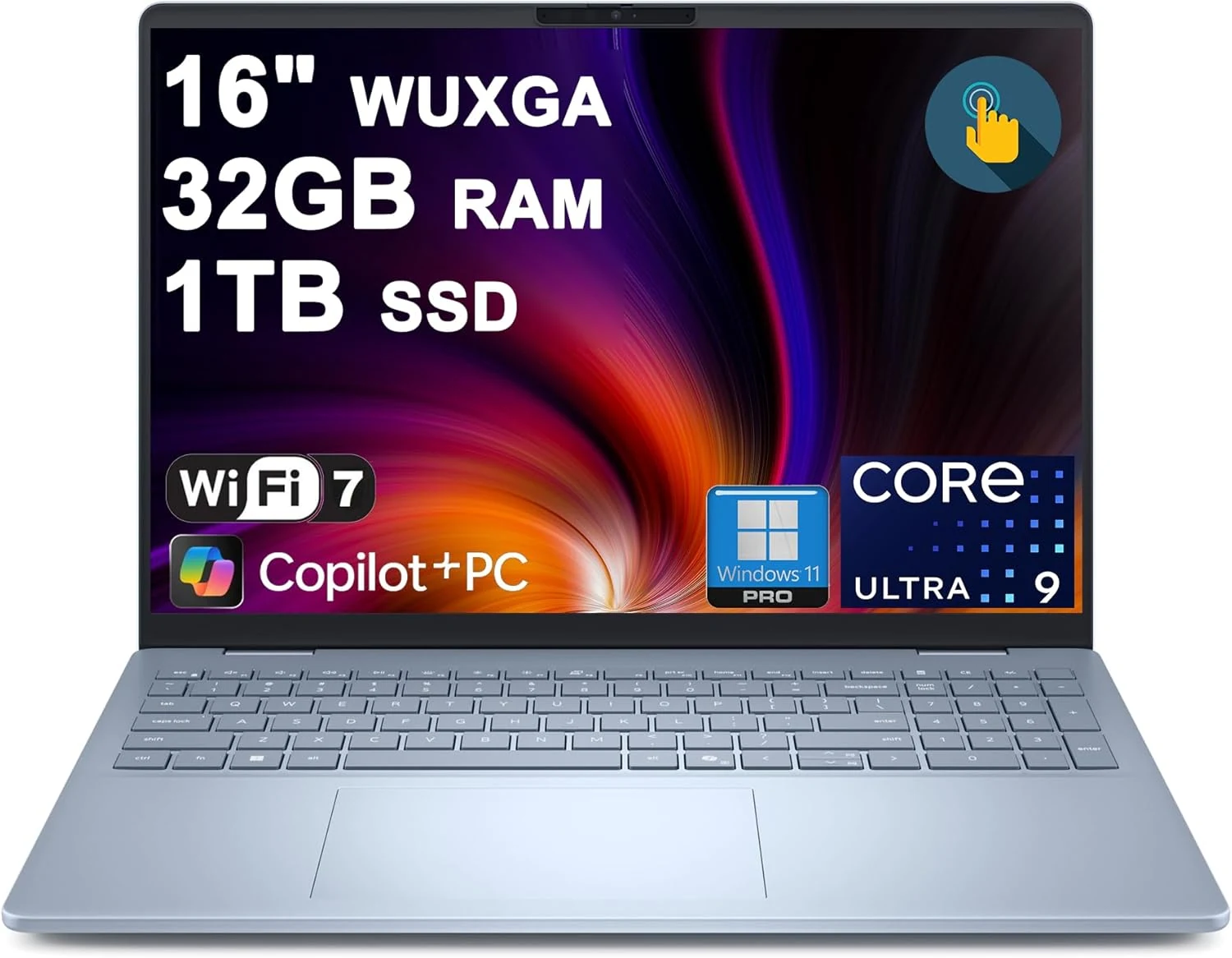
Dell 16 Plus Laptop 16" WUXGA Touch Intel 8-core Ultra 9 288V (Up to 48 Tops) 32GB RAM 1TB SSD Backlit Fingerprint Wi-Fi7
The Dell 16 Plus pairs an Intel Ultra 9 288V 8-core CPU with 32GB RAM and a 1TB SSD for creator, designer, and business workflows, plus a 16-inch 1920x1200 touch display. It also includes Wi‑Fi 7, Thunderbolt 4, HDMI 2.1, and a backlit keyboard with a fingerprint reader. Buyer-review evidence is very limited, so the biggest caution is verifying purchase and return experience before ordering.